inflearn logo

Overwhelming AI Excel Reports - Visualization with Brain Science Cognitive Design for Instant Approval

Criteria for organizing complex data at a glance: Cognitive-based practical visualization designed with Excel and AI.

1 learners are taking this course

Level Beginner

Course period Unlimited

Digital Marketing
Digital Marketing
Excel
Excel
gemini
gemini
AI
AI
ChatGPT
ChatGPT
Digital Marketing
Digital Marketing
Excel
Excel
gemini
gemini
AI
AI
ChatGPT
ChatGPT

What you will gain after the course

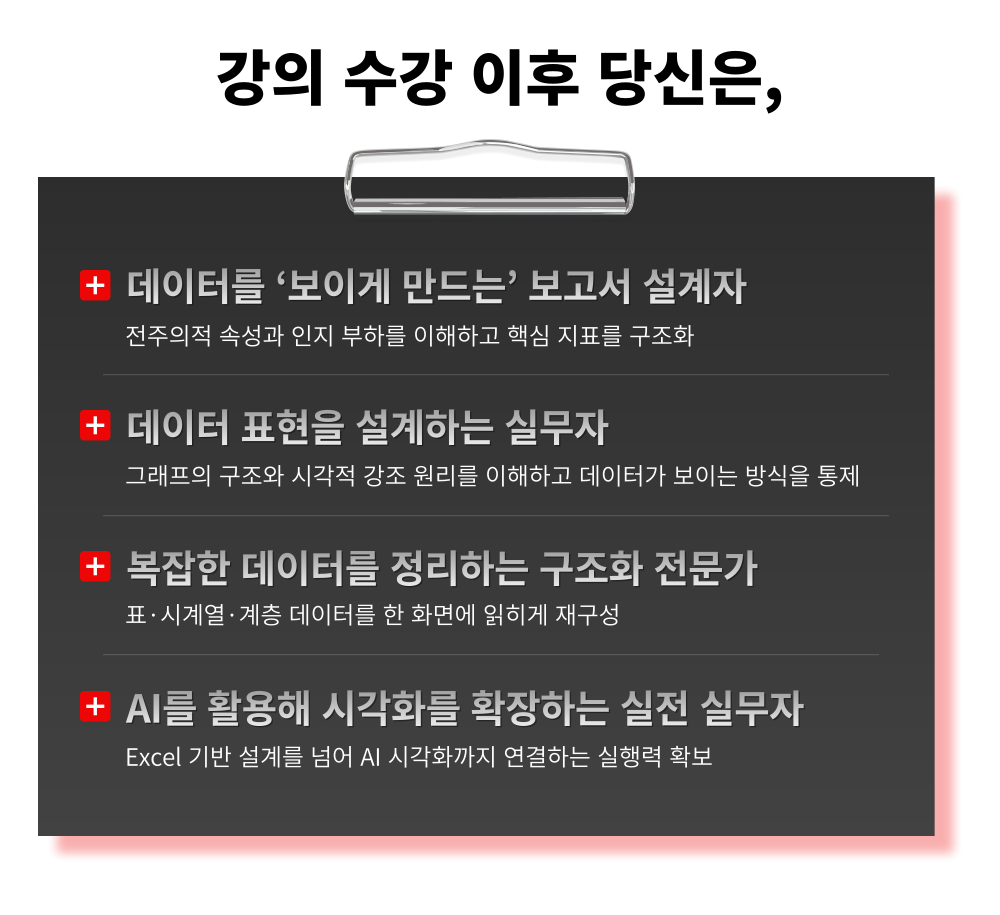
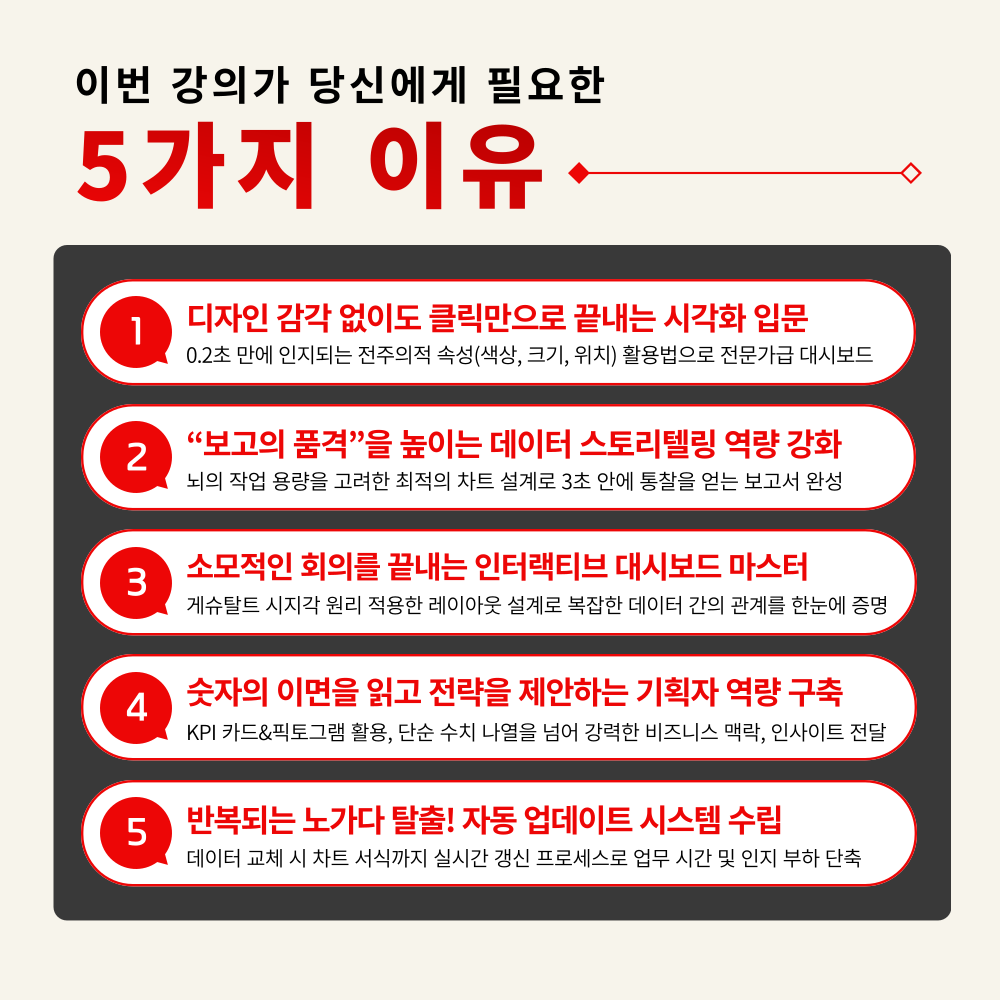
  • The beginning of visualization: understanding how humans see

  • Creating 'Design Standards' for charts that were previously made by intuition

  • Separating Key Metrics with KPI Cards and Conditional Highlighting

  • Securing the capability to 'control' charts rather than just drawing them

  • Practical responsiveness extending to time-series/hierarchical data and AI

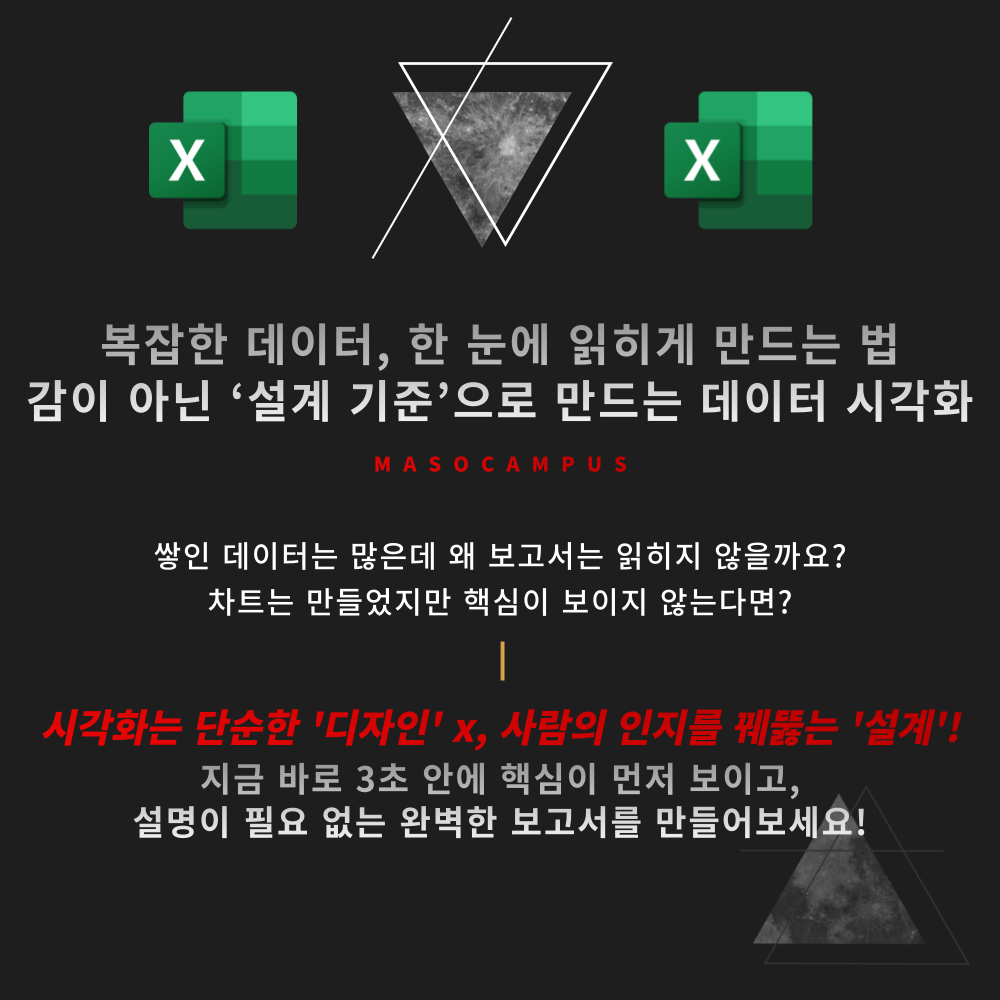
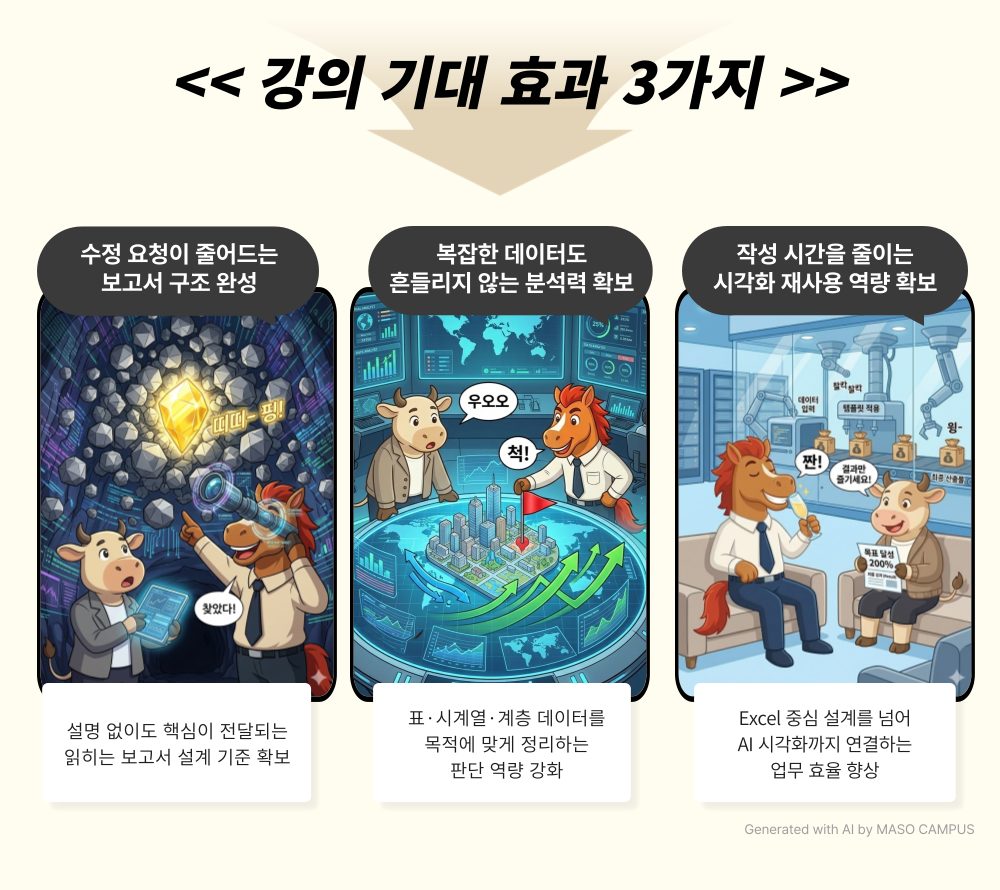
“Why does your report require an explanation instead of being self-explanatory?”
Now, easily design your reports with Excel and AI!

A screen layout that goes beyond looking neat to making the core message visible first
Not just a chart made with effort, but a report structure that is understood without explanation!


– Information structuring designed with pre-attentive attributes and Gestalt principles
– Report composition that separates key metrics using KPI cards and conditional highlighting
– Practical design capabilities to control even chart components (Figure, Axes, Grid)
– Real-world responsiveness expanding to time-series, hierarchical data, and AI visualization

Stop just listing charts.
Transform them into materials that lead to immediate decisions in meetings!

What is Data Visualization?

Data visualization is not simply a technique for drawing charts.
It is a 'cognitive-based design technology' that structures data according to how humans perceive information and ensures the core message is seen first.
By understanding pre-attentive attributes (position, color, size), Gestalt principles, and cognitive load theory, you can transform complex figures and tables into structures that can be read at a glance.
From KPI card configuration, conditional highlighting, and controlling chart components (Figure·Axes) to time-series and hierarchical data visualization
—even with the same data, the power of delivery changes completely depending on the design method.


Don't just be someone who 'organizes' reports; become someone who 'designs' them.


Overwhelming AI Excel Report - Features of the Brain Science Cognitive Design Visualization Curriculum for Instant Approval

Complete everything from cognitive design to AI expansion through Excel-based practice in this practical course.

1. The beginning of visualization: Understanding how people see
Analyzing the causes of complex reports through sensory/working memory and cognitive load theory

2. Creating 'Design Standards' for charts previously made by intuition
Structuring so that key points are seen first through pre-attentive attributes, Gestalt principles, and color contrast standards

3. Separating key metrics with KPI cards and conditional highlighting
Complete the report's top structure and emphasis design skills through B-Shopping sales data practice

4. Acquiring the ability to 'control' charts rather than just drawing them
Selecting bar, line, stacked, and hierarchical charts to fit the purpose after understanding Figure, Axes, and Grid

5. Practical responsiveness extending to time-series/hierarchical data and AI
Solving real-world bottlenecks from Gantt charts and linear interpolation to treemaps and map visualization


The moment the structure, not just the words, becomes persuasive, the quality of your report changes.

Start data visualization with design standards now!

Data Visualization Lecture for Completing 'Readable Reports' with Excel

1. Register for the course

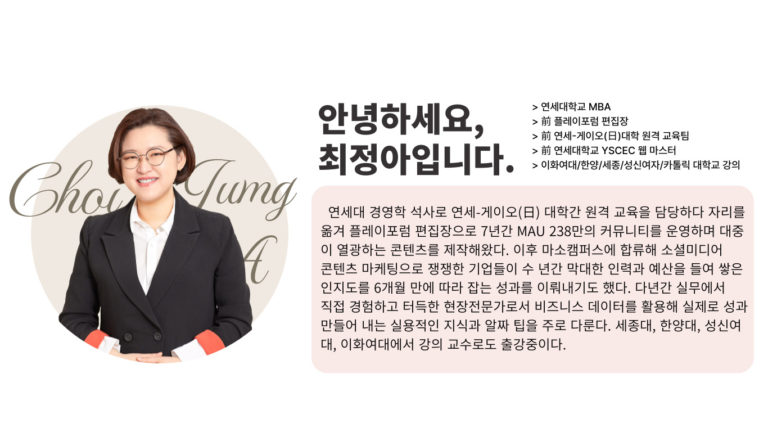
2. Understanding Chart Structures with Instructor Jung-ah Choi through Cognitive-Based Design Principles

3. Applying everything from KPI cards to AI visualization in practice

Start creating reports that are understood without explanation right now!


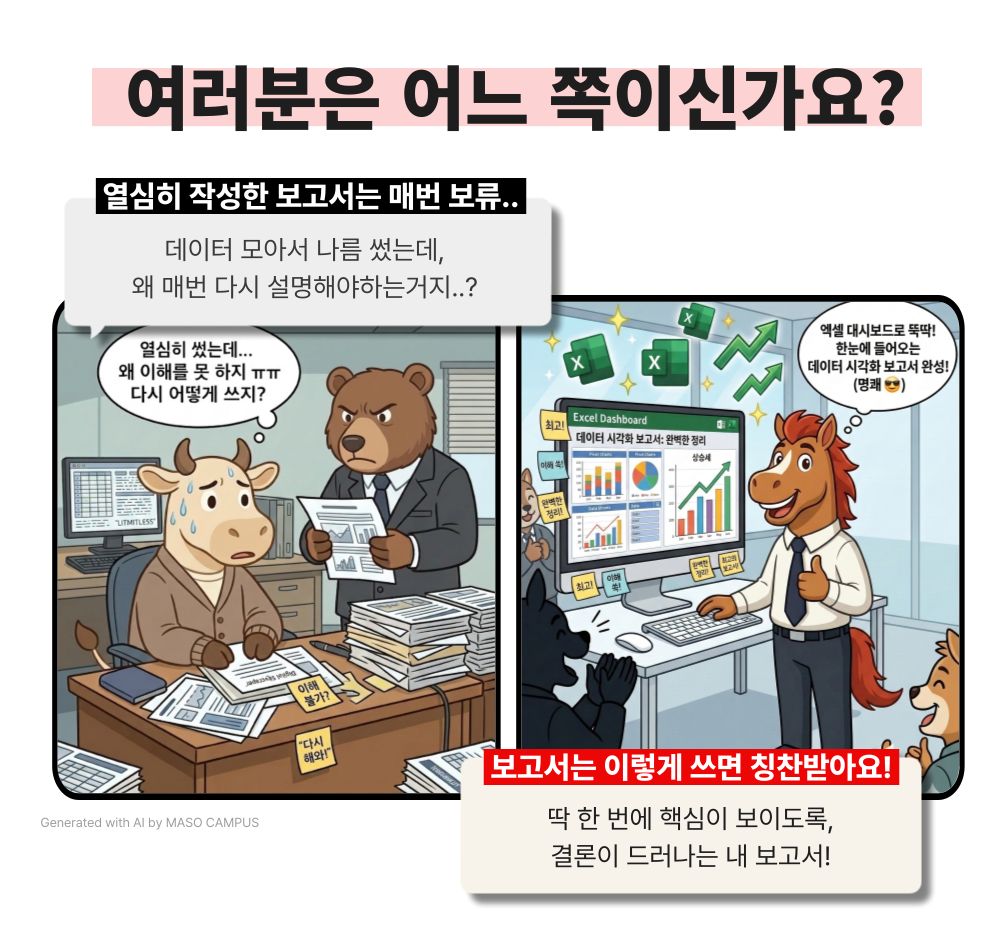
Data visualization that fundamentally prevents the question, "So, what's the conclusion?"


You create charts, but the core message isn't immediately visible, so your explanations end up being long.

Learn how to create your own data insights using Excel and AI right now!

I confidently recommend this to the following people.

– Professionals who create charts but constantly have to revise their reports
– Planners who frequently hear the question, "So, what's the bottom line?"
– Those who are familiar with Excel charts but lack criteria for selecting them
– Those who want to display KPI cards and key metrics more clearly
– Those who want to organize complex data onto a single screen
– Those who are using AI to create charts but lack confidence in the results

Is your data full, but your persuasiveness empty?
Complete a persuasive report with visualization that makes the core message visible first.


Course Features

STEP 1. The starting point of visualization: understanding how people see

Systematize cognitive principles to understand why some reports are instantly clear through pre-attentive attributes, Gestalt principles, and cognitive load

STEP 2. Establishing Information Organization Standards to Make Key Points Visible First

Establishing criteria for prioritizing metrics through KPI card configuration, conditional highlighting, and table visualization techniques

STEP 3. Learning how to ‘choose’ charts rather than just ‘drawing’ them

Establish standards for using bar, line, stacked, area, and hierarchy charts, and gain chart judgment by controlling Figure, Axes, and color contrast

STEP 4. Advanced Visualization Practice for Complex Data

Advancing capabilities to handle complex data, such as time-series forecasting, Gantt charts, treemaps, and sunbursts

STEP 5. Experience in Visualization Expansion and Automation Using AI

Acquire AI-powered visualization expansion capabilities through ChatGPT/Gemini-based chart generation and map visualization

Data is increasing, but why is its impact decreasing?
Make complex numbers understandable 'at a glance.'

Visualization standards applied directly to Excel-centered practical work!

From chart selection to setting control, organize it all at once.
Start your data visualization practice now.

Anticipated Q&A

Q. Can I take the course even if I'm not good at Excel?
A. Yes, you can. This course does not focus on advanced functions or complex formulas. Since it focuses on chart composition, setting adjustments, and visualization criteria, you can easily follow along if you have basic Excel experience (such as organizing tables or creating simple charts).

Q. Are there any requirements or prerequisites for taking the course?
A. No special prior knowledge or skills are required to take the course. However, having a Google account will allow for a smoother experience when accessing generative AI tools during the lessons. If you do not have a Google account yet, we recommend signing up in advance for a seamless learning experience.

Q. Do I need a paid subscription to generative AI to take this course?
A. Subscriptions and payments are not required to take the course. The practice sessions are designed to be fully applicable to real-world tasks using only free tools and Excel, so there will be no issues with your learning.


Please check before taking the course!

  • Since this is a practice-oriented course, it is recommended to prepare a dual monitor or an extra device so that you can separate the lecture screen from the practice screen.

  • Also, since the practice sessions are based on Windows OS, we recommend taking the course in a Windows environment.

  • The lecture syllabus and practice files are located in the <00. Material Download Center> section.

Recommended for
these people

Who is this course right for?

  • A practitioner who creates charts, but whose reports keep getting revised.

  • Those who are familiar with Excel charts but lack criteria for selecting them

  • Those who want to display KPI cards and key metrics more clearly

  • Those who want to organize complex data on a single screen

Need to know before starting?

  • This course does not focus on advanced functions or complex formulas. Since it centers on chart composition, setting adjustments, and visualization criteria, you can easily follow along as long as you have basic Excel experience (such as organizing tables and creating charts).

  • The hands-on practice is designed to be fully applicable to real-world tasks using only free tools and Excel, so there will be no issues with your learning.

Hello
This is Masocampus

10,875

Learners

1,538

Reviews

131

Answers

4.7

Rating

108

Courses

"I will grow more than yesterday. And, I will help those who strive to grow more than yesterday."

With Actionable Content that embodies the sincerity and aspirations of Maso Campus,

100 million cumulative hours of lectures shared online and offline since 2013!

This precious experience and time are always the source of growth for both Maso Campus and our students.

The Miso Campus team strictly adheres to two principles for the growth of us all. 1. Actionable Content that can be put into practice immediately after learning. 2. Respecting the time and effort of participants.

The Miso Campus team strictly adheres to two principles for the growth of us all.

1. Actionable Content that you can actually use after learning 2. Time-Saving Curriculum that respects the participant's time and effort Grow with Miso Campus's Actionable and Time-Saving Curriculum

1. Actionable Content that you can surely use once you learn it

2. Time-Saving Curriculum that respects the time and effort of participants

We hope you will walk the path of growth together with Masocampus's Actionable and Time-Saving Curriculum.

We hope you will walk the path of growth together with Maso Campus's Actionable and Time-Saving Curriculum.

More

Curriculum

All

34 lectures ∙ (15hr 23min)

Course Materials:

Lecture resources
Published: 
Last updated: 

Reviews

Not enough reviews.
Please write a valuable review that helps everyone!

Masocampus's other courses

Check out other courses by the instructor!

Similar courses

Explore other courses in the same field!

Limited time deal

$8,089.00

28%

$69.30