
How to use Camtasia for online lectures, how to use MS Teams, etc.

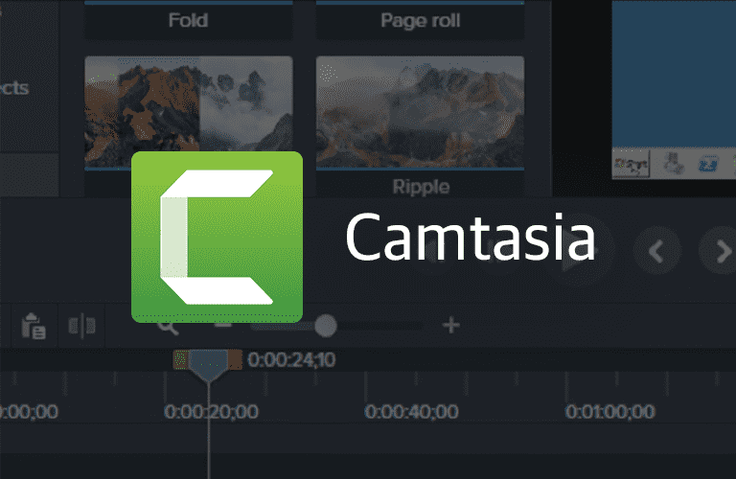
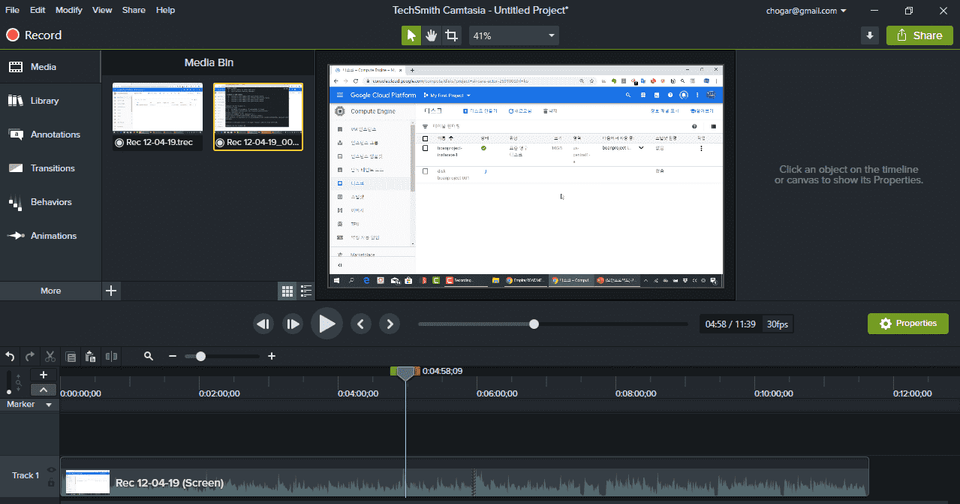
This is a practical tutorial on how to easily edit screen recording/recording files using Camtasia Studio. Using Camtasia, you can easily work as a solo instructor or IT instructor.

(4.9) 12 reviews

662 learners

Level Basic

Course period Unlimited

Camtasia
Camtasia
Teams
Teams
Camtasia
Camtasia
Teams
Teams
Thumbnail
날개 달린 동전

Recommend Course to grow and earn commission!

날개 달린 동전

Marketing Partners

Recommend Course to grow and earn commission!

Reviews from Early Learners

Reviews from Early Learners

4.9

5.0

쿠카이든

28% enrolled

I want to try online lectures.. I'm glad to learn about Kemtasia. Thank you for the great lecture!

5.0

똘똘이스머프

100% enrolled

Thank you for your valuable lecture. Take care of your health.

5.0

everick9

83% enrolled

thank you

What you will gain after the course

  • Video editing

  • Camtasia Basic Features

  • Leveraging Camtasia Features

🗒 Course Introduction

Camtasia Studio is a world-renowned program that allows you to record and edit videos at the same time.

Especially!! When giving IT technology lectures, you can record the screen in high definition and capture the instructor's appearance at once.

It supports encoding in various formats and is easy to edit, so you can quickly edit and distribute the knowledge you want to share.

This course explores the various features of Camtasia Studio and draws on my extensive experience teaching online courses.

Follow along step by step, practice, and distribute content directly on YouTube and educational content platforms to lay the foundation for becoming an online instructor.

Recommended for
these people

Who is this course right for?

  • IT Online Instructor

  • Anyone who wants to get started as an online instructor

Need to know before starting?

  • Basic computer use

Hello
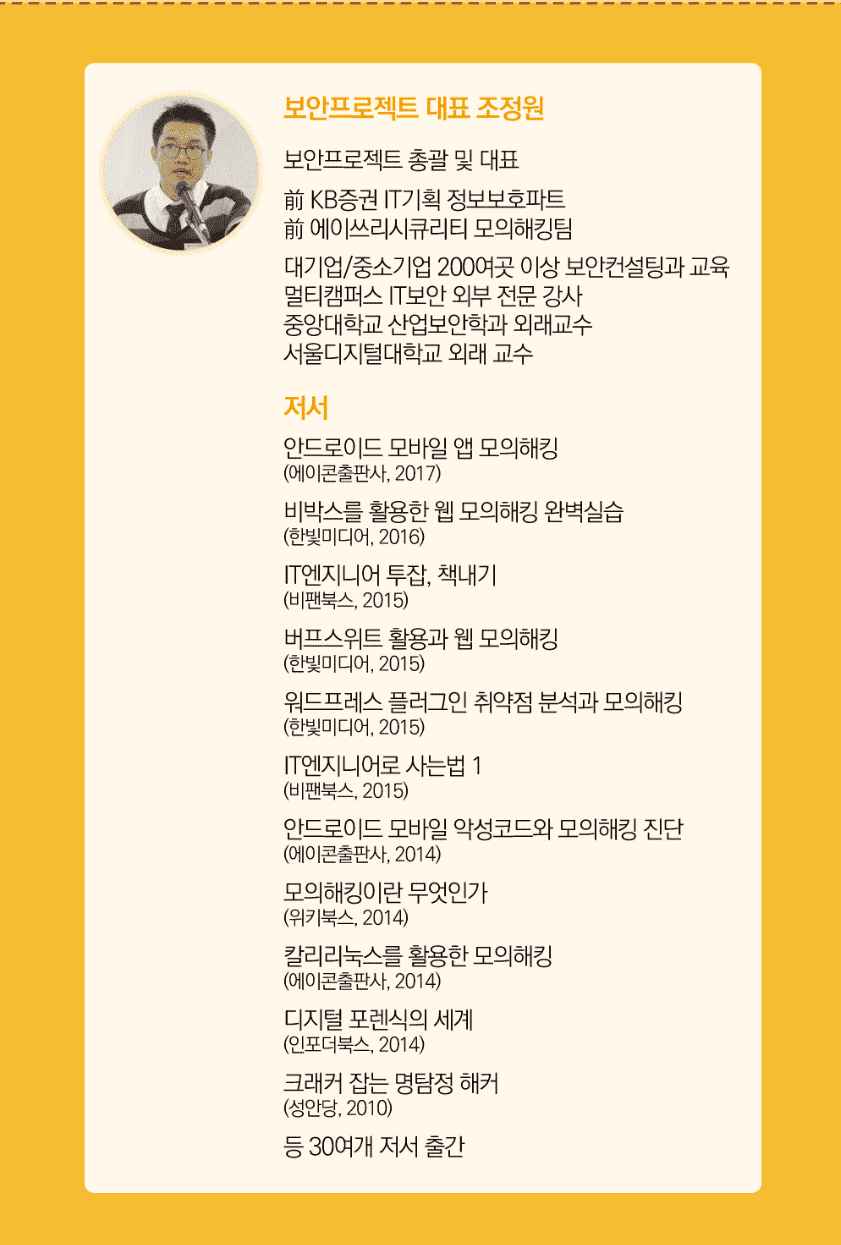
This is boanproject

102,712

Learners

3,230

Reviews

445

Answers

4.7

Rating

67

Courses

Boan Project ( www.boanproject.com ) provides online and group lectures in various fields, including IT security, big data, machine learning, and IoT.

Reviews

All

12 reviews

4.9

12 reviews

  • abcedfg님의 프로필 이미지
    abcedfg

    Reviews 503

    Average Rating 5.0

    5

    28% enrolled

    It's so easy to use and does simple editing without needing something like Adobe Premiere. I really like it.

    • kukaeden님의 프로필 이미지
      kukaeden

      Reviews 490

      Average Rating 5.0

      5

      28% enrolled

      I want to try online lectures.. I'm glad to learn about Kemtasia. Thank you for the great lecture!

      • nahyeda06115195님의 프로필 이미지
        nahyeda06115195

        Reviews 3

        Average Rating 5.0

        5

        33% enrolled

        Thank you for explaining it in an easy to understand way.

        • hyongsu44님의 프로필 이미지
          hyongsu44

          Reviews 868

          Average Rating 5.0

          5

          100% enrolled

          Thank you for your valuable lecture. Take care of your health.

          • everick93569님의 프로필 이미지
            everick93569

            Reviews 317

            Average Rating 4.9

            5

            83% enrolled

            thank you

            boanproject's other courses

            Check out other courses by the instructor!

            Similar courses

            Explore other courses in the same field!

            Free