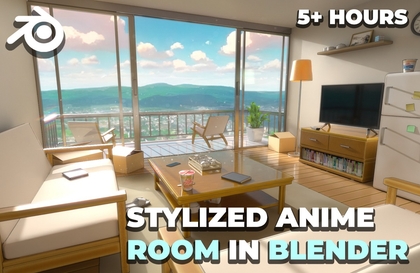
Blender for Complete Beginners!

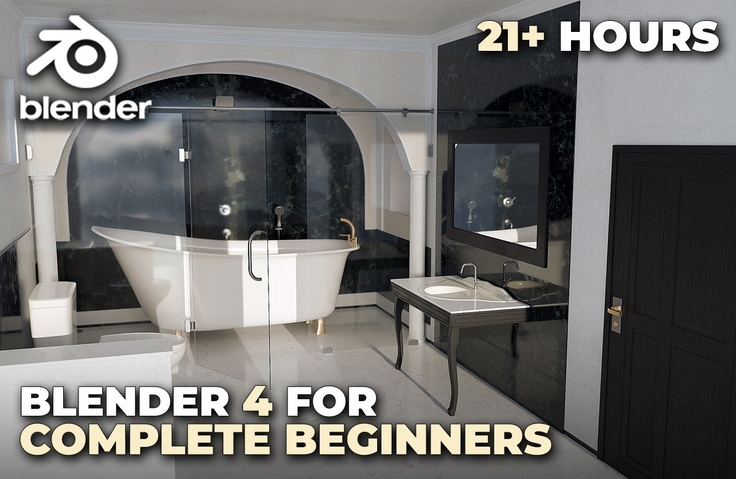
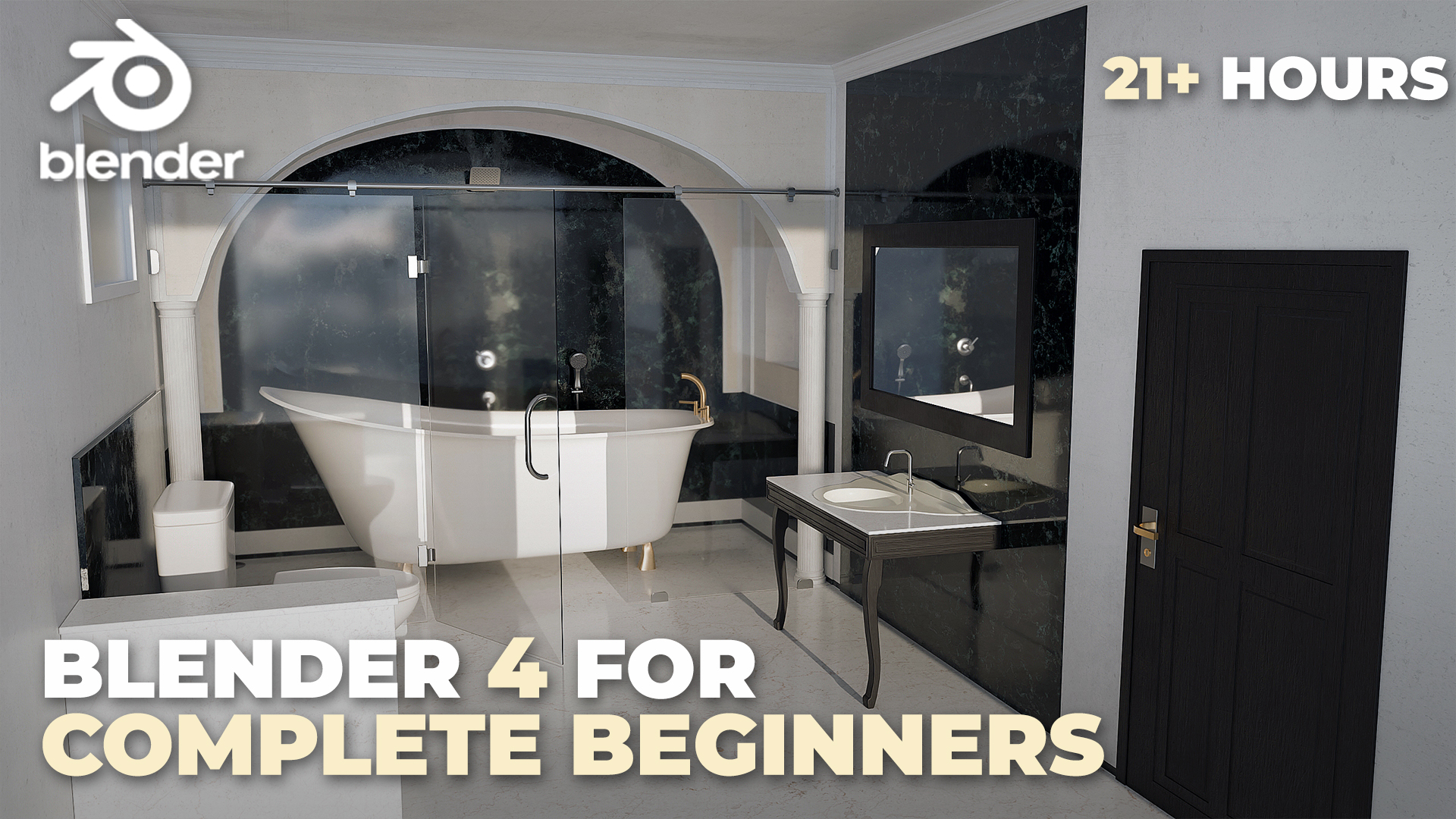
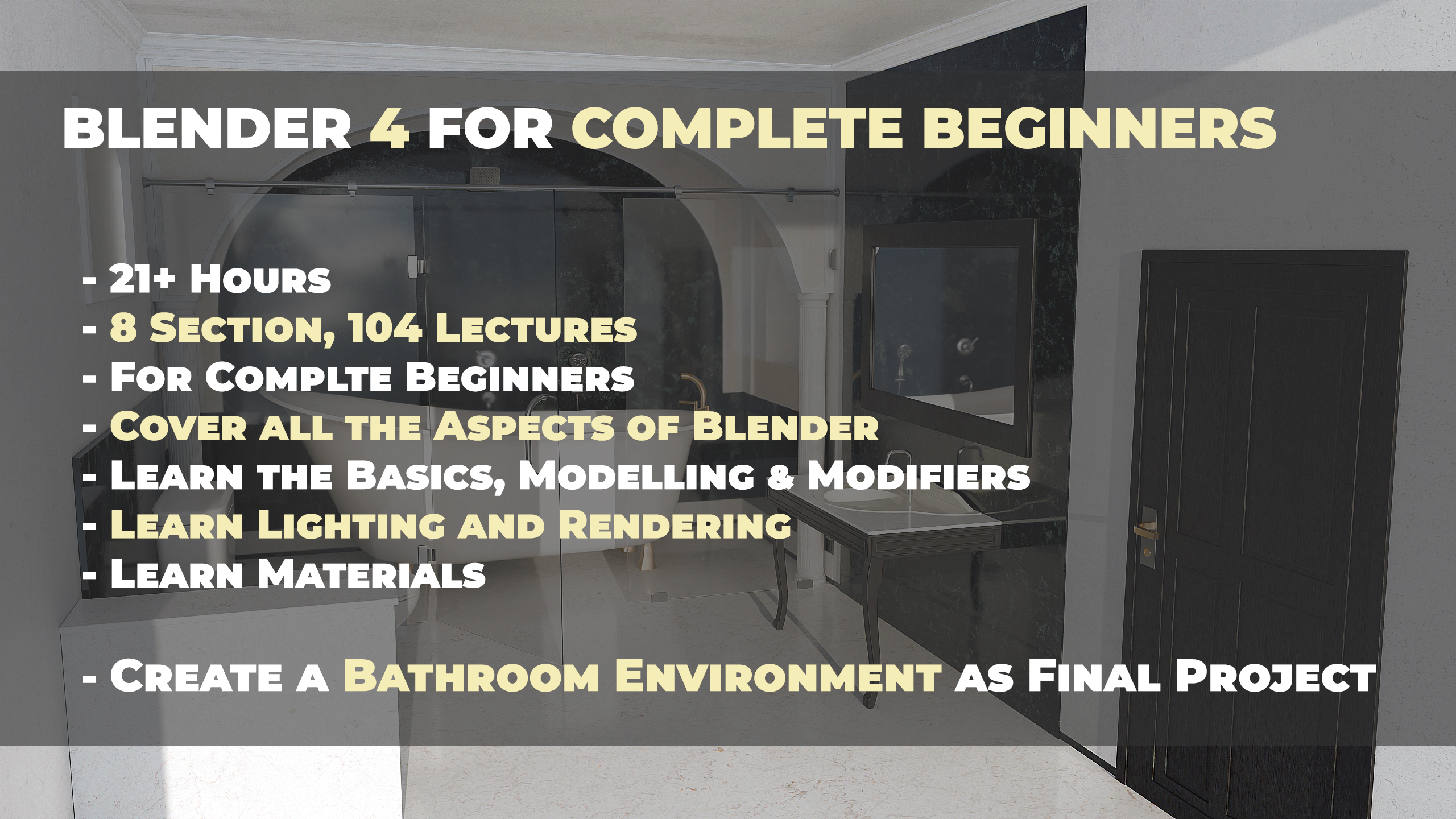
Hello and welcome everyone to “Blender 4 For Complete Beginners”. The perfect course for anyone looking to get started with Blender as a complete beginner. With over 21 hours of packed content, this course will guide you through the fundamentals of Blender, including Modelling, Lighting, Materials and Rendering. We will finish the course with the creation of a fully realized 3D Bathroom Environment just using Blender from start to finish — all in this one single course. The course is structured into 8 different sections with 104 lectures which cover all these different aspects of Blender. In each section, we will master a different aspect of Blender—whether it’s the basics, modeling, materials, lighting, or rendering. Best of all, throughout this course we will only use Blender, with no need for any other software or paid add-ons. Why Choose This Course? This course is perfect for complete beginners, with each section carefully designed to build your skills progressively. By the end, you’ll have a strong understanding of Blender’s tools and workflows, along with a polished 3D environment to showcase your skills. Whether you’re interested in game development, animation, or digital art, this course is the ideal starting point for your creative journey. Enroll today and take your first step into the world of 3D creation with Blender 4!

2 learners are taking this course

Level Beginner

Course period Unlimited

3d-modelling
3d-modelling
3d
3d
Blender
Blender
3d-rendering
3d-rendering
3d-modeling
3d-modeling
3d-modelling
3d-modelling
3d
3d
Blender
Blender
3d-rendering
3d-rendering
3d-modeling
3d-modeling

What you will gain after the course

  • Learn the Basics like Navigation, Interface and Layout of Blender

  • Learn 3D Poly Modelling in Blender

  • Learn various modelling tools and techniques, creating 3D models using tools like Extrude, Bevel, Inset, and a lot more.

  • Understand the concept of non-destructive editing and learn about modifiers like Array, Mirror, Boolean, and Subdivision Surface etc

  • Learn to set up and position cameras effectively

  • Understand camera properties like focal length and depth of field

  • Learn Lighting and Rendering in Blender

  • Explore different light types like Point, Area, HDRIs, Sky textures and their properties

  • Create realistic shadows and reflections and learn to use lighting to enhance mood and atmosphere.

  • Learn about Blender’s Eevee and Cycles rendering engines.

  • Learn various key features of Eevee like Ambient Occlusion, Screen Space Reflections (SSR), Refractions, Indirect Lighting and a lot more

  • Learn about Materials in Blender using nodes like P-BSDF, Texture Nodes, Mapping, Color Ramp and a lot more

  • Create various different materials like Glass, Mirror, Wood, Metal etc

  • Learn about Volumes and Displacement in Blender

  • Finish the course with the creation of a fully realized 3D Bathroom Environment just using Blender from start to finish

  • Learn to apply everything you have learnt to create your very own 3D Environments

  • Learn to capture portfolio ready renders and composite them

Hello and welcome everyone to “Blender 4 For Complete Beginners”. The perfect course for anyone looking to get started with Blender as a complete beginner.


With over 21 hours of packed content, this course will guide you through the fundamentals of Blender, including Modelling, Lighting, Materials and Rendering. We will finish the course with the creation of a fully realized 3D Bathroom Environment just using Blender from start to finish — all in this one single course.


What you will get:

· 103 FHD videos with over 21+ hours of content

· All the resources files required to complete the course including the Models, Blender Files, Textures, Reference Images etc

The course is structured into 8 different sections with 104 lectures which cover all these different aspects of Blender.

In each section, we will master a different aspect of Blender—whether it’s the basics, modeling, materials, lighting, or rendering. Best of all, throughout this course we will only use Blender, with no need for any other software or paid add-ons.


Section 1 – Introduction to Blender
We will start the course by downloading Blender and learning the absolute basics like Blender’s Interface, layout and navigation. This section ensures you feel confident and comfortable in Blender, setting the foundation for the rest of the course.


Section 2 – Basic Tools
This section would cover some of the core tools of Blender like adding objects, transformations and selections. We will also learn some of the important concepts like different Shading Modes, 3D Cursor, Pivot Points, Edit Mode in Blender, Proportional Editing and a lot more. This section equips you with the basic skills needed to interact with 3D objects and prepares you for more advanced tools.


Section 3 – Modelling Tools in Blender
In this section, we will be taking a deep dive into the complete toolset Blender provides for modelling. Understanding tools like Extrude, Bevel, Insets, Knife tool and a lot more. We will also learn about Curves and Text type of objects. Additionally, we will also model some props, which we will use in the final environment. By the end of this section, you’ll be able to create detailed 3D models, whether simple or complex, and lay the groundwork for your creative projects.


Section 4: Introduction to Modifiers in Blender
In this section, We will be learning about Blender’s modifiers—an essential toolset for automating and enhancing your modelling workflow. Learn how to use important modifiers like Subdivision Surface, Boolean, Arrays, and Mirror to create sophisticated models with minimal effort. This section helps you unlock the full potential of Blender’s non-destructive editing features.


Section 5: Cameras in Blender
With this section we will understand the fundamentals of cameras in Blender. Learn how to position and frame cameras to create dynamic compositions. Master key concepts like Focal Length, Depth of Field, Perspective and Orthographic Camera to frame your scenes like a professional.


Section 6: Lighting and Rendering in Blender
In this section, we will learn all about lighting and rendering in Blender. We will learn how to work with various light types, such as Point, Area, HDRI, Sky Textures to set the mood and add depth to your scenes. We will dive into Blender’s two rendering engines, Eevee and Cycles, covering all their features. We will also learn essential techniques like adjusting shadows, reflections, and light intensity to achieve realistic and cinematic lighting effects.


Section 7 – Materials in Blender
In this section, we will learn Blender’s powerful material system to add realism and detail to your 3D models. Starting with the Principled BSDF Shader, we will explore essential tools like Texture Coordinates, Mapping, and Texture Nodes to control and customize materials. You’ll learn to create a variety of materials using shaders such as Glossy, Glass, Mirror, Metal, Emission etc. We will also learn about Volume nodes, while later also working with Normal Maps and Displacement Maps to enhance surface details. By the end, you’ll be confident in crafting everything from basic textures to complex, photorealistic materials using custom textures and advanced nodes.


Section 8: Final Environment
In this final section, you’ll bring together everything you’ve learned by creating a complete 3D bathroom environment from start to finish. This hands-on project will cover all key aspects of Blender, including modeling, applying materials, lighting setup, and rendering. By the end, you’ll have a polished, professional-quality 3D scene to showcase in your portfolio, solidifying your skills and confidence in 3D creation.


Why Choose This Course?

This course is perfect for complete beginners, with each section carefully designed to build your skills progressively. By the end, you’ll have a strong understanding of Blender’s tools and workflows, along with a polished 3D environment to showcase your skills. Whether you’re interested in game development, animation, or digital art, this course is the ideal starting point for your creative journey.

Enroll today and take your first step into the world of 3D creation with Blender 4!


Recommended for
these people

Who is this course right for?

  • Aspiring 3D artists who want to learn modeling, materials, lighting, and rendering through a full project

  • Complete beginners who feel overwhelmed by Blender’s interface and tools

Need to know before starting?

  • No prior experience is required.

Hello
This is Aniket Rawat

115

Learners

8

Reviews

1

Answers

5.0

Rating

7

Courses

Hi, I’m Aniket. I’m a 3D artist and educator with several years of experience working in Blender across both photorealistic and stylized projects. For the past 5 years, I’ve been creating tutorials and courses that focus on real-world workflows and techniques you can actually use in your own projects.

More

Curriculum

All

103 lectures ∙ (21hr 11min)

Published: 
Last updated: 

Reviews

Not enough reviews.
Please write a valuable review that helps everyone!

Aniket Rawat's other courses

Check out other courses by the instructor!

Similar courses

Explore other courses in the same field!

Limited time deal

$10,010.00

30%

$11.00