
Claude Coding Made Easy for Everyone

Integrate Claude Code into your terminal environment and provide the AI with project context using CLAUDE.md and Custom Skills, leveraging it as a true development partner. Go beyond simple code generation to master your AI engineering capabilities, covering everything from refactoring, MCP integration, and task automation to building real-world web applications.

1 learners are taking this course

Level Basic

Course period 1 months

Refactoring
Refactoring
cli
cli
Model Context Protocol
claude
claude
Vibe Coding
Vibe Coding
Refactoring
Refactoring
cli
cli
Model Context Protocol
claude
claude
Vibe Coding
Vibe Coding

What you will gain after the course

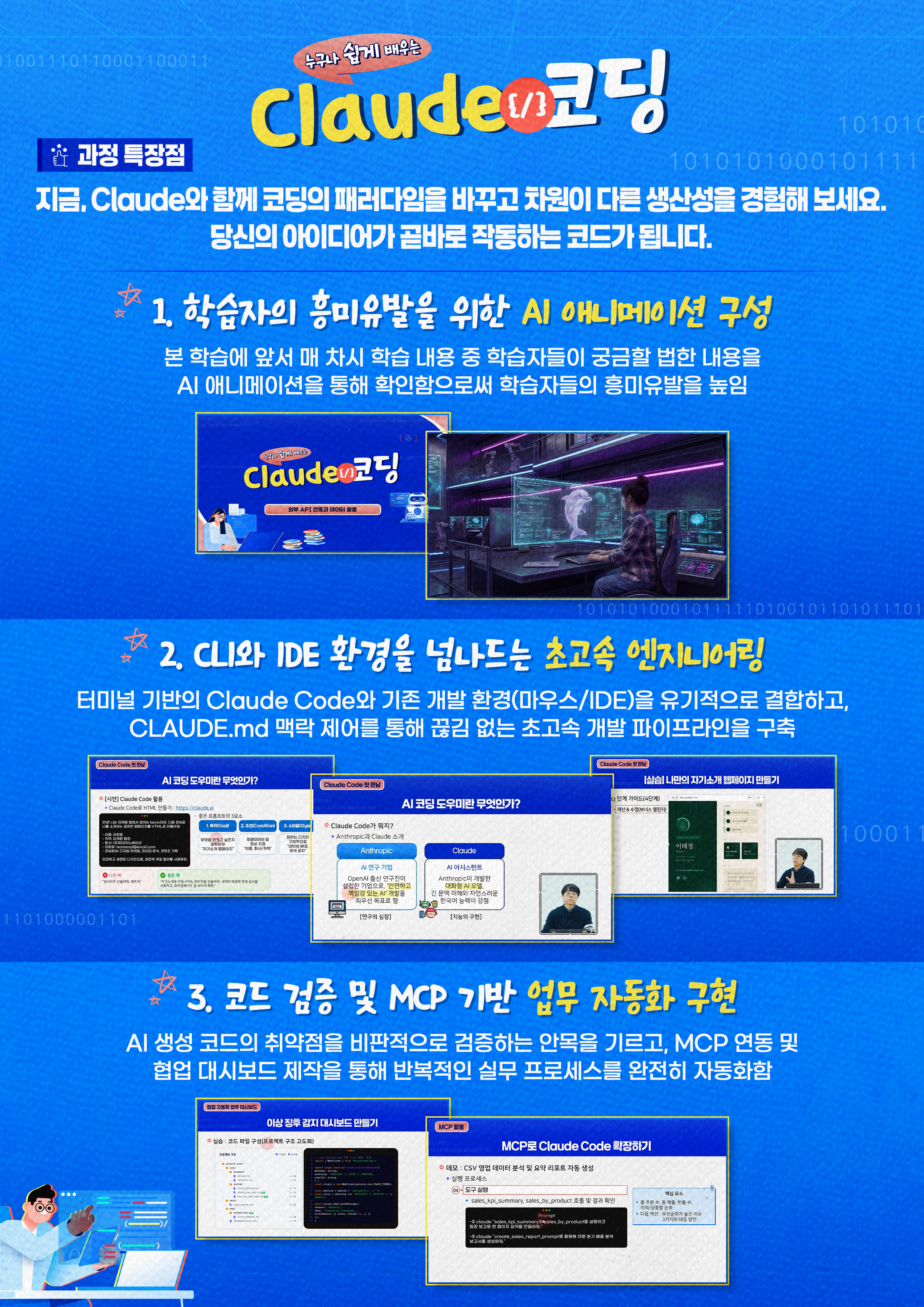
  • Maximizing Engineering Productivity by Leveraging CLI-Based AI Agents as Practical Partners

  • Codebase Context Injection and Automated Artifact Generation via CLAUDE.md and Custom Skills

  • System automation through legacy code analysis, refactoring, MCP integration, and collaborative dashboard development

Code with AI and
Complete Project Automation

Immediately apply the latest AI coding tools to real-world practice.


Go beyond simple code generation and make AI your true development partner.
Leverage Claude Code in a terminal environment to understand your project context,
and master AI engineering capabilities through hands-on experience with refactoring, MCP integration, and workflow automation.


Introduction to Claude Code
Maximize your productivity by making AI your coding partner.

Together with Claude, Your AI Coding Partner

Section 1 - First Encounter with Claude Code: Introducing the AI Coding Partner

This section introduces how autonomous AI coding tools go beyond simple text responses to operate as true development partners that manage project structures and Git commits. It also explores the limitations of web-based AI tools and delves into the Anthropic Claude and AI agent ecosystem.

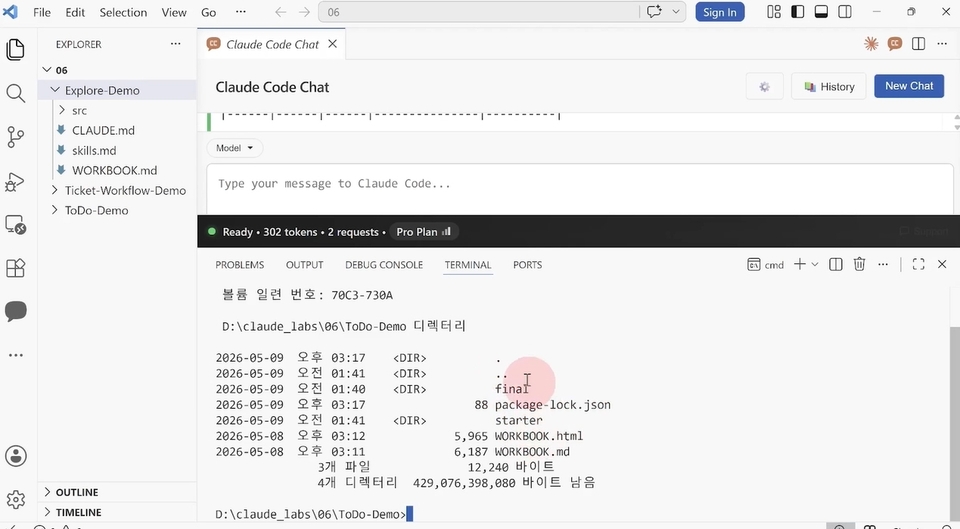
Section 2 - Leveraging the Claude Code Terminal Environment

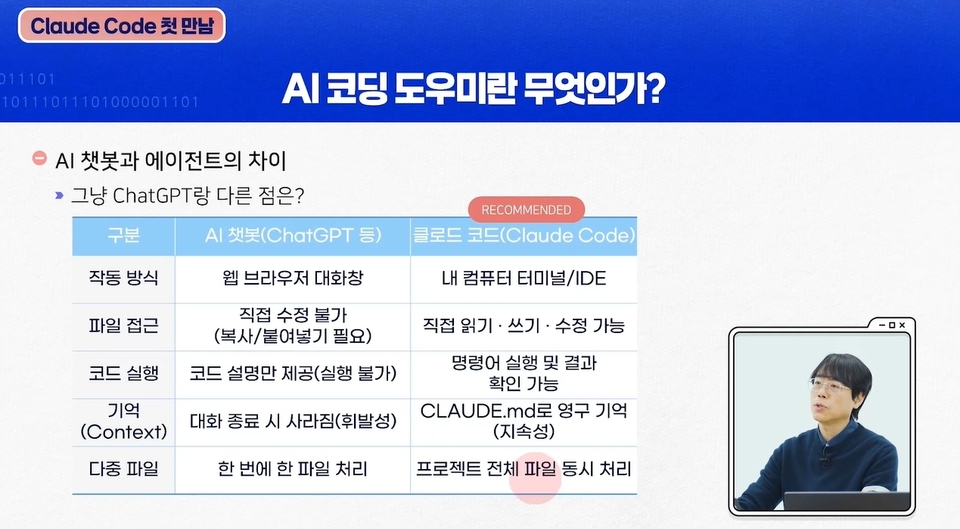
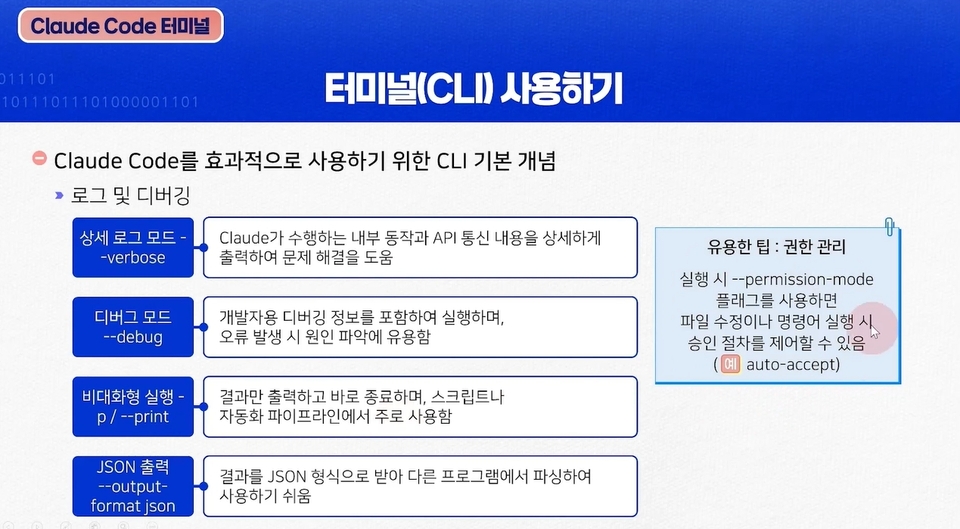
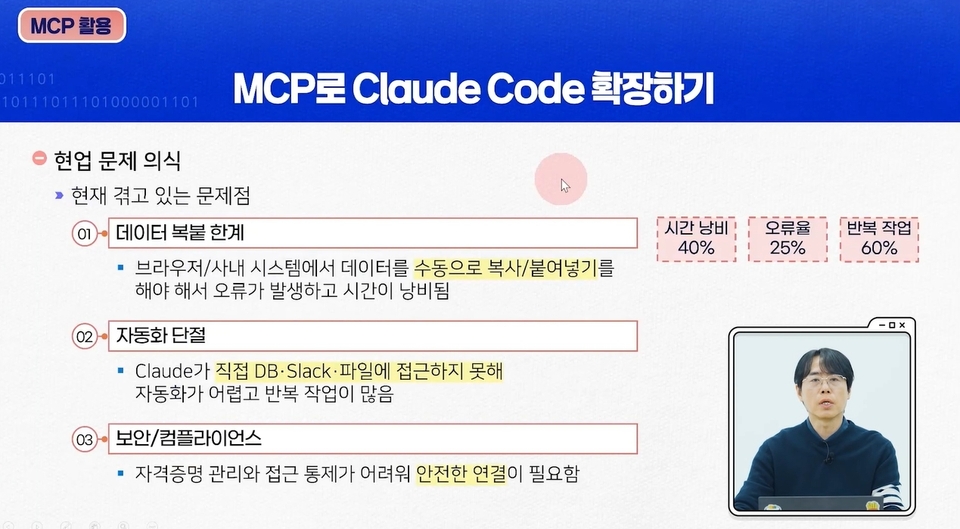
Learn how to integrate Claude Code into the terminal environment and utilize it as a CLI-based AI agent. Understand the evolution of AI coding tools and the importance of the Model Context Protocol (MCP), and compare the differences between traditional chatbots and Claude Code.

Section 3 -Effective Prompt Engineering Strategies

Explore the core capabilities of AI coding agents: understanding, modification, execution, and efficiency. Learn practical prompt engineering strategies to maximize development productivity by effectively leveraging AI.

Section 4 - CLAUDE.md and Custom Skills Configuration

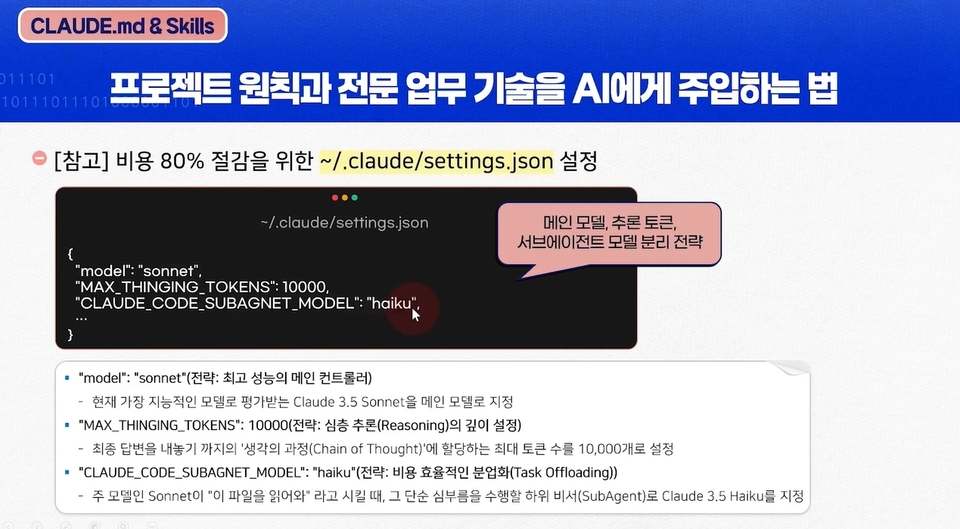
Explore Claude Code workflows and project optimization strategies. Learn how to use configuration files such as CLAUDE.md, SkillsMD, and AgentMD to maintain consistent AI behavior and project standards.

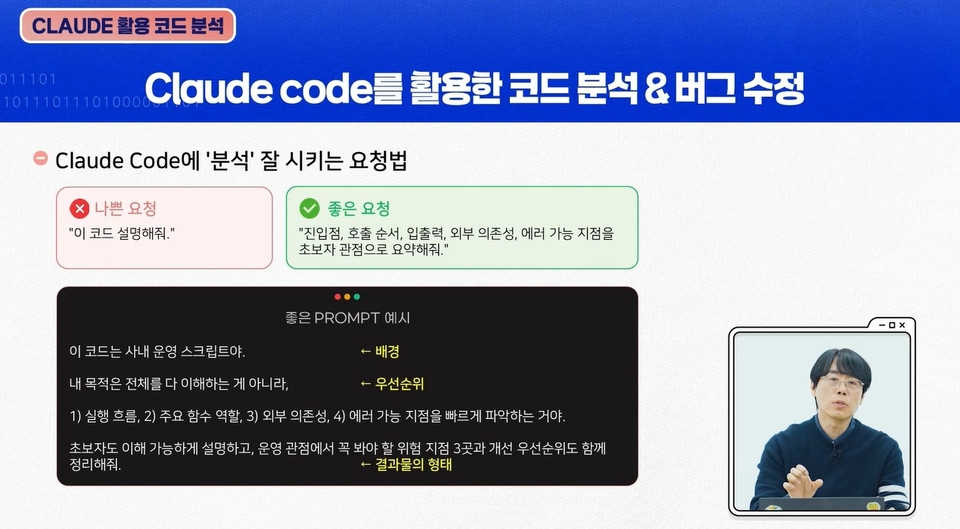
Section 5 - Code Analysis and Refactoring with Claude AI

Explore the process of analyzing and refactoring an existing codebase using AI coding tools. Examine AI's capabilities in performing various code-related tasks, including legacy code analysis, code modification, and style updates.

Section 6 - Practical Workflows and AI Collaboration

Learn practical use cases for AI coding tools. Discover how diverse users—including non-developers, marketers, and startup founders—can leverage AI to build MVPs and automate data workflows.

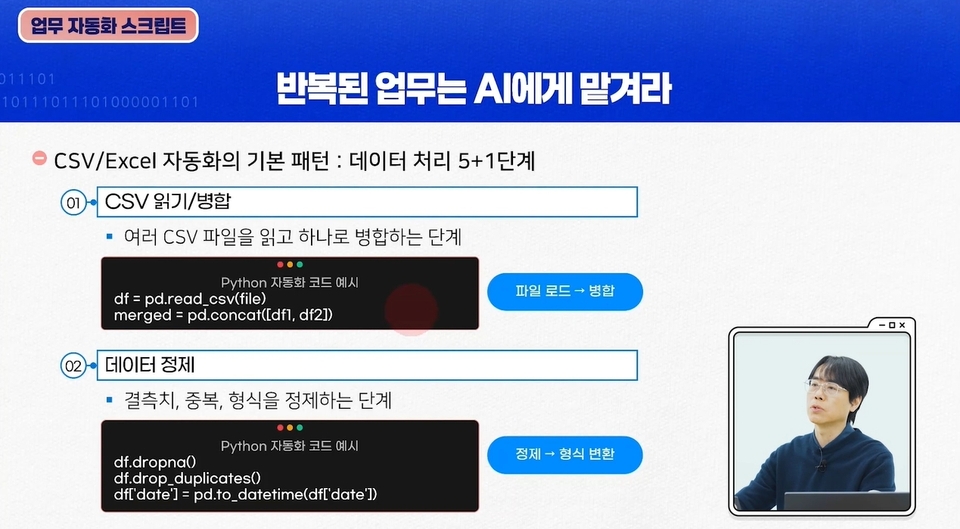
Section 7 - Developing Task Automation Scripts

Learn how to develop scripts to automate repetitive tasks such as documentation, report generation, and data organization. Experience the efficiency of building a 24/7 automation system using AI agents.

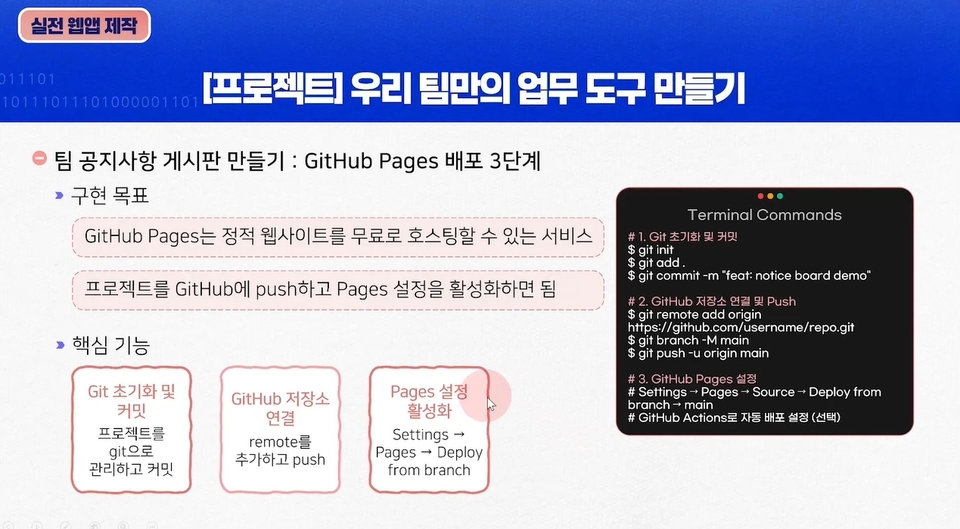
Section 8 - Building Real-World Web Apps with Claude AI

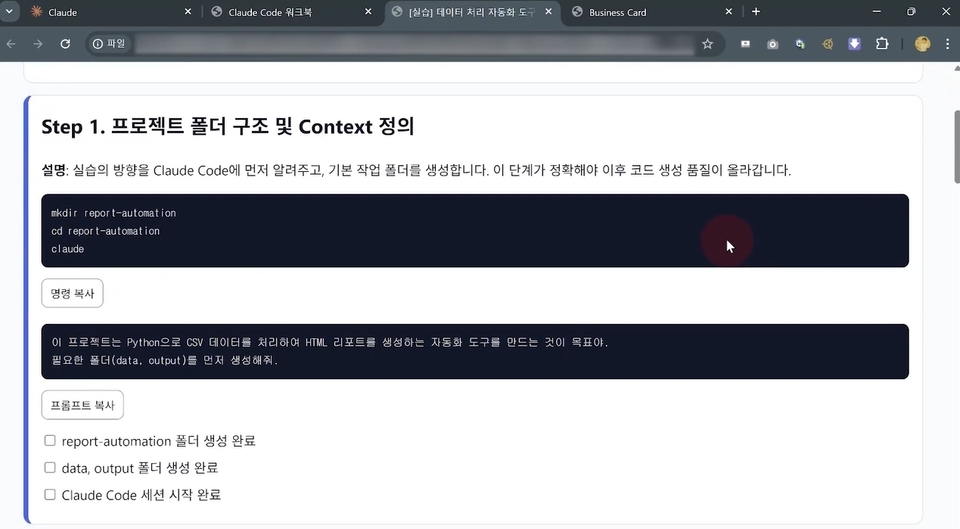
Learn step-by-step how to directly build web pages using the Claude AI interface. Experience the entire process of building a real-world web app, from defining clear requirements to iterative code refinement and integrating local development tools.

Section 9 - Building Agent-Based Systems Using MCP

Learn how to build teams of specialized AI agents using the Model Context Protocol (MCP). Master the skills needed to build AI-powered systems while managing cost efficiency and context switching in large, complex projects.

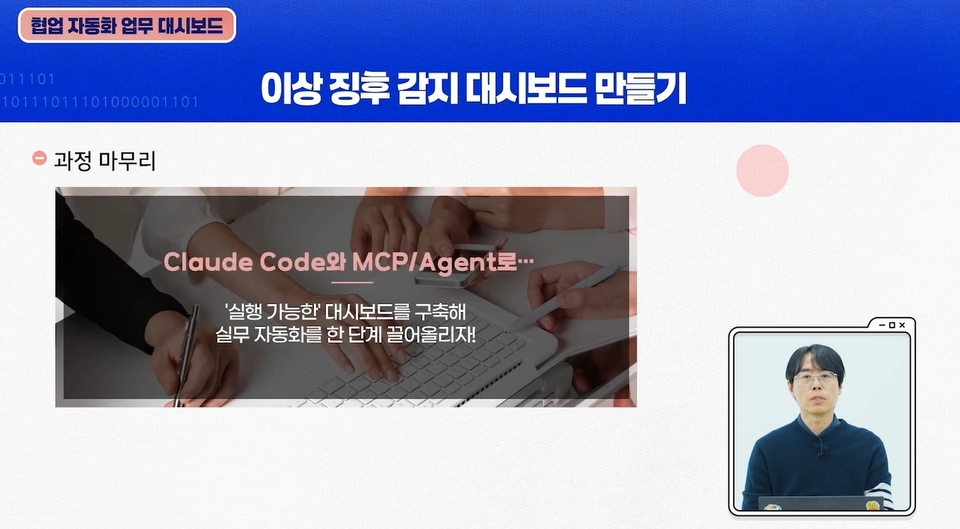
Section 10 - Creating Automated Task Dashboards for Collaboration

Use standardized project patterns to ensure AI outputs align with specific business requirements and coding standards. Master your AI engineering skills by building an automated task dashboard for collaboration.

With an expert Claude coding instructor

Bring your own ideas to life as a perfect service.


Are you making the most of Claude coding?
This course is designed specifically for people like you.


✔️ Professional developers looking to integrate AI coding tools into their daily workflow

  • For those who want to go beyond simple code generation and leverage AI as a true development partner

  • Those looking to gain experience in workflow automation by integrating Claude Code and MCP

  • Those seeking to maximize productivity by enhancing their AI engineering capabilities

✔️ Working professionals who want to learn app development and automation using Claude

  • Those looking to gain hands-on experience in refactoring and building web applications using AI in a terminal environment

  • Those who want to train the AI on project context using CLAUDE.md and Custom Skills

  • Those who want to automate repetitive tasks using AI

✔️ Corporate executives and employees looking to understand the AI-driven development paradigm and boost productivity

  • Those who want to learn AI-based code improvement methods, such as legacy code analysis and refactoring

  • Those looking to build a workflow automation system using AI agents

  • Those looking to enhance project management and collaboration efficiency by leveraging AI


Want to turn Claude Code from a simple tool into your real development partner?
Start right now and master your AI engineering skills.

Things to Note Before Starting the Course


Lab Environment

  • Operating System: Supports Windows, macOS, and Linux.


  • Recommended Specifications: We recommend at least 8GB of RAM for seamless AI integration.

Prerequisites and Important Notes

  • Development Experience: A basic understanding of coding concepts and experience using the CLI is preferred.

  • AI Utilization: No prior experience with AI coding tools is required.

  • Note: Please complete the hands-on exercises in an environment with a stable internet connection.

Learning Materials

  • Lecture slides are provided in PDF format.

  • You can download the practice files provided for each lecture and follow along with the lecture content.


Recommended for
these people

Who is this course right for?

  • Working developers looking to adopt AI coding tools in their daily workflow.

  • Working professionals looking to learn app development and automation using Claude

  • Corporate executives and employees seeking to understand the AI-driven development paradigm and enhance productivity.

Need to know before starting?

  • Basic programming experience and code comprehension skills

  • Basic Knowledge of the Terminal (CLI) Environment

  • Understanding the web development or software development process

Hello
This is wendy34647345

99

Learners

27

Reviews

5.0

Rating

23

Courses

Prime Contents Lab Co., Ltd. reads learning trends and designs its own courses. We constantly contemplate "who needs what." Based on the expertise of leading authors in each field, we create original educational programs ranging from IT/AI to the humanities that go beyond simple knowledge transfer to help achieve practical growth. Elevate your capabilities to the next level with the premium lectures proposed by Prime Contents Lab.

More

Curriculum

All

20 lectures ∙ (6hr 25min)

Course Materials:

Lecture resources
Published: 
Last updated: 

Reviews

Not enough reviews.
Please write a valuable review that helps everyone!

wendy34647345's other courses

Check out other courses by the instructor!

Similar courses

Explore other courses in the same field!

Limited time deal

$48.40

29%

$68.20