








inflearn logo

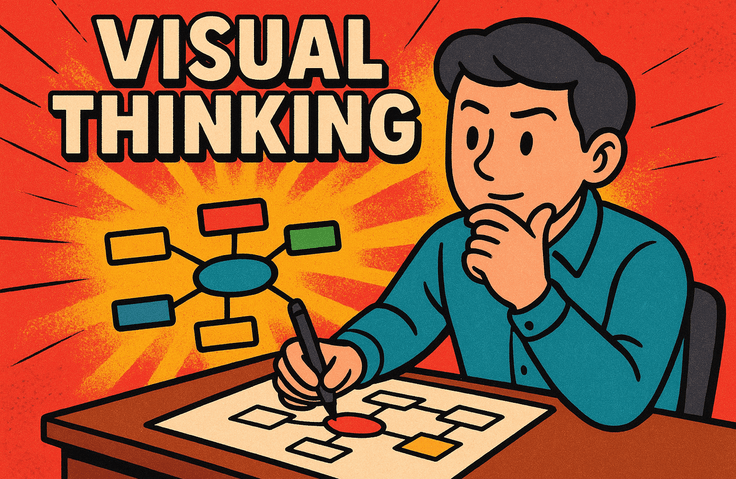
Thought-Organizing Skills for High Performers to Simplify Complex Tasks (Visual Thinking/Mind Mapping)

Learn the basics of visual thinking, a technique for quickly organizing complex information using text and drawings. From ideation to utilizing digital mind maps (Xmind), you will master practical thought-organization know-how step-by-step to enhance work productivity. Start as easily as learning a language and complete your visual thinking skills that can be applied immediately to daily life and work.

1 learners are taking this course

Level Beginner

Course period 1 months

Computer Architecture
mindmap
mindmap
Challenge Idea Development
Computer Architecture
mindmap
mindmap
Challenge Idea Development

What you will gain after the course

  • Visualize complex information to quickly grasp key points and derive new ideas.

  • Reconstructing expertise through visual thinking to communicate effectively

  • Creating Digital Mind Maps Using Xmind and Applying Them to Work

Complex tasks
organized at a glance, like magic!

We will show you the secret to becoming a top performer through visual thinking.


Is your work efficiency dropping because of unorganized thoughts?
Innovate your work productivity with visual thinking that makes complex information clear through text and images,
and mind mapping that systematically expands your ideas.


Thought Organization Skills
Visual Thinking Methods to Maximize Work Efficiency

From the basics of Visual Thinking and Mind Mapping to the practical application of Xmind,
learn the core know-how for organizing complex ideas clearly.


Going beyond simple theory, you will create outcomes that can be immediately applied to real-world tasks, such as ideation, information structuring, and content visualization.


From pictogram creation to graphic recording and completing digital mind maps using Xmind,
you will experience practical projects that turn thoughts into reality.

Thought organization techniques that pierce through to the core

Section 1 - Transitioning into a Whole-Brain Talent: Understanding Visual Thinking and Mind Mapping

In this section, we introduce the basic concepts of visual thinking and mind mapping for organizing complex information visually. You will recognize the importance of being a whole-brain talent, clarify the learning objectives and target audience, and gain an overview of the core content of each technique.

Section 2 - Visual Thinking Basics: Core Element Drawing Practice

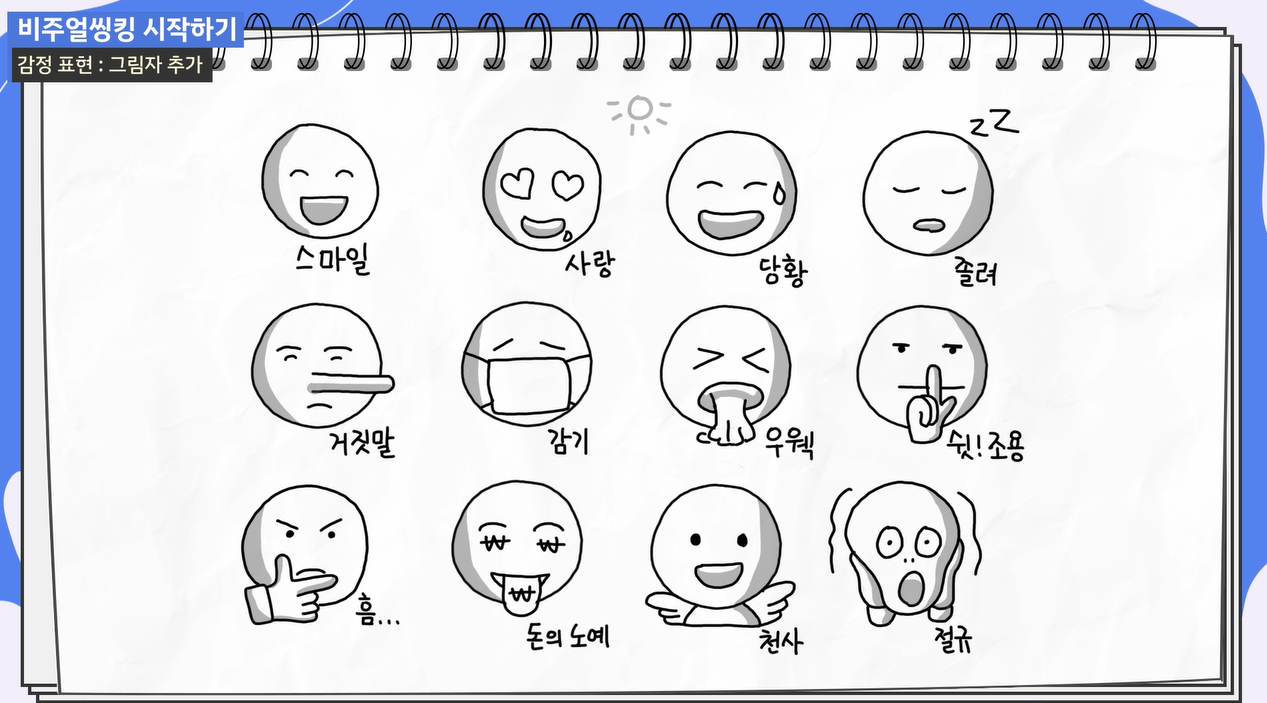
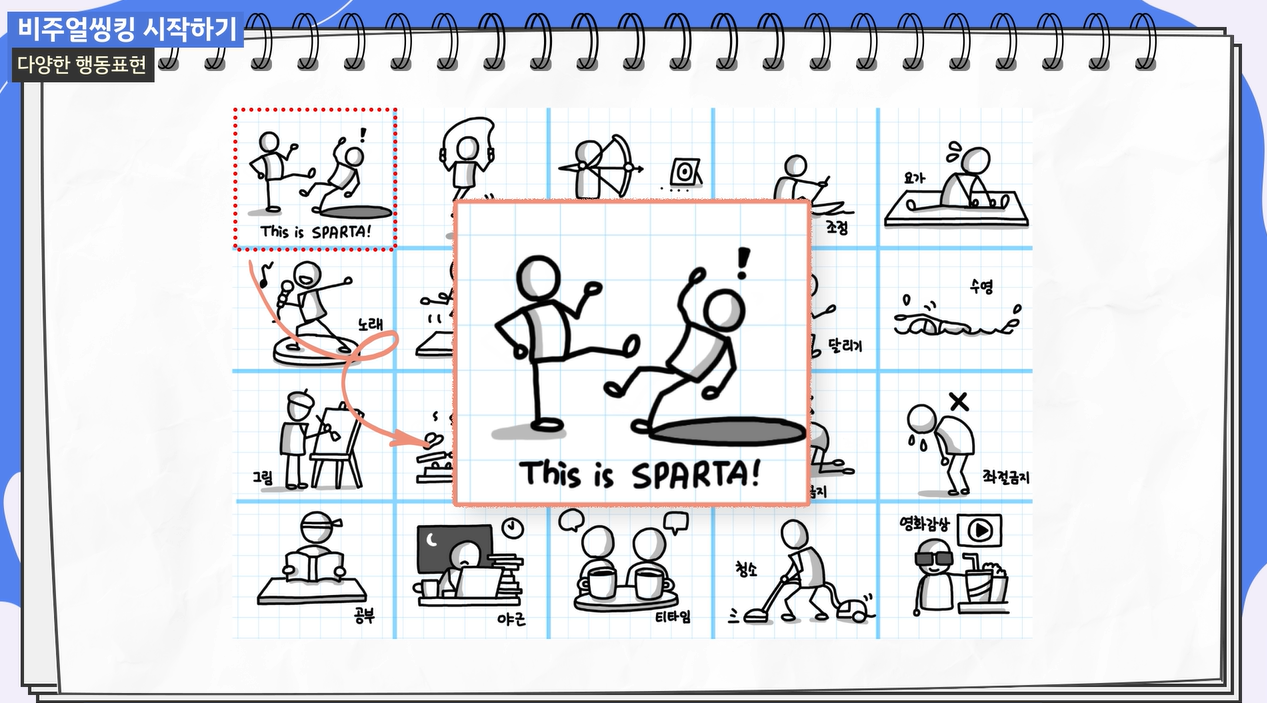
This section covers the foundational process for the practical start of Visual Thinking. You will learn basic shapes, lines, and expressive elements, and cultivate the ability to translate thoughts into drawings through exercises in effectively visualizing objects, actions, and emotions.

Section 3 - Advanced Visual Thinking: Digital Techniques and Applications

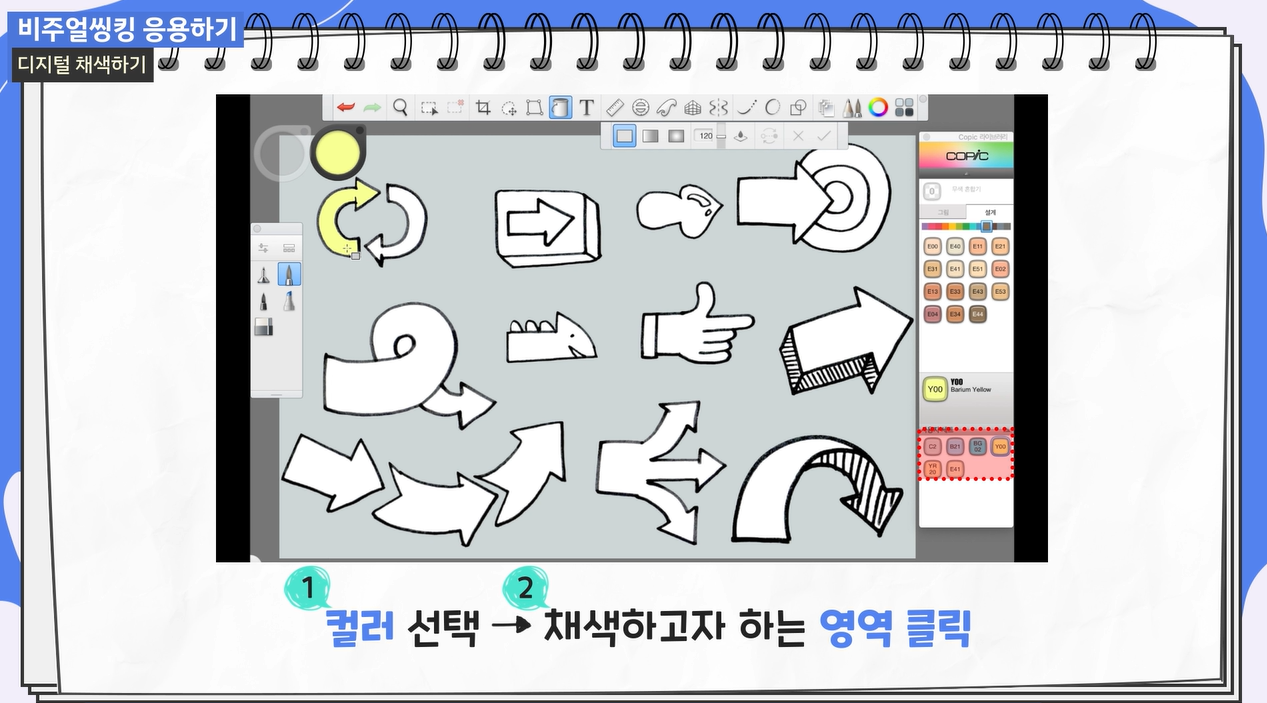
Learn how to use digital coloring, graphic recording, and pictograms to enrich your visual thinking techniques. Master application skills to combine various visual elements to convey information more clearly and attractively.

Section 4 - Practical Application of Visual Thinking to Improve Work Productivity

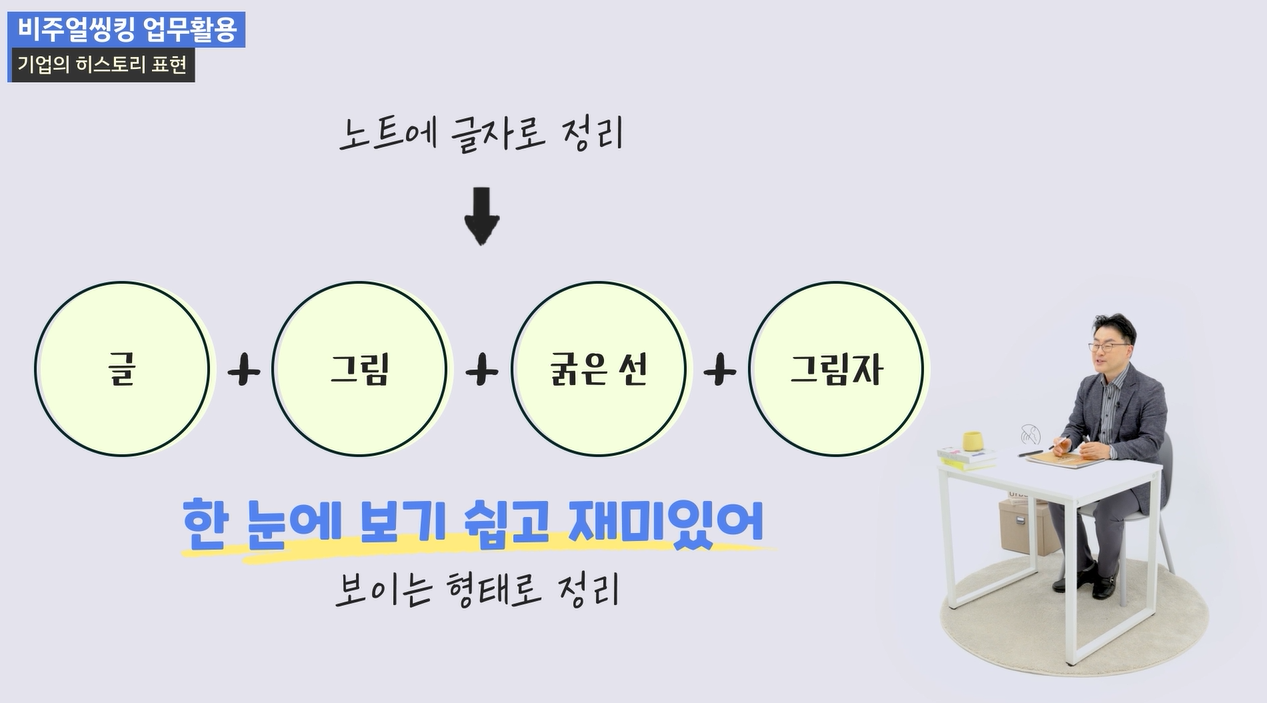
Based on an understanding of information structure, we explore cases of applying visual thinking to actual work. You will learn efficient information visualization methods and acquire practical know-how to maximize work productivity.

Section 5 - Principles and Expansion of Mind Mapping: A Brain Science Approach

We will take an in-depth look at the definition, history, and various use cases of mind mapping. By understanding neuroscientific principles, you will grasp how mind mapping affects learning and thinking processes and learn effective methods for structuring information.

Section 6 - Getting Started with Digital Mind Mapping: How to Use Xmind

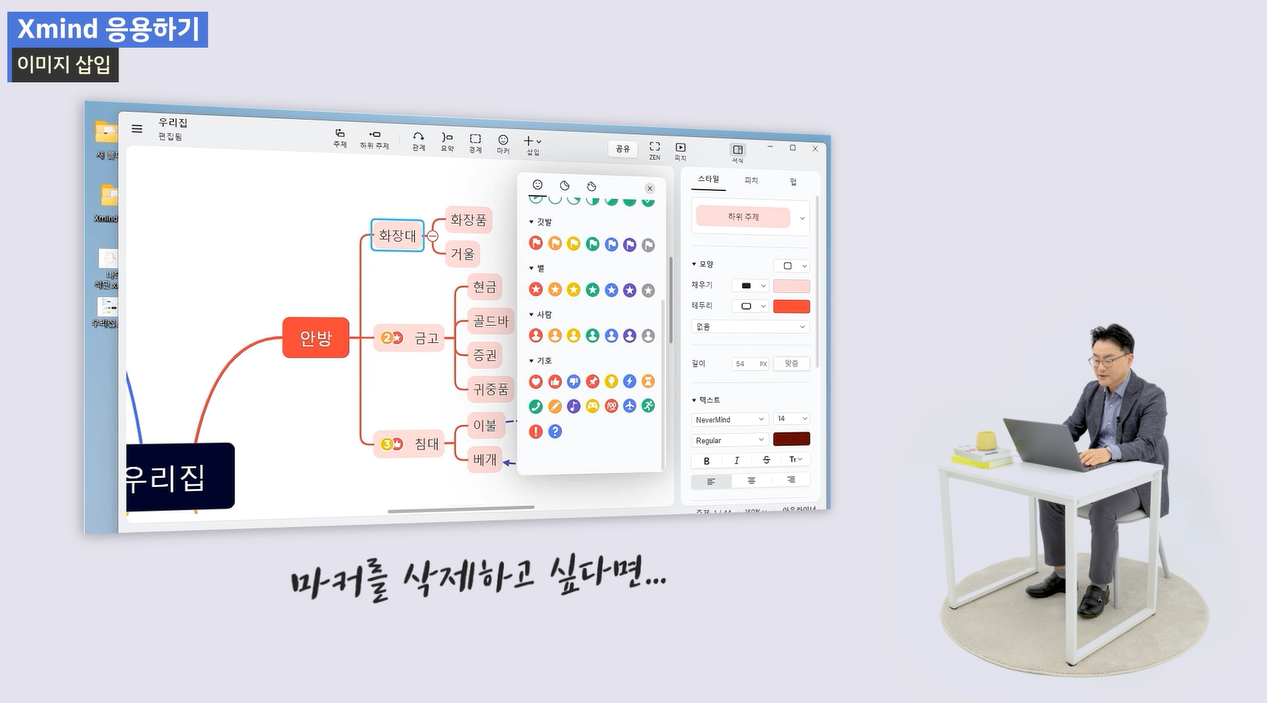
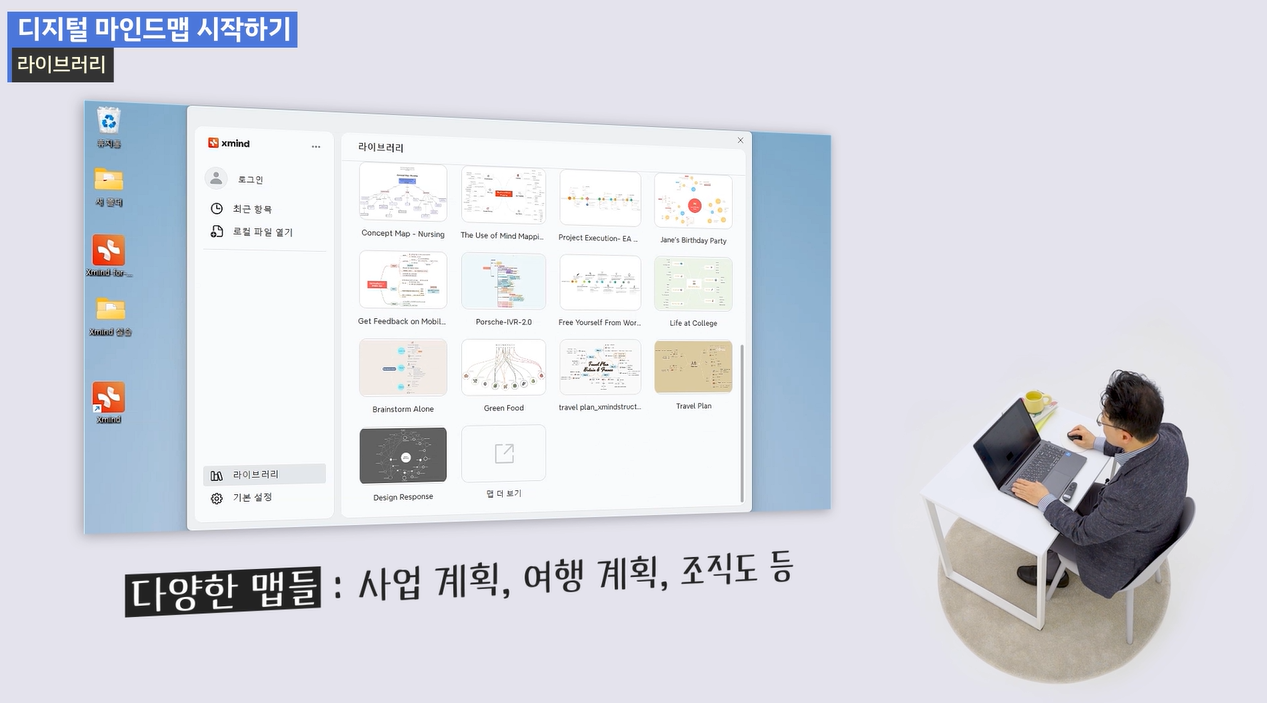
Learn the basic functions and usage of Xmind, a powerful digital mind mapping tool. Understand the features of Xmind and learn how to use it at a practical level, starting from basic mind map creation.

Section 7 - Advanced Xmind Mind Mapping Techniques: Setting Relationships and Utilizing Text

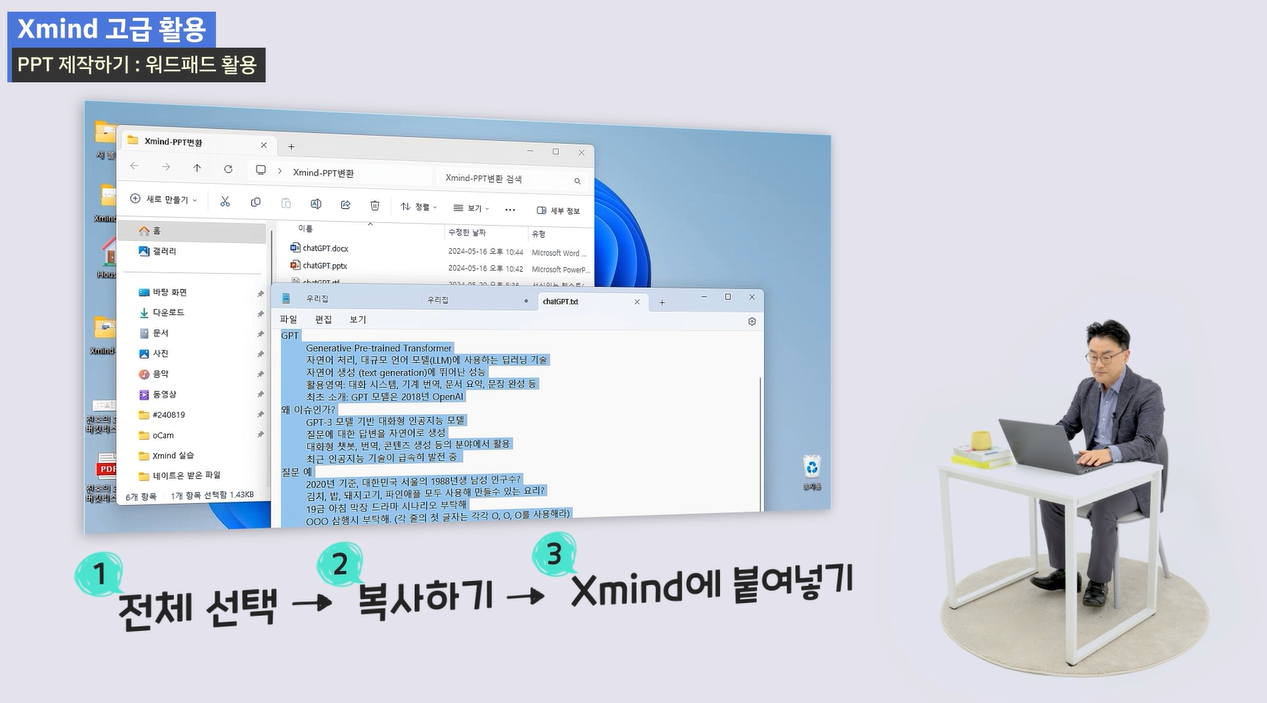
Learn how to make your mind maps more colorful and organic using Xmind. You will acquire the skills to systematically manage complex information through text input, relationship indicators, and the application of various features.

Section 8 - Becoming an Xmind Mind Map Expert: Advanced Features and Producing Results

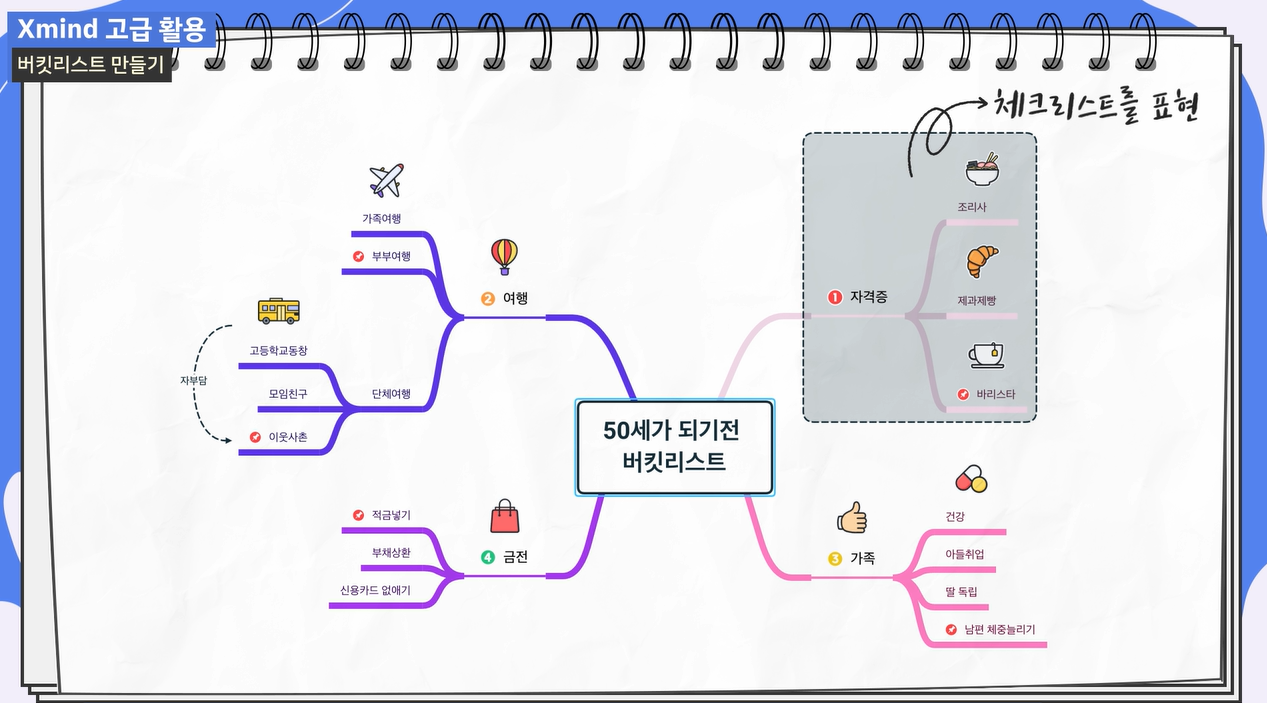
Master Xmind's advanced features to produce creative results. Maximize your mind mapping capabilities through practical application examples, such as creating bucket lists and exporting to various formats.

Organize your thoughts clearly with drawings!

Point 1. Becoming a Whole-Brain Talent

Grow into a 'whole-brain talent' who can grasp complex information at a glance and generate ideas effortlessly. You will learn the core principles of visual thinking and mind mapping and how to apply them in practice. Go beyond simple memorization to cultivate the power of thinking and maximize work efficiency.

Point 2. The Magic of Communicating Through Drawings

Build a solid foundation in visual thinking to quickly organize your thoughts using text and drawings. By mastering basic shapes and expression techniques, you will develop the ability to clearly visualize even abstract ideas. You will be able to communicate effectively with team members and help them understand your ideas more deeply.

Point 3. Visualizing Ideas with Xmind

Learn how to create digital mind maps using Xmind, from idea generation to logical structuring. Master Xmind's various features and applications to immediately apply them to complex project planning, information organization, and problem-solving. You will acquire a powerful tool for visually managing the flow of your thoughts.

Point 4. Boost Practical Problem-Solving Skills

This course is for planners, marketers, instructors, and students who want to drastically reduce work complexity. Through visual thinking and mind mapping, you will strengthen practical skills to grasp the core of information, discover new ideas, and create creative proposals.

Does looking at complex information give you a headache?
This course was created specifically for people like you.


✔️ Those who want to organize information visually and clearly

  • Those who want to make complex materials, such as meeting minutes and reports, easy to understand at a glance

  • Those who want to learn how to effectively brainstorm and flesh out ideas

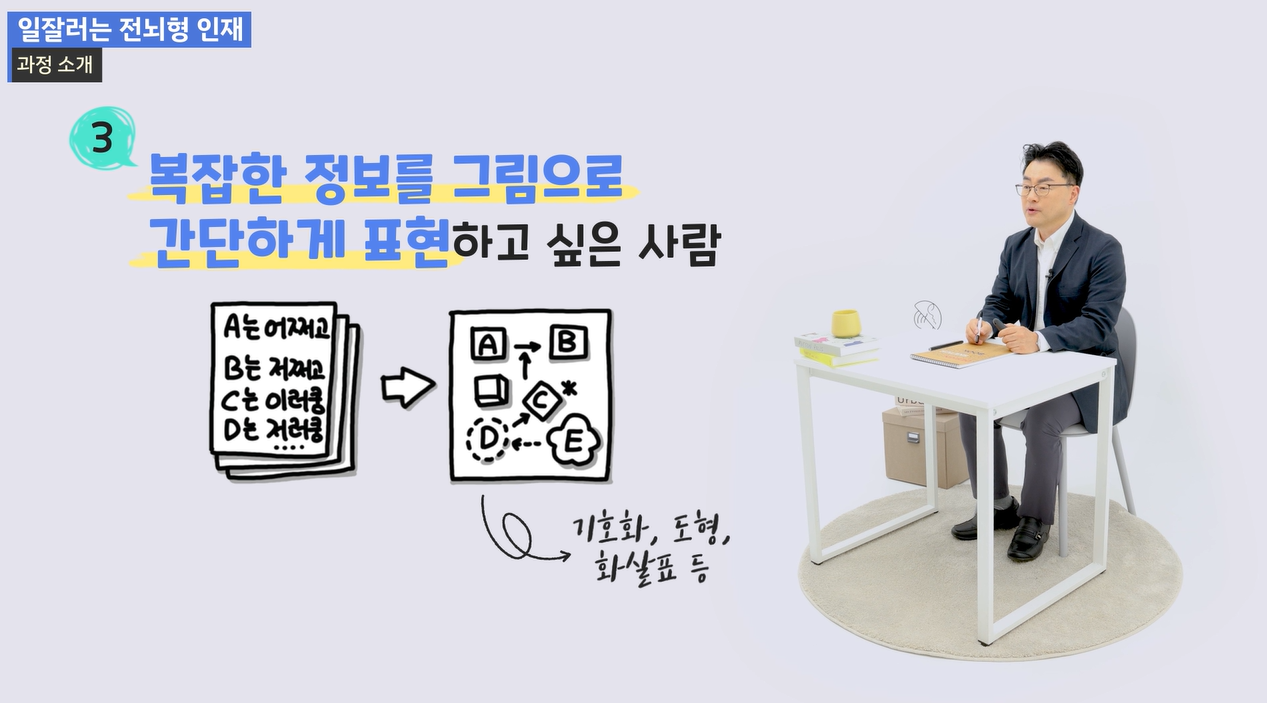
  • Those who want to quickly organize work-related knowledge or ideas using drawings and diagrams.

✔️ Office workers who want to increase work efficiency through thought organization

  • Those who feel stuck or overwhelmed when writing proposals or during idea meetings

  • Those who want to develop the ability to structure work content and quickly grasp key points

  • Those who want to improve work performance through systematic organization of thoughts

✔️ Those who want to become proficient in using digital mind maps with Xmind

  • Those who want to learn Xmind step-by-step, from basic functions to advanced features

  • Those who want to effectively utilize mind maps in various situations, such as personal learning and work planning.

  • Those who want to visualize their ideas and manage them systematically using digital mind maps


Now, become a 'top performer' who organizes complex thoughts easily and quickly.
You can innovate your work productivity with visual thinking and mind mapping.

Notes before taking the course


Practice Environment

  • You can learn directly in your web browser without installing any separate programs.

  • Installation on a PC may be required to use Xmind software. (Windows, macOS supported)

  • A stable internet environment is essential.

Prerequisites and Important Notes

  • It is fine even if you do not have any special technical background knowledge.

  • Basic computer literacy is all you need.

  • It is even better if you are interested in organizing complex information visually.


Recommended for
these people

Who is this course right for?

  • Marketers and planners who need effective thought organization and proposal writing.

  • Teachers and instructors who want to deliver lesson content visually

  • Students who want to improve their understanding by organizing learning content into drawings.

Need to know before starting?

  • No special drawing skills or design experience required

  • Interest and willingness in organizing information and generating ideas

  • Basic PC or tablet operation skills

Hello
This is wendy34647345

57

Learners

22

Reviews

5.0

Rating

22

Courses

Prime Contents Lab Co., Ltd. reads learning trends and designs its own courses. We constantly contemplate "who needs what." Based on the expertise of leading authors in each field, we create original educational programs ranging from IT/AI to the humanities that go beyond simple knowledge transfer to help achieve practical growth. Elevate your capabilities to the next level with the premium lectures proposed by Prime Contents Lab.

More

Curriculum

All

55 lectures ∙ (3hr 0min)

Published: 
Last updated: 

Reviews

Not enough reviews.
Please write a valuable review that helps everyone!

wendy34647345's other courses

Check out other courses by the instructor!

25% off for new members

$28.50

25%

$38.50