


Rhino 6 for Beginners Product Design Part.2
usefulit
This is a lecture on Rhino 3D, which is a basic tool for product design.
Basic
Rhino
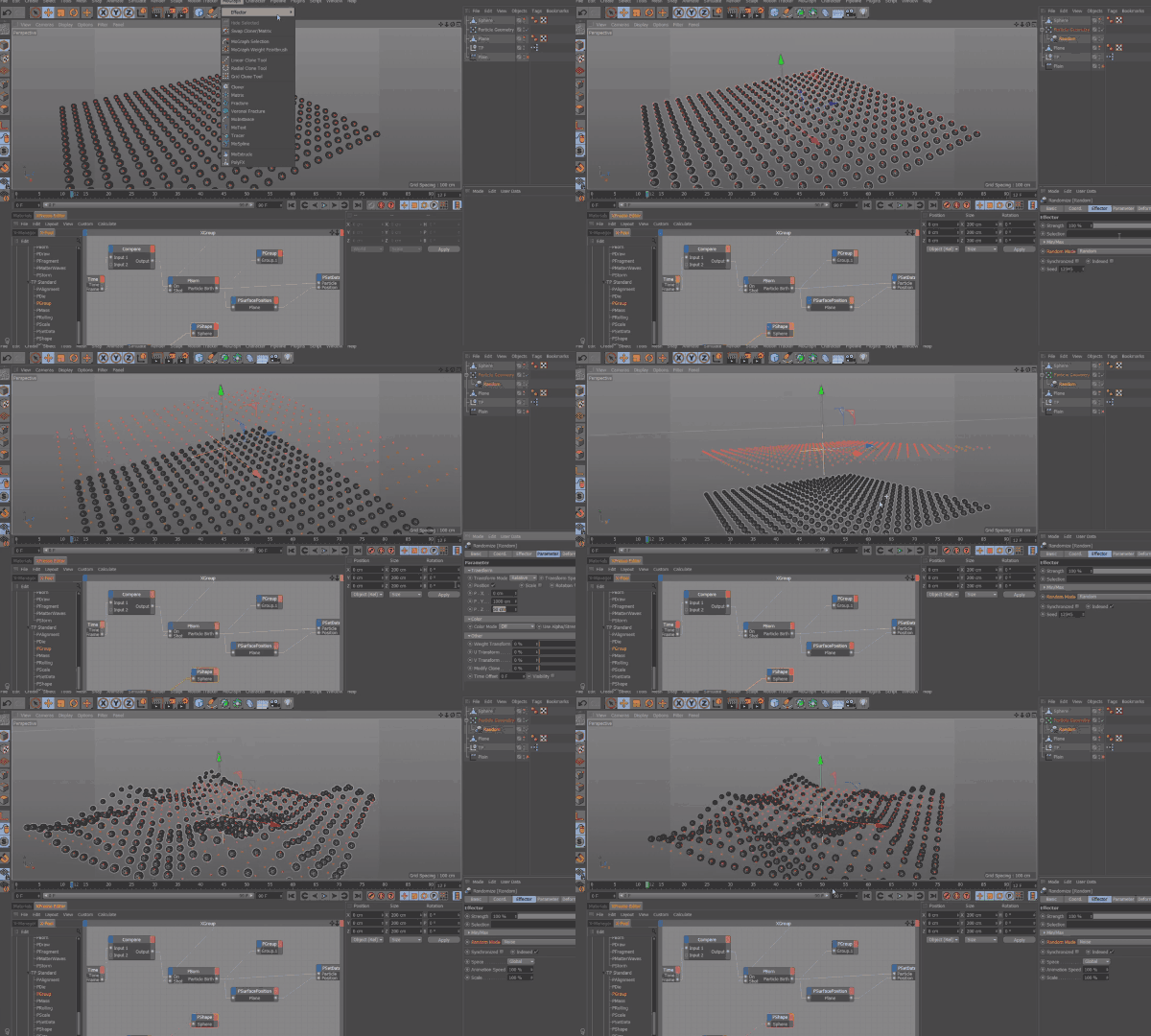
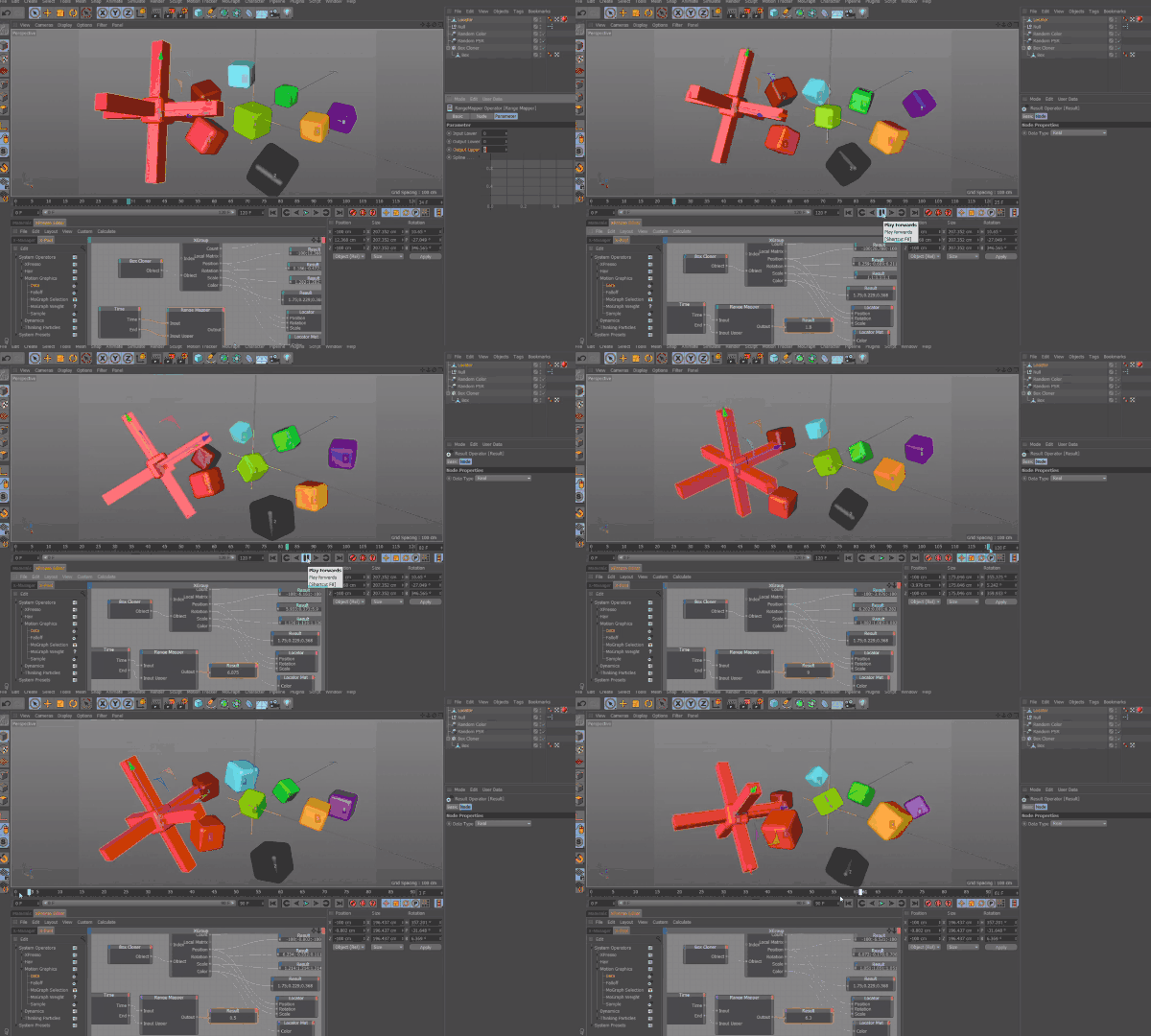
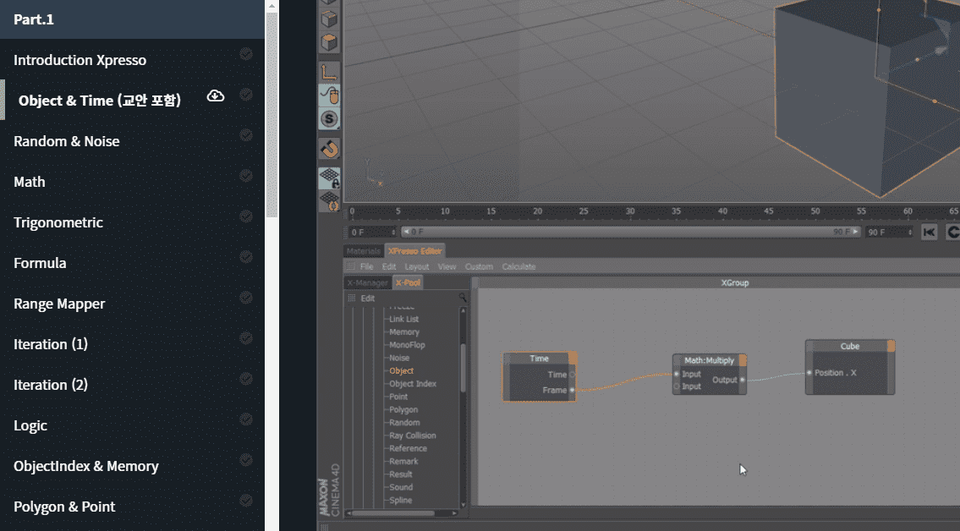
Understand and learn the Xpresso features of MAXON Cinema 4D (C4D).

Reviews from Early Learners
5.0
rhkdeodpfh
In my opinion, it is incomparably better than the 2 million won lectures at Call Xso. You can tell how much thought the instructor put into preparing the lecture just by looking at the table of contents. I think this lecture is a “dedication to juniors.” I am so grateful for the instructor’s great lecture~
5.0
맥쥬
I'm just getting started with Expresso, and the Korean language course is very helpful. I understand it well because you explain each node with examples. Thank you so much!~
5.0
lovepssp
It was difficult to approach, but thank you for explaining it one by one!
Xpresso Introduction Starting with Cinema 4D R18
Understanding 3D Motion Automation
(Please note that this lecture does not provide instructor-assisted answers. )
CInema 4D's Xpresso feature allows you to control the behavior of a C4D scene with a specific logical structure.
Controlling with a logical structure means making the values of the properties of each object or visual element in the C4D scene work according to logic or expressions.
This allows users to relatively easily create mechanical, automated motion structures that would otherwise be difficult to implement with conventional animations or functions.
PART 1:
PART 2


This course uses Cinema 4D R18 , and was created based on versions R17-R18. Therefore, we recommend using that version or a later version.
You can purchase the program or download a demo version from the Maxon official website. (Latest version 20) Official website link
Q. Can non-majors and beginners also take the course?
A. This course is designed based on Cinema 4D R17-R18 versions and assumes that you will be using the basic functions of the tool. Therefore, please take this course after learning the basics of Cinema 4D.
Q. Are lecture notes included?
A. Yes, the lecture notes are attached to the second lecture of each lecture part. You can download the notes by clicking the cloud-shaped icon on the left tab of the lecture playback screen.
Who is this course right for?
Anyone who can handle Cinema 4D R17 ~ 18 at a basic level
Anyone who wants to create a mechanized 3D motion structure that is difficult to implement with general animation functions alone
Need to know before starting?
Basic Cinema 4D operation skills
8,278,683
Learners
6,375
Reviews
4.6
Rating
309
Courses
I will help you grow through useful IT lectures.
All
40 lectures ∙ (21hr 30min)
Course Materials:
3. Random & Noise
30:14
4. Math
29:55
5. Trigonometric
32:34
6. Formula
35:37
7. Range Mapper
33:36
8. Iteration (1)
33:27
9. Iteration (2)
30:45
10. Logic
33:27
12. Polygon & Point
34:12
13. Collision
28:23
15. Freeze & Track
30:52
16. Data
28:24
17. FallOff
32:35
18. Sample
30:56
23. TP Dynamics (1)
32:19
24. TP Dynamics (2)
34:47
26. PBlurp
31:36
34. Sprite
32:59
35. Mograph Weight
34:34
39. C.O.F.F.E.E
34:26
40. C4D Python
31:13
All
23 reviews
5.0
23 reviews
Reviews 3
∙
Average Rating 5.0
5
In my opinion, it is incomparably better than the 2 million won lectures at Call Xso. You can tell how much thought the instructor put into preparing the lecture just by looking at the table of contents. I think this lecture is a “dedication to juniors.” I am so grateful for the instructor’s great lecture~
Reviews 1
∙
Average Rating 5.0
Reviews 1
∙
Average Rating 5.0
Reviews 11
∙
Average Rating 4.9
Reviews 3
∙
Average Rating 4.3
$55.00
Check out other courses by the instructor!
Explore other courses in the same field!