


강의

멘토링

커뮤니티

Design

/

3D Modeling

Introduction to Maxon Cinema4D Xpresso

Understand and learn the Xpresso features of MAXON Cinema 4D (C4D).

(5.0) 23 reviews

58,631 learners

  • usefulit
Cinema 4D

Reviews from Early Learners

What you will gain after the course

  • Xpresso Introduction Starting with Cinema 4D R18

  • Understanding 3D Motion Automation

Adding algorithms to modeling,
Cinema 4D Expresso 📐

🗒 Course Introduction

(Please note that this lecture does not provide instructor-assisted answers. )

CInema 4D's Xpresso feature allows you to control the behavior of a C4D scene with a specific logical structure.
Controlling with a logical structure means making the values of the properties of each object or visual element in the C4D scene work according to logic or expressions.
This allows users to relatively easily create mechanical, automated motion structures that would otherwise be difficult to implement with conventional animations or functions.

PART 1:

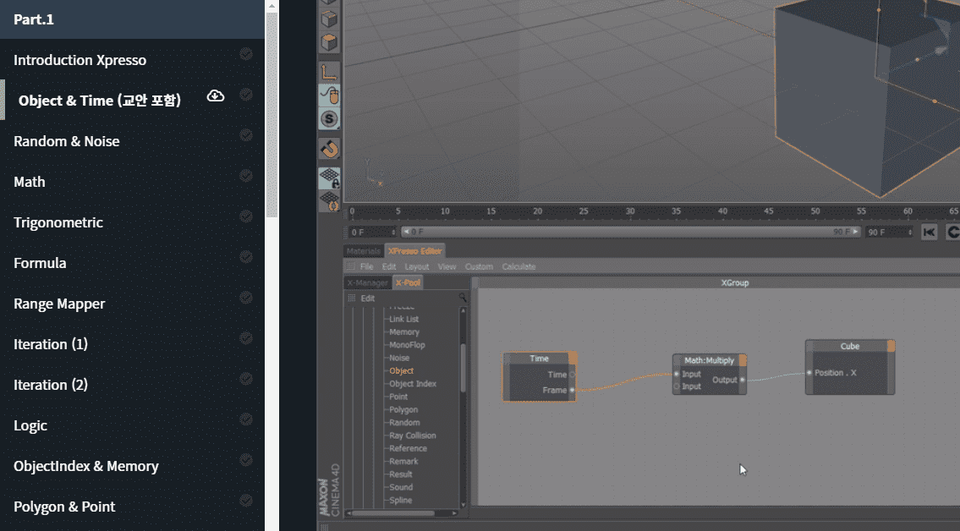
  • In this course, you will learn the minimum basics needed to get started with Xpresso.

PART 2

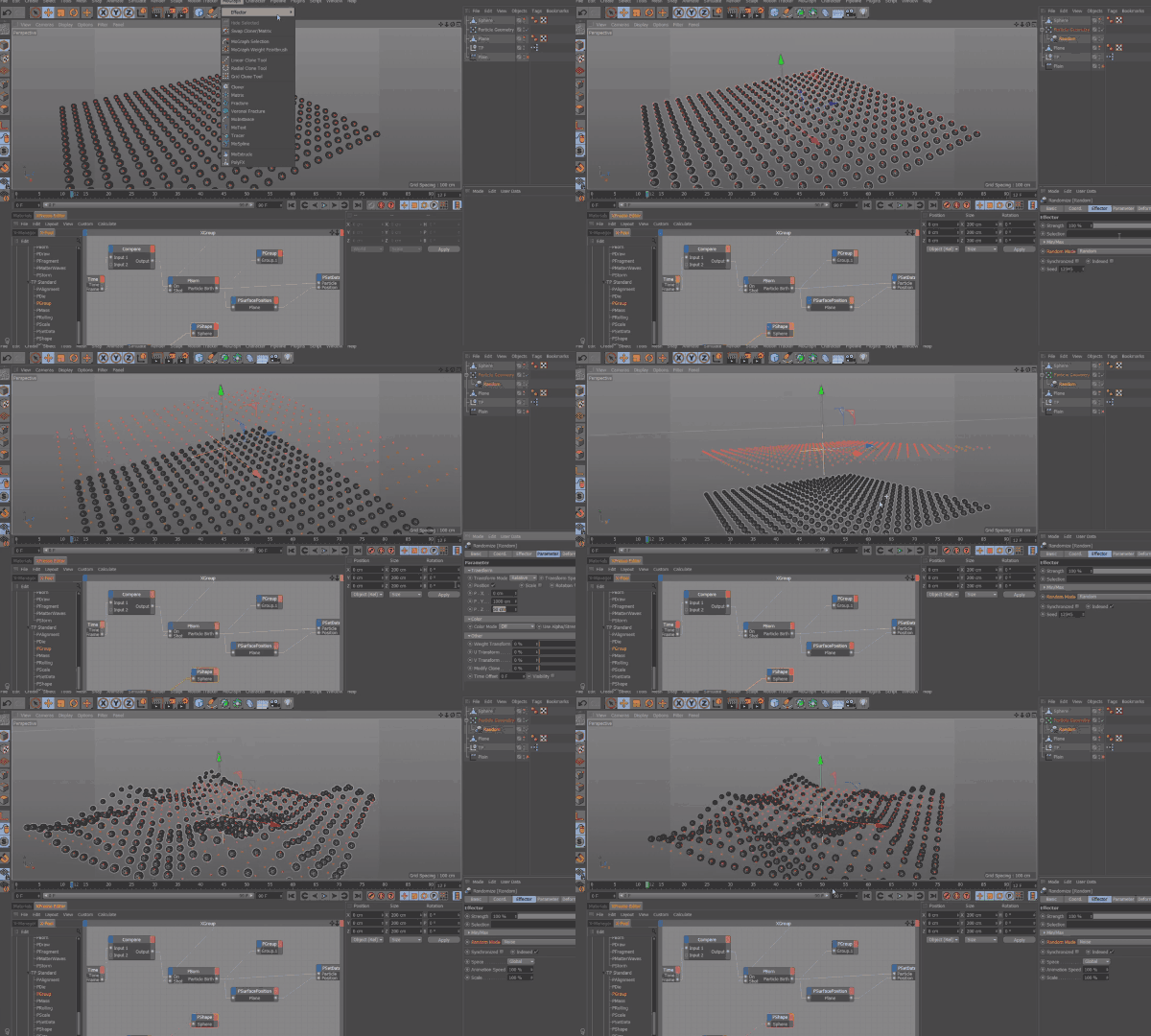
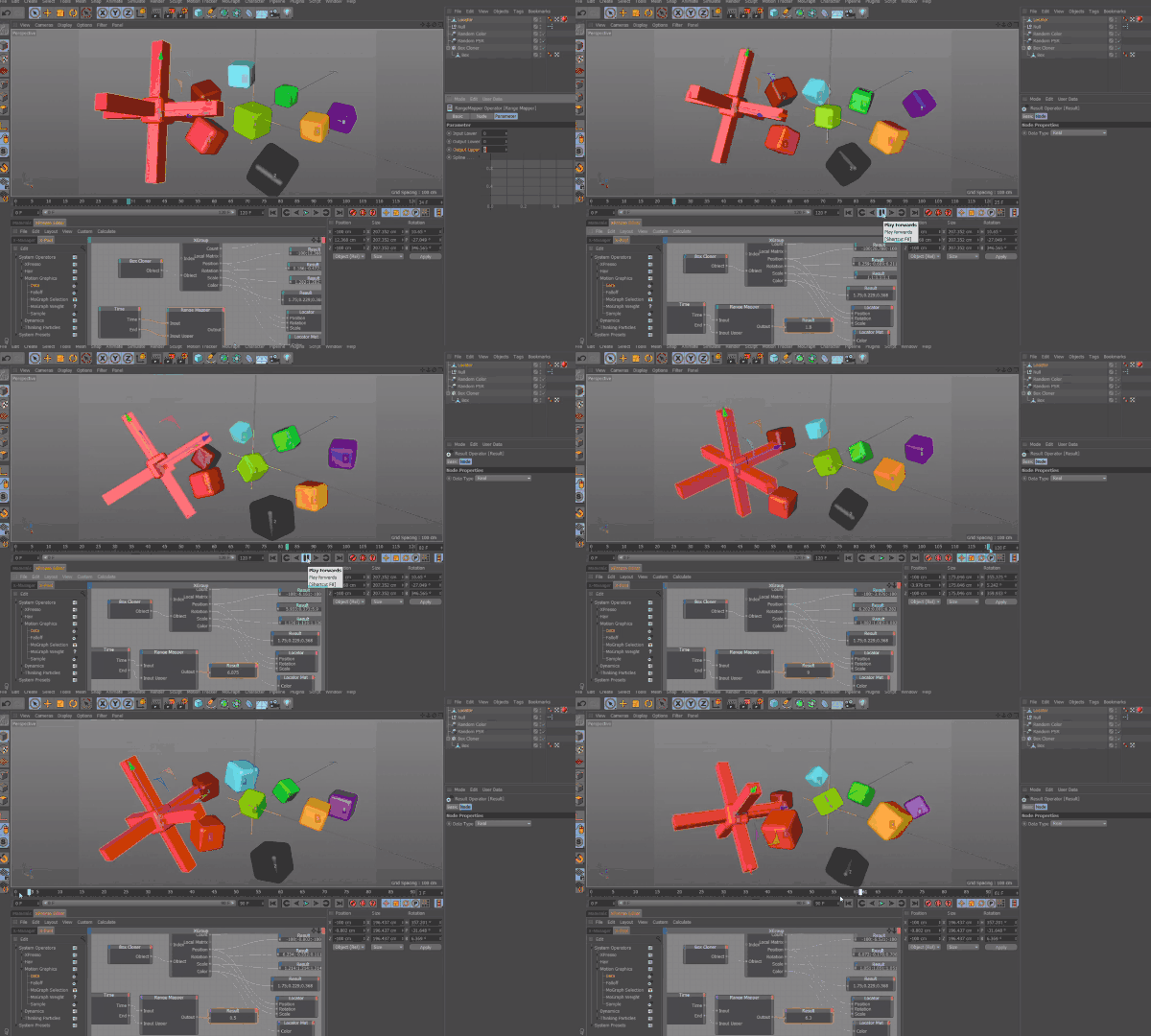
  • Continuing from Part 1, we'll explore the fundamentals of Cinema 4D's Xpresso. Specifically, we'll introduce the basics of particle manipulation using Thinking Particles, and explore how to integrate it with Rigid Bodies and Mographs. This course will provide a deeper understanding of Xpresso.

🌈 Preview the lecture

🙌 Tools covered here

  • Maxon Cinema 4D R18

This course uses Cinema 4D R18 , and was created based on versions R17-R18. Therefore, we recommend using that version or a later version.
You can purchase the program or download a demo version from the Maxon official website. (Latest version 20) Official website link

🙋🏻‍♂️ Expected questions related to the lecture

Q. Can non-majors and beginners also take the course?
A. This course is designed based on Cinema 4D R17-R18 versions and assumes that you will be using the basic functions of the tool. Therefore, please take this course after learning the basics of Cinema 4D.

Q. Are lecture notes included?
A. Yes, the lecture notes are attached to the second lecture of each lecture part. You can download the notes by clicking the cloud-shaped icon on the left tab of the lecture playback screen.

Recommended for
these people

Who is this course right for?

  • Anyone who can handle Cinema 4D R17 ~ 18 at a basic level

  • Anyone who wants to create a mechanized 3D motion structure that is difficult to implement with general animation functions alone

Need to know before starting?

  • Basic Cinema 4D operation skills

Hello
This is

8,277,763

Learners

6,285

Reviews

4.6

Rating

309

Courses

유용한 IT 강의를 통해 여러분의 성장을 돕겠습니다.

Curriculum

All

40 lectures ∙ (21hr 30min)

Course Materials:

Lecture resources
Published: 
Last updated: 

Reviews

All

23 reviews

5.0

23 reviews

  • rhkdeodpfh님의 프로필 이미지
    rhkdeodpfh

    Reviews 3

    Average Rating 5.0

    5

    100% enrolled

    제가 볼 땐 콜X소의 200만원이 넘는 강의와는 비교도 안될 정도로 좋습니다. 강사님께서 강의를 준비함에 있어, 얼마나 많은 고민을 하셨을지는 목차만 봐도 알 수 있습니다. 이 강의는 "후배를 향한 헌신"이라 생각 할 정도 입니다. 강사님의 좋은 강의에 너무나 감사드립니다~

    • 맥쥬님의 프로필 이미지
      맥쥬

      Reviews 1

      Average Rating 5.0

      5

      10% enrolled

      엑스프레소에 이제 막 입문하는데 한국어강좌가 있어 도움이 많이 되고있습니다 노드도 하나하나 예시들어 설명해주셔서 이해도 잘 가네요 정말 감사합니다!~

      • lovepssp님의 프로필 이미지
        lovepssp

        Reviews 1

        Average Rating 5.0

        5

        93% enrolled

        접근하기 어려웠는데 하나하나 알려주셔서 감사합니다!

        • Yuni님의 프로필 이미지
          Yuni

          Reviews 11

          Average Rating 4.9

          5

          100% enrolled

          많은 내용이 들어있다 보니 조금 어려웠지만 최대한 쉽게 설명해주시는 거 같아요. 씨포디의 무한한 가능성을 볼 수 있어서 좋았습니다.

          • heejoy1031님의 프로필 이미지
            heejoy1031

            Reviews 3

            Average Rating 4.3

            5

            100% enrolled

            좋아요 감사합니다.

            $55.00

            usefulit's other courses

            Check out other courses by the instructor!