

inflearn logo
inflearn logo

Blender Geometry Nodes Class Part 3

A clear conceptual explanation of Geometry Nodes, which will be the core of Blender's next-generation workflow. This class aims to foster the critical thinking skills needed to understand and apply principles, rather than just providing simple follow-along examples, so that you can fully unleash your creativity with Geometry Nodes. This is an up-to-date class conducted using Blender version 5.0. Beyond simply following examples, this class focuses on developing "Node Thinking"—the ability to deconstruct and reconstruct complex structures into simple principles. Experience the essence of Geometry Nodes based on a solid foundation that remains unshaken in any version of Blender. Experience a class filled with the insights and know-how of Runtime, who has tracked every version of Blender since the release of version 2.8 in 2019.

10 learners are taking this course

Level Basic

Course period Unlimited

Blender
Blender
3d
3d
Blender
Blender
3d
3d

What you will gain after the course

  • A clear understanding and ability to utilize the concept of selection in Geometry Nodes.

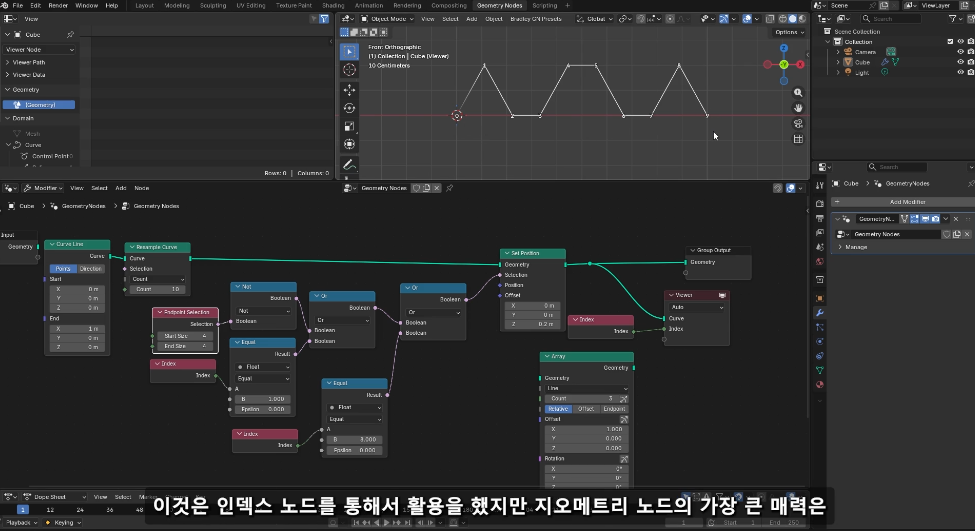
  • Modeling that is instantly completed by drawing curves

Why should you learn Geometry Nodes now? 🤔

The next-generation UI of the free open-source program Blender is being reorganized around Geometry Nodes. To face the era of generative AI, move away from the traditional, irreversible destructive methods. A non-destructive workflow that allows for free modifications and changes will bring an incomparable sense of liberation and appeal to your work.

In Part 3 of the Blender Geometry Nodes series, we will gain a deeper understanding of how Blender's Geometry Nodes operate and take an in-depth look at key concepts. Additionally, through a workflow analysis of examples that showcase the potential of intuitive working methods combined with Grease Pencil, we will explore how to utilize Blender to remain competitive even in the era of Generative AI.

Experience the Procedural Workflow using Blender's Geometry Nodes and unleash your creativity in a world of infinite possibilities.


  1. The Yesterday, Today, and Tomorrow of Geometry Nodes

  2. Selection as I please

  3. The Intersection of Grease Pencil and Geometry Nodes

  4. Example Workflow Analysis

  5. Vase Modeling

  6. Grease Pencil Drawing

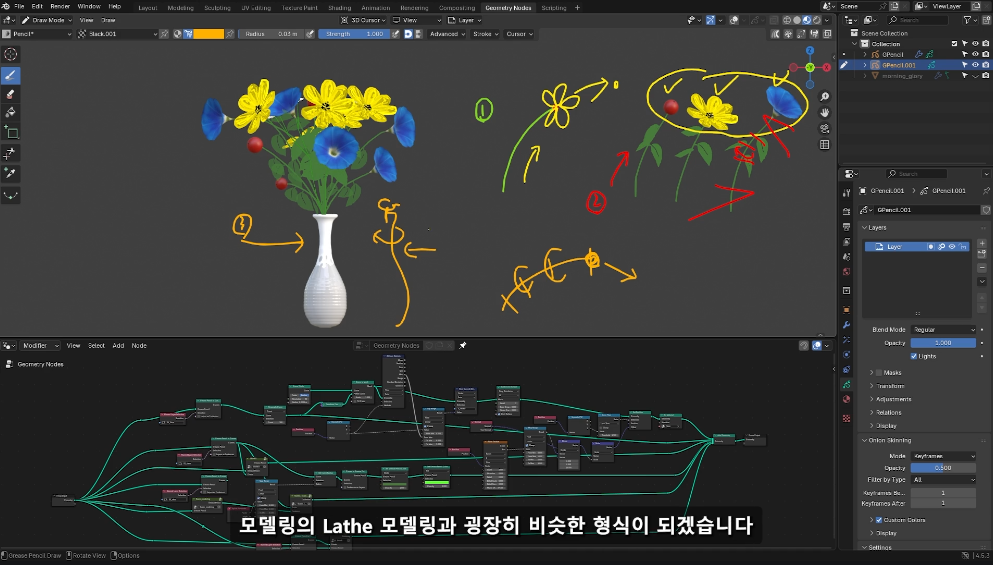
  7. Geometry Node Modeling Using Drawing

  8. Instance Array Techniques (Leaf Placement)

  9. The World of Geometry Nodes


What you will learn.

  1. The Yesterday, Today, and Tomorrow of Geometry Nodes

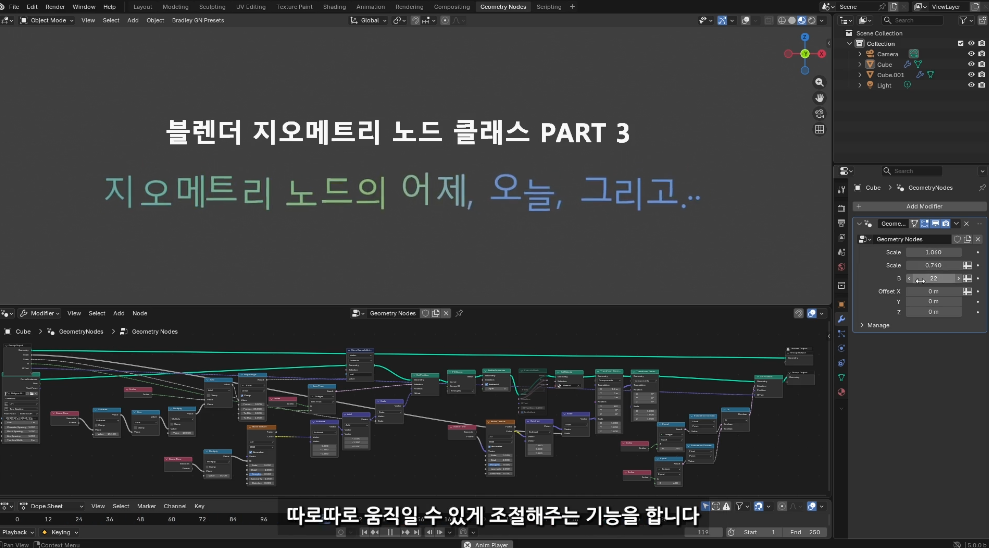
Geometry Nodes, which have been included since Blender version 2.9, have made tremendous progress up to Blender 5.0. We will look at the brief evolution of Blender's Geometry Nodes—from being initially known as just a complex modifier to becoming the core of Blender's next-generation UI—and the background of why they are bound to become even easier to use in the future.

  1. Selection at Your Will

Continuing to learn Geometry Nodes without a deep understanding of Selection is like building a house on sand. We will examine how to use the Selection socket, which represents the core mechanics of the Geometry Nodes Field system, through various case studies to build the fundamental strength required for more in-depth work.

  1. The meeting of Grease Pencil and Geometry Nodes

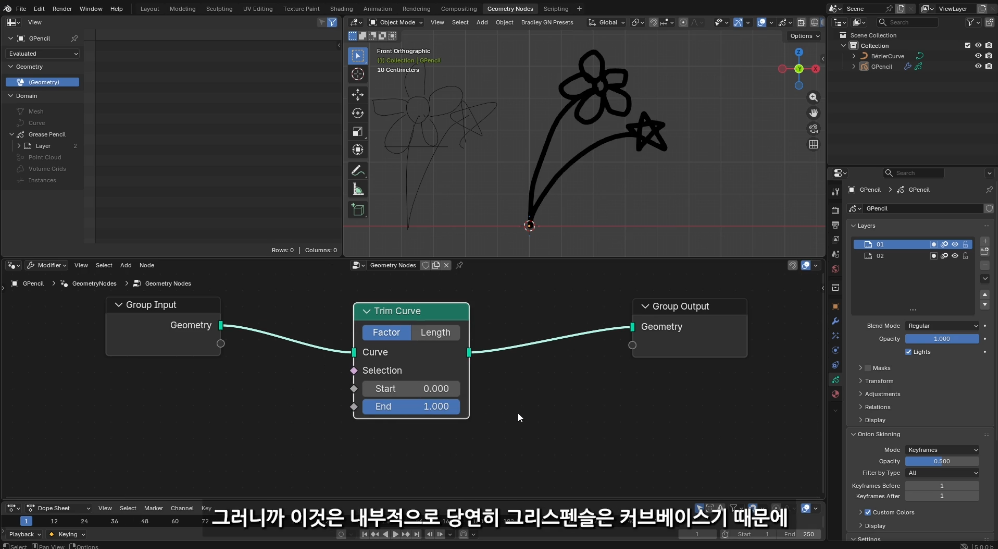
Blender's Grease Pencil and Geometry Nodes hold great significance in that they have fundamentally revolutionized all previous Blender workflows. We will examine the precautions to take when using Grease Pencil and Geometry Nodes together, as well as the level of understanding required to utilize Blender's various features more intuitively.

  1. Analysis of the example workflow

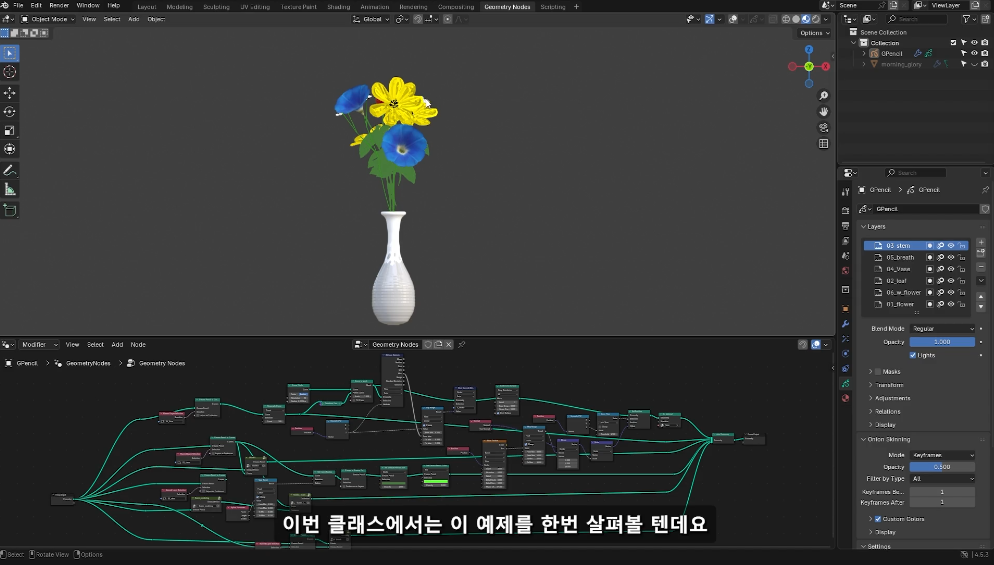
We will go through an example where modeling is created every time you draw with the Grease Pencil, taking the time to become familiar with working with Geometry Nodes. First, we will examine the underlying design and structure of the scene used in the example.

  1. Grease Pencil Drawing

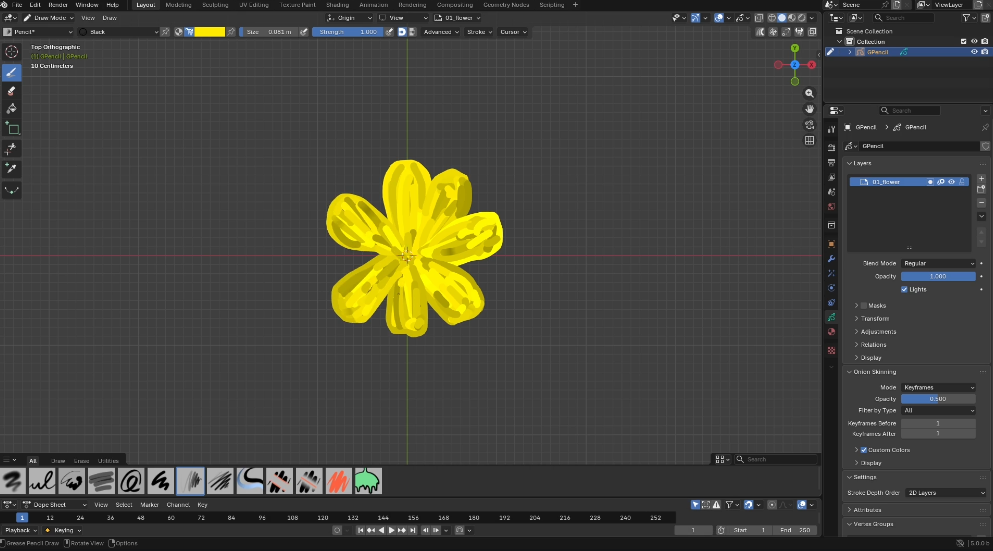
In Blender, you can carry out 3D work in various styles. In this example, we will look at the process of drawing a simple sketch with Grease Pencil and transforming it into a 3D model using Geometry Nodes.

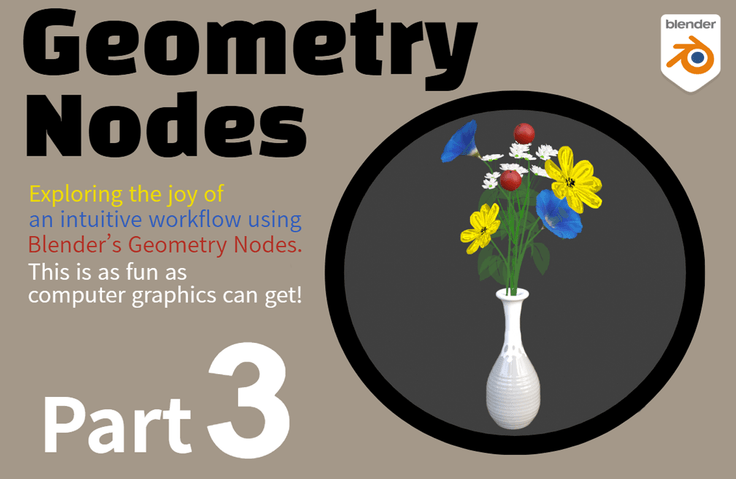
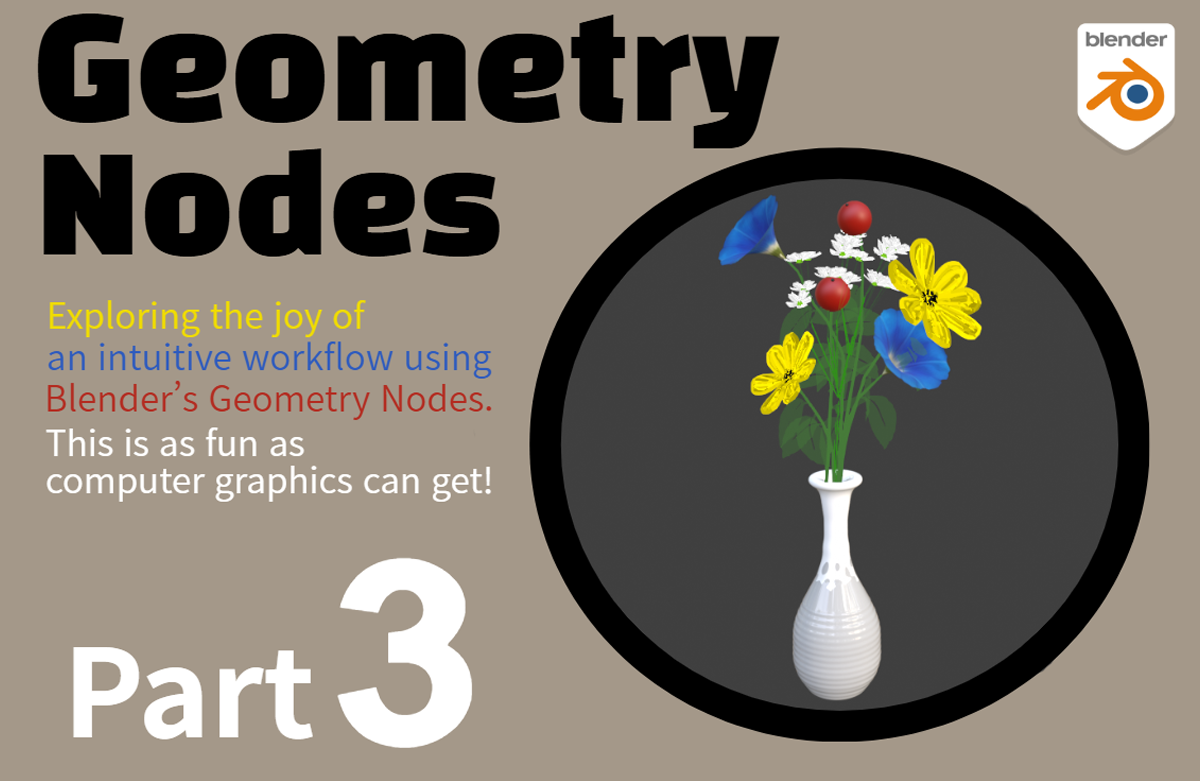
  1. Through this example—where drawing the profile line of a vase with Grease Pencil automatically completes the vase, draws the stem, naturally attaches flowers at the ends, and arranges the leaves—you will experience the immense power of working with Geometry Nodes and explore ways to materialize your own unique ideas.


This class aims to cultivate the analytical thinking skills needed to understand and apply principles, rather than simply following along with examples, so that you can fully unleash your creativity using Geometry Nodes.

Experience the charm of working with Blender Geometry Nodes through a class filled with Runtime's unique insights, tracking every version of Blender since it became popularized with version 2.8 in 2019.

Runtime YouTube Channel
https://www.youtube.com/@EnjoyCreativeLife

Open Class YouTube Channel
https://www.youtube.com/@BlenderClass

Program used: Blender

Recommended for
these people

Who is this course right for?

  • Those who are considering innovative workflows that can compete with generative AI

  • For those who find Blender fun, but Geometry Nodes difficult

Need to know before starting?

  • Basic Understanding of Geometry Nodes and Grease Pencil

Hello
This is blender

548

Learners

67

Reviews

30

Answers

4.9

Rating

6

Courses

YouTube Management

Key Experience

  • Former Nexon

Education

  • Graduated from the School of Film, TV & Multimedia (Department of Filmmaking) at Korea National University of Arts

More
Published: 
Last updated: 

Reviews

Not enough reviews.
Please write a valuable review that helps everyone!

blender's other courses

Check out other courses by the instructor!

Similar courses

Explore other courses in the same field!

Limited time deal

$26,950.00

30%

$29.70