Creating AI Videos Using Gemini / Flow

We will create a simple AI video using Google Gemini and Flow.

(4.5) 15 reviews

165 learners

Level Beginner

Course period Unlimited

gemini
gemini
gemini
gemini
Thumbnail

Reviews from Early Learners

Reviews from Early Learners

4.5

5.0

박상현

100% enrolled

Thank you for making this a free lecture. I really enjoyed watching the video. It's so much fun!!

5.0

ingluv2017

100% enrolled

I was curious about the video-making process, and this was very helpful.

5.0

KYUNG TAE BAE

100% enrolled

Thank you for the fascinating lecture! It was very helpful.

What you will gain after the course

  • A brief self-introduction video

  • A video featuring my face

Samsung video created with VEO 3.1 Fast


AI Video,
Creating a Super Simple Self-Introduction


It's okay even if you're short on time. As a KDT Bootcamp instructor, I, Stanley Tam, have taught AI design practices to numerous students.
By incorporating feedback from existing AI video lectures, I have prepared a way for anyone to easily create their own unique self-introduction video using only Gemini and Flow, without any complex editing.
The amazing experience of completing a stunning video featuring your own face in just a few minutes—start right now!


What you can gain from this course

Create your own unique videos with AI.

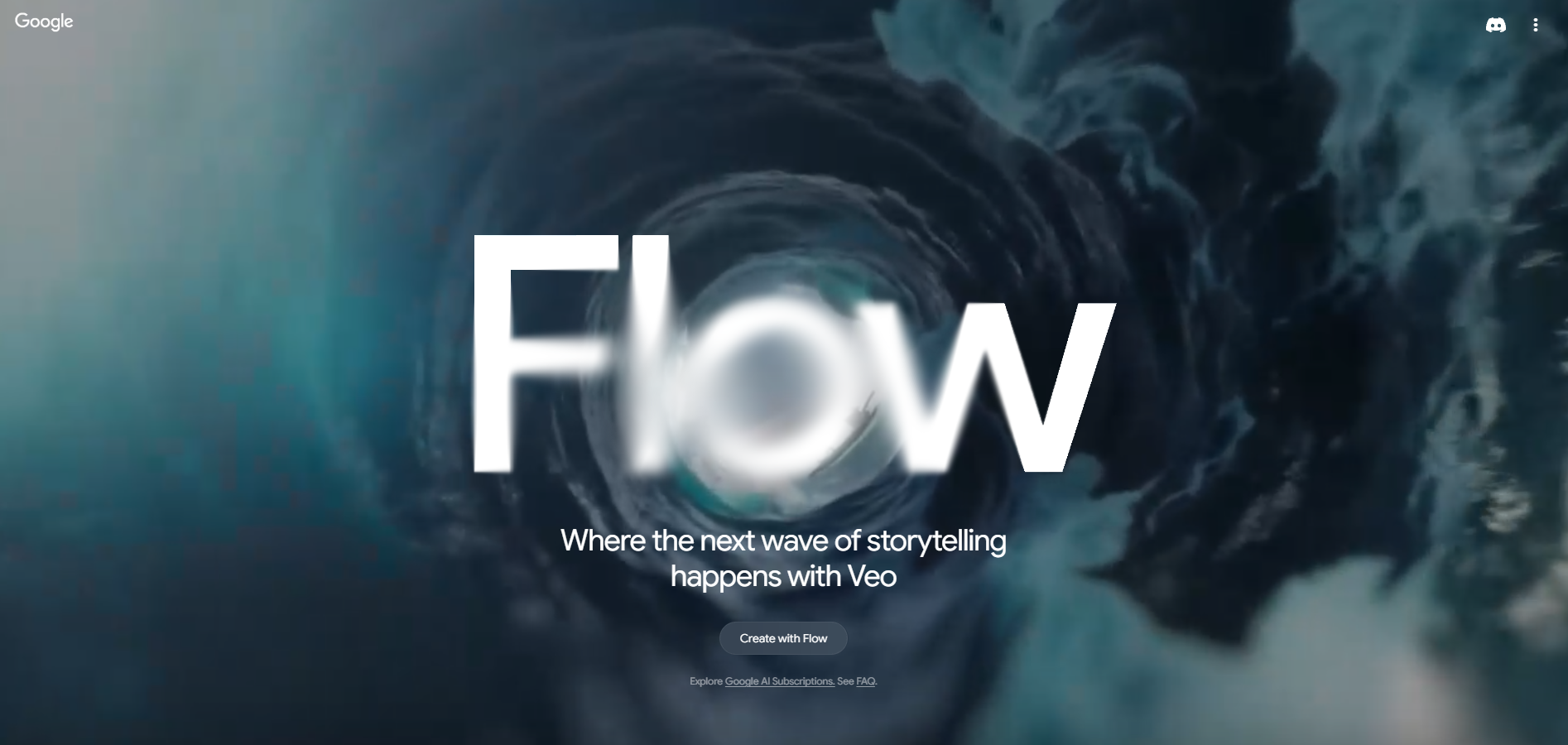
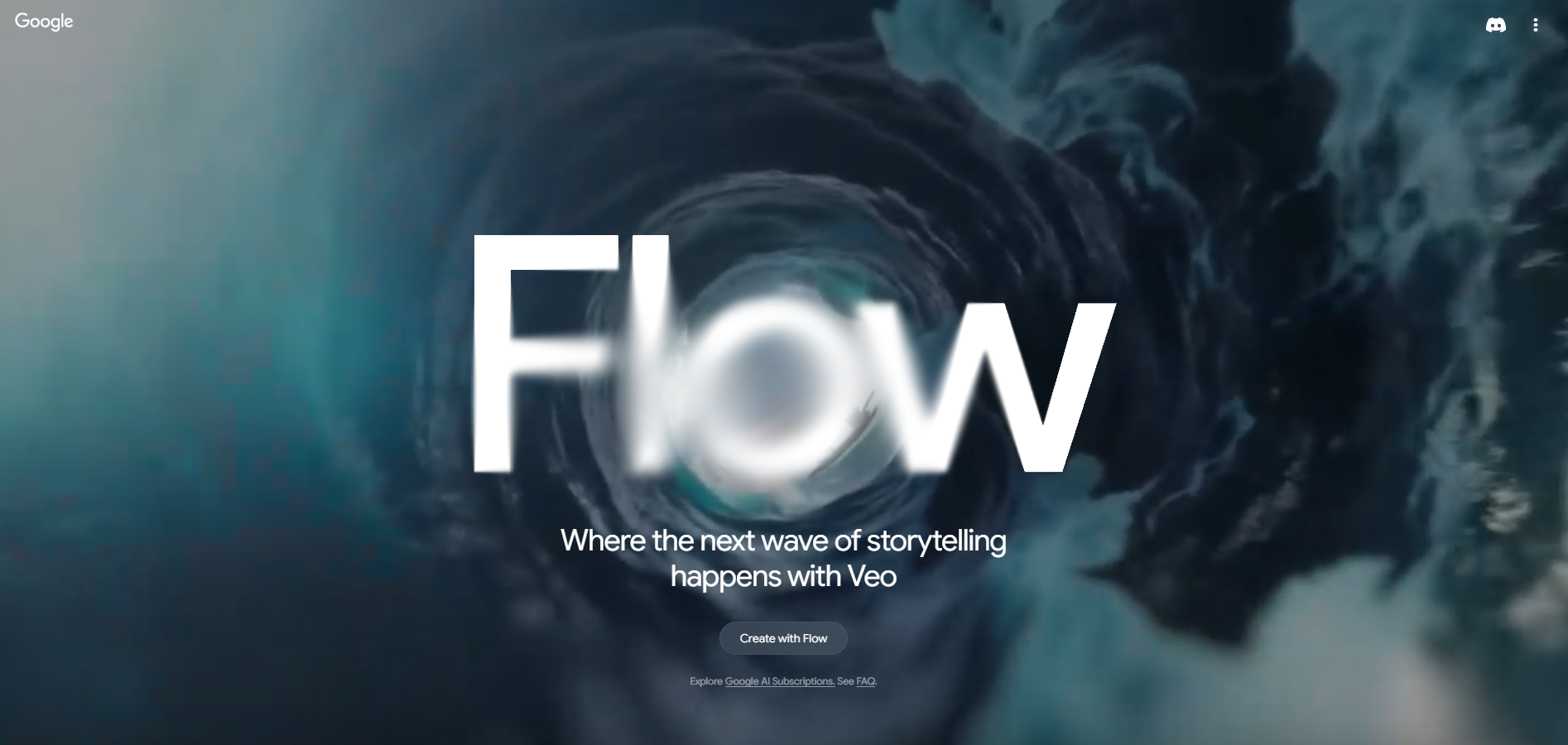
Flow Initial Screen

Based on my practical experience as a current AI designer, I will teach you specific methods to create personalized videos with your own unique character using Gemini and Flow. Beyond just learning how to use the tools, you will gain insights that can be applied to real-world tasks.を作る具体的な方法をお教えします。単なるツールの使い方にとどまらず、実際の業務に活用できるインサイトを得ることができます。

It's okay even if you're short on time. Through a practice-oriented curriculum that anyone can easily follow, you will acquire the know-how to quickly and efficiently create self-introduction videos as well as videos for various other purposes using AI.

Incorporating feedback from previous AI video production courses, we have focused on creating results that can be used immediately without editing. Experience the possibilities of AI video intuitively, without any complex processes.

Become an AI video production expert.
I will join you on the journey of turning your creative ideas into reality.


AI video is not difficult.

I am Stanley Tam, an AI design instructor.


Working as a professional designer, I have gained experience in content marketing and UI design.

Based on my experience as a UX/UI bootcamp tutor and a product designer instructor and mentor, I am currently teaching the AI Designer course in the KDT bootcamp at TeamSparta.

In particular, I have conducted practical lectures on AI video and design for various companies and institutions in 2025, including HDC Hyundai Development Company and Dimoa, an Adobe distributor.

Through these experiences, I have learned that many people find it difficult to create videos using AI tools.

But the most important thing is to try making it yourself.

Incorporating feedback from previous AI video lectures, I would like to teach you the core principles of AI video production more easily and quickly.

Through this course, you will be able to save time and create the videos you want yourself.


Experience the joy of AI video creation together and turn your ideas into reality! Get started right now!


Course Overview

Everything About AI Video Production

Section 1

Introduction to AI Video Production with Gemini and Flow

This course covers how to create simple AI videos using Google Gemini and Flow. Incorporating feedback from previous AI video production courses, it focuses on creating self-introduction videos and shares practical, hands-on experience.


Who this course is for

Recommended for the following people

Busy professionals, create AI videos in just 10 minutes

AI video production, now anyone can start easily


Notes Before Taking the Course


Practice Environment

  • No separate program installation is required; all you need is a web browser.

  • A stable internet environment is essential for using Gemini and Flow.

  • It is recommended to have basic PC specifications to check the video production results.

Prerequisites and Important Notes

  • Even those who are new to AI video production can easily follow along.

  • It is suitable for those who want to create their own simple self-introduction video.

  • It is even better if you have experience in video production using AI tools.

Learning Materials

  • Lecture slide PDFs are not provided.

  • You will learn how to use the free versions of the tools required for the hands-on practice.

  • It covers practical examples that reflect the latest AI trends.


Recommended for
these people

Who is this course right for?

  • People who need to make a self-introduction video but don't have the time

  • People who want to make simple videos with AI

Hello
This is stanlee

2,429

Learners

78

Reviews

3

Answers

4.3

Rating

6

Courses

(Former) NextRunners Co., Ltd. Oz Coding School Product Designer, KDT Bootcamp Lead Instructor

(Former) Codeit Inc. Codeit Sprint Product Designer KDT Bootcamp Mentor


  • 2025 Conducted Gemini / flow AI video practical training for experienced employees at HDC Hyundai Development Company

  • 2025 Conducted Adobe Firefly practical training for employees of large corporations, hosted by Dimoa, an official Adobe distributor.

  • 2024 Conducted Adobe Firefly practical training for Art Directors at Pentacle, a Megazone affiliate

  • In addition, conducted numerous AI lectures for Seoul Techno Park, Busan Metropolitan Office of Education, Ulsan Center for Creative Economy & Innovation, Gyeongnam Center for Creative Economy & Innovation, Busan Health University, Inje University, Dongseo University, and others.

More
Published: 
Last updated: 

Reviews

All

15 reviews

4.5

15 reviews

  • ingluv20175408님의 프로필 이미지
    ingluv20175408

    Reviews 2

    Average Rating 5.0

    5

    100% enrolled

    I was curious about the video-making process, and this was very helpful.

    • stanlee
      Instructor

      I'm glad I could help :)

  • rockin님의 프로필 이미지
    rockin

    Reviews 5

    Average Rating 5.0

    5

    100% enrolled

    Thank you for making this a free lecture. I really enjoyed watching the video. It's so much fun!!

    • stanlee
      Instructor

      I'm glad you enjoyed it :) Please make sure to create your own video :)

  • dreamindream905713님의 프로필 이미지
    dreamindream905713

    Reviews 1

    Average Rating 5.0

    5

    60% enrolled

    • stanlee
      Instructor

      Thank you for the rating, and please make sure to try it out and share the results with us! :)

  • ktw34137417님의 프로필 이미지
    ktw34137417

    Reviews 2

    Average Rating 5.0

    5

    60% enrolled

    • stanlee
      Instructor

      Thank you for the rating, and please make sure to try it out and share the results with us! :)

  • blueginkgo님의 프로필 이미지
    blueginkgo

    Reviews 24

    Average Rating 5.0

    5

    100% enrolled

    • stanlee
      Instructor

      Thank you for the rating, and please make sure to try it out and share the results with us! :)

stanlee's other courses

Check out other courses by the instructor!

Similar courses

Explore other courses in the same field!

Free