
inflearn logo

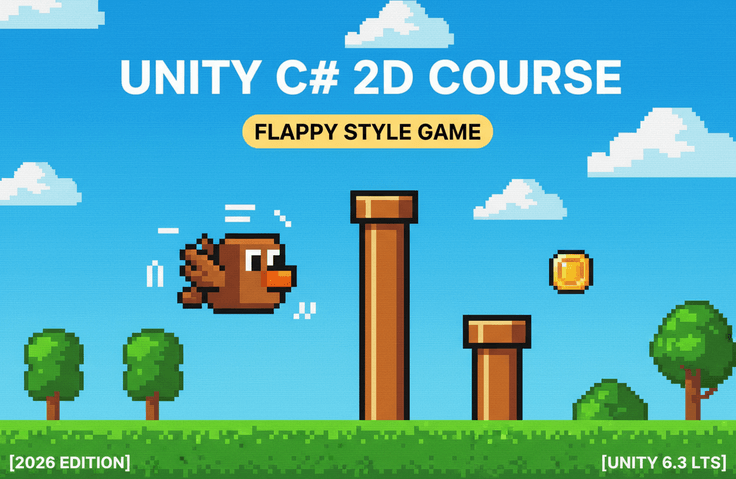
[2026 Edition] Unity x C# Introduction | Flappy Bird-style 2D Game Creation Course [Unity 6.3 LTS]

Unity 6.3 LTS Compatible | Introduction to 2D Game Development: Learning Background Scrolling, Score Management, and Saving High Scores

1 learners are taking this course

Level Basic

Course period Unlimited

Unity
Unity
oop
oop
C#
C#
game-programming
game-programming
game-development
game-development
Unity
Unity
oop
oop
C#
C#
game-programming
game-programming
game-development
game-development

What you will gain after the course

  • Basics of 2D Game Production Using Unity

  • Random obstacle generation and game difficulty adjustment

  • Score management and high score saving with PlayerPrefs

  • Game production elements such as background scrolling, SE, and BGM

🐤 Flappy Bird-style 2D Action Game Practical Lecture

In this course, we will work together to create a simple yet highly addictive "Flappy Bird-style" 2D action game from scratch using Unity 6.3 LTS and C#.
This is a hands-on course where you will implement features step-by-step, including character jump controls, obstacle generation, score management, and game-over detection.


Rather than simply following along to create a finished product, the course is structured to carefully explain the reasoning behind each implementation, ensuring you gain a solid foundation in Unity game development.
Additionally, by incorporating reactive programming using R3 and reusable object-oriented design, we aim for a structure that makes it easy for you to add features or modify the game on your own even after completing the course.


Precisely because it is a simple game, it is packed with the "fundamentals" necessary for game development.
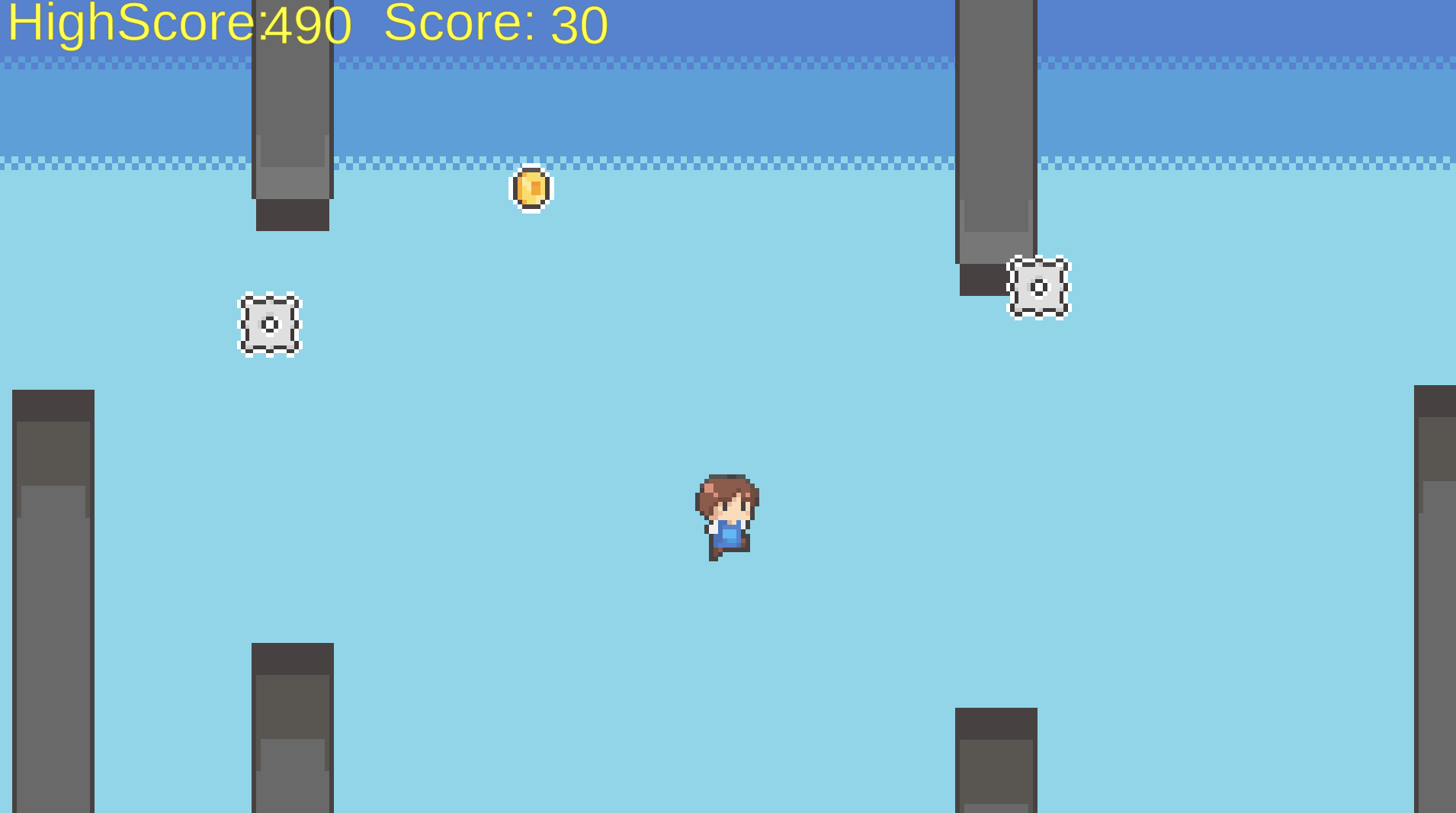
You can systematically learn mechanisms frequently used in 2D game production, such as background scrolling, random obstacle generation, increasing difficulty levels, score effects, and saving high scores.


Another feature of this course is that through practical game programming using Unity and C#, you will gain the "ability to expand games on your own" rather than just creating simple samples.


By adopting a design focused on component separation, it is easy to add obstacles, new score systems, and visual effects, resulting in a structure that is useful for actual Unity development.

What you will learn in this course

  • Basics of 2D game development using Unity 6.3 LTS

  • Implementation of character jump controls and physics behavior

  • Random generation of obstacles and stage progression control


  • Score items and score management system

  • Saving high scores using PlayerPrefs

  • How to create game effects using SE and BGM

  • Basics of reactive programming with R3

  • Component-oriented design for easy extensibility

  • Building the game flow from the title screen to game over

Features of this course

  • Fully Practical: A course structure where we complete a game together from scratch

  • Proceeding with detailed explanations tailored for beginners.

  • Systematically learn the basics of Unity and C# through a simple game


  • Highly extensible code structure utilizing R3

  • Distribution of source code modified in each lecture

  • Efficient learning is possible with short videos of around 5 to 10 minutes each.

  • A structure that is easy to freely modify after learning, such as adding obstacles or implementing new gimmicks.

Who this course is recommended for

  • Those who are challenging game development for the first time with Unity

  • Those who want to learn practical game development using C#

  • Those who want to complete a simple game from start to finish

  • Those who want to try making a Flappy Bird-style game

  • Those interested in component-oriented design

  • Those who want to learn reactive programming with R3

  • Those who want to create a 2D game for their portfolio

Through this course, you will be able to significantly improve your game development skills using Unity and C# while completing your own Flappy Bird-style 2D action game.
Let's have fun learning the basics of game creation and develop it into your very own original game!


*This course uses assets from Goldmetal Studio.

Precautions before taking the course

Practice Environment

  • Operating System and Version (OS): Mac (Can also be taken on Windows)


  • Tools used: Unity 6.3 LTS, Visual Studio Code


Learning Materials

  • Source code for each lecture is distributed.

  • Links to materials used


Prerequisite Knowledge and Precautions

  • Required Knowledge: Basic Unity operations, fundamental C# syntax

  • This course is a practical, hands-on workshop where you will learn by doing.

Recommended for
these people

Who is this course right for?

  • A beginner who wants to start making games with Unity

  • Those who want to learn Unity while completing small-scale games

  • For those who want to create a Flappy Bird-style game

Need to know before starting?

  • Basic computer operations, downloading Unity, and downloading editors such as Visual Studio.

Hello
This is Sorappu

262

Learners

7

Reviews

3

Answers

4.9

Rating

5

Courses

Based on my experience teaching myself Unity, I strive to provide easy-to-understand explanations and make an effort to mention shortcuts every time I use them.


Hello, I'm sorappu!

Based on my experience self-teaching Unity, I am striving to explain things in a way that is easy for everyone studying Unity to understand.

More

Curriculum

All

58 lectures ∙ (3hr 41min)

Published: 
Last updated: 

Reviews

Not enough reviews.
Please write a valuable review that helps everyone!

Sorappu's other courses

Check out other courses by the instructor!

Similar courses

Explore other courses in the same field!

Limited time deal

$3,960.00

70%

$9.90