inflearn logo

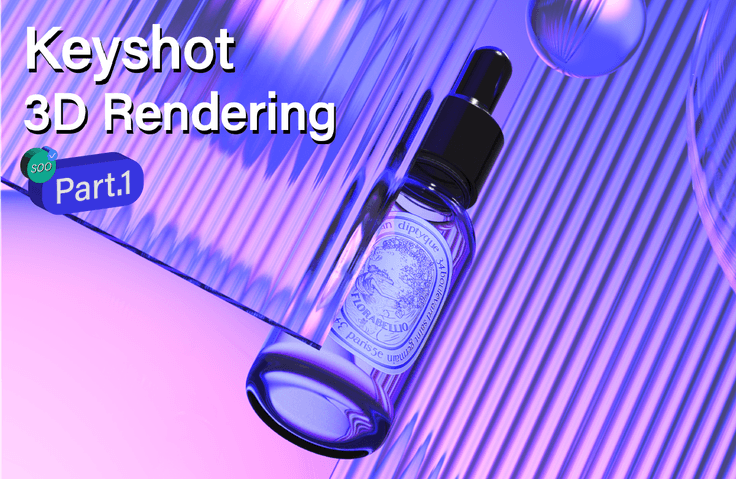
KeyShot Introductory•Beginner: KeyShot Rendering & Post-Processing for Hyper-Realistic Product Images Part.1

No more unrealistic, toy-like images! I'll kindly share the advanced know-how for hyper-realistic product rendering!

(5.0) 19 reviews

111 learners

Level Beginner

Course period 18 months

KeyShot
KeyShot
3d-modelling
3d-modelling
3d-rendering
3d-rendering
Rhino
Rhino
Photoshop
Photoshop
KeyShot
KeyShot
3d-modelling
3d-modelling
3d-rendering
3d-rendering
Rhino
Rhino
Photoshop
Photoshop

Reviews from Early Learners

Reviews from Early Learners

5.0

5.0

JUN_11

31% enrolled

I didn't know even the basic settings of KeyShot and was a complete beginner, but thanks to your detailed and step-by-step explanations, I understood well and was able to follow the lessons without any difficulty. Of course, there are still many areas where I'm lacking, but my skills have really improved a lot compared to before. I'm currently taking Part 1 and want to take Part 2 as well to quickly improve my skills even faster. Thank you!

5.0

전진희

20% enrolled

I also graduated from an art school's metal craft department, and after doing only handwork, as 3D work became more commercialized, I transitioned to computer work using Rhino, ZBrush, KeyShot, etc. Since I was already working, I had no choice but to actively seek out and take classes. I've been gathering information and learning various things to use them in practical work, but KeyShot is such an intuitive tool that even while learning Rhino, I could only learn enough to simply express the material texture of jewelry. I'm listening to Section 2, but the teacher is truly the real deal... Sometimes when I listen to 3D classes, there are tutors who film and sell classes based solely on their career experience, and I have no idea what they're trying to explain or how they're explaining it. When I encounter those, I really feel like I've been deceived. But with this person, even though I've only listened up to Section 2, I can clearly feel that they've taught really well for a long time. It sticks in my ears, and I thought that once I finish all of this, I'll really improve a lot. Especially since there are hardly any KeyShot classes, I feel like I've really found a great one. Thank you.

5.0

DOHUN KIM

8% enrolled

There are many people who teach modeling, but the KeyShot lecture is finally... I finally found a good lecture. In fact, it was hard because no one taught it, but I paid for the teacher's YouTube video right away because it was lacking something. I will watch it well.

What you will gain after the course

  • Advanced know-how to maximize product presentation

  • Luxurious lighting control, camera work, and composition directing

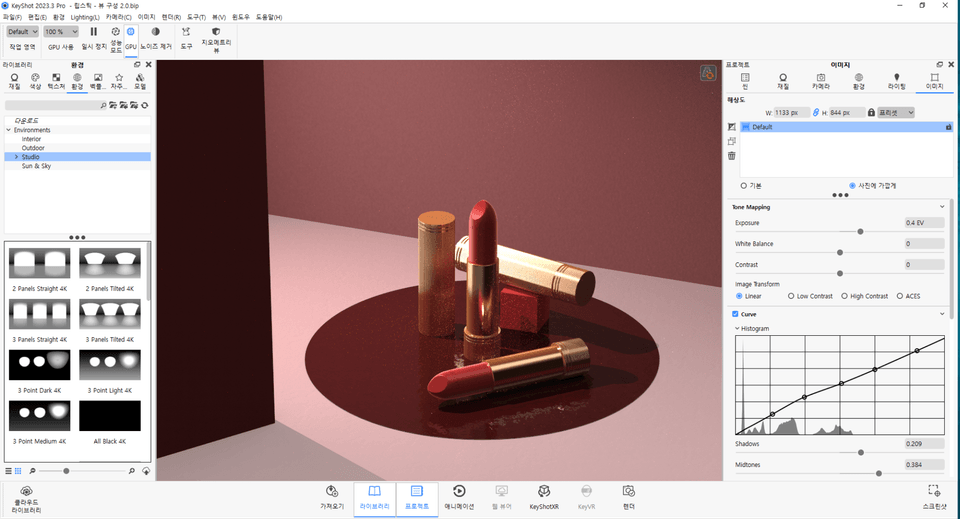
  • Basic ways to use the Material Graph

  • Sensory KeyShot Animation Techniques

  • The Ultimate Detail - Photoshop Post-Processing

KeyShot Rendering & Post-Processing for Hyper-Realistic Product Images Part.1

Join SOO to master everything from photorealistic rendering skills using 25 core examples to advanced lighting setups, material graphs, stylish camera compositions, texture mapping, and presentation techniques that bring out the finest product details! 😃

What you will learn

1. KeyShot Rendering: From Principles to Core Features

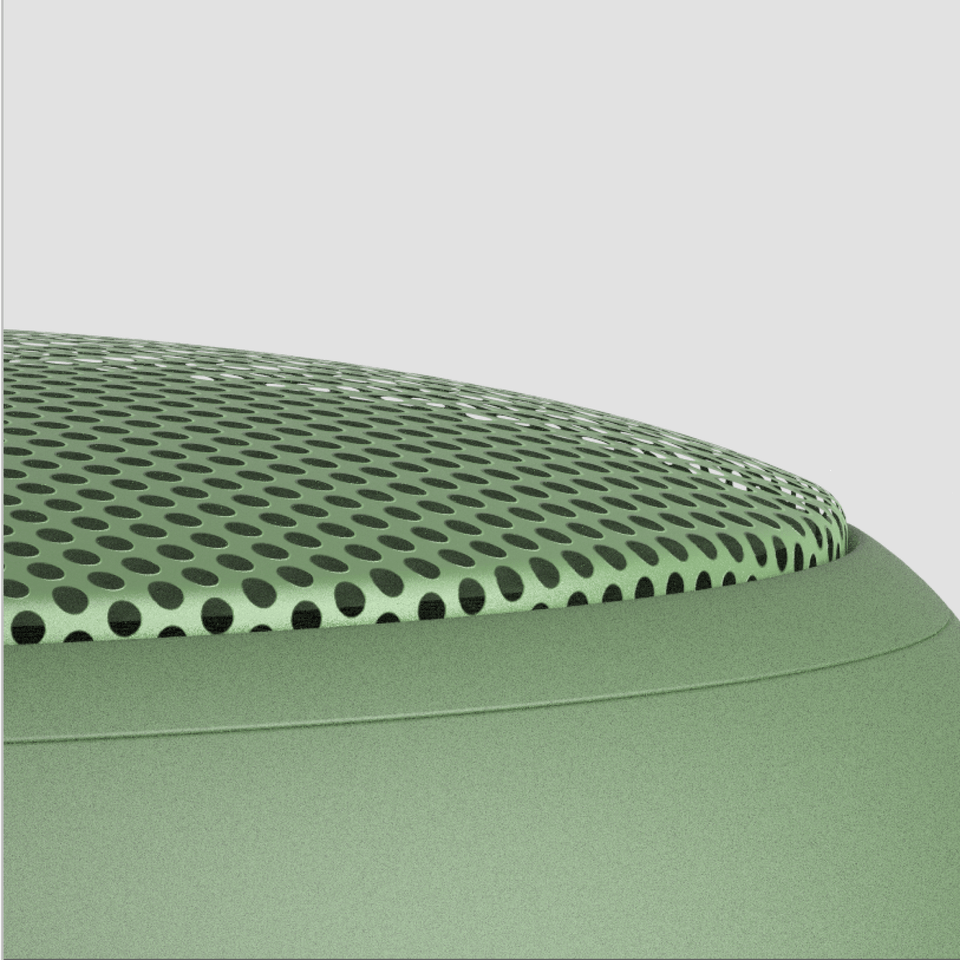
We will provide a complete rendering guide from start to finish using 25 core examples, allowing you to sequentially learn and apply everything from the most commonly used materials in KeyShot to unfamiliar and challenging texture mapping.

2. From luxurious light settings to creative light utilization

Learn and master all the know-how regarding HDR editing and lighting, from basic lighting settings and photorealistic light utilization to halo effects and artistic lighting..

3. Camera Composition, Scene Direction, and Texture Mapping Techniques

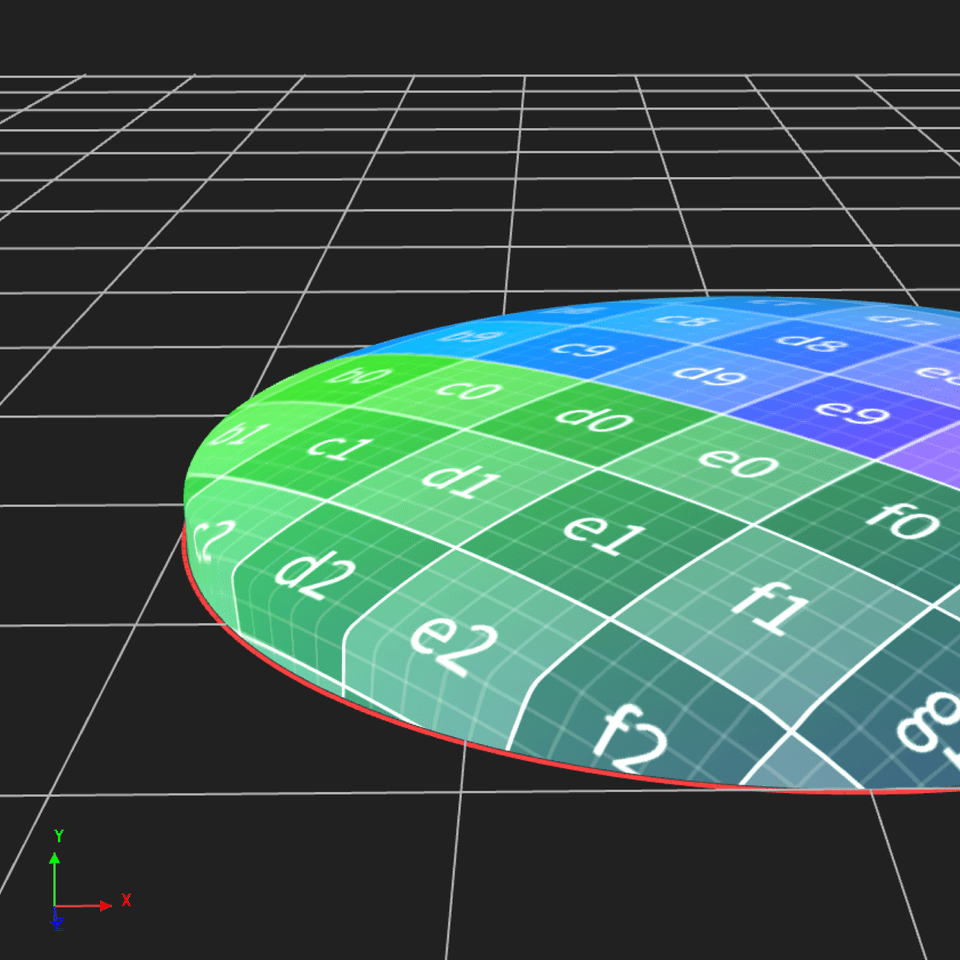
Learn about sensory camera composition and production settings, master UV Unwrapping which is exclusive to KeyShot, and utilize perfect texture mapping..

4. Material Graph - From Basics to Advanced

Based on a basic understanding of the Material Graph, you will learn how to use various textures and nodes. Rather than simply following along, you can develop application skills based on principles and understanding.

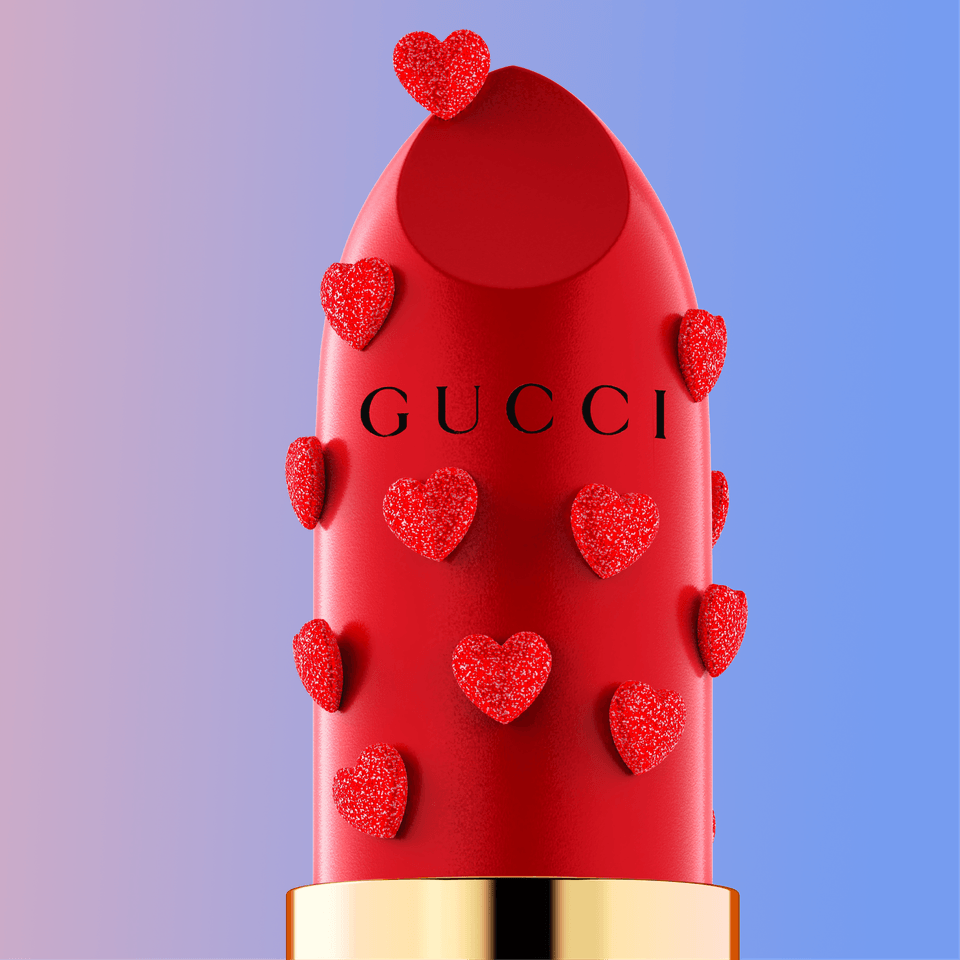
5. Cosmetic Series - Advanced Know-how for Maximizing Product Presentation NO.1

Based on the practice we have mastered so far, we will learn the cosmetic series to maximize presentation and develop the 'discerning eye' to distinguish between good and bad images.

6. KeyShot Animation Techniques

From the basic movements of KeyShot animation to advanced lighting techniques, you will learn and apply everything that forms the foundation of KeyShot animation.

7. The Ultimate Level of Detail - Photoshop Post-Processing

Learn Photoshop post-processing to fill in that final 2% missing from KeyShot. You will learn Photoshop retouching know-how to maximize image quality and methods for image compositing that can only be done in Photoshop.

8. Let's increase the completion rate!

Great job on completing the classes. For those wonderful students who have finished the course, we are providing the additional videos shown above. 😀 For those who have written a lecture review or completed more than 70% of the progress, please check [Section 18] and send us a verification to our email address, and we will send you the link.

Learning Content: From Section 0 to 18

We will proceed with everything from rendering to post-processing for all materials from Section 0 to Section 18.

<Section 0 to Section 3>

  • Section 0: KeyShot OT, Interface Settings

  • Section 1: Basic usage and principles of KeyShot

  • Section 2: Labeling, Material Graph Basics

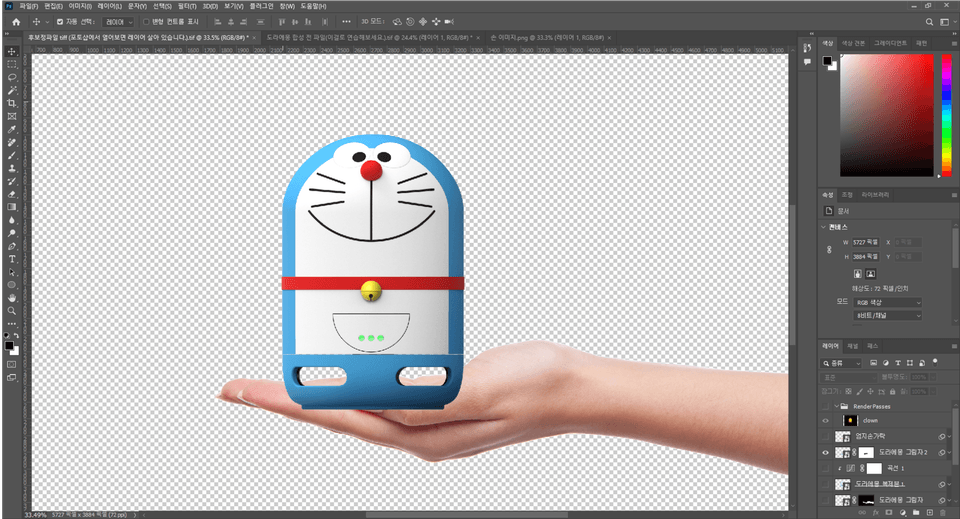
  • Section 3: Basic Photoshop Compositing Know-how

<Section 4 to Section 6>

  • Section 4: Paint Metallic Material, Hairline, Labeling

  • Section 5: How to use photorealistic light, HDR editing, post-processing

  • Section 6: Silicone material, easy ways to create shadows, hand compositing, product arrangement using pattern tools

<Section 7 to Section 9>

  • Section 7: Silicone, Texture Mapping, UV Unwrapping

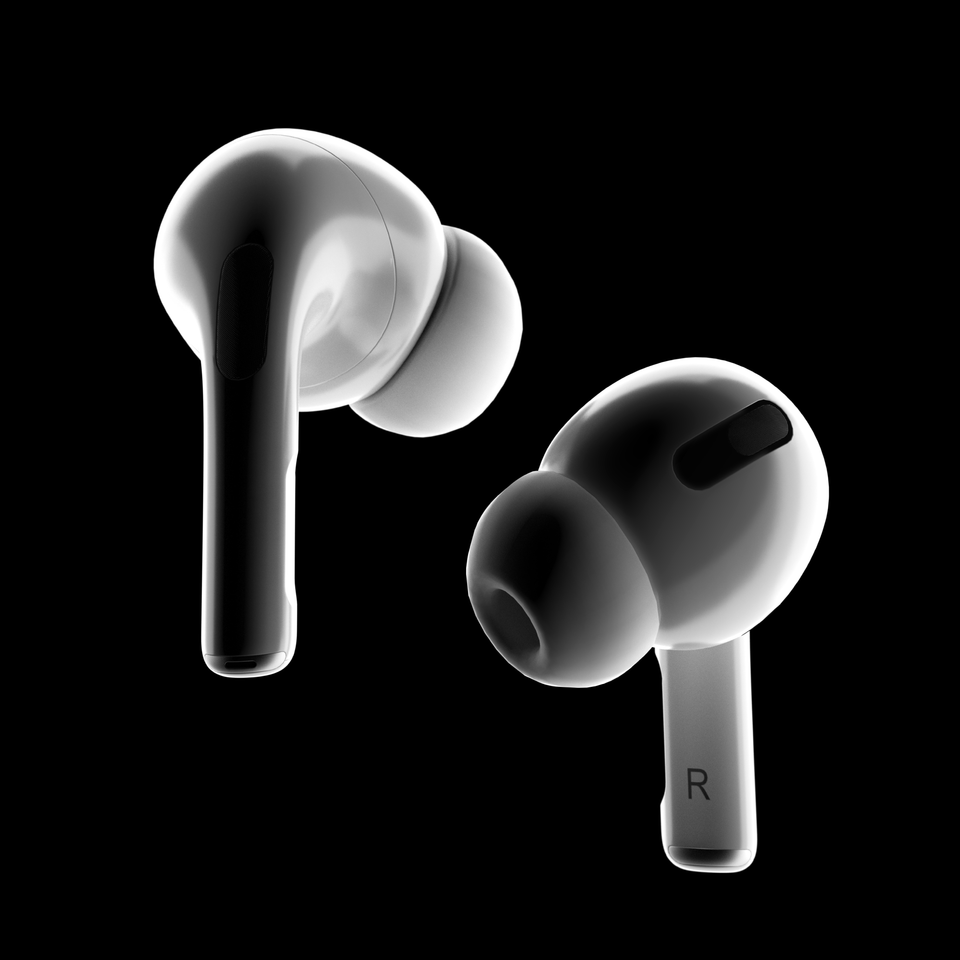
  • Section 8: AirPods Pro Black & White Rendering, Halo

  • Section 9: Advanced Material Graph, using emotional lighting with spotlights

<Section 10 to Section 12>

  • Section 10: Hairline texture, water composite post-processing

  • Section 11: Advanced Material Graph, Photoshop Spatial Composition

  • Section 12: Advanced Material Graph, expressing glass textures using Dielectrics and Abbe number

<Section 13 to Section 15>

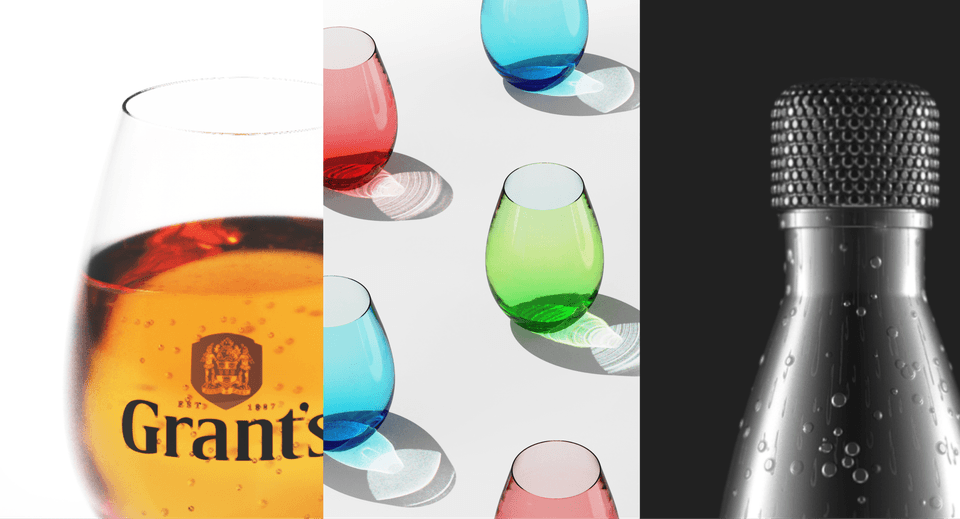
  • Section 13: Expressing glass, bubble, and water textures

  • Section 14: Expressing shadows using ice and caustics

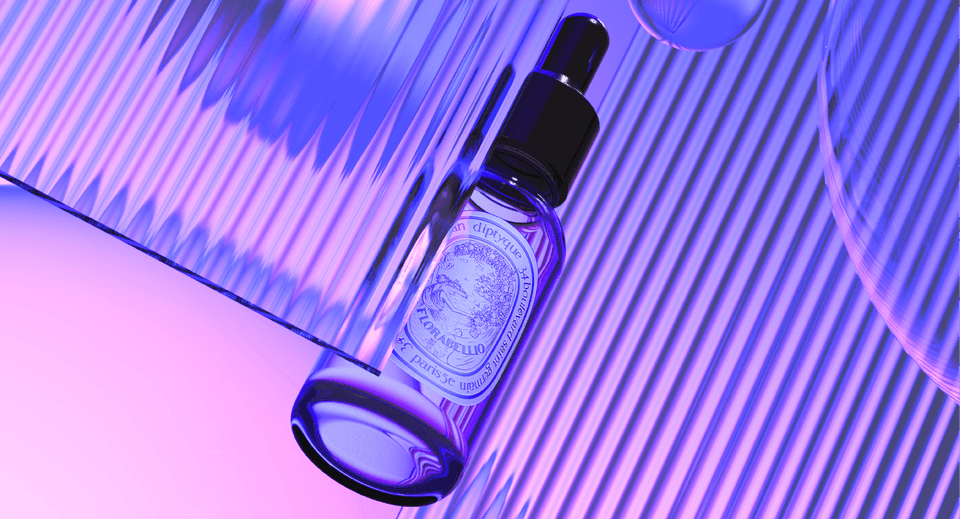
  • Section 15: Advanced Material Graph, expressing water droplets on bottle surfaces and post-processing

<Section 16 to Section 18>

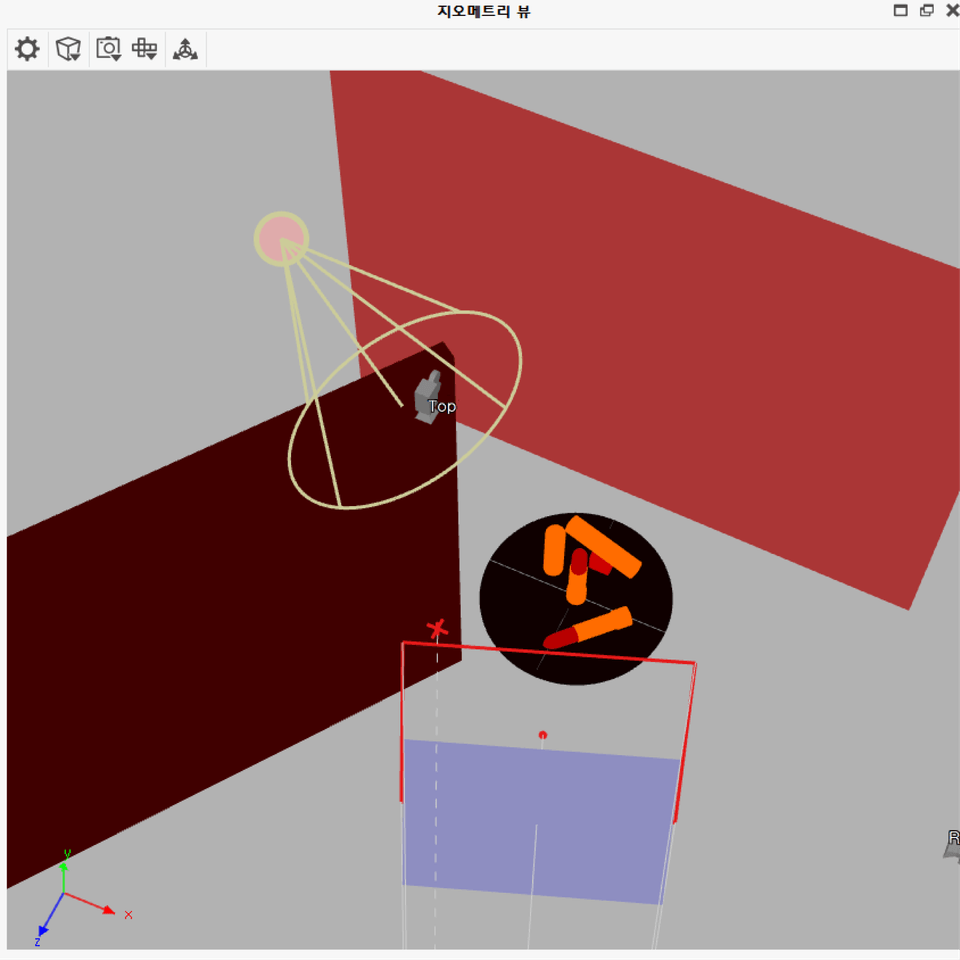
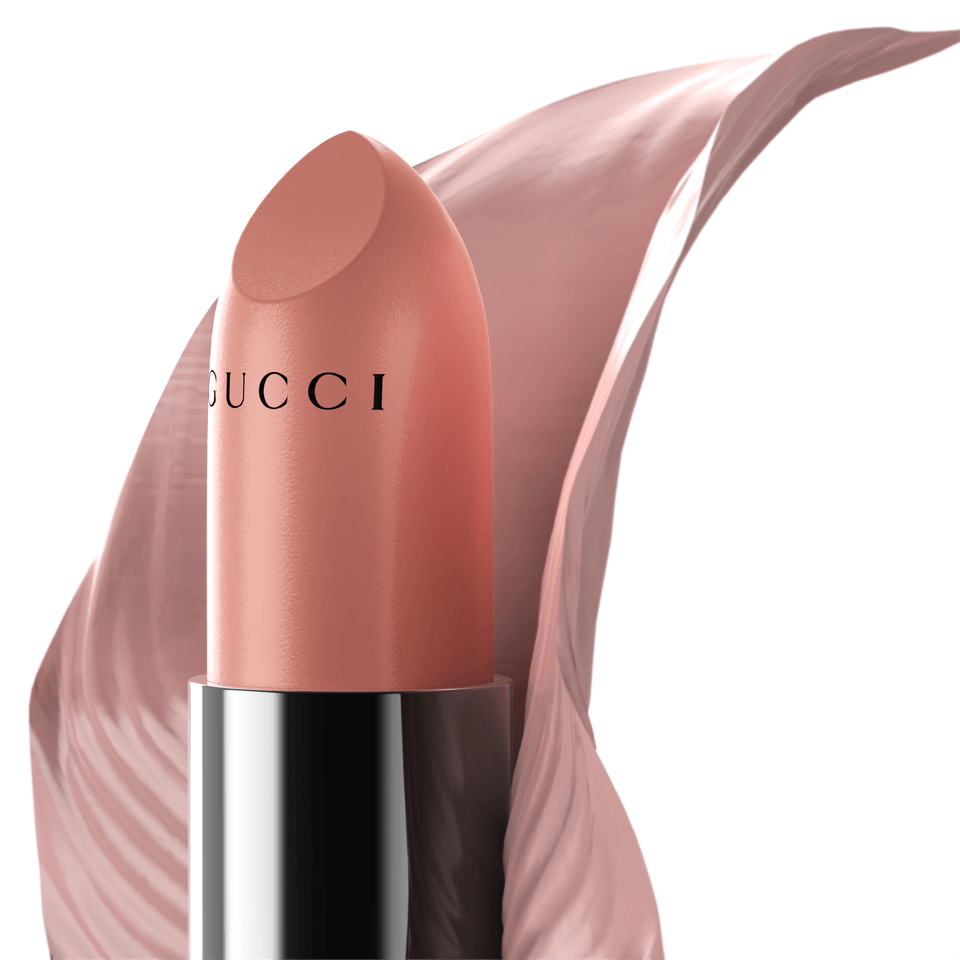
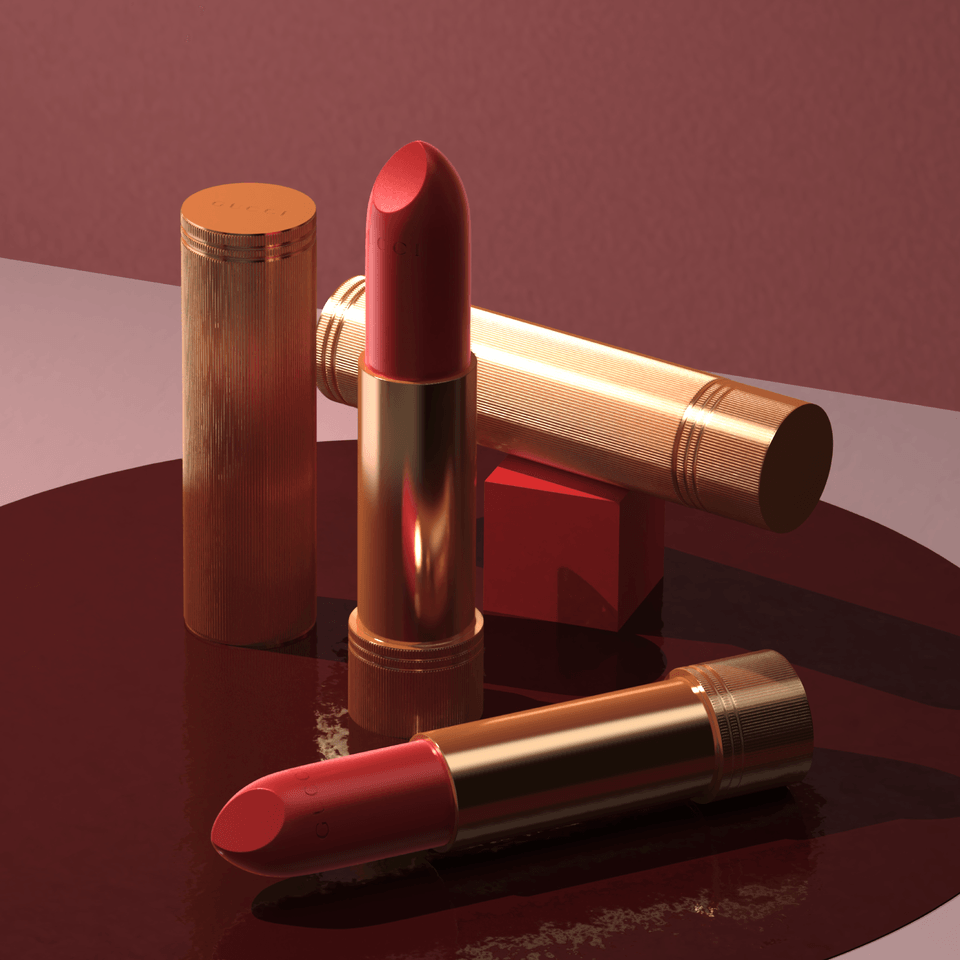
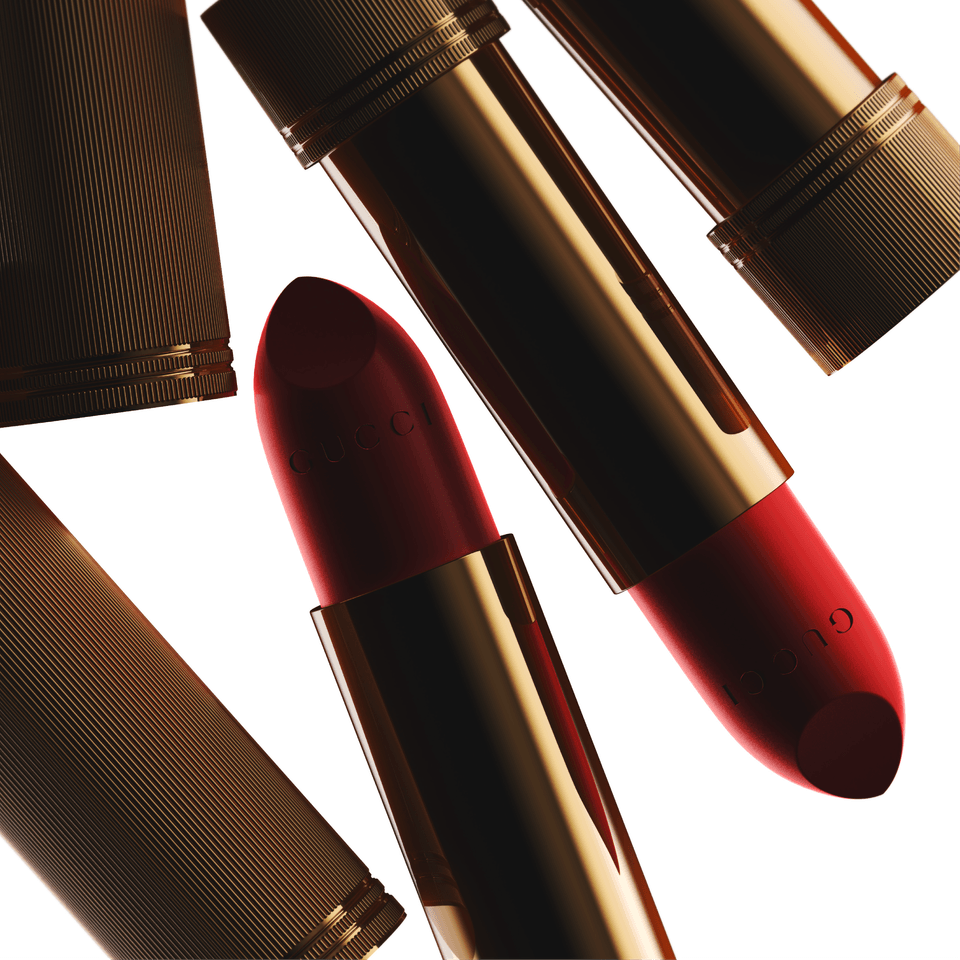
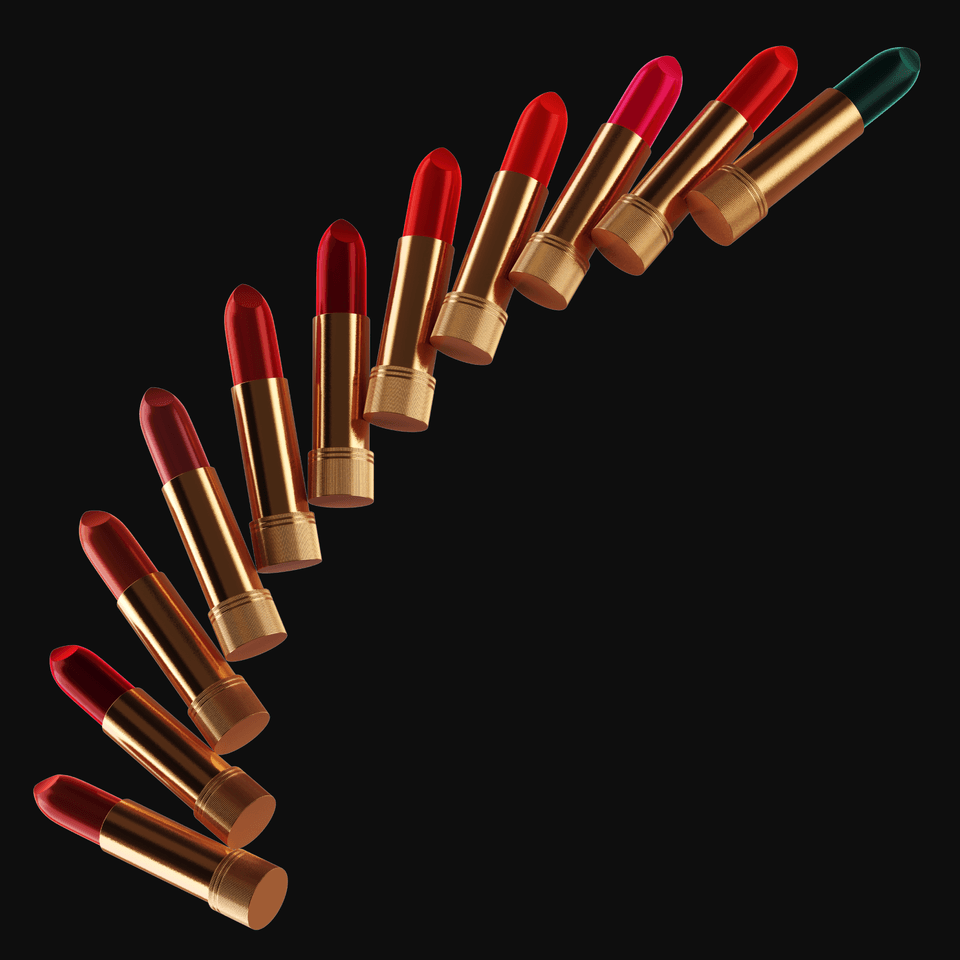
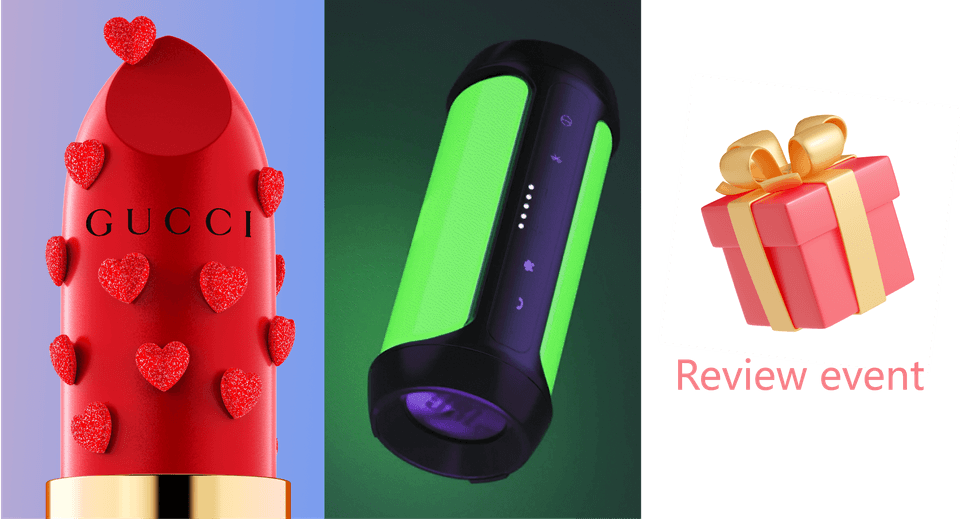
  • Section 16: Know-how for maximizing product presentation, Gucci lipstick

  • Section 17: From Animation Basics to Advanced Techniques

  • Section 18: Review Event

Q&A 💬

Q. I am a complete beginner to KeyShot; will I have any trouble taking this course?

A. This course is designed to cover everyone from beginners to intermediate users, teaching everything from basic principles to advanced application methods. If you follow along step-by-step, anyone can become a rendering expert. Furthermore, by repeating the entire process from rendering to post-processing from start to finish, we will intensively elevate your rendering skills! 😄

Q. What are the instructor's strengths?
A. Based on my experience teaching over 600 students, I provide lessons that are easy to understand, and I have packed this course with all my know-how and tips. Due to the nature of online lectures, there is a disadvantage of not being able to ask questions immediately, so I have incorporated answers to potential questions directly into the lectures. You might be surprised when I address your questions before you even ask them! I am sharing all of my know-how and secret tips with you.

Q. What are the main points of this lecture?
A. You can acquire high-quality rendering skills through photorealistic materials, lighting, composition, and art direction, as well as noise-free rendering techniques, animation methods, and detailed post-processing skills. The curriculum is designed to intensively improve your rendering skills to boost your work speed and efficiency. Furthermore, you will learn photorealistic Photoshop post-processing skills, providing a differentiated lecture unlike any other.

Q. Is there anything you would like to say to the students?
A. Unlike modeling, KeyShot rendering involves using almost every feature available. Therefore, you must practice rendering with various products and objects to be able to apply it in actual professional work. Across Part 1 and Part 2, there are over 50 core examples to learn, and we utilize materials, lighting, composition, art direction, post-processing, animation techniques, and texture mapping tailored to various situations. Through this process, the course is designed to intensively improve students' rendering skills so they can be applied immediately in the field.

Q. What tools and versions do I need to install?
A. Keyshot10 or higher is required, and we recommend Keyshot2023 and PhotoshopCC. Practice files can be opened in Keyshot10, while the final completed files are compatible with Keyshot2023. If you follow along step-by-step, you can achieve the same quality even without the final completed files!Keyshot2023, PhotoshopCC. Các tệp thực hành có thể mở được từ Keyshot10, và các tệp hoàn thiện có thể sử dụng trong Keyshot2023. Nếu bạn theo dõi kỹ từng bước, bạn vẫn có thể hoàn thành với chất lượng tương đương ngay cả khi không có tệp hoàn thiện!

Notes before taking the course

Practice Environment & Learning Materials

Recommended for
these people

Who is this course right for?

  • A class for KeyShot beginners and introductory users

  • Those who want to learn various materials and rendering skills

  • Those who want to learn deeply about basic lighting, camera work, and composition.

  • For those who need know-how on material graphs

  • Those who need photo-like post-processing skills

Hello
This is soobaksee

560

Learners

103

Reviews

110

Answers

5.0

Rating

4

Courses

Hello! I'm soobaksee, someone who enjoys learning and sharing!

https://www.youtube.com/channel/UC0vu9QWsaOwwDFNPe7kUe_w

Please come visit my YouTube link~ :)

Curriculum

All

86 lectures ∙ (28hr 22min)

Course Materials:

Lecture resources
Published: 
Last updated: 

Reviews

All

19 reviews

5.0

19 reviews

  • seorin88889835님의 프로필 이미지
    seorin88889835

    Reviews 1

    Average Rating 5.0

    Edited

    5

    13% enrolled

    The explanations are thorough and the curriculum is well-structured Everything is explained step by step from the beginning, making it great for self-study!

    • apfhs0903786님의 프로필 이미지
      apfhs0903786

      Reviews 1

      Average Rating 5.0

      5

      20% enrolled

      I also graduated from an art school's metal craft department, and after doing only handwork, as 3D work became more commercialized, I transitioned to computer work using Rhino, ZBrush, KeyShot, etc. Since I was already working, I had no choice but to actively seek out and take classes. I've been gathering information and learning various things to use them in practical work, but KeyShot is such an intuitive tool that even while learning Rhino, I could only learn enough to simply express the material texture of jewelry. I'm listening to Section 2, but the teacher is truly the real deal... Sometimes when I listen to 3D classes, there are tutors who film and sell classes based solely on their career experience, and I have no idea what they're trying to explain or how they're explaining it. When I encounter those, I really feel like I've been deceived. But with this person, even though I've only listened up to Section 2, I can clearly feel that they've taught really well for a long time. It sticks in my ears, and I thought that once I finish all of this, I'll really improve a lot. Especially since there are hardly any KeyShot classes, I feel like I've really found a great one. Thank you.
      • 1004kosoo003022님의 프로필 이미지
        1004kosoo003022

        Reviews 4

        Average Rating 5.0

        5

        6% enrolled

        Wow, this lecture is really good!! It's hard to find a lecture that only has key shots, but I looked into it here and there and it seems like the composition is very good. The lecture time is long so there's a lot to learn, and when my seniors at school used light or touched material graphs, I was curious and wanted to know the method more than once, but you teach in such detail. Thank you~!!!!
        • ehgns13114409님의 프로필 이미지
          ehgns13114409

          Reviews 2

          Average Rating 5.0

          5

          8% enrolled

          There are many people who teach modeling, but the KeyShot lecture is finally... I finally found a good lecture. In fact, it was hard because no one taught it, but I paid for the teacher's YouTube video right away because it was lacking something. I will watch it well.

          • kyoungchun677754님의 프로필 이미지
            kyoungchun677754

            Reviews 4

            Average Rating 5.0

            5

            6% enrolled

            I always watched your YouTube videos carefully, and I was very happy to hear that you were opening a lecture~ The materials are really well organized, so it's very convenient to study.. I've taken lectures on other platforms before, but it was very inconvenient because the materials weren't as they appeared in the videos.. I praise that part~! The lectures are informative and there's a lot to learn. I've only listened to half of them, but I'll sign up for Part 2 soon!! Thank you

            soobaksee's other courses

            Check out other courses by the instructor!

            Similar courses

            Explore other courses in the same field!

            Limited time deal

            $21,833.00

            24%

            $177.10