



inflearn logo

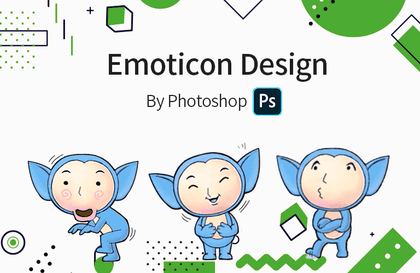
KakaoTalk emoticon design process

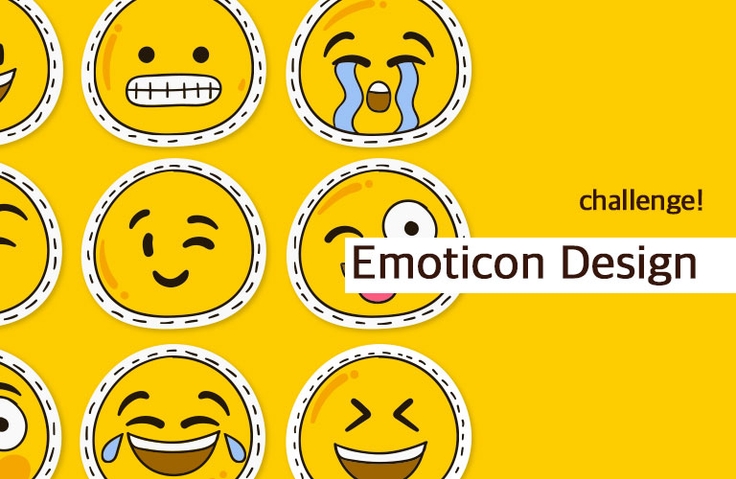
We have captured the entire experience of instructor Kim Young-sam, who is active as an emoticon creator on Kakao and LINE, in this lecture—covering everything from emoticon design to creating, submitting, and generating revenue on KakaoTalk and LINE.

(4.9) 20 reviews

157 learners

Level Basic

Course period Unlimited

emoticon
emoticon
Photoshop
Photoshop
Character Design
Character Design
Animate
Animate
emoticon
emoticon
Photoshop
Photoshop
Character Design
Character Design
Animate
Animate

Reviews from Early Learners

Reviews from Early Learners

4.9

5.0

공부중

65% enrolled

The course was really helpful It was really helpful from the concept of moving emoticons to writing them From the basics to how to use tools and key shortcuts The explanations are easy to understand without unnecessary details. Personally, what I regret is that I am almost a beginner in using Illustrator It would have been more helpful if there were 1 or 2 examples of drawing in Illustrator Most people who are good at drawing will try to make emoticons, but for beginners like me, I hope you can add a course that explains 1 or 2 of the drawings you drew. I am especially curious about the scene with the swivel chair. I wonder what criteria you used to create the scene. I wonder if you made it one by one or copied the basic one and modified it a little bit, and how you made it. If you have time, please give me a supplementary course.

5.0

임태경

98% enrolled

Good

5.0

napless

100% enrolled

Great lecture!

What you will gain after the course

  • Emoticon design process

  • How to use Adobe Illustrator and Photoshop

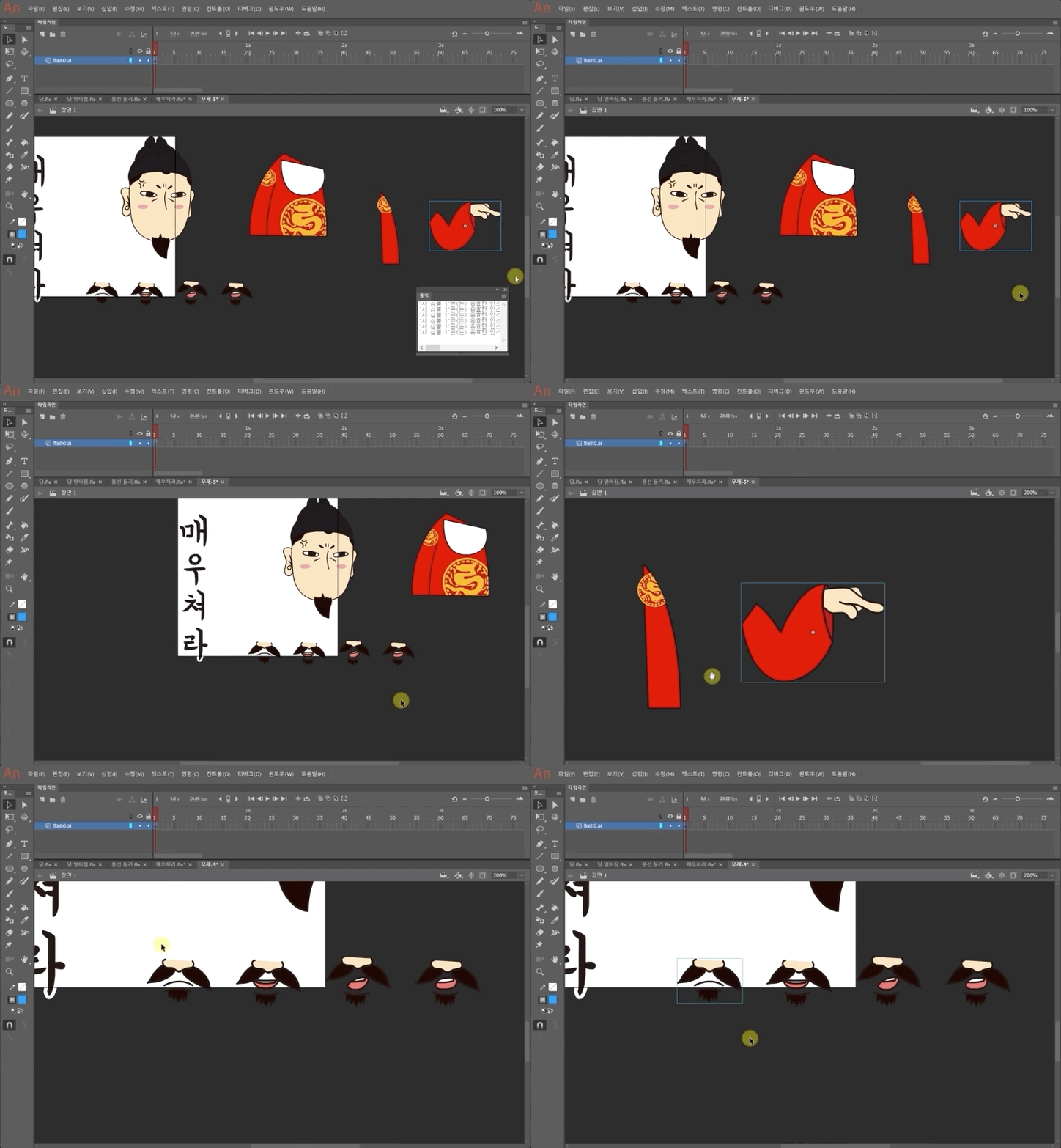
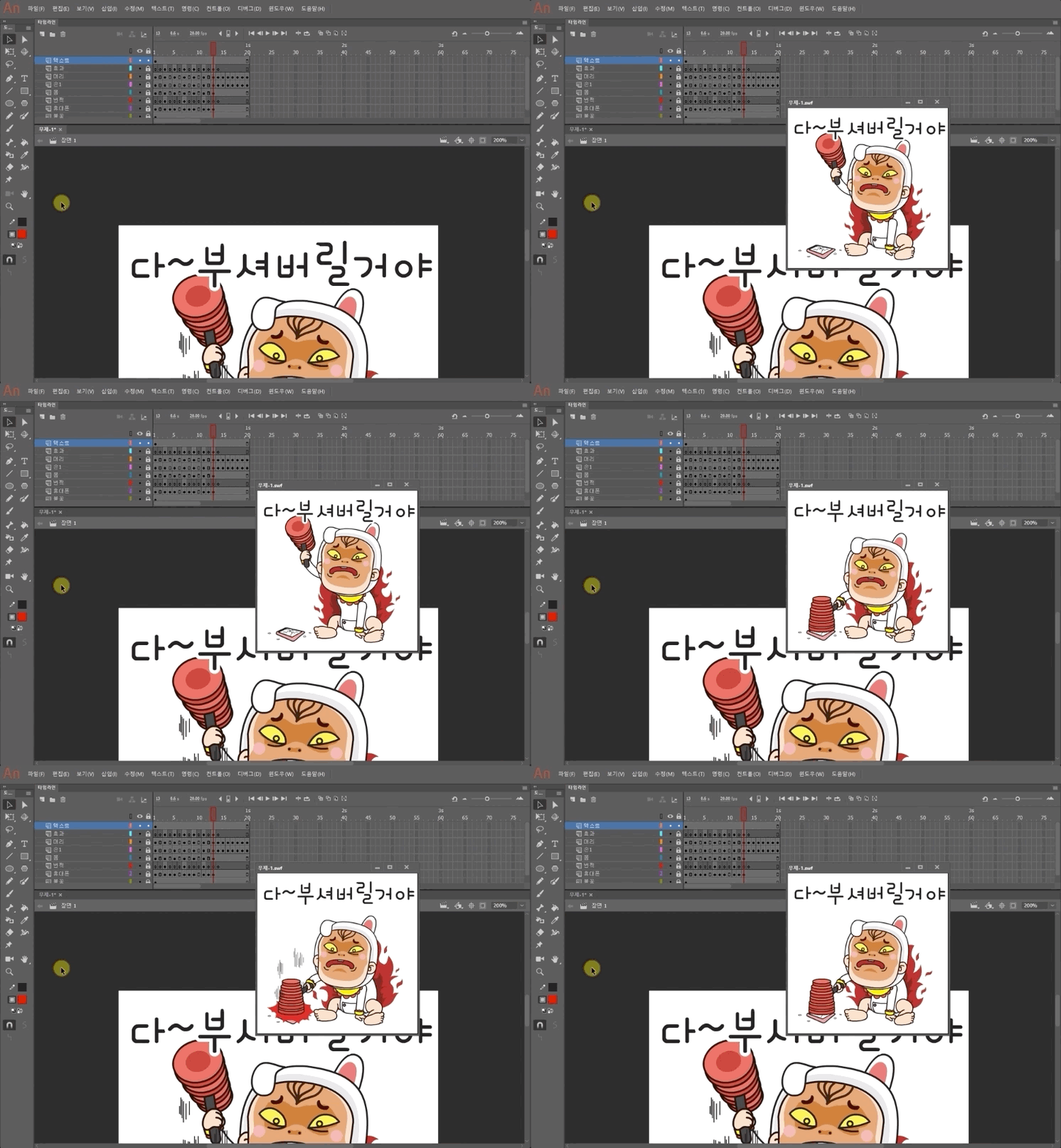
  • Animation Techniques Using Adobe Animate

  • How to create and sell emoticons tailored for the KakaoTalk and LINE platforms

Let's Become an Emoticon Creator

최근 이모티콘에 대한 인기가 아주 많습니다.

This course contains all the experiences of Kim Young-sam, who is currently active as an emoticon creator on Kakao and LINE, from emoticon design to creating and proposing emoticons to KakaoTalk and LINE to generate revenue. You can learn a guide to creating popular, hit emoticons by developing your own unique emoticons, rather than it being a matter of just being good at design.

이 과정을 수강하는 수강생은 누구나 대박 나는 이모티콘의 주인공 되었으면 합니다!

Learning Objectives

  • You can create animated emoticons.

Who this is for

  • Anyone who wants to generate profit through emoticon design
  • Anyone who can use Photoshop and Illustrator

What you will learn

Instructor Introduction

김영삼
SK Planet T Academy, Samsung SDS Multi Campus, Samsung sGen Club Intern Training, KT Econovation Smart School, D.Nomade, Seoul Institute of the Arts, Jeju National University, Seoul National University Dream Forge UX Design Mentoring, Smart Creative Center, Daegu (Gyeongsang), Wonkwang University, Jeonju/Incheon/Busan Promotion Agency, POSCO/Hanwha UX Employee Training, Korea Housing Finance Corporation, Incheon Design Center, Chungbuk Knowledge Industry Promotion Agency, Bucheon Cartoon & Animation Agency

Currently Design Director at Soft Campus Co., Ltd. / Design Team Leader & PM at MDF <Mobile Dream Factory> / PM at AZ project, Technical Director at Mojitok/IF

▶ Books: Eye-catching Smartphone App UX/UI Design (Wikibooks) / Mobile GUI Design, Photoshop Skill-up (T Academy) / Making Money with Emoticons (Hanbit Media)

Recommended for
these people

Who is this course right for?

  • People interested in creating emoticons

  • People who want to learn digital art and animation

  • People who want to sell emoticons on KakaoTalk and LINE

  • Those who want to master design skills using Adobe software

Hello
This is softcampus

15,974

Learners

822

Reviews

592

Answers

4.7

Rating

43

Courses

Soft Campus is an education center that supports online and offline lectures and content sales.

For inquiries regarding AI-related fields and the purchase of various lectures and content, please contact us at raputa@nate.com or by phone at 02-553-0824.

Thank you.

More

Co-instructor

Curriculum

All

40 lectures ∙ (7hr 27min)

Published: 
Last updated: 

Reviews

All

20 reviews

4.9

20 reviews

  • napless7951님의 프로필 이미지
    napless7951

    Reviews 1

    Average Rating 5.0

    5

    100% enrolled

    Great lecture!

    • 4europa1007님의 프로필 이미지
      4europa1007

      Reviews 28

      Average Rating 4.9

      5

      100% enrolled

      • chokman7445님의 프로필 이미지
        chokman7445

        Reviews 5

        Average Rating 5.0

        5

        65% enrolled

        The course was really helpful It was really helpful from the concept of moving emoticons to writing them From the basics to how to use tools and key shortcuts The explanations are easy to understand without unnecessary details. Personally, what I regret is that I am almost a beginner in using Illustrator It would have been more helpful if there were 1 or 2 examples of drawing in Illustrator Most people who are good at drawing will try to make emoticons, but for beginners like me, I hope you can add a course that explains 1 or 2 of the drawings you drew. I am especially curious about the scene with the swivel chair. I wonder what criteria you used to create the scene. I wonder if you made it one by one or copied the basic one and modified it a little bit, and how you made it. If you have time, please give me a supplementary course.

        • eachoi5351님의 프로필 이미지
          eachoi5351

          Reviews 3

          Average Rating 5.0

          5

          100% enrolled

          I was at a loss when I started on my own, but after taking the class, it was a huge help. Thank you.

          • nowlim783981님의 프로필 이미지
            nowlim783981

            Reviews 8

            Average Rating 5.0

            5

            98% enrolled

            Good

            softcampus's other courses

            Check out other courses by the instructor!

            Similar courses

            Explore other courses in the same field!

            $8.80