강의

멘토링

커뮤니티

BEST
Programming

/

Programming Tool/Software

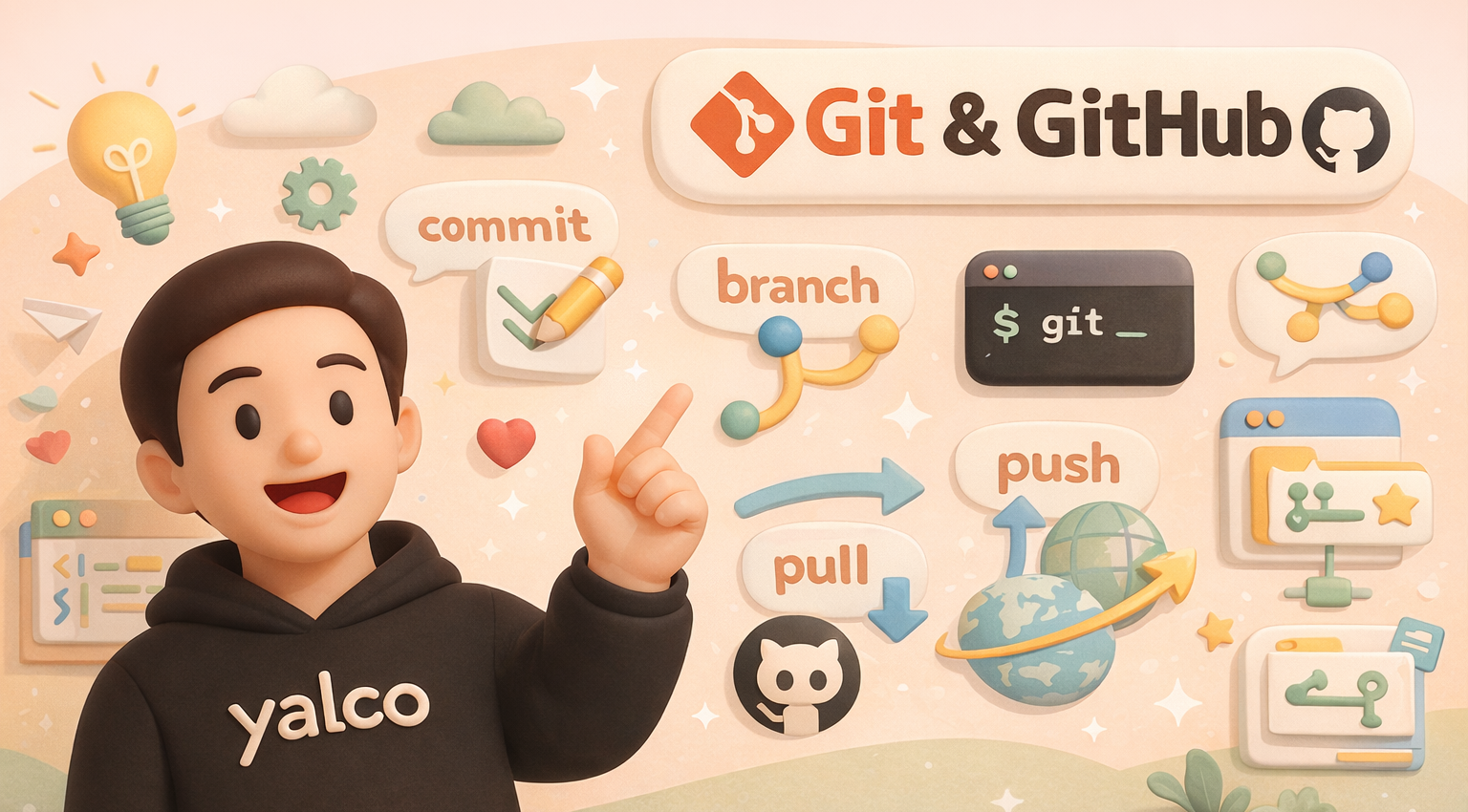
Deep Dive into Git & GitHub - by Yalco

A kind and easy course that even absolute beginners can follow! The ultimate course that turns working developers into Git experts!

(4.9) 448 reviews

7,595 learners

Level Beginner

Course period Unlimited

  • yalco
Git
Git
GitHub
GitHub
Git
Git
GitHub
GitHub

Reviews from Early Learners

Reviews from Early Learners

4.9

5.0

rygus9

100% enrolled

4~5 days ago, I saw a video on Yalko YouTube and heard that he had filmed a git lecture, so I immediately took the class. Wow... As expected, he really explains things very well. It's amazing! I think even those who are learning Git for the first time can follow along slowly. I especially recommend it to those who, like me, were told to use git and github, but just memorized a few commands and didn't try to understand them deeply.

5.0

seolnavy

100% enrolled

This is the best git lecture I've ever seen. I regret the time I wasted because I didn't learn from this video when I first started learning. I wish there was a lecture where I could learn as deeply as this lecture with the next content, even if it was paid. Thank you.

5.0

동해물과백두산이마르고닳도록

27% enrolled

I wish I had bought this first instead of buying other git courses.

What you will gain after the course

  • Basic usage of Git and GitHub

  • Practical Git Techniques for Project Management

  • Advanced Git Features for Aspiring Pros

  • How Git works and detailed operation/configuration methods

  • Git & GitHub Conventions and Usage Strategies for Practical Work

  • Various ways to use GitHub for collaboration

  • Various practical tips for Git and GitHub

Git & GitHub: Digging Deep with Yalco!

🦺 The course is being updated for 2026! Get it at half price!

During the renewal period (until early February), purchase the course at a discounted price.
https://inf.run/wcJN3

🔼 Follow the link above to apply the 50% off coupon.

- - - - - - - - - - - - - - - - - -

Here's what you'll learn! 📚

  • Sections 1~4: Basic usage of Git and GitHub
  • Sections 5–12: Git principles, advanced features, practical strategies, and usage tips
  • Sections 13–14: Various features of GitHub, collaboration strategies using them, and advanced usage techniques

Why I created the 'Digging Deep' course ⛏️ 

While searching through various materials and taking many courses to better utilize Git in the workplace, I thought it would be great to have a single, definitive course that covers everything from the basics to advanced knowledge of Git and GitHub, along with various strategies and practical tips learned throughout that process.

With the goal of creating a truly wonderful and informative course, I have produced this lecture after a long period of research and preparation.


Who should
take this course?
👨‍💻 

Even if you've never
programmed before!

Even if it's your
first time using Git/GitHub!

Even if you want to use
Git/GitHub well!

  • 🍼 People who are just starting to learn coding
  • 💻 Everyone who wants to become a programmer
  • 🐙 People using Git and GitHub for the first time
  • thoughtful ⛏️ Those who know a bit of Git but want to learn it properly
  • 👨‍👩‍👧‍👦 Anyone who wants to learn how to collaborate systematically in practice
  • ⚙️ Those who want to study the specific principles and advanced features of Git
  • 🌏 People interested in open source

What makes Yalco's lectures
special ✨

Fast and Easy
Video Lessons 🚀動画講義 🚀

We save your precious time with a fast-paced, no-nonsense progression. (Please note that the speaking pace may feel fast for some students. Please check the free sections first!)(受講者によっては話すスピードが速く感じられる場合がありますので、あらかじめご了承ください。まずは無料パートをご確認ください!)

Detailed explanations from a "Too Much Talker"
A deep-dive lecture 🎙️

I have prepared this course to ensure you learn as much as possible by providing detailed explanations not only on Git and its usage, but also on its underlying principles, practical application strategies, variables across different execution environments, and various tips.

Convenient hands-on practice via
webpages 🖥️

For each lesson, the key points of the video and copy-pasteable practice commands and code are organized on the webpage, allowing you to easily follow along, apply them, and proceed with the practice smoothly.

thoughtful Basic Content
Available for Free 😎

To ensure students can study without any burden, Sections 1–4, which cover the basics of Git and GitHub, are available for free via preview.

Who is Yalco? 😀

I am a YouTuber who runs the channel Yalco's Coding Dictionary and an author of IT books. Drawing from my experience as a full-stack developer, I create content that explains difficult programming concepts through metaphors, simple examples, and sometimes animations to make them easy for beginners to understand.

🎬   YouTube Yalco's Coding Dictionary Channel (Click!)
📕  View Yalco's Books (Click!)


After taking this course,
what will change? 💪

  • ✅ You will be able to handle everything from the basics of Git to its advanced features.
  • ✅ You will gain immense confidence in Git and be able to actively utilize it in your projects.
  • ✅ You will gain practical knowledge of how Git and GitHub are used in real-world professional environments.
  • ✅ You will learn how to establish a systematic collaboration system using GitHub.
  • ✅ You will understand the concepts of special features such as hooks, submodules, and GitHub Actions, and be able to utilize them as needed.

What will you
learn? 📚 

🌱 Git & GitHub Basics (CLI + Sourcetree)

Section 1
Learn the basic concepts of Git, how to set it up for different environments, and how to start using Git.

Section 2
Learn how to travel through the past and present of a project using Git, with hands-on practice using CLI (main) and Sourcetree.
Section 3
Learn how to navigate through project dimensions (branches) and resolve issues such as conflicts.プロジェクトの次元(ブランチ)を行き来し、競合などの問題を解決する方法を学びます。

Section 4
Learn the basics of GitHub and how to collaborate using it.

🌳 Advanced Git (CLI-focused)

Section 5
Learn the theoretical concepts needed to dive into advanced topics through hands-on practice.

Section 6
Learn tips for looking up Git usage as needed, and how to customize various settings and shortcuts to suit your preferences.

Section 7
Advanced Commits - Practice commit conventions used in the field, methods for more detailed committing, and how to freely modify past commit history.

Section 8
Learn various ways to undo work, files, and commits with Git.

Section 9
Learn how to manage tags and releases locally and remotely.

Section 10
Advanced Branching - Learn about branches in more detail, practice advanced related features, and explore branch utilization strategies used in the industry.

Section 11
Advanced Logs & Debugging - Learn how to use Git to examine project status and management history in more diverse ways, and practice advanced features to identify the cause and timing of errors.

Section 12
Learn the concepts of Hooks and Submodules and practice with basic related examples.HooksとSubmodulesの概念を学び、関連する基礎的な例題を実習します。

🐙 GitHub Advanced Part

Section 13
Learn how to utilize various GitHub features for collaboration, portfolios, and open source.

Section 14
After practicing how to use advanced GitHub settings such as SSH and GPG, we will explore how to work more conveniently with GitHub Actions, GitHub CLI, and more through simple examples.


You can find the content of this lecture
in book form.

It has been published as !
You can now have the content learned from the video lectures in your hands as a physical book.


Check the
Frequently Asked Questions 💬

Q. Why should you learn it by 'digging deep'? ⛏️

The difference in confidence when approaching a project between having a vague understanding of Git versus having studied it properly is like night and day. Once you learn in detail exactly how Git works and what you can achieve with it, you'll feel like a 🧙‍♂️ wizard who can freely manipulate the space and time of your projects!

Q. I'm completely new to programming. Can I take this class? 🍼

To ensure even complete beginners can follow along, we explain everything in detail—from the initial environment setup to using coding tools—using simple terminology and hands-on practice. You will learn how to use Git and GitHub, but no actual programming is involved.

Q. I already know how to use Git to some extent; will this be helpful? 👩‍💻

We have designed this course to include advanced features of Git and GitHub, along with practical applications and tips not found in other courses, ensuring that students can learn as much as possible. It will be helpful for those who want to know more about Git and utilize it more effectively!

Q. Do we use CLI or SourceTree? 🌳

The course focuses on the CLI, but for Sections 1 through 4, where you learn general basic usage, you will also learn how to use Sourcetree. From Section 5 onwards, which covers advanced usage, most of the lessons will be taught using the CLI only.

Q. Are there any restrictions on the practice environment? 🍎

We provide detailed instructions on setup methods for both Windows and Mac, as well as any differences you might encounter during practice, so that you can follow the course on either platform. If you report any difficulties, the course page will be continuously updated to address them.

Recommended for
these people

Who is this course right for?

  • Someone starting to learn coding

  • 'Every' person who wants to become a programmer

  • Someone who is new to Git and GitHub

  • Those who know Git to some extent but want to learn it more 'properly'

  • Those who want to learn how to collaborate systematically in a professional environment

  • Those who want to study the specific principles and advanced features of Git

  • People interested in open source

Hello
This is

33,155

Learners

1,810

Reviews

95

Answers

4.9

Rating

17

Courses

I am the YouTuber behind the channel Yal-co's Coding Dictionary, as well as an author of IT books. Drawing on my experience as a full-stack developer, I create content that explains difficult programming concepts through metaphors, simple examples, and sometimes animations to make them easy for beginners to understand.

🎬 YouTube Yal-co's Coding Dictionary Channel (Click!)
📕 View Yal-co's Books (Click!)

Curriculum

All

114 lectures ∙ (11hr 7min)

Course Materials:

Lecture resources
Published: 
Last updated: 

Reviews

All

448 reviews

4.9

448 reviews

  • rygus96828님의 프로필 이미지
    rygus96828

    Reviews 5

    Average Rating 4.6

    5

    100% enrolled

    4~5 days ago, I saw a video on Yalko YouTube and heard that he had filmed a git lecture, so I immediately took the class. Wow... As expected, he really explains things very well. It's amazing! I think even those who are learning Git for the first time can follow along slowly. I especially recommend it to those who, like me, were told to use git and github, but just memorized a few commands and didn't try to understand them deeply.

    • yalco
      Instructor

      Thank you ㅠㅠ We will continue to create even better content in the future!

    • In this chapter, when I type git switch development in vscode, I get an error message saying fatal: invalid reference: development. How do I resolve this?

  • kotlin님의 프로필 이미지
    kotlin

    Reviews 12

    Average Rating 5.0

    5

    100% enrolled

    This is the best git lecture I've ever seen. I regret the time I wasted because I didn't learn from this video when I first started learning. I wish there was a lecture where I could learn as deeply as this lecture with the next content, even if it was paid. Thank you.

    • yalco
      Instructor

      Thank you for giving me a great sense of accomplishment for all my hard work. I'm so happy that it was helpful! I'll continue to reward you with better content!!!

  • abcedfg님의 프로필 이미지
    abcedfg

    Reviews 503

    Average Rating 5.0

    5

    27% enrolled

    I wish I had bought this first instead of buying other git courses.

    • codetomorrow님의 프로필 이미지
      codetomorrow

      Reviews 12

      Average Rating 5.0

      5

      100% enrolled

      I used it a lot, but I thought I should study it properly for collaboration, so I signed up for the course. The contents are explained in a friendly and detailed way, so it is easy to understand. I recommend it to those who want to use git properly.

      • yalco
        Instructor

        Thank you! We will continue to reward you with even better content!!

    • a7759143046님의 프로필 이미지
      a7759143046

      Reviews 1

      Average Rating 5.0

      5

      75% enrolled

      It was really helpful. I would not have been able to do it alone, but I am grateful that you made it possible for me to watch such high-quality lectures at a low price. I asked a lot of questions, but you responded quickly even late at night and gave me great feedback. Thank you.

      • yalco
        Instructor

        I'm glad I could help! Feel free to ask questions anytime~!!

    $34.10

    yalco's other courses

    Check out other courses by the instructor!

    Similar courses

    Explore other courses in the same field!