From now on, the 'real' product modeling begins! Master detailed product modeling + surface modeling techniques to perfectly escape the beginner level! 👌 No more frustrating online lectures! Improve your skills with substantial class materials and feedback! 👍🙆♂
The Rhino program itself has many difficult parts, but each lecture provides detailed explanations, so I feel that conquering the difficult Rhino is definitely becoming easier. The Rhino program itself has limitations in producing professional-level content, but I think it will be very helpful when working because you have produced a lot of methods to solve those parts! First, at the beginning of the lecture, you go over the big picture of using Rhino and teach it in depth one by one, which is very helpful in developing the ability to apply it on your own later. When I took other lectures, it was really difficult to make what I learned my own, but I personally really liked the way that Professor Soo's lectures taught me to make what I learned my own~!
5.0
효진코리아
100% enrolled
It's already been a year since I first started the Rhino course. I've consistently repeated it twice and am now on my third time through :) I took it because I wanted to master Rhino, and while I don't know everything perfectly yet, I've improved enough to work on things by myself!
By following along with the online lectures whenever I had a spare moment at work and practicing consistently at home on weekends, I feel like I'm finally starting to understand Rhino, even though I started as a complete beginner. The teaching is so meticulous, and since I get immediate feedback whenever I ask questions, I think even absolute beginners will be able to learn as well as I did. If you don't understand something, definitely ask lots of questions and keep repeating the lessons!!!! This course is worth every penny!!!
5.0
Ming
6% enrolled
I partially watched Part 1 and am now taking Part 2 in earnest. It seems like there are a lot of good parts.
I wanted to learn how to do detailed product modeling, so thank you for helping me learn that part well!!
I paid for the KeyShot lecture together, and it's so good. I'll listen well and graduate well. Thank you!!
What you will gain after the course
Product modeling for beginners to intermediates!
Surface (NURBS) modeling techniques and principles!
The perfect texture mapping method!
The perfect way to compose soft noodles!
Even more detailed content all at once! Finish off your design using Rhino 🎨
A lecture for 'real' product modeling 🖥️
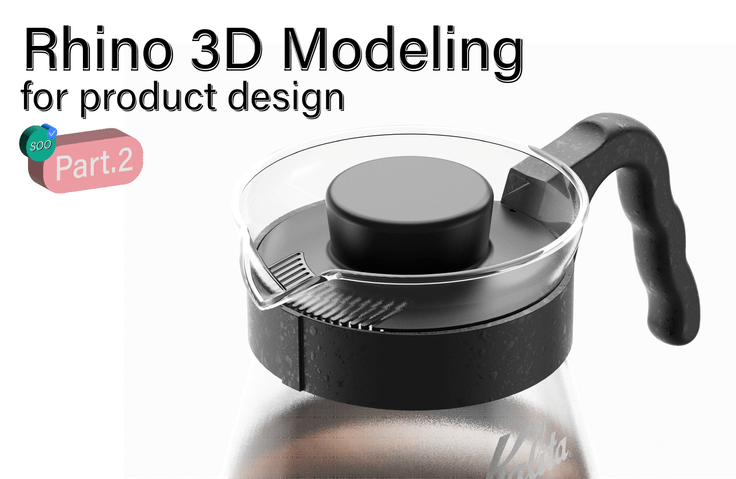
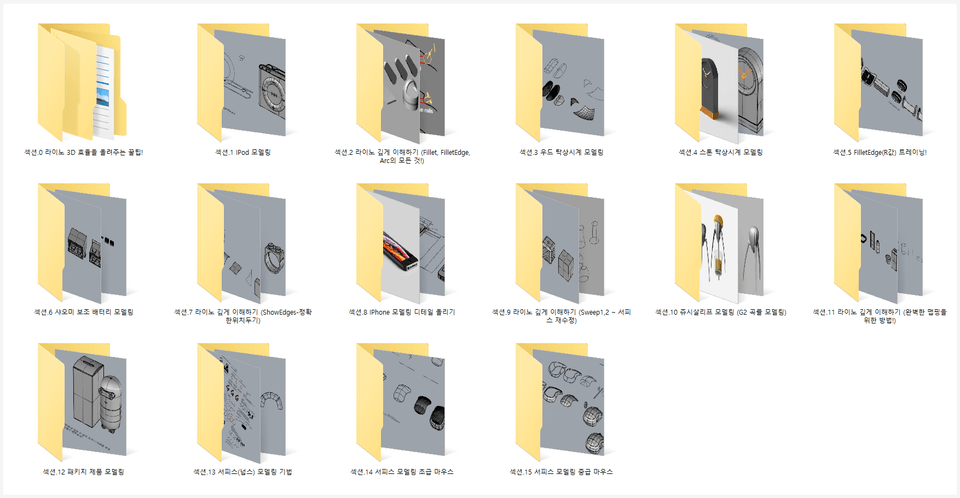
This lecture is a more advanced course than Part 1, designed to be both fun and informative. In Part 2, you can learn the core competencies and skills essential for industrial design, product design, and package design using Rhino.
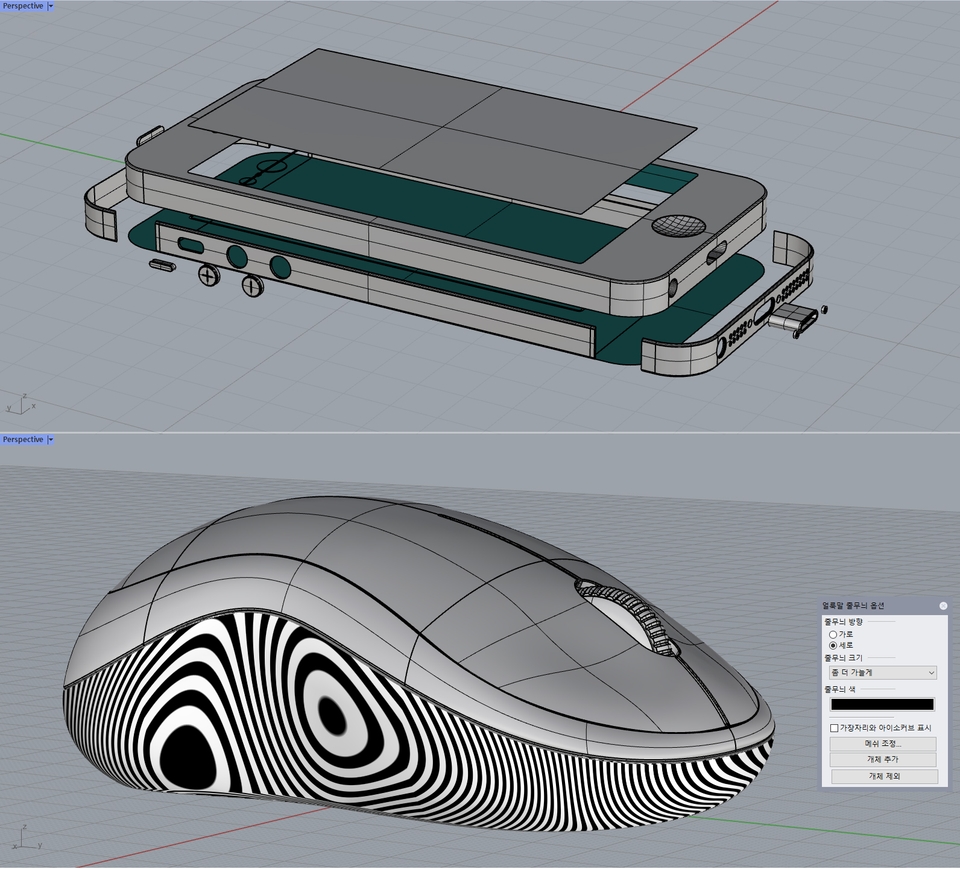
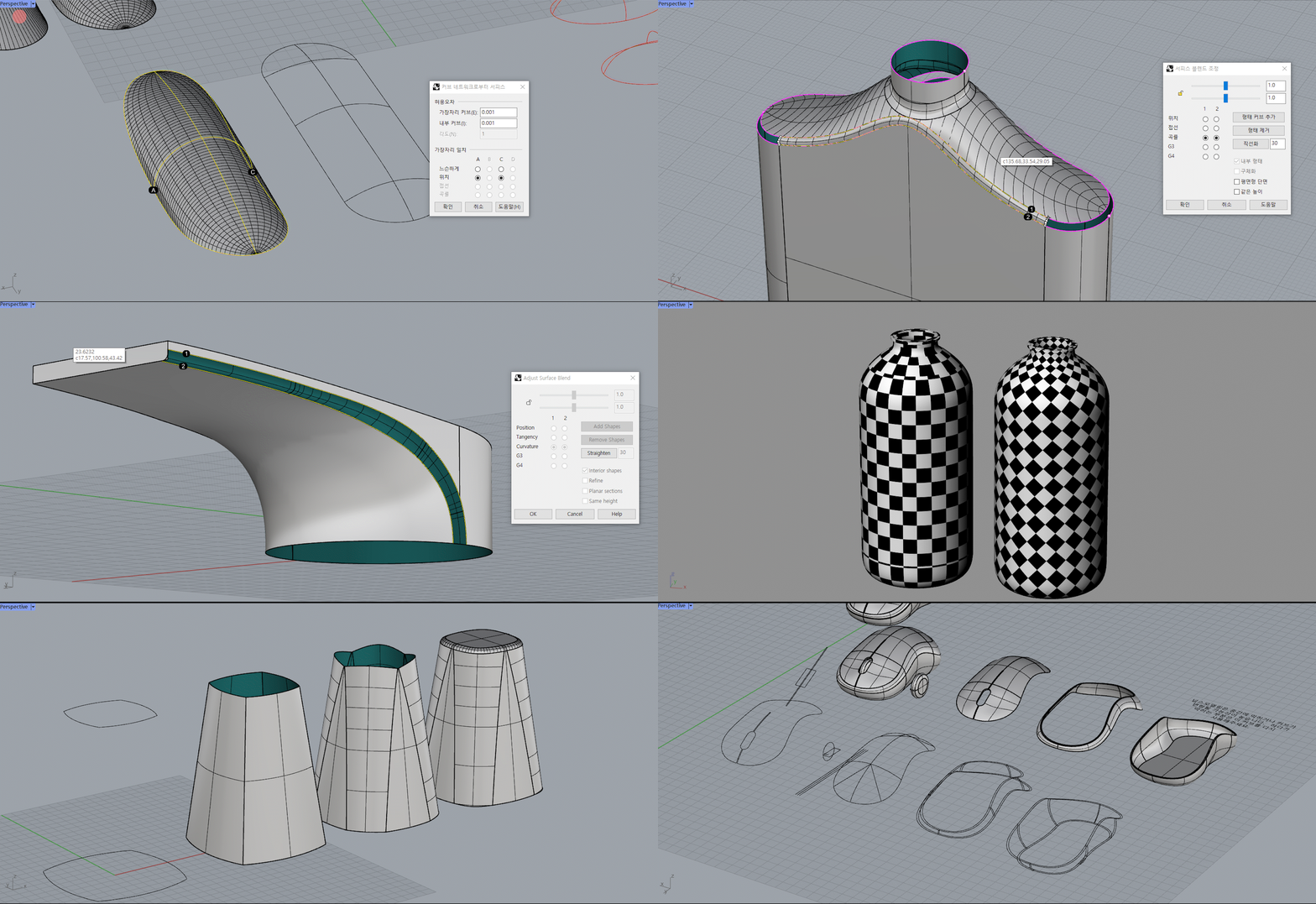
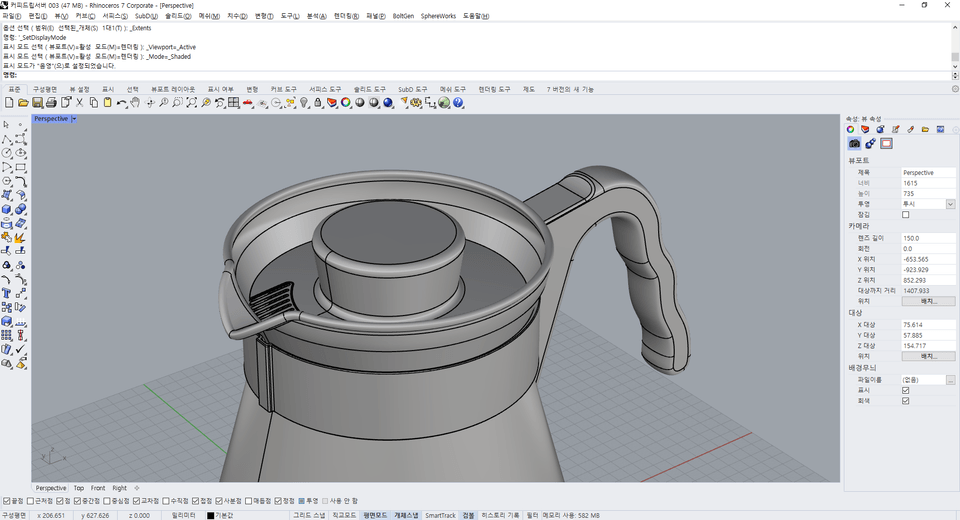
Part 2 covers moredetailed product modeling and surface modeling techniques than Part 1. Additionally, you will learn tips to increase Rhino's efficiency, the reasons and solutions for the chronic issue of R-values (Fillet, FilletEdge) breaking in Rhino, perfect texture mapping, and mouse modeling.
'Shall we start real product modeling now? Let's go!'
Part. 2 'Pro-tip Know-how' to build core competencies
This course is designed to cover everyone from beginners to intermediate users, so it may be difficult for absolute beginners to approach. For absolute beginners and novices, we recommend Part 1. Although Rhino has been released up to Version 8, this course is structured so that it can be taken using any version from Rhino 5 to 8.In Part 3, which will be released later, we plan to cover advanced surface modeling and advanced R-value correction processes.
What are your questions? 💬
"What is the surface modeling technique?"
As one of various modeling techniques, it is a method of constructing smooth surfaces using Surfaces. It is more difficult than conventional modeling methods, making it often challenging to approach alone. In this lecture, you will learn about surface modeling techniques in detail.
"R-values (Fillet, FilletEdge) fail every time; what should I do?"
라이노의 고질적인 문제 중 하나는 바로 R값이 잘 터지는데 있습니다. 모델링의 마지막 단계까지 와서 끝내지 못하는 이유이기도 하죠. 이 강의에서는 R값이 터지는 이유와 해결방안 튜토리얼에 대해 자세히 설명드리고 있습니다.
"Can I take Part.2 directly without taking Part.1?"
This course is structured so that Part 1 and Part 2 are connected. In Part 1, you will learn techniques and principles that are just as important as those in Part 2. Since it covers modeling errors and solutions, how to use surfaces smoothly (G2), and the principles of tool functions, I recommend watching it before starting this one.
What you will learn 📚
1. Detailed product modeling and surface modeling techniques
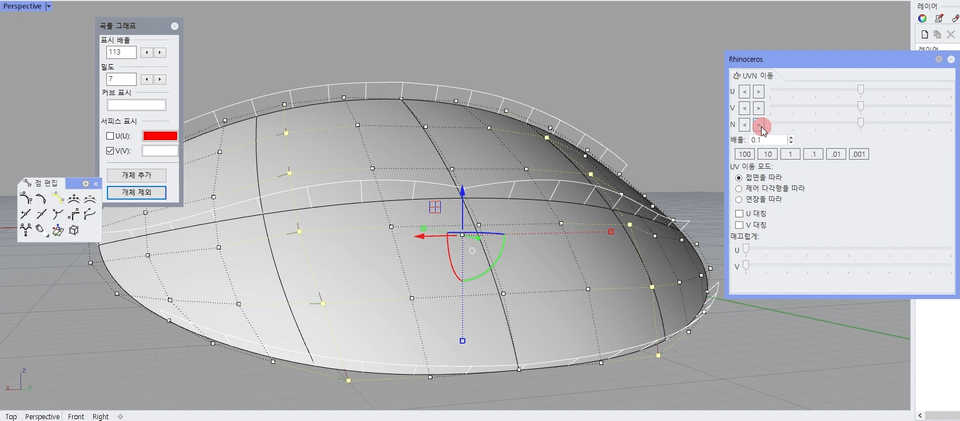
You will learn product modeling in even greater detail than in Part 1. I will teach you efficient tips ranging from how to draw curves to modeling structure and how to refine your models. Additionally, we will cover surface modeling techniques centered on curved surfaces, mouse modeling, and the perfect way to connect surfaces smoothly. Surface modeling techniques can be applied to items such as mice, shoes, drones, and cars.
2. Various Modeling Techniques and Tutorials
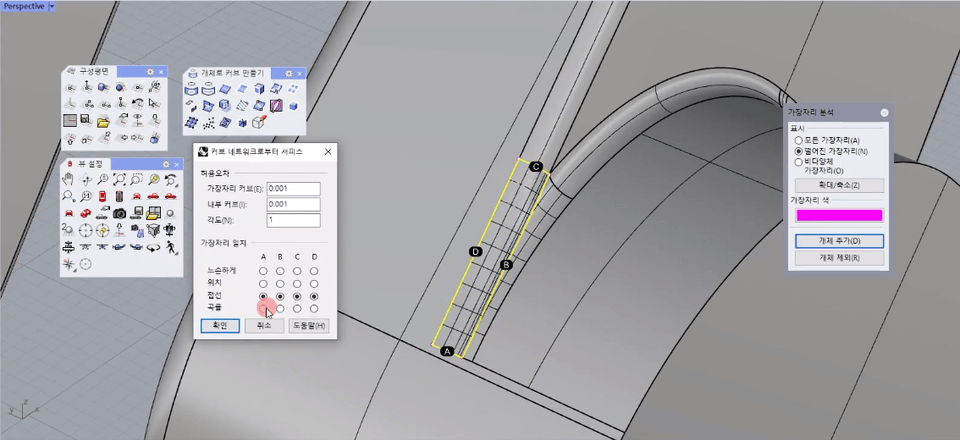
Learn modeling techniques and tutorials that you can apply immediately! We will teach you everything from how to use basic tools to advanced features. You can learn how to handle exploding fillet edges, the correct order for applying fillet edges, how to use network surfaces, easy ways to modify surfaces, curve modeling techniques, fixing R-values for practical application, Y-shaped forms, and more.
3. Methods for perfect mapping!
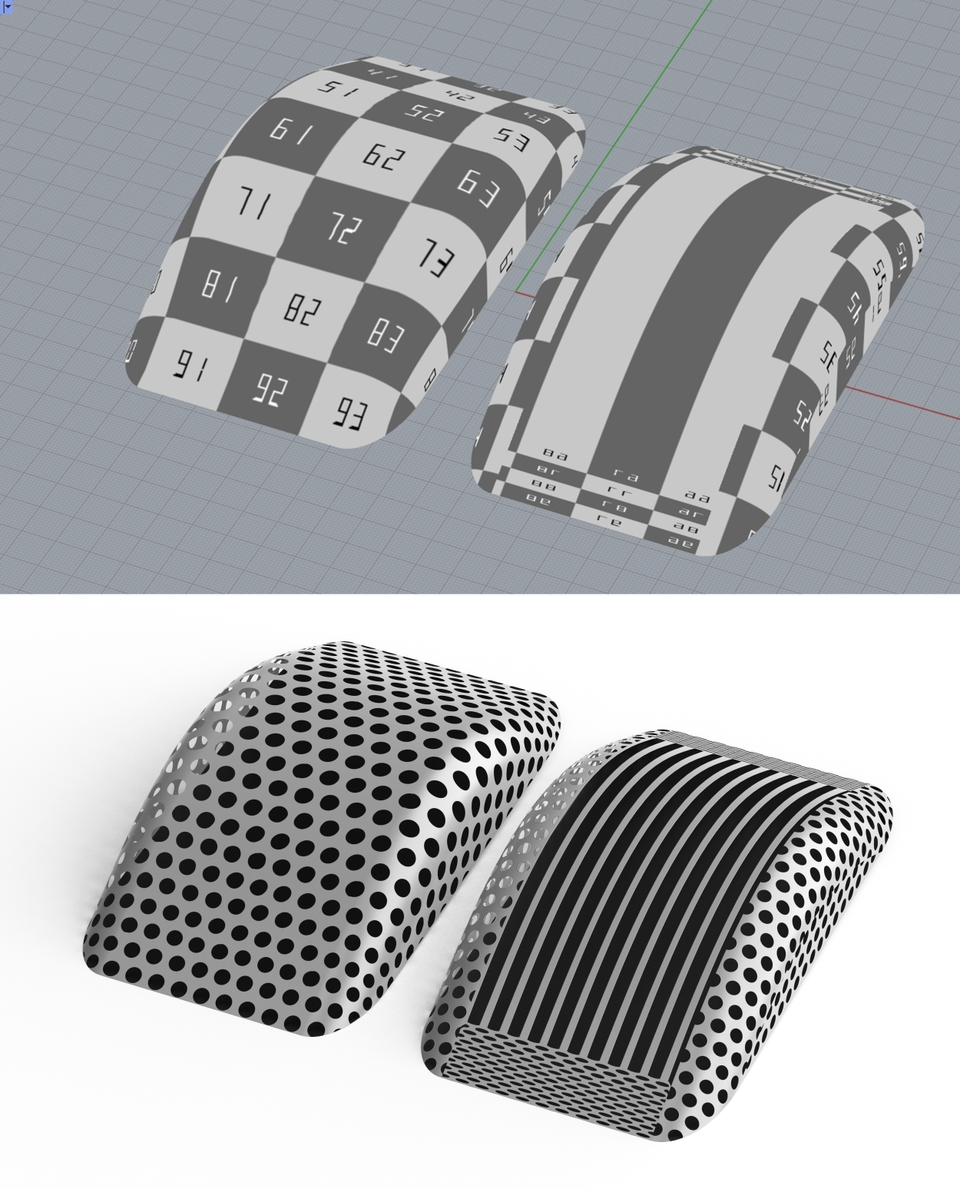
Let me tell you an interesting fact. Texture mapping can be used not only in KeyShot but also in Rhino! Once you know the method, try using texture mapping, which is easy to apply. You will be able to use perfect materials.
4. No more frustrating online classes!
What are the disadvantages of online lectures? They include slow feedback on student questions, difficult-to-understand lectures where the instructor proceeds alone, poor class materials, and low completion rates. Unlike 2D, 3D has many points where it is difficult to proceed if you get stuck in the middle. Don't worry and please ask questions! I will answer them sincerely and kindly! This lecture provides detailed feedback on questions and explains difficult parts that are hard to understand. Also, we provide materials for all classes conducted in the curriculum. Let's increase the completion rate together!
5. For students who have completed the course!
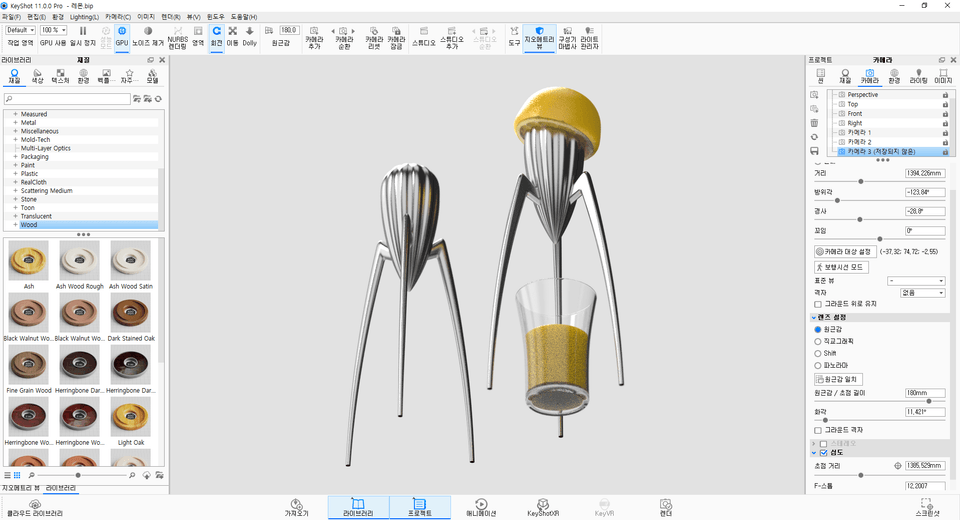
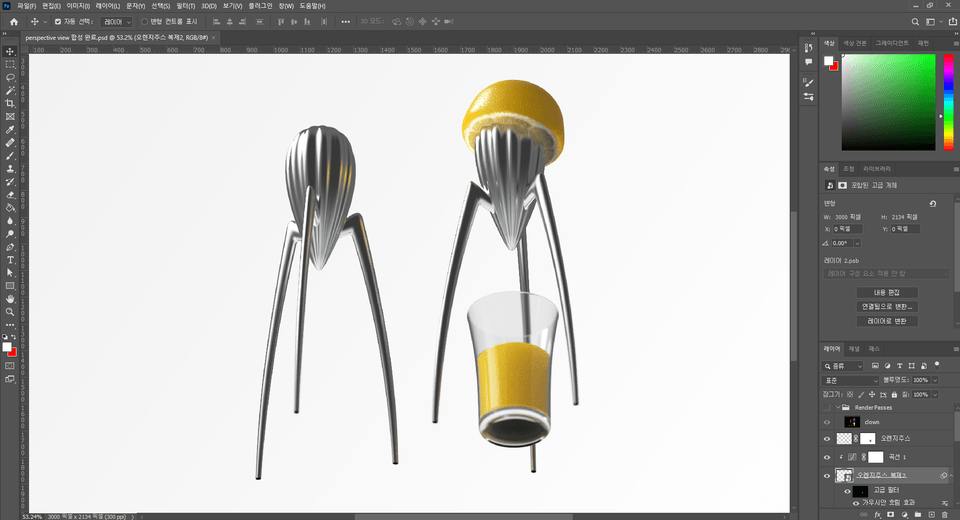
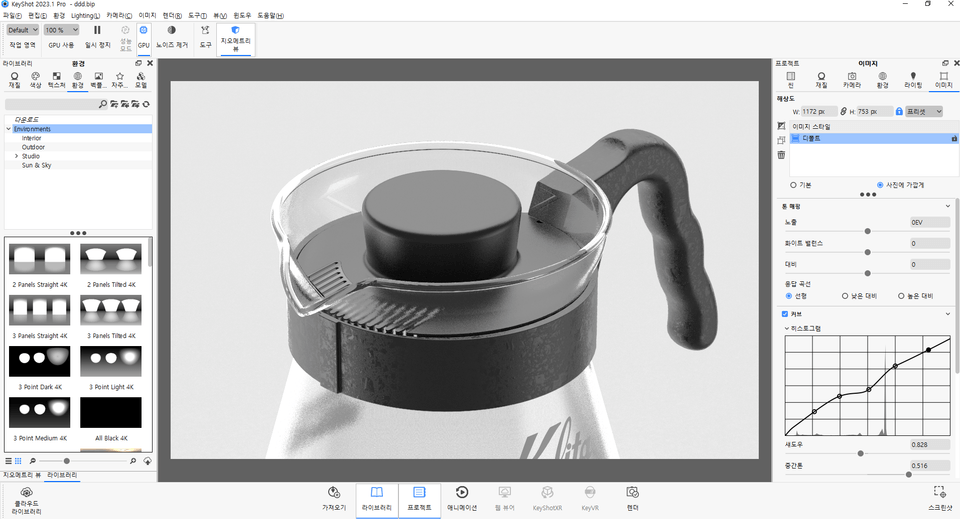
It must have been much more difficult compared to Part 1. You did a great job! And it must have been very rewarding—provided you watch the additional videos! From KeyShot to Photoshop post-processing, we provide all the videos shown below! You can achieve intermediate-level rendering just by learning from these videos~! :-) For those who send a course review or proof of 80% completion to the email address provided in the Section 20 [Additional Video] lecture, we will send the link to the additional videos.
Introduction to the Knowledge Sharer ✒️
WHO? <SOO!>
Hello! I am SOO, someone who enjoys learning and sharing!
I have been working during the weekdays and teaching Rhino and KeyShot classes for several years on the weekends. As I moved from my first class to the second, third, and eventually my tenth, I constantly thought about how to teach more easily and efficiently. I have poured all the trial and error and know-how gained from teaching countless students directly into this online course.
There are both easy and difficult parts to the class, but I have designed a systematic curriculum so that you can apply what you learn immediately. Also, I have received countless questions while conducting online and offline classes, and I possess the expertise to answer them accordingly. I will answer your many questions kindly and meticulously!
It has already been 8 years since I started teaching offline classes. Seeing beginners gradually improve their skills made me think, 'There is such a fun and rewarding thing to do!' I am so grateful to those who understood the value of learning, shared it, and approached it with passion.
I intend to practice one of my major mottos, "being a person who can give back two or three times what I have received," through this class. Let's share our learning together! Thank you.
Recommended for these people
Who is this course right for?
For those who have listened to Part 1 and want to learn advanced product modeling!
For those who feel that what you learn in school is not enough!
For those who want to learn detailed product modeling!
For those who are curious about surface modeling and mouse modeling techniques!
The Rhino program itself has many difficult parts, but each lecture provides detailed explanations, so I feel that conquering the difficult Rhino is definitely becoming easier. The Rhino program itself has limitations in producing professional-level content, but I think it will be very helpful when working because you have produced a lot of methods to solve those parts! First, at the beginning of the lecture, you go over the big picture of using Rhino and teach it in depth one by one, which is very helpful in developing the ability to apply it on your own later. When I took other lectures, it was really difficult to make what I learned my own, but I personally really liked the way that Professor Soo's lectures taught me to make what I learned my own~!
I partially watched Part 1 and am now taking Part 2 in earnest. It seems like there are a lot of good parts.
I wanted to learn how to do detailed product modeling, so thank you for helping me learn that part well!!
I paid for the KeyShot lecture together, and it's so good. I'll listen well and graduate well. Thank you!!
As an industrial design major, I was looking for various courses to properly learn Rhino, and I ended up taking Rhino Soo's Rhino modeling lecture.
The best part was that it wasn't just a simple list of functions; he explained why certain functions should be used in the actual modeling process along with the workflow. Thanks to this, I was able to learn the modeling mindset rather than just memorizing how to use the tools.
In the beginning, the commands were unfamiliar and the process of creating shapes was difficult, but as I followed the lectures, my work speed and quality improved noticeably. I was particularly satisfied because there was a lot of content that would be helpful in practice, such as surface treatment, capturing details, and efficient work methods.
Above all, the explanations are calm and easy to understand, so I think even those new to Rhino can follow along without any pressure. I highly recommend this course to anyone who wants to learn Rhino systematically or improve their modeling skills in the fields of industrial and product design.
It's already been a year since I first started the Rhino course. I've consistently repeated it twice and am now on my third time through :) I took it because I wanted to master Rhino, and while I don't know everything perfectly yet, I've improved enough to work on things by myself!
By following along with the online lectures whenever I had a spare moment at work and practicing consistently at home on weekends, I feel like I'm finally starting to understand Rhino, even though I started as a complete beginner. The teaching is so meticulous, and since I get immediate feedback whenever I ask questions, I think even absolute beginners will be able to learn as well as I did. If you don't understand something, definitely ask lots of questions and keep repeating the lessons!!!! This course is worth every penny!!!










![[Beginner] Learn how to create 3D animated videos with no-code using CreateStudio3, even if it's your first time [Super Easy]Course Thumbnail](https://cdn.inflearn.com/public/files/courses/340594/cover/01kfwdvk88zkg41ewrb9tg73xa?w=420)



![[Official LottieFiles] Lottie Animation with After Effects (Certificate Issued)Course Thumbnail](https://cdn.inflearn.com/public/files/courses/338082/cover/01k0ra1r4y627eeazr0e855txg?w=420)