
강의

멘토링

커뮤니티

/

Learn basic utilities for beginners

This course teaches you how to install and use computer utilities. After completing the course, you will be able to easily install computer utilities and it is a course that can be used in real life.

(5.0) 1 reviews

10 learners

  • usefulit
Microsoft Windows

What you will gain after the course

  • Altools

  • Nextpod Encoder

  • bear

  • Naver

  • Windows 10 video editor

Really, the 'com' in computer
For those who don't know, 💁

🗒 Course Introduction

(Please note that this lecture does not provide instructor-led answers.)

  • I don't even know the 'com' in computer
  • I've never used a computer properly before.
  • I have never dealt with basic utilities.
  • Installing the program is always a challenge.

This is a beginner computer course designed for these people.

For those who have difficulty using computers or want to use a computer for the first time.
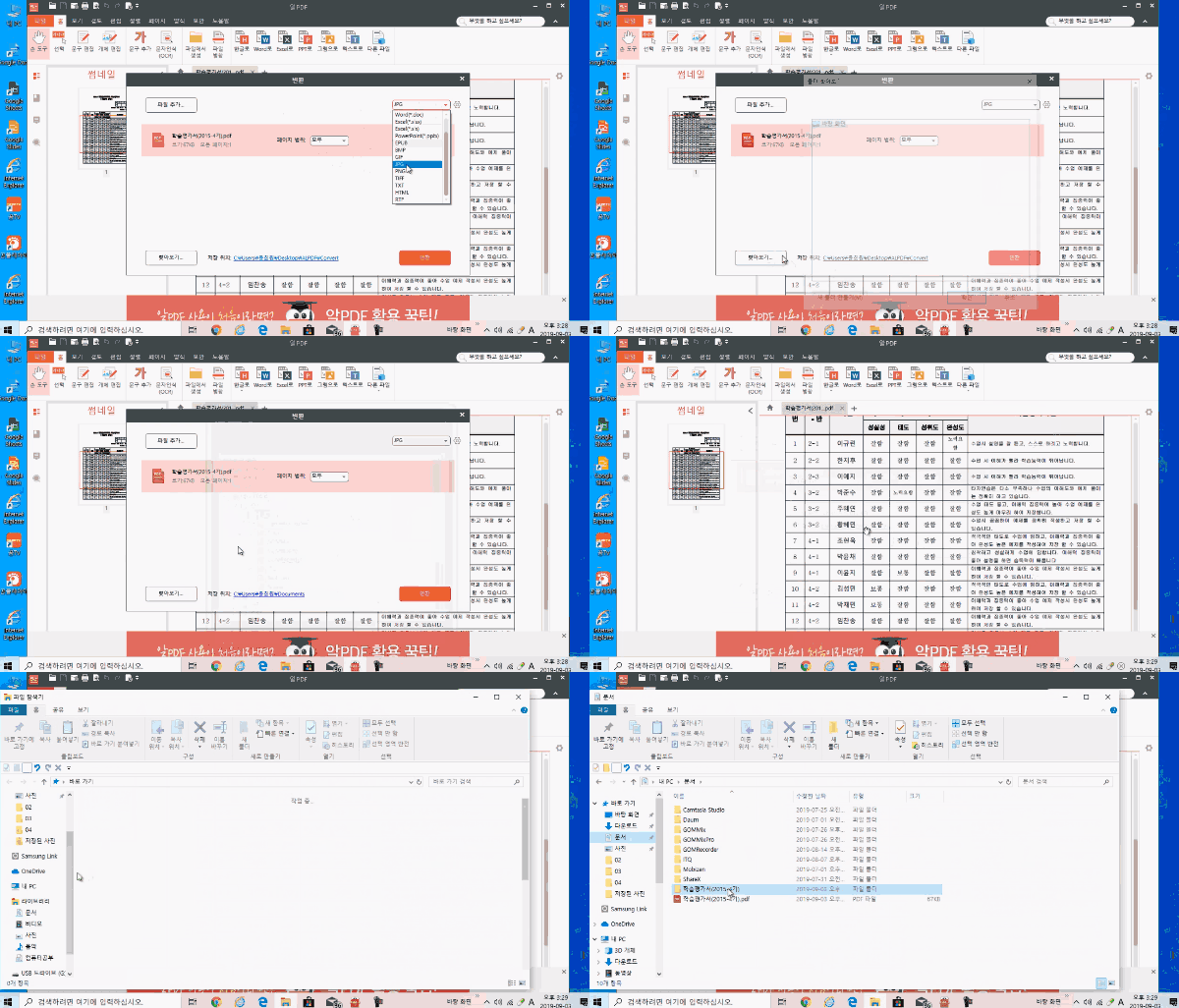
Learn how to install and use compression programs, photo viewers, multimedia players, and more.

🌈 Upload an image

🙌 Tools covered here

  • ALtools
  • Internet Explorer
  • Naver Cloud
  • Photoscape
  • GomPlayer
  • Windows 10 Video Editor

Recommended for
these people

Who is this course right for?

  • Someone who is proficient in using computers

  • People who have difficulty installing computer utilities

  • For those who wish to search for a utility on the Internet, download it, install it, and then use it.

Need to know before starting?

  • doesn't exist

Hello
This is

8,277,977

Learners

6,296

Reviews

4.6

Rating

309

Courses

유용한 IT 강의를 통해 여러분의 성장을 돕겠습니다.

Curriculum

All

10 lectures ∙ (4hr 50min)

Course Materials:

Lecture resources
Published: 
Last updated: 

Reviews

All

1 reviews

5.0

1 reviews

  • hyde31633589님의 프로필 이미지
    hyde31633589

    Reviews 349

    Average Rating 5.0

    5

    100% enrolled

    Thank you, I listened well.

    usefulit's other courses

    Check out other courses by the instructor!