[Beginner-Intermediate] Creating an Android Dating App (Android Kotlin)
You can practice implementing couple matching logic and sending PUSH messages using FCM with Kotlin.
By building a dating app, you can learn the overall flow of Android app development.
If you want to get started with Android, this lecture is good! First of all, the tone of voice is good, and it was very helpful because he explained everything in detail. It was really good because I could listen to the lecture with a light heart. I liked that even beginners can listen to it well.
5.0
game5780
31% enrolled
Yes, I'm listening.
5.0
NCheon
90% enrolled
I had been continuously trying to study Android for several years, but I couldn't reach the level where I could create apps. I had a strong desire to make apps, but I couldn't actually create them, which was very disappointing.
Then I discovered instructor 개복치's lecture on Inflearn, and I had a feeling that if I took this course, I would be able to gain enough knowledge to create apps.
I diligently watched the video lectures from Kotlin basics to dating app development, and during this process, I encountered bugs and went through continuous trial and error, but the instructor's bug-solving tips were helpful.
Of course, when bugs occurred, the resolution process was difficult, but with diligent googling, it wasn't at an impossible level - it was challenging but solvable.
(I think there were about 7 bugs, but I managed to solve them somehow)
Bug solving seemed to be an experience that gradually improved my low-level skills.
Thanks to instructor 개복치, I completed the dating app by following the lectures, and additionally developed SMS text verification functionality, which became a great learning experience.
I recommend this course to those who are starting Android app development for the first time and those who have started but are experiencing difficulties~^^
Thank you for reading.
What you will gain after the course
Various Android views and logic practice
Android Kotlin-based logic implementation
External Library and SDK Usage
Database storage, image storage, and user authentication using Firebase
As of July 2024, the way FCM works has changed, so you must implement it differently from the lecture content. We apologize for any inconvenience this may cause.
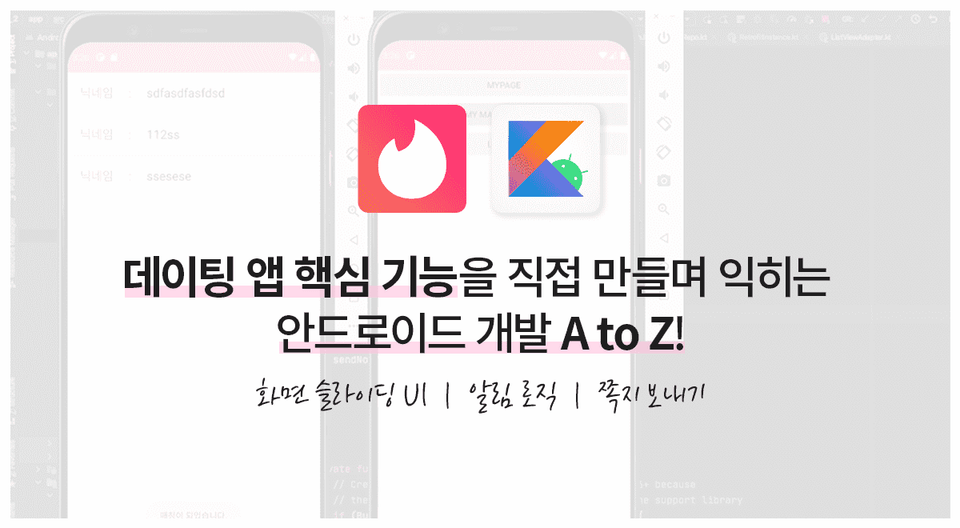
A dating app made with Android! Try implementing core features yourself.
Mobile app development, Want to take it to the next level? 📲
This lecture is about creating an Android dating app. By following the lecture, you can create and practice a project similar to an actual dating app.
We will implement several core functions using Kotlin, such as couple matching logic on Android, push message transmission using FCM (Firebase Cloud Messaging), and notifications.
Sending push messages, notifications, matching, etc. Several key features of the couple app Let's implement it with Android Kotlin + Firebase.
You can learn things like this.
Implementing dating app logic using Kotlin syntax
How to use various libraries and SDKs
Member management functions such as login/signup/logout
Data storage/loading, image storage/loading using Firebase
Sending push messages via FCM (Firebase Cloud Messaging)
Who is this course for? 🔍
Beyond Android Examples By connecting various functions Anyone who wants to make it
Before doing an actual project Practice project Anyone who wants to try it
'App PUSH message How to make it?' For those of you who were wondering
Various functions I'm going to try making it myself.
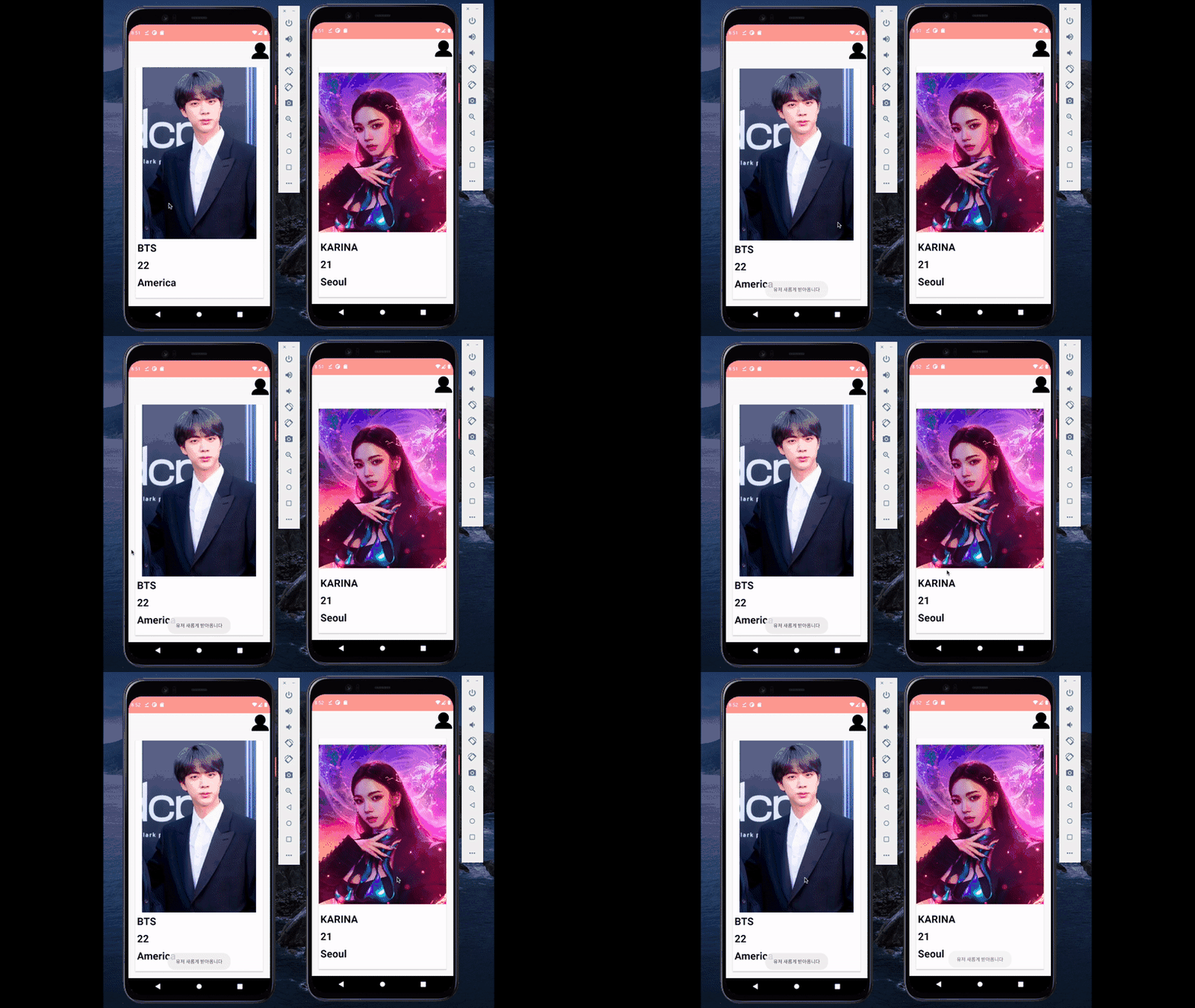
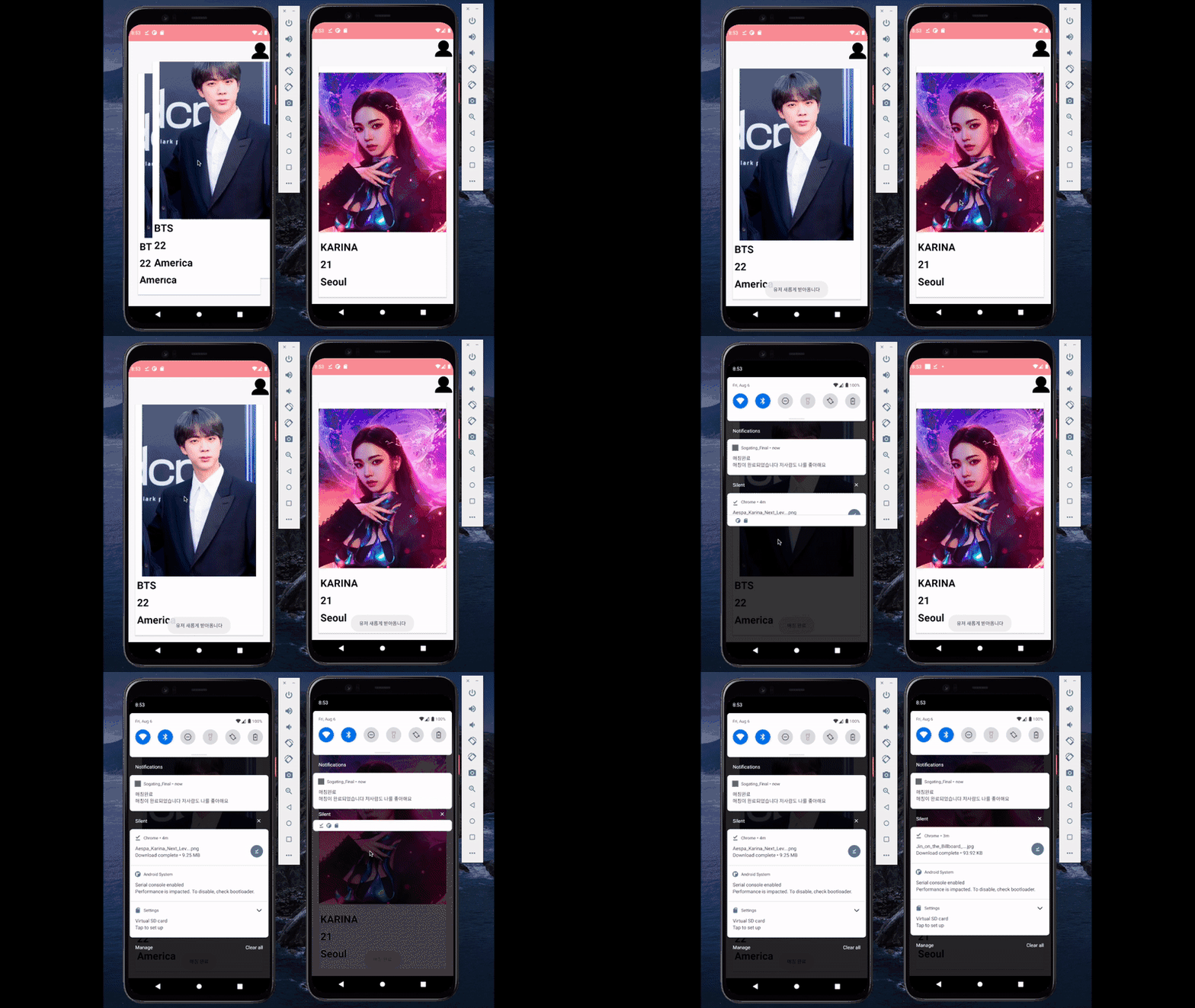
Show likes/dislikes to others with screen sliding UI
Let's create various UIs. Let's create a function that allows users to like/dislike an item by sliding the screen.
While looking at other apps, I wondered , "How can I make a screen like that?" and implemented it myself to learn how to approach it.
Show likes/dislikes to others with screen sliding UI
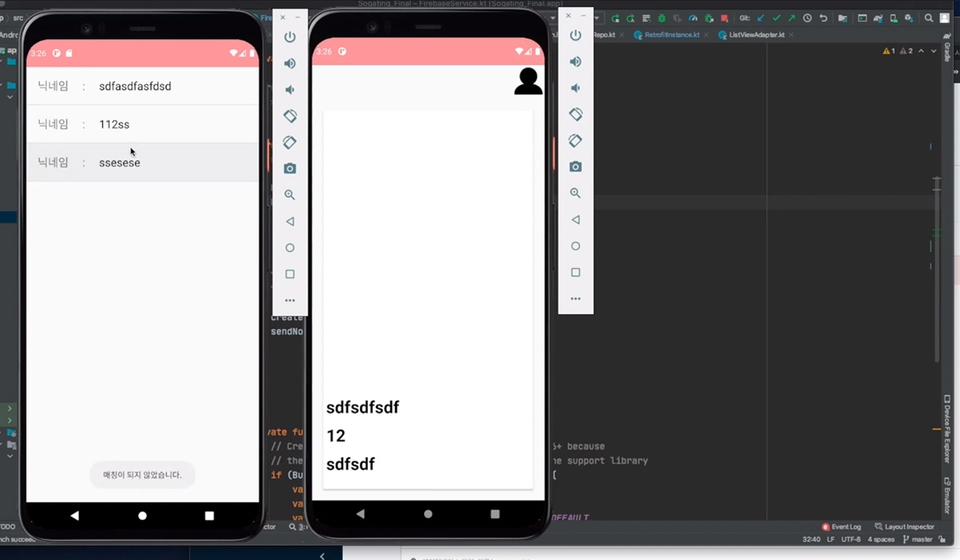
Implementing notification logic when both parties 'like'eachother
Implement the desired logic using Android (Kotlin) syntax.
We will practice Android development by implementing a function that sends a notification when users like each other.
Implementing notification logic when both parties like each other
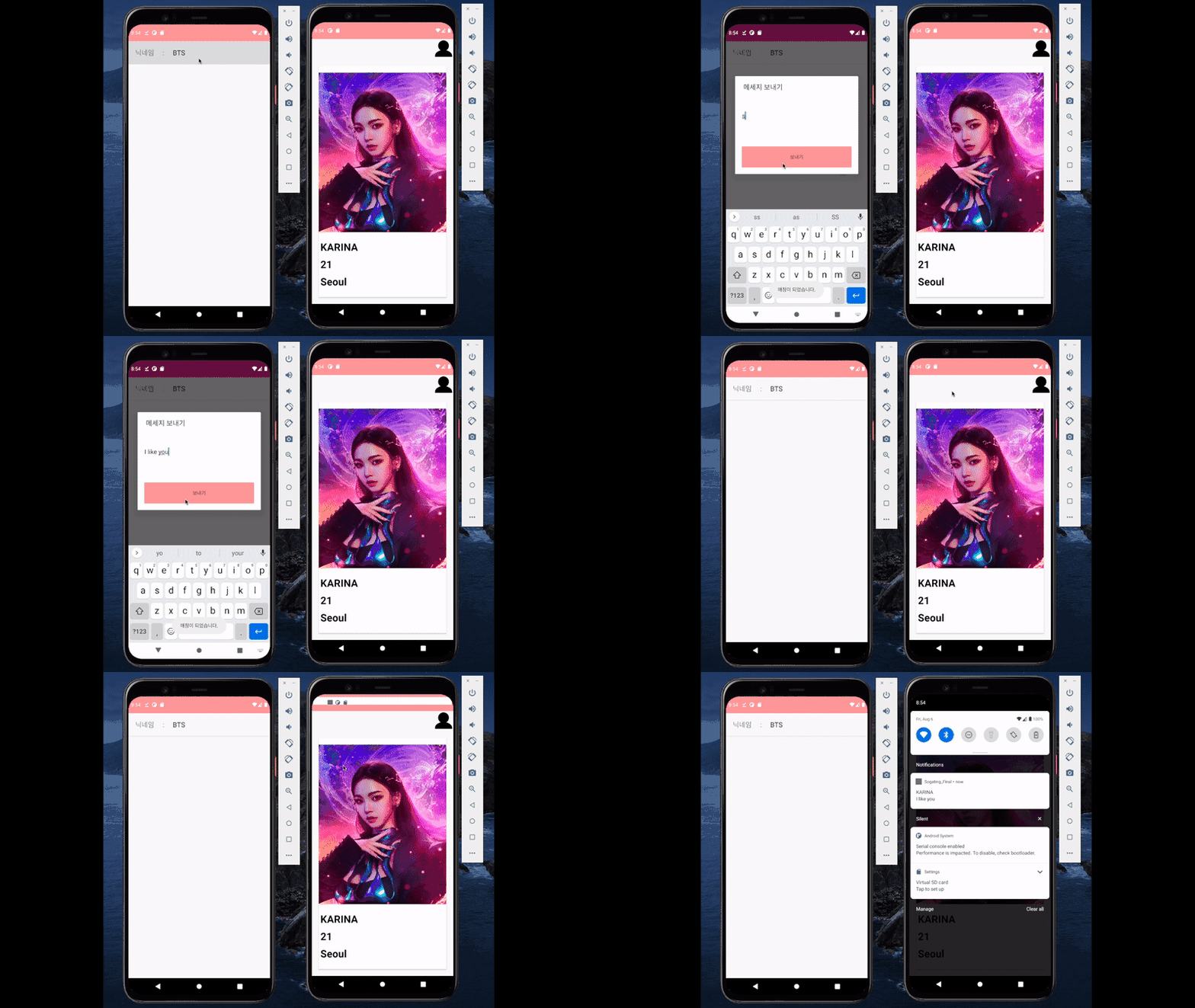
Implemented a feature to send messages only when both parties 'like' each other
We implement the logic of a dating app (a feature that only allows sending messages to people who like each other), and after sending a message, we use FCM to send a PUSH message to the recipient.
Implemented a feature to send messages only when both parties 'like' each other
Key points of the lecture! 💎
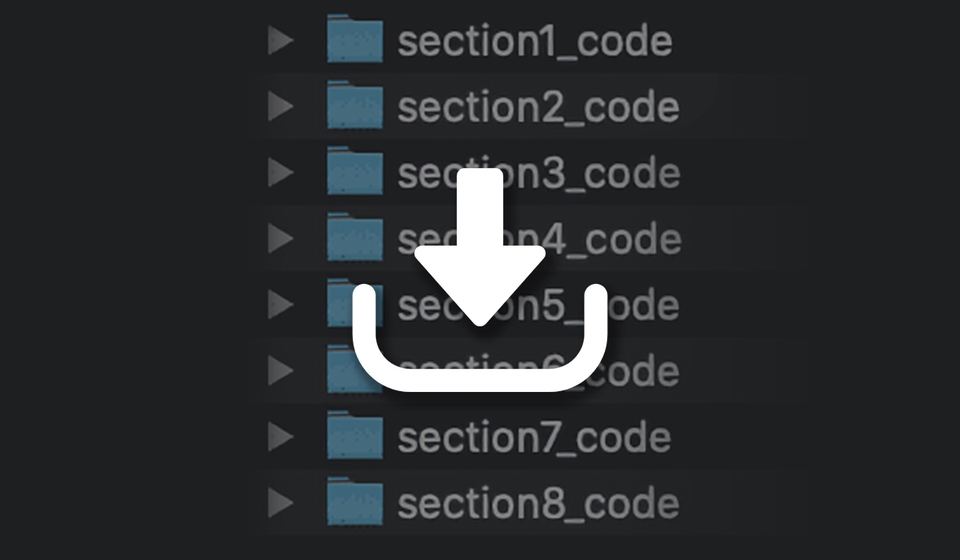
Provide lecture source code
We provide the entire source code of the lecture. We do not provide the complete version after completing the lecture, but provide the complete code as each function is implemented. You can check which part is different from the lecture code at the end of each section.
Easier and faster with practice than theory
The goal is to learn development in a fun way by creating real apps rather than complex and boring theories. When you actually develop apps, you can naturally acquire theories or develop the ability to learn them one by one on your own.
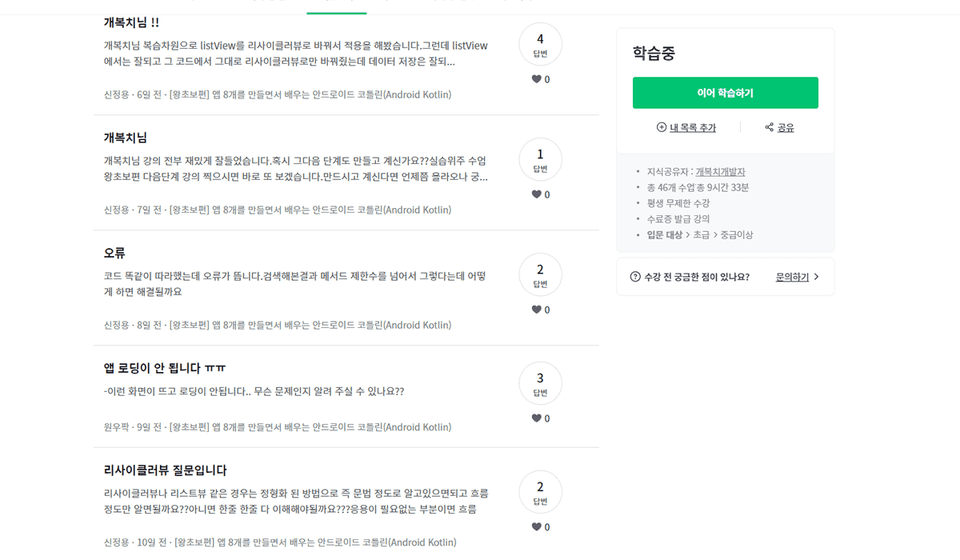
Solve class related questions
When you listen to online recorded lectures, there are often times when errors occur that you cannot resolve on your own. If you leave a question through [Community], we will resolve it within a few hours at the earliest, or within a day or two at the latest.
As you can see in the [Beginner's Guide] and [Advanced] lectures, we answer all questions quickly. When you ask a question, please fill in the information below carefully so that we can easily identify the problem.
Part of the lecture you are watching (lecture title and time code)
Code I wrote
If an error occurs, how does it occur (error content)
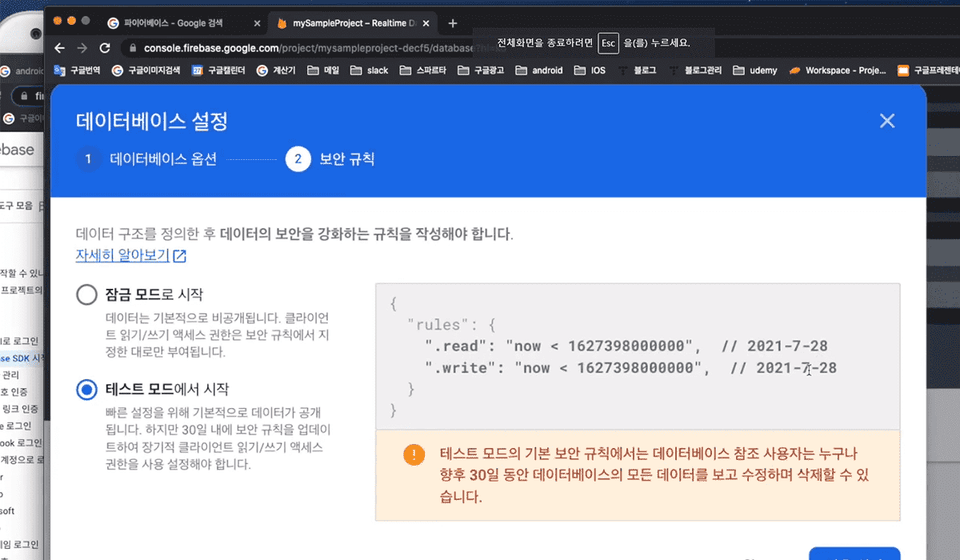
What data is in Firebase?
App screen screenshot
Step by step in a series
You can learn at a level that suits you, from beginner to advanced.
Created a lecture Introducing the knowledge sharer 👨💻
Gaebogchi developer
Since founding the startup in 2015, we have been working on various development projects. While working at a company and working as a freelancer, I've been working on a variety of interesting projects.
Email: uyalae@naver.com
Expected Questions Q&A 💬
Q. I'm not sure if this course is right for my level.
Please check the checklist below. This course is recommended for those who fall under this category.
✅ I think I can make a simple notepad by Googling, and I'm trying to start a personal project, but it's difficult to implement the functions from the beginning. I want to take one more course on making apps and start a personal project.
✅ When I actually try to create an app, I often wonder how to create these functions and screens. I want to know how to approach these things.
✅ Rather than implementing partial functions, I want to get a feel for it by taking a lecture that builds an app from start to finish.
What if you don't fit the above checkbox?
✋ I'm new to Android development and I don't know how to create ListView and RecyclerView.
→ I think it would be better to take the [Beginner's Guide] course.
✋ I think I can make a simple notepad app through search, but I don't know how to implement functions such as deleting bulletin board posts.
→ I think it would be better to take the [Beginner’s] course.
✋ I want to learn about AAC, MVVM, DI, etc.
→ We will prepare for the follow-up lecture! The current lecture focuses on implementing functions through quick practice rather than theoretical parts.
Q. Do you provide the source code required for the lecture?
Yes, we provide full source code.
Q. How do I ask a question?
Please leave a question/answer for the lecture. When you ask a question, please provide as much information as possible. It will be helpful to understand the problem if you provide all the information below :)
Part of the lecture you are watching (lecture title and time code) 2. Code I wrote 3. If an error occurs, how does it occur (error content) 4. What data is in Firebase?
Q. What style are the lectures conducted in?
The lecture content will be hands-on. Rather than explaining everything in detail, we will look at the overall flow and quickly create an app so that you can quickly develop an app.
Q. At the very end, there is something called SendBird SDK. What is this?
In the lecture, we will implement a simple note-sending function. However, for those who want to implement real-time chatting rather than a simple note-sending function when creating a dating app or other app, this SDK exists and we will briefly introduce how to use it.
Q. What should I do if I have any suggestions or encounter any inconveniences while studying?
Please let us know through the lecture community ([Questions/Answers]) bulletin board. We will improve the lecture to make it better.
Q. I wrote the code exactly like the lecture, but it doesn't work. What should I do?
If the source code you copied and pasted into the lecture material doesn't work, please leave a question. If the code doesn't work due to an Android version update, I will update the lecture.
Recommended for these people
Who is this course right for?
After practicing examples, those who want to do real projects.
For those who prefer learning Android hands-on, over theory.
Need to know before starting?
Should be able to create ListView, RecyclerView.
You should be able to create at least a simple notepad app to avoid difficulty with the course.
I had been continuously trying to study Android for several years, but I couldn't reach the level where I could create apps. I had a strong desire to make apps, but I couldn't actually create them, which was very disappointing.
Then I discovered instructor 개복치's lecture on Inflearn, and I had a feeling that if I took this course, I would be able to gain enough knowledge to create apps.
I diligently watched the video lectures from Kotlin basics to dating app development, and during this process, I encountered bugs and went through continuous trial and error, but the instructor's bug-solving tips were helpful.
Of course, when bugs occurred, the resolution process was difficult, but with diligent googling, it wasn't at an impossible level - it was challenging but solvable.
(I think there were about 7 bugs, but I managed to solve them somehow)
Bug solving seemed to be an experience that gradually improved my low-level skills.
Thanks to instructor 개복치, I completed the dating app by following the lectures, and additionally developed SMS text verification functionality, which became a great learning experience.
I recommend this course to those who are starting Android app development for the first time and those who have started but are experiencing difficulties~^^
Thank you for reading.
If you want to get started with Android, this lecture is good! First of all, the tone of voice is good, and it was very helpful because he explained everything in detail. It was really good because I could listen to the lecture with a light heart. I liked that even beginners can listen to it well.







![[Introductory] Kotlin Syntax for AndroidCourse Thumbnail](https://cdn.inflearn.com/public/courses/328032/cover/b566fea7-2dce-49cf-bd5a-911e33af1f31/328032-eng.png?w=420)

![[1 Hour] JavaScript for Developers (of other languages)Course Thumbnail](https://cdn.inflearn.com/public/files/courses/337877/cover/01jyvwkxfmyxtq5ny0e5fmwmqp?w=420)

![[Portfolio] Creating an Android App - Practice SessionCourse Thumbnail](https://cdn.inflearn.com/public/files/courses/339622/cover/ai/1/ed686ab3-7df2-41f2-882e-c0996842fa8e.png?w=420)

![[LV4] Jetpack Compose - Design Patterns and CircuitCourse Thumbnail](https://cdn.inflearn.com/public/files/courses/339164/cover/01k79qy6g0xxp4f7zyfqmyhafy?w=420)
![[Portfolio] Creating an Android App - Theory EditionCourse Thumbnail](https://cdn.inflearn.com/public/courses/335258/cover/371a20a3-e586-4be2-b40e-addbf7fb3416/335258.png?w=420)
![[LV3] Jetpack Compose - Creating a Realistic Diet AppCourse Thumbnail](https://cdn.inflearn.com/public/courses/334088/cover/3c137d6e-568c-465d-a740-e2bf87db58d1/334088.png?w=420)
![Planner, how about learning this level of web development? [Theory + Practice]Course Thumbnail](https://cdn.inflearn.com/public/courses/333579/cover/5bfdb903-721c-4e32-803b-ed0d4cfc28b7/333579.png?w=420)
![[LV2] Jetpack Compose - UI and AnimationCourse Thumbnail](https://cdn.inflearn.com/public/courses/333062/cover/7664ae49-5e6f-402b-95fa-73cb2fd7f549/333062.png?w=420)
![[LV1] Jetpack Compose - UI PracticeCourse Thumbnail](https://cdn.inflearn.com/public/courses/331649/cover/38c7ca7b-90b5-410d-9bed-dd4153ba4850/331649-eng.jpg?w=420)
![[Intermediate] Friendly Introduction to JETPACK <Part 2> (Android Kotlin)Course Thumbnail](https://cdn.inflearn.com/public/courses/330922/cover/f82a0683-7fc3-49fb-b1a3-abebf05356d2/330922-eng.png?w=420)
![[Intermediate] Friendly Introduction to JETPACK <Part 1> (Android Kotlin)Course Thumbnail](https://cdn.inflearn.com/public/courses/328890/cover/f3412340-280b-42e6-aa53-3e43c79c4d0d/327096-eng.png?w=420)
![[Beginner Level] Learn Android Kotlin by Building 8 AppsCourse Thumbnail](https://cdn.inflearn.com/public/courses/327096/cover/fa1cbc3c-c0e8-4a3d-9f2a-1150b67f6457/327096-eng.png?w=420)
.png?w=420)
![[CLI] Build Flutter Apps Without Coding with AICourse Thumbnail](https://cdn.inflearn.com/public/files/courses/344365/cover/01m28ccjzp5ecbs85z3warw0r0?w=420)

![[Unity] Developing Idle Games TogetherCourse Thumbnail](https://cdn.inflearn.com/public/courses/334447/cover/a4464cfb-be08-4a40-b6e2-00060b912c1a/334447.png?w=420)