![[Portfolio] Creating an Android App - Practice SessionCourse Thumbnail](https://cdn.inflearn.com/public/files/courses/339622/cover/ai/1/ed686ab3-7df2-41f2-882e-c0996842fa8e.png?w=420)
[Portfolio] Creating an Android App - Practice Session
bokchi
This is a course that can help you create a portfolio while preparing for a job as an Android developer.

Intermediate
Android, Kotlin, clean-architecture
Android app development, even for absolute beginners!
Now, learn by building it yourself.



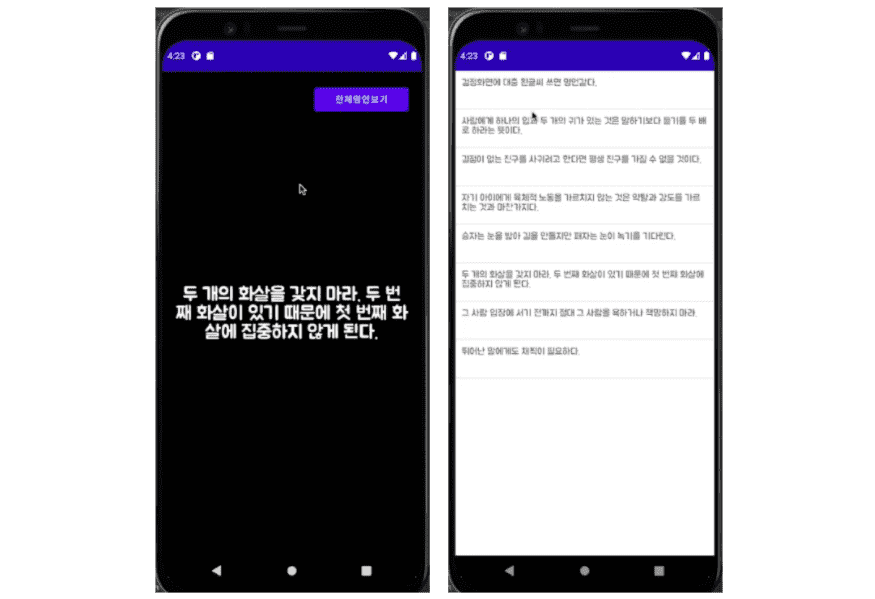



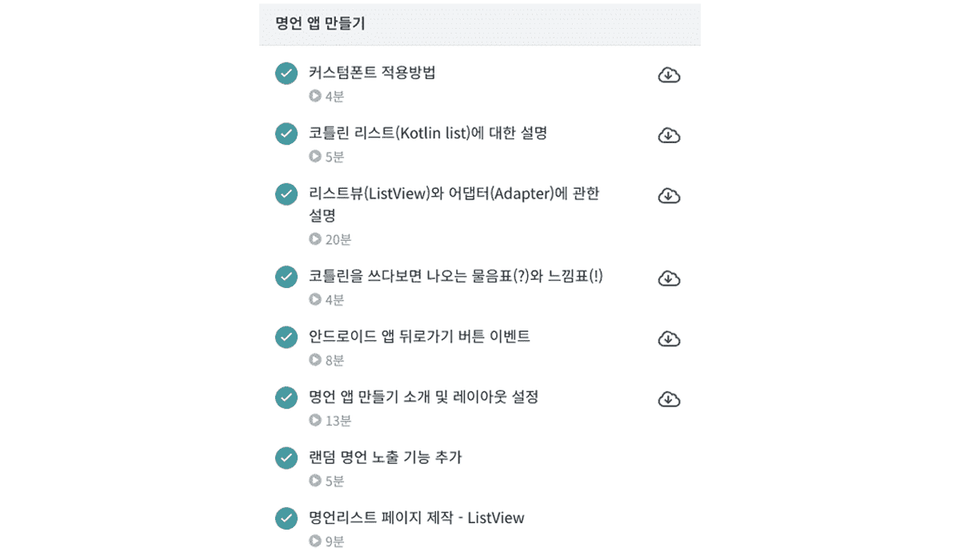
100% of the lecture source code provided
All source code used in the lecture is provided. You can download all the code used in the examples and the project code by clicking the cloud icon or the green [Class Materials] button to the right of the lecture title.
Continuous Updates
Due to the nature of online courses, it is common for existing code to stop working over time. If there are parts that do not work due to version issues even though you typed the code exactly as shown, please let me know. If you report it through [Questions & Answers], I will proceed with updating the lecture.
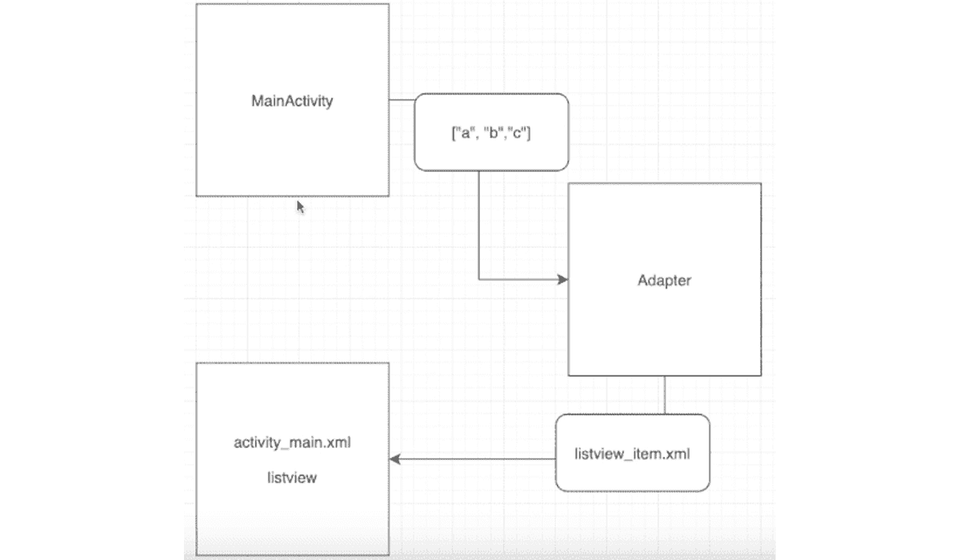
Helping you understand through theory and illustrations
For complex concepts, I use illustrations and diagrams to explain the flow in an easy-to-understand manner. I cover not only hands-on practice but also theoretical aspects. I also provide explanations throughout the course for things you might know roughly but find confusing. (What are servers and clients, how to read logs, what the occasional question marks (?) and exclamation marks (!) mean, what a UID is, etc.)
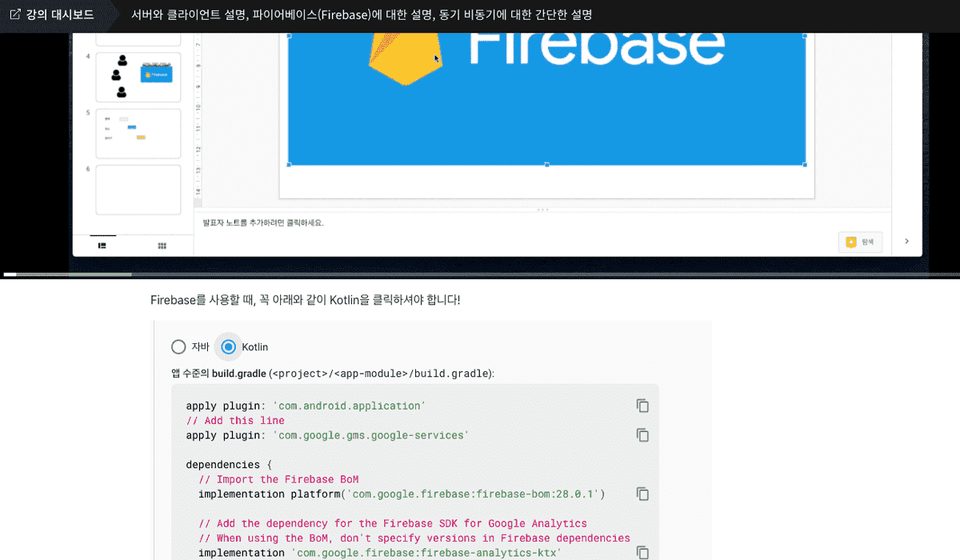
Please refer to the lesson notes.
For each lesson, potentially confusing parts or areas where errors might occur have been documented in the lesson notes at the bottom of the video. These lesson notes will be updated continuously.
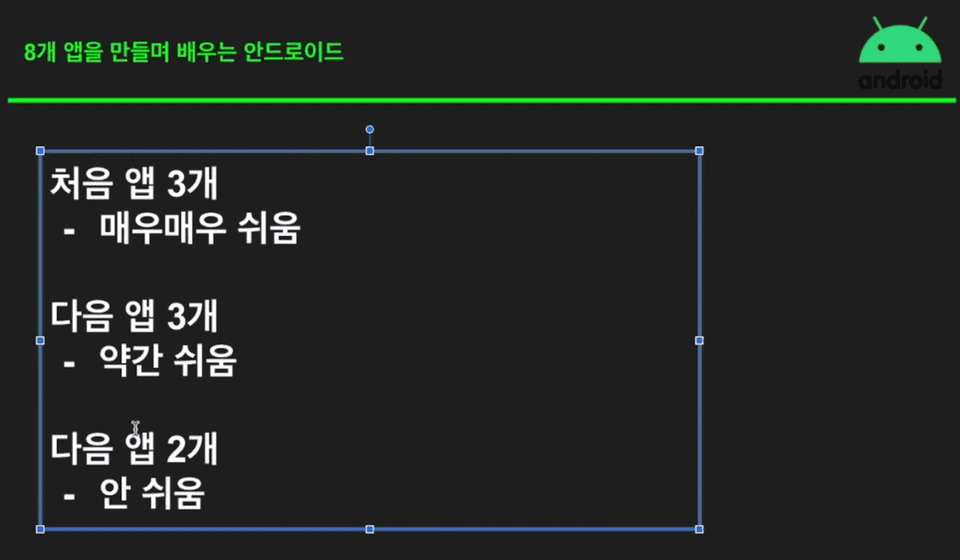
Step by step, starting from the easy parts.
This course proceeds by building 8 apps, with a difficulty level of "very easy" for the first three, "slightly easy" for the next three, and "not easy" for the final two. The difficulty increases gradually as the course progresses, allowing you to become more familiar with coding while building the apps. (If you feel the pace is a bit fast or the content is overwhelming, I recommend reducing the playback speed.)
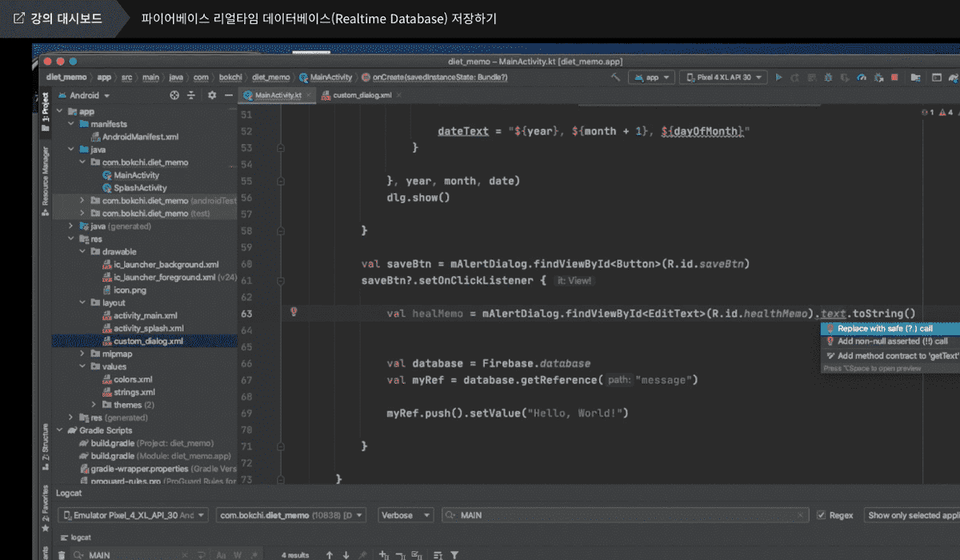
So that you can watch and follow along comfortably
I zoomed in on the code throughout the video to make it easier for students to see. Please follow along with the lecture content, type the code yourself, and try developing a mobile app.

Since founding a startup in 2015, I have been working on various development projects.
In the meantime, I have been working at companies and living as a freelancer while taking on various interesting projects.
Email: uyalae@naver.com
Q. Can someone who is just starting to code take this course?
The course is designed for those who are just starting out with coding or have less than a year of experience. However, if you are a complete beginner and encounter parts you don't understand, you may need to resolve some of them through your own research.
The course also includes guidance on which direction to search in when you encounter something you don't know.
Q. To what level will I be able to develop after taking this course?
You will be able to create simple utility apps like the ones shown in the lecture. For example, you can build a timer app, a dice app, and a notepad app.
Q. I often get stuck while learning online; how can I resolve this?
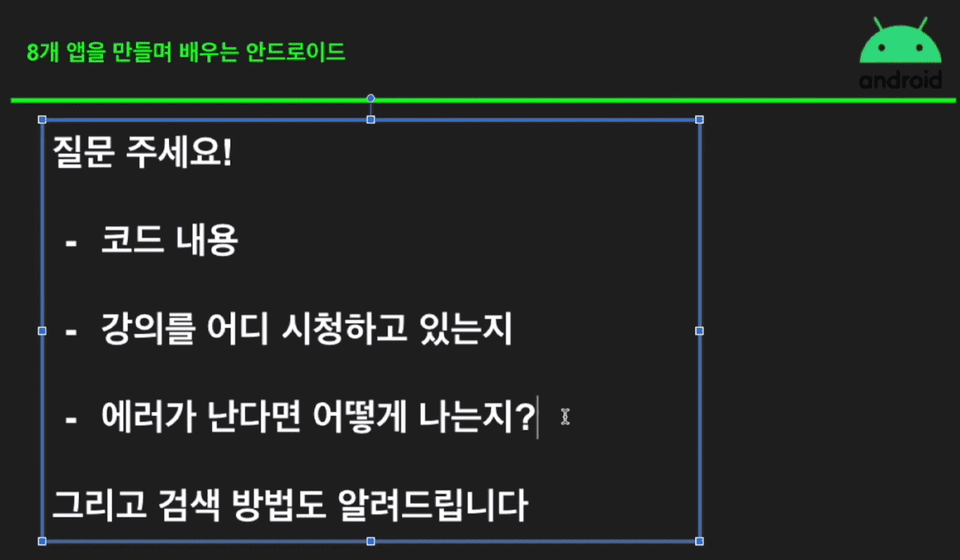
Please leave your questions and answers about the lecture. When asking a question, please make sure to include the following information! (Even if you have attached all the source code used in the lecture but it still doesn't work despite copying and pasting, please follow this format.)
Want to learn Android app development as a hobby?
[Beginner] Kotlin Grammar for Android
[Absolute Beginner] Learn Android Kotlin by Building 8 Apps
Want to develop a bit more deeply, like a professional Android developer?
[Intermediate] Friendly Introduction to JETPACK <Part 1>
[Intermediate] Friendly Introduction to JETPACK <Part 2>
Want to learn about Declarative UI?
[LV1] Jetpack Compose - UI Practice
[LV2] Jetpack Compose - UI and Animation
[LV3] Jetpack Compose - Creating a Decent Diet App
[LV4] Jetpack Compose - Design Patterns and Circuit
What if you are studying with employment in mind?
[Portfolio] Creating an Android App - Theory
[Portfolio] Creating an Android App - Practice

I watched a free Android Studio lecture floating around on YouTube. (I won't mention the name of the YouTuber ^^) But the instructor I watched was an amateur, and I learned from watching an amateur's lecture... When I was developing an app in the field, there were a lot of obstacles... If I had watched this lecture from the beginning, I would have been able to develop it much more easily... Thank you for uploading such a great lecture. In addition, rather than approaching it without knowing anything about coding, try learning basic coding knowledge in C language and apply the programming grammar you learned to the project you are doing here. For example, there is a switch statement in C language. If you know the switch grammar, you can apply the switch grammar when studying the "Transfer data between screens" part of the Twice app creation. Oh, of course, there is no switch grammar in Kotlin, but instead, there is something called when that has the same function as switch. I recommend searching for this additional knowledge in English (English is essential for programmers in the first place) rather than Korean to improve your Googling skills. Anyway, I had a lot of nonsense, but thank you so much for uploading such a great lecture. After finishing this lecture, let's quickly look at the beginner level.
Oh so cool, it's so easy to access and get used to Android.
This is a great lecture! It's not a lie, and it's the most memorable lecture among the Android lectures I've ever taken. I'm leaving this review not to get 300 points, but because I want to recommend it to ordinary people who are aiming for Android development.
The example code is so simple and easy to understand that I think it will be very helpful for actual coding.
A good lecture to get rid of the fear of Android app development. However, the "systematic curriculum" or "grammar learning" mentioned in the lecture introduction are nowhere to be found. Of course, I agree that it is wiser to skip over it for now rather than explaining it right away for those who are learning coding for the first time. However, this lecture has too many explanations like "If you follow along like a parrot, you will create this function." As a result, it can give you the courage to think that you can create something, but in terms of development skills, this lecture is of little help. If you want to create a new service using the lecture content, you will eventually have to find other learning materials and study from the beginning. It is not a bad lecture, but compared to what I expected from the lecture introduction, the direction of the lecture is too focused on stimulating interest, so I think it is a waste of money.
![[LV4] Jetpack Compose - Design Patterns and CircuitCourse Thumbnail](https://cdn.inflearn.com/public/files/courses/339164/cover/01k79qy6g0xxp4f7zyfqmyhafy?w=420)
![[1 Hour] JavaScript for Developers (of other languages)Course Thumbnail](https://cdn.inflearn.com/public/files/courses/337877/cover/01jyvwkxfmyxtq5ny0e5fmwmqp?w=420)

![[Portfolio] Creating an Android App - Theory EditionCourse Thumbnail](https://cdn.inflearn.com/public/courses/335258/cover/371a20a3-e586-4be2-b40e-addbf7fb3416/335258.png?w=420)
![[LV3] Jetpack Compose - Creating a Realistic Diet AppCourse Thumbnail](https://cdn.inflearn.com/public/courses/334088/cover/3c137d6e-568c-465d-a740-e2bf87db58d1/334088.png?w=420)
![Planner, how about learning this level of web development? [Theory + Practice]Course Thumbnail](https://cdn.inflearn.com/public/courses/333579/cover/5bfdb903-721c-4e32-803b-ed0d4cfc28b7/333579.png?w=420)

![[LV2] Jetpack Compose - UI and AnimationCourse Thumbnail](https://cdn.inflearn.com/public/courses/333062/cover/7664ae49-5e6f-402b-95fa-73cb2fd7f549/333062.png?w=420)
![[LV1] Jetpack Compose - UI PracticeCourse Thumbnail](https://cdn.inflearn.com/public/courses/331649/cover/38c7ca7b-90b5-410d-9bed-dd4153ba4850/331649-eng.jpg?w=420)
![[Intermediate] Friendly Introduction to JETPACK <Part 2> (Android Kotlin)Course Thumbnail](https://cdn.inflearn.com/public/courses/330922/cover/f82a0683-7fc3-49fb-b1a3-abebf05356d2/330922-eng.png?w=420)
![[Intermediate] Friendly Introduction to JETPACK <Part 1> (Android Kotlin)Course Thumbnail](https://cdn.inflearn.com/public/courses/328890/cover/f3412340-280b-42e6-aa53-3e43c79c4d0d/327096-eng.png?w=420)
![[Introductory] Kotlin Syntax for AndroidCourse Thumbnail](https://cdn.inflearn.com/public/courses/328032/cover/b566fea7-2dce-49cf-bd5a-911e33af1f31/328032-eng.png?w=420)
![[Unity] Developing Idle Games TogetherCourse Thumbnail](https://cdn.inflearn.com/public/courses/334447/cover/a4464cfb-be08-4a40-b6e2-00060b912c1a/334447.png?w=420)