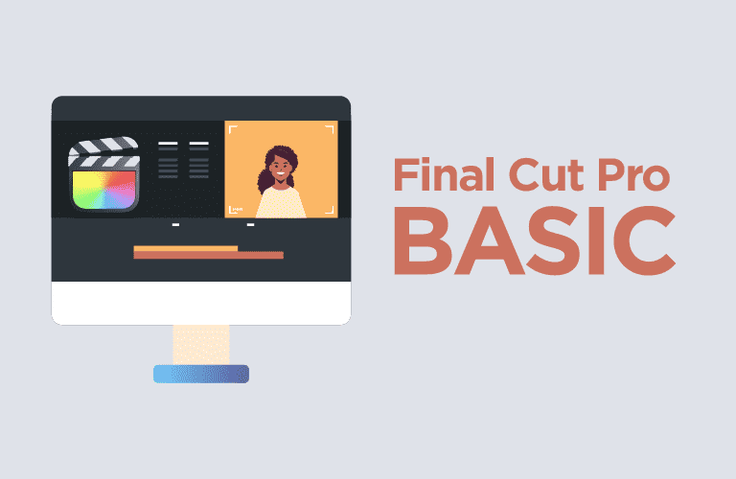
A Final Cut Pro course where you can truly internalize the editing process, rather than just another video editing tool lecture focused on memorizing shortcuts!
It was a useful and fun lecture. I think it would be helpful not only for absolute beginners but also for existing Pacut users.
5.0
HamburgSteak
100% enrolled
I took this course to try using Final Cut Pro for the first time.
It seems like a good course for quickly learning the basic functions.
However, the disappointing part is that you can only access it for 3 months...
Thanks to this, I learned well from the course!
Thank you!
What you will gain after the course
The Core Basics of Video Editing
How to use Final Cut Pro
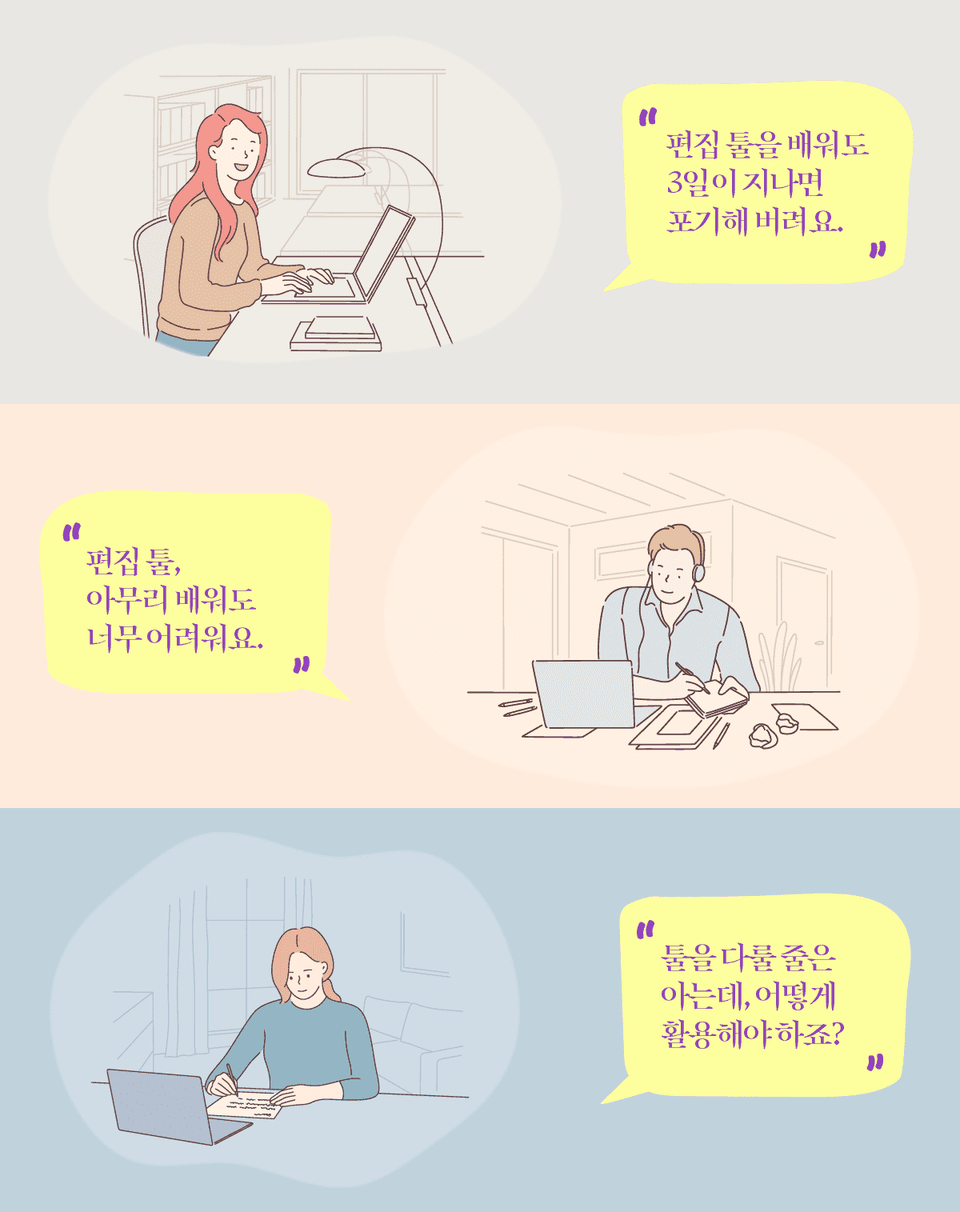
For those of you whose video editing always ended in 'three days of determination'
The reason you forget everything as soon as you learn it
Studying video editing to start YouTube, create a video portfolio, or capture fleeting moments in video. Why do you give up after just three days?
Could it be that you only learned 'how to use the editing tools' rather than learning editing itself?
Are you looking around in various places to learn video editing?
Are you scouring YouTube? Do you find that even after learning how to create funny scenes, you can't seem to take it a step further? Do you understand how to use the software but have no idea how to actually apply it?
What we need to learn is not how to use video editing software, but video editing itself. Just as being proficient in a word processor doesn't guarantee that you'll write a good piece of literature, being skilled at using editing software doesn't necessarily mean you'll be good at editing.
A lecture that properly teaches the principles of editing from the ground up
Just as you need to understand the principles of a machine to fix and use it when it breaks, if you approach video editing with only superficial knowledge, you won't be able to move a single step forward when problems arise. In fact, if you don't understand the immense features Premiere offers, it's like having a high-quality vessel but not knowing how to use it properly.
In fact, most Premiere Pro courses on the market tend to focus heavily on how to use the software, so I will teach you how to handle the program while understanding the essence of editing. Learn video editing efficiently through this course and apply it to your own videos right away :)
The core principles of this lecture!
I designed my lecture with the following points in mind.
First. I will properly teach you the core principles of editing from the start.
There is a world of difference between handling a program while knowing the core principles of editing and not knowing them. If you understand the core of video editing, you can edit well regardless of which video editing tool you use.
Second. We will teach you how to properly utilize the features of Final Cut.
If you are only memorizing shortcuts without properly understanding the essence of Final Cut's features, is it really the right way to master the expensive Mac equipment and Final Cut software you invested in?
Therefore, in this course, I will teach you various functions to properly utilize the convenience and intuitiveness that Final Cut offers.
Who this course is for ☺️
Those who have tried reading books or taking classes to learn editing, but couldn't understand a single word.
Those who can edit to some extent but feel like their skills are no longer improving
Those who get stuck while editing, wondering, 'How should I do this..?'
Those who are now tired of trying to learn editing by scouring through YouTube
In this course, you will learn the following ☺️
Core Basic Concepts of Editing
Before learning Final Cut, we will take a moment to re-examine the purpose and direction of your video editing.
Basic Structure of Final Cut: Library, Bookshelf, Book
Learn about the libraries, bundles, and collections that form the core of Final Cut's basic structure.
Core Final Cut Effects
We will explore various effects that add flavor to your videos, such as transitions that connect scenes, various video effects, and keyframes.
Adding Seasoning to Your Video
Learn how to use still images such as photos or graphics, how to create subtitles, and how to make your videos more professional through color grading and audio correction.
This is who I am 😆
Experience
I started my career as a broadcasting station PD and have been producing videos for 30 years. I have also operated a professional editing studio using Final Cut Pro since 2002, and I currently run my own production company while teaching video production practice at Chung-Ang University's Department of Media and Content.
Q. What kind of things will I be able to do after taking this course? Or what will I gain?
A. You will be able to master the basics of editing and handle most editing tasks with ease.
Additionally, you will understand the principles of editing and establish a foundation for self-improvement.
Q. What do you think are the key features of this course?
A. I have structured the content so that learning editing tools doesn't feel like a chore, but rather something anyone can easily follow along with while watching the lecture to improve their skills immediately!
Please be sure to check before taking the course!
This course utilizes Final Cut Pro X, an editing program exclusive to Mac, so it is not available for Windows users. Please keep this in mind when enrolling in the course.
Recommended for these people
Who is this course right for?
Those who want to learn the overall usage of Final Cut Pro
Those who want to learn video editing
Those who want to learn the basic concepts and get a feel for video editing
I took this course to try using Final Cut Pro for the first time.
It seems like a good course for quickly learning the basic functions.
However, the disappointing part is that you can only access it for 3 months...
Thanks to this, I learned well from the course!
Thank you!













![[Integrated] Introduction to AI Video + Shorts ProductionCourse Thumbnail](https://cdn.inflearn.com/public/files/courses/343177/cover/01kx2mmgmppa8h7jdb8kx9bxye?w=420)