강의

멘토링

커뮤니티

NEW
Applied AI

/

AI Creative

Cinematic AI Video Production Bible: Mastering Midjourney and CapCut

From Midjourney Creation to CapCut Editing! Complete AI Video Production Workflow Ready for Immediate Professional Use

5 learners are taking this course

  • Masocampus
미드저니
AI 활용법
ai영상
영상편집
콘텐츠 마케팅
Midjourney
CapCut
Generative AI
AI
Video Production
날개 달린 동전

Recommend Course to grow and earn commission!

날개 달린 동전

Marketing Partners

Recommend Course to grow and earn commission!

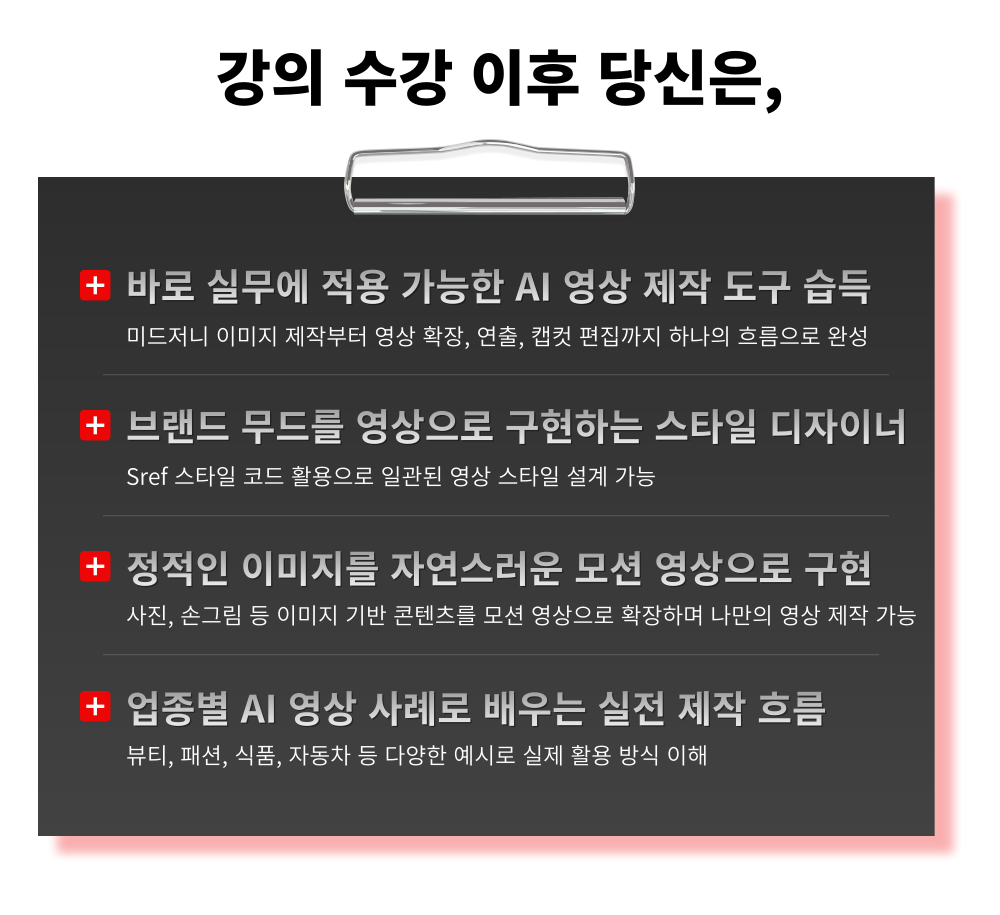
What you will gain after the course

  • From Images to Videos: Learning a Natural AI Content Creation Process

  • Mastering Key Directing Features to Complete Your Video Flow

  • Utilizing Sref Style Codes to Maintain Brand Mood

  • CapCut Practical Editing and Final Mastering

From Midjourney generation to CapCut editing!
Complete AI video production workflow ready for immediate practical use

AI video production is no longer difficult.

Create your own videos easily with Midjourney

From Images to Motion Videos
Your Creativity Expanding with AI

– Master the basics of image creation with Midjourney's core settings: prompts, ratios, upscaling, and more
– Expand your photos and hand-drawn sketches into natural videos
– Design consistent brand mood using Sref style codes
– Create polished videos with CapCut editing
– Industry-specific examples with practical video production tips you can apply immediately

Now create your own content!


What is Midjourney?

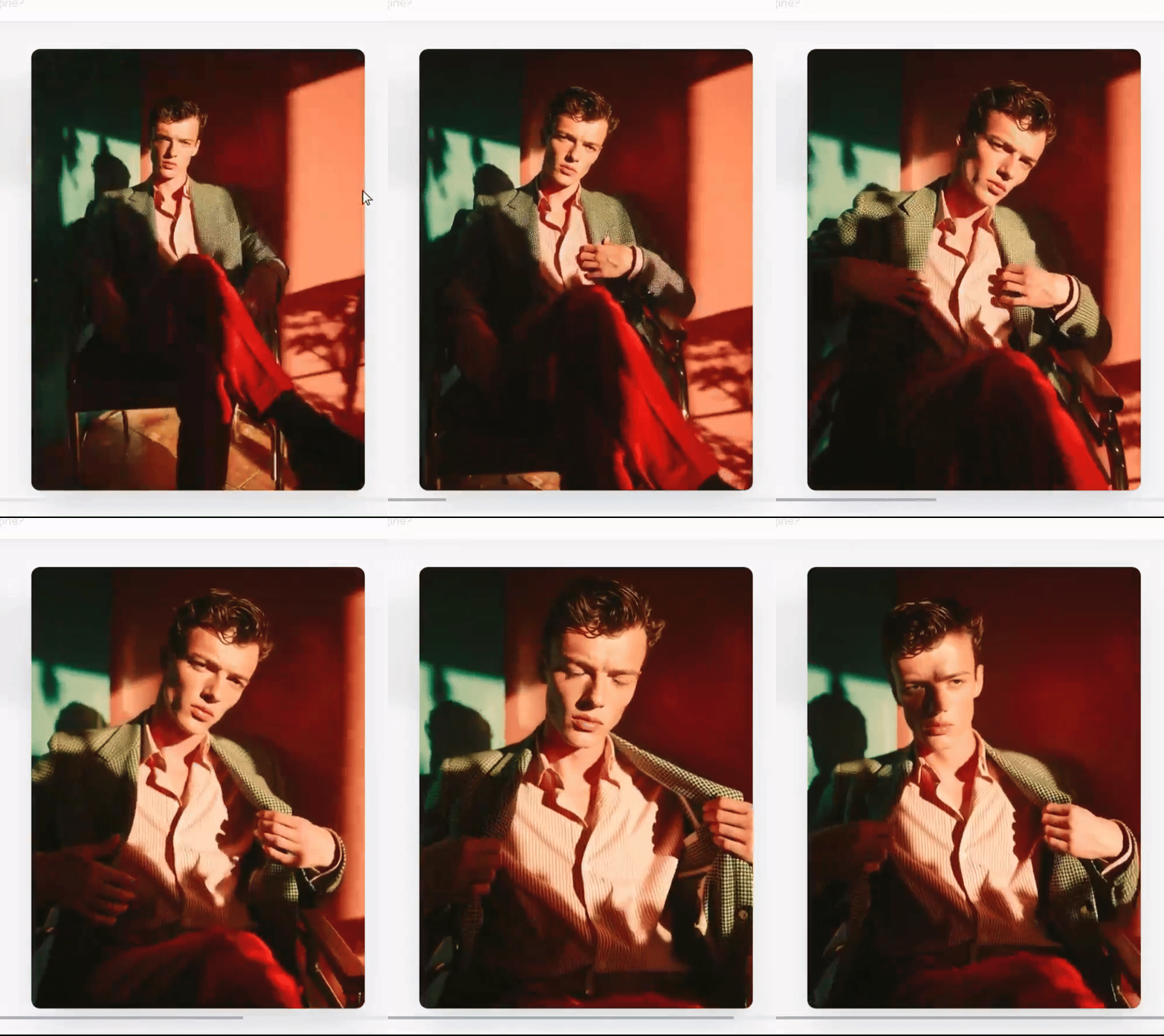
Midjourney is an AI-based creative tool that can generate images in various styles as well as natural motion videos by entering text prompts. You can easily create desired scenes without professional design and video editing skills.


What is CapCut?

Capcut is an AI-based video editing application that allows you to edit videos easily and quickly. Anyone can complete their desired videos quickly and easily without complex editing skills.

What is Sref?

Sref (style code) is Midjourney's style lock feature that extracts only the style elements from a specific image and applies them to maintain a consistent style across subsequently generated images.

Experience Midjourney now - the tool that transforms your creative speed!

Even live-action character videos that save on model fees!

Even dynamic and spectacular videos you only imagined!

All are possible!


Cinematic AI Video Production Bible with Midjourney and CapCut Curriculum Features

Complete image and video production with Midjourney in this practical course.

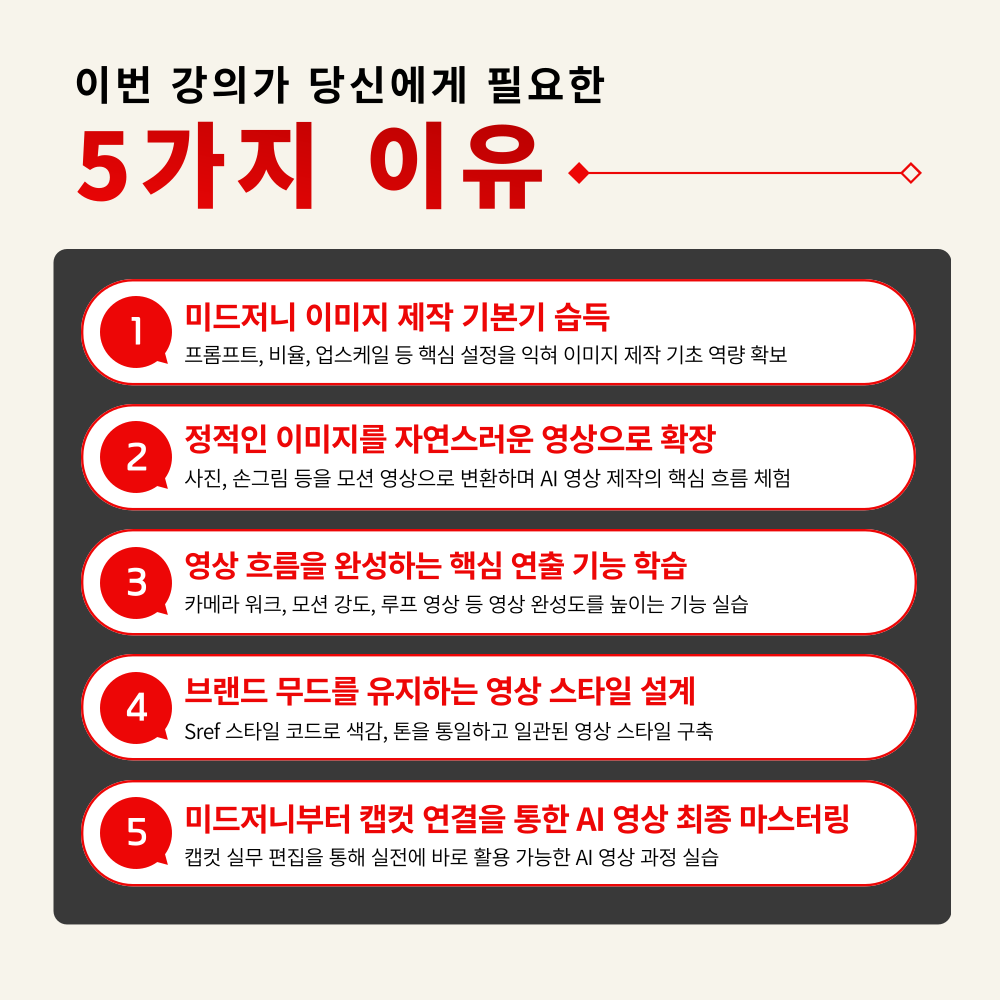
1. Midjourney Image Creation from the Ground Up
Master core settings like prompts, aspect ratios, and upscaling to build a solid foundation in image creation

2. Expand Your Own Images into Natural Videos
Learn step-by-step how to transform static images like photos and hand-drawn illustrations into motion videos

3. Master Key Direction Features that Determine Video Flow
Improve AI video quality by learning essential features like camera work, motion strength, and loop videos

4. Create Consistent Videos with Sref Style Codes
Build a Consistent Video Style While Maintaining Brand Mood and Color Palette

5. Practical CapCut Video Editing Features for Immediate Use
Practice completing AI videos through practical CapCut editing using Midjourney-generated content


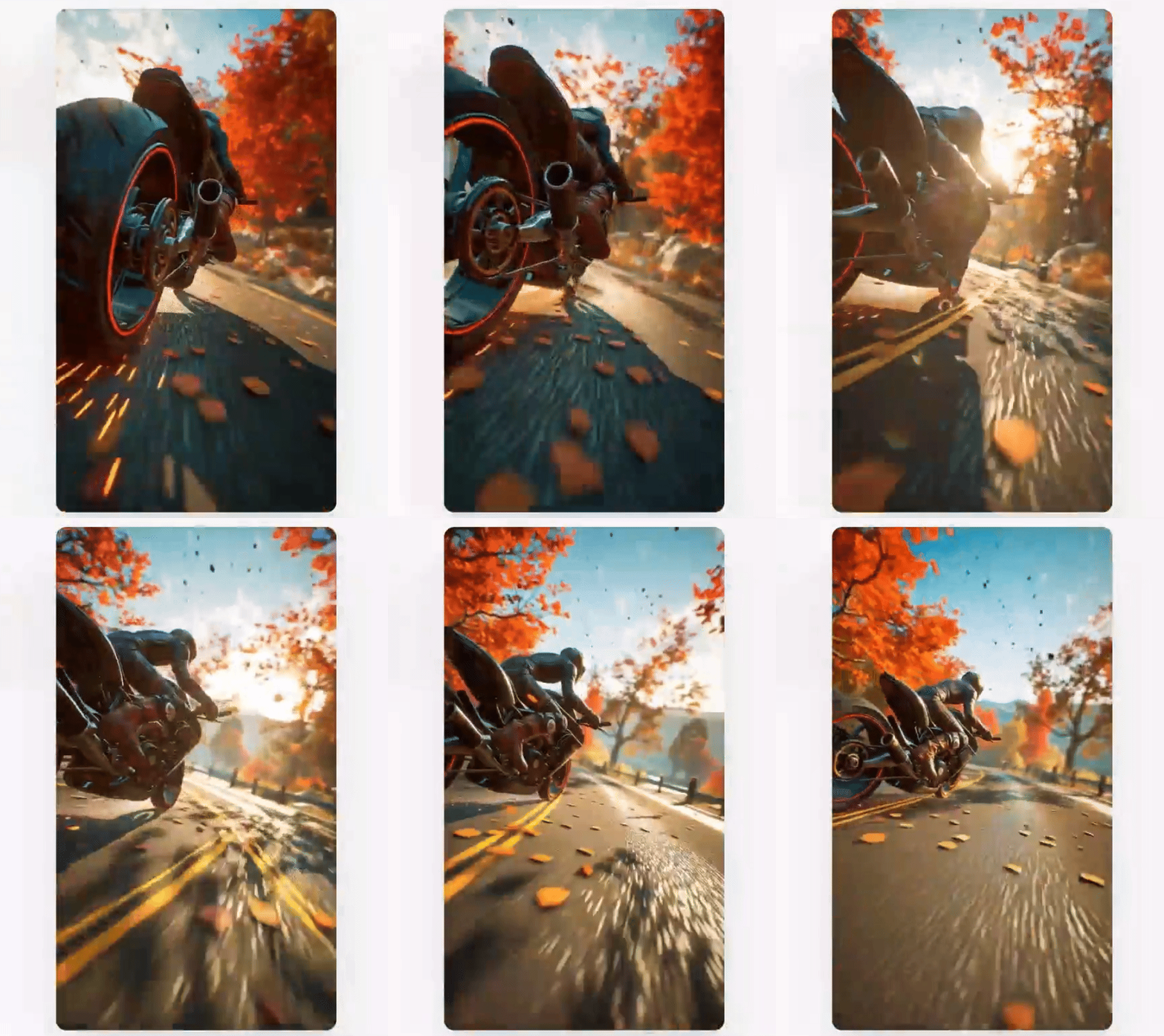
Experience Visuals Beyond Imagination with Midjourney

Now it's time to create your own AI video!


Check out the course highlight video!


Images to Video

Practical Video Production: Creating with Midjourney and Completing with CapCut


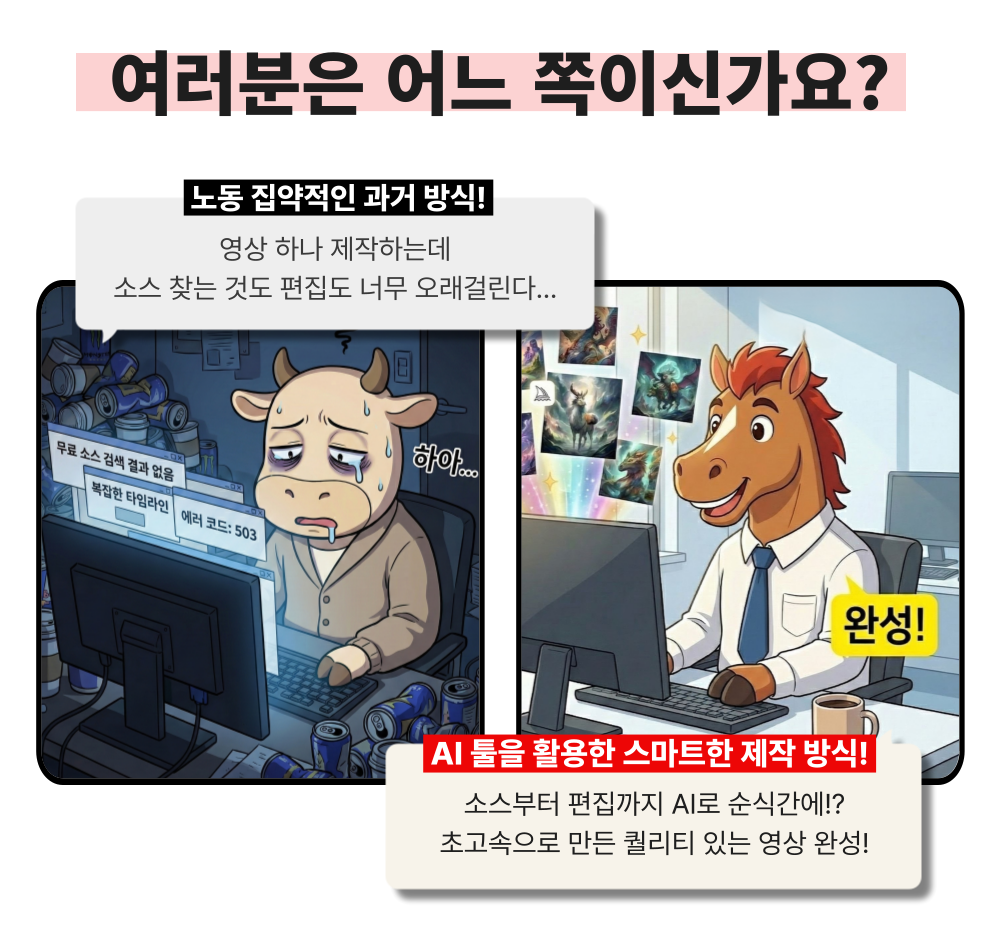
Creating even a single image is difficult, and now you're being asked to make videos too - it feels overwhelming, doesn't it?
Complex editing tools are hard to even touch, and without video editing experience, it feels even more daunting.
Now it's time to solve everything from images to video editing at once, from Midjourney to CapCut.

Transform static images into natural videos,
and create videos with your own unique style in no time!

We confidently recommend this to the following people.

– Practitioners who want to create everything from images to videos without complex editing tools
– Those who need a video production method that can be immediately applied to practical work in a short time
– Creators who want to build a consistent video style while maintaining brand mood using Sref style codes
– Those who want to improve both work speed and quality by streamlining the entire process of image and video production with AI
– Anyone who wants to enhance both content expressiveness and production capabilities using Midjourney

AI videos don't have to feel difficult anymore.
From Midjourney to video completion with CapCut editing,
Learn practical AI video production skills you can use right away in your work!


Course Features

STEP 1. Learning AI Creation Process that Naturally Expands from Images to Videos

Complete hands-on practice of transforming Midjourney-generated images into natural motion videos

STEP 2. Master Key Directing Features to Complete Your Video Flow

Step-by-step learning of directing techniques to enhance video quality, including camera work, motion intensity, and looped videos

STEP 3. Utilizing Sref Style Codes to Maintain Brand Mood

Strategic construction of your own video style through styling methods that consistently maintain color, tone, and mood

STEP 4. CapCut Practical Editing and Final Mastering

Practical Mastering Workshop: Maximizing Final Video Quality by Editing Midjourney Creations with CapCut

STEP 5. Providing Image and Video Guides Ready for Immediate Practical Application

Provides practical packages for immediate practice, including prompt guides, practice results, and style examples

Master Midjourney and CapCut in no time!
Become an all-around AI creator - it's your turn now.
Create high-quality content easily without complicated tools

Unify your brand mood with Sref codes and expand into consistent videos!

From basic usage to Sref application and CapCut editing
Start now with a practical workflow that completes your video production all at once.


Expected Questions Q&A

Q. Do I need prior knowledge of artificial intelligence to take this course?
A. This course is designed to provide practical skills that anyone interested in artificial intelligence can immediately apply in their work, so no prior knowledge of AI is required. However, if you have prior knowledge of video editing or Midjourney, it will help with smooth understanding, so we recommend taking this course together with MaSo Campus's 'Midjourney Secret Class' and 'Midjourney Master Class'.

Q. Are there any requirements or prerequisites for taking this course?
A. No special prior knowledge or skills are required to take this course. However, having a Google account will help you access the generative AI tools more smoothly during the course. If you don't have a Google account yet, we recommend signing up before the course for a seamless learning experience.


Q. Do I need to purchase a paid service to take this course?
A. Midjourney, the main tool used in this course, is a service that requires a subscription plan. The course explains the features of each plan in the early sections, so you can choose the plan that suits you best. However, if you wish to take the course simply to learn about how to use image generation AI like Midjourney and how to apply it in practical work, you can achieve your goals just by taking the course alone.

Recommended for
these people

Who is this course right for?

  • Professionals who want to create everything from images to videos themselves without complex editing tools

  • Those who need a video production method that can be immediately applied to practical work in a short time

  • Creators who want to build a consistent video style while maintaining brand mood by utilizing Sref style codes

  • Anyone who wants to streamline the entire image and video production process with AI while simultaneously improving both work speed and quality

Need to know before starting?

  • Midjourney, the main tool used in this course, is a subscription-based service. The course explains the features of each pricing plan in the early sections, so you can choose the plan that suits you best. However, if you want to take the course to learn about how to use image generation AI like Midjourney and how to apply it in practical work, you can achieve your goals simply by taking the course without a subscription.

Hello
This is

8,654

Learners

1,164

Reviews

106

Answers

4.7

Rating

94

Courses

"어제보다 성장하겠습니다. 그리고, 어제보다 성장하려는 사람을 돕겠습니다."


마소캠퍼스의 진심과 소망을 담은 Actionable Content로,

2013년부터 온오프라인으로 함께해 온 누적 강의 1억시간!

이 소중한 경험과 시간은 언제나 마소캠퍼스와 수강생 모두의 성장의 원천입니다.


마소캠퍼스 팀은 우리의 모두의 성장을 위해 두 가지 원칙을 반드시 지킵니다.


1. 배우면 반드시 쓸 수 있는 Actionable Content

2. 참여자의 시간과 수고를 존중하는 Time-Saving Curriculum


마소캠퍼스의 Actionable and Time-Saving Curriculum으로 성장의 길을 함께 걸어나가길 기원합니다.

Curriculum

All

24 lectures ∙ (2hr 43min)

Course Materials:

Lecture resources
Published: 
Last updated: 

Reviews

Not enough reviews.
Please write a valuable review that helps everyone!

Limited time deal

$33.00

28%

$46.20

Masocampus's other courses

Check out other courses by the instructor!

Similar courses

Explore other courses in the same field!