Capcut, the pinnacle of free video editing
bainsoo
$8.80
Beginner / Video Production, Premiere Pro, CapCut
4.0
(9)
100+
Learn Capcut, a program that is easy to learn and even free.

Beginner
Video Production, Premiere Pro, CapCut

We will teach you the secrets to effectively using Final Cut Pro, the most widely used software in video production.
83 learners
Level Intermediate
Course period Unlimited
Final Cut
How to edit videos effectively
Large-scale video production editing
How to make a video
To start YouTube, to create a video portfolio,
Or maybe you started studying video editing to capture fleeting moments. Why give up after just three days?
By any chance, have you only learned how to use editing tools, rather than editing?
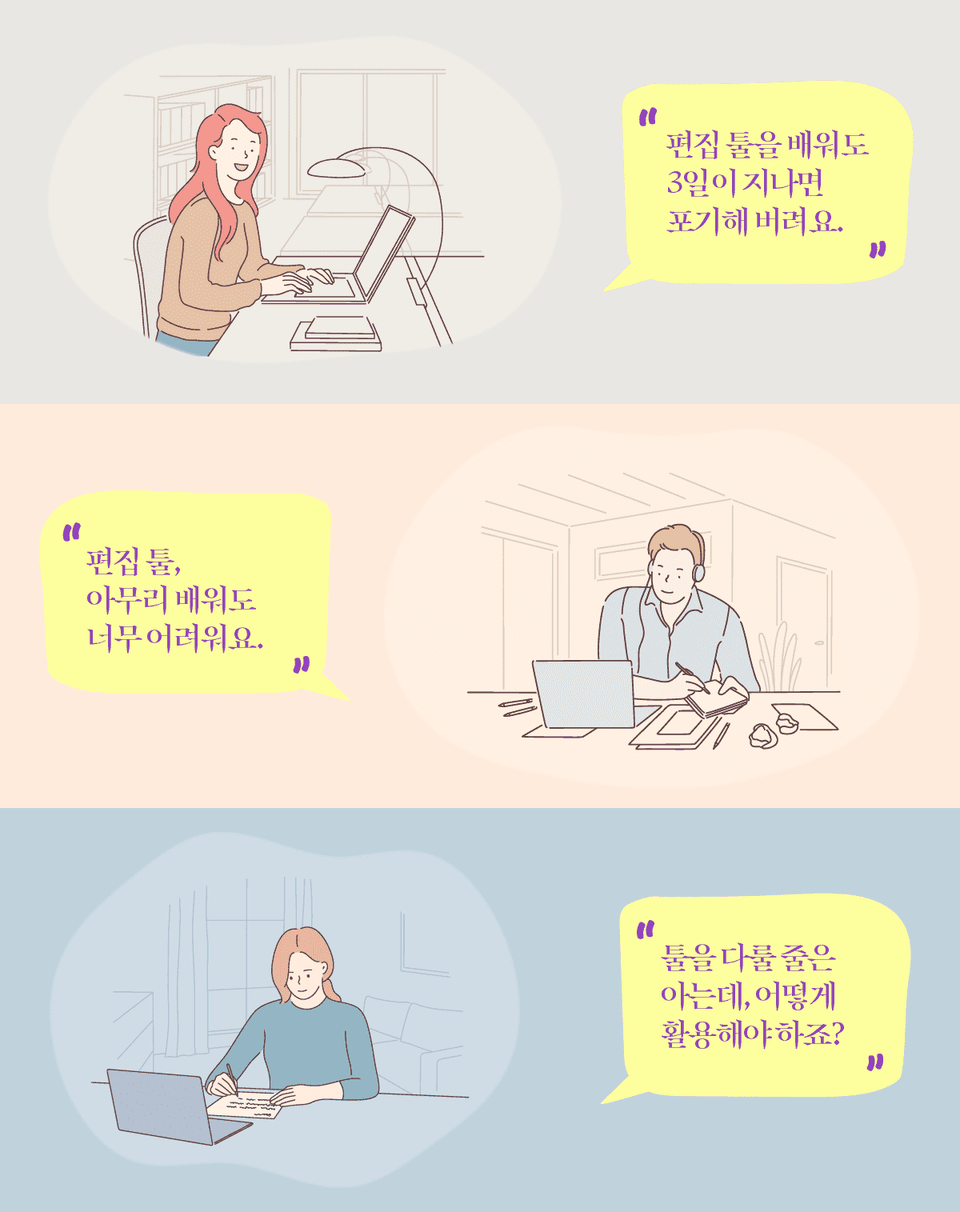
Are you scouring YouTube? Learning how to create entertaining scenes, but not getting anywhere? You know how to use the program, but you're not sure how to actually use it?
What we need to learn isn't how to use video editing software, but video editing itself. Just as being proficient in word processing doesn't guarantee good writing, being proficient in video editing software doesn't guarantee good editing.
Just as understanding the fundamental principles of a machine allows you to repair and use it even if it breaks down, reliant solely on simple knowledge when editing video will prevent you from making progress when problems arise. Without understanding the incredible capabilities of Premiere Pro, you're effectively failing to use a truly powerful tool.
In fact, most Premiere Pro courses on the market focus on how to use the program. I'll teach you how to use the program while understanding the fundamentals of editing. Learn video editing efficiently through this course and apply it to your own videos right away :)
This lecture will teach you how to utilize Final Cut Pro X's tools in a variety of ways, from organizing files to utilizing various functions, creating videos using built-in effects, and gaining in-depth editing know-how from actual video professionals. If you are new to Final Cut Pro X or want to learn the basics of video editing, we recommend taking the ' Final Cut Pro for Beginners ' lecture as a prerequisite.
Learn how to organize your Final Cut bundle files by keywords, smart collections, and indexes.
We've compiled only the essential features for editing into just 5 lessons, including the role function that allows you to define the editing role of a video and how to avoid Final Cut's magnetic timeline.
Learn advanced transition techniques that can make your videos transition naturally, color correction techniques that enhance the beauty of your footage, and more.
We'll teach you detailed expert know-how, including editing tips for shooting with multiple cameras simultaneously and how to adjust sound.
This lecture utilizes Final Cut Pro X, an editing program exclusively for Mac.
Windows users may have difficulty taking the course. Please take note of this when taking the course.
Who is this course right for?
Final Cut Beginner
People who want to make videos more seriously
Need to know before starting?
How to use Final Cut Basics
Apple Computer Basics

557
Learners
28
Reviews
5
Answers
4.6
Rating
6
Courses
After working as a producer at EBS for 15 years, I resigned and
Earned a Master's degree in Film Production in the United States
After quitting my job as an EBS PD of 15 years, I earned a Master's degree in Film Production in the United States.
Returned to Korea and
teaching students at a university while
I am currently providing consulting services for video production in the field.
All
26 lectures ∙ (7hr 22min)
All
3 reviews
5.0
3 reviews

Reviews 4
∙
Average Rating 5.0
Reviews 1
∙
Average Rating 5.0
Reviews 4
∙
Average Rating 5.0
Check out other courses by the instructor!
Explore other courses in the same field!
25% off for new members
$32.90
25%
$42.90

![[Editing time reduced by 50%!!] Final Cut Pro editing basicsCourse Thumbnail](https://cdn.inflearn.com/public/courses/329690/cover/0db20285-5651-49e2-82f6-483601c5425b/329690-eng.png?w=420)