It's so great to be able to learn about the basic functions in a simple way.
5.0
매력적인 갈매기
100% enrolled
Comfortable voice, just the essence~~
5.0
jae-hoon jang
100% enrolled
thank you
What you will gain after the course
Basic theory of video
Final Cut Pro Basics
If you want to make a video Step by step, starting from the very easy ones 🚶
If you're new to video, start with the essentials 💡
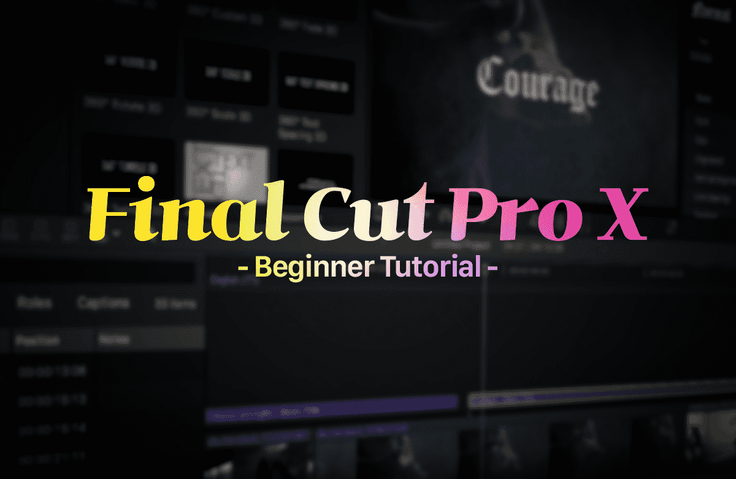
Frame rate? The three factors that make up video quality? This might be unfamiliar to those new to video production. This course is for complete beginners who are completely new to Final Cut Pro. :D I won't cover complex topics, but I'll clearly explain only the essential elements of video production .
Have you purchased a MacBook or iMac but aren't using it properly? I'll try to make it a little more useful. For those of you who use Premiere Pro or other programs and don't understand what a magnetic timeline or storyline is, or what items are included in Library > Events > Project, I'll explain with a simple example.
This course covers the basics of video editing, from project creation, importing footage, subtitles and effects, audio adjustments, and output, all in about 30 minutes . You don't need to understand everything about subtitles at first. It's very easy, so just follow along!
📢 Things to note before taking the course
This lecture has a total lecture time of 27 minutes .
If you watch this video first and then watch the videos uploaded later, even beginners will be able to proceed without difficulty😍
Q. Is there anything I need to prepare before attending the lecture?
This course covers how to use Final Cut Pro, so you'll need an Apple PC capable of running Final Cut Pro. Please bring a MacBook, iMac, or Mac Mini! Windows PCs are not eligible for this course.
Q. Should I buy Final Cut Pro?
You can try it for free for 90 days on the official website! We recommend trying the course for free for 90 days and purchasing it if needed!