This course is an introductory course for beginners of Maya that will teach you the basic functions of Arnold Renderer version 5.0.1.2 included in Maya 2018.
There are no issues with taking the course using Maya 2026's MTOA. The content is substantial and good. It would be even better if it included LPE, AOV Light Group, Cryptomatte, and Volume Shader (and Nuke instead of AE ^^). I learned a lot. Thank you.
5.0
4eversujin
100% enrolled
Detailed explanation is good
5.0
everick9
7% enrolled
Thank you~!
What you will gain after the course
Basic usage of Autodesk Arnold Render
Integration with other tools and technologies using Arnold
Arnold, a 3D renderer for Maya beginners. 🧱
🗒 Course Introduction
(Please note that this lecture does not provide instructor-led answers.)
Autodesk Arnold Renderer is a recently built-in renderer for Maya that has already proven its performance in several Hollywood VFX films. It is relatively easy to control both physical realism and quality, and detailed shading can also be created using Maya's HYPERSHADE.
In Part 1 of this lecture, you will learn the most basic operating concepts and how to use the Arnold renderer. Next, we will look at the overall workflow of Layer Rendering using Maya's Render Setup function, and also learn about the AOV function, which can be considered a shading layer function of Arnold Render. We will also go through the process of separating the Arnold material into specific property units via AOVs and assembling them in Adobe After Effects. Additionally, you will be able to see how to use Maya's nParticle and MASH functions in conjunction with the Stand-In function using Arnold.
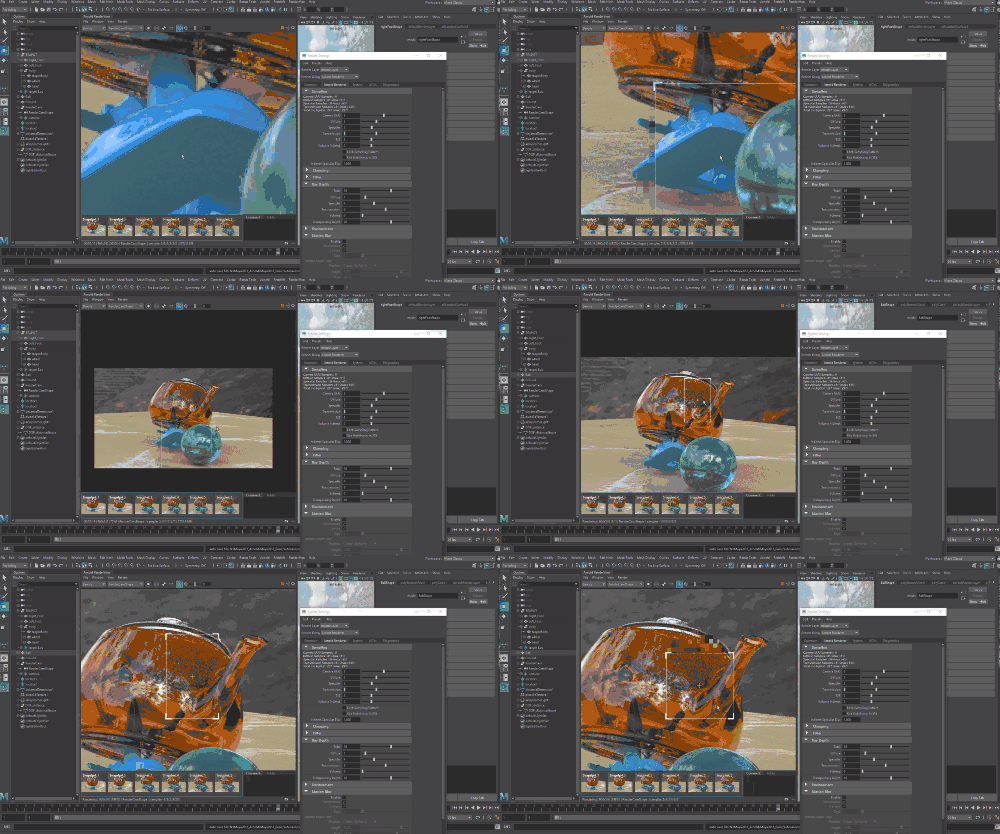
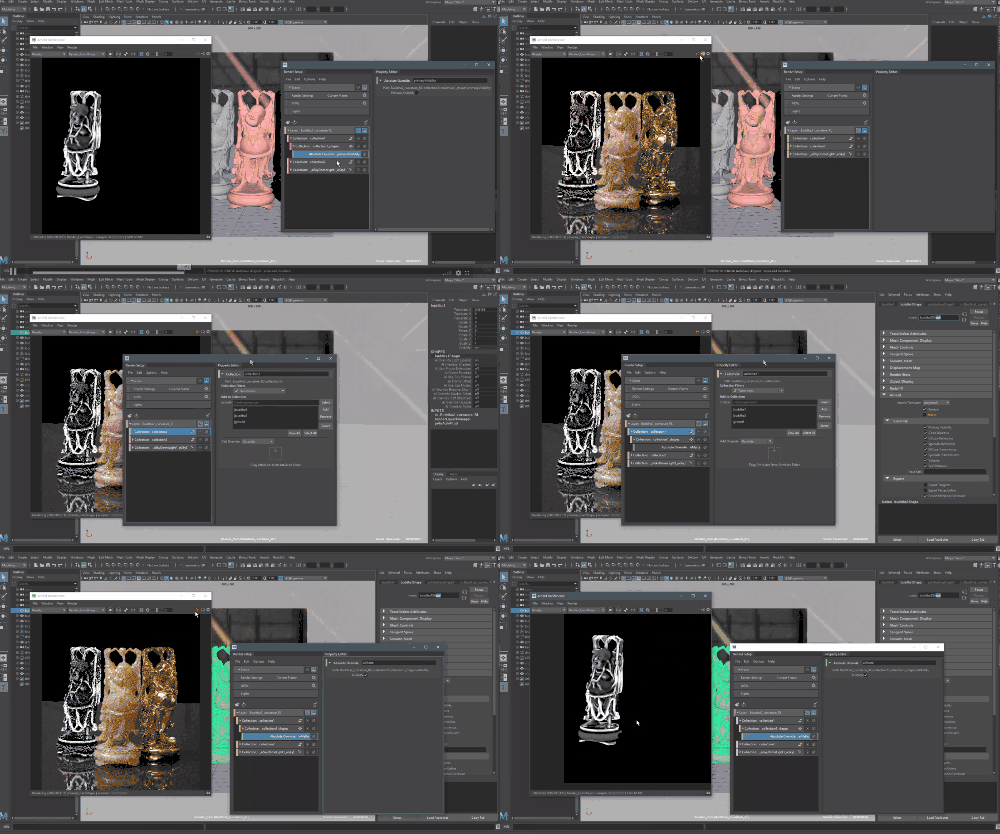
🌈 Preview the lecture screen
🙌 Tools covered here
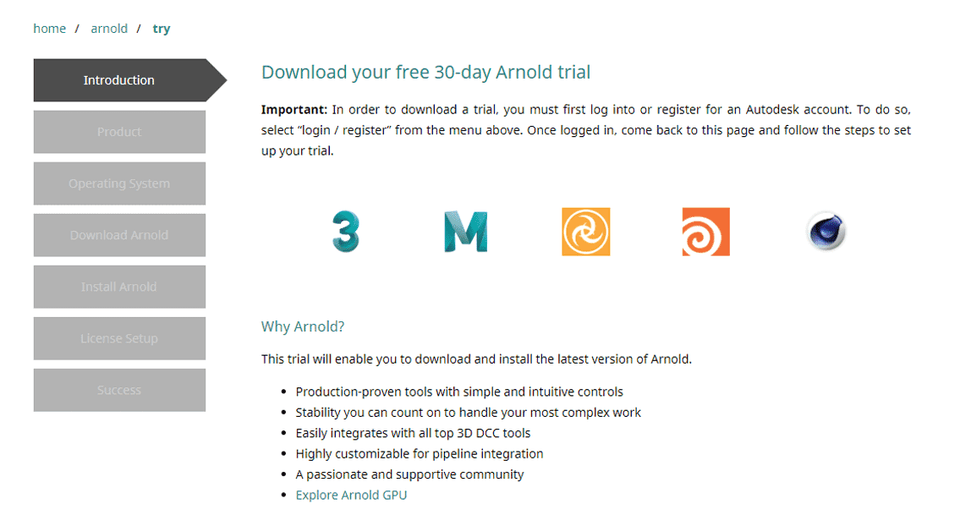
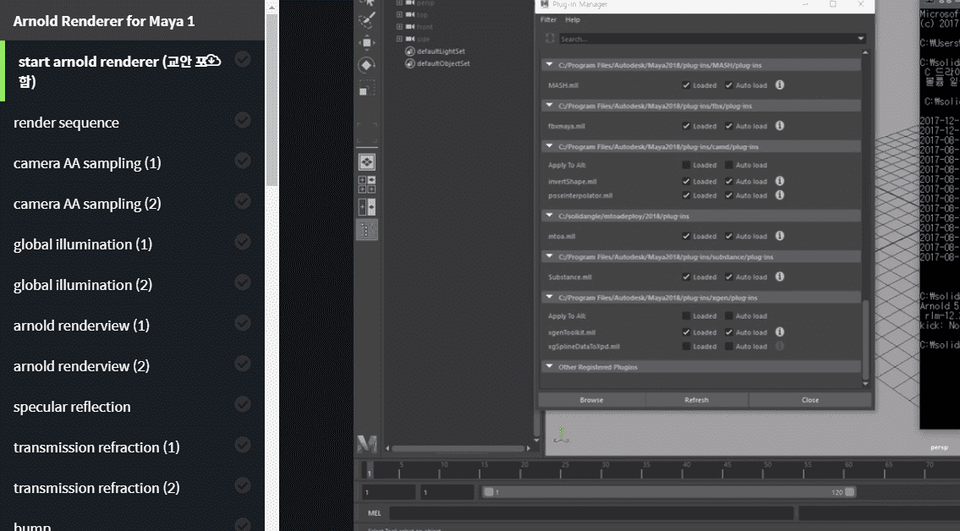
This course uses Arnold Renderer version 5.0.1.2 , which is included in Autodesk Maya 2018 , so we recommend that you have that version or higher. Maya and the Arnold Renderer only work on 64-bit systems. For more information, please visit the official website . Official site link You can download and use a 30-day free trial of the latest version of Maya and the latest version of Arnold from the official website.
🙋🏻♂️ Expected questions related to the lecture
Q. Can non-majors and beginners also take the course? A. Yes, you can. However, this course is designed for beginners learning Maya, so if you have no experience using Maya, we recommend taking it in conjunction with the "Introduction to Autodesk Maya 3D Graphics" course series.
Q. Are lecture notes included? A. Yes, you can download the lecture notes by clicking the cloud-shaped icon on the left tab while watching the lecture. The lecture notes are attached to the first lecture of each part.
📢 Please check before taking the class!
This course does not provide Q&A with the knowledge sharer regarding the course content.
This lecture is recorded in 720p. Please check the video quality using [Preview] before attending.
Please check your knowledge! This course assumes basic knowledge of Maya, at least version 2019 or later.
Recommended for these people
Who is this course right for?
Maya Basic User
Learn the basics of other 3D modeling tools
“Introduction to Autodesk Maya 3D Graphics” course attendees
Need to know before starting?
Someone with basic operational experience with Maya, at least version 2017 or later.
Recommended to take the course “Introduction to Autodesk Maya 3D Graphics”
There are no issues with taking the course using Maya 2026's MTOA. The content is substantial and good. It would be even better if it included LPE, AOV Light Group, Cryptomatte, and Volume Shader (and Nuke instead of AE ^^). I learned a lot. Thank you.



















![[Photoshop Revolution Broadcast] Photoshop Basics CompleteCourse Thumbnail](https://cdn.inflearn.com/wp-content/uploads/photoshop002.jpg?w=420)