Arduino Tutorial
usefulit
This is an Arduino lecture by Park Sung-jun on YouTube.

Beginner
Arduino
(Continued from Autodesk Maya 3D Graphics Introduction Part 3.)
(Please note that instructor Q&A is not provided for this course.)
Autodesk Maya holds the status of being used as the standard 3D modeling software in the fields of film, animation, and commercial advertising.
It leads the industry particularly in the field of animation, and also fully meets user demands in modeling, special effects, and rendering.
This course helps beginners starting 3D graphics for the first time to learn basic 3D graphic concepts from the perspective of using Maya.
✅ A lecture handout is attached to the first lesson of each section.
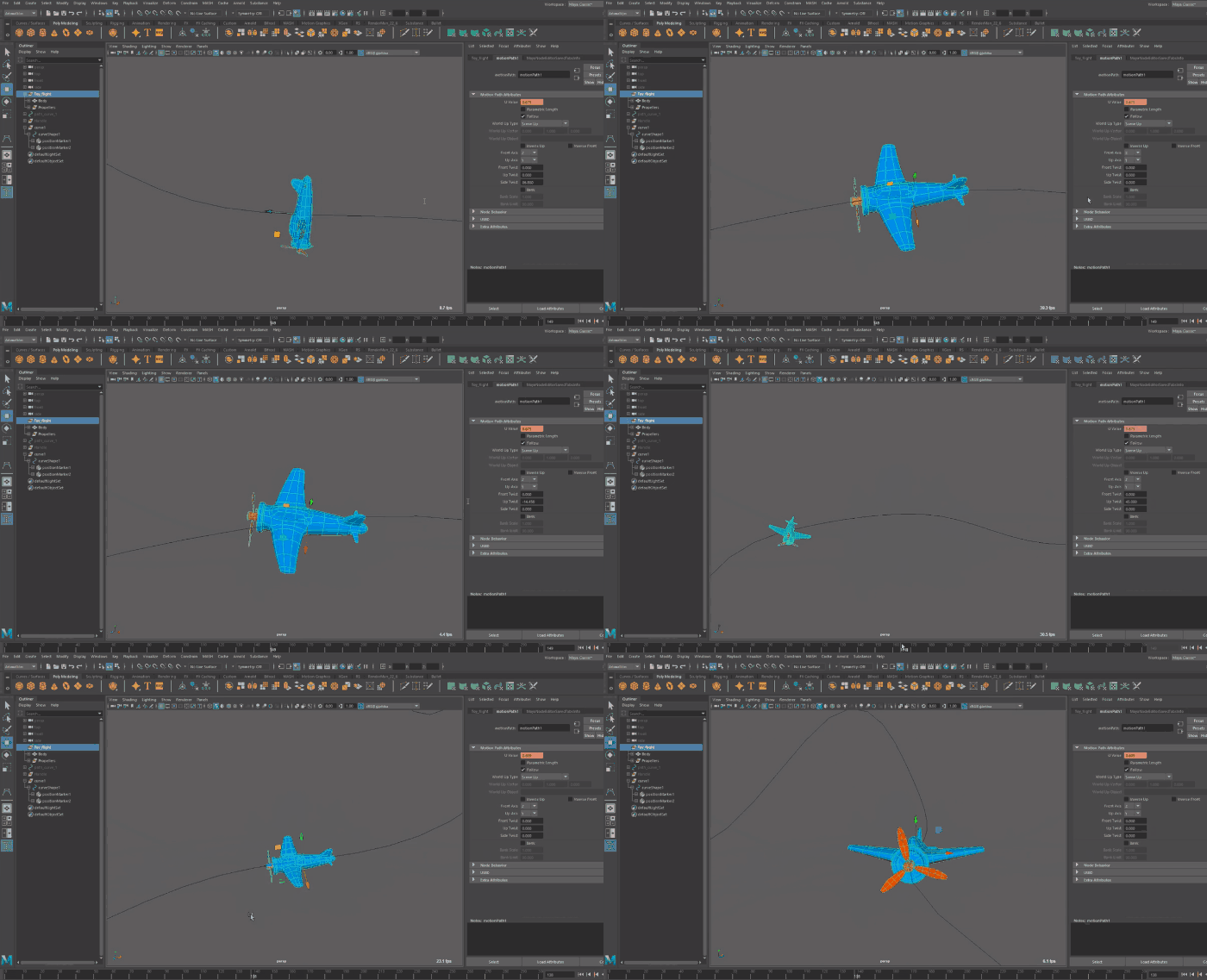
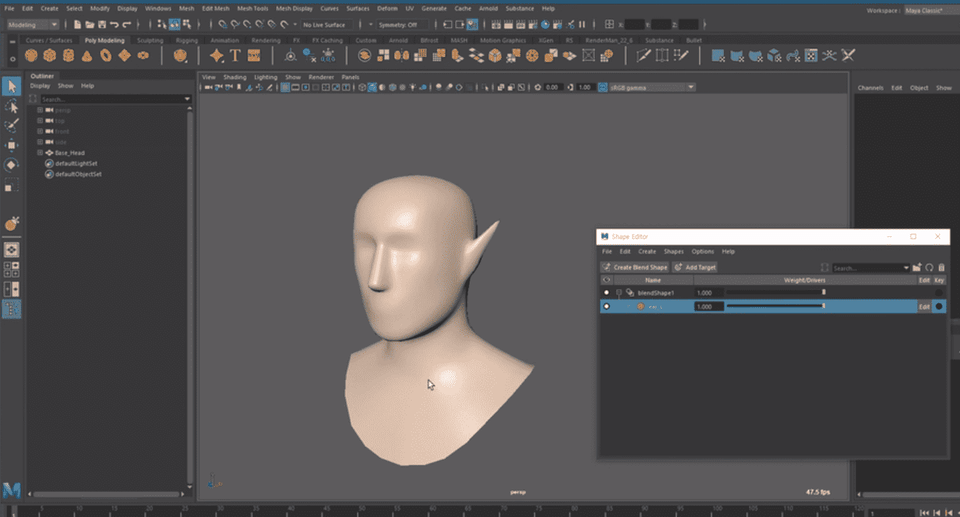
This course uses Autodesk Maya 2019 version, so it is recommended to have that version or higher.
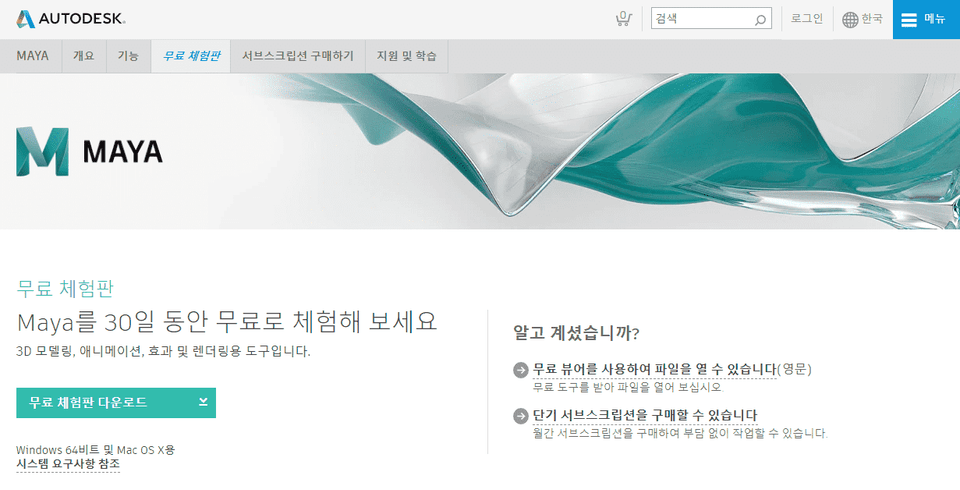
Maya only operates on 64-bit system environments. Please check the official website for more details. Official Website Link
You can download and use a 30-day free trial of the latest version of Maya from the official website.
Q. Can non-majors or beginners take this course?
A. This is an introductory course that anyone interested in 3D graphics can take.
Since this course follows Autodesk Maya 3D Graphics Introduction Part 1–3, please make sure to take those courses first.
Q. What can I do after learning Maya?
A. Maya is a tool widely used in the global visual effects industry and can be utilized for 3D modeling, rendering, animation production, and motion graphics. Maya was used to create numerous famous works, including the game <God of War>, the animation <Frozen>, and the movie <Avatar>.
📢 Please check before taking the course!