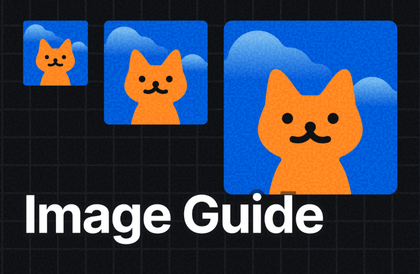

프로덕트 제작 시 놓치기 쉬운 이미지 처리 가이드
DX Lab
이미지가 또 말썽인가요? 픽셀 깨짐, 부분 잘림, 찌그러짐, 로딩 지연, 멀티플랫폼 대응 이슈 등은 사실 설계의 문제입니다. 이미지 이슈, 초장에 방어하세요.
입문
웹 디자인, 소프트웨어 설계, ui
Style foundations systematize the basics of design, such as colors, spacing, and fonts, to reduce work time and increase the quality of the final product. If you're struggling with an unorganized UI or losing consistency in collaboration, take this course. Even novice designers can learn the fundamentals and systems that can be immediately applied to practical work.

I can understand the basic concepts and importance of a design system.
Learn how to utilize style foundations to enhance quality.
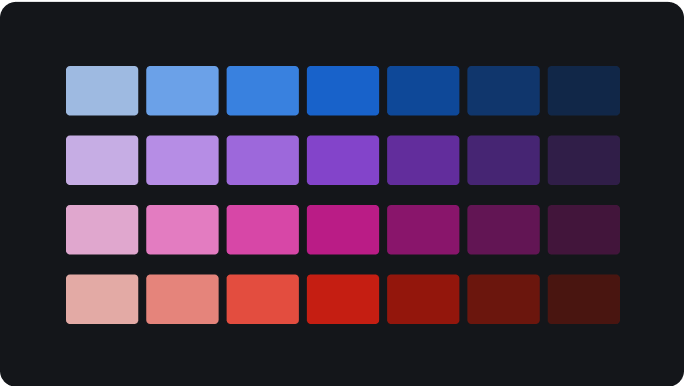
Master a color system for constructing and expanding color palettes.
You can understand the principles of setting intervals, such as multiples of 4, multiples of 8, etc.
Learn how to represent images for various device resolutions.

Style Foundation
The Beginning of a Design System, the Core of UI Design
Many companies are adopting design systems to create better products.
Products are becoming more complex, and team members use a variety of roles and tools.
Maintaining consistency and efficiency throughout this process presents a major challenge.
Design systems are powerful tools for solving these problems.
The most important of these is the style foundation .
Style Foundation organizes and unifies the most basic visual language: color, spacing, fonts, etc.
Reduce the collaboration inefficiencies, design inconsistencies, and maintenance chaos we experience every day.
You can achieve better results faster.
In this lecture, we will learn why style foundation is important,
Let me explain in simple terms how you can use this.
What if you don't have a style foundation?
What if you have a style foundation?
If you have any concerns like this, listen up.
“I don’t understand why we have to use 2x and 3x images .”
In this lecture, you will learn in detail how and why images are rendered clearly in high DPR environments.
“I have no idea what the standard resolution should be. Where should I set the standard?”
To support various devices, the reference resolution must be set based on data.
We will explain the process in a practical way.
“ Grid ? I have no idea where to start.”
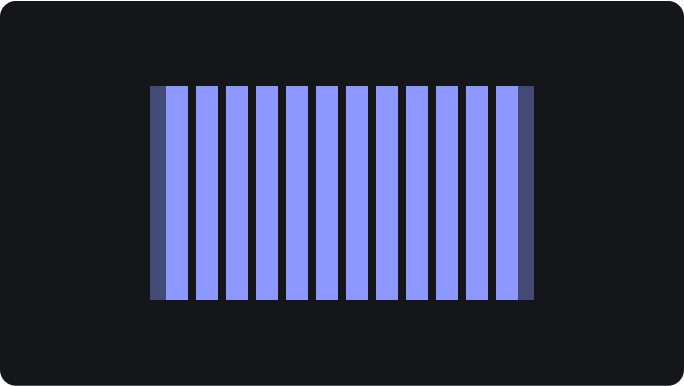
We will teach you the basic concepts of grids and grid calculation methods using multiples of 8.
“How can I set the font size and line spacing to improve readability ?”
Are you worried that small or dense fonts will make your text less readable?
Learn how to set the right font size and line spacing for your content type.
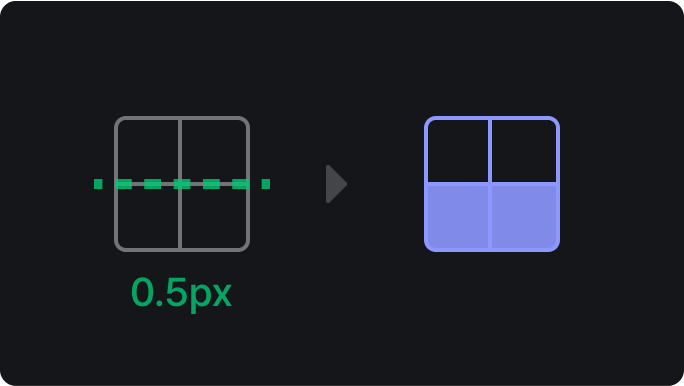
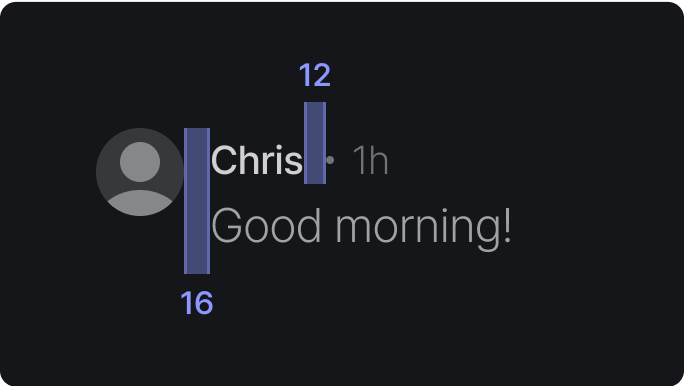
“I don’t understand why the spacing has to be multiples of 4 or 8. ”
Learn how to solve the half-pixel problem and create high-quality designs.
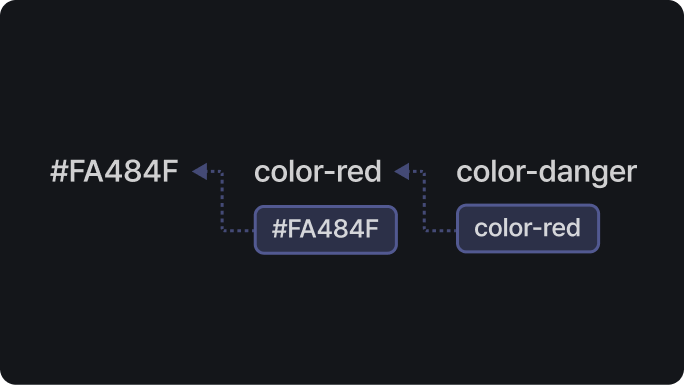
“I don’t know what a design token is and why we need it.”
Are you having trouble understanding the design tokens?
In this lecture, we will easily explain the concept and necessity of design tokens.
Design System, Get Started Easily.
Provides clues to solving design problems
It clearly addresses design concerns such as why spacing should be multiples of 4. You can apply what you learn directly to your work, so you can solve problems without wasting time.
It's easy to learn design systems without any burden.
Since we learn the huge concept of design system from the core part called “Style Foundation,” even beginners can get started without any burden.
Easy explanations and examples that even beginners can understand.
Design tokens, grid systems, resolution settings, etc. that may seem complicated are explained in a simple and clear way so that anyone can understand them. It helps not only designers but also planners and developers increase their understanding of design systems.
Explains the design system in detail.
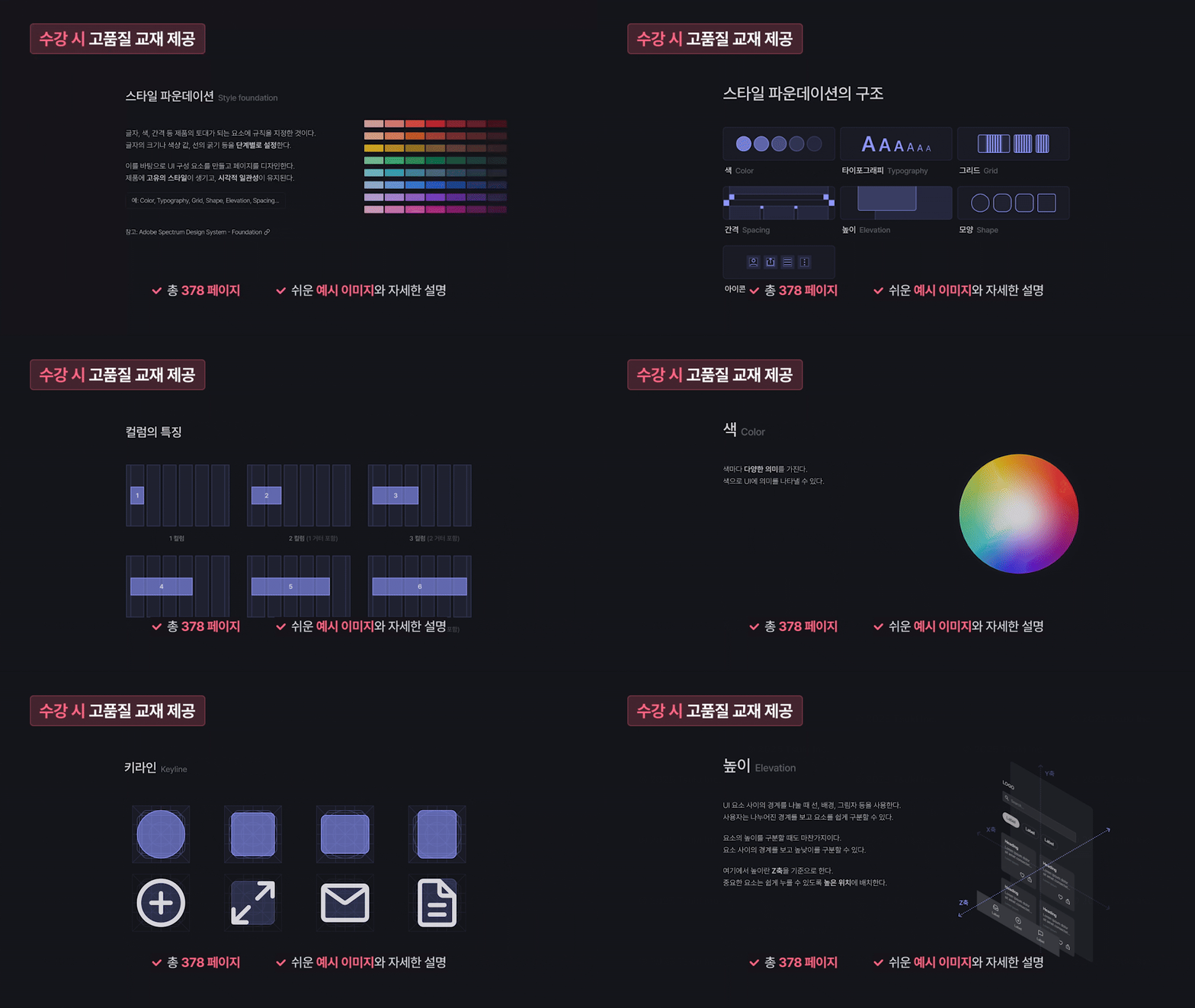
We provide teaching materials.
You can learn things like this.
1.1 What is a design system?
Understand the concept of design systems through easy-to-understand examples and explanations of design systems.
1.2 Structure of the design system
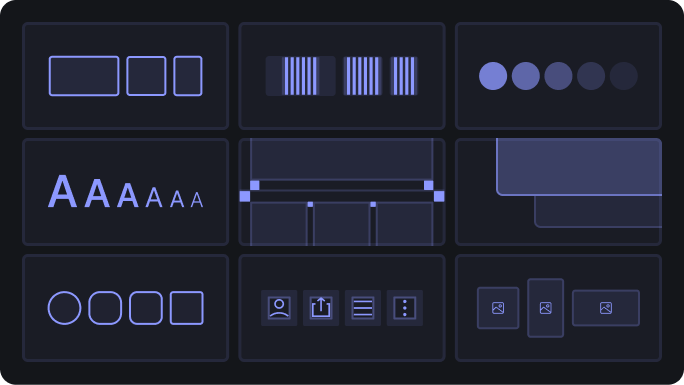
You will learn about design principles, style foundations, component and pattern libraries, content guidelines, accessibility guidelines, and the role and use of design tokens.
2.1 What is Style Foundation?
You will understand the concept and necessity of style foundation, as well as its pros and cons and the importance of ongoing maintenance.
2.2 What is a Design Token?
You will understand the concept and system of design tokens and learn why design tokens are used through examples.
2.3 Resolution
You can understand the concept of resolution, the difference between logical resolution and physical resolution, and the role of DPR. You can learn how to set the standard resolution to support various devices.
2.4 Grid
You can learn the basic concepts of grids and acquire knowledge of grid calculation methods and how to utilize them in various devices.
2.5 spacing
You'll learn how to set spacing to avoid half-pixel issues and achieve consistent designs.
2.6 Color
Understand the meaning and role of colors, and learn how to compose color palettes and semantic colors.
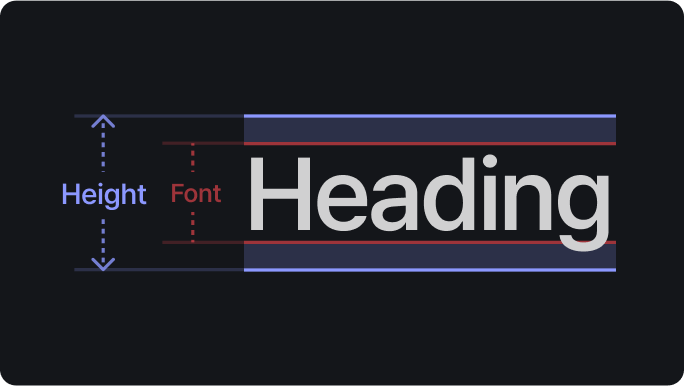
2.7 Typography
You will understand the importance of typography and learn typographic elements and letter style components.
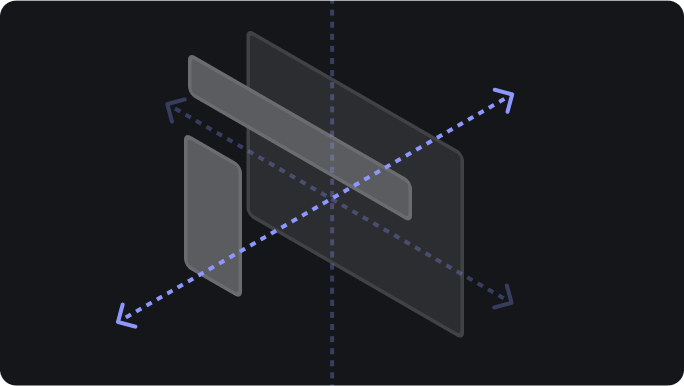
2.8 height
You can express the importance of elements using height (Z-axis) and understand various height distinction expression methods and use cases.
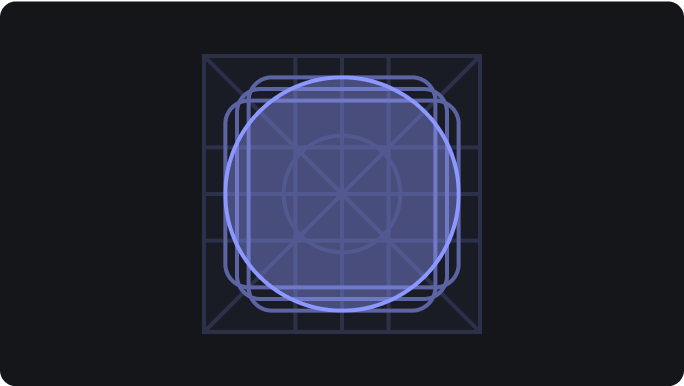
2.9 Icon
You can learn icon design principles to maintain consistency.
2.10 Image
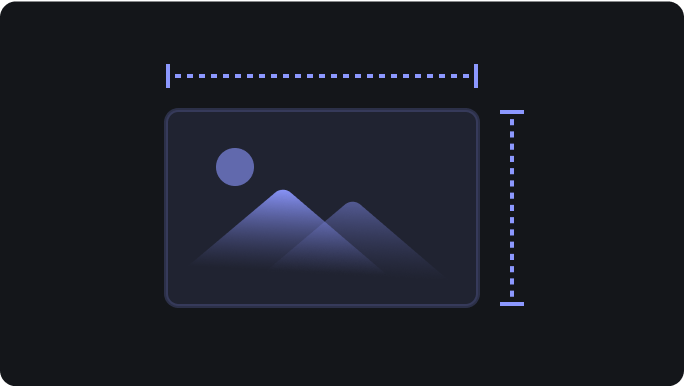
Learn how to unify image aspect ratio and size so that they display on a variety of device environments without loss of quality.
2.11 Corner Radius, Border, Shadow
You'll learn how to maintain consistency by setting criteria for corner radii, borders, and shadows.
Expected Questions Q&A
Q. Is it helpful for non-majors to listen to it?
A. It is helpful to anyone who has no knowledge of design practice, regardless of their major.
Q. Is there anything I need to prepare before attending the lecture?
A. There is no separate one.
Q. To what extent should I handle tools?
A. No tools are used. This is not a hands-on course.
Notes before taking the course
Study Materials: Textbook PDF provided
Who is this course right for?
Job seeker who wants to showcase the UI system in their portfolio
A new designer who wants to properly build a foundation in design.
A design system is difficult for practicing designers.
157
Learners
22
Reviews
2
Answers
5.0
Rating
2
Courses
저는 이해하기 쉬운 컨텐츠가 좋은 컨텐츠라고 믿습니다.
실무에 직접적으로 도움이 되는 좋은 컨텐츠를 만드는 데 주력하고 있어요.
제가 만든 컨텐츠가 실무에 도움이 된다는 피드백을 받을 때마다 큰 기쁨을 느낍니다.
All
16 lectures ∙ (2hr 1min)
Course Materials:
7. resolution
21:09
8. grid
08:36
9. spacing
03:57
10. color
23:27
11. Typography
15:53
12. height
03:30
13. icon
10:56
14. image
01:48
All
8 reviews
4.9
8 reviews
Reviews 1
∙
Average Rating 5.0
5
디자인 초보자 입장에서 정말 유용한 내용을 담고있어요. 교재 파일도 너무 예쁘게 정리해주셔서 막힘없이 재밌게 수강하였고, 내용 정리가 깔끔하여 앞으로 디자인 공부를 하면서 꾸준히 들여다보기 좋을 것 같아요! 감사합니다!
안녕하세요 윤수님 ! 소중한 수강평 감사합니다. ☺️ 초심자도 쉽게 이해할 수 있도록 노력했는데, 유용하다고 느끼셨다니 뿌듯합니다 ! 교재 파일도 꾸준히 활용하실 거라는 말씀에 더 보람을 느낍니다. ㅠㅠ 앞으로도 디자인 공부 재밌게 이어가시길 바라요 ! 앞으로 더 유익한 강의를 만들겠습니다. 오늘도 좋은 하루 보내세요! ✨
Reviews 4
∙
Average Rating 5.0
Edited
5
자료가 깔끔하고, 보기 편안합니다. 기억하면 좋을 필수 요소들만 콕콕 찝어 알려줍니다. 개발자가 보면 디자이너와 싸울 때 유리해 질 수 있습니다? (농담 🙃)
안녕하세요 RyuWoong님 ! 소중한 수강평 감사합니다. 😊 자료가 깔끔하고 보기 편했다니 정말 다행이에요 ! 핵심만 전달하려고 신경 썼는데, 그 부분이 잘 전달된 것 같아 뿌듯합니다. 😆 앞으로 더 유익한 강의를 만들겠습니다. 오늘도 좋은 하루 보내세요! ✨
Reviews 4
∙
Average Rating 5.0
Reviews 3
∙
Average Rating 4.7
4
유익하게 잘 정리되어 가볍게 접근하기 좋은 강의 입니다. 디자인 시스템의 필요성을 잘 이해 할수 있게 되어 있어요~
안녕하세요 namsook lee님 소중한 수강평 감사합니다. 😊 어렵지 않게 접근할 수 있도록 제작했는데, 그런 의도가 잘 전해진 것 같아 기쁩니다. 앞으로도 실무에 도움이 되는 콘텐츠를 계속 고민해보겠습니다. 오늘도 좋은 하루 보내세요! ☀️
$62.70
Check out other courses by the instructor!
Explore other courses in the same field!