I'm not just giving it 5 stars out of courtesy, I'm giving it 5 stars because it's really useful!
5.0
J H
100% enrolled
This is a good lecture for beginners. :)
What you will gain after the course
Basic usage of Figma
Using Figma's style feature
App, Mobile UI Design Using Figma
Component Design Using Figma
Figma UI design that you learn while making, 2025 trend updated Easy and simple, step by step from the basics!
Figma, the overwhelming collaborative design tool
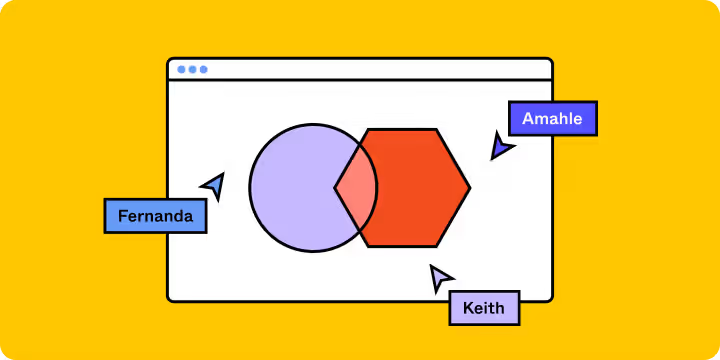
Real-time collaboration capabilities : Web-based real-time collaboration capabilities allow multiple users to work on designs simultaneously, making it invaluable in remote work and distributed team environments.
Cross-platform support : Since it is browser-based, it can be used on various operating systems including Mac, Windows, and Linux, so you can access it from anywhere without being tied to a specific operating system.
Supports a variety of roles : What started out as a design tool has now expanded into a platform that can be used by a variety of roles, including product managers, content designers, engineers, and UX writers.
High user satisfaction : We maintain high user satisfaction by continuously improving features based on user feedback. 5. Cost-effectiveness: It has secured a wide range of users through a premium model that offers both free and paid versions. In particular, it is a great advantage that startups and small teams can use it without burden.
Figma is a UI design tool used by users all over the world.
Figma is a cloud-based design software founded in 2012, and has a dominant market share in the UI/UX design field. Its annual recurring revenue (ARR) is expected to reach approximately $400-450 million in 2022, a 100% increase from the previous year. By 2023, Figma’s annual recurring revenue is expected to reach approximately $615 million, demonstrating continued growth in the design tool market.
This trend continues in 2023. Also, most domestic startups are choosing to use ‘Figma’ as their design software.
👋 Welcome aboard our Figma Class Flight ✈️
Welcome! Thank you for your interest in the Figma Basics online course. This course will help you get started with the basics of Figma, an essential tool in the field of UI/UX design. Let’s take a look at the main benefits and journey you can gain by taking the Figma Basics online course.
🚨 Update Notice🚨
It's been over a year since I made the Figma course. As I've been working on the job, the updates have been delayed. Recently, various functions have been updated to match the new year of 2025. (Some of the content has been used as is in the existing videoas long as it does not interfere with learning .)
🌈 Figma Class Basic
Hello. Figma is a new browser-based design tool. It has been out for several years, but it is a design tool that has not been properly covered in Korea.
There are various needs for new design tools, and now is the time to choose the right tool for you and design it yourself, rather than having to force yourself to get used to it.
A good design tool itself does not improve the quality of a design or enhance skills, but if used well, it can complement a designer's shortcomings.
There are so many different tools available, and it is a time when there is a lot of concern about which tool to choose depending on the company, individual, environment, and collaboration relationship. It is literally the Warring States period of design tools.
Let's start together and complete it together so that we don't fall behind while building our skills during this transitional period and making those skills our own.
🎓Class 01 - Step by step from the basics
It is important to learn any tool from the basics step by step. If the basics are not well-established, the tower will easily collapse. Why? How? The first agenda of the class Figma Breakdown, which starts from these questions, is 'establishing the basics'. Figma is an excellent vector-based design tool. There is a new concept of vector tool that has not been seen in existing design tools.
🎓Class 02 - Hands-on drawing of various screen components
Now that you know the basics about various shapes and how to use them, let's get started drawing simple icons and components.
Learn 100% how to create and utilize the basic 'style' of component reuse. You can learn step by step from the very basics.
🎓Class 03 - Design a familiar mobile app UI.
We will compose the screen by creating the basic structure of a familiar mobile app. The design mainly used here is the Google MATERIAL design structure.
🎓Class 04 - Drawing familiar mobile app UI and designing components
Learn how to use basic components in Figma by familiarizing yourself with Figma while drawing familiar mobile apps.
The music app that will be completed in the basic course will be created with images and content removed. Try completing it by arranging images and icons yourself :)
🙌 What you need to take this course!
You will need a PC or laptop with Figma installed.
Figma is a free design tool. Download for free and hurry up and sign up!
🙋🏻♂️ I have a question!!
Q. This is my first time learning design. Will it be difficult?
A. This is a lecture that even non-design majors can easily take. This class is offered at levels from beginner to intermediate.
Q. Why is it good to learn Figma?
A. Figma is not an old design tool. Using frames instead of artboards means that Figma designs ‘movements’ differently from existing design tools. Microinteractions become important, and transition effects can provide higher usability.
Q. Is it possible to use a Windows PC?
A. Figma is a browser-based tool. It works on all operating systems. Mac, Linux, Windows, Chrome, etc. :)
Hello! Everybody, this is 'Yeonnam-dong Lee Jae-yong'
I wrote a book about sketch apps called 'Delicious Sketch' in 2017. It's a poorly written book that didn't sell as well as the amount of effort I put into it 😢😢 While running an IT company, I got to know design tools, and as a designer, I enjoy sharing the accumulated know-how and creating better ideas while completing my designs into actual app services.
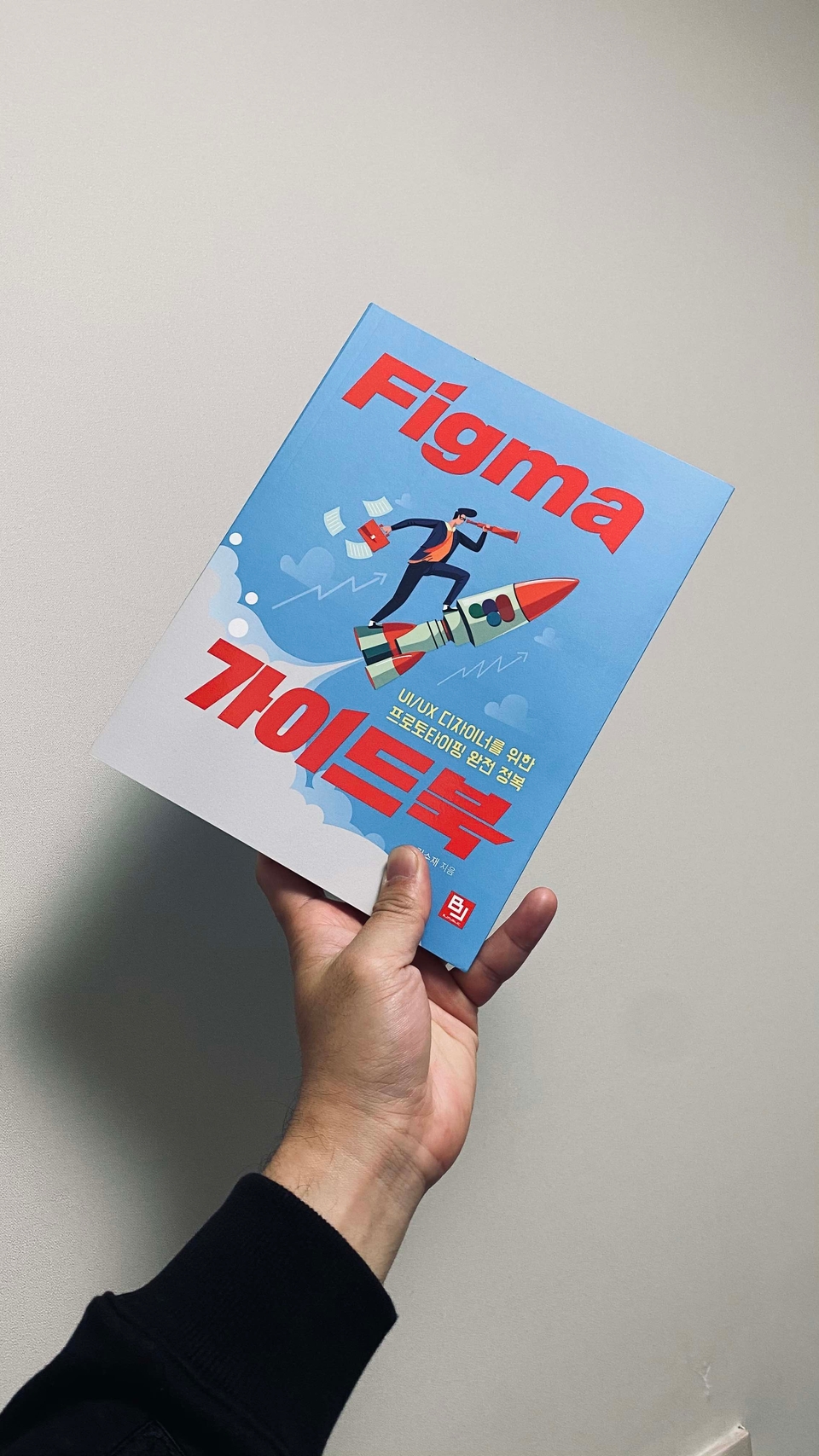
Recently, I wrote a book called FIGMA Guidebook and I'm going to explain the contents of the book :) This is a lecture directly from the author!
I fully understand the feeling of being overwhelmed when you first encounter Figma. If you follow along slowly and step by step, you will soon become an expert.
Start now. There is a huge difference between those who start and those who don't.
Recommended for these people
Who is this course right for?
First time using Figma
Designers without a Mac (of course, it's okay if you have a MacBook)
Those who are considering the tool that is right for them among various design tools
Those who want to learn from planning to design
Those who want to learn prototyping
Need to know before starting?
It's okay if you don't know anything about Figma!
You don't have to know how to use Photoshop or Illustrator.
I've taken other Figma lectures here, but I'm glad I took this one because it was lacking.
If you do the theory and practice separately, you'll forget, but since you explain shortcuts and components in the middle of the practice, you can apply them to your work right away.
I also liked the concise and calm explanations, and please upload more design-related lectures.









![[MASTER] Figma UI Design: Learn by CreatingCourse Thumbnail](https://cdn.inflearn.com/public/courses/326263/cover/aa14f657-26ac-4f88-b4bf-a1e28444dfaa/Frame 2.png?w=420)

![Sketch App Design Basics [Sketch]Course Thumbnail](https://cdn.inflearn.com/public/courses/324583/course_cover/e7fe25ee-55e2-412e-8546-fb39959c0755/ljy_beginner.png?w=420)
![Sketch App Master Course [Sketch App]Course Thumbnail](https://cdn.inflearn.com/public/courses/324578/course_cover/7718f742-eb54-4028-a3a3-153a8558dc01/ljy_master.png?w=420)








![[NEW August '26] Figma Practical Class for Marketers & Aspiring MarketersCourse Thumbnail](https://cdn.inflearn.com/public/files/courses/343605/cover/01kz91ybsrg164xhzmxqhzdt4h?w=420)