Scroll interaction that even beginners can create. Part 1 JavaScript
Rather than simply following a specific site, you will learn the scroll interaction know-how and key elements shared by knowledge sharers from the ground up, and learn and create various techniques and motions of UI scroll interactions widely used by domestic companies such as Apple.
We will explain the principle of interaction that responds to scrolling through various examples.
How to create interactions used by Apple
Interaction techniques that are frequently used in practice and can be applied to practice
Basics of Motion Graphics (Practical Standards)
Parallax technique
Class Update Notice
Hello. The class has been updated.
1. To aid understanding, in addition to the current core explanation-focused lessons, lessons that explain while writing JavaScript have been added.
2. A class on converting jQuery code to vanilla JS has been added.
3.Section 12 bonus lesson has been added.
4.Section 12 bonus examples have been added.^__^*
Creating Fun UI Scroll Interactions!
Full Course Preview Video
Recent Work Projects
💡 Course Introduction
Hello, this course includes the basic principles of some of the scroll-related UI and motions from the Kkangcoding YouTube channel. The Kkangcoding channel has various interactions as well, so check them out :D
PS. This course was created for beginners! It might be a bit challenging for complete novices. 😊
Section 2-1
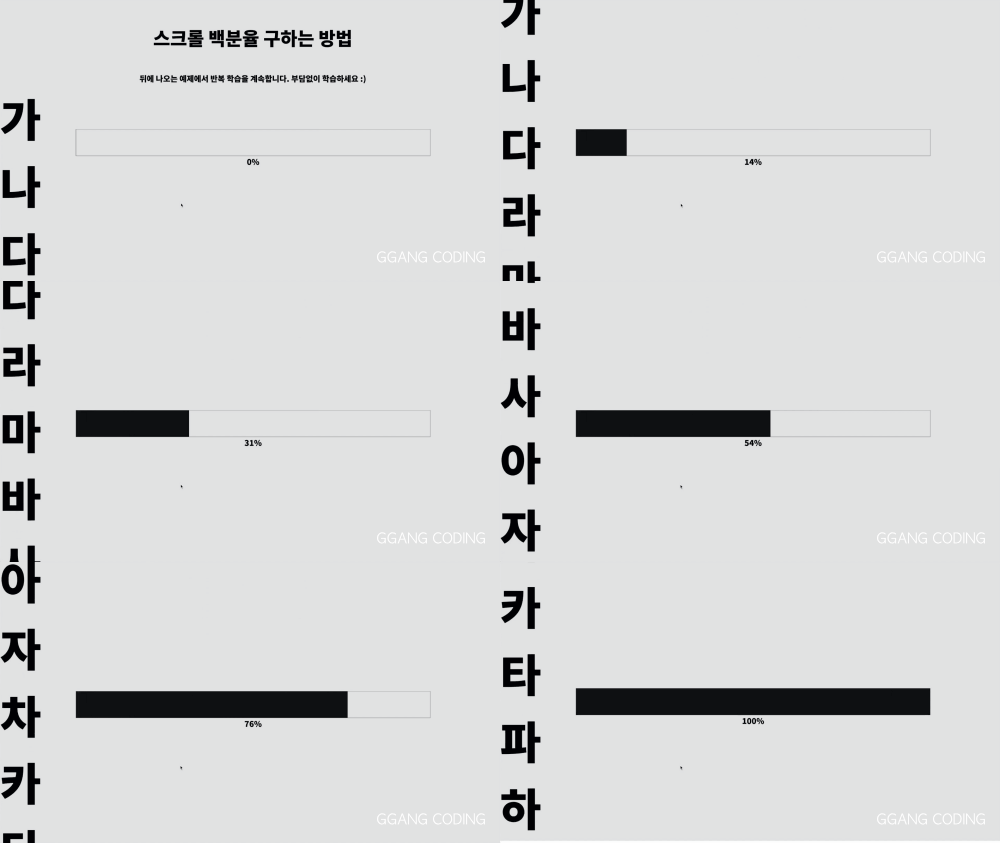
Calculating Scroll Percentage. You'll notice that by the time you finish reading the text on the left side of the screen, the gauge will be completely filled.
▲ Gauge bar that fills up as you scroll
Section 2-2
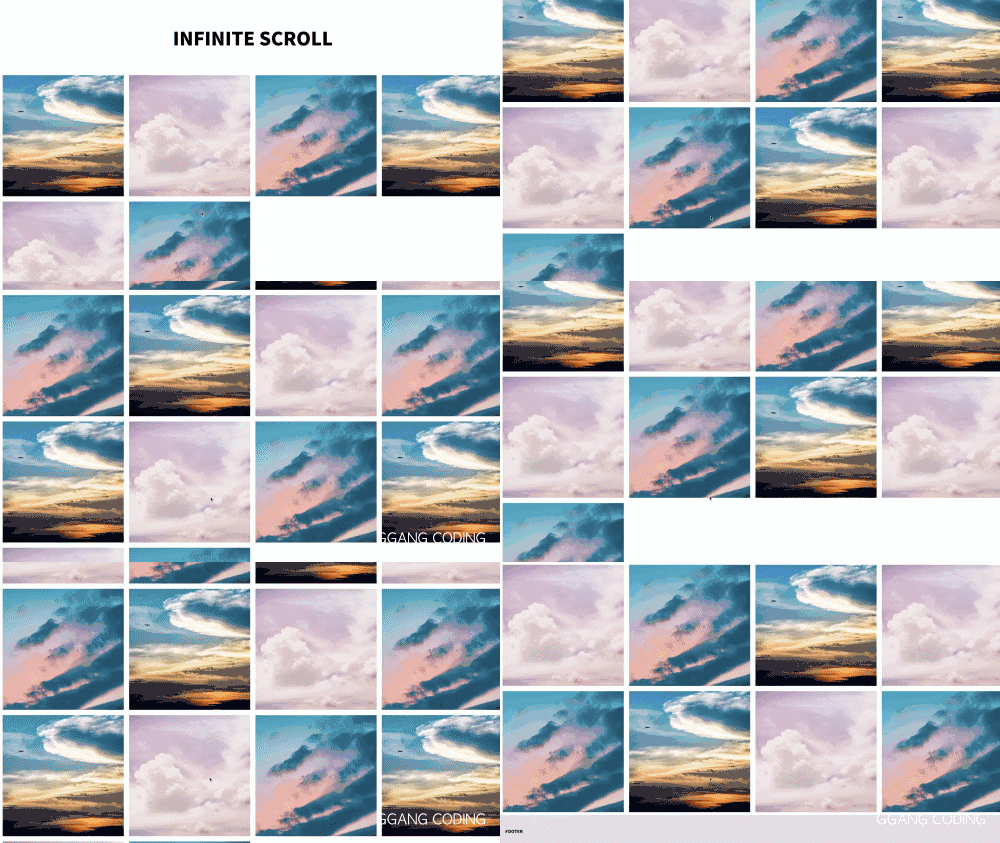
In Section 2, we will learn about the principles of infinite scroll used by Naver, Google, and others.
▲ Infinite Scroll
Section 3
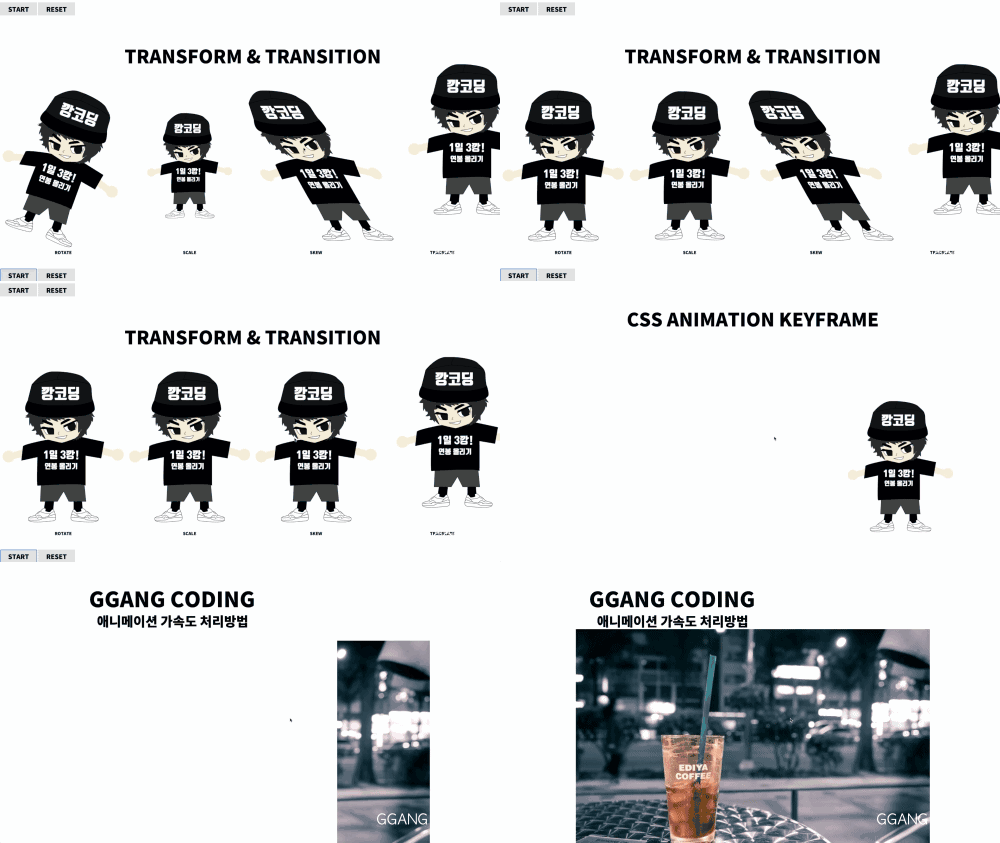
In Section 3, we'll explore basic transitions, transforms, and vendor prefixes for beginners and also learn about CSS Animation and transition acceleration handling.
▲ Transform, Transition & CSS Animation
Section 4
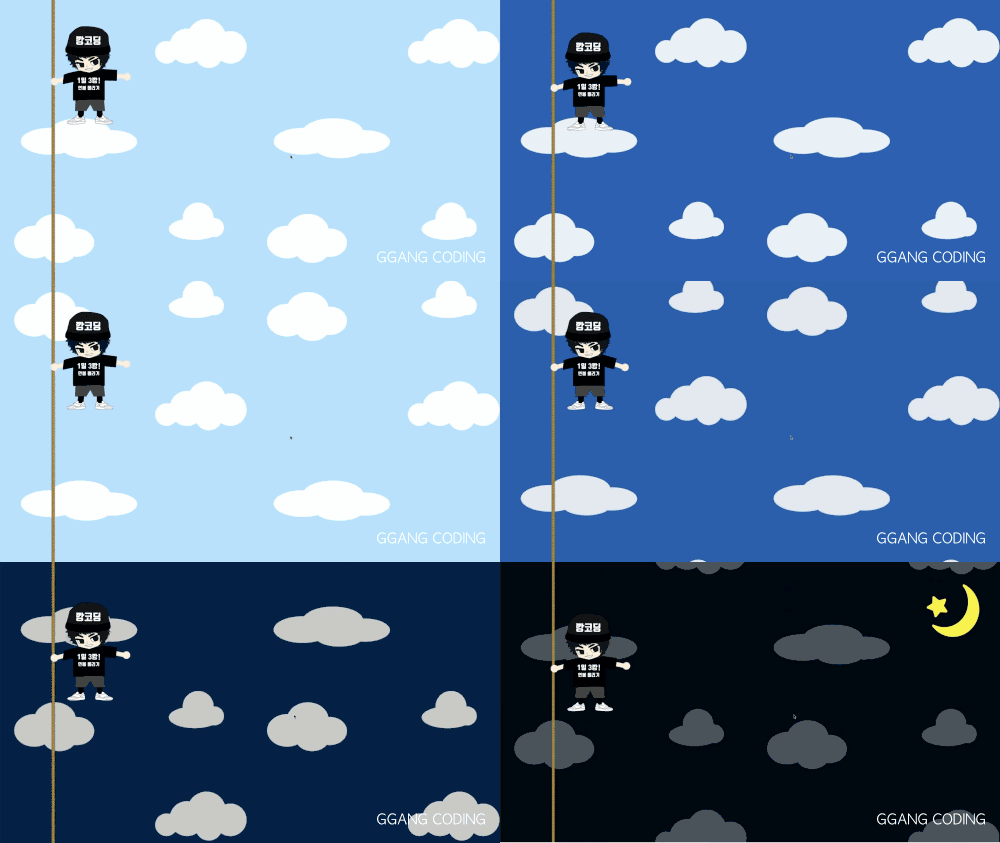
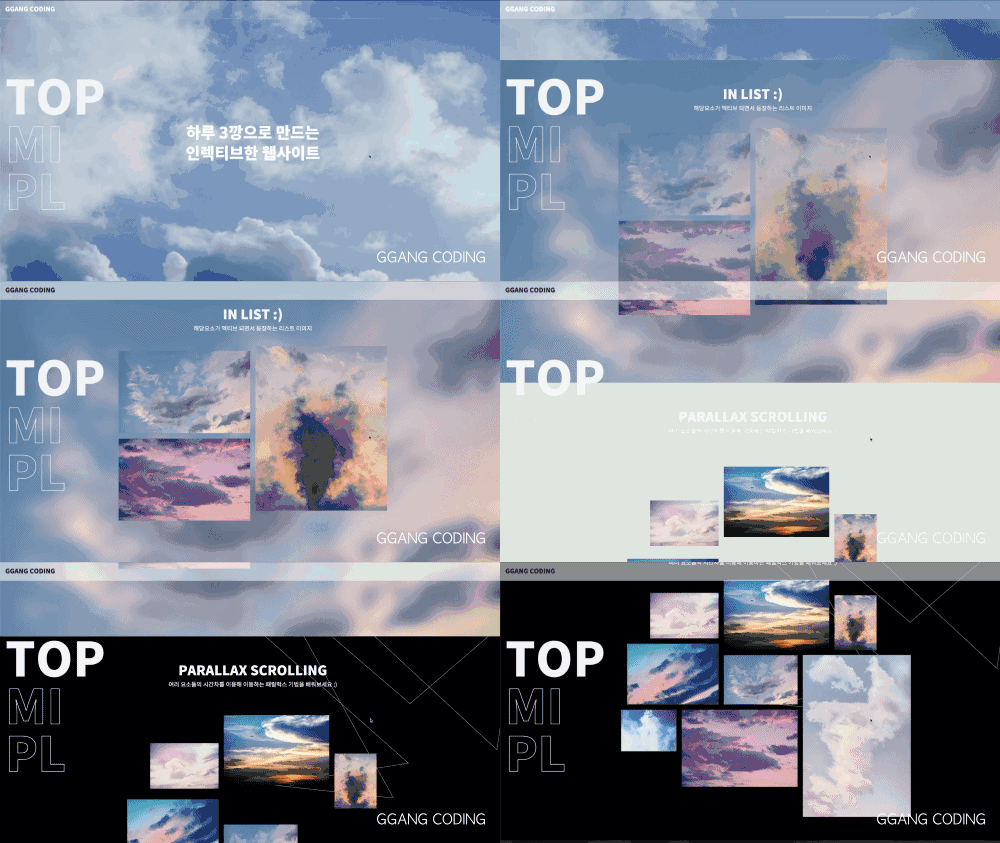
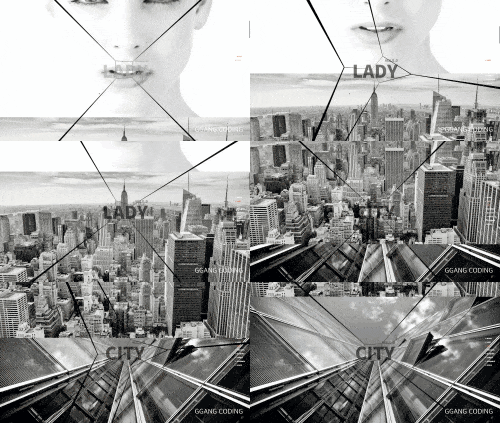
In Section 4, we'll use the basic scroll principles and CSS Animation we learned earlier to create simple parallax effects like the following and explore animation effects that change at specific scroll points.
▲ Parallax Scrolling Animation
Section 5
In Section 5, you'll learn an interaction that moves up and down by the screen size when scrolling, and implement a multiple parallax effect by applying the CSS Animation and parallax effects you learned earlier.
(The interaction that moves up and down by the screen sizedoes not work properly in Edge browser when the smooth scrolling feature is enabled. This feature is an option provided by the browser, and it works normally when the smooth scrolling feature is disabled. In this lesson, we'll learn how to detect the Edge browser and disable this feature in Edge.)
▲ Multi Parallax Scrolling
Section 6
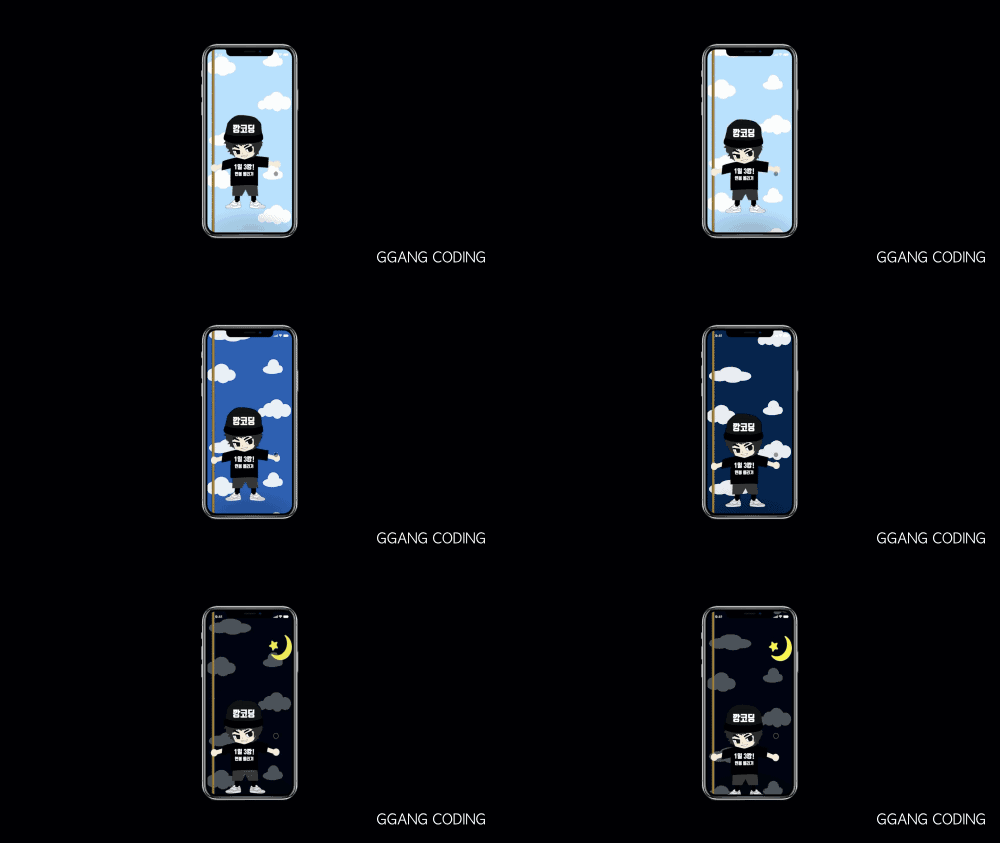
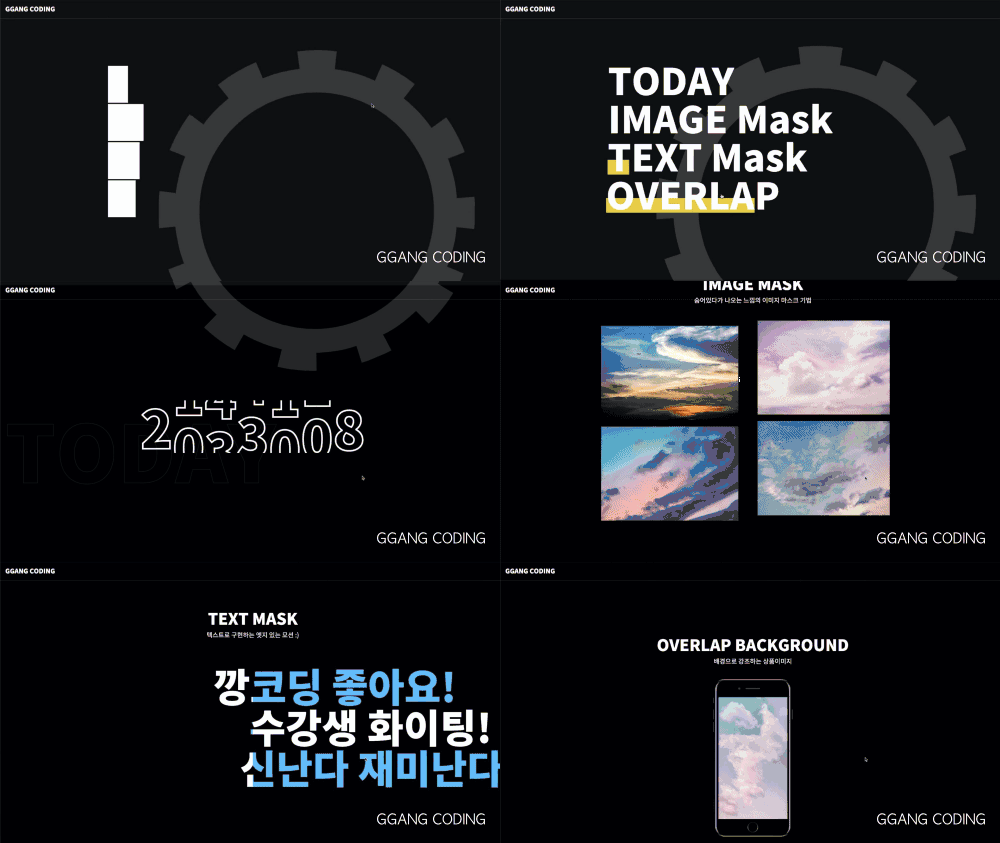
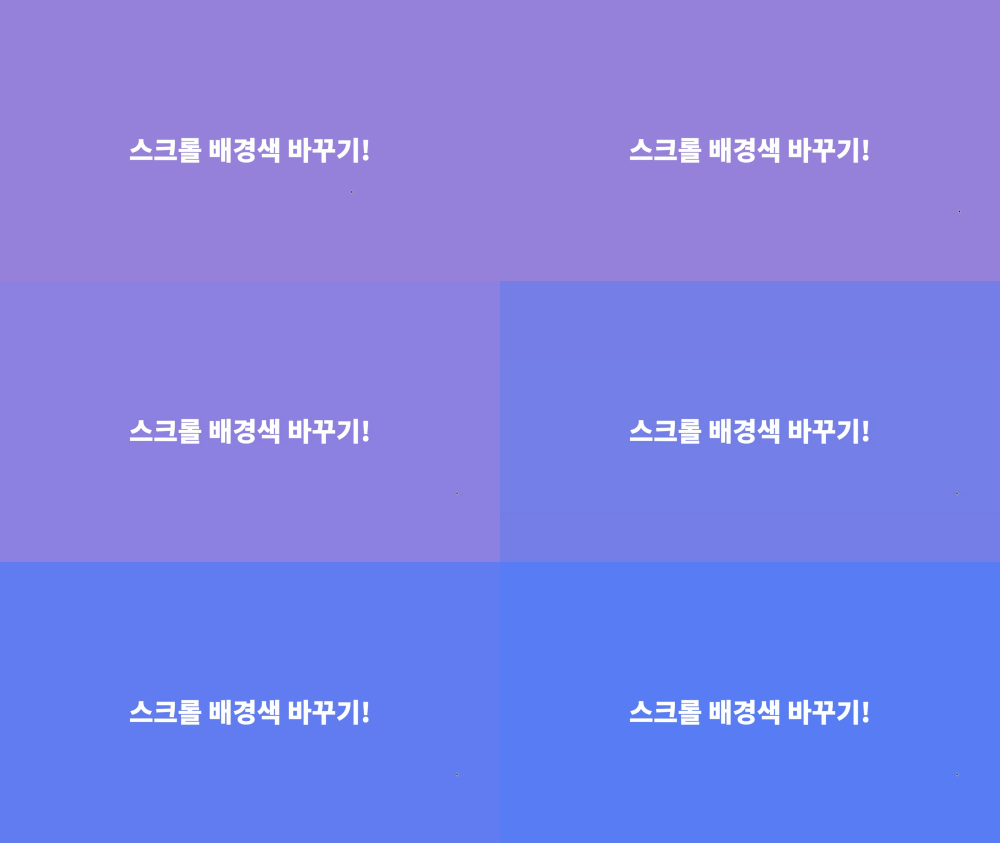
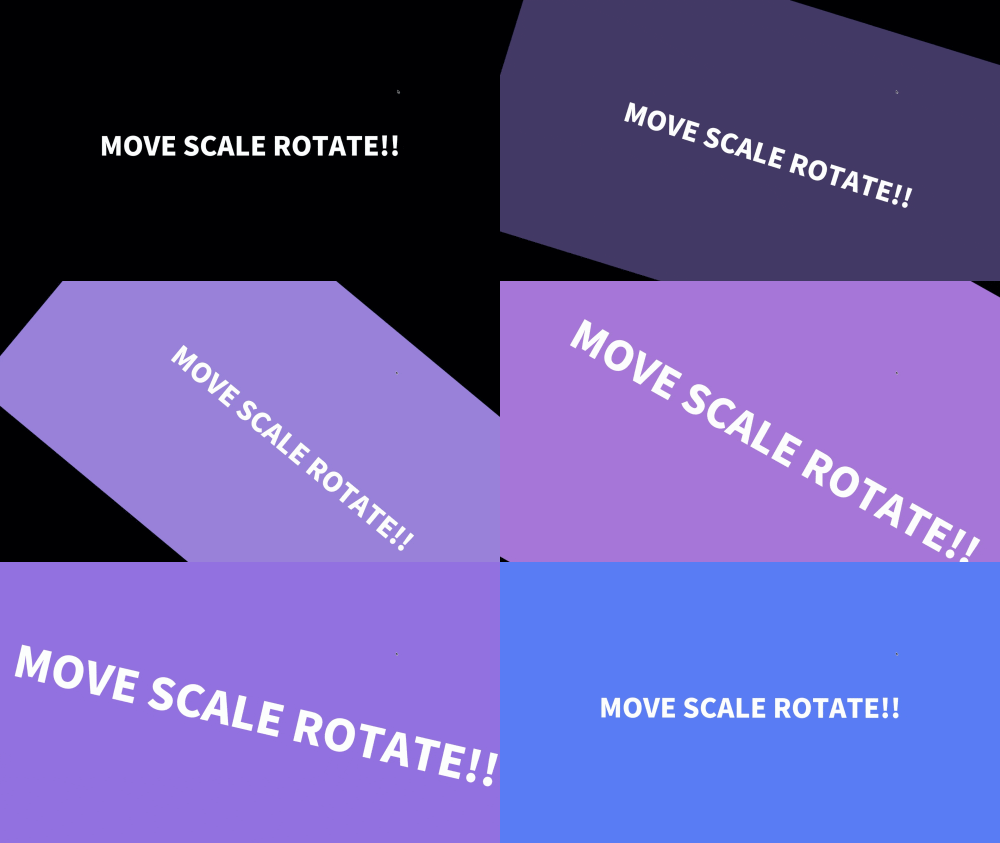
In Section 6, we'll create five CSS motion effects and a date count effect using JavaScript and CSS animations, and learn how to play the created motions when arriving at that section's position.
▲ Various motion effects
Section 7
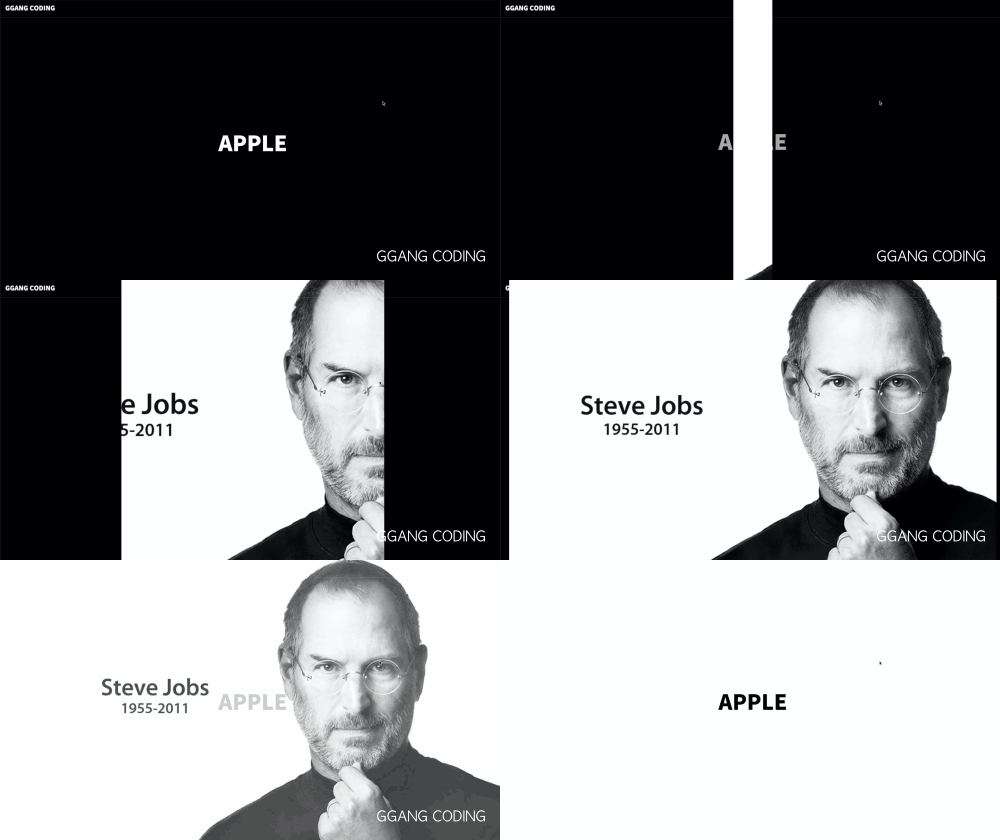
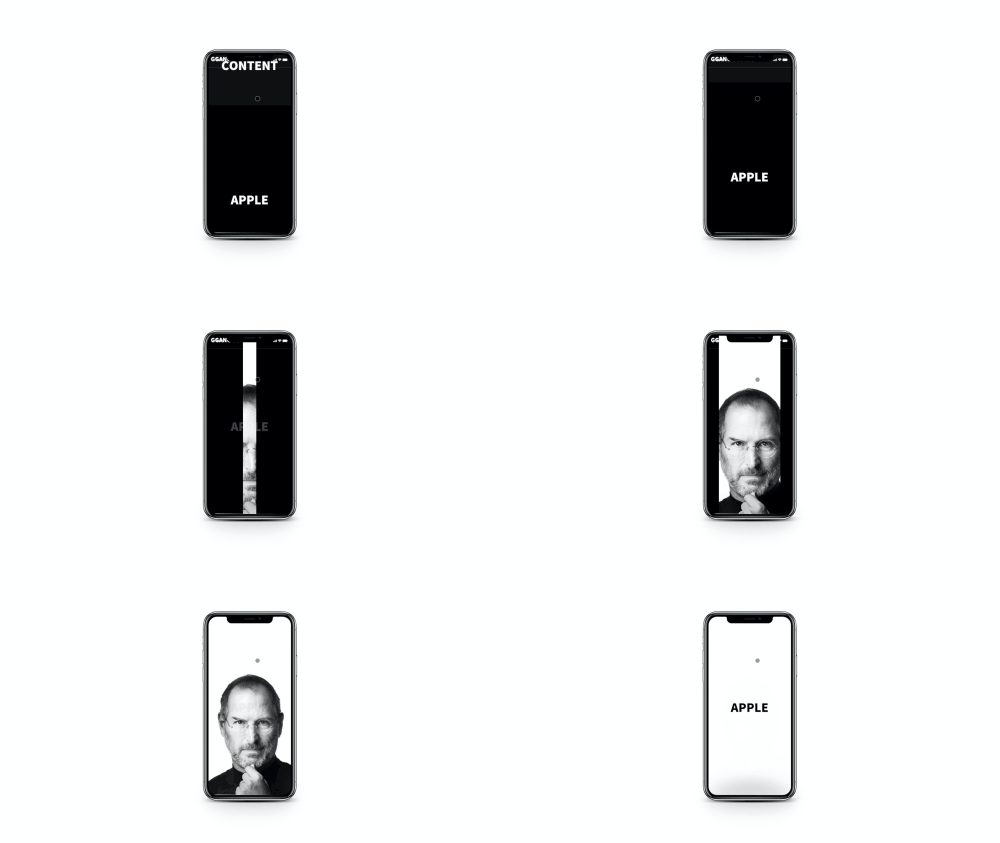
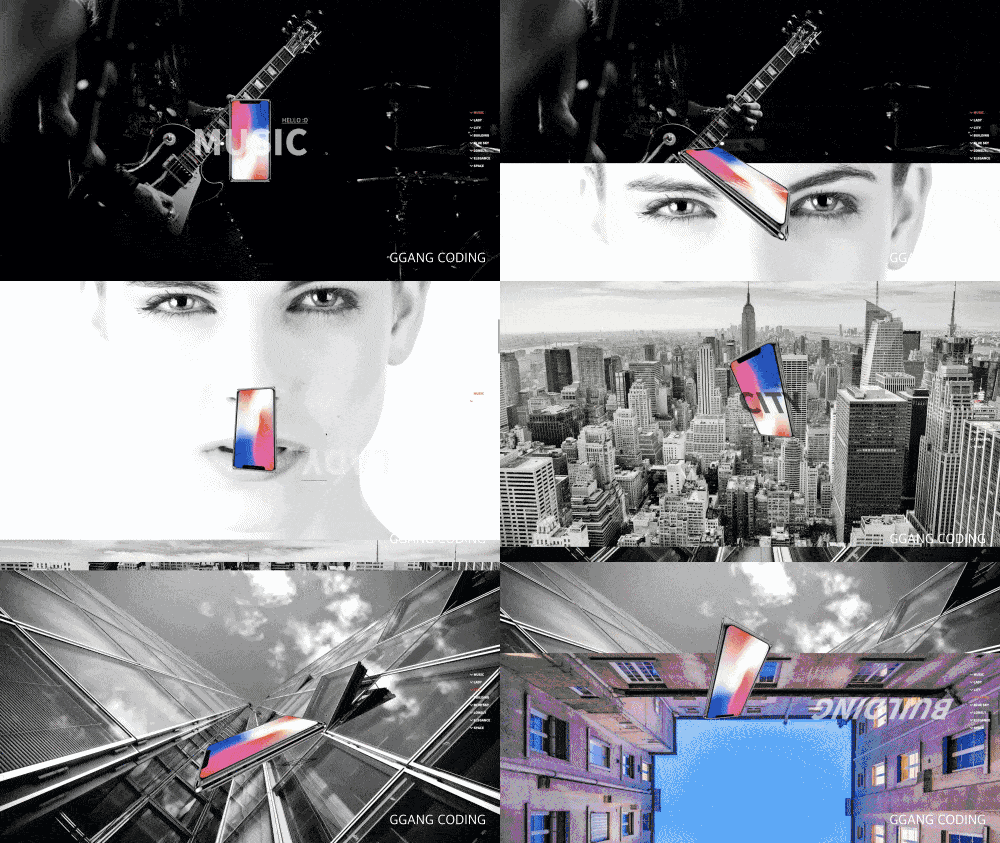
In Section 7, you'll learn about interactions that fix and process sections. You'll learn how to create interactions with a story where the intro text disappears, the black background door opens, the background image zooms out and appears, and finally the ending text emerges.
▲ Creating Interactions with a Story
Section 8
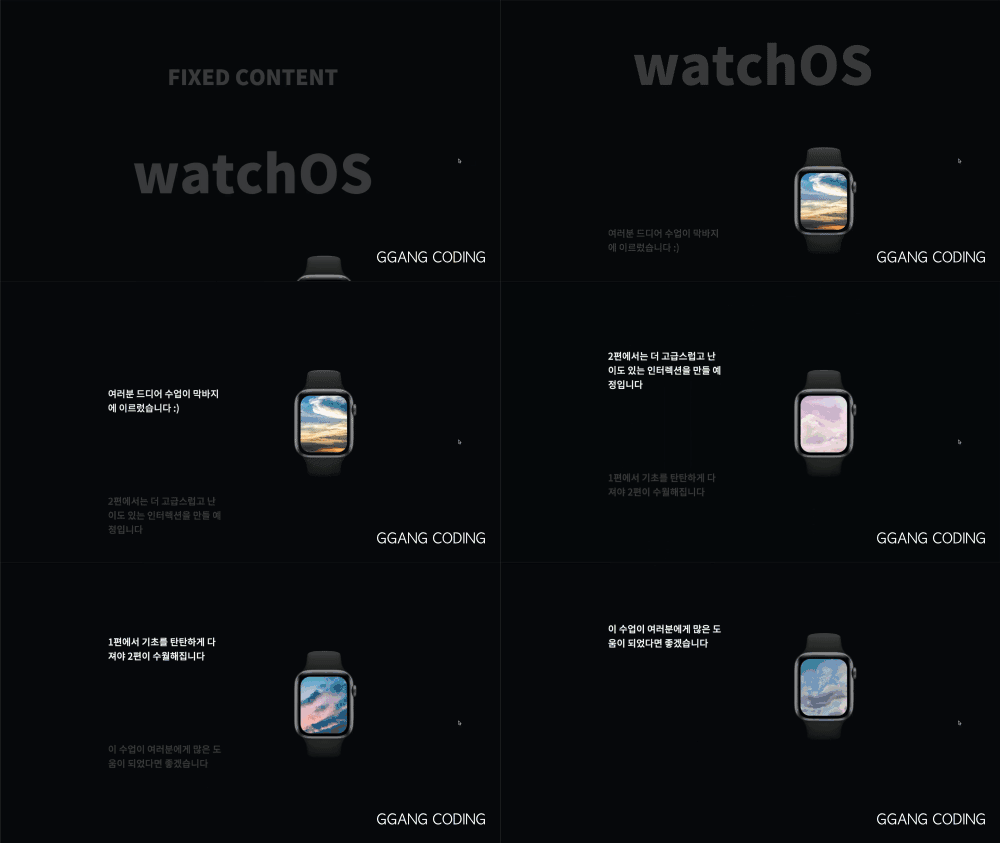
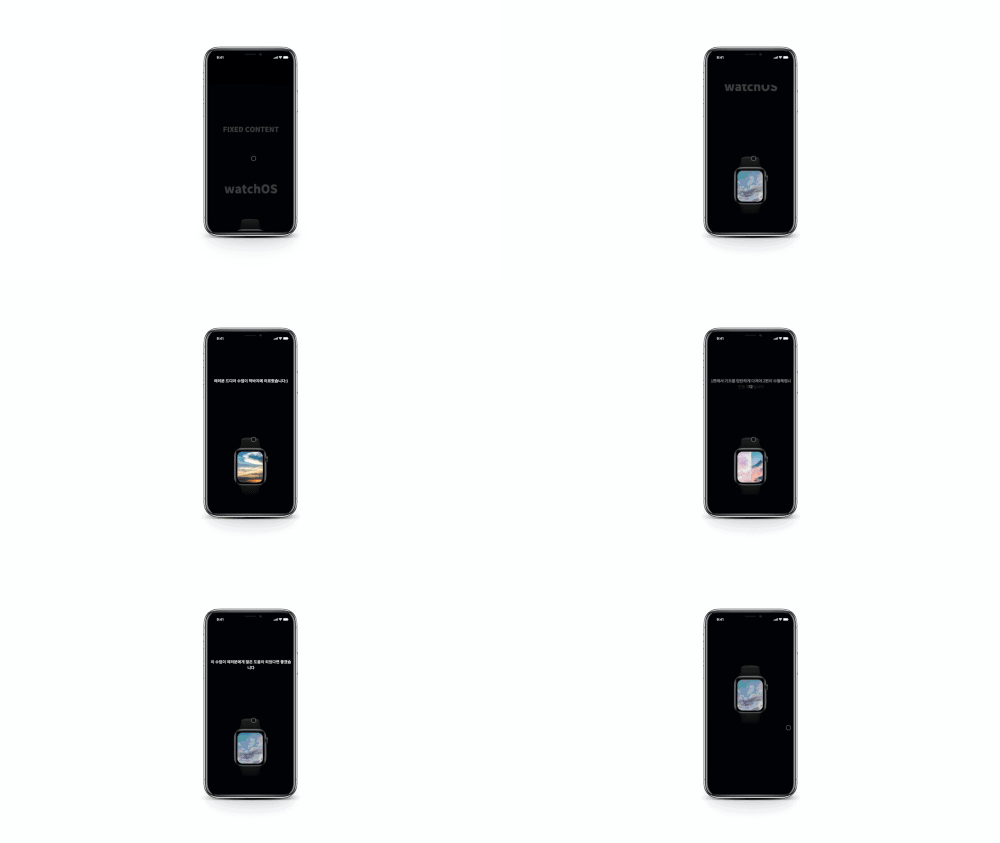
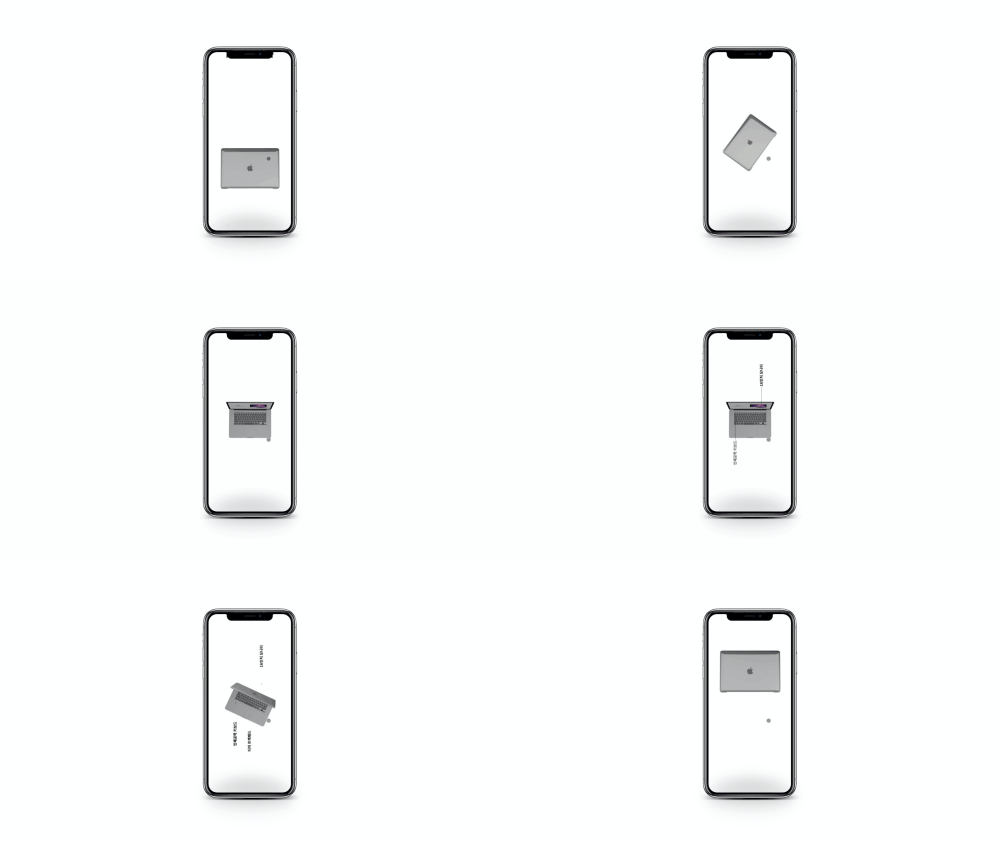
In Section 8, you'll learn to create an interaction that fixes the product image on the right and matches the image with the text content.
▲ Creating text interactions that match product images
Section 9
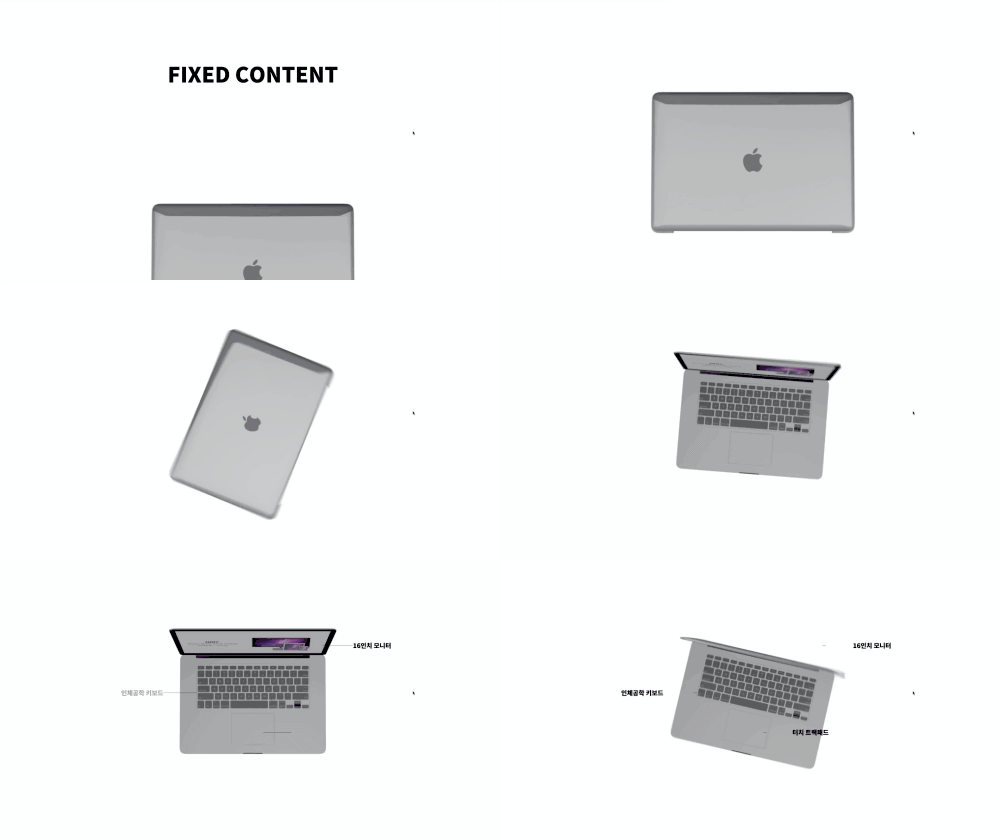
섹션 9에서 배우게 될 예제는 [[SPAN_1]][[STRONG_2]]컨텐츠를 고정시키고 여러 장의 이미지를 캔버스에 드로우[[/STRONG_2]][[/SPAN_1]]하며 만드는 [[SPAN_3]]비디오 인터렉션[[/SPAN_3]]입니다. 다음과 같이 제품 설명을 처리하는 부분도 알아봅니다.
▲ An interaction created by drawing multiple images on a canvas
Section 10-1
Section 10 has been added Section 10 UI is built on the fundamentals we've learned so far and is a class created together with the instructor((3D effects are not supported in IE browser. Supported on mobile devices and Chrome, Firefox, Safari, Opera)
▲ Navigation that activates in response to section positions when scrolling, title text that changes to match section headings, and text color that changes for each section - Apply what you've learned in previous lectures to implement a UI with these three features.
Section 10-2
Using CSS, we'll create a 3D model and implement it to transform as you scrollDoesn't it look like a commercial film??
▲ Creating 3D Models Using CSS
Section 10-3
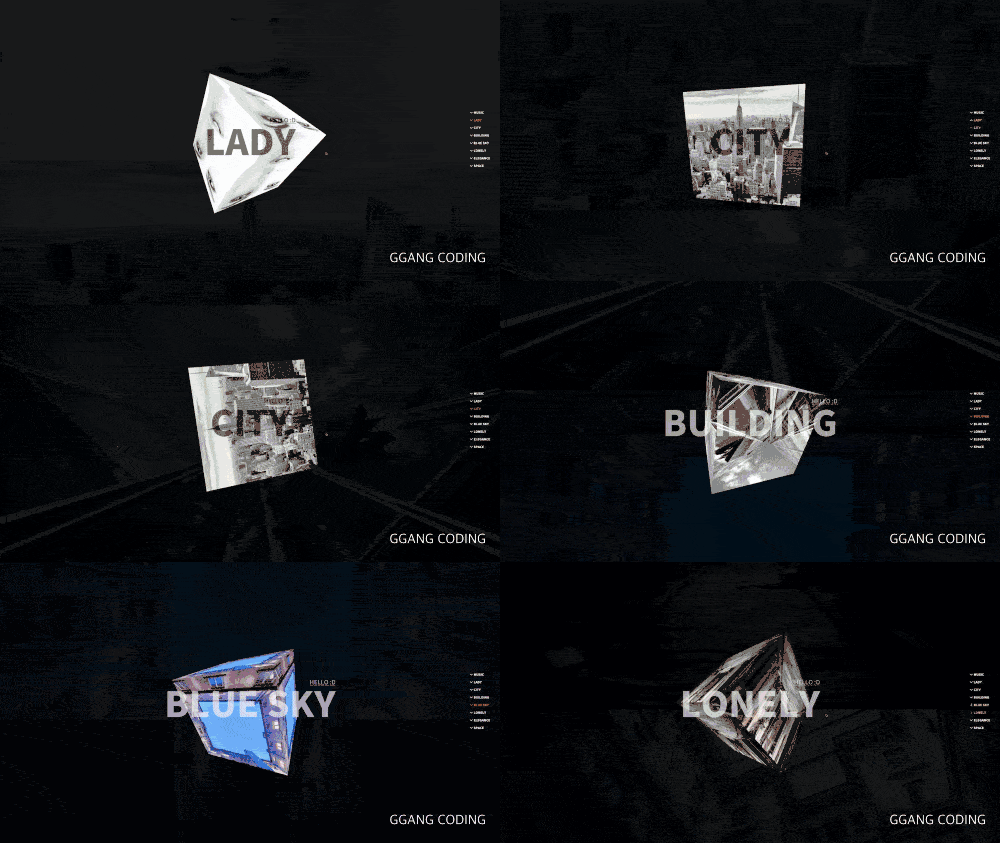
A simple hands-on application Let's create a 3D object by applying an image to the 3D model we learned earlier and implement it to move with more depth when scrolling.
▲ Implementing basic 3D effects without using videos or large amounts of images
Section 10-4
Apply the section images we learned earlier to the 3D model so that each section displays its corresponding image
You could apply this effect to implement 3D objects that change for each section, right??
▲ Matching section images with 3D model images
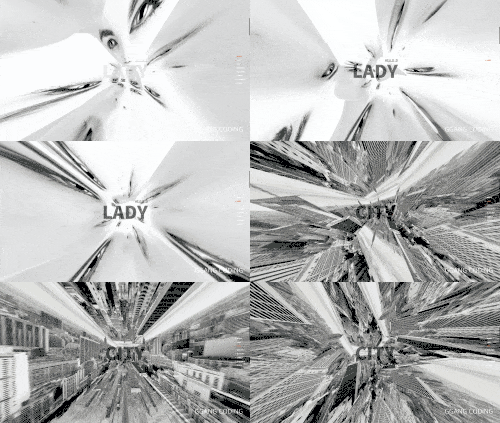
By modifying just one value, you can create a 4D space effect and line effects like these!
▲ Can you do this just by modifying one value?? :D
PS. The interactions shown in Section 10 are not clones but were created based on the instructor's own ideas.
Section 10-5 Challenge
This class is a challenge assignment to customize the Section 10 example created earlier.
Mission 1. When entering a section, separate functions that should run once and functions that should run continuously
When you need help, refer to the class videos :D
Section 10-6 Challenge
This class is a challenge assignment where you customize the Section 10 example you created earlier.
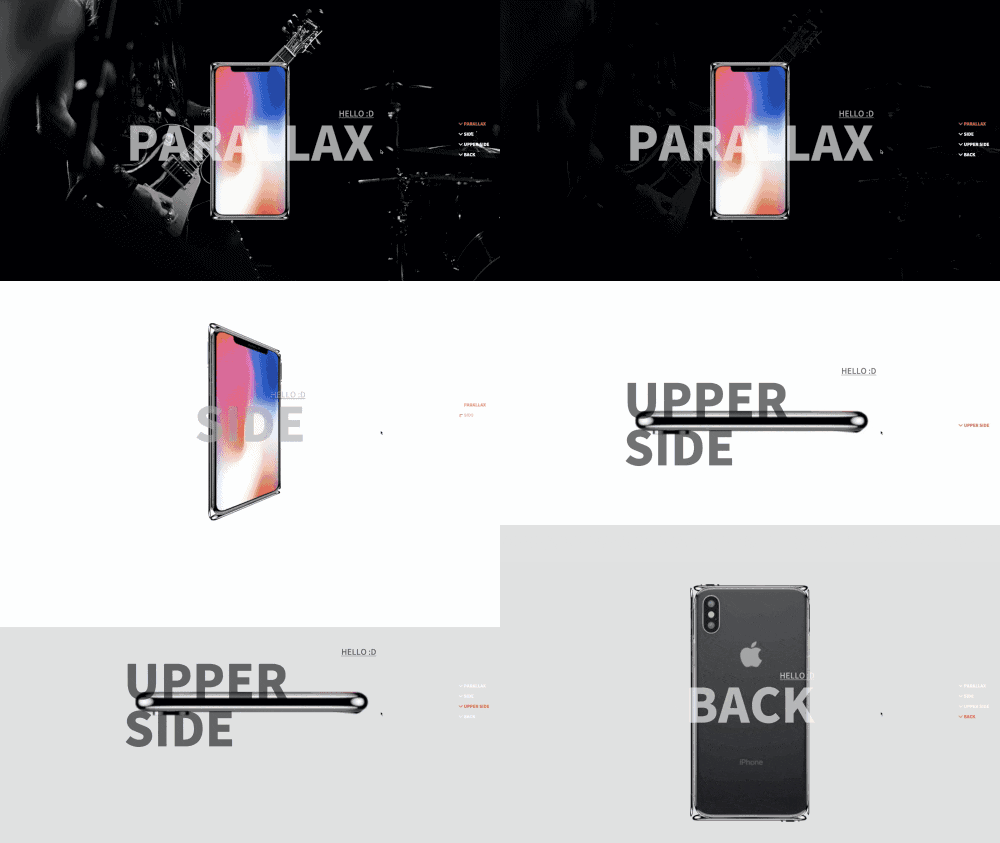
▲ Let's implement a UI that introduces products in detail
Mission 1. Add a black dimmed overlay to the first section and make the background color appear slowly when scrolling
Mission 2. Make the phone rotate when arriving at sections 2-4
Challenge yourself to create it and refer to the class videos if you need help!
Section 11
Section 11 is about creating interactions with SVG and video
Using the scroll formula we learned earlier, we'll create an interaction where an SVG line is drawn and a video appears very easily as you scroll
▲ SVG and Video Interaction
Section 12 - Bonus Class Added
Section 12 is an interaction where text appears and disappears
This interaction is only supported in modern browsers.
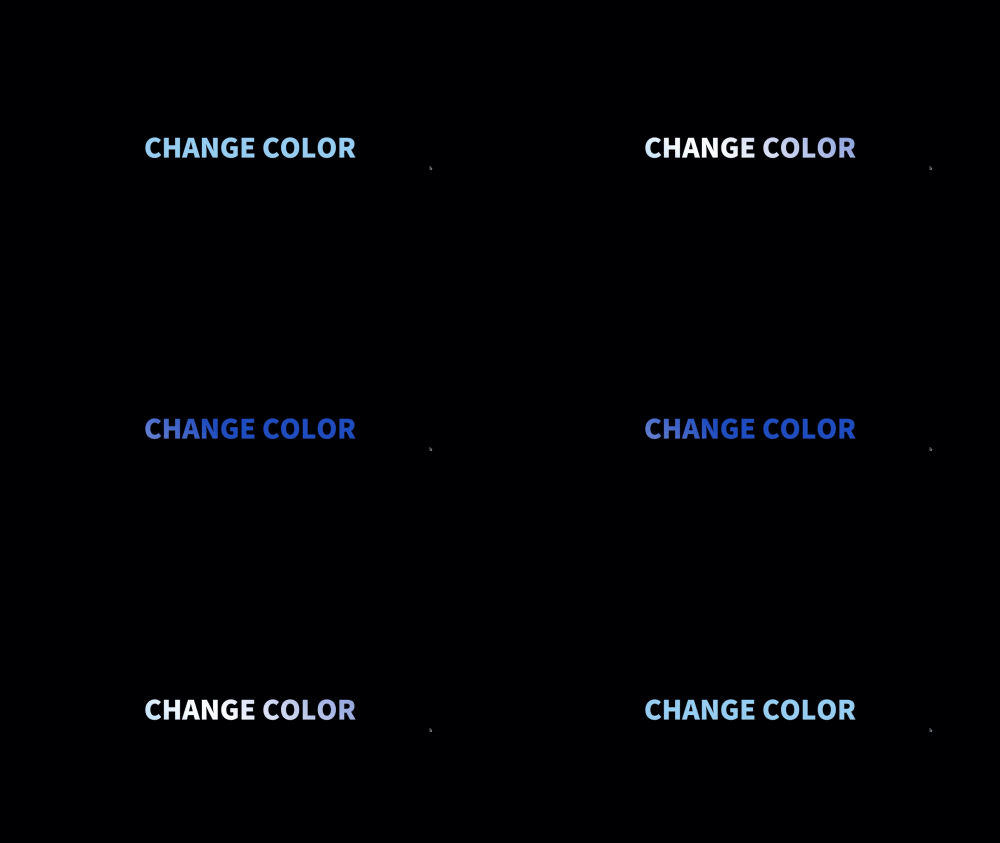
▲ Interaction using keyframes learned earlier
Section 12 - Adding Bonus Examples
This is a bonus example that utilizes the keyframes we briefly learned in Section 12. I hope you can find various ways to apply this through this example, and there's no lesson since only the CSS has been slightly modified. If you have any difficulties, please leave a question!
This interaction is only supported in modern browsers.
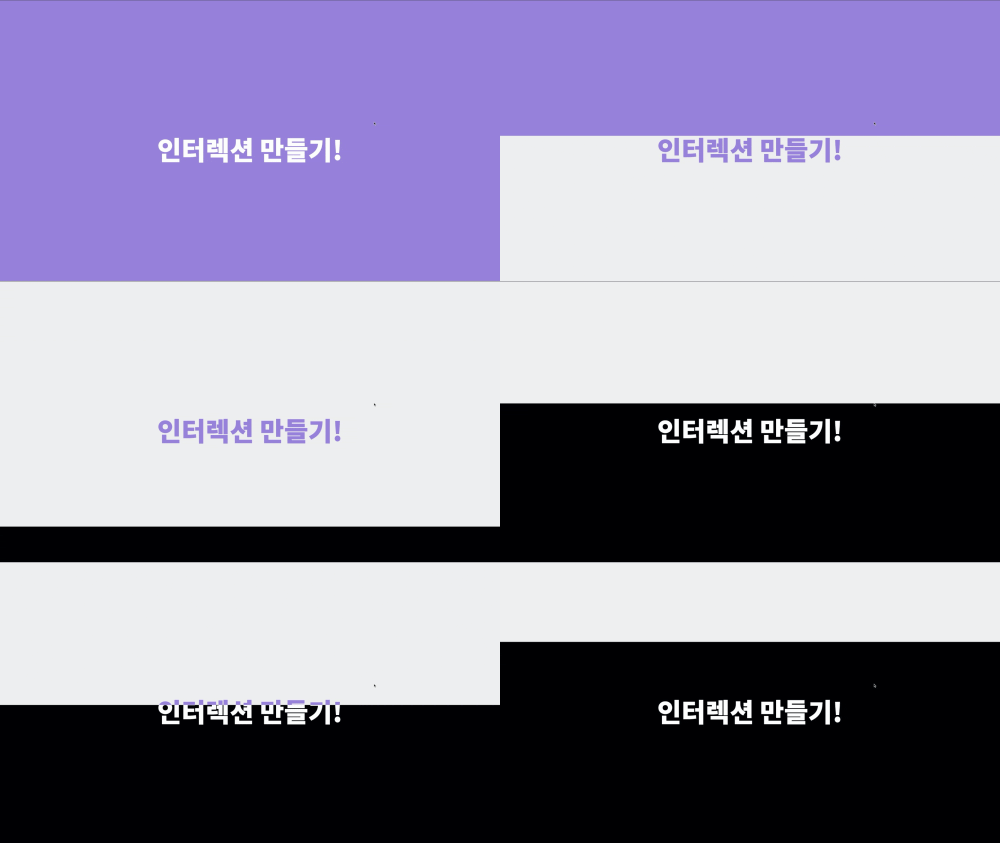
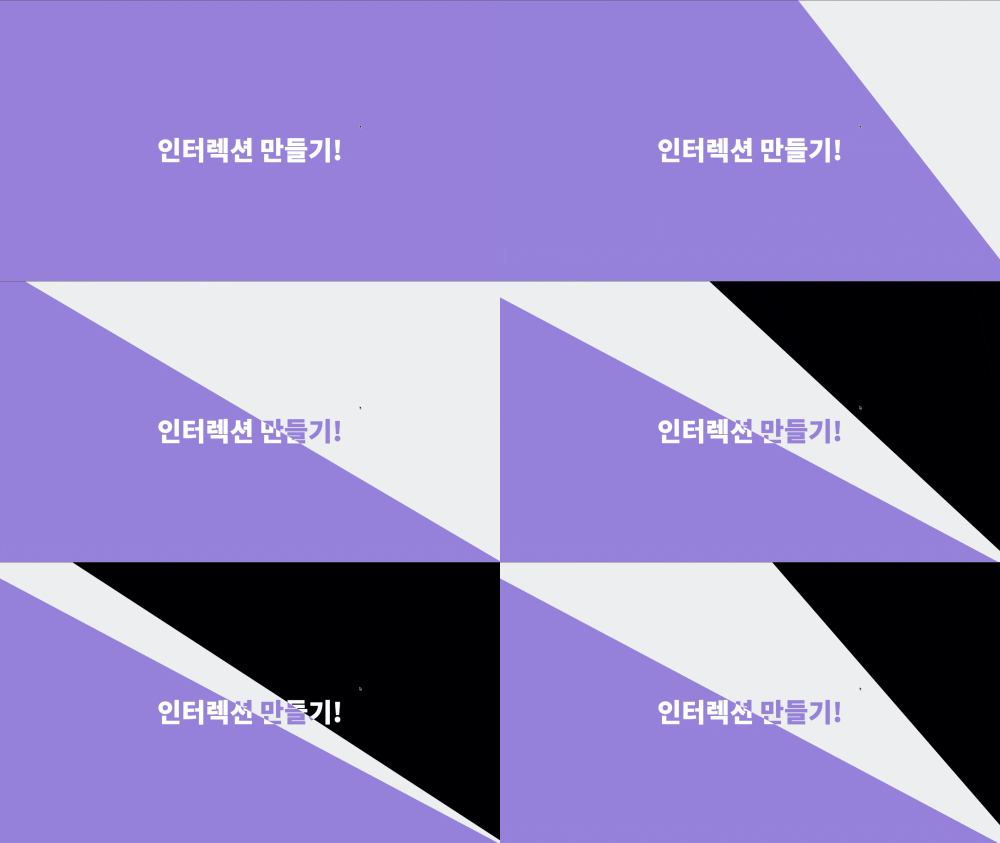
▲ Bonus example 01
▲ Bonus example 02
▲ Bonus example 03
▲ Bonus example 04
▲ Bonus example 05
▲ Bonus example 06
Kkangcoding Open Source BONUS UI
PS. Bonus UI that can be used in practice has no lectures, only example code!
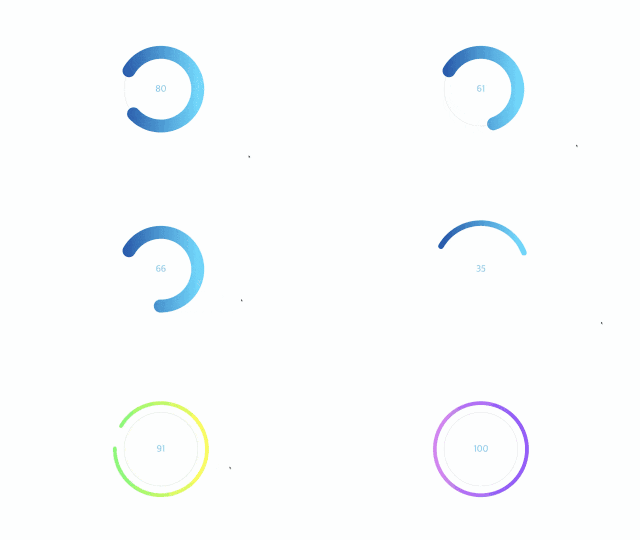
▲ Canvas Circle Drawing - Great for creating interactive sites or simple donut charts.
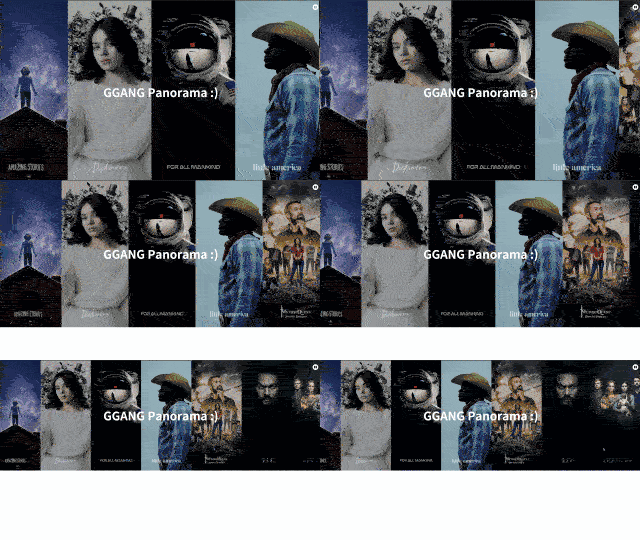
▲ Image Panorama - A panorama implemented with requestAnimationFrame. Study the principles of recursive calls and panorama infinite loops.
▲ Image Tab - Learn about the most basic fade effect and the sliding button effect.
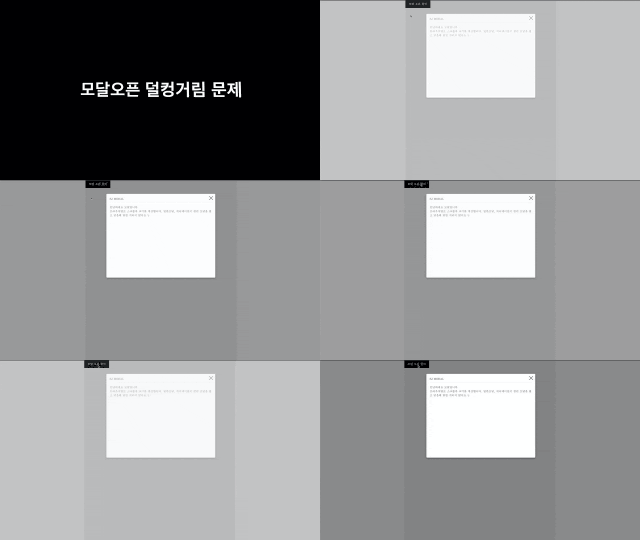
▲ No More Modal Jank:( Solve the jarring effect when hiding scrollbars while opening modals! How do we implement this?? Study it with very simple code
It's nothing special, but this is open code I created and shared with the community for job seekers, newcomers, and those who are weak in JavaScript 😆 (I made it with an excited heart)
The code above was also attached as a bonus UI in the course example files, hoping it would be helpful to Inflearn students :D You can find it in the bonus_ui folder in the example files, so please make good use of it :)
There is no lecture for the bonus UI, but I hope you'll study and use it by logging and modifying the code on your own. If I have time later, I plan to upload it as a free lecture on YouTube, so if you find code analysis difficult, please refer to YouTube later :D
💡 Course Features
1. There are classes where I explain while writing code, and classes where I explain while reading code. • While there are overlapping parts between the two classes, I believe using them as a review concept will be even more helpful.
2. We will conduct lessons on converting jQuery code to vanilla JavaScript. • Learn both jQuery and vanilla JS code to catch two birds with one stone.
3. I'll share the know-how for creating interactions used in real-world practice as is. • I'll explain in great~ detail how to create interactions that will skyrocket your salary.
4. Designed for learners even without JavaScript knowledge • JavaScript sections are explained in great detail. We first introduce variable declarations and functions, then explain step-by-step following the program execution order, so you can acquire the skills just by memorizing the patterns shown in the course.
5. Learning through practical examples built by applying concepts • I've applied recurring patterns to create various examples, striving to make a course that stays in your mind rather than one you watch and forget. I hope this helps you understand and utilize the concepts more easily. 😊
6. I explain things as simply as possible. • When I first started programming, I found it so difficult because I couldn't understand it. So I know the struggles beginners face... I've written the code to be as easy to understand as possible and chosen simple words to explain things.
7. Created to keep you engaged • It's natural to get bored when there are gaps in between. With tight editing, we explain without giving you a moment to rest. Just focus for 5-15 minutes at a time!
8. I tried to minimize the amount of code as much as possible :) • When code gets too long, it becomes difficult to learn and takes a long time to master, right? I made an effort to keep it as short and concise as possible. Because your time is valuable!
9. We explain only the essentials. • Because your time is precious! We've boldly excluded things that are "nice to know in detail... but not necessary to know right now."
10. Minimize small talk. • Your time is precious! I've boldly cut out small talk and unnecessary explanations.
11. Example Code Zoom In/Out Editing. • Example code zoom-in editing makes it easy to read code even on mobile device screens. Invest a little time during your commute to school or work :D
💡 Notice
Uses JAVASCRIPT ES5 syntax and JQUERY. (ES6 is also used in vanilla.)
Don't just try to follow along and finish, but even if you lack the basics and don't understand everything in the class right away, take your time and modify and apply the code to make it your own.
Sometimes beginners post questions! Even though programming may seem unfamiliar at first, just like Korean, if you keep looking at it, you'll get used to it and before you know it, the code will start making sense to you! :) Of course, with beginners in mind, I've excluded difficult syntax from the code and made it as easy as possible
Rather than thinking "let's rush through this and be done, let's just follow along and finish!", if you take it step by step and create by understanding, modifying, and applying, I believe you'll definitely find yourself growing without even realizing it :D
In Scroll Interaction Part 1 for Beginners, the course is designed to help you solidly learn the fundamentals of scroll interaction. If your skill level is intermediate or above, please wait for Part 2 :D
For those who consider themselves intermediate level and are taking this course to learn scroll interaction skills, I'd like to inform you in advance. This course is explained to be helpful for beginners, so if your skill level is intermediate or above, the course content may be very easy for you.
This course is designed and explained for beginners. For those just starting out, you need to have a solid foundation in CSS and HTML basics to follow the course smoothly.
If you don't have the basics of HTML, CSS, and JavaScript?? In my opinion, I think you can learn enough just by following along ^^;; However, you'll need to watch it many times repeatedly, modify the code, and check the logs to make it your own code, right??
I'm providing you with the source code I worked hard to create :) (Open source library used - jQuery)
Kkangcoding YouTube Channel(Click to go directly) also introduces various motion and UI interactions. This channel will feature basic tutorials and tips for beginners, the latest IT news, and UI/motion interactions.
The vanilla classes only cover sections 2 through 6. The reason is that the jQuery patterns appearing in sections 7 through 11 are all covered in sections 2-6, making them redundant classes, so I didn't create them. It's unlikely, but if there are any difficult parts, please leave a question! I'll create and upload additional classes. 😊
💡 Expected Questions Q&A
Q. Will you help me with difficult parts of the class? Of course I will! 😊 When you leave a question in the Q&A section, I receive an email within 1-5 hours, and I respond right away after checking it. Make sure to understand any difficult or curious points before moving on!
Q. Can non-majors take this course? A. Even if you're a non-major, as long as you know the basics of HTML and basic CSS properties such as width, color, and position, the course is designed so you can fully utilize it.
Q. Is jQuery not used in real-world development? A. Most websites developed in Korea are built using jQuery, and there are many projects in the field that involve maintenance or use jQuery. Additionally, front-end frameworks like React and Vue.js also use jQuery to manipulate the DOM. If you're comfortable with vanilla JS, jQuery is very easy to learn, so knowing both will be very helpful in your professional work. 😊
💡 How to Efficiently Learn Scroll Interaction Part 1!
First!
Prepare the class example code in advance and learn by comparing it with the lecture video If you find it difficult to understand the variables and expressions explained in the lecture, press the pause button and check them with console.log before moving on!
Second!
Watch carefully from Section 2 and make sure to understand the principles of scroll interaction! It seems some people are starting from the middle of the course, but the content from Scroll Interaction Course Part 1 is continuously applied and repeated from Section 2 through 11, designed to help you naturally understand the principles through repeated learning.
Third!
For the code testing part, I recommend taking the time to directly modify the completed example code and log the variables related to the formulas to review through your personal time investment! (If you don't know how to log?? Feel free to ask!)
Fourth! Good to know!
The reason I focus on explaining the code in detail in the lectures is because understanding the program execution order and overall program structure is most important when creating a program.
Once you understand the overall structure and execution flow, you'll be able to clearly visualize which parts to modify and improve first when customizing the program or when errors occur! If you develop the habit of visualizing the program's overall structure in your mind, you'll naturally start building expertise in creating program structures before you know it 😊
Recommended for these people
Who is this course right for?
People interested in UI/UX
For those interested in motion graphics
Those who want to create a website that will make you exclaim in amazement, like the Apple website or websites created abroad
Those who are interested in creative and unique websites
Job seekers who want to create a special portfolio
People who are good at publishing but weak in JavaScript
Designers who are interested in interaction
If you want to increase your salary by adding interaction skills!
Need to know before starting?
Basic knowledge of HTML, CSS, and JavaScript (Even if you don't have any prior knowledge, it's not a bad idea to just memorize what's covered in the lecture and try it out.)
Hello This is
1,342
Learners
79
Reviews
163
Answers
4.7
Rating
3
Courses
안녕하세요. 백엔드 개발자로 시작해 프론트엔드 개발자로 전향해서 UI 개발에 푹 빠져있는 깡코딩입니다. :)
10여 년 동안 다수의 기업 홈페이지와 쇼핑몰 SI 소상공인 홈페이지를 제작하며 알게 된 UI/UX 제작 기법 노하우 등을 공유하기 위해 이 강의를 시작하게 되었습니다. 국내 여러 대기업 프로젝트를 경험했고 소상공인에게 초점을 맞춘 홈페이지 제작 사업도 하였습니다.
저는 가끔 국내 코딩관련 커뮤니티에서 취미로 만든 애플 인터렉션과 창작 인터렉션을 공유하며 재밌는 기술을 소개했었는데요
많은 분들의 관심을 주셔서 이렇게 강의까지 만들게 되었습니다.
제가 만들어갈 강의는 표준 브라우저를 고려하고 실무에서 사용 가능한 감탄사가 절로 나오는 다양하고 멋진 인터렉션과 모션그래픽을 만드는 방법들을 알려드릴 예정이고 프론트 개발자나, 웹퍼블리셔가 솔루션을 이용해 홈페이지, 쇼핑몰 등을 바닥부터 만들 수 있는 강의도 만들 예정입니다.
I didn't even realize how much time had passed. It was really easy to understand because the examples were applied repeatedly! Honestly, I thought it was a worthwhile lecture because I could acquire the skills required in the field just by downloading the code, so I signed up for the lecture, but I'm so grateful that the explanations were also well-done! My skills improved by 300%! ㅎㅎ If I had watched the lecture before getting a job, I think I could have written my desired salary higher. It's too bad...ㅜㅜ And my company's CEO asked me to upload the second part quickly...ㅋㅋ Additional lecture, thank you!! Making 3D is more fun than I thought!ㅎ
Hello Mydarling! Thank you for your words :)
I hope you can use scroll interaction to create more awesome web and app!! Thank you again for leaving a helpful review!!! :D
I just added a bonus UI to the example file! Please download it again^.^
I will do my best to create a more useful and helpful course :)
Pros of this class:
1. Friendly code // You can see how the code is made by writing intuitive and understandable code.
2. Friendly lecture // Even if you study hard on your own, you can find out what you missed through the lecture. It explains the overall flow so that it is easy to understand.
3. A lot of interaction information // This is what I like the most.
You can implement numerous interactions just by watching this lecture.
The code is composed of jQuery, which is a bit disappointing, but I think it is an advantage rather than a disadvantage because it is practice in converting jQuery to JavaScript.
Lastly, thank you for preparing such a great class.
I am not a major. HTML and CSS are easy, so I learned the basics very easily after studying at an academy for about 3 months. However, I hit a wall with JavaScript and had a mental breakdown several times. Since the script was explained line by line in an easy way, I was able to understand it well, and I was able to learn how to create scroll interactions from the basics! I will listen to the good lectures and learn advanced skills! And I highly recommend the lecture audio quality!!^^











.png?f=avif&w=420)

![Modern Web Interactive CSS3 Bootcamp [Full vers.]Course Thumbnail](https://cdn.inflearn.com/public/courses/334857/cover/4ccc6c75-74aa-4aba-b3d9-8aabe36e9452/334857.jpg?f=avif&w=420)


![Web Design Development Technician [2025] Complete Practical Course (KakaoTalk Q&A Available)Course Thumbnail](https://cdn.inflearn.com/public/courses/332868/cover/3a2245ca-bb9f-414a-ba67-403cfcb2b7c9/332868.jpg?f=avif&w=420)


