
Học cơ bản TypeScript dễ dàng qua dự án
Michael Kwon
Nắm vững các khái niệm cốt lõi của Typescript từ cơ bản đến thực hành, tất cả trong một! Ứng dụng thực tế thông qua dự án
초급
JavaScript, TypeScript, TailwindCSS

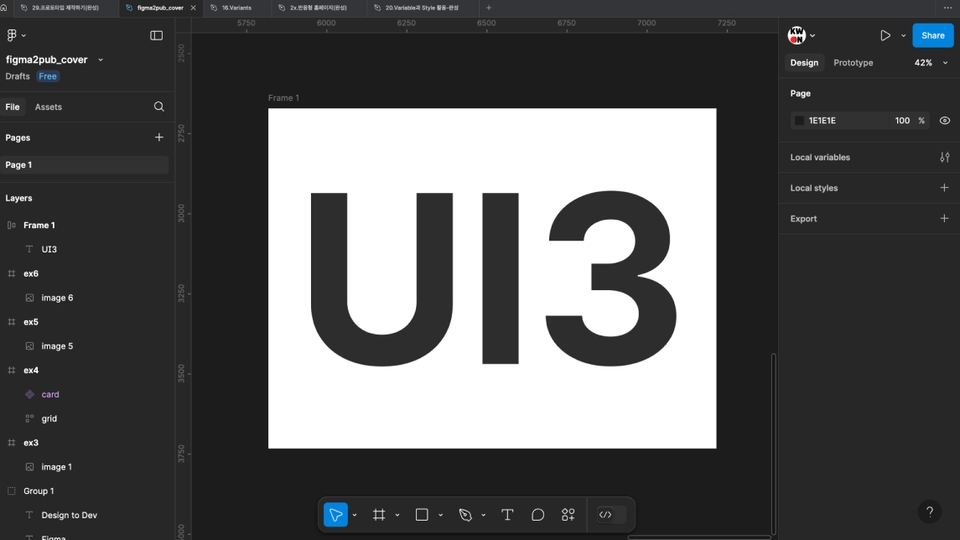
All-in-one course for designers and developers! New UI3 included


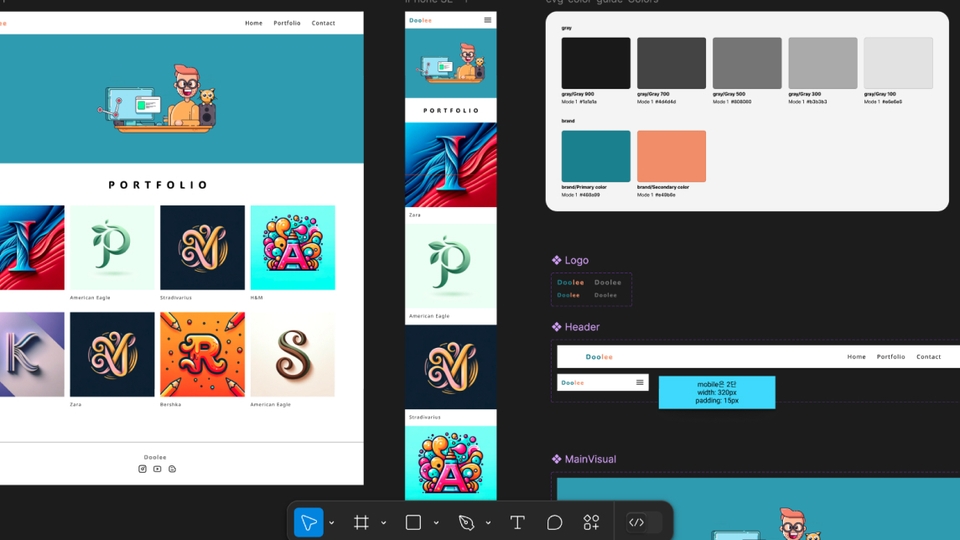
You can quickly learn Figma from installation to key features and apply it to your work right away.
Learn and practice the basic principles of designing a user-friendly interface through typography, button, and input element design.
Learn how to efficiently structure responsive web and style guides.
Learn how to use useful plugins in Figma.
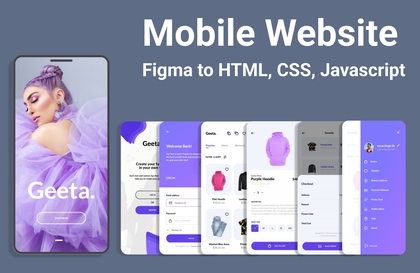
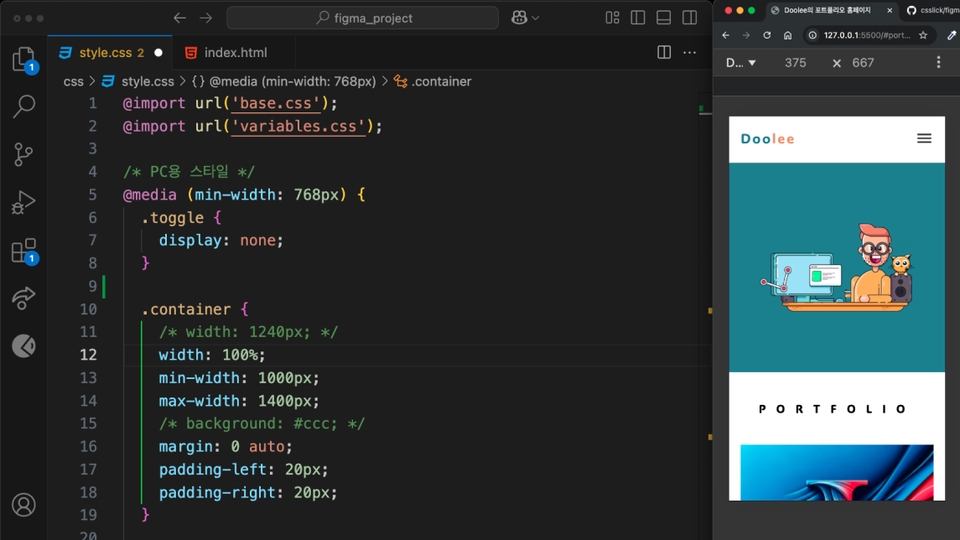
Implement the design created in Figma with HTML and CSS.
All-in-one course for designers and developers
Supports UI3 updated in the second half of 2024
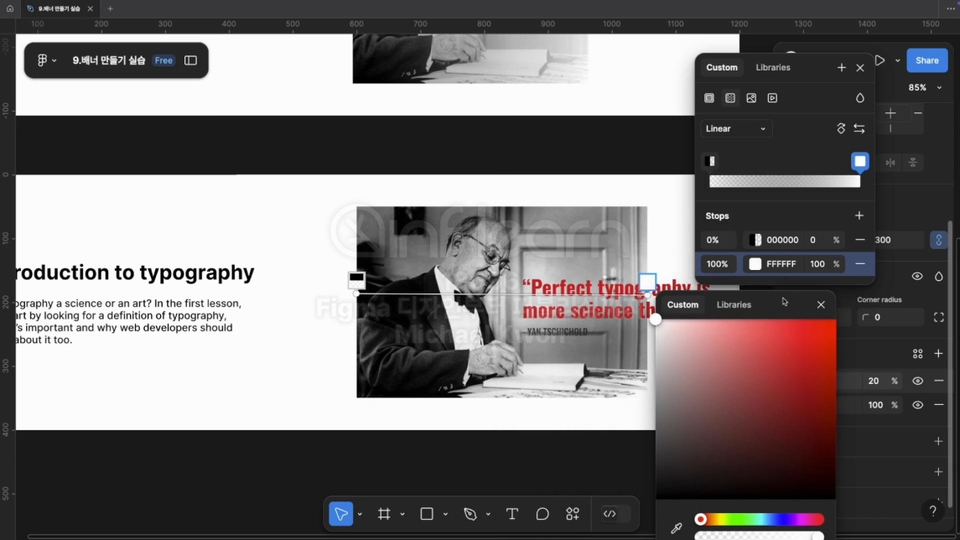
Understand the basics of web typography and create web banners using them.
You can design and layout your homepage using a grid system.
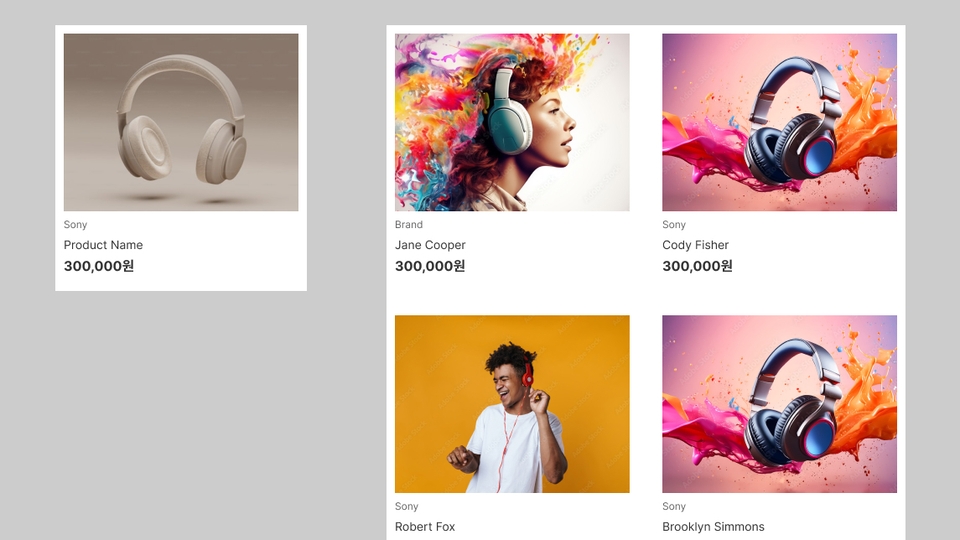
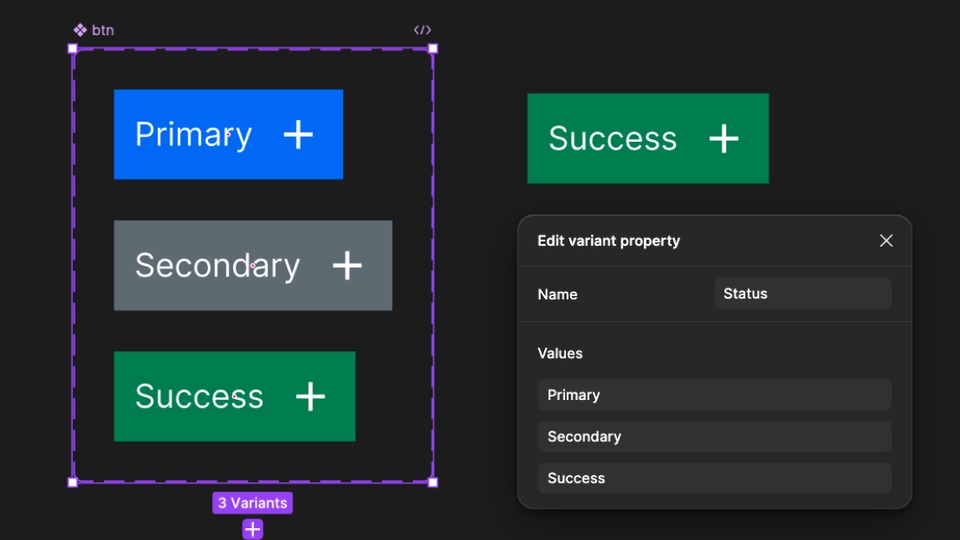
One of Figma's powerful features is the component function, which allows you to easily create and manage UI.
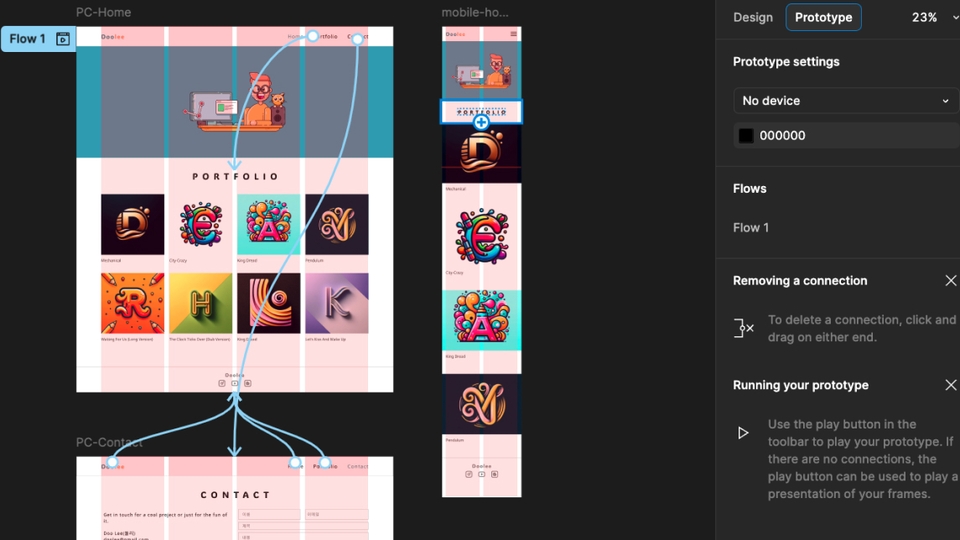
You can test the design with Figma by applying interactions and implement it with actual code.
After completing this course, you will not only be able to skillfully use the design tool Figma, but you will also be able to implement designs with HTML/CSS and complete practical web projects.
Figma Basics (UI3 update)
Reflecting the updated UI3 in late 2024, you can quickly learn the main functions and apply them to your work right away.
UI Design Basics
Learn and practice the fundamental principles of designing user-friendly interfaces through typography, button, and input element design.
Collaboration features
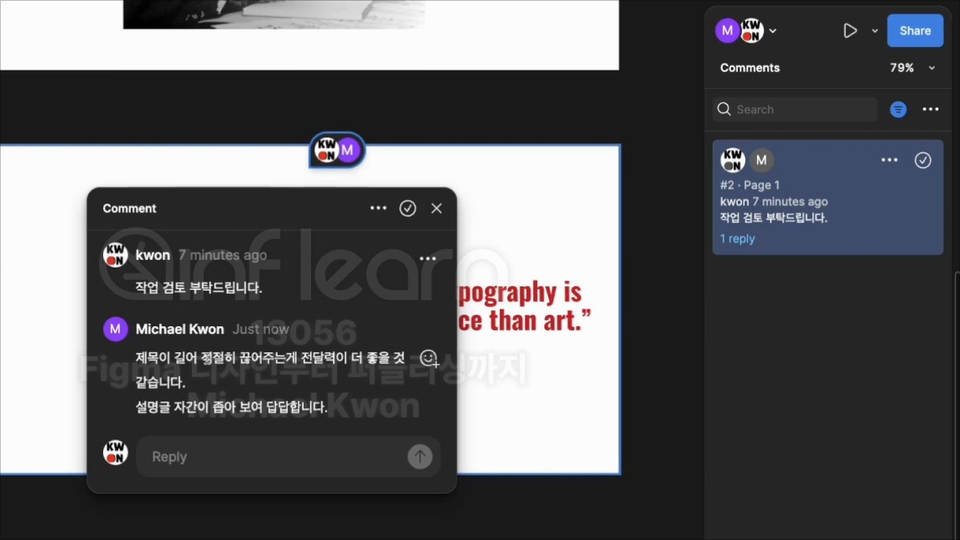
We will cover hands-on methods for sharing work between workers and using the comment function to communicate or confirm immediately.
Variable and Style
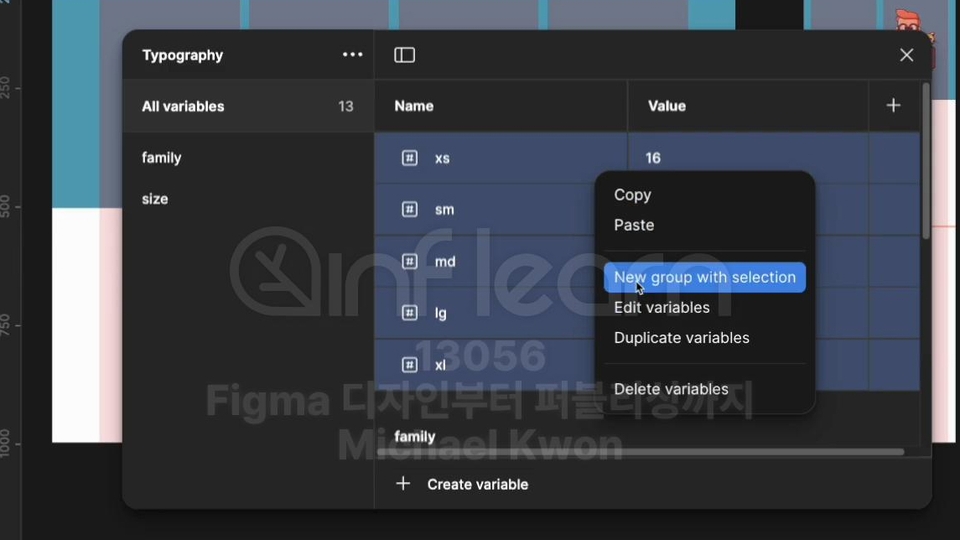
You can use the Variable and Style functions together for systematic and consistent design management.
Responsive layout
Learn how to effectively structure responsive web and style guides.
Responsive Web Publishing (HTML, CSS)
We provide a core summary course on HTML and CSS for beginners, and you can gradually learn how to transform designs created in Figma into complete web pages.
Operating System and Version (OS): Windows 10 or later, macOS 11 (Big Sur) or later recommended
Browser: Chromium compatible browser such as Edge, Chrome, Safari (Mac OS Big Sur or later)
Tools used: Visual Studio Code
PC specifications: 8GB or more memory
Key materials provided in unit-by-unit study notes
The code is available via Github.
Who is this course right for?
Beginner Designer: Someone who is new to Figma and publishing
A planner who wants to make screen design and prototyping work smoothly
Working designer: Those who want to strengthen their web publishing capabilities
Developer: Anyone who wants to improve their understanding of design and publishing skills
Need to know before starting?
It would be helpful if you have a basic knowledge of Photoshop, HTML, and CSS.
232
Learners
29
Reviews
17
Answers
4.9
Rating
5
Courses
스타트업에서 멀티미디어 콘텐츠 크리에이터로 입문하여 한 분야에만 머물지 않고 게임과 웹, 멀티미디어 분야에서 기획과 개발을 주도하며 현업에서 다양한 상용 작품을 런칭했습니다. 대학에서 디지털 미디어와 영상학을 전공했으며 주요 교육기관에서 웹 디자인과 프론트엔드 개발 및 미디어 교육(10년 이상) 등을 진행하면서 튜토리얼도 제작하고 있습니다.
- 저서 -
자바스크립트 프로젝트북(한빛미디어,2017)
All
50 lectures ∙ (7hr 54min)
Course Materials:
All
15 reviews
4.9
15 reviews
Reviews 16
∙
Average Rating 5.0
Reviews 1
∙
Average Rating 5.0
Reviews 1
∙
Average Rating 5.0
Reviews 3
∙
Average Rating 5.0
Reviews 4
∙
Average Rating 5.0
$51.70
Check out other courses by the instructor!
Explore other courses in the same field!