It's so helpful that you explain everything in detail. It's a great lecture!!!
What you will gain after the course
Basic methods for creating keyframe animations
Motion features based on Force, Rigid Body, Soft Body, and Particle simulations
Understanding the basic concepts and workflow of MoGraph features
Animation, the flower of 3D graphics! Bring your graphics to life ✋
Lecture Topic 📖
Objects that move as you wish, welcome to the world of animation and motion!
Maxon Cinema 4D R23 software is a comprehensive 3D graphics tool that can be used for 3D motion graphics, animation, and video production.
In the previous course, <Cinema 4D R23으로 시작하는 3D 그래픽 입문 Part.3 Rendering>, we learned how to use lighting and rendering functions. In this course, you can learn the basics of animation and motion production features in the C4D R23 software. We will explore how to create keyframes and the basic application of Xpresso, as well as simulation-based motion production features. Additionally, we will learn how to use MoGraph features to make multiple cloned objects move in specific patterns.
This course is designed in a follow-along format, making it easy for anyone to learn by following the lecture videos step-by-step.
Course Preview 🧐
Learn about simulation-based motion creation features (from 'Rigid Body (2)').
Learn how to make multiple objects move in a specific pattern (from 'Delay & MoCache').
📢 Must-read before taking the course
This course does not provide Q&A from the instructor. Please keep this in mind when applying.
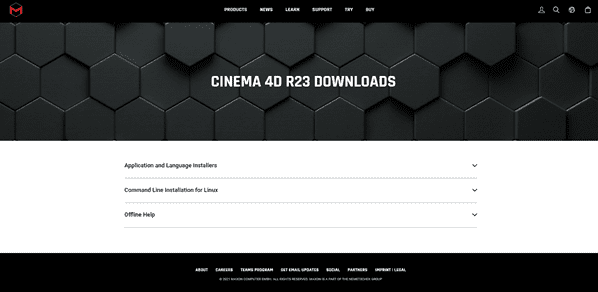
There are minimum system requirements for the C4D program. Please check them in advance on the official Maxon website.
This course uses Cinema 4D R23. Therefore, we recommend using that version of Cinema 4D. You can purchase the program or use various versions such as a trial (demo version) or short-term membership on the official Maxon website. Official Website
Anticipated Q&A 💬
Q. Is prior knowledge required?
Yes, it is recommended to have a basic understanding of the operational concepts of Cinema 4D R23.
Q. Are course materials included in the lecture?
You can download the teaching materials by clicking the cloud icon on the left tab of the lecture playback screen. For this course, they can be downloaded from the first lecture.
Recommended for these people
Who is this course right for?
Those who have only a basic knowledge of Cinema 4D R23
Those who want to learn the basic functions of animation and motion production through Cinema 4D.
Need to know before starting?
Basic knowledge of Cinema 4D
Taking Introduction to 3D Graphics Part. 1 Starting with Cinema 4D R23


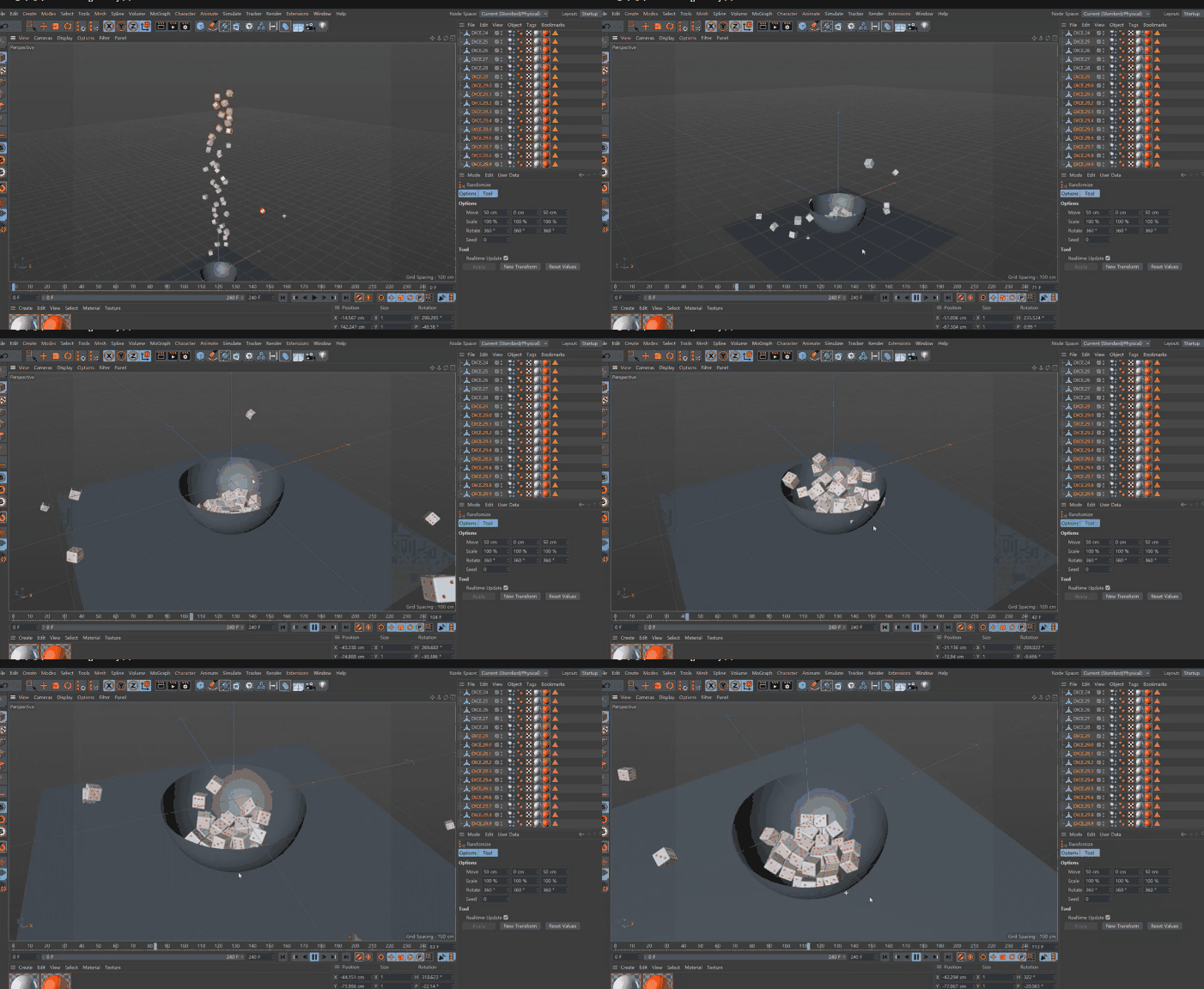 Learn about simulation-based motion creation features (from '
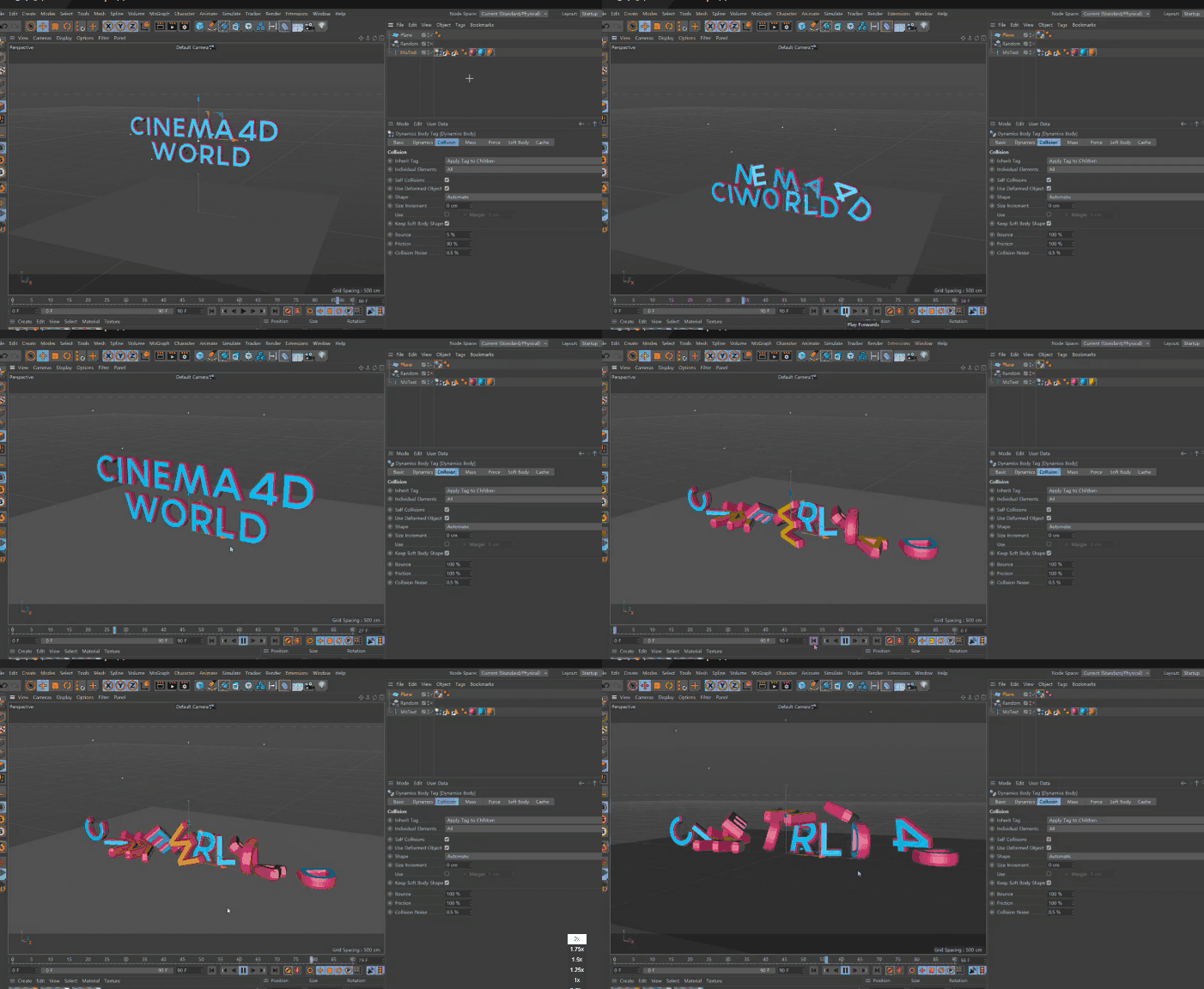 Learn how to make multiple objects move in a specific pattern (from 'Delay & MoCache