

From Introduction to Utilization of MSSQL Server 2016-based Database Part 1
usefulit
From building a database to creating tables, you can manipulate and change data within the database using various SQL queries.
Beginner
SQL, MSSQL, DBMS/RDBMS
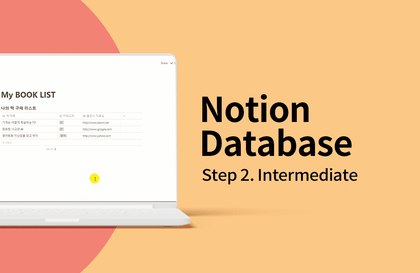
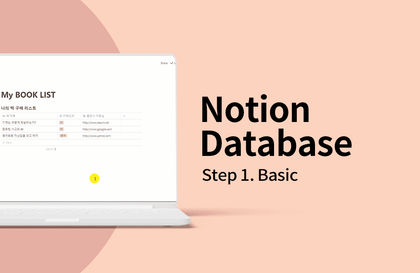
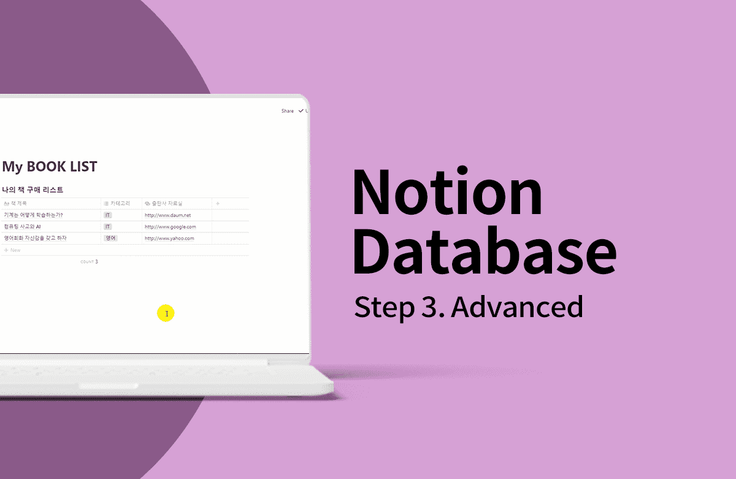
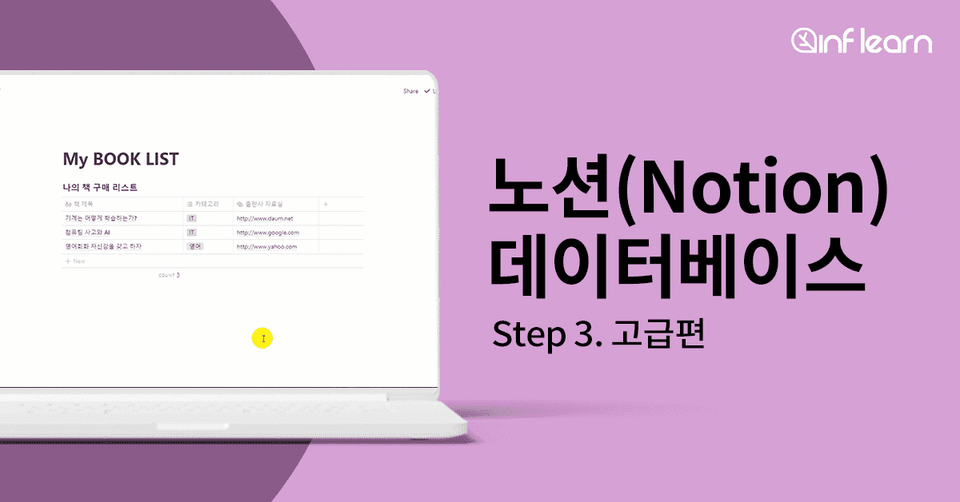
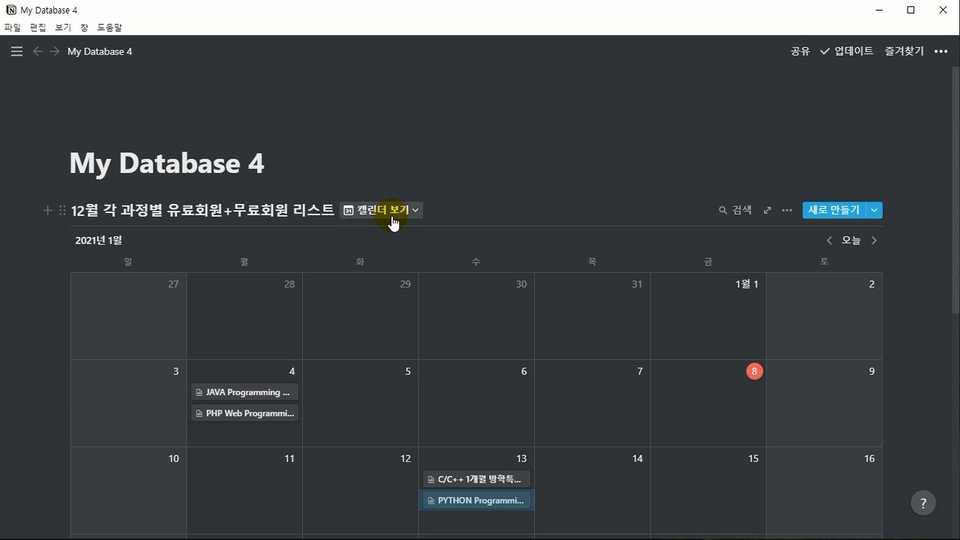
Notion's powerful and convenient database features allow even beginners to easily build a DB. In this lecture, you will learn about data sorting, filters, and advanced part features such as DB relationships and rollup functions.


Reviews from Early Learners
5.0
천무령
I'm taking classes here and there in March. Where, you ask? At the library.
5.0
손영수
I liked how you explained all the ways you can use the Notion database.
5.0
김규보
It's a good lecture.
Notion Database Advanced Features
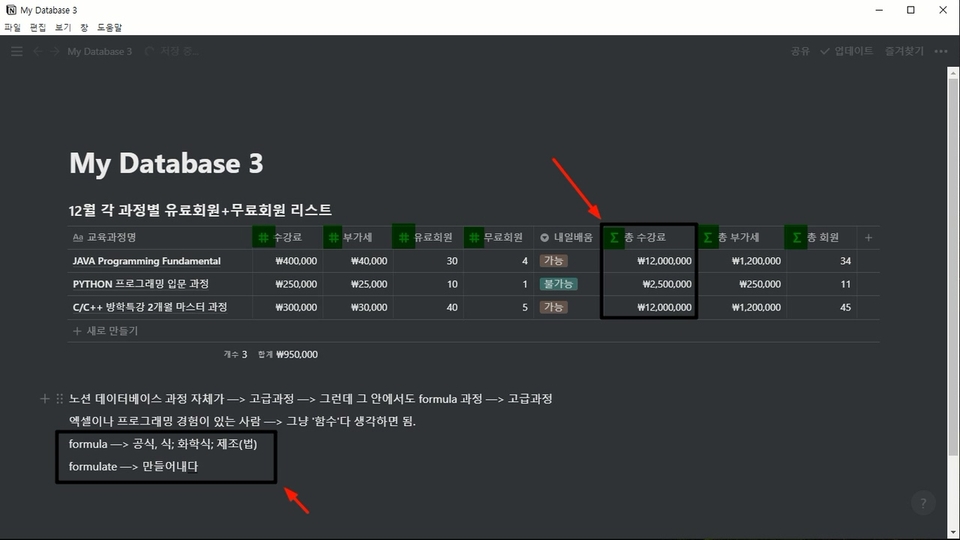
Understanding and practicing the concept of formula
Establishing relationships between DBs
How to use the rollup feature
Anyone can easily increase productivity!
Notion Database Advanced Edition
📢 Please be informed
Notion is a productivity app that can be used for a variety of purposes, from note-taking to document creation and project management.
Notion's database feature allows even beginners to easily build a database.
From establishing relationships between databases without the SQL language to outputting column information with the rollup function!
Build a database that looks like it was built by a professional IT developer using Notion.
Notion database
: Intermediate
Notion database
: Advanced Current Lecture
Who is this course right for?
Beginners who want to build a DB easily
For those who want to know the Notion database features
8,279,902
Learners
6,591
Reviews
4.6
Rating
308
Courses
I will help you grow through useful IT lectures.
All
27 lectures ∙ (9hr 52min)
Course Materials:
All
50 reviews
4.2
50 reviews
Reviews 18
∙
Average Rating 4.8
Edited
Reviews 2
∙
Average Rating 3.0
1
The repeated words, unnecessary words, and the feeling that the lecture was intentionally extended. I don't think I'll be listening to this person's lectures again. The lecture also intentionally went into advanced topics, but it seems to be at a beginner level, although it may be relative.
Reviews 2
∙
Average Rating 1.0
Reviews 6
∙
Average Rating 2.3
Reviews 6
∙
Average Rating 1.7
1
Since the lecture that could have been 30 minutes was squeezed into 9 hours of repetition, there were quite a lot of interjections like "uh- um- sseu- ha-". Still, the lecture guides you through where the Notion menu buttons are. For example, in the case of a lecture where you press the filter group button, it seems like the lecture repeats the words "filter group" more than ten times while saying things like "there is something called a filter group. I'm going to press the filter group. There is something called a filter group. I'm going to look into the filter group. Let's look into the filter group."
Check out other courses by the instructor!
Explore other courses in the same field!