Introduction to 3D Graphics Starting with Cinema 4D R23 Part.1 Basic Tasks of 3D Graphics
This course is designed to help those who have never dealt with 3D graphics before get started with basic 3D concepts using Cinema 4D software.
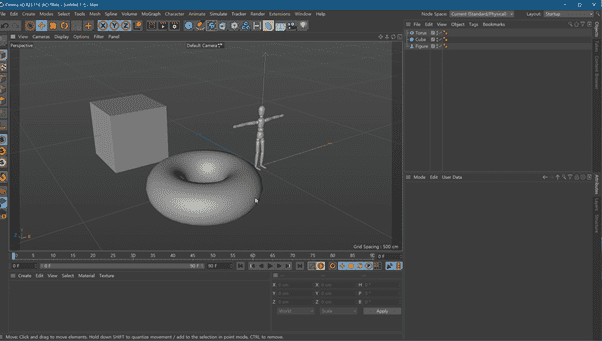
You will learn how to navigate the basic interface and grasp the most fundamental concepts of modeling, rendering, and animation, as well as the overall workflow of a project.
Your voice is nice so it's easy to concentrate. Haha
5.0
icewebramble
100% enrolled
The detailed lectures for each function are really good, but there are a lot of boring function explanations in the beginning, so it would be more interesting if you proceed while creating actual example files.
5.0
반짝이는 바다사자
100% enrolled
I liked how you explained it in an easy-to-understand way.
What you will gain after the course
Basic 3D graphics workflow starting with Cinema 4D
Basic concepts and workflow of modeling, shading, lighting, rendering, and animation
3D is the trend these days! Who wants to become a designer who masters even the latest trends?
Lecture Topic 📖
Attention to those who are just starting to learn 3D graphics!
Maxon Cinema 4D R23 software is a comprehensive 3D graphics tool that can be used for 3D motion graphics, animation, and video production. It has traditionally been widely used in product design and the gaming industry. However, now that 3D artwork has become a trend, its scope is expanding day by day. In particular, the C4D program is a tool with distinct advantages.
📌 Unique Advantages of Cinema 4D
Adobe After Effects features excellent integration.
Among 3D tools, it is relatively easy to learn.
From beginners to experts, various tools and functions can be utilized.
This course is a follow-along style lecture, designed so that even those unfamiliar with C4D can learn easily by following the video step-by-step.
Course Preview 🧐
Learn the basics of C4D (from 'UI Navigation').
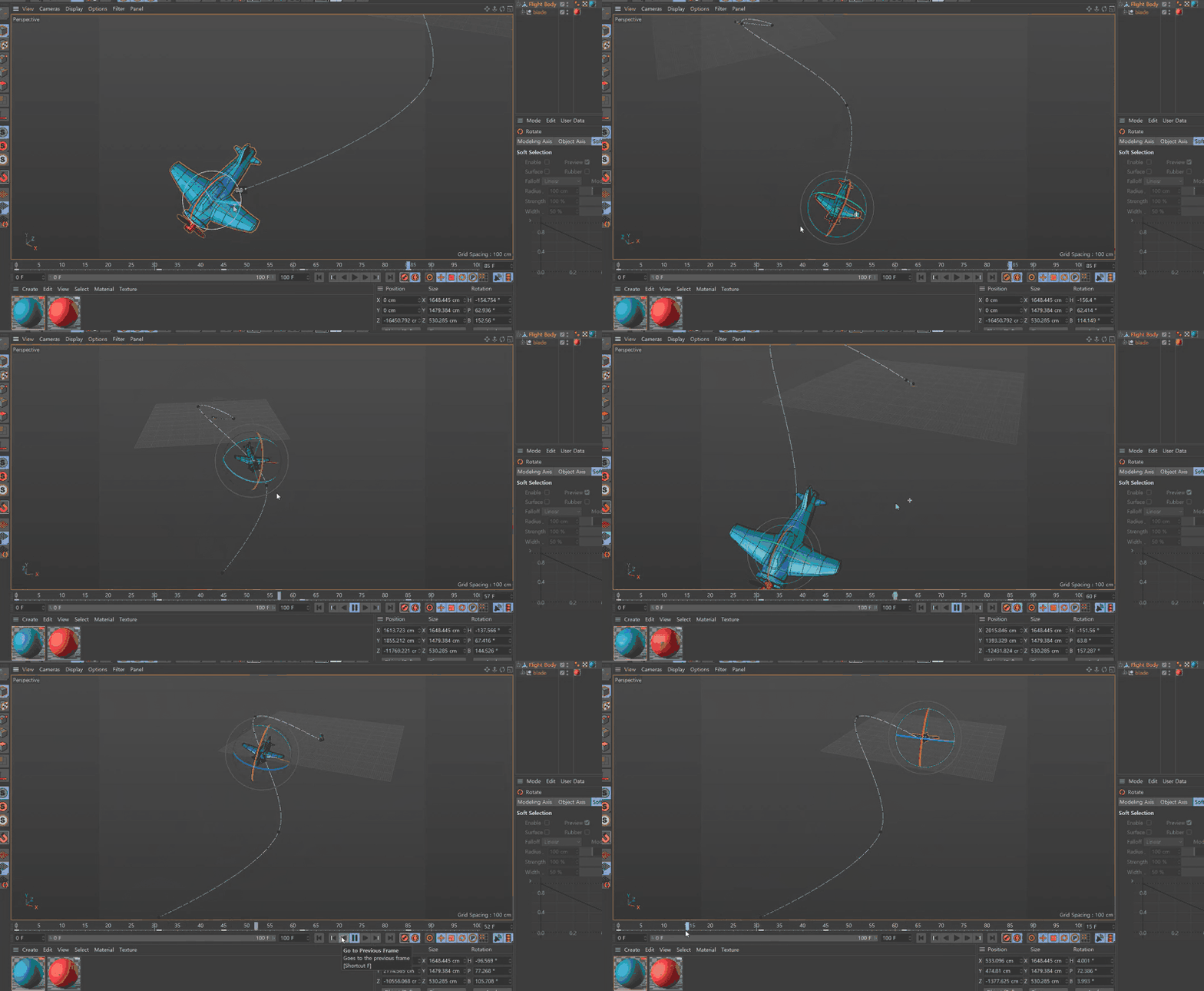
Try creating an animation that moves in the desired direction (from 'Keyframe').
📢 Must-read before taking the course
This course does not provide Q&A from the instructor. Please keep this in mind when applying.
There are minimum system requirements for the C4D program. Please check them in advance through the preview lecture or the official Maxon website.
This course uses Cinema 4D R23. Therefore, we recommend using that version of Cinema 4D. You can purchase the program from the Maxon official website or use various versions such as the trial (demo version) or short-term membership. Official Website
You can learn the basics of animation and motion production features within the Cinema 4D R23 software.
We recommend taking this course after completing the current one.
Click the image to go to the corresponding lecture.
Frequently Asked Questions Q&A 💬
Q. I have never used Cinema 4D before; can I still take the course?
Yes, this is a beginner-level course that starts from the program installation.
Q. Are the lecture materials included in the course?
You can download the course materials by clicking the cloud-shaped icon on the left tab of the video player. For this course, they are available for download in the first lesson.
Recommended for these people
Who is this course right for?
Those who have never used Cinema 4D R23 before
Those who want to learn the basic operations of Maxon Cinema 4D R23 software
The detailed lectures for each function are really good, but there are a lot of boring function explanations in the beginning, so it would be more interesting if you proceed while creating actual example files.



















![[Photoshop Revolution Broadcast] Photoshop Basics CompleteCourse Thumbnail](https://cdn.inflearn.com/wp-content/uploads/photoshop002.jpg?w=420)
![[Photoshop Revolution Broadcast] Photoshop Intermediate CompleteCourse Thumbnail](https://cdn.inflearn.com/public/courses/324136/course_cover/6bafe72e-0196-41d1-ad2c-b3bcbf583407/free_photoshop.png?w=420)
![How to Make a Unity 2D Roguelike Game [Korean Subtitles]Course Thumbnail](https://cdn.inflearn.com/wp-content/uploads/unity003.jpg?w=420)