Mastering 4 Essential Linux Utilities - awk, sed, grep, find
If you have studied shell scripts, the next step is to learn how to effectively use the find, grep, sed, and awk commands.
Don't search Google anymore to learn how to use these commands.
I learned a lot of things I didn't know through detailed explanations and various examples, and it was really helpful. I only look for the instructor's lectures.
What you will gain after the course
Find the file you want very quickly with one line of code
Repeated editing of large amounts of documents
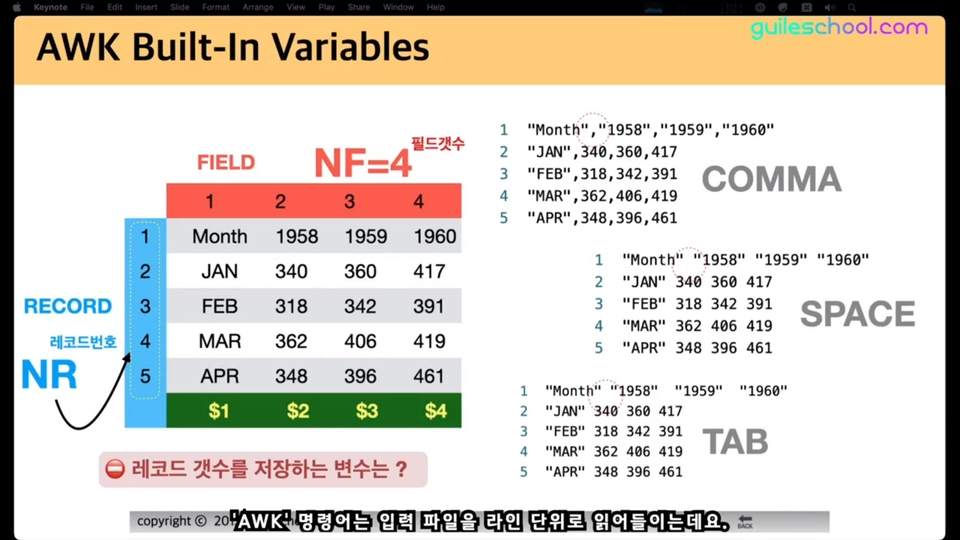
The ultimate document editor AWK
Edit a comma-separated values (CSV) file using terminal commands
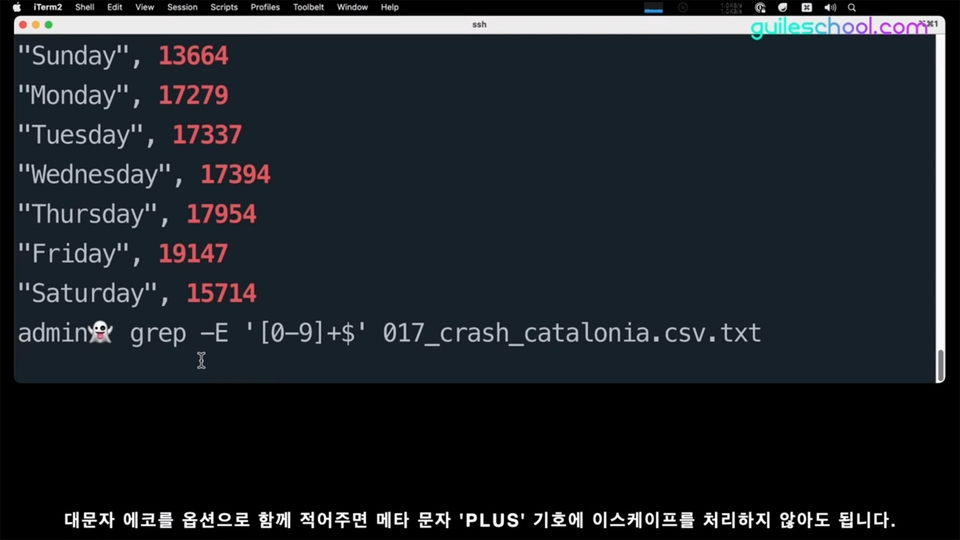
GREP Command -P Option Usage
How XARGS works
Using the XDEV Option of the FIND Command
Various searches using FIND, including time, permission, capacity, and pattern
Linux utilities summarized in one lecture Learn commands easily with practice.
Linux, how to use it properly You absolutely must learn the commands!
We support your Linux skill up 🙆♀️
Master the find, grep, sed, and awk commands in this course.
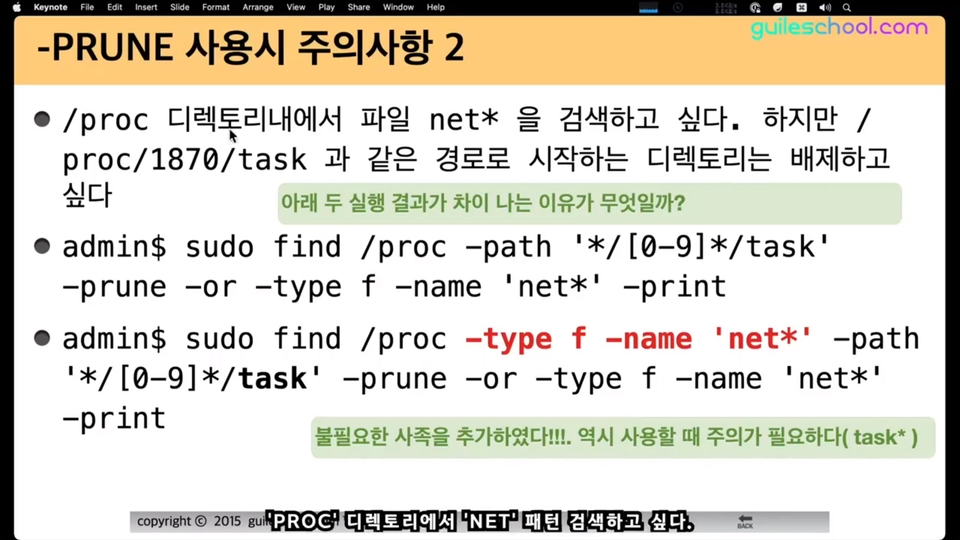
Do you know the prune feature of Find? Have you ever seen Permission Denied often when searching for Find?
Aren't you just using find or grep as simple file or directory search or string search tools? If you remember searching the Internet because you didn't know how to use the find or grep commands, this lecture may be helpful.
After taking this course, your Linux skills will take flight.
Want to learn how to use Find or grep better? Here's how.
Linux Commands , Why Are They Important?
A significant portion of what we do with computers usually involves tasks like this.
Find data on your computer
Editing documents (sed, awk)
It's about finding (grep) something within a document.
Why are grep, find, sed, and awk important in Linux? Because these tools are directly related to the tasks mentioned above.
Since the above commands are frequently used commands, hackers have inserted dozens of usage methods into these commands as options. Therefore, users need to learn these commands separately from other Linux commands. ^^
However, information about Linux grep, find, sed, and awk on the Internet is quite fragmented. When searching for how to use a command, even if you find a single sample example, it is not easy to rewrite it.
Save your time! Linux can be used 'better'.
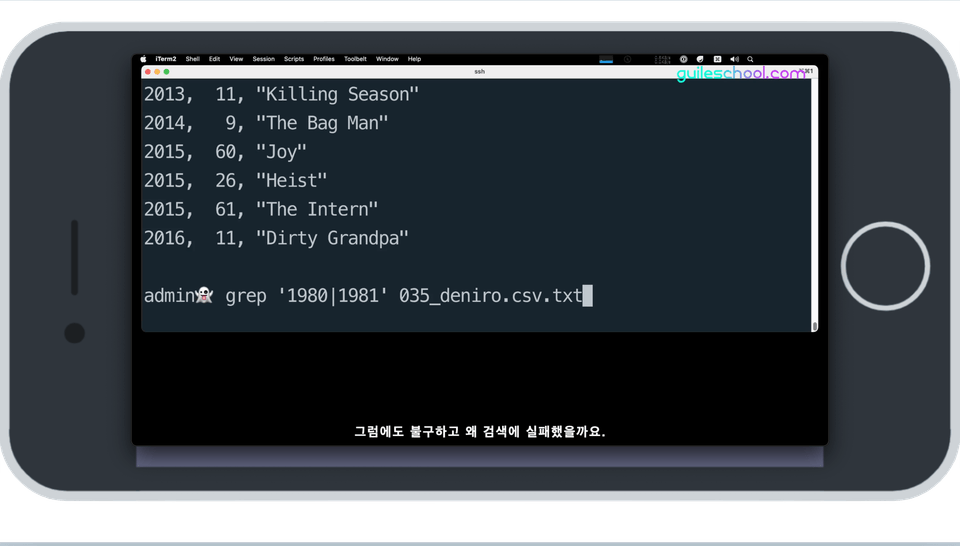
There is one more reason why this course is necessary. Let's take an example using the Grep command. Do you know what the -P option does? I know that many people who know how to use the Grep command have searched on Google or Stack Overflow.
Why is that? Isn't it because I don't remember or don't know the various grammars, such as the options or regular expression patterns that I use in the search I want to use? This is the problem that Google searches waste a lot of time like this. Even Linux system server administrators say that they have a hard time remembering the options of commands that they don't use often. I think that this statement reflects the difficulty of Linux commands and the need for learning .
There are actually hundreds of Linux commands. If we were to list only the most frequently used ones, there would easily be 30 of them. The Find command alone has 30 to 40 options. If so, a systematic approach is needed for this part.
4 essential Linux commands Easier, more powerful.
🚴♂️
What if you were to ride the bike you learned to ride as a child again decades later? You might fall down once or twice, but you'd soon become proficient at it.
💡
If you learn the four major Linux commands through this lecture, you will be able to use the commands easily in practice, just like I did!
I can't guarantee that you will become good at Linux right away just by taking my lecture. However, at least your basic Linux skills will definitely change before and after taking the lecture.
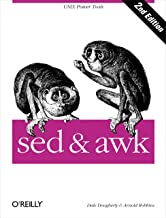
Why are books like sed & awk sold on Amazon? Simple use would be no problem, but if you try to use it 'well', doesn't that mean there's a lot to study?
There is no more detailed find/grep/sed/awk course online or offline than this. It will upgrade your command utilization skills to the next level!
Recommended for these people! 🔑
Linux server system administrator who uses a lot of Linux commands
DevOps and full-stack developers who require proficient Linux usage
Those who only use find or grep as simple file search or string search tools
This will also be helpful to those of you who are fairly good at using Linux!
Besides that, it would be good for people like this to learn too!
👉 If you are using a terminal program on a computer based on Apple Mac OS
👉 Those who develop kernels and drivers in embedded Linux environments
👉 College or graduate students who need prior learning about the Linux environment
👉 People who use Linux environment in fields such as medicine, engineering, etc.
👉 Those preparing for the Linux Master Level 1 and 2 exams
📢 Check your player knowledge!
Prerequisite knowledge for learning is Linux Shell Scripting Basics .
You can take the course without any basic knowledge, but some of the content may be difficult to understand.
It would be better to take the Linux Shell Script Master course first and then take this course.
After mastering Linux shell scripts An ambitious new work released after two years!
I created this course with your time as precious as my own.
This course is a sequel to Inflearn's popular course , Mastering Linux Shell Scripts . I launched this course based on the fact that surprisingly many people repeatedly search Google whenever they use the Linux commands find and grep. I am confident that if you organize the various options of the commands systematically, you will be able to use simple ones without having to search the Internet later.
For each command, a detailed explanation of 2 to 4 hours or more is provided.
You can easily learn command options using various examples rather than theory-centered ones.
The lecture videos are supported with Korean subtitles . We made it so that you can watch them comfortably even on mobile devices with small screens.
This course is carefully structured to give you the feeling of watching a manual page in video format .
💾 Practice environment and learning materials
This lecture was recorded based on the Ubuntu Linux 20.04 environment and uses the Linux terminal.
To take this course you will need a computer running Linux.
You can download the practice examples and textbook files from the [Section 0. Getting Started > Download Lecture Practice Examples] lesson.
Q&A 💬
Q. Is this suitable for Linux beginners?
This lecture only covers the essential Linux utilities grep, find, sed, and awk commands. It is okay to take the course, but it would be more helpful to learn the basics of Linux before taking this lecture.
Q. Which course should I take first: Linux Shell Script Master or this course?
I recommend that you take the Linux Shell Script Mastery course first.
📢 Please check before taking the class! (License)
Presentation materials used in the lecture are provided to students free of charge in PDF document format .
The accompanying documents are to be used only for personal use as supplementary materials to lecture videos within Inflearn. When copying part or all of the contents of the book (including reprinting on a website or printed media, or copying as an electronic file), permission from the copyright holder, Hong Young-ki, is required in accordance with Article 42 of the Korean Copyright Act, regardless of whether or not the purpose is for profit, except for personal use as stipulated in Article 27 of the Korean Copyright Act.
Recommended for these people
Who is this course right for?
If you are using Find or grep only as a simple file search or string search tool
Linux server system administrator who uses many Linux commands
DevOps Full Stack Developer
Users who frequently use cloud computing environments
Embedded Linux Developer
Even those who claim to be good at using Linux will find this helpful.
Those preparing for the Linux Master 1st and 2nd level certification exams
I received a bachelor's degree in Electronic Engineering from Inha University College of Engineering and have built several years of experience as an embedded systems software developer. I am also active as a professional instructor for embedded systems and programming. I was introduced to the Mac(Book) around the same time the iPhone 3GS was released, and since then, I have been interested in Mac(Book) automation. I develop and maintain open-source projects such as 'Siri Remote for Mac(Book)' and 'Google Translator using Keyboard Maestro' on GitHub (https://github.com/guileschool). I also have a great interest in the open-source hardware 'BeagleBone Black'. I am interested in all fields of computer use where productivity can be increased through Mac(Book) automation, and I am helping people who need it.
Please send lecture requests and other inquiries to guileschool@gmail.com :)
I learned a lot of things I didn't know through detailed explanations and various examples, and it was really helpful. I only look for the instructor's lectures.























![Structure and Principles of the Linux Kernel: Interrupts [Author's Lecture Part 1-5]Course Thumbnail](https://cdn.inflearn.com/public/courses/333194/cover/79593ea5-0a6d-453a-8ead-a54103462943/333194.png?w=420)
![Structure and Principles of the Linux Kernel: Interrupt Bottom Halves [Author's Lecture Part 1-6]Course Thumbnail](https://cdn.inflearn.com/public/courses/333195/cover/3b8c8cd2-44b0-43b7-a441-b950ba367717/333195.png?w=420)