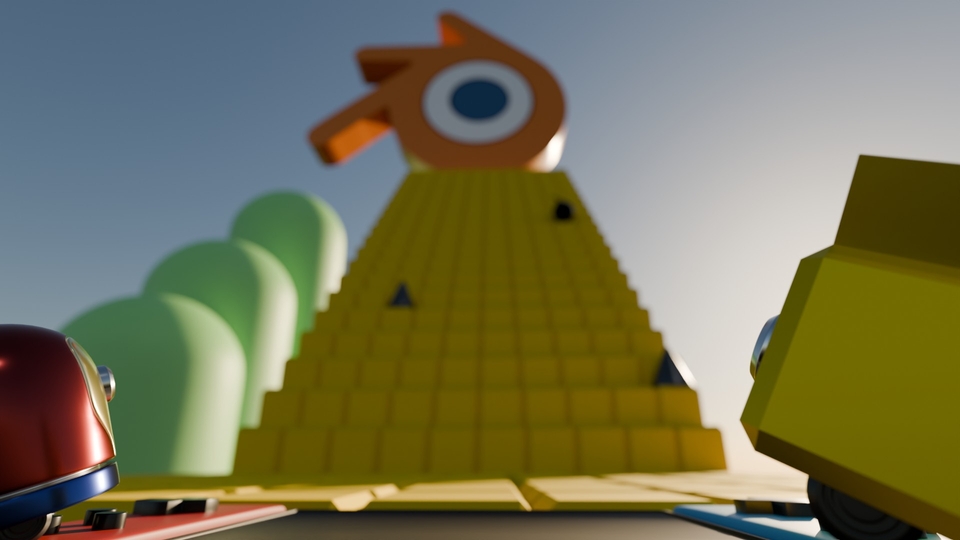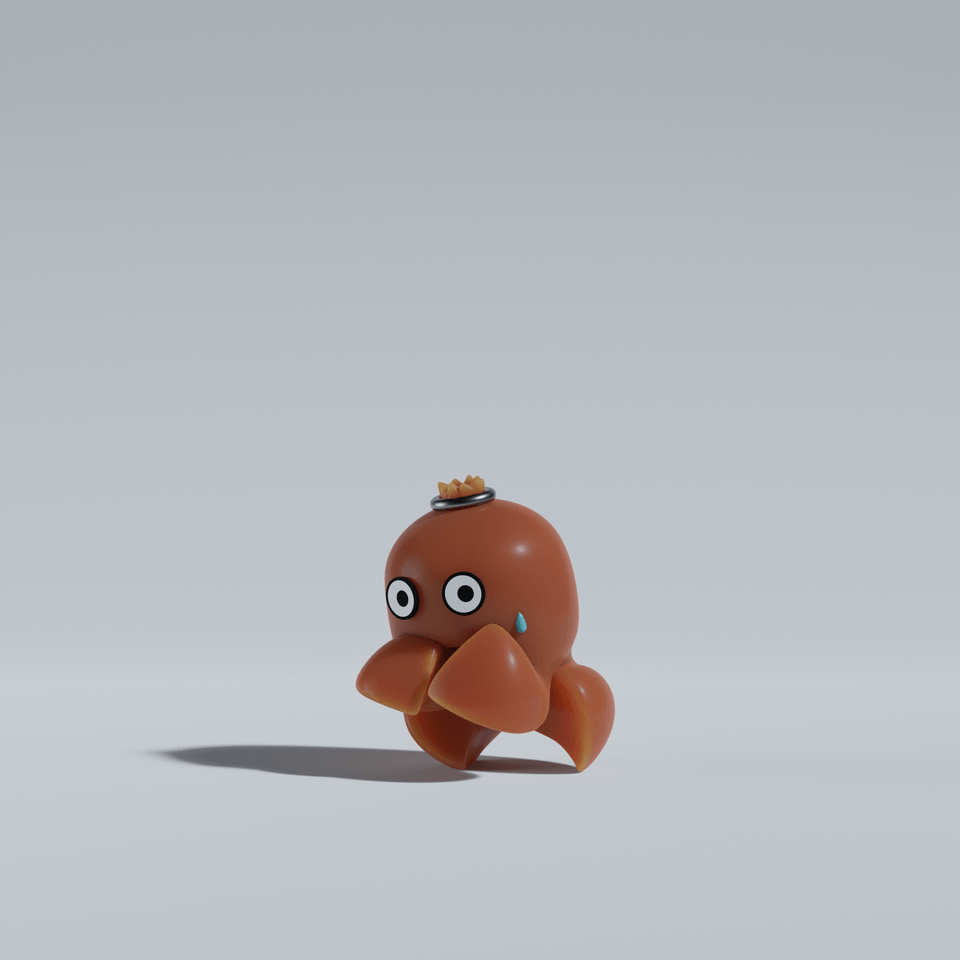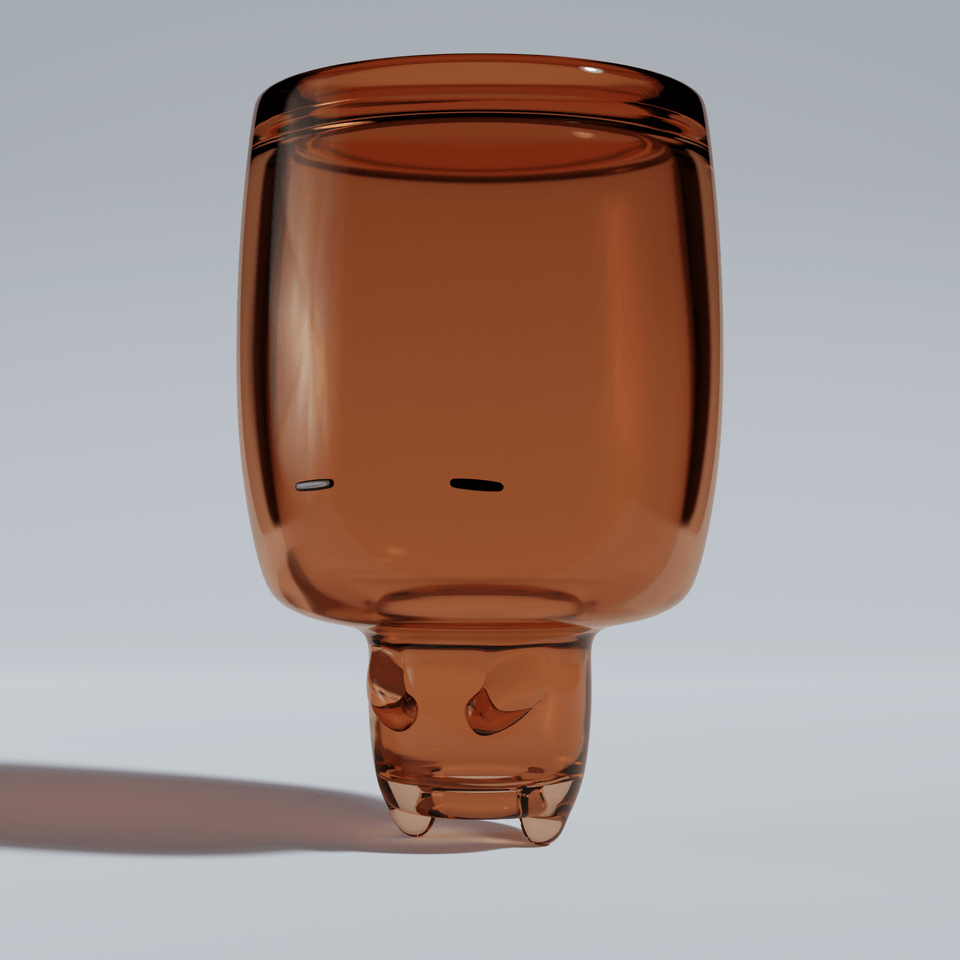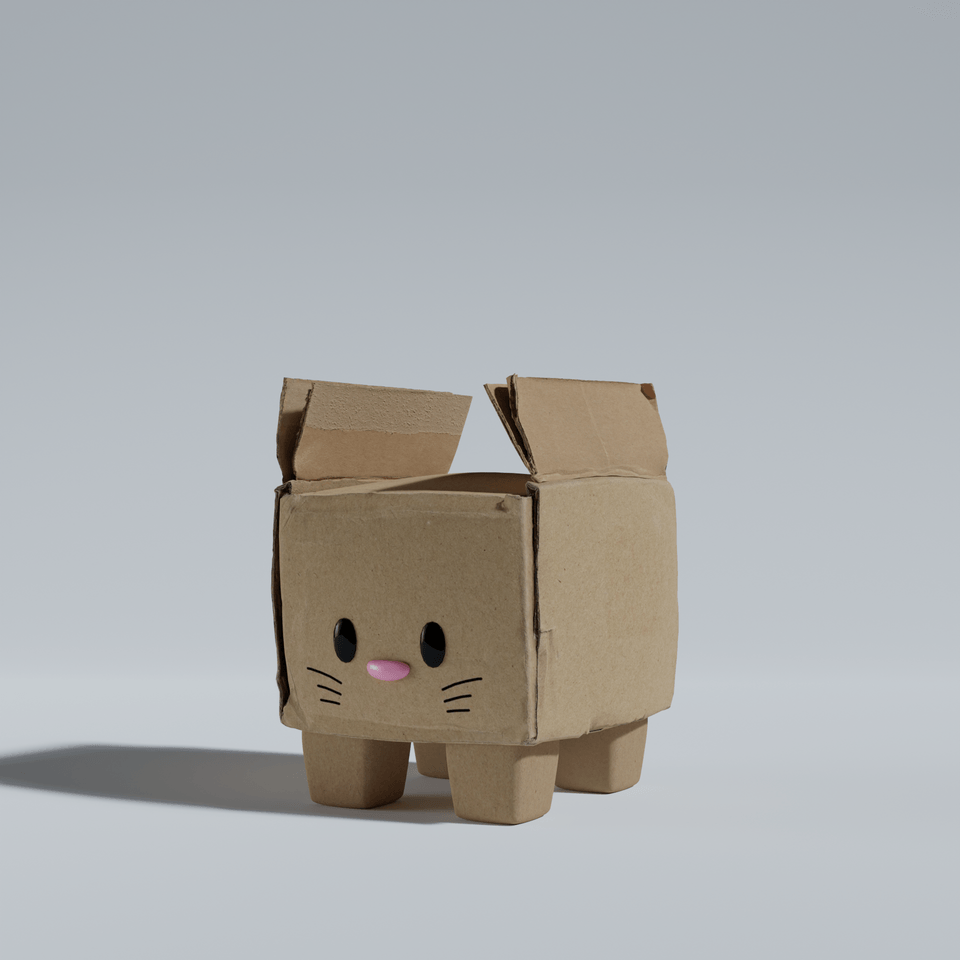
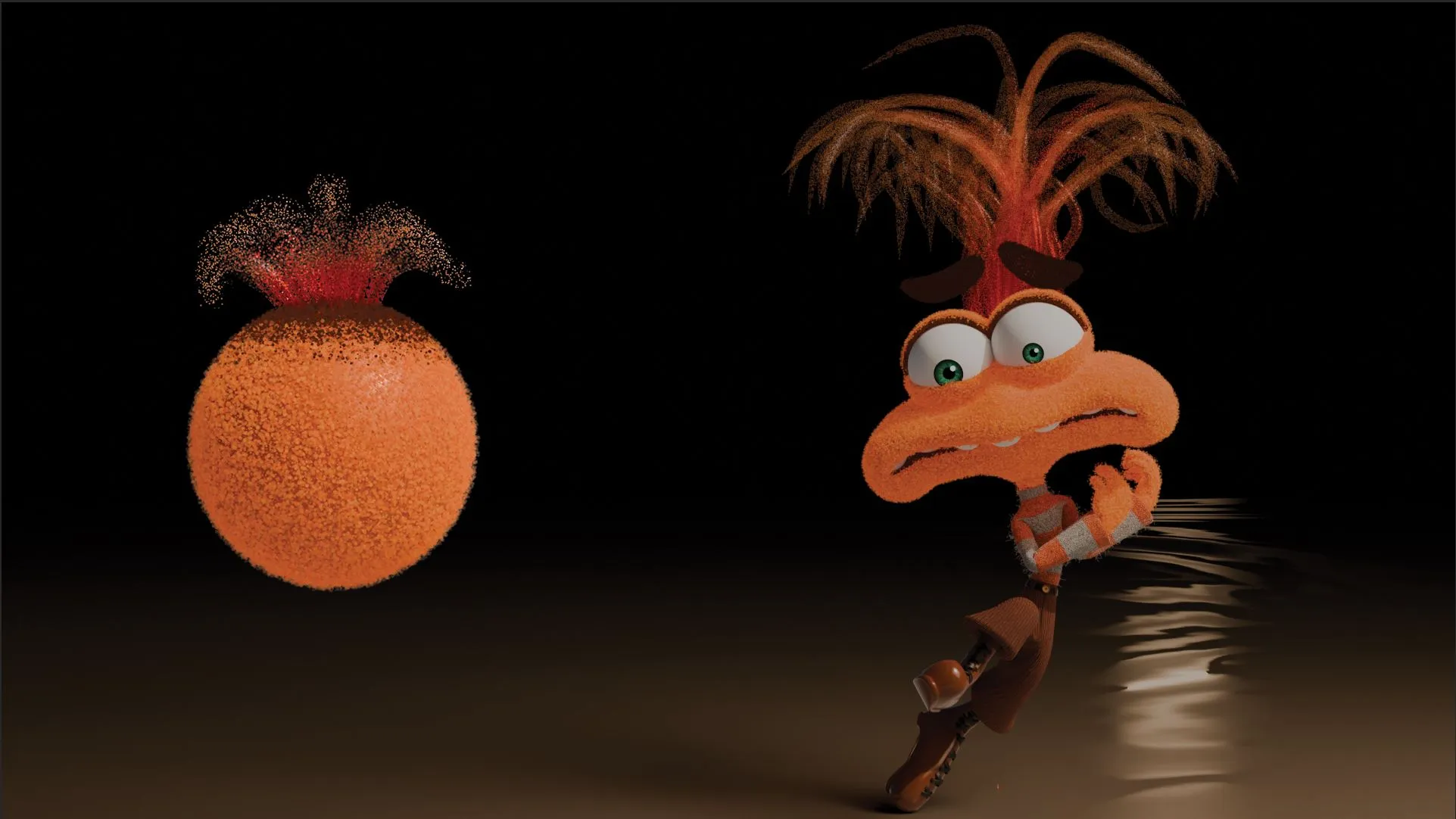


Anxiety making Matterial
Tinys
Let's create "Anxiety as Material" from Inside Out 2! Understand the 'working principle' simply with a tutorial-style format!
Basic
3d-modelling, Blender
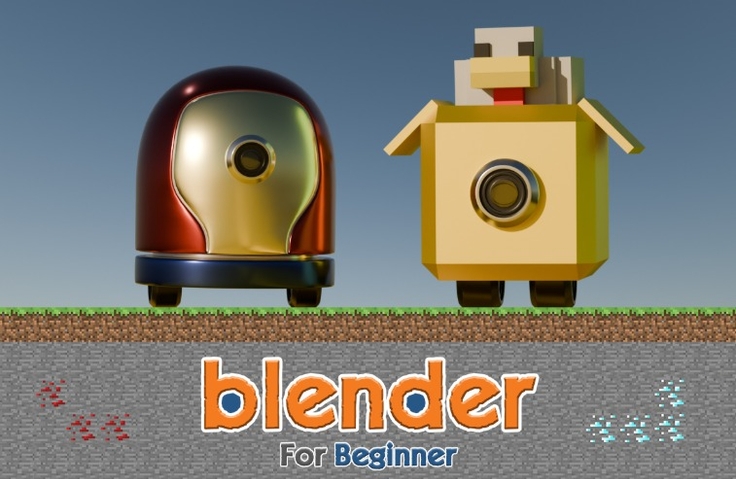
A 'Blender Intro Course' for beginners! We selected only essential knowledge for beginners!
52 learners
Level Beginner
Course period Unlimited
Reviews from Early Learners
5.0
홍영범
I tried to use Blender before but it was too difficult so I put it aside, but I was able to easily approach it through this class!!
5.0
몰랑몰랑
I needed to learn Blender quickly, and I really enjoyed learning because you taught me the basic functions without any unnecessary information.
5.0
꿈냥이
I've completed Object Mode and am leaving a review. First of all, it was really great to be able to learn interestingly through fun game content like Tetris or Minecraft items and chicken. And, through the Object Mode class, I think I learned a lot about Blender's overall interface, operation methods, and the basic way to touch objects. First of all, the class was really fun, and I was very satisfied with the class because it was explained in an easy-to-understand and fun way with game examples! I recommend this class to others! Then, I will learn the rest well^^😆
Understanding the Interface (Object Mode)
Basic Modeling (Edit Mode)
Advanced Modeling (Modifier)
Realistic Material Expression (Material)
Final Output (Rendering)
.
Ta-da!
.
😀
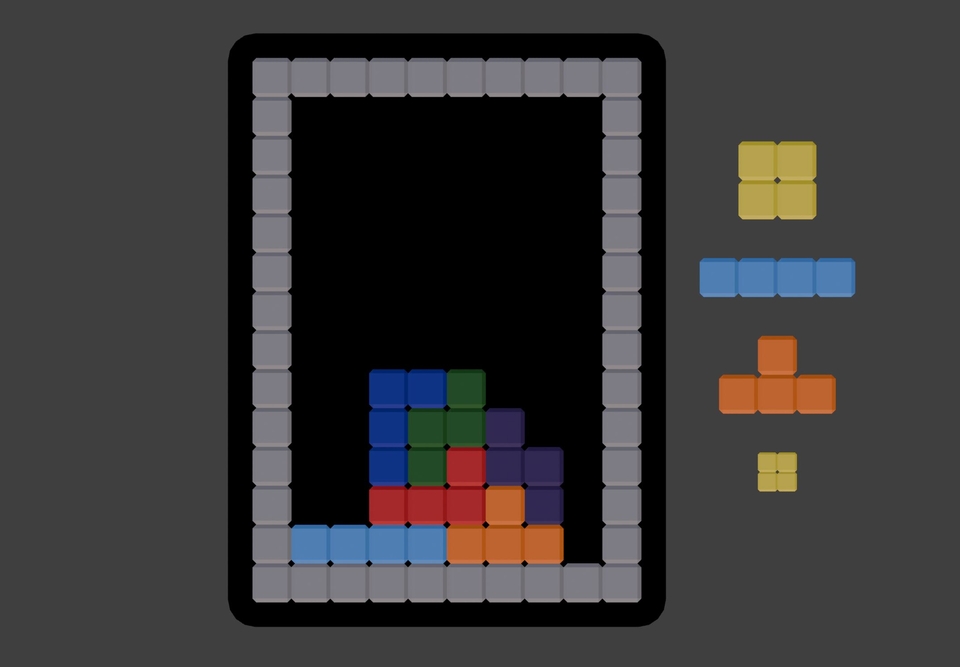
Tetris
Maze escape
Coloring Book
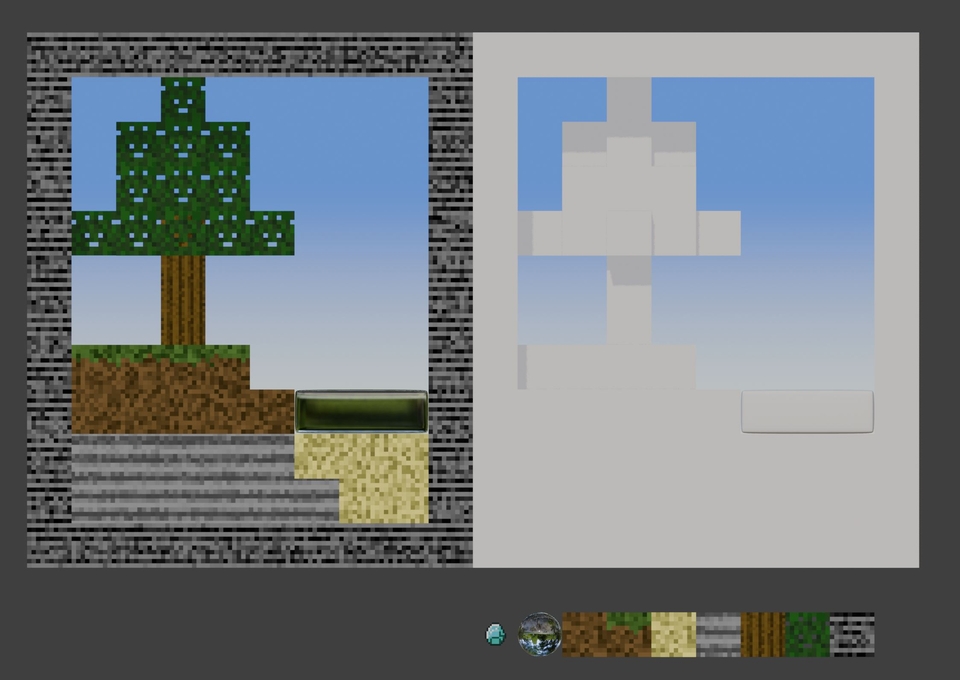
minecraft
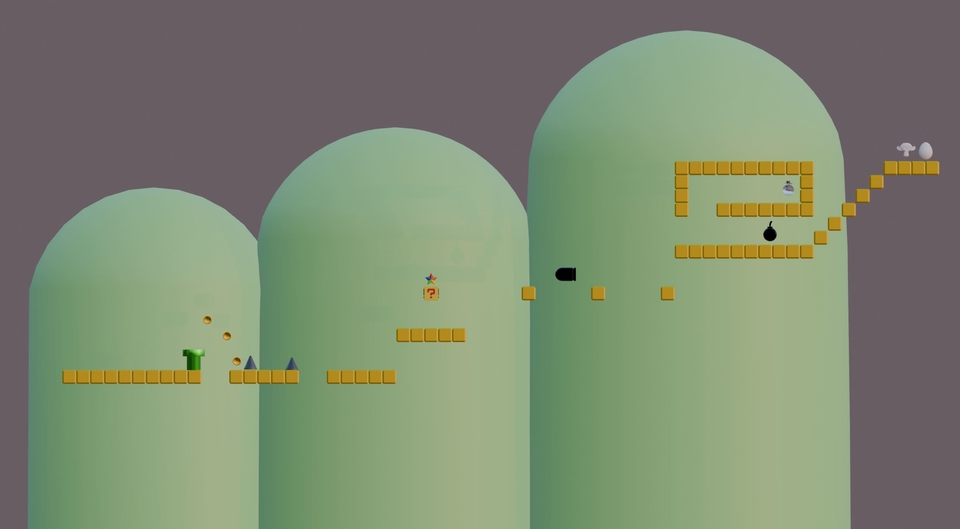
2D game map
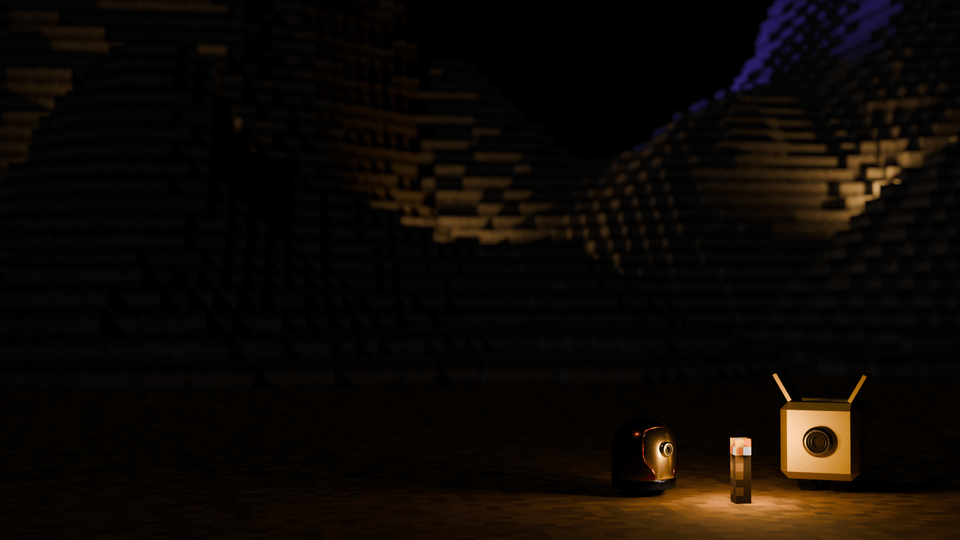
3D game map
Excessive knowledge and theory at the introductory stage
It causes boredom and makes you give up!
🔥
So we need some fun hands-on practice
It's effective if you learn it like a game !
In addition, it is frequently used in practice
It's practical because you can learn only the key points !
Tetris game
Maze escape game
Coloring Games
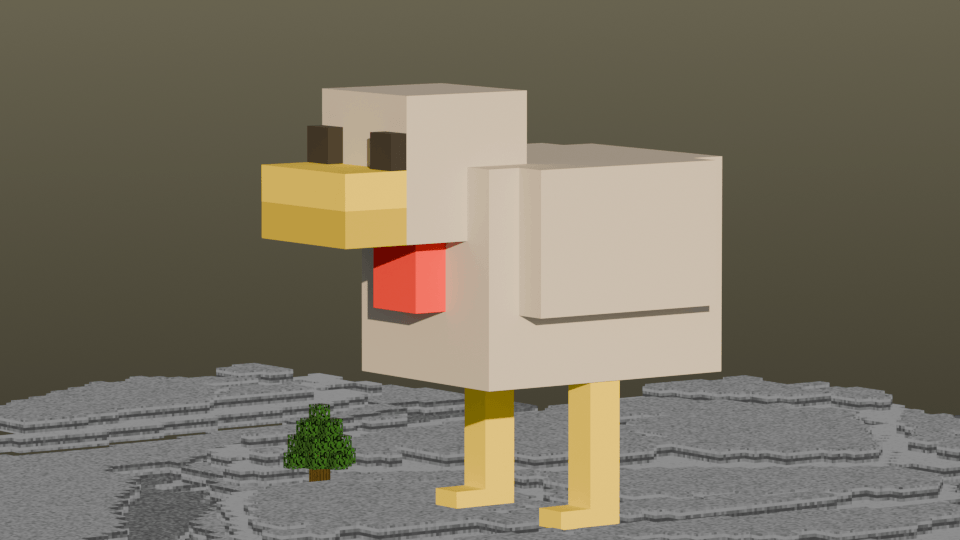
How to make a minecraft chicken house
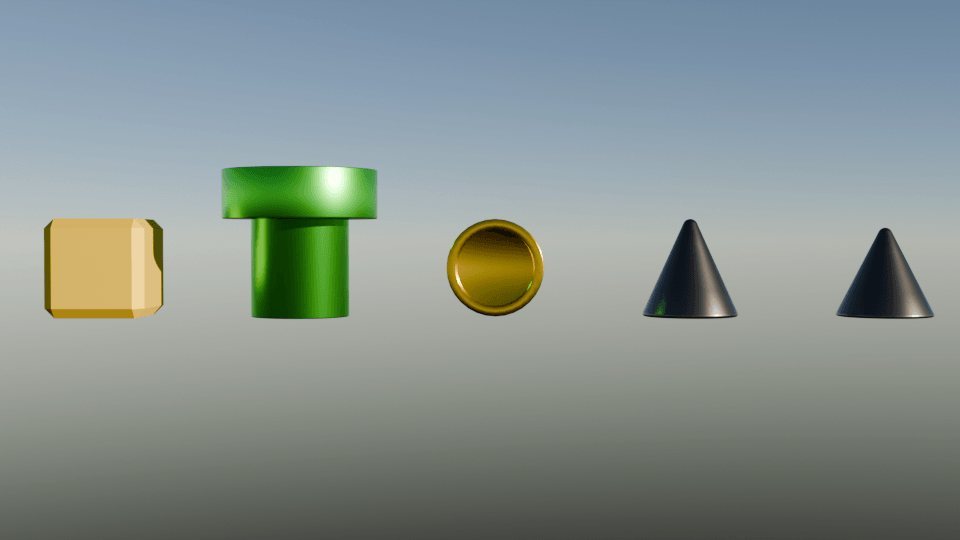
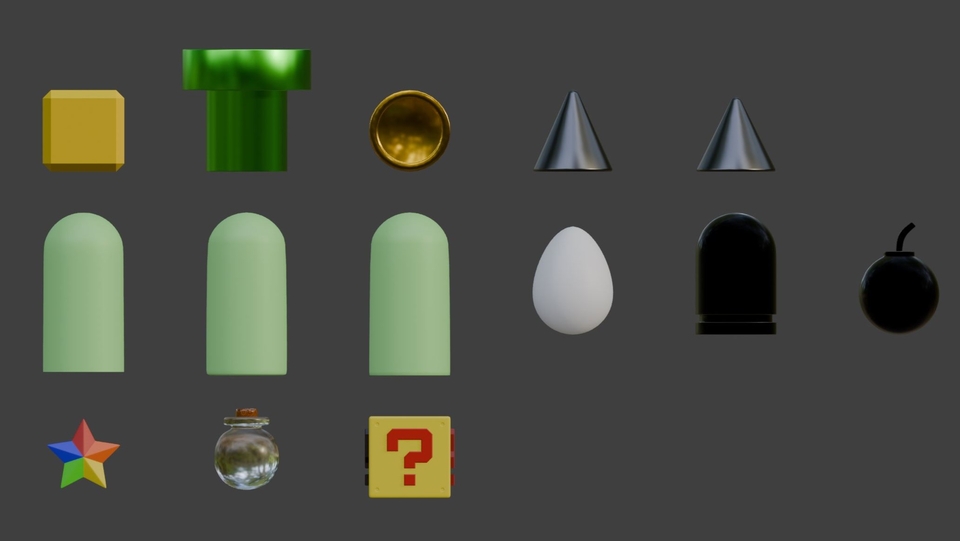
Creating an angular item
Creating a round item
Create game items
Creating a game map
Making game props
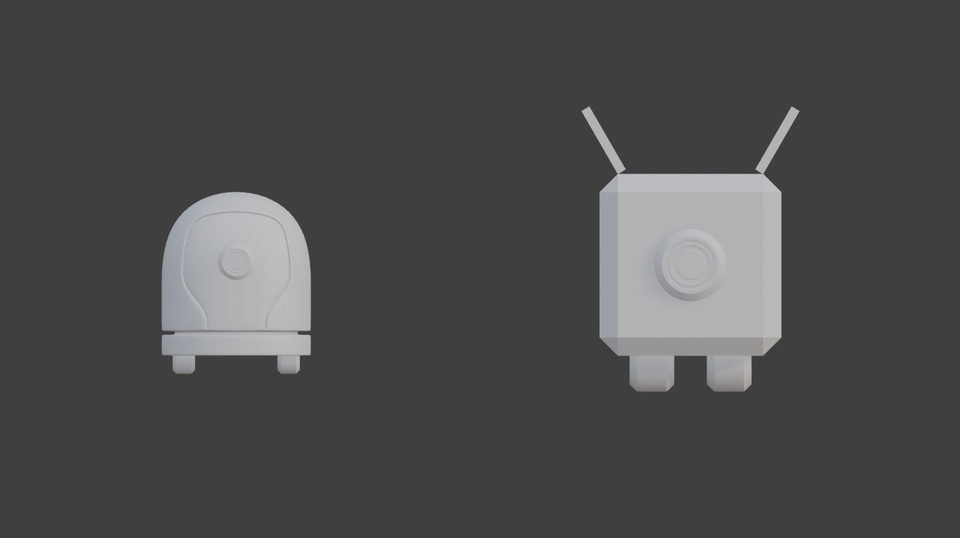
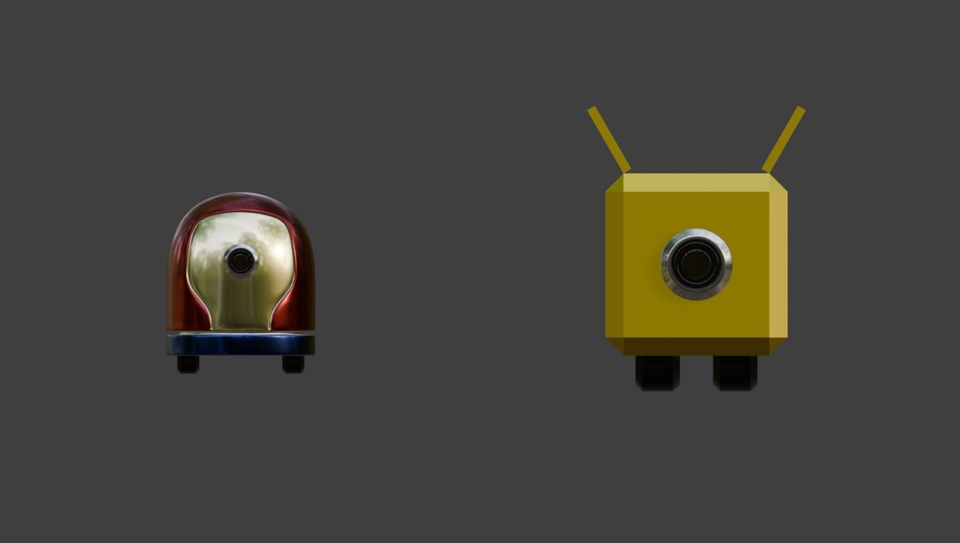
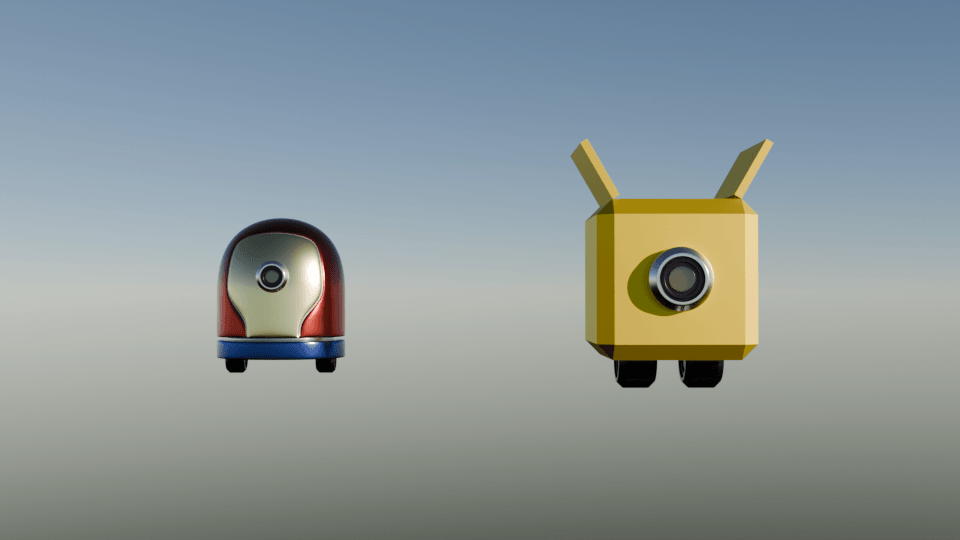
Make a cute robot
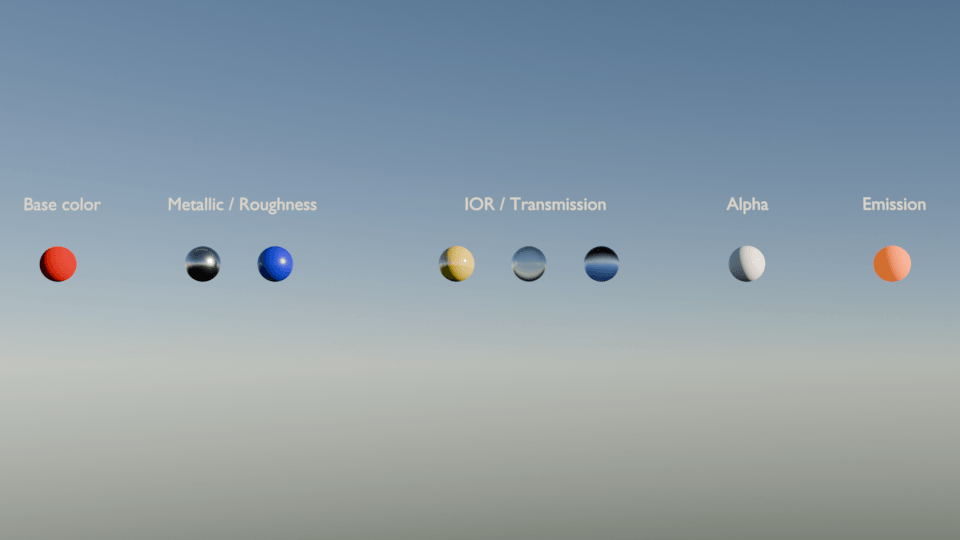
Realistic material expression
cute robot coloring pages
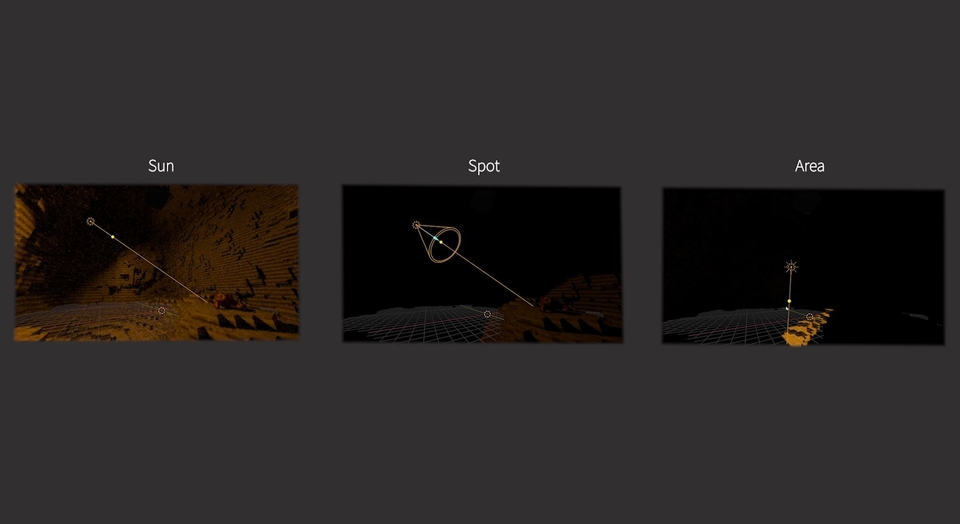
Lighting
camera
Render Settings
cycle engine
Even those who are new to Blender can understand the overall workflow!
You can learn basic modeling, advanced modeling, realistic material expression, lighting, and rendering!
( modeling, shadermaterial, lighting, 3d-rendering )
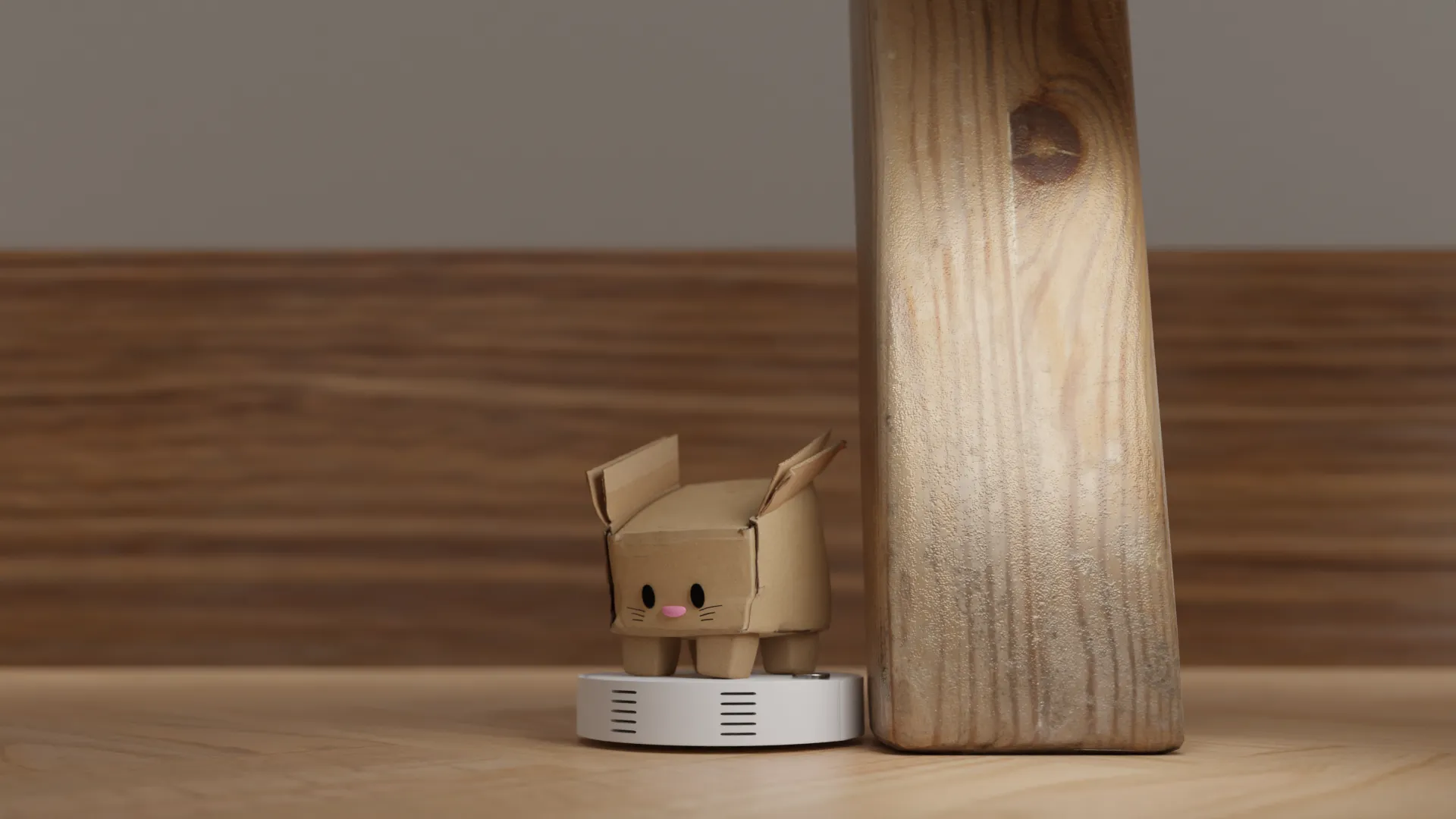
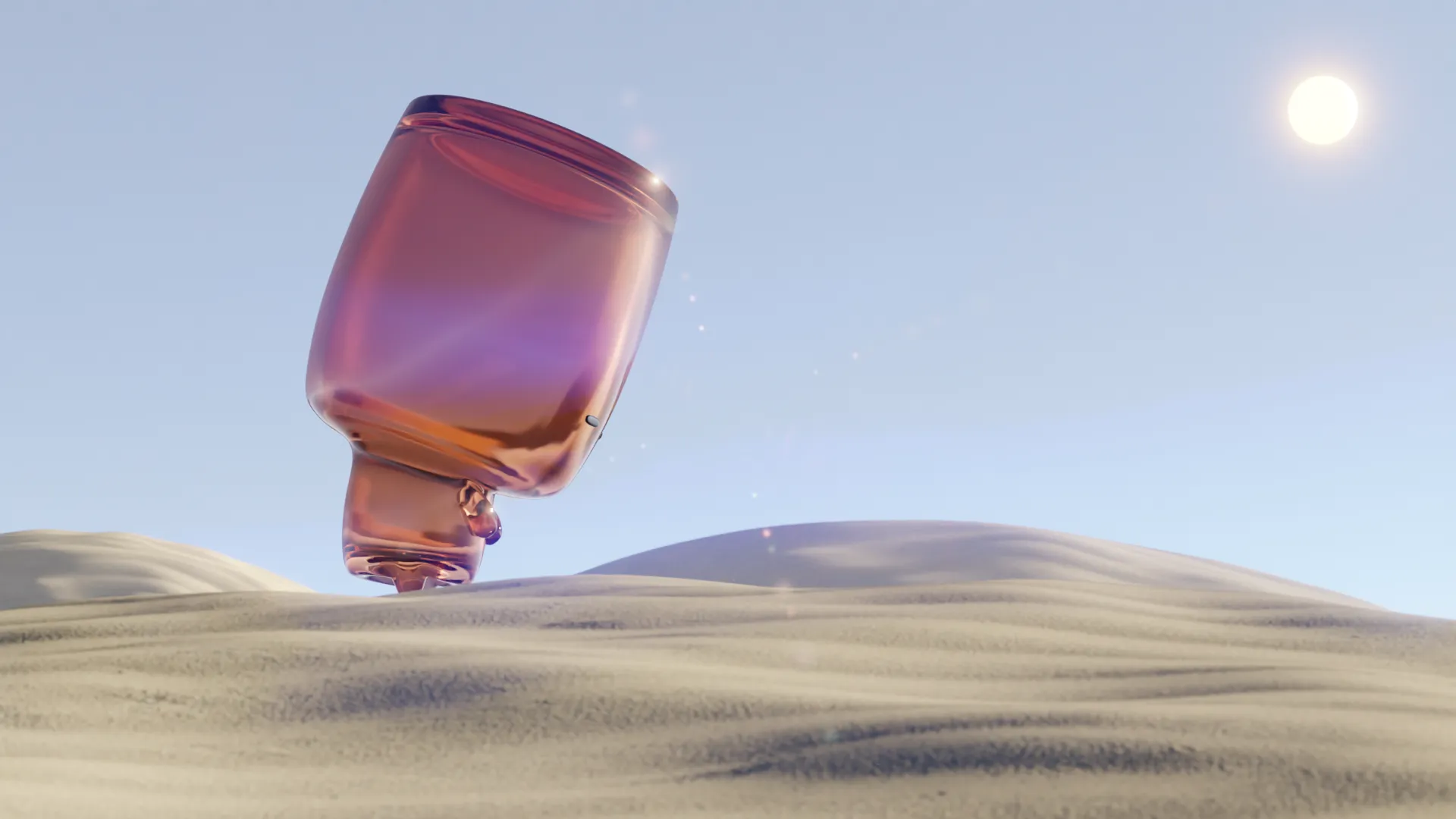
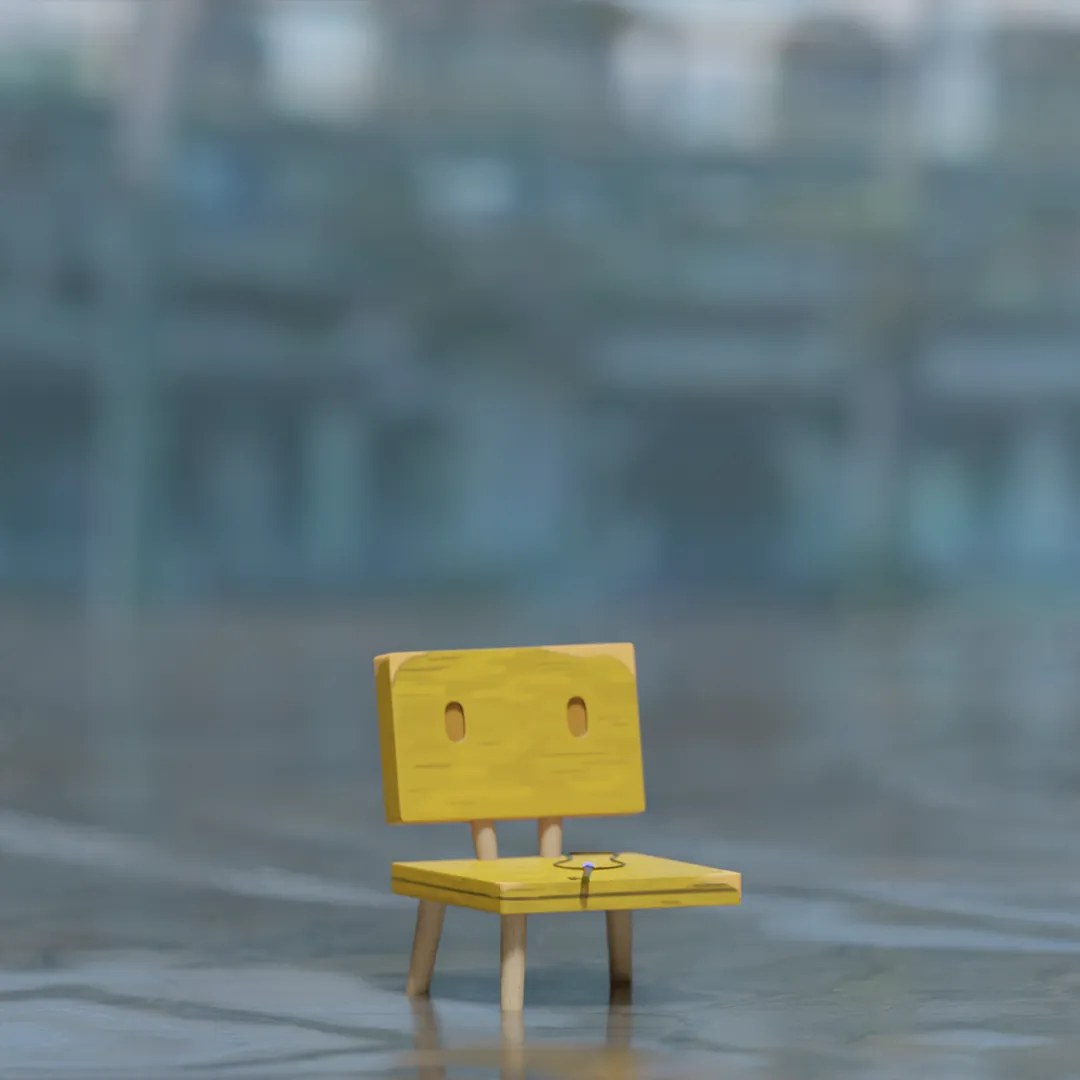
I made something like this in 4 hours!
How to make a Minecraft chicken house (Object Mode + Material)
Creating Game Items (Edit Mode + Material)
Creating a Game Map (Edit Mode + Material)
Creating Game Props (Modifier + Material)
Make a cute robot (Object Mode + Edit Mode + Modifier + Material)
Realistic material representation (Material + cycle engine)
Realistic artwork output 01 (Rendering + cycle engine)
Realistic artwork output 02 (Rendering + cycle engine)
'There's so much to study..?'
'Can I make this if I learn it..?'
'Do we really need all these..?'
'What should I learn and how?'
.
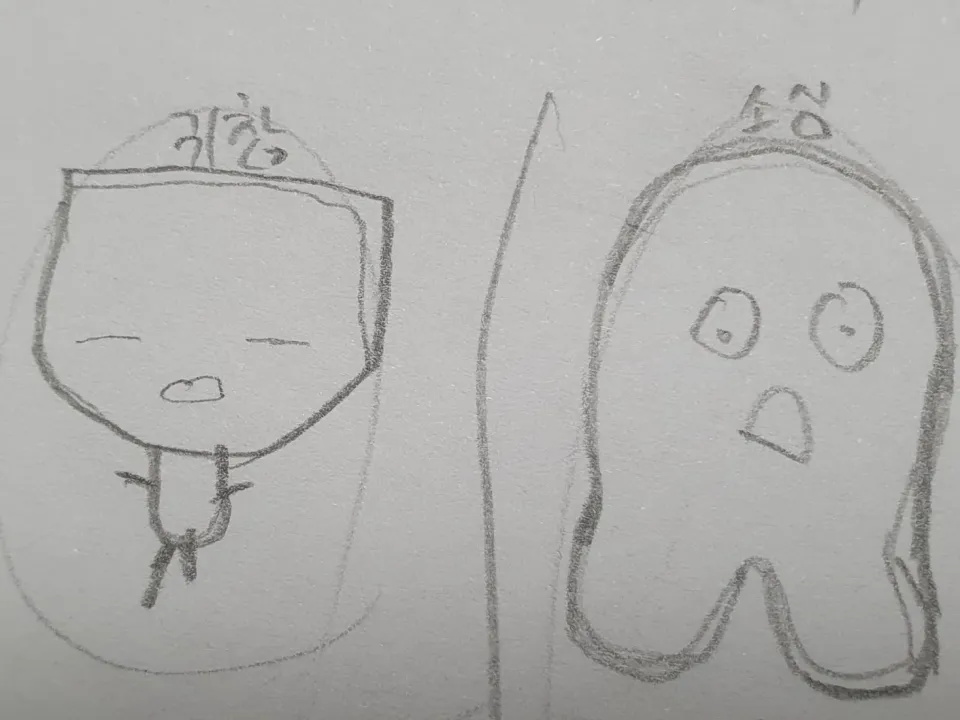
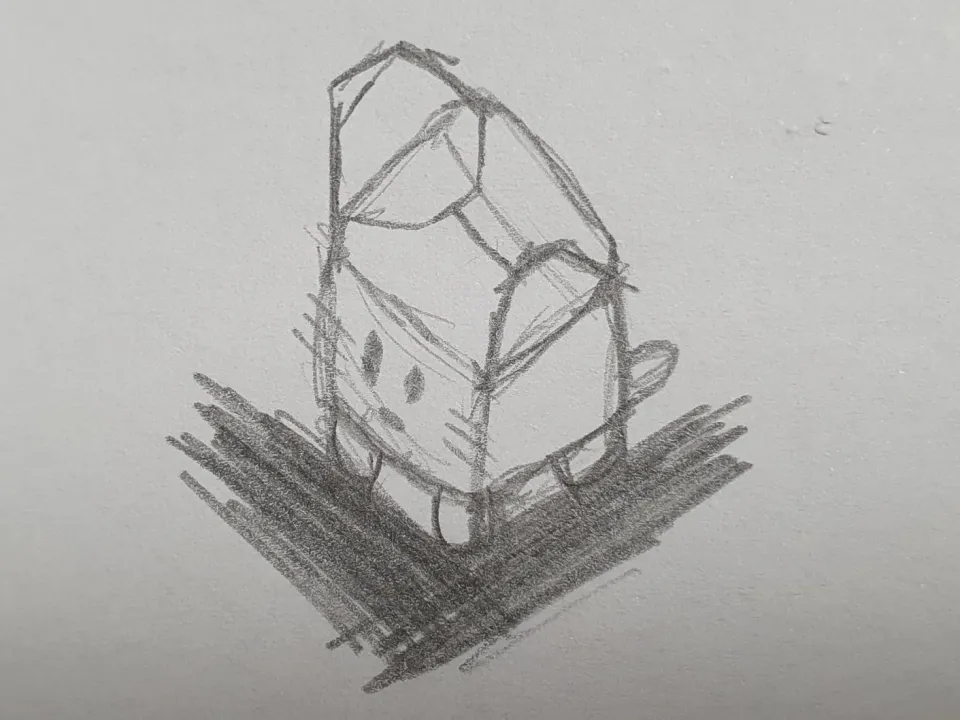
(I still can't draw..)
.
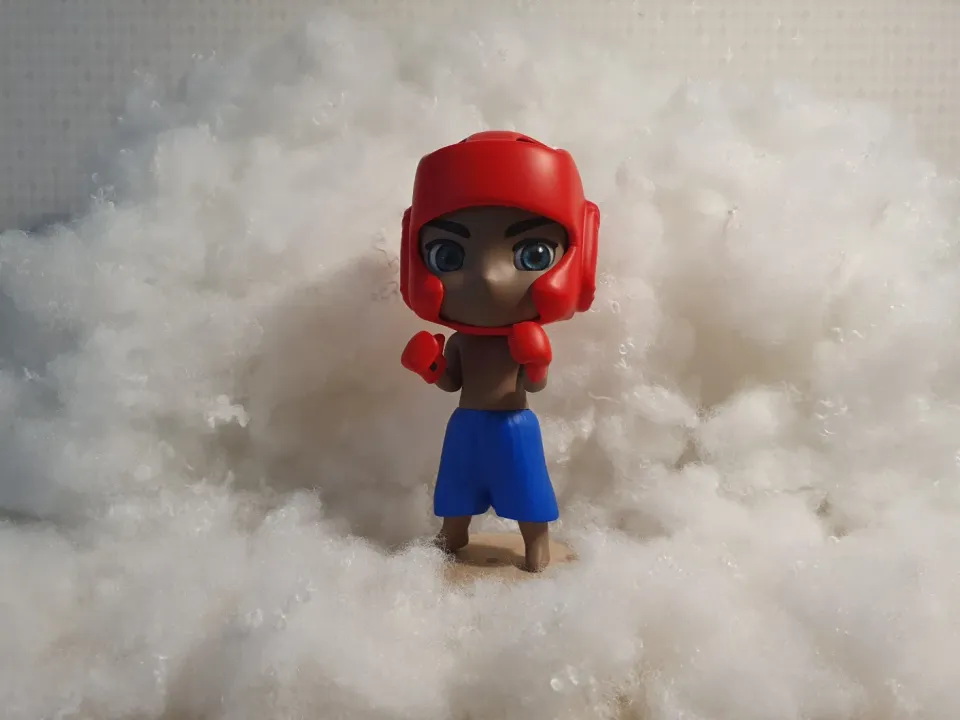
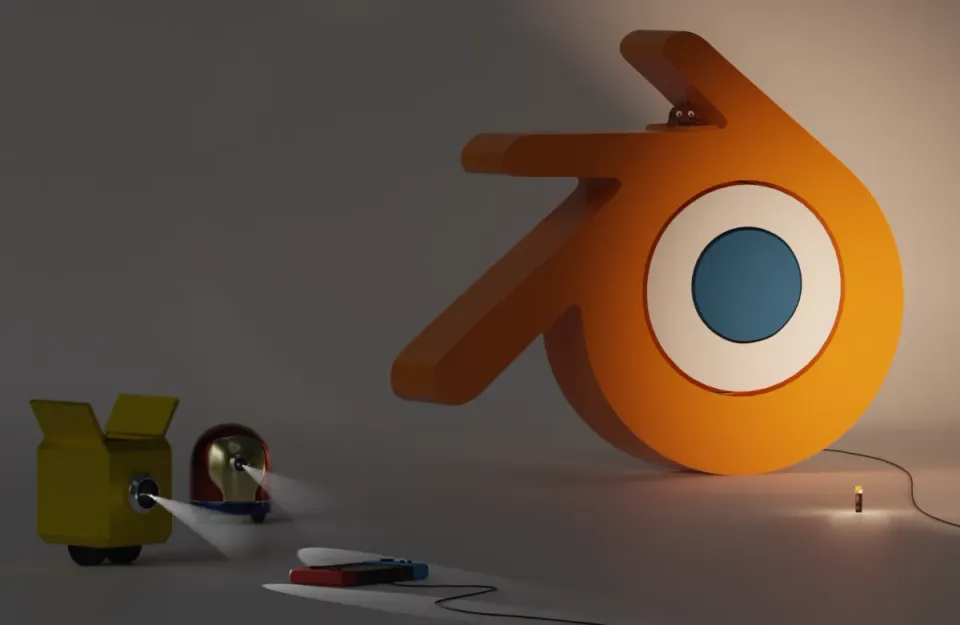
(I made the figure myself! 😆 )
.
Things I was confused about while studying on my own
Core knowledge that is really needed for the job
Lessons learned through spending time, effort, and emotions
Various trials and errors
.
Self-study that consumes time, effort, and emotion
vs
Eye-level lectures with experience
You guys don't have to
Painful times
I hope you don't send it!
Like me, it consumes time, effort and emotions.
You can learn how to make animations and figures, but
I don't think there's any need to go back far!
Whatever choice you make
I'll be cheering you on!
😃
👀 Community
We've created a community so that we can work together to solve problems when you have questions about the course!
Let's all work hard and study together in a fun and effective way! :)
Mouse: Must have a wheel
Keyboard: With or without number pad
Software version: Blender 4.3 or later
Practice files: Please download 2 of them !
(Object Mode file, Edit Mode file)
I created the practice files myself to help students understand!
Feel free to use the files provided!
(However, please refrain from selling/distributing/transferring, etc.)
Who is this course right for?
Blender Beginner
Solo developer
People who like easy explanations
Those who like courses that appropriately mix theory and practice
904
Learners
33
Reviews
4
Answers
4.9
Rating
3
Courses
Hello~ I'm Tinys, a Blender creator!
I share my artworks created with Blender, along with the creative process and my thoughts! 🙂
The harmony of technology and art grants the gift of creative freedom '-'b
I will help my students create their own unique artworks using Blender!
Social Media
Harmony gifts the freedom of creation '-'b I will help students create their own unique works using Blender! SNS Youtube Instagram Gumroad Email gmrvy15@gmail.com


Harmony gifts the freedom of creation '-'b I will help students create their own unique works using Blender! SNS Youtube Instagram Gumroad Email gmrvy15@gmail.com
All
47 lectures ∙ (4hr 9min)
Course Materials:
13. 🎨 Applying Material
04:47
15. 🕹️ Copy
07:29
16. 🕹️ Snap
08:26
17. 🕹️ Merge
03:07
23. 🕹️ Guideline
04:15
27. 🎨 Applying Material
09:01
All
8 reviews
4.9
8 reviews
Reviews 15
∙
Average Rating 5.0
5
I've completed Object Mode and am leaving a review. First of all, it was really great to be able to learn interestingly through fun game content like Tetris or Minecraft items and chicken. And, through the Object Mode class, I think I learned a lot about Blender's overall interface, operation methods, and the basic way to touch objects. First of all, the class was really fun, and I was very satisfied with the class because it was explained in an easy-to-understand and fun way with game examples! I recommend this class to others! Then, I will learn the rest well^^😆
I'm glad you enjoyed it! I put a lot of thought into making it easy for beginners to learn, so I'm proud! Thank you for your honest review! Keep up the good work for the remaining lectures! :)
Reviews 17
∙
Average Rating 4.9
5
I tried to use Blender before but it was too difficult so I put it aside, but I was able to easily approach it through this class!!
I tried my best to explain it in a way that everyone could understand! I'm proud that it was helpful for beginners! Thank you for taking the time to listen to the lecture~~ I'm also grateful for the valuable reviews :)
Reviews 37
∙
Average Rating 4.9
5
I needed to learn Blender quickly, and I really enjoyed learning because you taught me the basic functions without any unnecessary information.
You worked hard to complete the course, Molang-nim! I'm so glad you enjoyed learning! I aimed to teach the core concepts in a fun way at the introductory level, so I'm happy to hear that! Thank you for leaving an honest review :)
Reviews 1
∙
Average Rating 5.0
5
It's not easy to learn something in a fun way, but I'm really enjoying it. The explanations are clear and easy to understand. It's such a lucky thing to be able to take this class~ ˃ᴗ˂
You are learning well, step by step! And you are listening to it with interest, so you are a lucky person~ '-'b Thank you for your valuable review! Good luck with the remaining lectures!
Check out other courses by the instructor!
Explore other courses in the same field!