강의

멘토링

커뮤니티

Game Dev

/

Game Art

Motion Graphics Using Blender Geometry Nodes

This is a basic course on creating various motion graphics using Blender's Geometry Nodes.

(5.0) 1 reviews

26 learners

Level Basic

Course period Unlimited

  • AZTechnology
Blender
Blender
Motion Graphic
Motion Graphic
Blender
Blender
Motion Graphic
Motion Graphic

What you will gain after the course

  • Blender

  • Geometry Nodes

  • Motion graphics

  • Animation

Blender Motion Graphics Blender Motion Graphics

Let's create some fun motion graphic videos using Blender's geometry nodes.

Explains three principles of loop animation, which is when the same scene appears repeatedly.

Learn about fun Blender motion graphics by creating 3 real motion graphics practice videos.

All motion graphic practice videos are provided as blend files, so you can easily modify and use them.

💡 Blender Blender

  • By taking the Blender Motion Graphics course, you will understand how to easily create a variety of scenes using geometry nodes.

  • Learn three principles of loop animation using Noise Texture, Wave Texture, and Camera Position.

  • You will learn the basics of creating various motion graphic videos using Blender geometry nodes by creating three real motion graphic practice videos yourself.

After taking the lecture, you can create results like this.

Blender Geometry Node

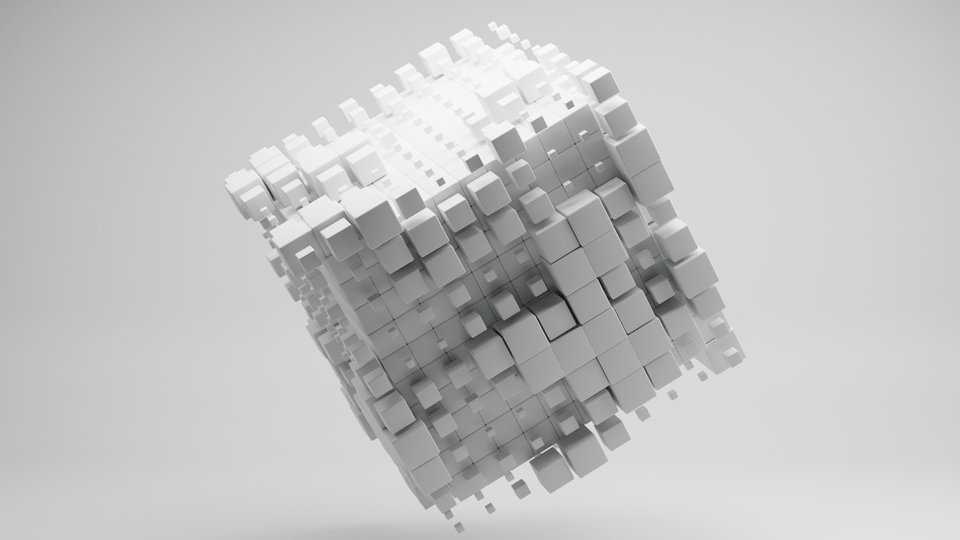
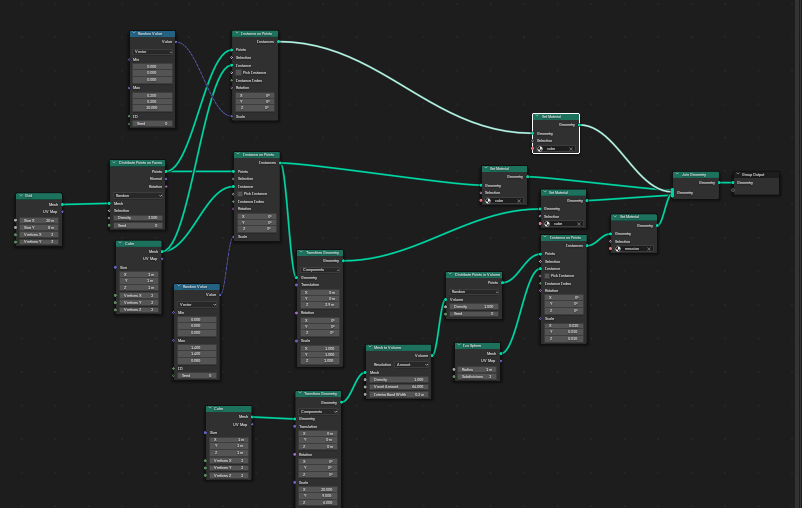
Learn how to create looping animations using the basics of geometry nodes and Noise and Wave texture nodes.

Blender Motion Graphics Tutorial Video 1

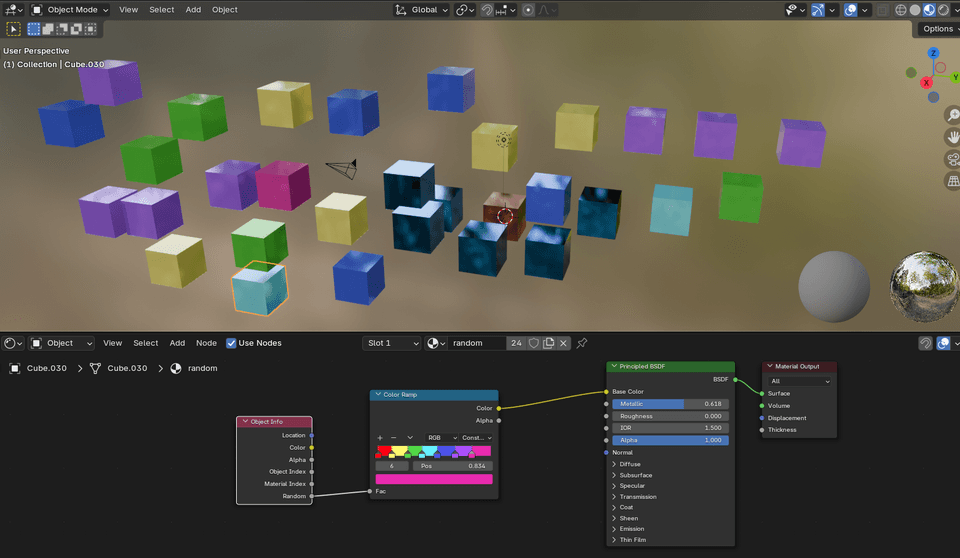
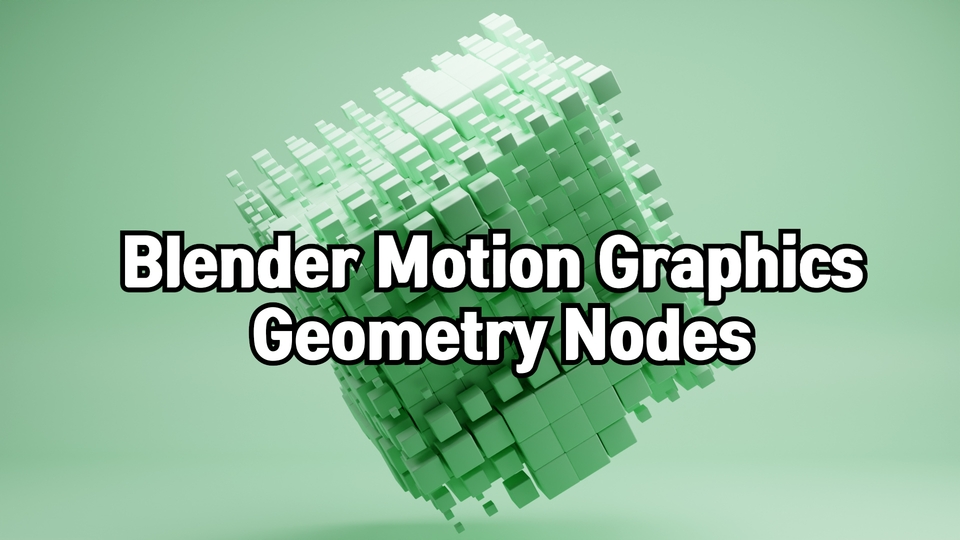
Let's create a fun motion graphic video with randomly changing size and color using Noise Texture. We will apply modeling, animation, shading, and lighting one by one.

Blender Motion Graphics Tutorial Video 2

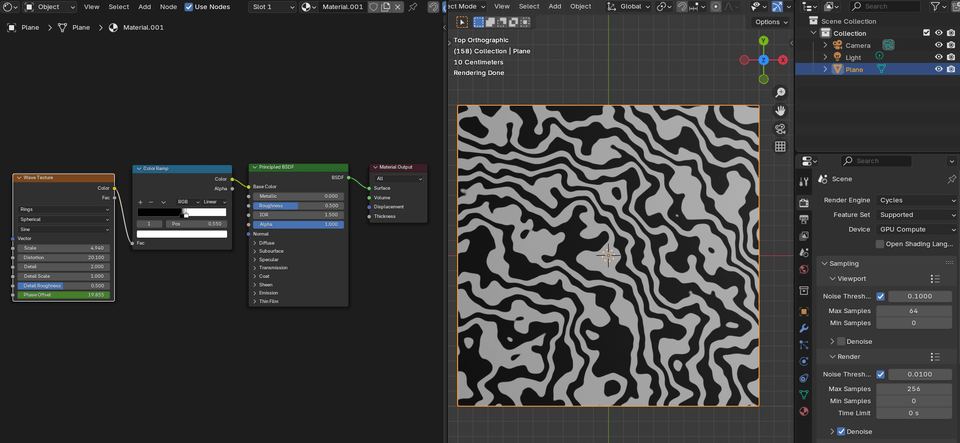
Create a looping animation using the Wave Texture node and learn how simple shapes can be transformed into motion graphics.

Blender Motion Graphics Tutorial Video 3

Create a looping animation that repeats the same scene while continuously changing the camera position. Create a large scene using geometry nodes and create a motion graphic video of a glowing soccer ball that keeps rolling.

Learning Contents

Introduction to Blender Motion Graphics

  • Blender Workspace & Editor

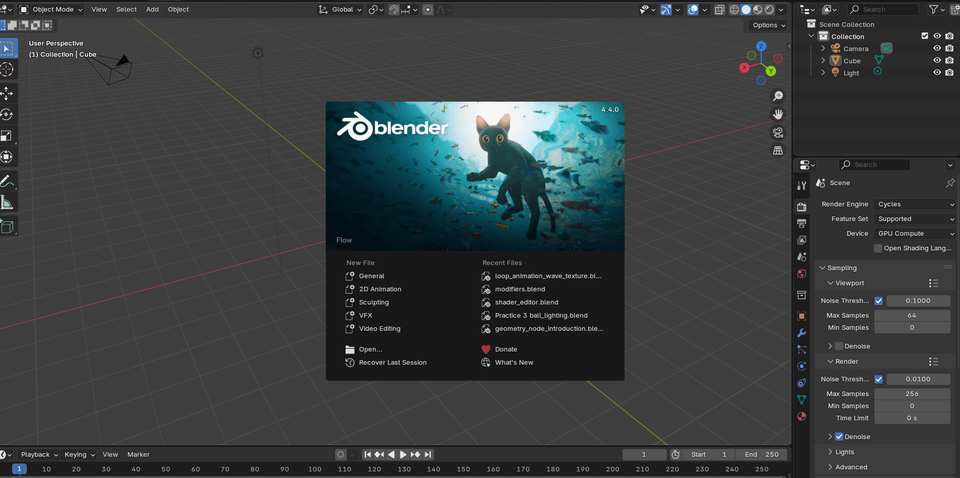
  • Blender Default Setup & Preferences Settings

  • Blender Instance Basics

  • Blender Animation Basics

Introduction to Blender Basics

  • Blender Parent Function

  • Blender Shading Basics

  • Blender Modifier Basics

  • Blender Geometry Node Basics

Loop animation principle where the same scene is repeated

  • Loop Animation Principle 1 Camera Position

  • Loop Animation Principle 2 Noise Texture

  • Loop Animation Principle 3 Wave Texture

Blender Motion Graphics Practice (1) Continuously Changing Cube

  • Cube Modeling

  • Cube Animation

  • Cube Shading & Lighting

Blender Motion Graphics Exercise (2) A ball that keeps jumping

  • Modeling using geometry nodes

  • Object Animation & Shading

  • Object Lighting

Blender Motion Graphics Exercise (3) Soccer Ball Rolling

  • Modeling using geometry nodes

  • Camera animation

  • Object Shading & Lighting

Things to note before taking the class

Practice environment

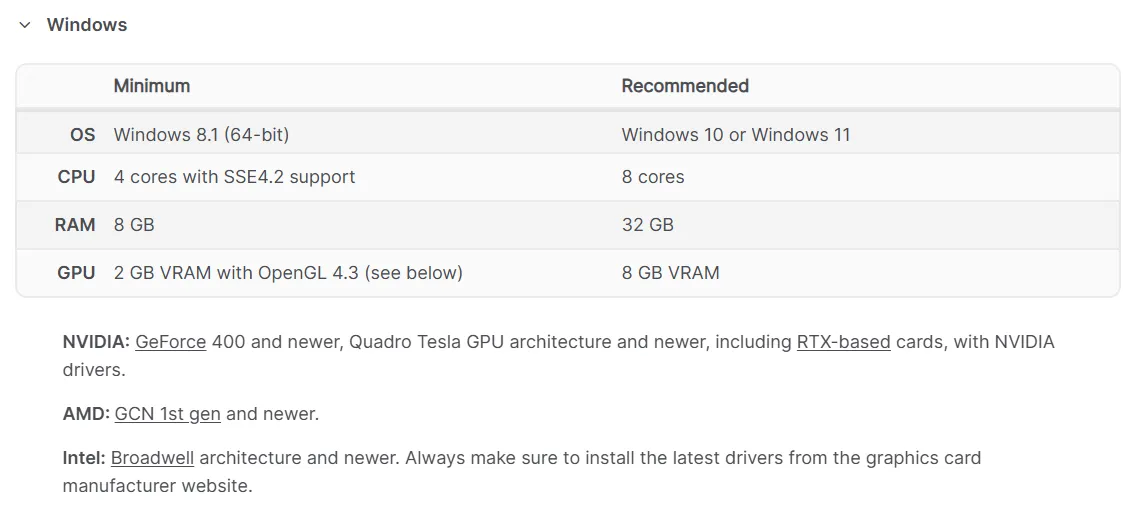
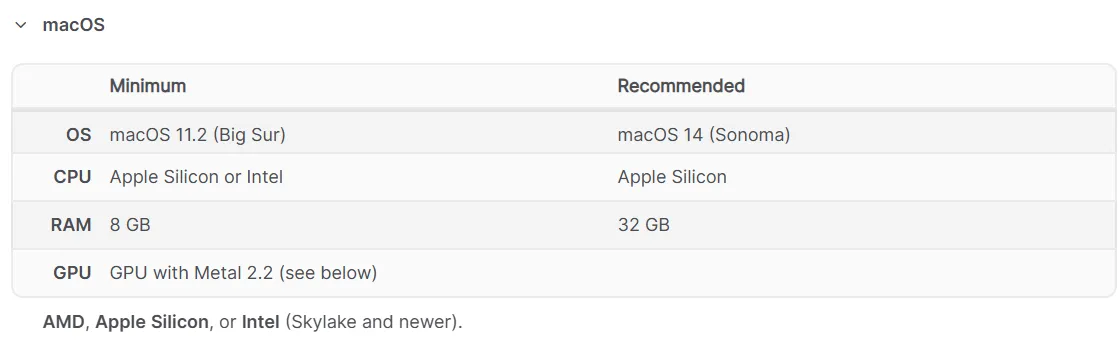
  • Operating System and Version (OS): WINDOW, MAC

  • Software version: Blender 4.4 or later


Learning Materials

  • Motion graphic practice video blend file provided

Player Knowledge and Notes

  1. Practice environment

    • Operating System and Version (OS): Windows, macOS

    • PC Requirements


  2. Learning Materials

    • Learning material format provided: Motion graphic practice video blend file provided


  3. Note

    • HDRi images are available for download from the Poly Haven site polyhaven.com

    • You can download your desired color combination from the Color Hunt site colorhunt.co

    • Version 4.4 can be downloaded from the official Blender website blender.org


Recommended for
these people

Who is this course right for?

  • Anyone who wants to learn Blender Geometry Nodes

  • Someone who wants to learn motion graphics

  • Someone who wants to learn how to use Blender effectively

Need to know before starting?

  • Blender Basics

Hello
This is

3,587

Learners

82

Reviews

23

Answers

4.8

Rating

3

Courses

Hello.

I run the YouTube channel AZTechnology, where I upload tutorial videos on various software technologies.

In particular, I aim to cover all features of Blender 3D software from A to Z.

(Basic, Modeling, Sculpting, Shading, Animation, Rendering, Grease Pencil, VFX)

My goal is to create lectures that allow even those new to Blender to freely create stunning 3D animations by following along slowly and practicing.

I am planning to systematically upload Blender lecture videos to Inflearn. I would greatly appreciate your interest and support.

YouTube Channel: https://www.youtube.com/c/AZTechnology2021

I am planning to systematically upload Blender tutorial videos to Inflearn. I would appreciate your interest. YouTube Channel: https://www.youtube.com/c/AZTechnology2021

I am planning to systematically upload Blender tutorial videos to Inflearn. I would appreciate your interest. YouTube Channel: https://www.youtube.com/c/AZTechnology2021
I am planning to systematically upload Blender tutorial videos to Inflearn. I would appreciate your interest. YouTube Channel: https://www.youtube.com/c/AZTechnology2021
I am planning to systematically upload Blender tutorial videos to Inflearn. I would greatly appreciate your interest. YouTube Channel: https://www.youtube.com/c/AZTechnology2021

I am planning to systematically upload Blender tutorial videos to Inflearn. I would appreciate your interest. YouTube Channel: https://www.youtube.com/c/AZTechnology2021
I am planning to systematically upload Blender tutorial videos to Inflearn. I would appreciate your interest. YouTube Channel: https://www.youtube.com/c/AZTechnology2021
I am planning to systematically upload Blender tutorial videos to Inflearn. I would appreciate your interest. YouTube Channel: https://www.youtube.com/c/AZTechnology2021

Curriculum

All

23 lectures ∙ (4hr 17min)

Course Materials:

Lecture resources
Published: 
Last updated: 

Reviews

All

1 reviews

5.0

1 reviews

  • tyu73007083님의 프로필 이미지
    tyu73007083

    Reviews 1

    Average Rating 5.0

    5

    30% enrolled

    • aztechnology
      Instructor

      Thank you for taking the lecture until the end and leaving a review.

$34.10

AZTechnology's other courses

Check out other courses by the instructor!

Similar courses

Explore other courses in the same field!