

Anxiety making Matterial
Tinys
Free
Basic / 3d-modelling, Blender
5.0
(7)
100+
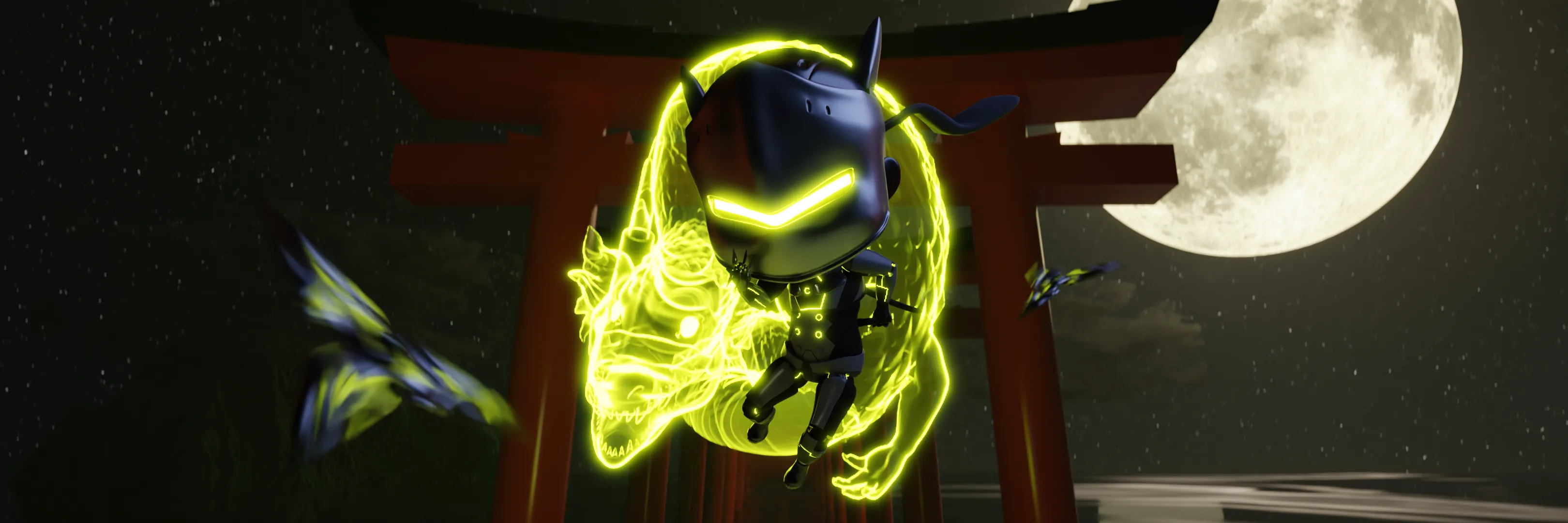
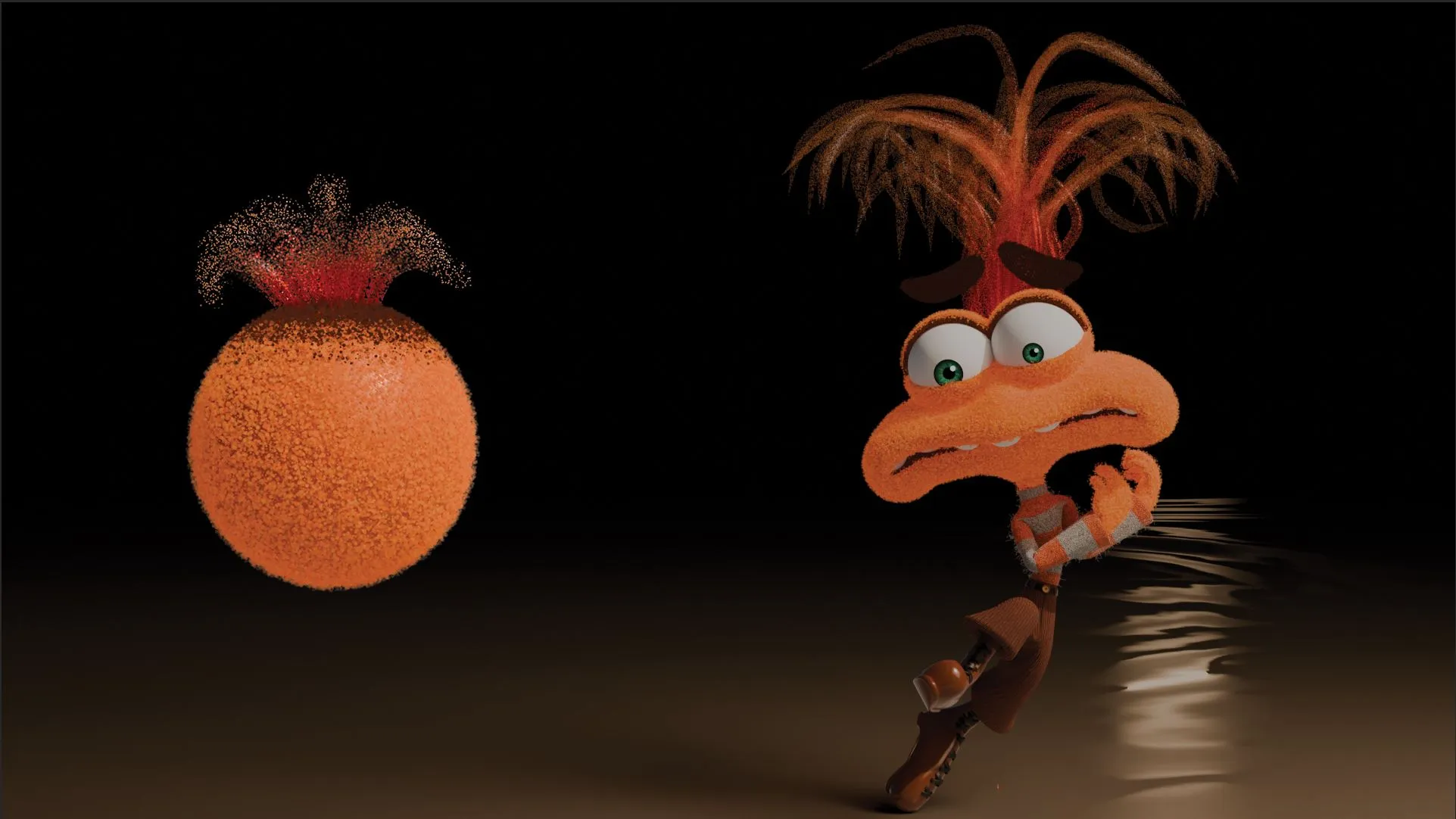
Let's create "Anxiety as Material" from Inside Out 2! Understand the 'working principle' simply with a tutorial-style format!

Basic
3d-modelling, Blender

This is a 'Blender Introductory Course' tailored to a beginner's perspective! We have selected only the essential knowledge necessary for the introductory stage!
57 learners
Level Beginner
Course period Unlimited
Reviews from Early Learners
5.0
홍영범
I tried to use Blender before but it was too difficult so I put it aside, but I was able to easily approach it through this class!!
5.0
몰랑몰랑
I needed to learn Blender quickly, and I really enjoyed learning because you taught me the basic functions without any unnecessary information.
5.0
꿈냥이
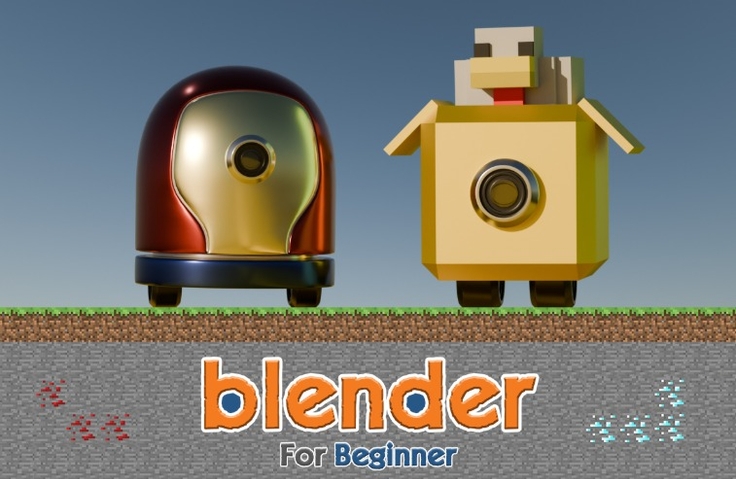
I've completed Object Mode and am leaving a review. First of all, it was really great to be able to learn interestingly through fun game content like Tetris or Minecraft items and chicken. And, through the Object Mode class, I think I learned a lot about Blender's overall interface, operation methods, and the basic way to touch objects. First of all, the class was really fun, and I was very satisfied with the class because it was explained in an easy-to-understand and fun way with game examples! I recommend this class to others! Then, I will learn the rest well^^😆
Understanding the Interface (Object Mode)
Basic Modeling (Edit Mode)
Advanced Modeling (Modifier)
Realistic Material Representation
Final Output (Rendering)
.
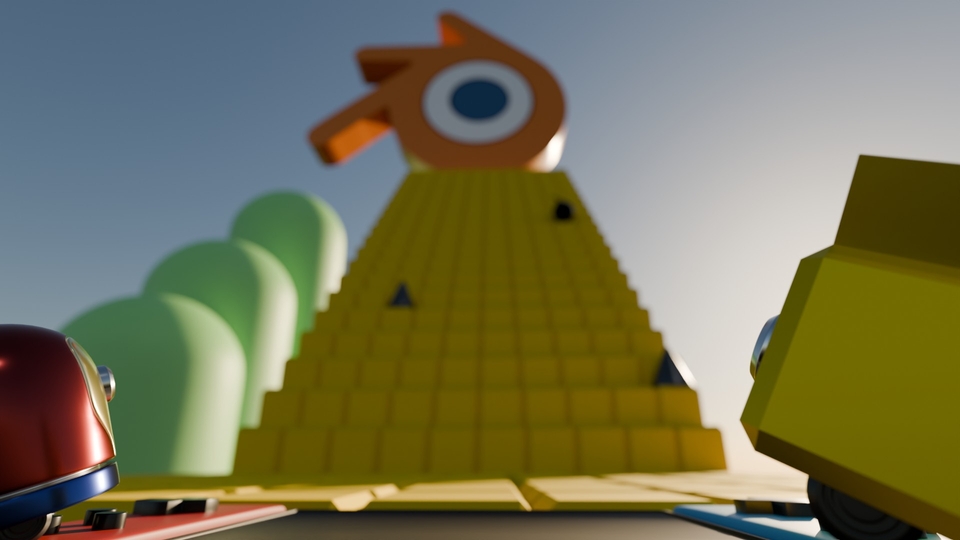
Ta-da!
.
Tetris
Maze Escape
Coloring
Minecraft
2D game map
3D game map
At the introductory stage, excessive knowledge and theorylượng kiến thức và lý thuyết quá mức
cause boredom and lead to giving up!
🔥
That's why fun practice is necessary,
It is effective to learn this like a game!
Furthermore, it's what is frequently used in practice
Key points are all you need to learn, making it practical!
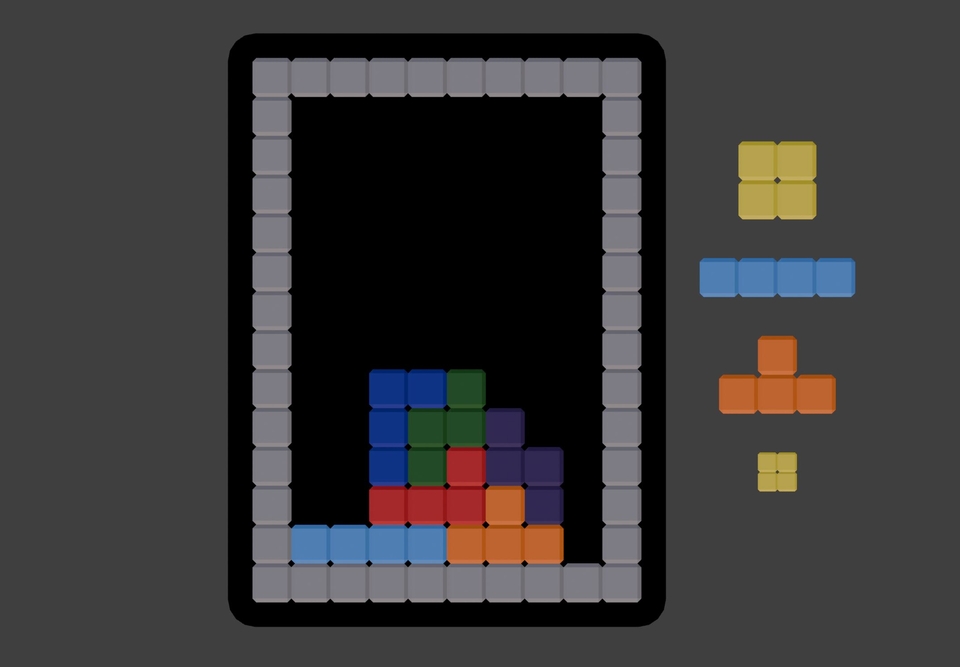
Tetris Game

Maze Escape Game
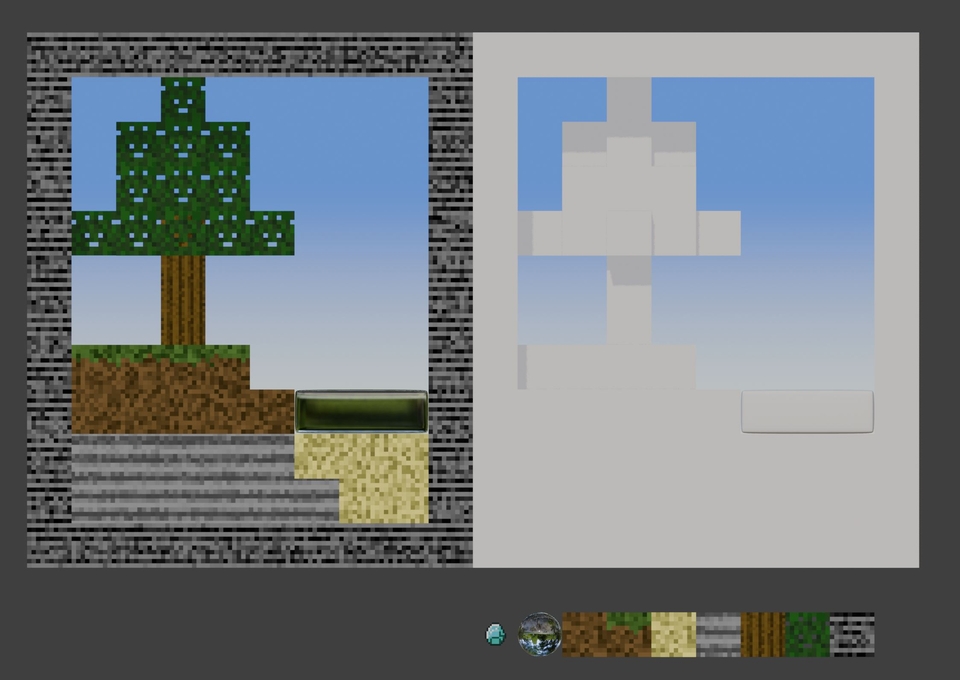
Coloring Game

Making a Minecraft Chicken Shop
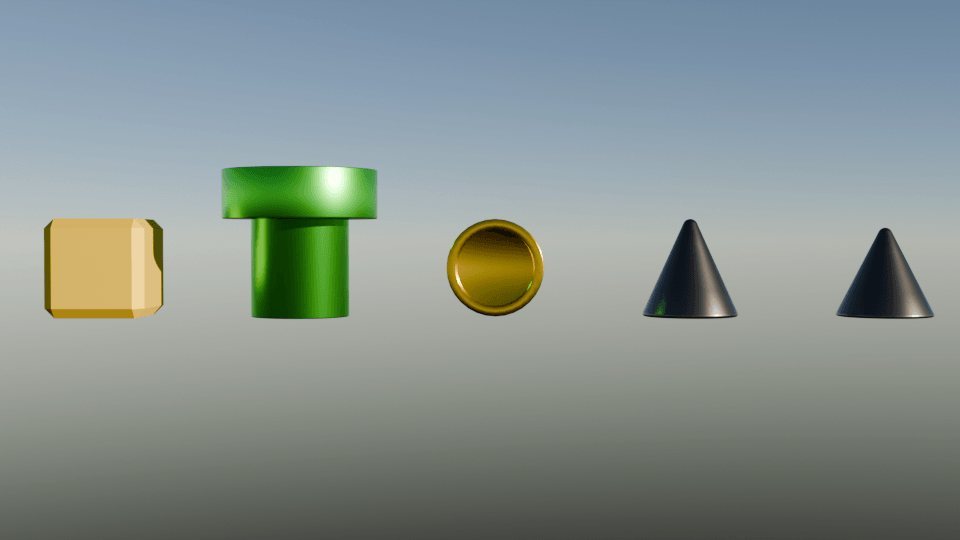
Creating angular items
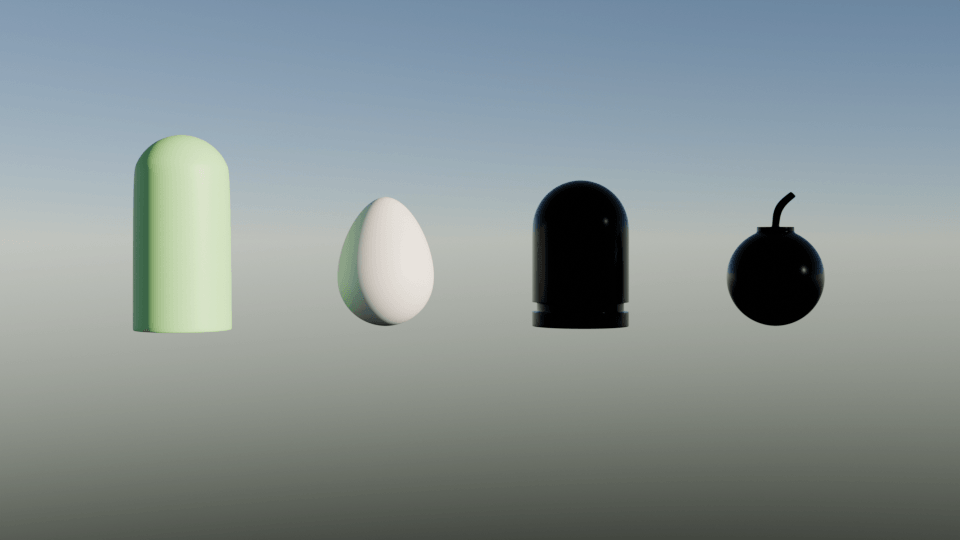
Creating rounded items

Creating Game Items

Creating a Game Map

Creating Game Props
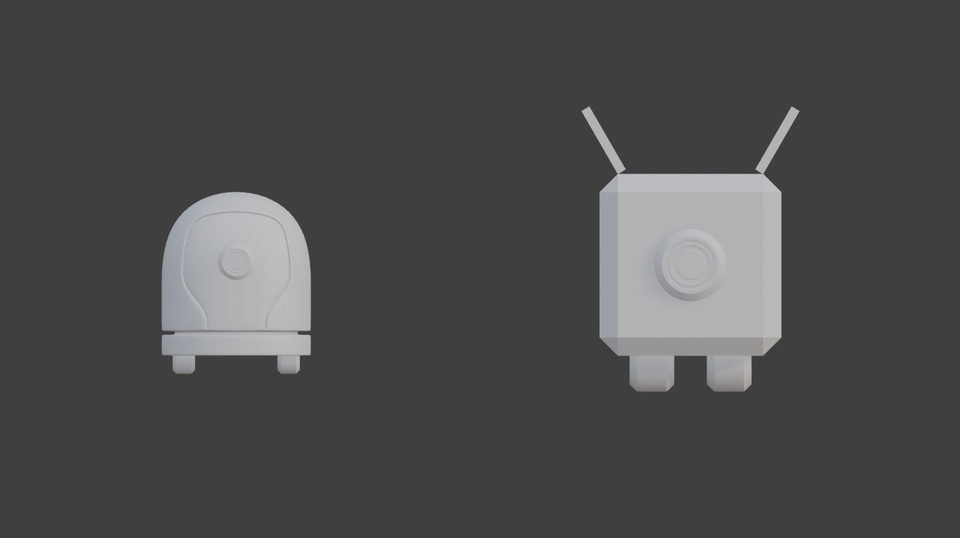
Creating a Cute Robot
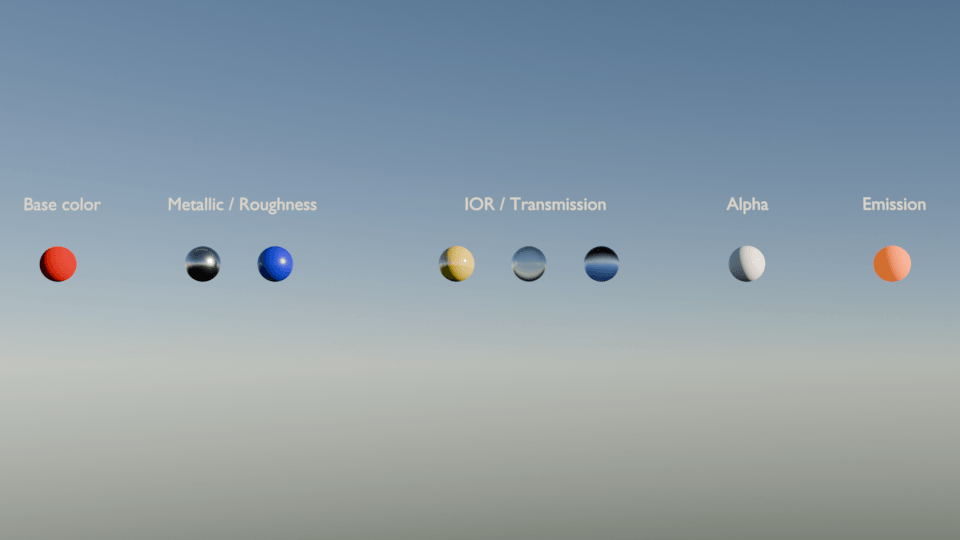
Realistic material expression
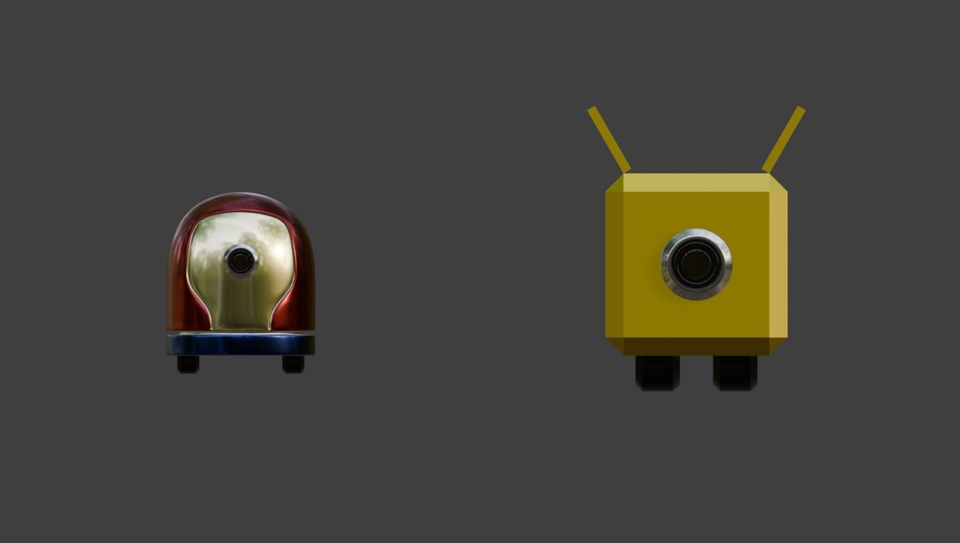
Coloring a Cute Robot
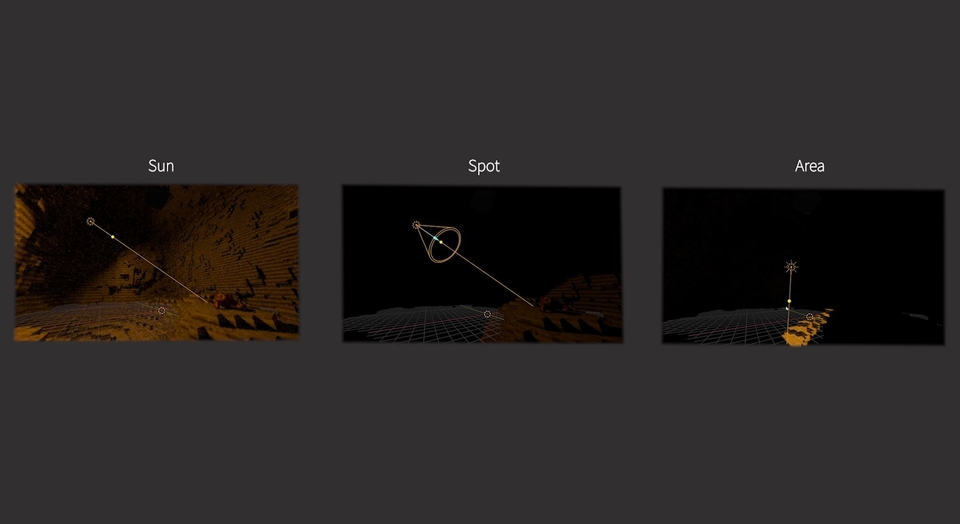
Lighting

Camera

Render Settings
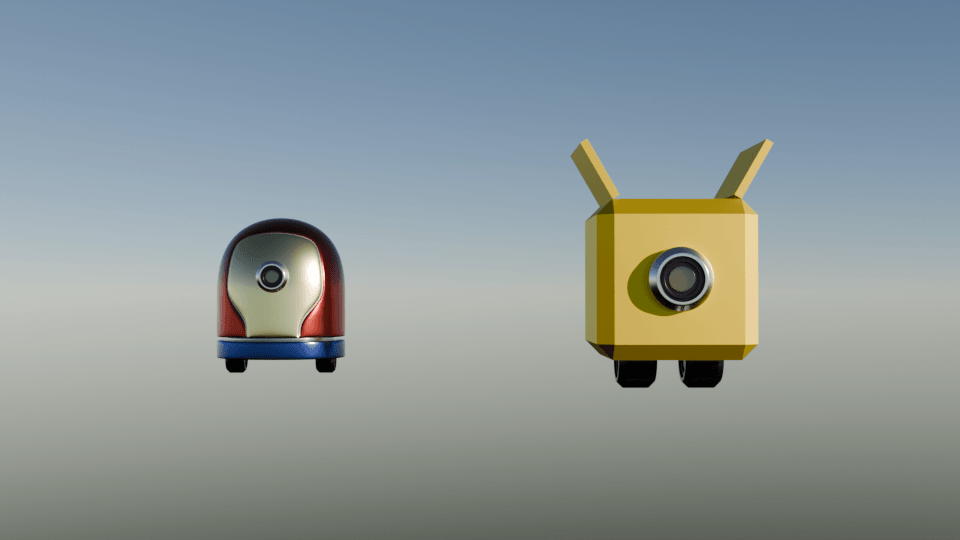
Cycles Engine
Even those new to Blender can understand the overall workflow.
You can learn basic modeling, advanced modeling, realistic material expression, lighting, and rendering.
(modeling, shadermaterial, lighting, 3d-rendering)
This is what you will create in 4 hours
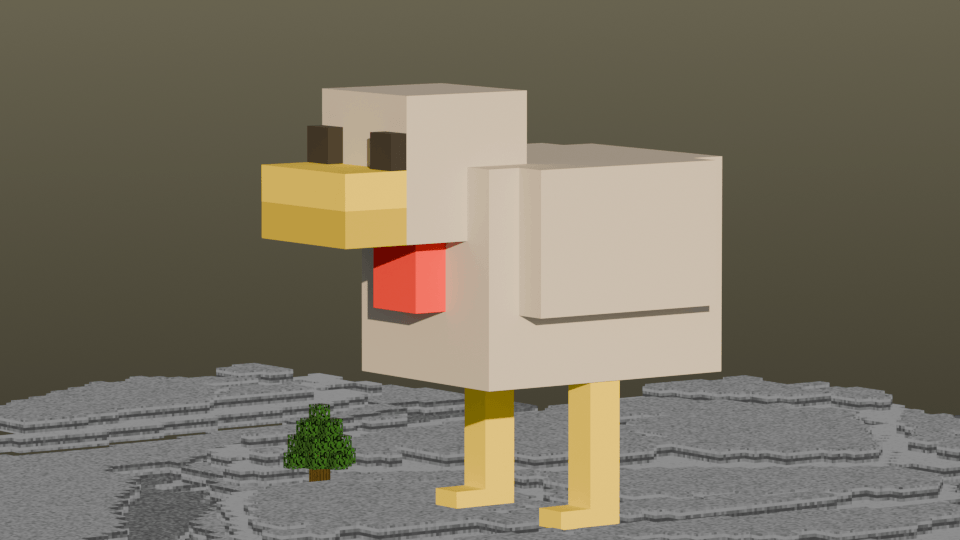
Making a Minecraft Chicken Shop (Object Mode + Material)
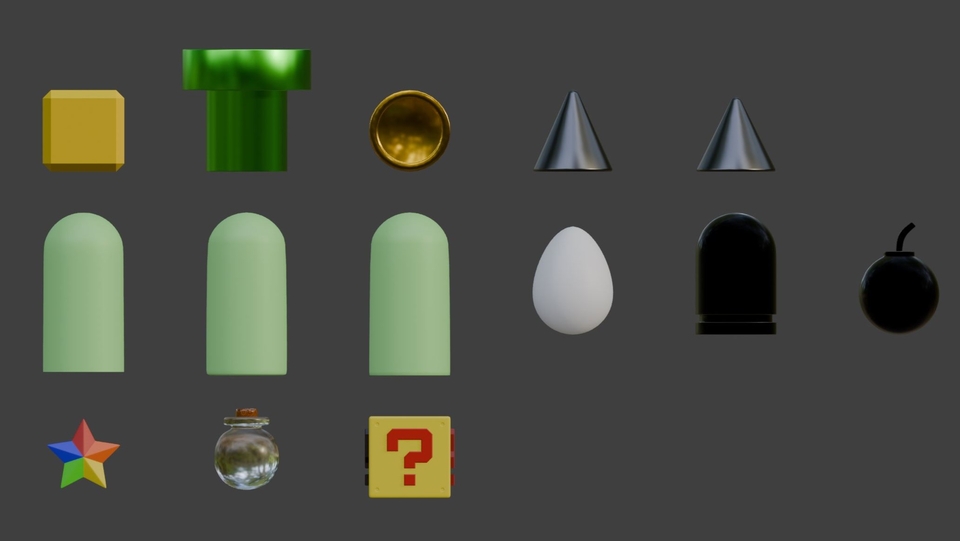
Creating Game Items (Edit Mode + Material)
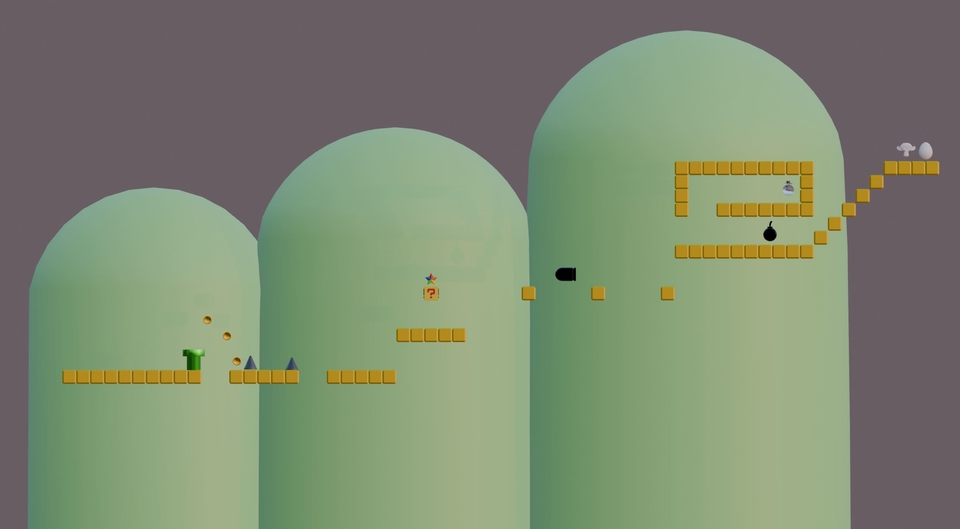
Creating a Game Map (Edit Mode + Material)

Creating Game Props (Modifier + Material)

Creating a Cute Robot (Object Mode + Edit Mode + Modifier + Material)

Realistic Material Expression (Material + Cycles Engine)

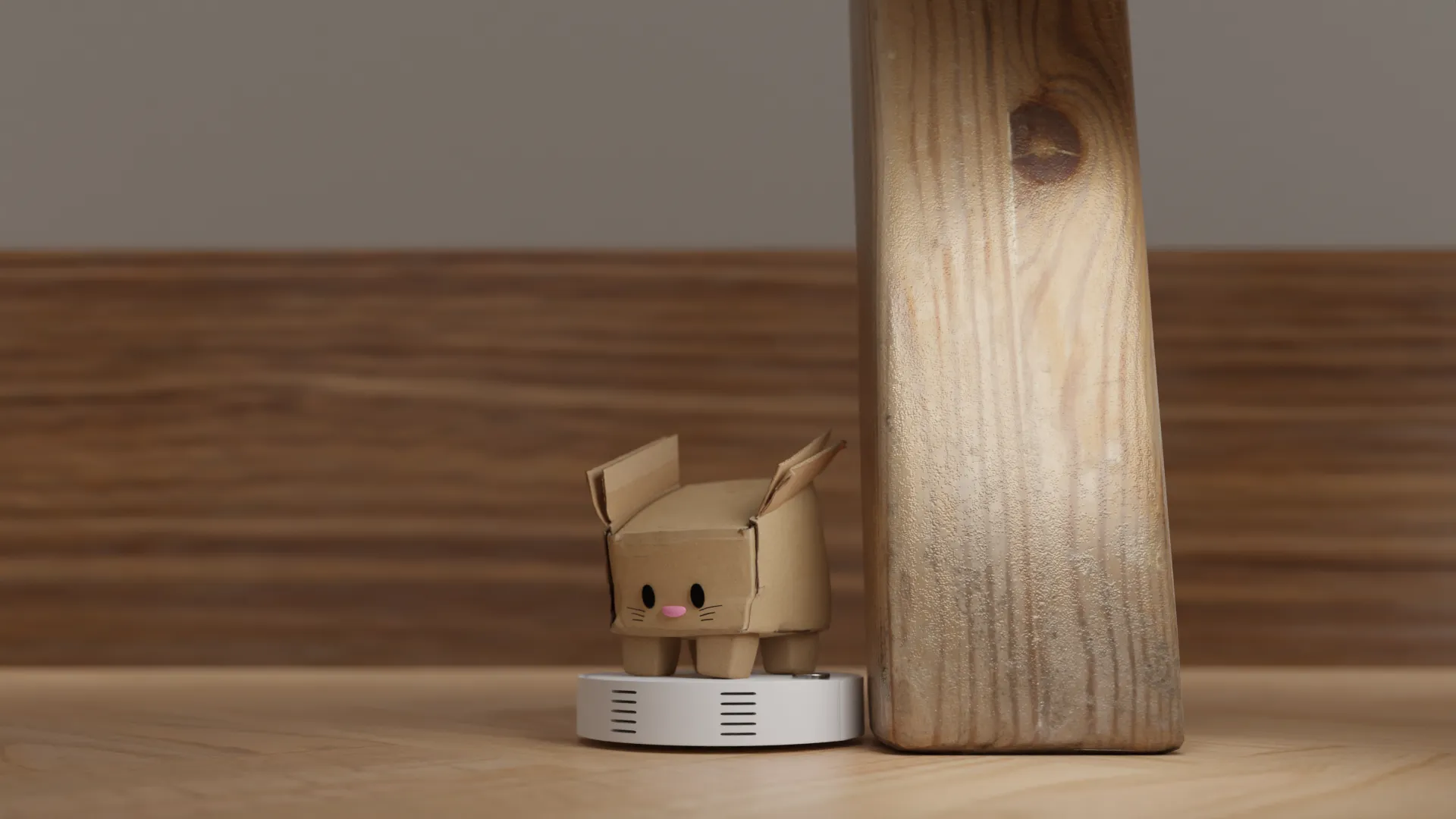
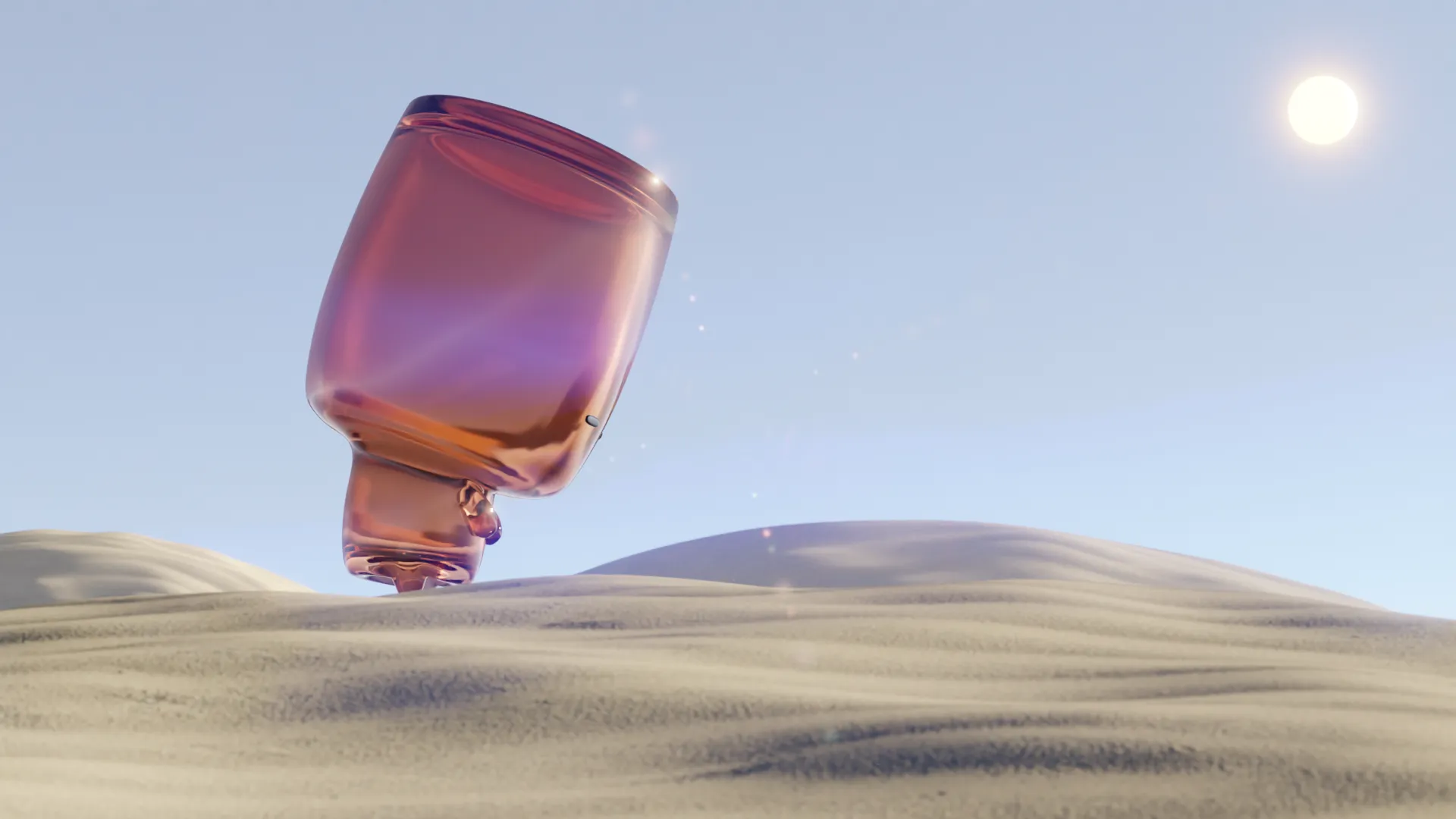
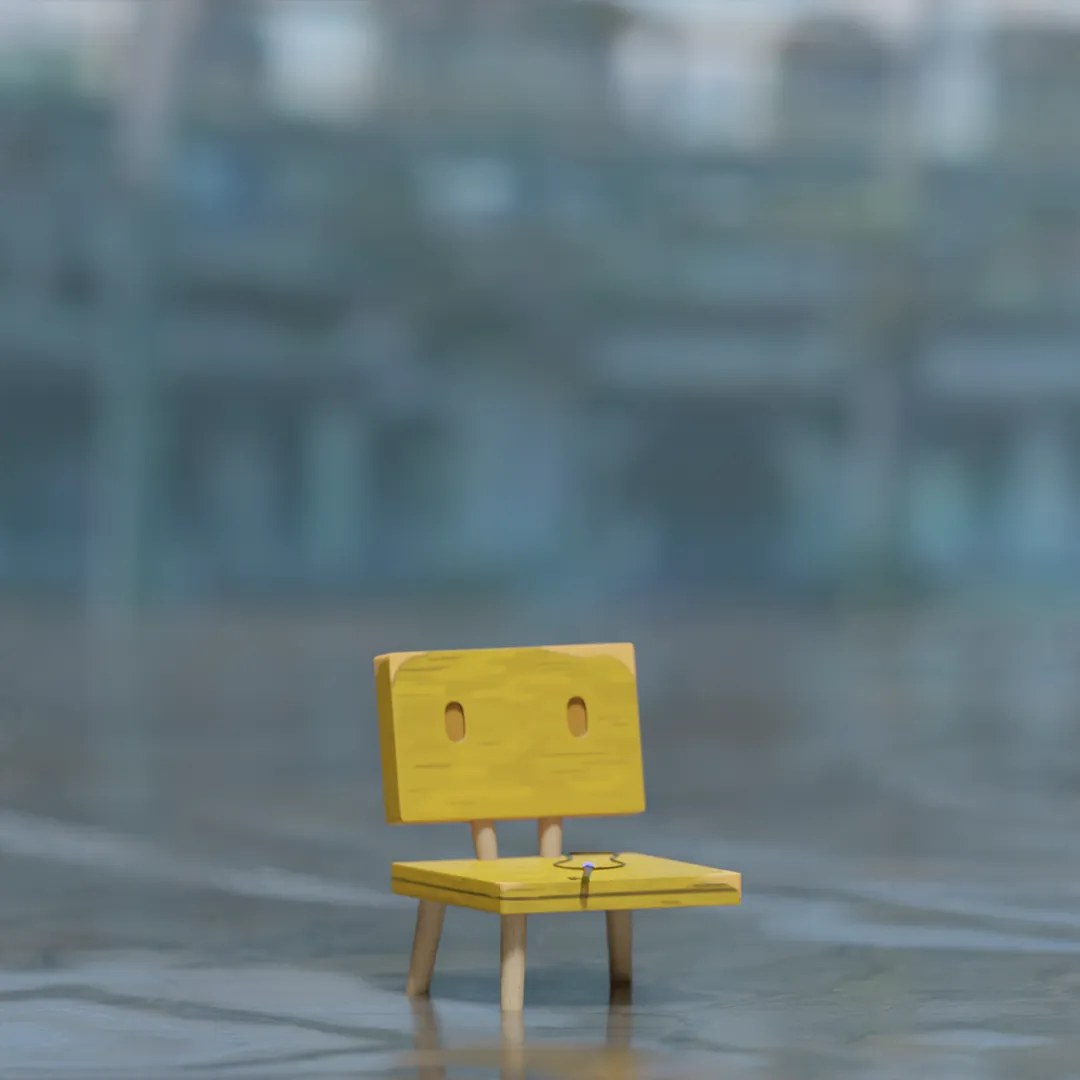
Realistic Artwork Output 01 (Rendering + Cycles Engine)
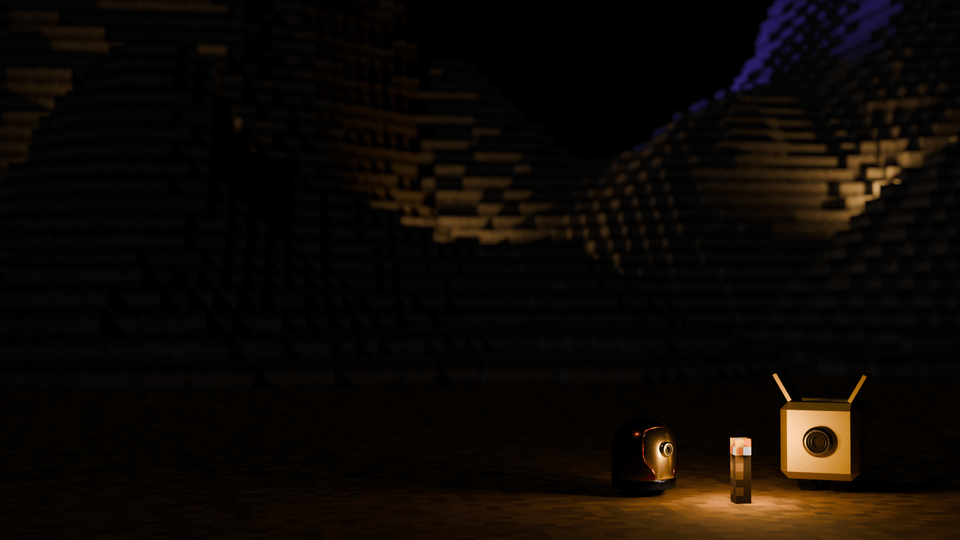
Realistic Artwork Output 02 (Rendering + Cycles Engine)
'There is so much to study..?'
'Will I be able to make it if I learn this..?'
'Is all of this really necessary..?'
'What should I learn, and how..?'
.
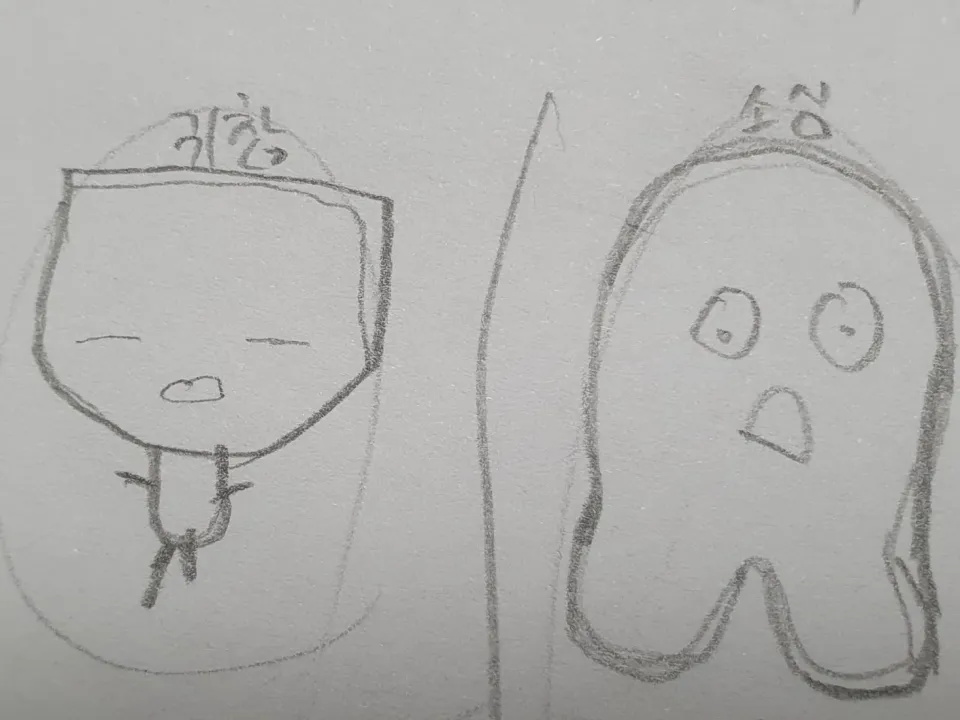
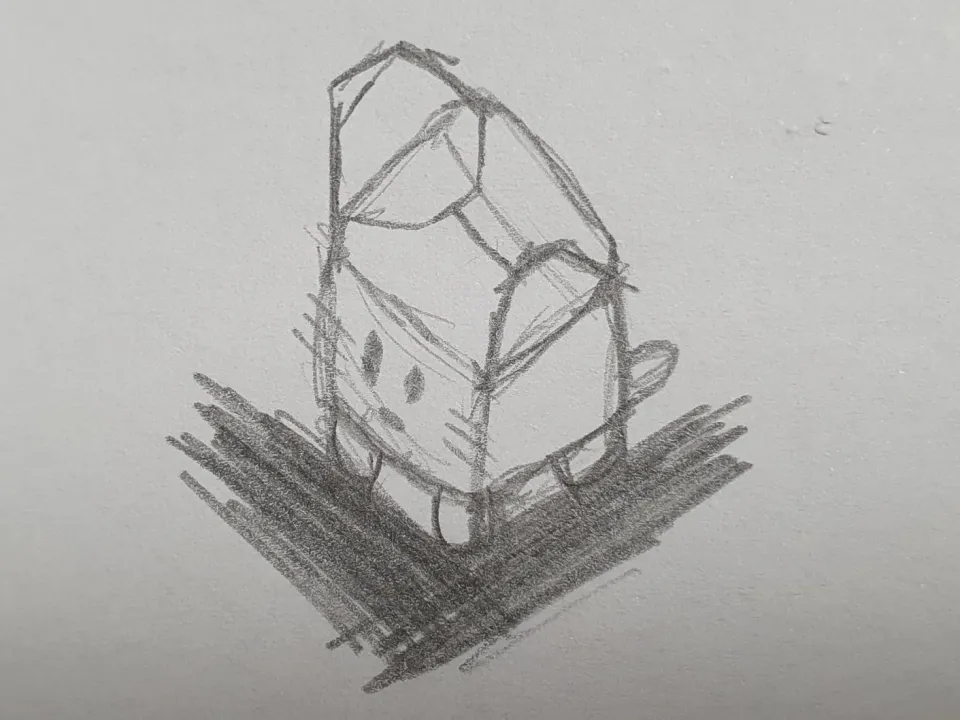
(I still can't draw.)
.
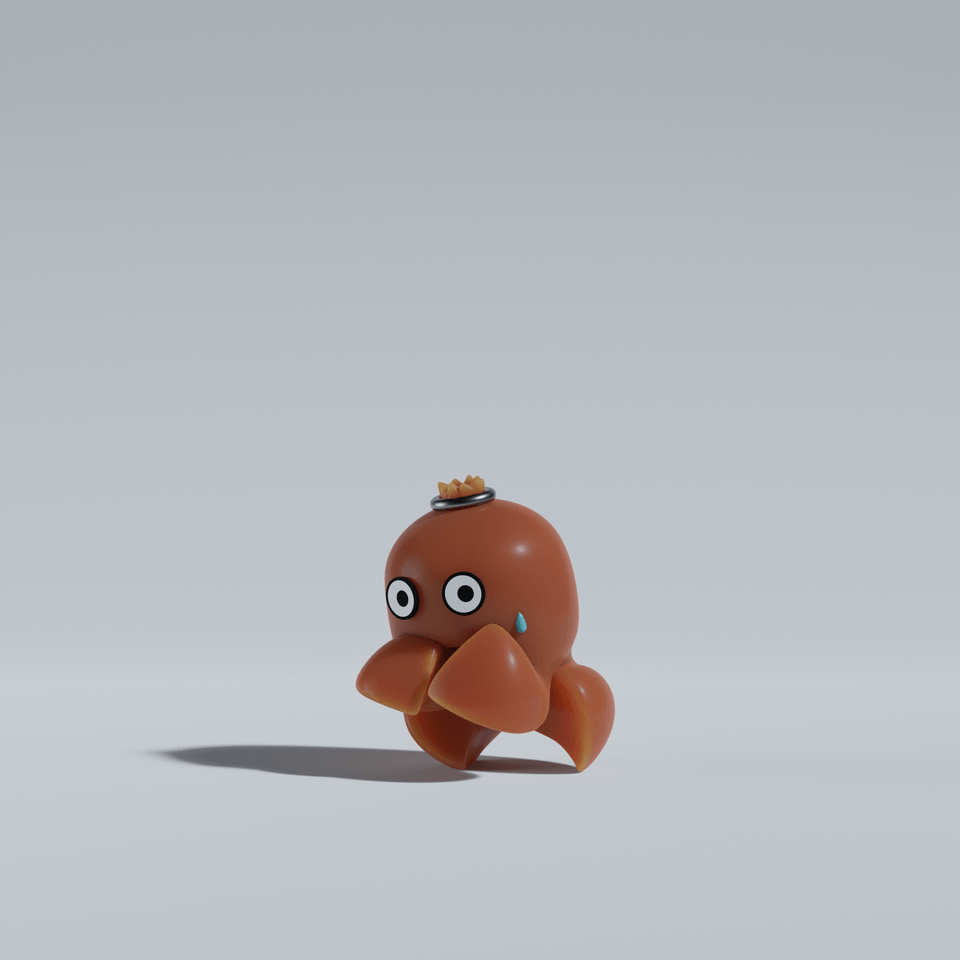
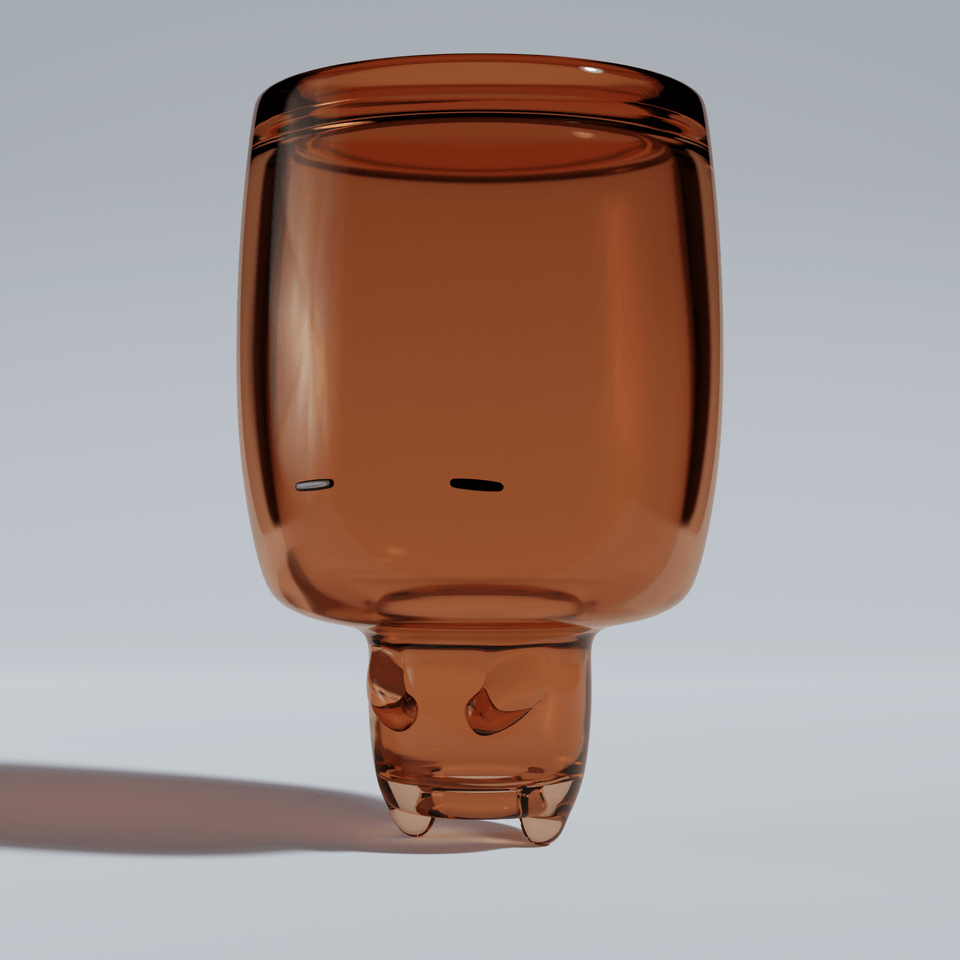
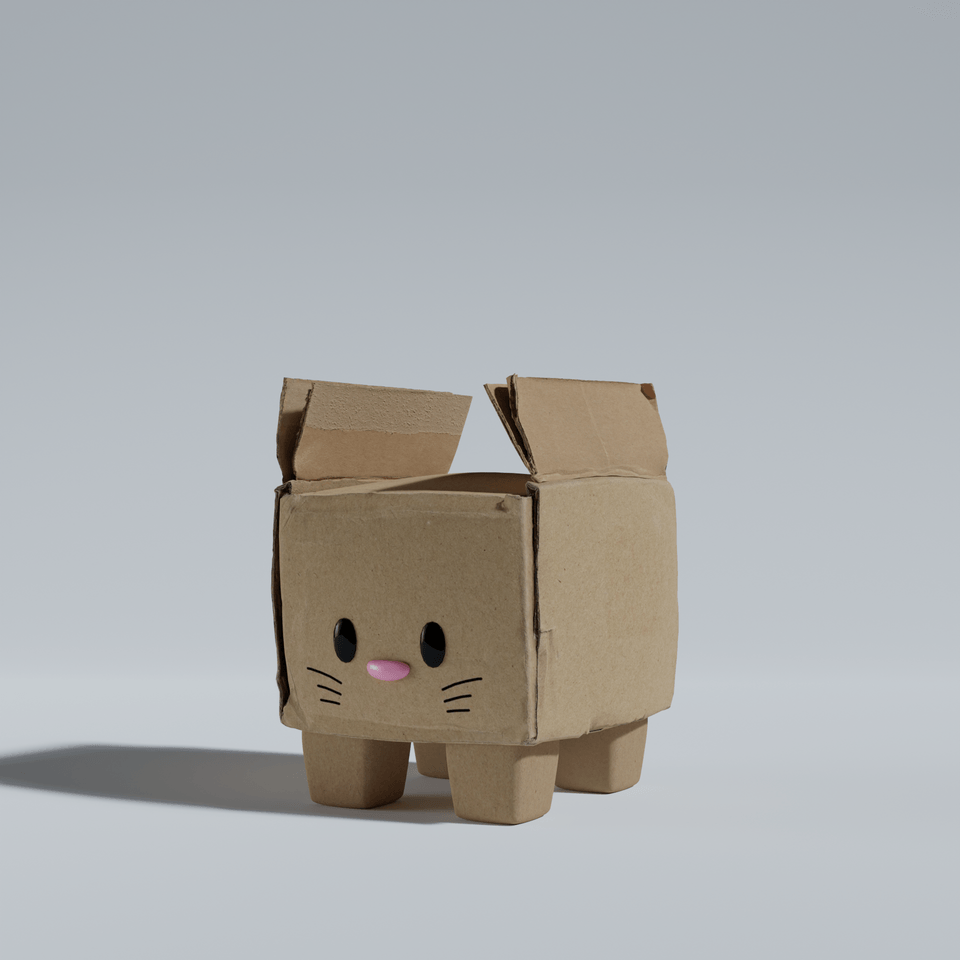
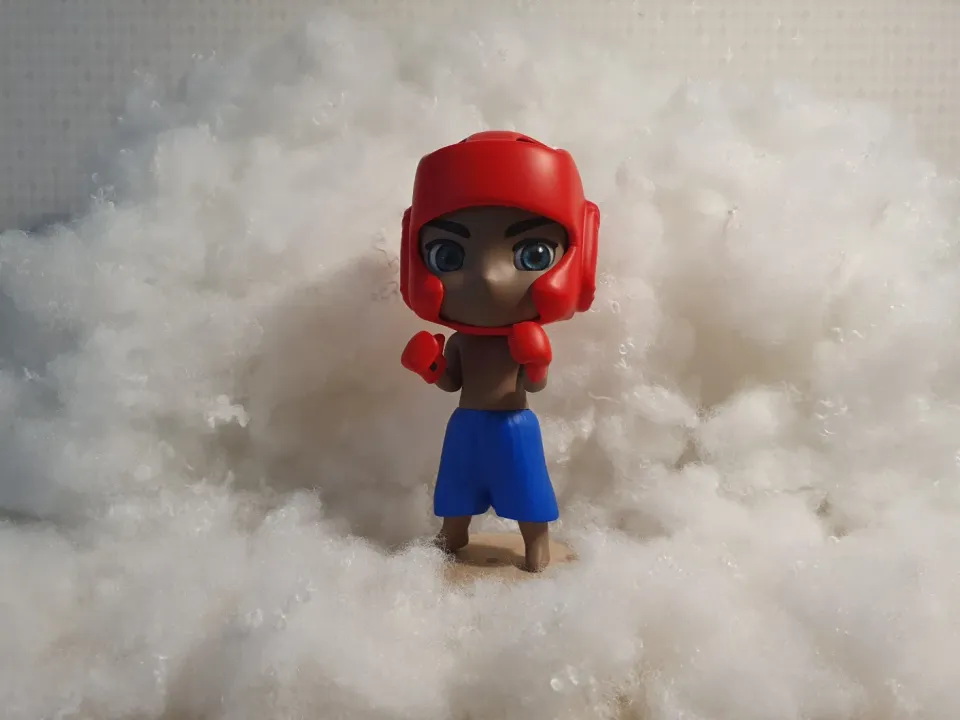
(I even made the figures myself!😆)
.
The things that felt overwhelming while self-studying
Core knowledge truly essential for the work
Things learned while spending time, effort, and emotions
Various trials and errors
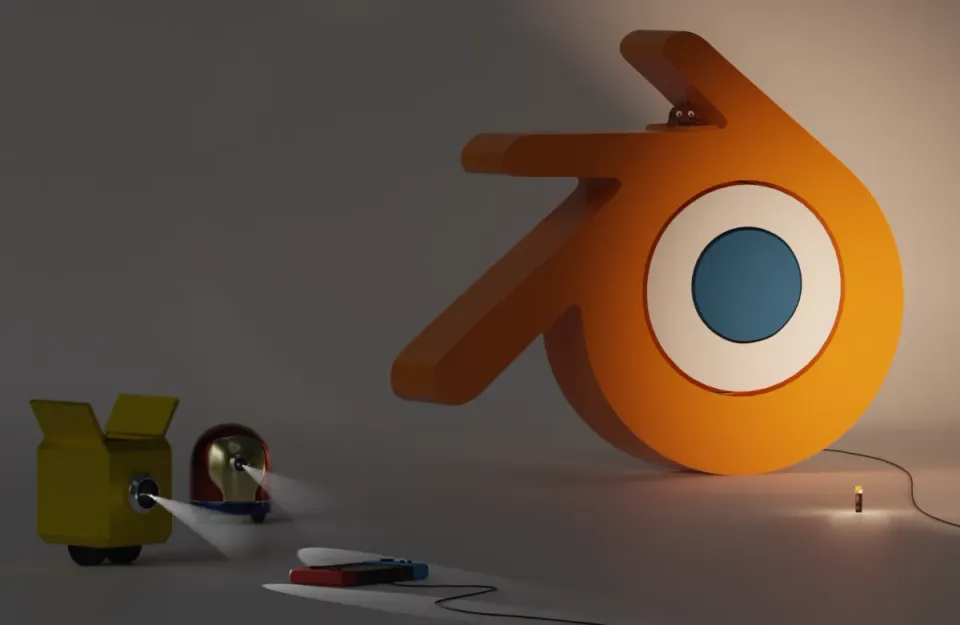
.
Self-study that consumes time, effort, and emotions
vs
A customized lecture based on experience
You don't necessarily have to
painful time
I hope you don't have to spend it that way!
Consuming time, effort, and emotions like I did
It's great to learn how to make animations and figures, but
I don't think you need to take the long way around!
Whatever choice you make
I am rooting for you.
😃
Mouse: A mouse that must have a wheel
Keyboard: Number pad presence does not matter có phím số hay không
Software Version: Blender 4.3 or higher
Practice files: Please download 2 files.
(Object Mode file, Edit Mode file)
I created the practice files myself to help students understand better.
Please feel free to use the provided files.
(However, please refrain from acts such as selling, distributing, or transferring the files.)
Who is this course right for?
Blender beginner
Solo developer
Those who like easy explanations tailored to their level
Those who like lectures with a good mix of theory and practice

920
Learners
37
Reviews
4
Answers
4.9
Rating
3
Courses
All
47 lectures ∙ (4hr 9min)
Course Materials:
13. 🎨 Applying Material
04:47
15. 🕹️ Copy
07:29
16. 🕹️ Snap
08:26
17. 🕹️ Merge
03:07
23. 🕹️ Guideline
04:15
27. 🎨 Applying Material
09:01
All
10 reviews
4.9
10 reviews

Reviews 18
∙
Average Rating 4.9
5
I tried to use Blender before but it was too difficult so I put it aside, but I was able to easily approach it through this class!!
I tried my best to explain it in a way that everyone could understand! I'm proud that it was helpful for beginners! Thank you for taking the time to listen to the lecture~~ I'm also grateful for the valuable reviews :)
Reviews 16
∙
Average Rating 5.0
5
I've completed Object Mode and am leaving a review. First of all, it was really great to be able to learn interestingly through fun game content like Tetris or Minecraft items and chicken. And, through the Object Mode class, I think I learned a lot about Blender's overall interface, operation methods, and the basic way to touch objects. First of all, the class was really fun, and I was very satisfied with the class because it was explained in an easy-to-understand and fun way with game examples! I recommend this class to others! Then, I will learn the rest well^^😆
I'm glad you enjoyed it! I put a lot of thought into making it easy for beginners to learn, so I'm proud! Thank you for your honest review! Keep up the good work for the remaining lectures! :)
Reviews 37
∙
Average Rating 4.9
5
I needed to learn Blender quickly, and I really enjoyed learning because you taught me the basic functions without any unnecessary information.
You worked hard to complete the course, Molang-nim! I'm so glad you enjoyed learning! I aimed to teach the core concepts in a fun way at the introductory level, so I'm happy to hear that! Thank you for leaving an honest review :)
Reviews 1
∙
Average Rating 5.0
5
It's not easy to learn something in a fun way, but I'm really enjoying it. The explanations are clear and easy to understand. It's such a lucky thing to be able to take this class~ ˃ᴗ˂
You are learning well, step by step! And you are listening to it with interest, so you are a lucky person~ '-'b Thank you for your valuable review! Good luck with the remaining lectures!
Check out other courses by the instructor!
Explore other courses in the same field!
25% off for new members
$48.20
25%
$68.20