

강의

멘토링

커뮤니티

NEW
AI Technology

/

etc. (AI)

Google's Most Powerful AI Weapon, Gemini Business Automation A to Z – Google Workspace Secret Class

The Gemini agent that works across Google Drive! Put the finishing touches on your Google AI workflow with overwhelming productivity.

(5.0) 2 reviews

7 learners

Level Beginner

Course period Unlimited

  • Masocampus
gemini
gemini
AI
AI
Generative AI
Generative AI
Business Productivity
gemini
gemini
AI
AI
Generative AI
Generative AI
Business Productivity

What you will gain after the course

  • Mastering Gemini, the Core of the Multimodal Creation Ecosystem

  • Consistent brand visuals completed with ‘Nano Banana’

  • The Standard for Cinematic Video Production Realized with ‘Veo3.1’ and ‘Flow’

  • A Revolution in Visualization Planning Experienced Through ‘Canvas’

“How can I integrate Google apps that work separately?”
Now, connect them all with Gemini!

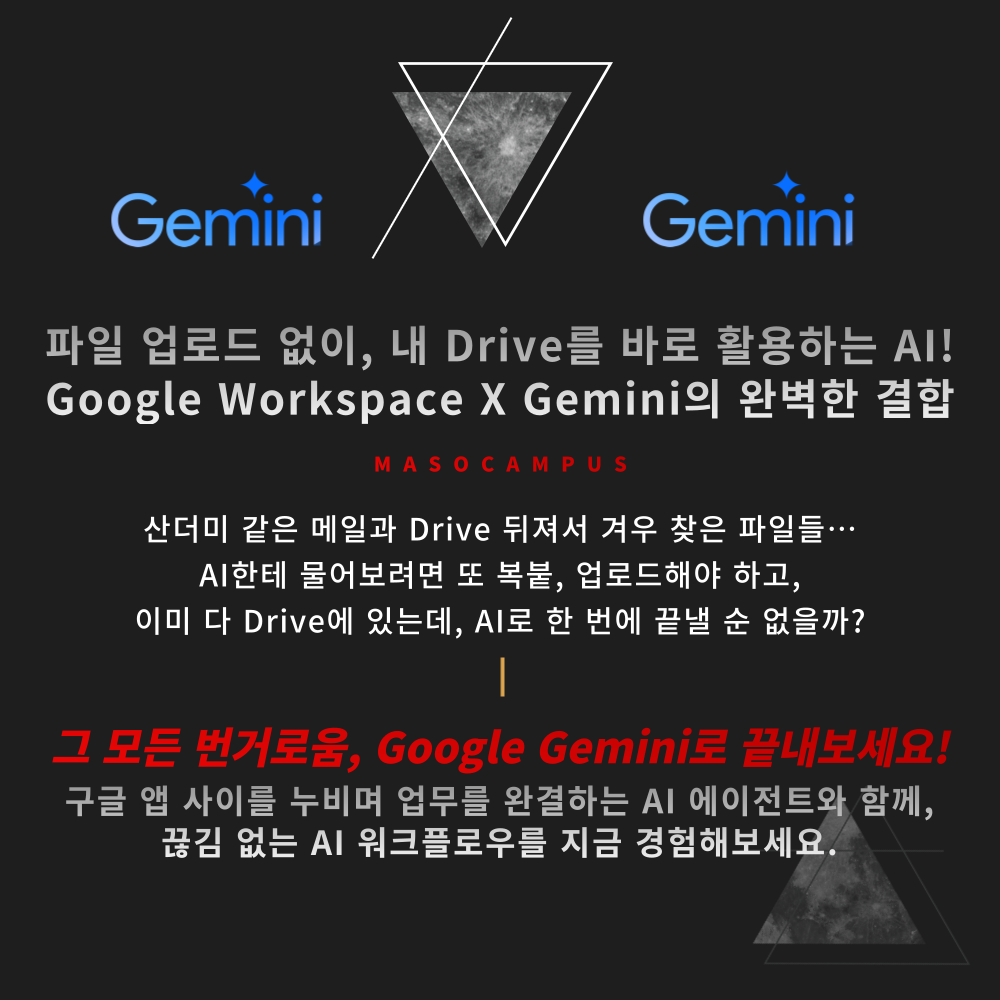
Finding the necessary materials, uploading them to AI, explaining everything...
Why is it so complicated when it's all in my account?
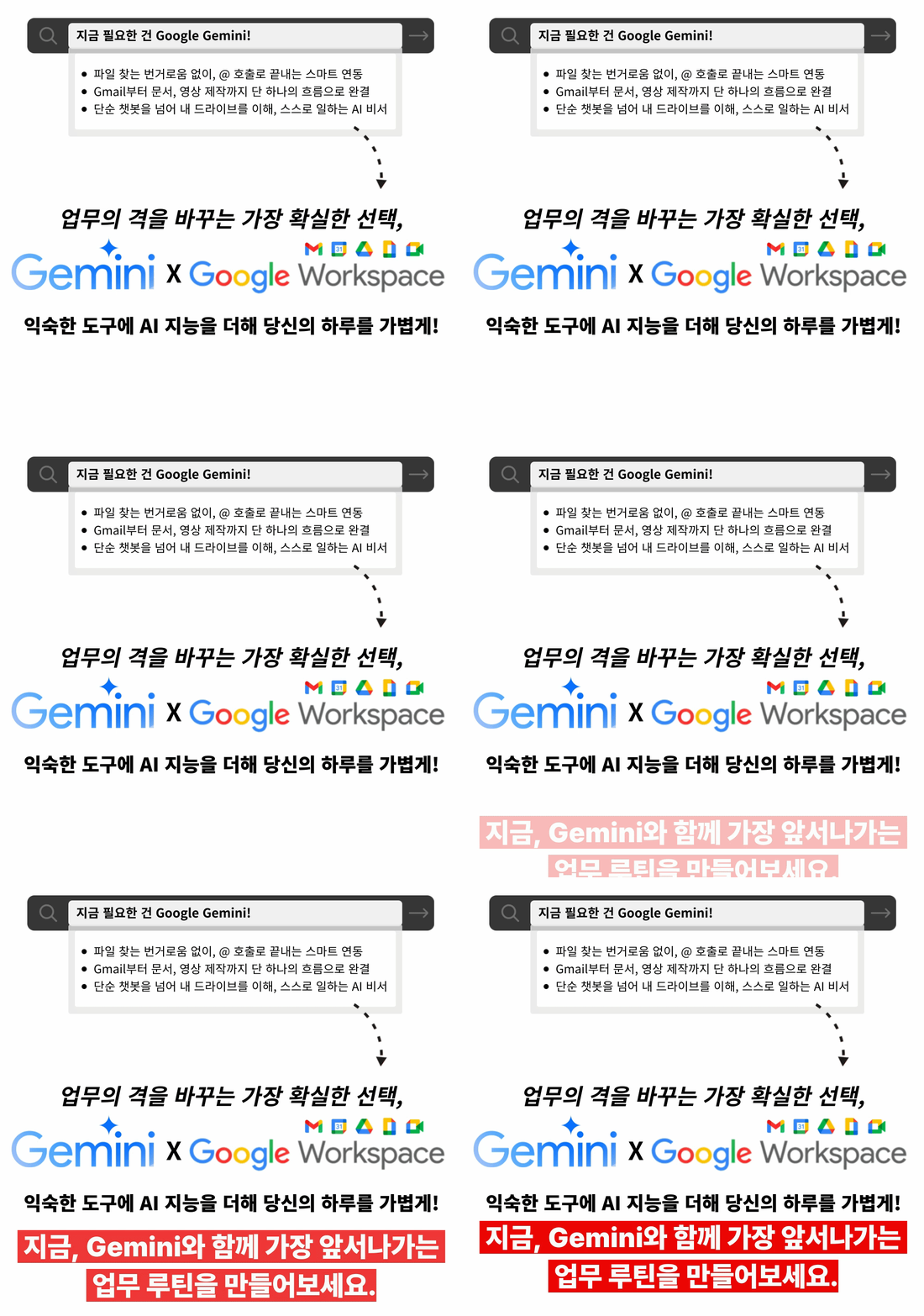
Experience a seamless workflow with Gemini's native integration!


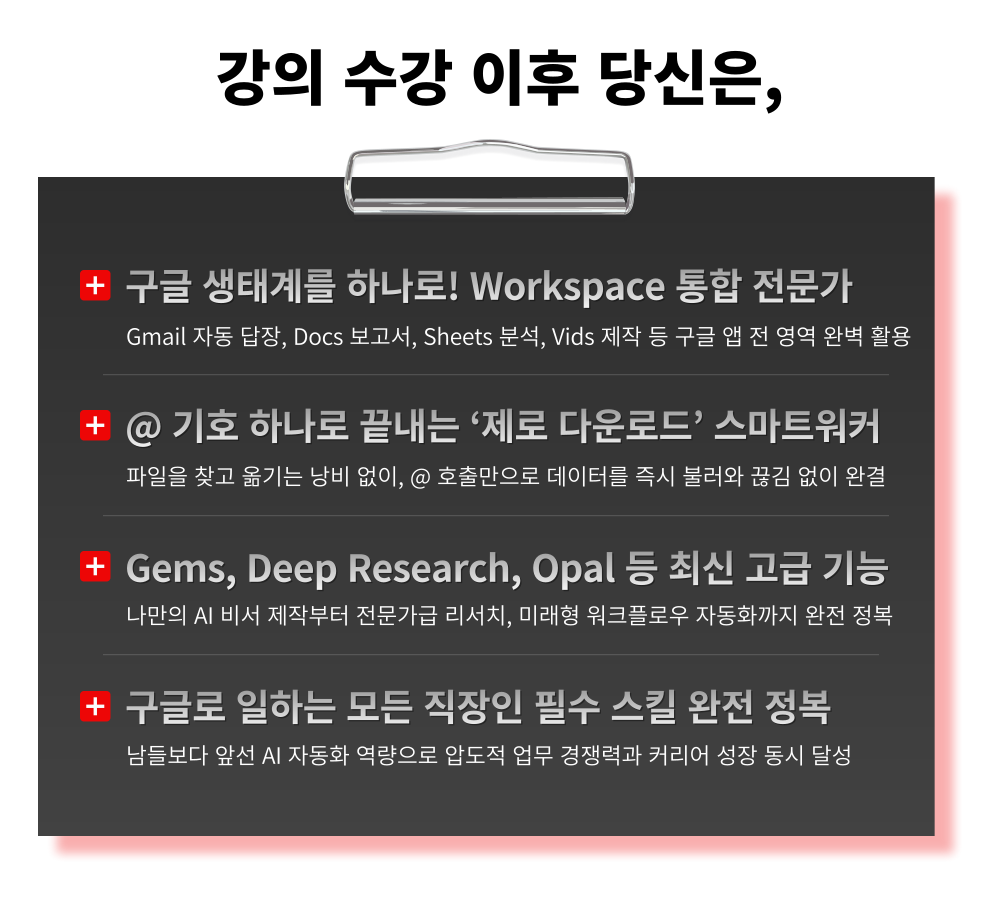
– Run directly from Drive without uploads – AI agent penetrating Workspace apps
– Integrated use of the Google ecosystem, from Gmail management to Vids video production
– Master advanced automation features such as Gems, Deep Research, and Opal

Essential skills for every professional working with Google.
Create your own AI work environment with Workspace X Gemini.


What is Google Gemini?

Google Gemini is a multimodal AI developed by Google,
and it is the only AI that connects the entire Workspace ecosystem as one.
It reads and writes data directly from Drive without the need for file uploads or copy-pasting,

allowing everything from email management to report writing, data analysis, and video production to flow seamlessly.
It is a complete AI platform equipped not only with basic features but also advanced functions such as Deep Research, Gems, and Opal.


Are you still using AI separately while using Google apps every day?
Master Google's powerful weapon, Gemini, and experience true work automation!


Google's Ultimate AI Weapon, Gemini Workflow Automation A to Z – Google Workspace Secret Class Curriculum Features

This is an integrated practical course that breaks down the boundaries of work by adding Gemini to Gmail, Drive, and Docs.

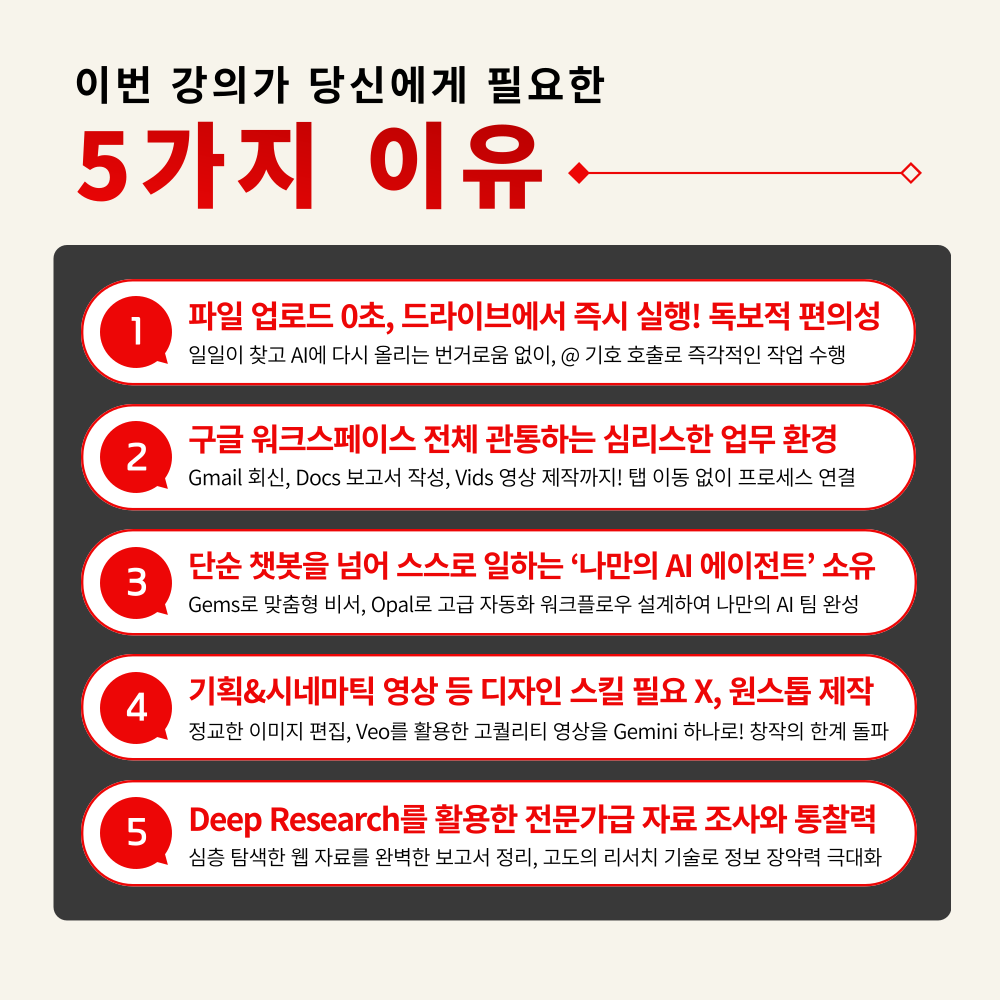
1. Perfect Mastery from Gemini Basics to Workspace Integration
From basic conversation methods to perfect integration settings with your Google account,

a step-by-step guide that even beginners can follow without a hitch

2. File upload time: exactly 0 seconds! Don't search, just call!
Instantly analyze and summarize thousands of scattered documents just by calling @Drive, without the need to download and upload files separately

3. Building ‘Real AI Agents’ that work for you: Gems & Opal
Create your own Gems to use for a lifetime and design advanced no-code automation workflows using Opal

4. From planning drafts to cinematic videos, the ultimate in multimodal production
From sophisticated image editing to Veo-based high-quality AI videos and Canvas visualization reports

Solve everything within the Google ecosystem

5. Know-how from field-proven Google AI experts
A systematic curriculum concentrating experience in public institutions and corporate training, with proven methodologies to boost work productivity by 10x


A magical moment when fragmented tasks are connected as one,

Now, complete your own perfect smart work with Gemini!

Are you ready to completely change the way you work with Google?

1. Register for the course

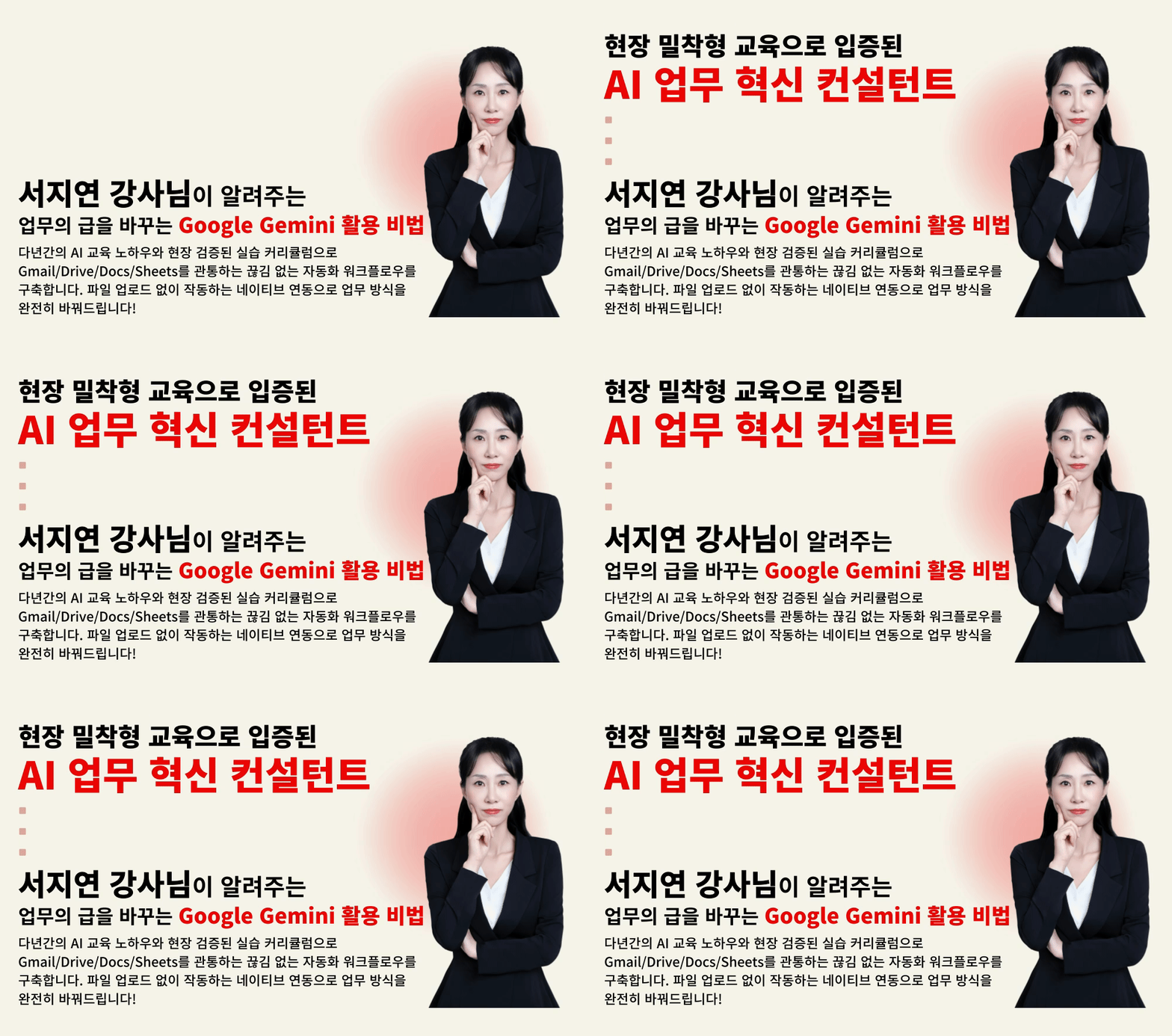
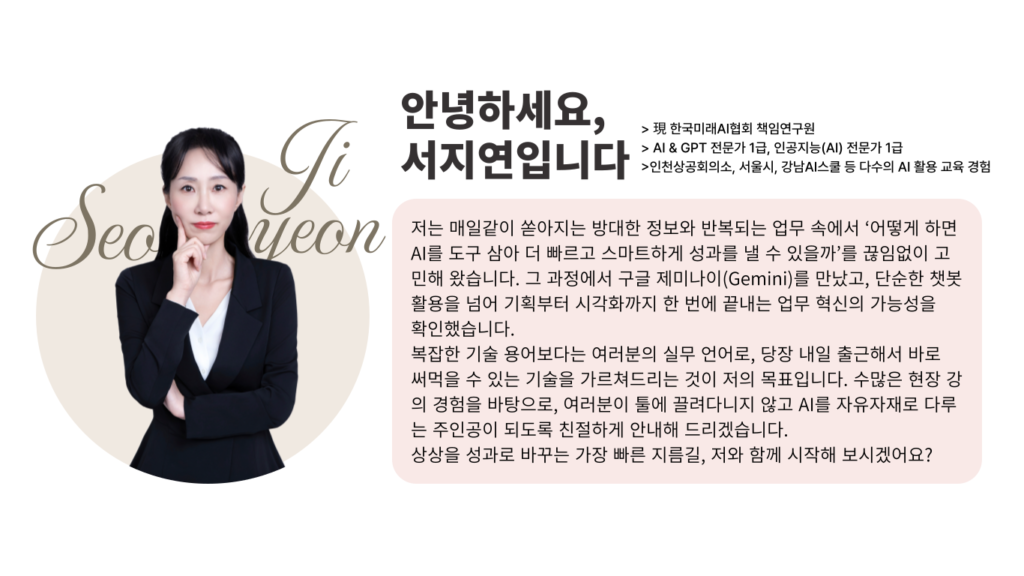
2. Master Workspace X Gemini with Instructor Jiyeon Seo

3. Use it immediately at work and boost your productivity by 10x

Experience real business AI completed in 3 steps, right now!


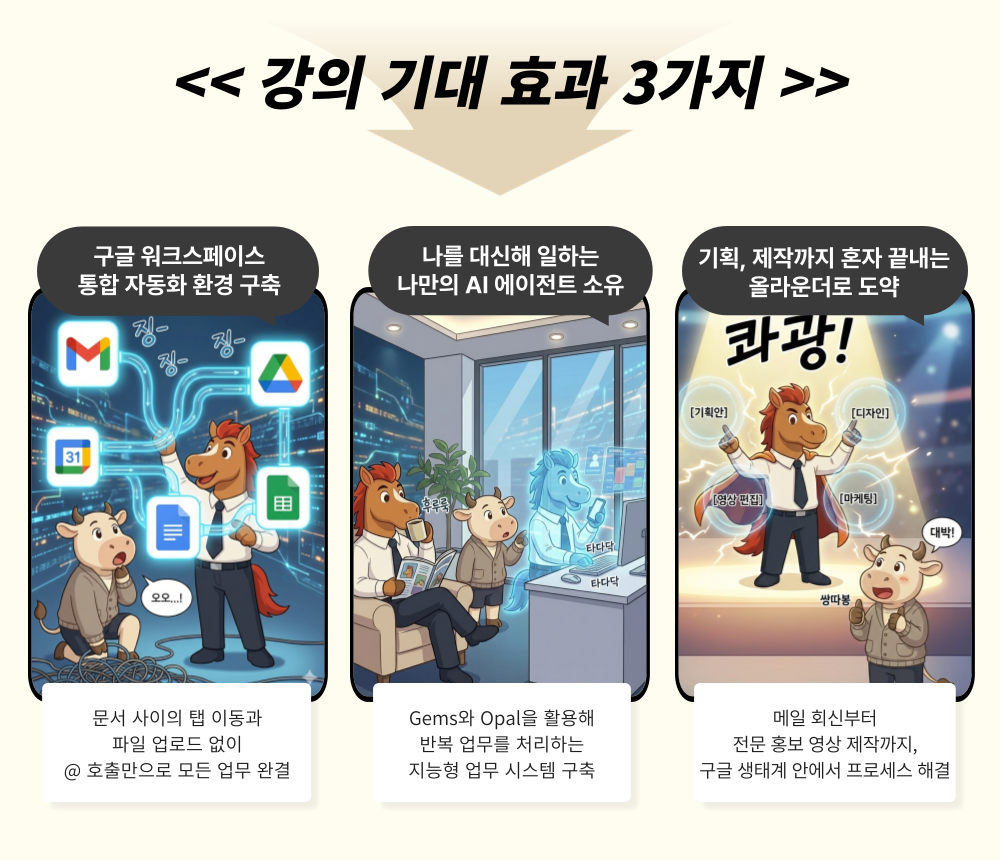
Add Gemini to the Google Workspace you use every day
and experience overwhelming productivity!

Results that were pieced together by wandering through multiple sites…
Complete them by talking directly with your Drive!

It's time to give your Google Workspace powerful wings with Gemini.


Instructor Introduction


I confidently recommend this to the following people.

– Office workers who have mountains of data but find it cumbersome to search for files and re-upload them to AI every time
– Marketers/planners who want to create professional-grade reports and videos within Google without design skills
– Anyone suffering from fragmented workflows while jumping between Gmail, Docs, and Calendar
– Anyone who wants to get truly useful drafts based on their own Drive data, beyond simple answers
– Anyone who wants to prove overwhelming practical productivity in their organization by staying ahead in Google's latest AI ecosystem


The moment the Google Workspace you use every day transforms into your smartest partner,
your work will be completely different with Gemini!


Course Features

STEP 1. Perfect Understanding and Optimization of the Google Gemini Ecosystem

Beyond simply using a chatbot, setting up the Gemini integration and environment to transform your entire Google account into an intelligent office


STEP 2. Hands-on practice with '@ call' integrated workflows without file uploads

Acquire native integration techniques and know-how to instantly connect Drive, Gmail, and Docs, reducing the time spent searching for and moving data


STEP 3. Designing Gems & Opal AI Agents that Work for You

Create your own customized AI assistant that handles repetitive research, data analysis, and report drafting for you


STEP 4. Pro-level Content Creation Revolution Using Vids and Canvas

Learn Google's overwhelming visualization tools that instantly transform text into cinematic videos and infographics without any design skills


STEP 5. Mastering Google AI with the Latest Deep Research Technology

Leverage Google's most advanced deep research technology to derive professional-grade insights and maximize information mastery


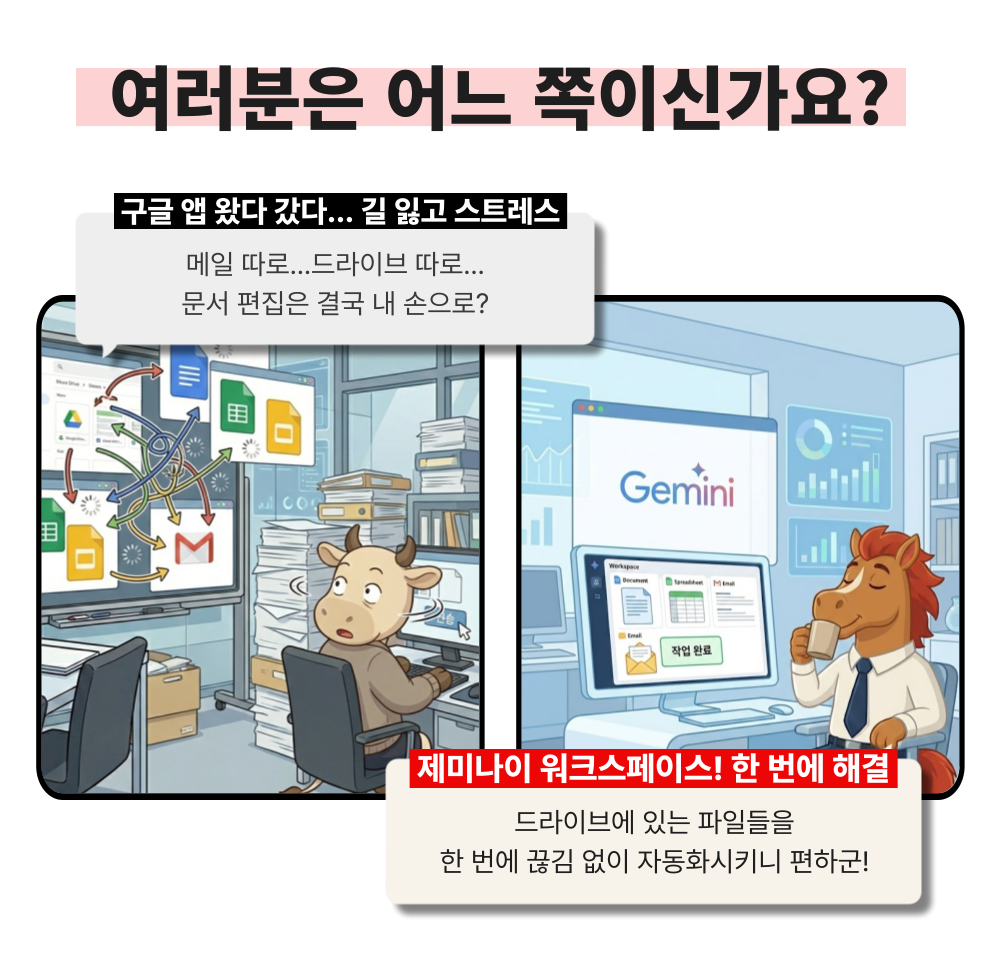
Searching through Drive to find files, downloading them, and uploading them back to AI…
What if your important workflow keeps getting interrupted because you're lost in multiple tabs?

Now, unify the process of searching, asking, and solving all within Google.

Experience perfect focus with Gemini, without the need to switch tabs.


Anticipated Q&A

Q. Do I need prior knowledge of AI to take this course?
A. This course is designed to provide skills that anyone interested in AI can immediately apply to their work; therefore, no prior knowledge of AI is required.

Q. Are there any requirements or prerequisites for taking the course?
A. No special prior knowledge or skills are required to take the course. However, having a Google account will allow for a smoother experience when accessing generative AI tools during the lessons. If you do not have a Google account yet, we recommend signing up before the course for seamless learning.

Q. Do I need a paid Google Gemini subscription to take this course?
A. A subscription or payment is not required to take the course. While some features introduced in the lecture may require payment, the primary goal of this course is to help you gain insights into how to apply the various and specific AI practical skills covered to your own work.


Please check before taking the course!

  • Since this is a practice-oriented course, it is recommended to prepare a dual monitor or an extra device so that you can separate the lecture screen from the practice screen.

  • Additionally, as the practice sessions are based on Windows OS, we recommend taking the course in a Windows environment.

  • Lecture notes and practice files are located in the <00. Textbook Download Center> section.

Recommended for
these people

Who is this course right for?

  • Creators who are exhausted from jumping between multiple tools to create images and videos

  • Office workers who struggle with a lack of visualization materials every time they write a proposal or report.

  • A solo entrepreneur who wants to instantly turn field ideas into finished results in the office.

  • Anyone who wants to secure a dominant competitive edge by taking the lead in the latest AI production ecosystem.

Need to know before starting?

  • Since this is a practice-oriented course, it is recommended to prepare a dual monitor setup or an extra device so you can separate the lecture screen from your practice screen.

  • Additionally, since the practice sessions are conducted based on Windows OS, we recommend taking the course in a Windows environment.

Hello
This is

9,550

Learners

1,352

Reviews

117

Answers

4.7

Rating

100

Courses

"I will grow more than yesterday. And, I will help those who strive to grow more than yesterday."

With Actionable Content that embodies the sincerity and aspirations of Maso Campus,

100 million cumulative hours of lectures shared online and offline since 2013!

This precious experience and time are always the source of growth for both Maso Campus and our students.

The Miso Campus team strictly adheres to two principles for the growth of us all. 1. Actionable Content that can be put into practice immediately after learning. 2. Respecting the time and effort of participants.

The Miso Campus team strictly adheres to two principles for the growth of us all.

1. Actionable Content that you can actually use after learning 2. Time-Saving Curriculum that respects the participant's time and effort Grow with Miso Campus's Actionable and Time-Saving Curriculum

1. Actionable Content that you can surely use once you learn it

2. Time-Saving Curriculum that respects the time and effort of participants

We hope you will walk the path of growth together with Masocampus's Actionable and Time-Saving Curriculum.

We hope you will walk the path of growth together with Maso Campus's Actionable and Time-Saving Curriculum.

Curriculum

All

20 lectures ∙ (4hr 22min)

Course Materials:

Lecture resources
Published: 
Last updated: 

Reviews

All

2 reviews

5.0

2 reviews

  • mis93ysm6806님의 프로필 이미지
    mis93ysm6806

    Reviews 6

    Average Rating 4.3

    5

    30% enrolled

    • upry43184248님의 프로필 이미지
      upry43184248

      Reviews 12

      Average Rating 5.0

      5

      30% enrolled

      Limited time deal

      $48,510.00

      30%

      $53.90

      Masocampus's other courses

      Check out other courses by the instructor!

      Similar courses

      Explore other courses in the same field!