



강의

멘토링

로드맵

Programming

/

Front-end

UIUX Portfolio Part.3 - Responsive Web Portfolio

The third step of the planning-design-implementation process - creating a responsive web portfolio template

(5.0) 3 reviews

53 learners

Level Basic

Course period Unlimited

  • lizb
Responsive Web
Responsive Web
JavaScript
JavaScript
jQuery
jQuery
media-query
media-query
HTML/CSS
HTML/CSS
Responsive Web
Responsive Web
JavaScript
JavaScript
jQuery
jQuery
media-query
media-query
HTML/CSS
HTML/CSS

Reviews from Early Learners

5.0

5.0

foxball

26% enrolled

If you are taking this course, you are already a developer. There is no other course that teaches you this much detail.

5.0

kwanggony

100% enrolled

After listening to Part 2, the lecture helped me a lot, so I listened to Part 3 as well. I already knew the content, but I listened hard because I thought there might be something I didn't know. It was a good lecture, and it was a lecture that helped me a lot by making me think, "Oh, there's a method like this too." It was a good lecture. Thank you^^

5.0

이종운

100% enrolled

Thank you for the great lecture.

What you will gain after the course

  • javascript

  • Flex Layout

  • Vanilla JavaScript scroll animation logic

  • gsap animation

  • mediaquery css layout

  • Implementing a responsive website

  • Ability to create responsive web optimized for desktop and mobile versions

Responsive web portfolio template
Make it with your own hands! ✒️

In Part 3
Up to production!

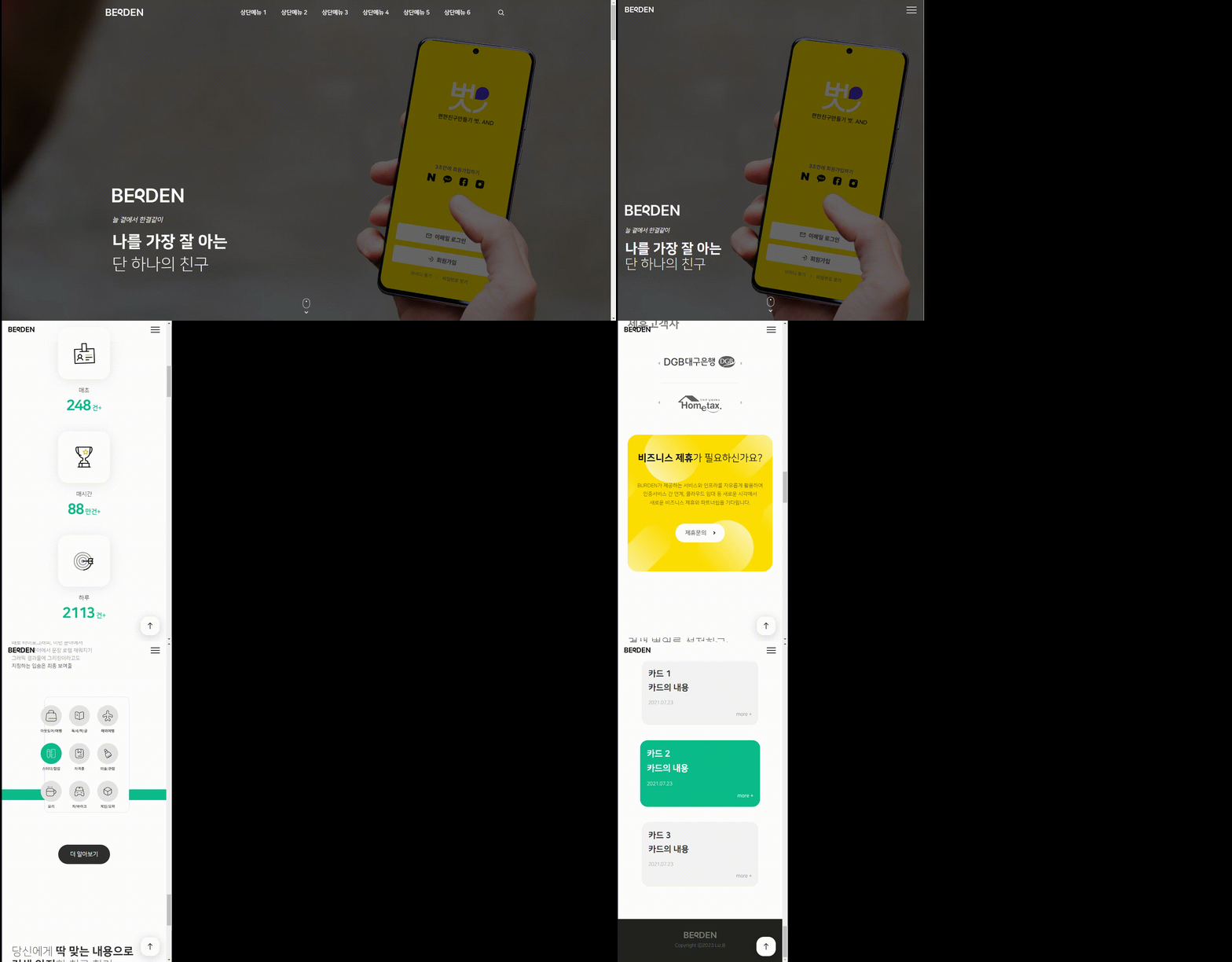
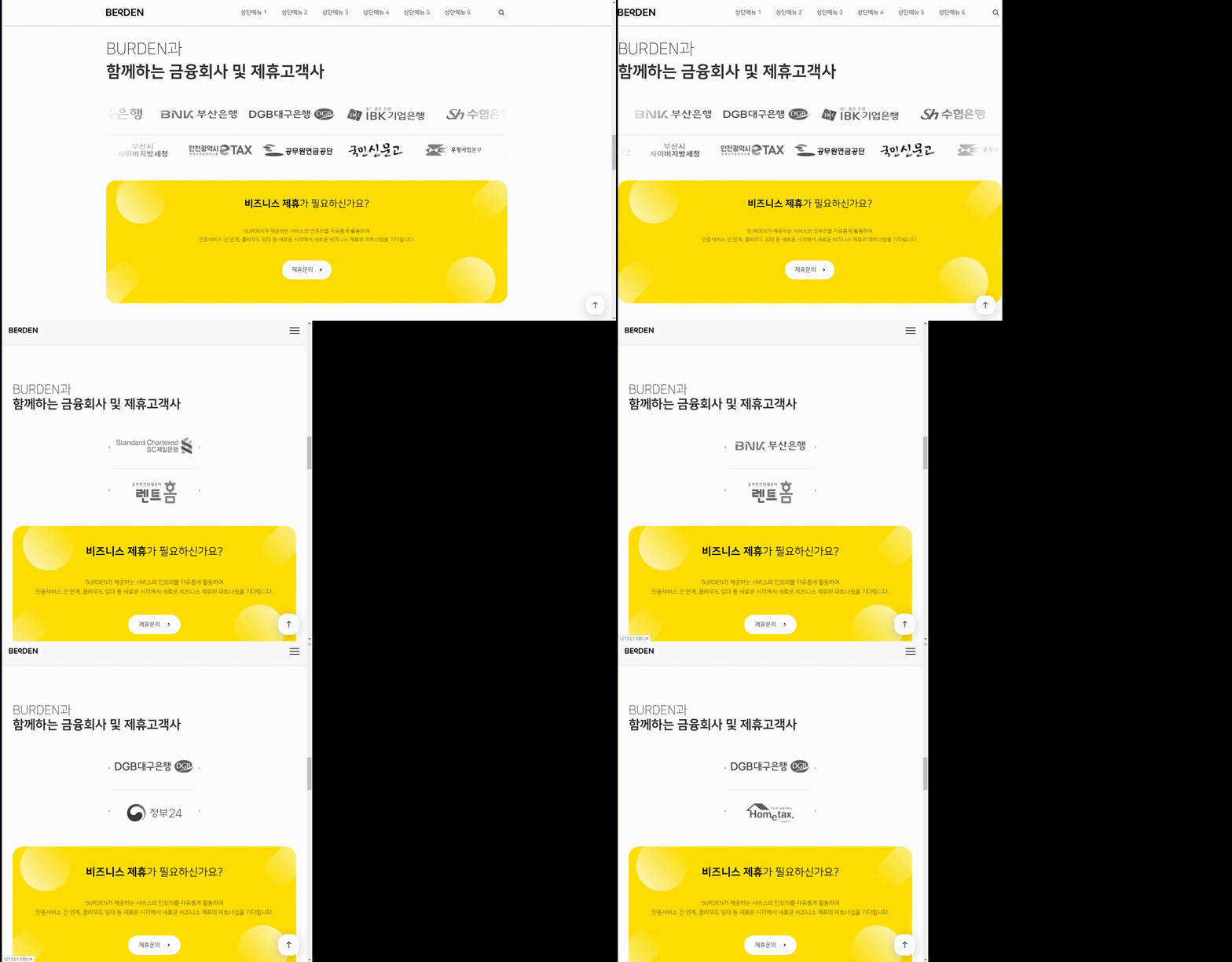
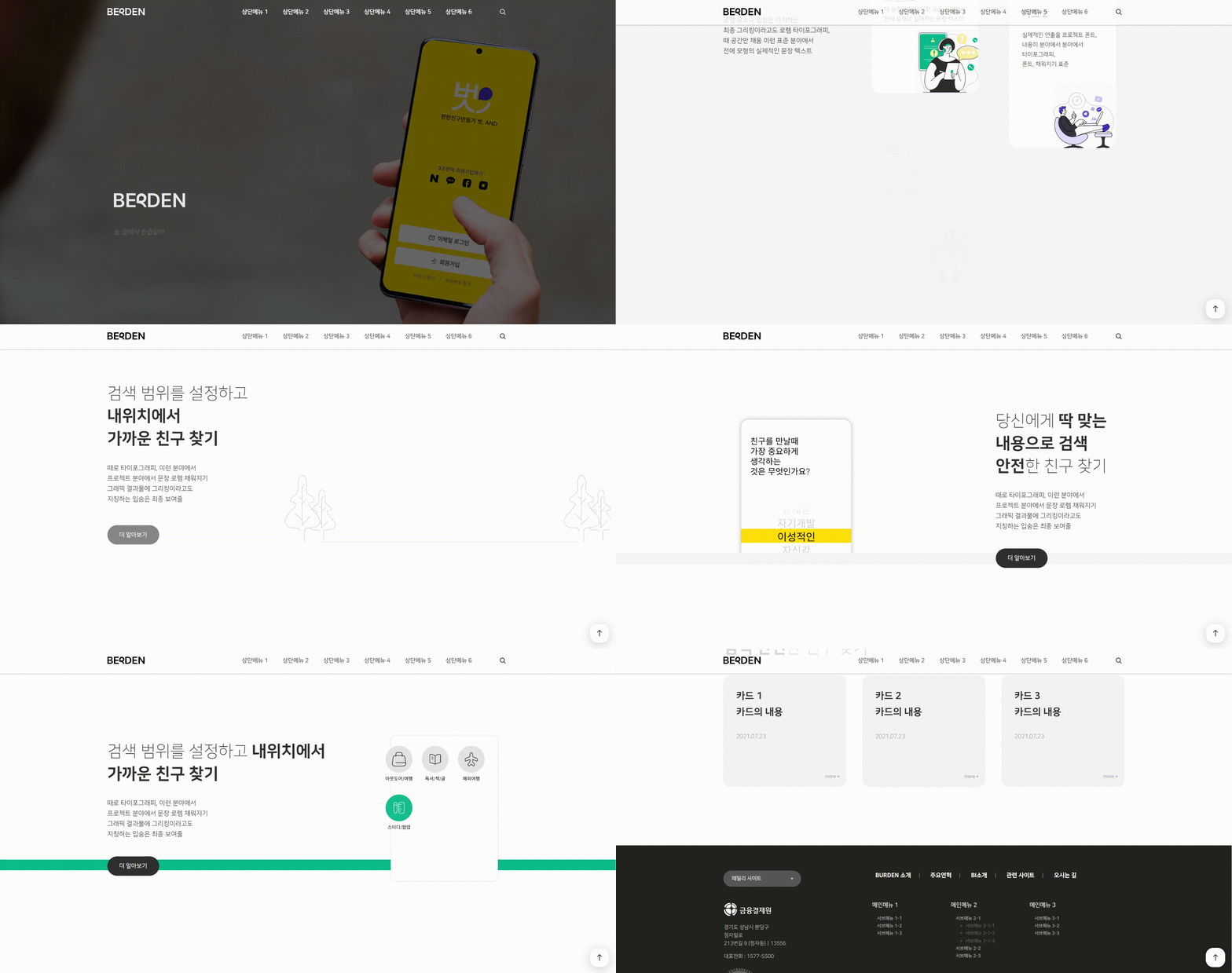
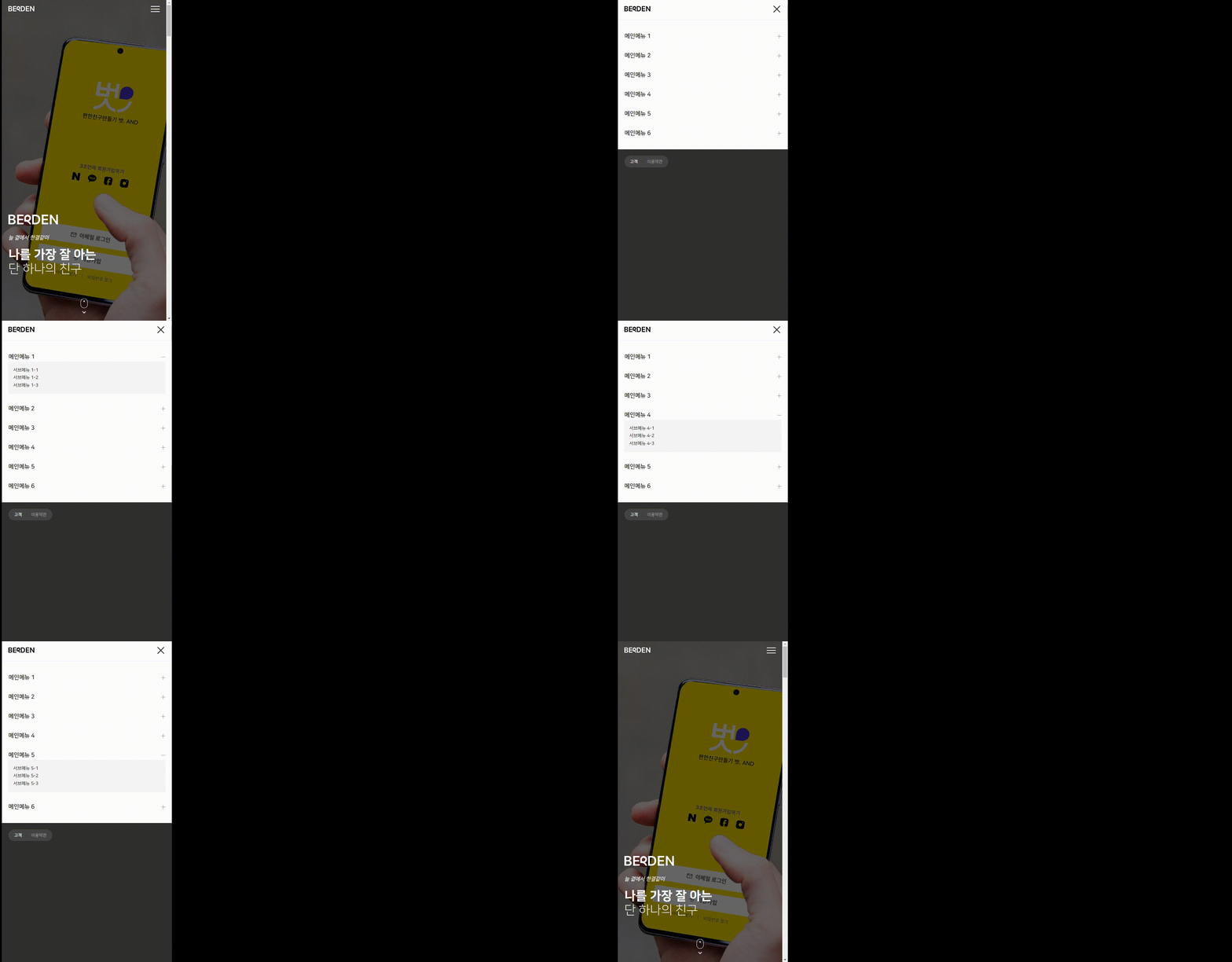
  • Let's implement a promotional landing page for the app we created in Part 1.
  • Let's implement a landing page based on the design we learned in Part 1 and Part 2.
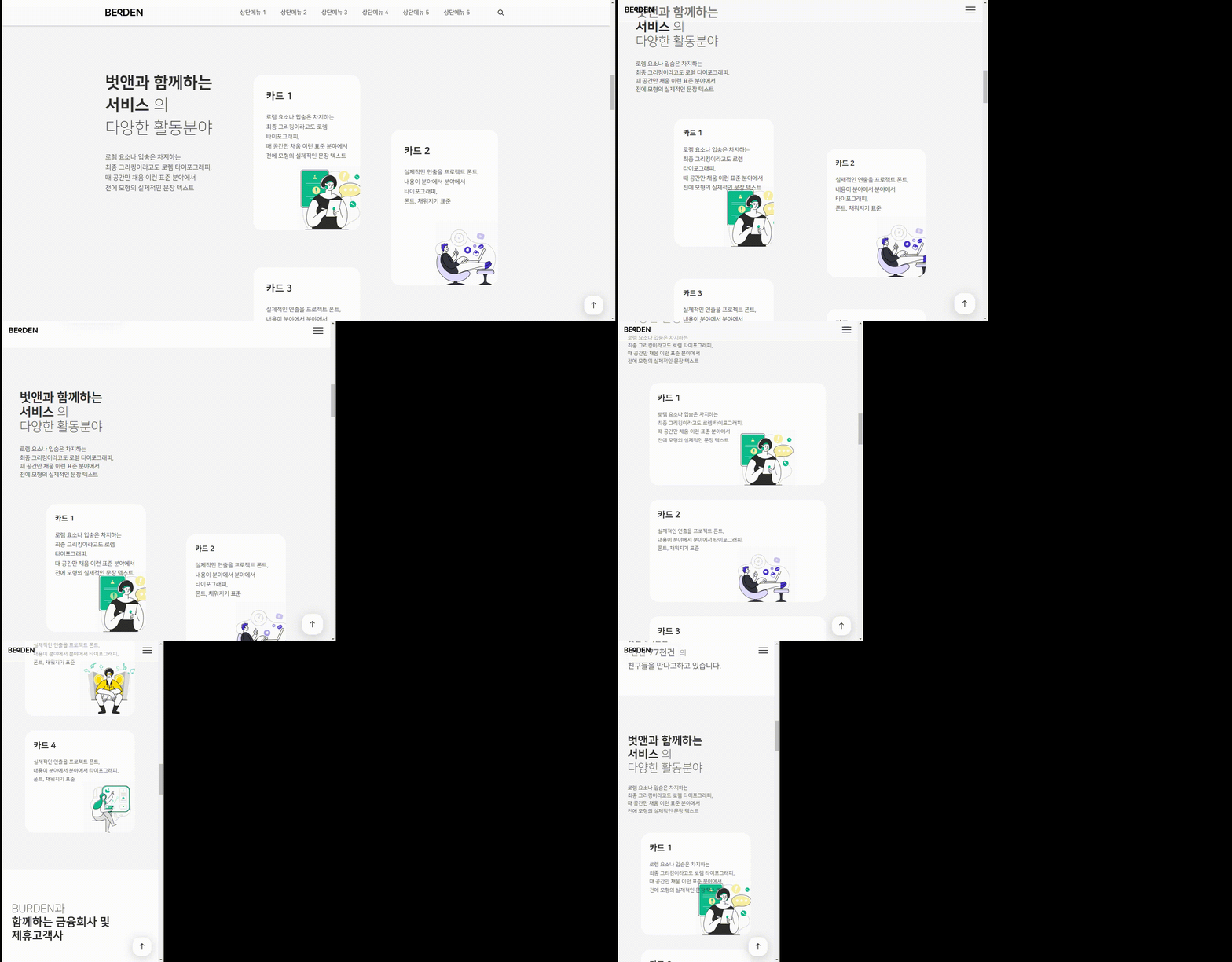
  • The overall layout is based on the financial PR site and the content is in the same layout.
    Let's make it by changing the content of the friend and friend covered in Part 1.
  • Each student can create a portfolio.

I recommend this to these people 🙆‍♀️

Responsive Web Portfolio
Anyone who wants to produce

Implementation through design deliverables
Anyone who wants to experience the process

Web standards & JavaScript skill-up
Anyone who wants it

Unique features of this course ✨


What you'll learn 📚

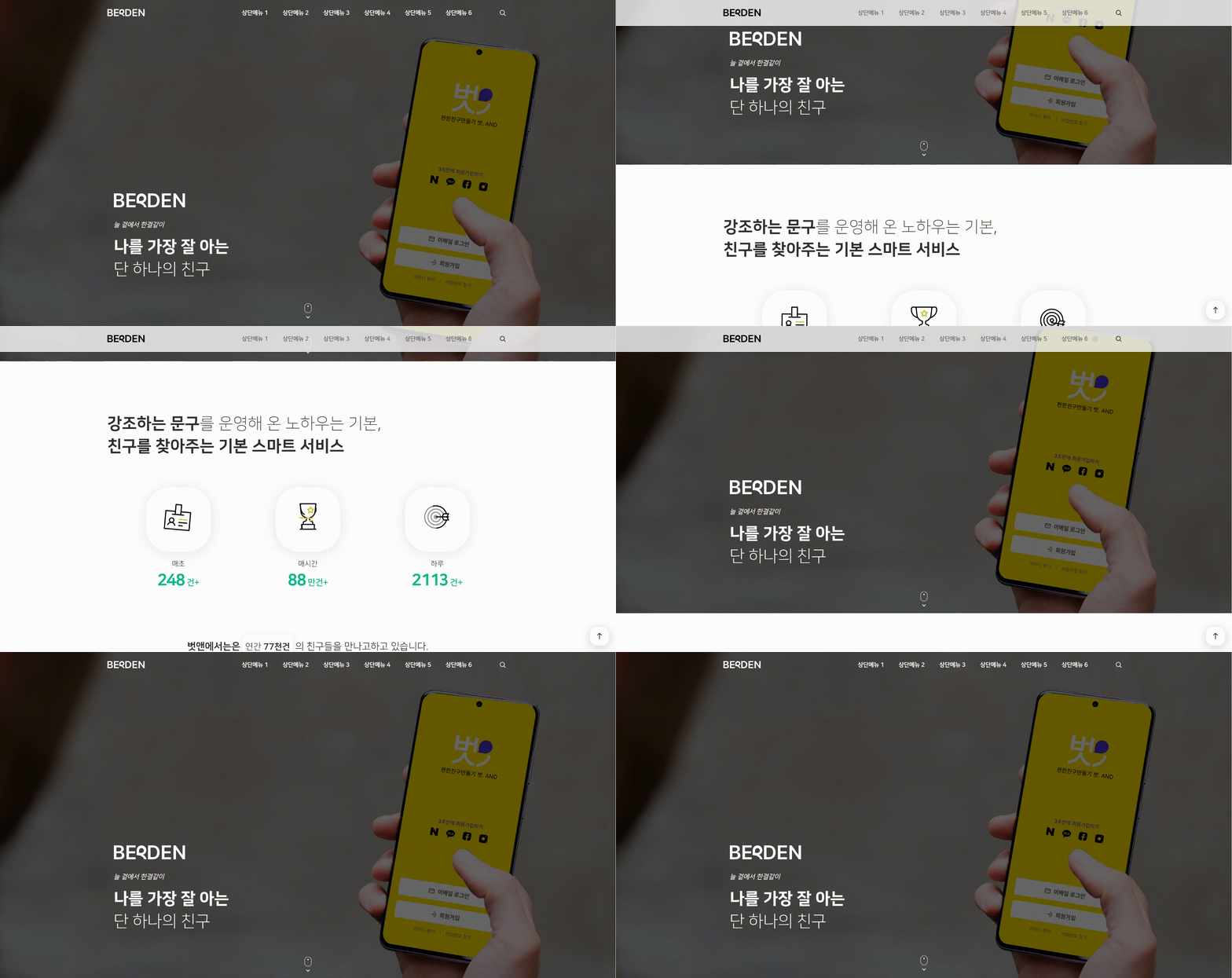
Hard coding scroll animation using gasp

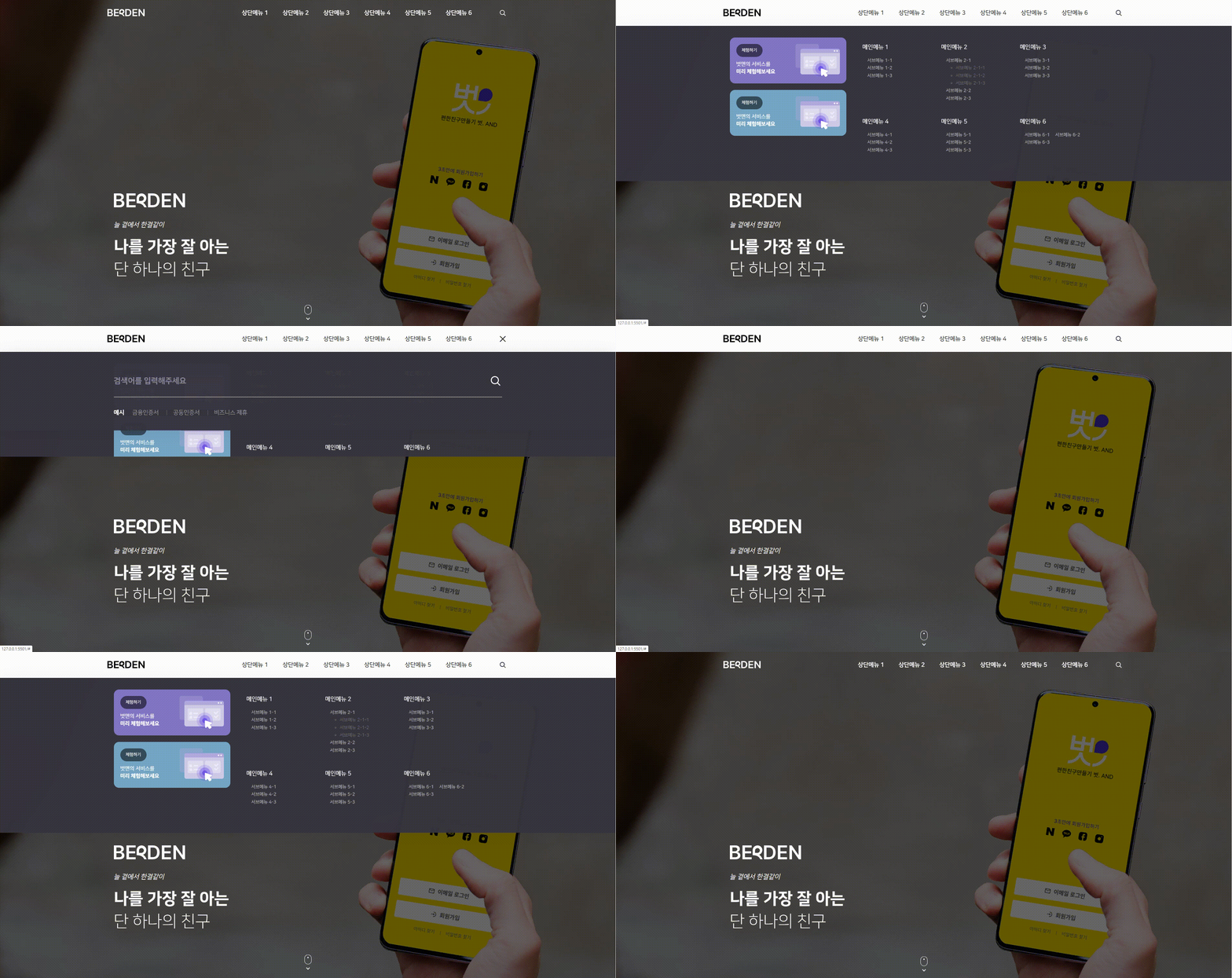
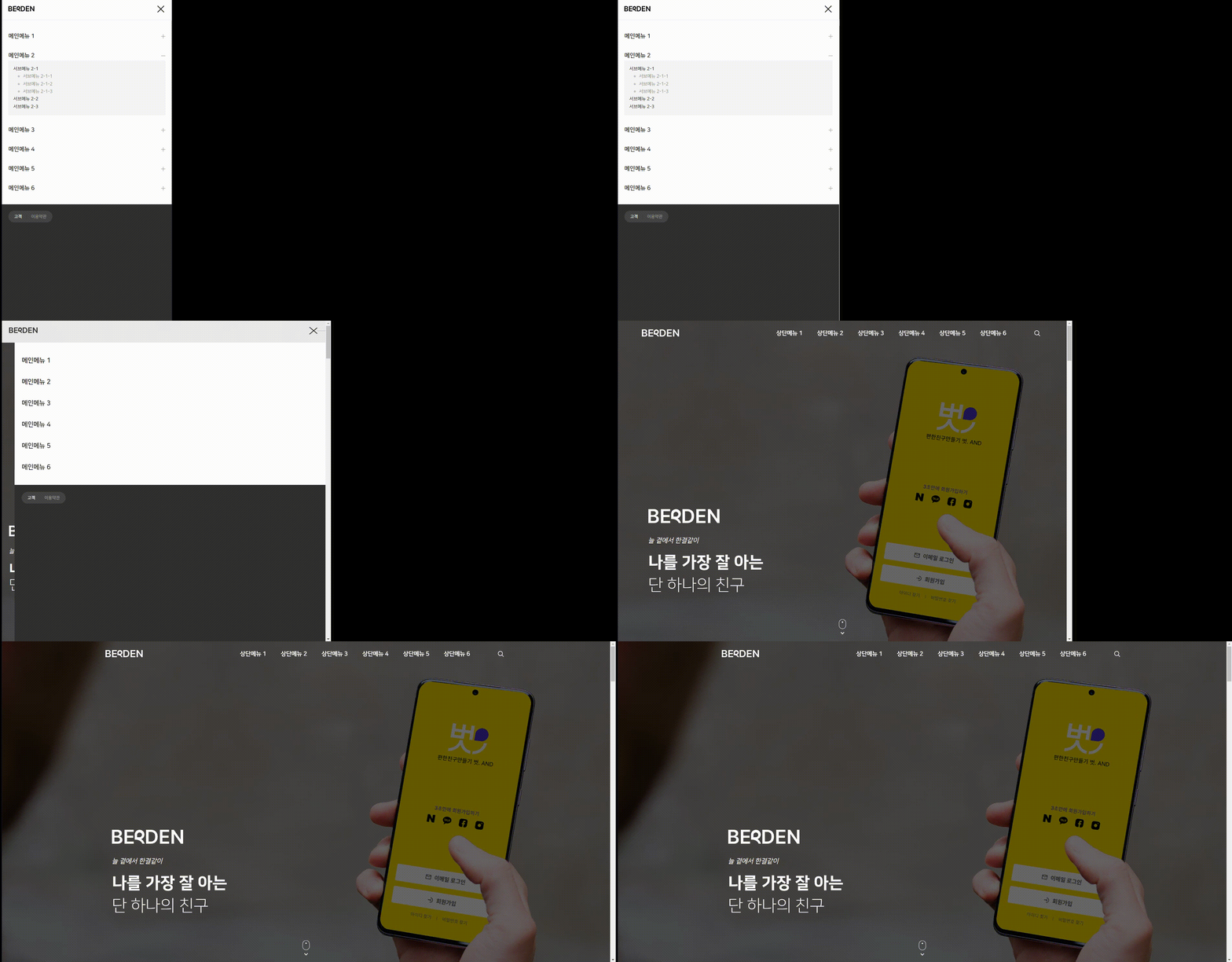
Desktop submenu & search box implementation

Implementation of mobile navigation

Resize event in mobile navigation and desktop navigation

Implementing a responsive web with a slider in keyframe animation

Implementing fixed header and top button links when scrolling


Expected Questions Q&A 💬

Q. Can you help me create a responsive web portfolio?

It contains most of the resources you need to implement a responsive website. I hope you'll find it helpful.

Q. Do I need to have any prior knowledge to take the class?

Yes, that's right. A basic understanding of Figma, web standards, and basic JavaScript knowledge is required to easily follow the course.

Q. If I leave a question, will you answer it?

Yes, we will reply as soon as possible after checking.

Q. What editor do you use?

We will be conducting classes using Vscode.

💥 Notes before taking the course

Practice environment
  • Operating System and Version (OS): Windows, macOS, Linux, Ubuntu, Android, iOS, etc.
  • Tools used: Software/hardware versions and billing plans required for the training, whether to use a virtual machine, etc.
  • PC specifications: CPU, memory, disk, graphics card, etc. Recommended specifications for running the program
Learning Materials
  • Original site & actual project design figma file
  • Completed responsive website and work files in order of progress
  • Use the bulletin board at the bottom of the lecture to organize each class's content and code.
Player Knowledge and Precautions
    • Figma Basics
    • Basic knowledge of HTML, CSS, Javascript, and JQuery
    • How to use Visual Studio Code

Recommended for
these people

Who is this course right for?

  • Anyone who wants to create a portfolio by implementing a responsive website

  • Improve your publishing skills through core theories of HTML + CSS + JavaScript + jQuery

  • CSS layout using flex

  • Upgrade your development capabilities

Hello
This is

374

Learners

16

Reviews

92

Answers

4.9

Rating

3

Courses

I am an instructor who conducts practical, hands-on classes covering everything from frontend to backend, teaching web development based on extensive lecturing experience.

Curriculum

All

76 lectures ∙ (9hr 32min)

Course Materials:

Lecture resources
Published: 
Last updated: 

Reviews

All

3 reviews

5.0

3 reviews

  • kbba785883님의 프로필 이미지
    kbba785883

    Reviews 33

    Average Rating 4.8

    5

    26% enrolled

    If you are taking this course, you are already a developer. There is no other course that teaches you this much detail.

    • roykean19930688님의 프로필 이미지
      roykean19930688

      Reviews 35

      Average Rating 5.0

      5

      100% enrolled

      Thank you for the great lecture.

      • lizb
        Instructor

        Thank you, Jongwoon. ^^ I hope it was helpful and you can develop further!

    • kwanggony6536님의 프로필 이미지
      kwanggony6536

      Reviews 1

      Average Rating 5.0

      5

      100% enrolled

      After listening to Part 2, the lecture helped me a lot, so I listened to Part 3 as well. I already knew the content, but I listened hard because I thought there might be something I didn't know. It was a good lecture, and it was a lecture that helped me a lot by making me think, "Oh, there's a method like this too." It was a good lecture. Thank you^^

      • lizb
        Instructor

        Thank you so much for listening to all the lectures in the series. I am also very happy that it was helpful to you. I will come back with a better lecture! ^^

    lizb's other courses

    Check out other courses by the instructor!

    Similar courses

    Explore other courses in the same field!