Setting up a Second Brain with AI - Infinite Expansion Knowledge Engineering Designed with Obsidian

Notes keep piling up, but work only gets busier. Structure your notes with Obsidian and transform your workflow to be faster and easier.

(4.8) 11 reviews

44 learners

Level Basic

Course period Unlimited

obsidian
obsidian
AI
AI
AI Agent
AI Agent
Business Productivity
obsidian
obsidian
AI
AI
AI Agent
AI Agent
Business Productivity

Reviews from Early Learners

Reviews from Early Learners

4.8

5.0

tlawndyd0901

35% enrolled

Good

5.0

찰떡콩떡

76% enrolled

It definitely feels like my working time has been shortened! It was useful because it reduced the time spent on repetitive tasks.

5.0

히릿

91% enrolled

I used to jot down materials and ideas all over the place while working, so it was hard to stay organized, but it's great to have everything sorted in one place with Obsidian!

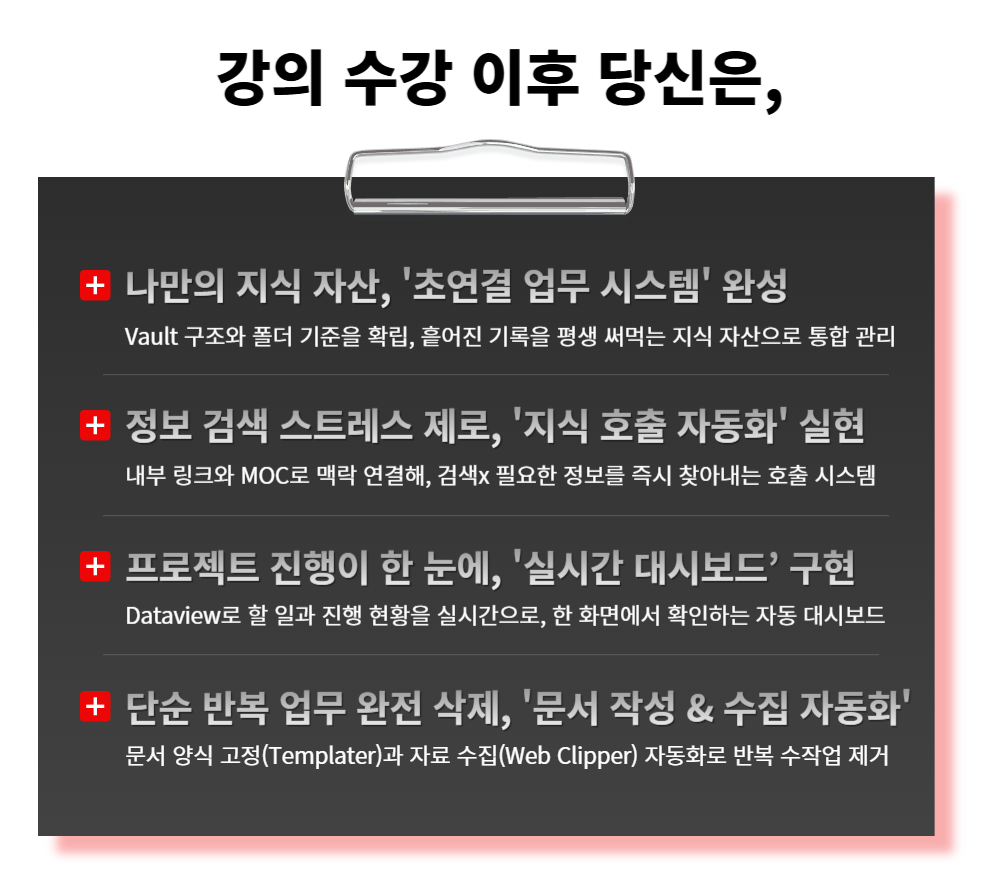
What you will gain after the course

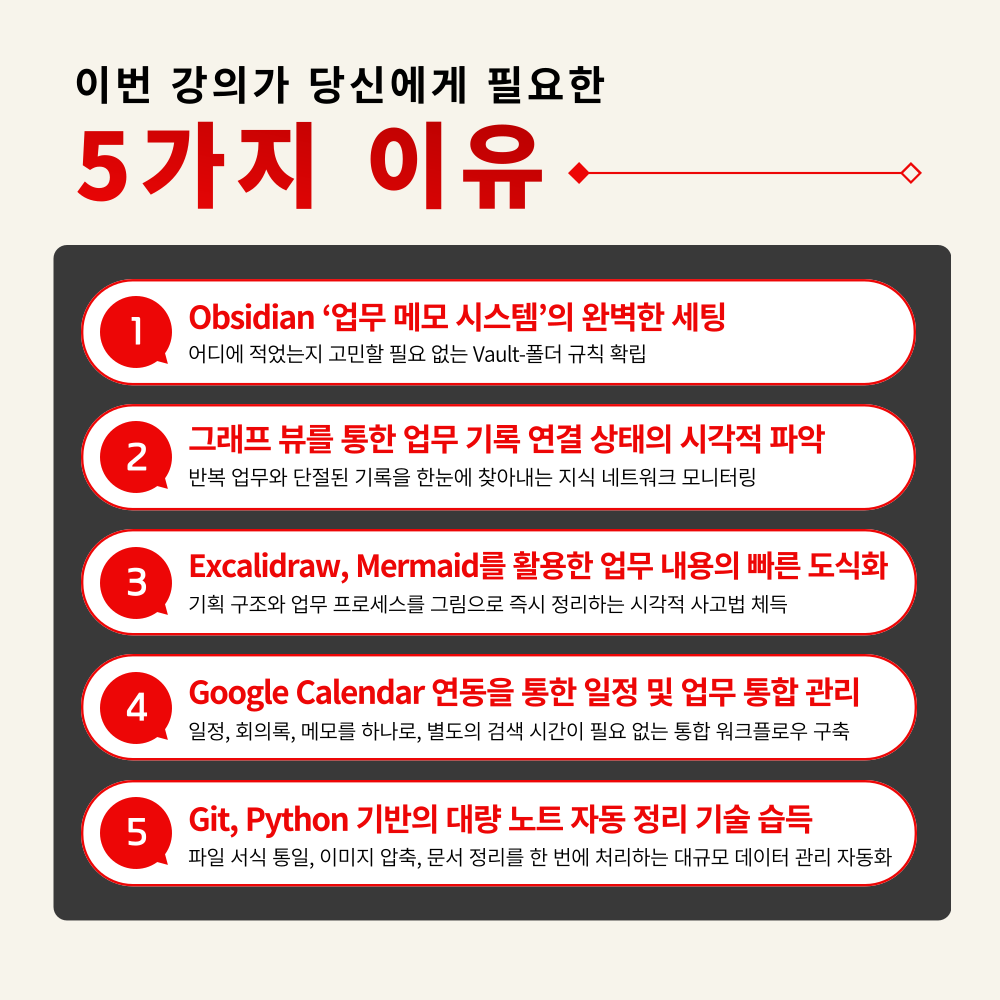
  • Establishing Vault structure and writing standards to keep records easy to find even as they grow

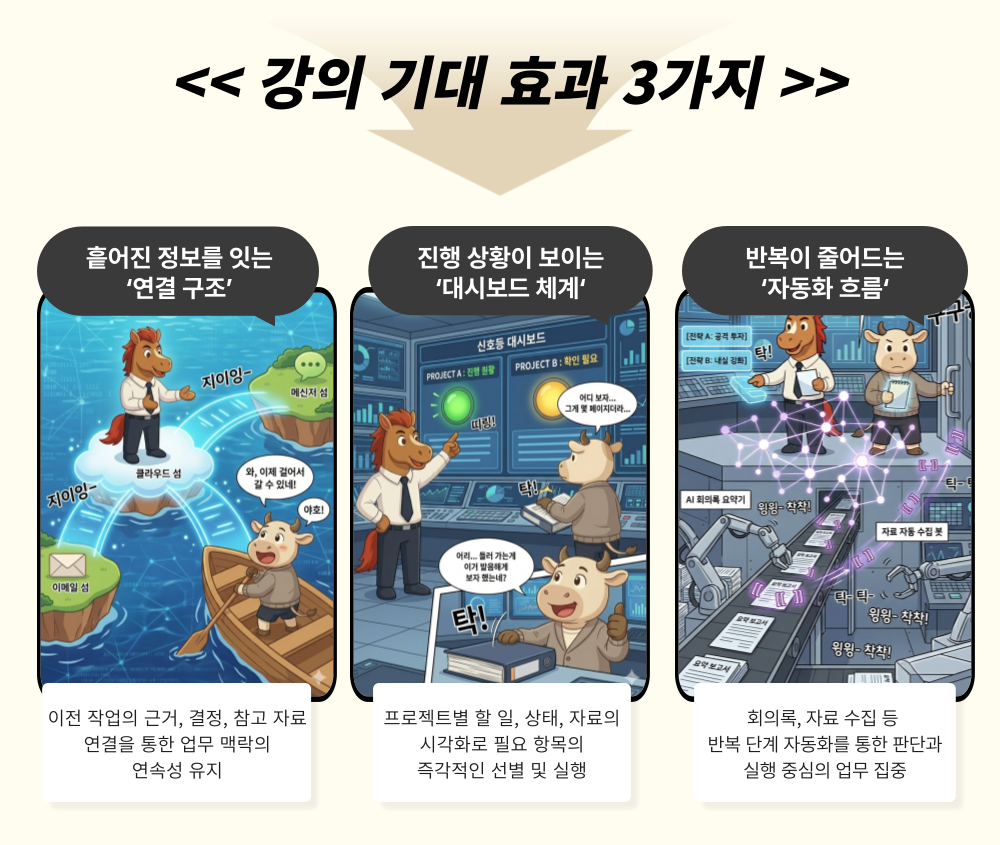
  • Connect meetings, planning, and research seamlessly through links, MOCs, and graph structures to maintain context.

  • Manage to-dos and progress all at once with Dataview and Dashboards

  • Minimize writing reports and work logs "from scratch" with templates, tasks, and automatic collection.

You have vast records, but why can't you find them when you actually need them?
The reason your work slows down is the time spent searching for fragmented information.

Now, organize your scattered information
into a single system for immediate management

– Search design capabilities to extract desired information in 1 second even among thousands of notes
– Knowledge structuring strategies to grasp the context of complex projects at a glance without missing a beat
– Building intelligent workflows where related knowledge connects automatically with just a single record
– Practical techniques to double work speed by automating repetitive collection and organization steps


As data accumulates in Obsidian, your records become assets.
Experience zero time spent searching for information and overwhelming work speed!


What is Obsidian?


Obsidian is a business note-taking app that stores notes, meeting minutes, and work documents in a Vault (folder) and allows you to quickly retrieve and use necessary information by connecting them through links and searches.
Its core features include MOC for managing workflow, internal links for navigating between documents, Templater for rapid document creation, Web Clipper for saving web materials,
and Dataview for aggregating and displaying current status.

Now, recording is not about 'piling up,' but about 'using immediately' in Obsidian.


Setting up a Second Brain with AI -

Infinitely Expandable Knowledge Engineering Curriculum Designed with Obsidian Features

This is a practical course designed to increase work speed by structuring work records and automating repetitive tasks.

1. Designing a Vault Structure from Scratch
From Vault concepts to folder structures, establish optimal storage standards so work materials never get scattered.

2. A Link System that Connects Notes into a 'Workflow'
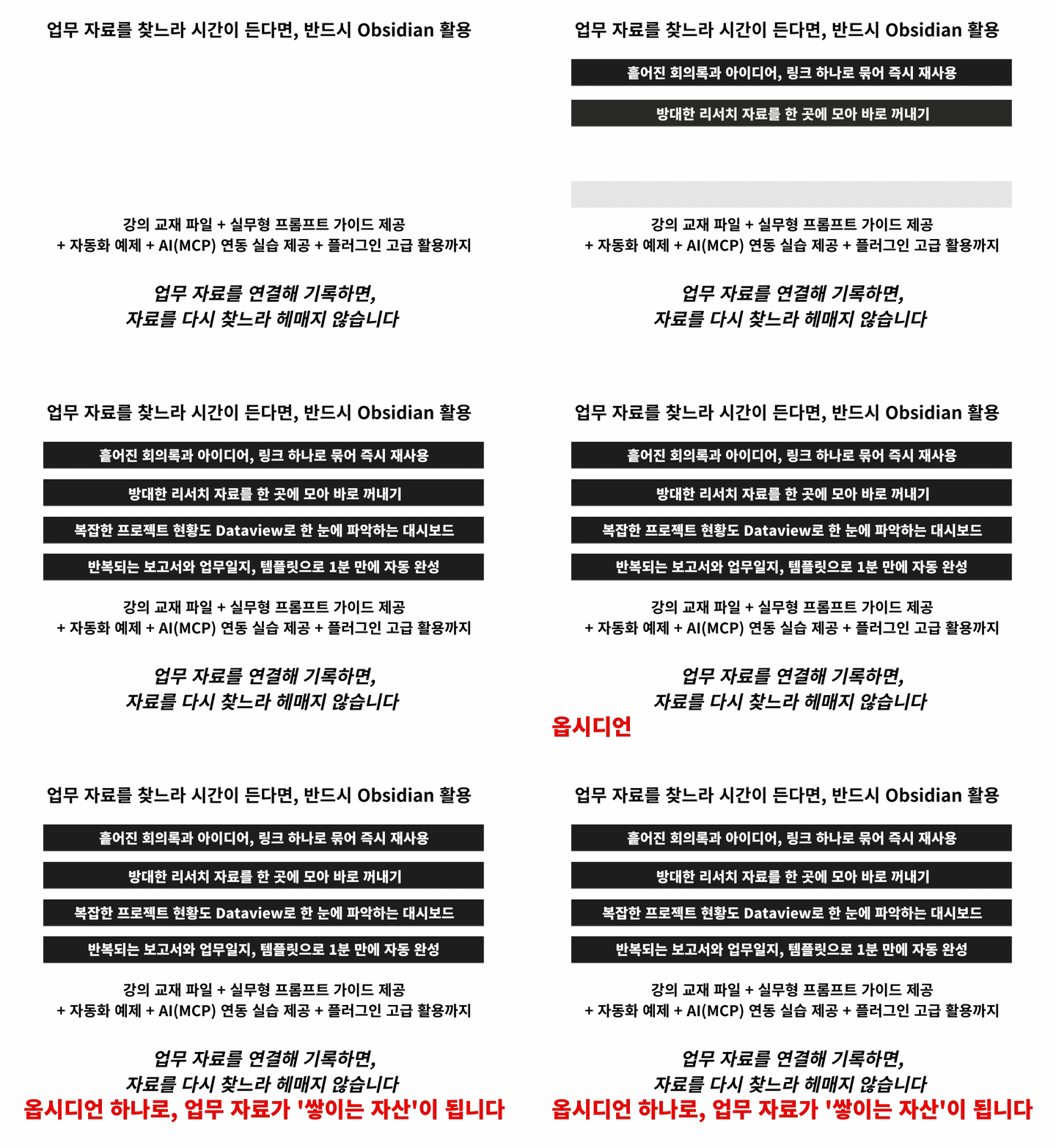
Build a knowledge network where meeting minutes, research, and work logs are organically connected through internal links and MOC creation

3. Organize project status on a single screen with Dataview
Complete your own customized real-time management dashboard by automatically collecting work progress status

4. Quickly create reports and work logs with Templater
Reduce writing time and maintain consistent work quality by templating recurring document formats

5. Automate data collection and organization at once with Web Clipper and AI (MCP)
Hands-on practice with intelligent automation workflows that process web data storage and classification simultaneously


Leave the data organization to Obsidian.

Now, you will no longer be overwhelmed by scattered data and can focus solely on strategies that produce results!

The only hands-on course to master the seemingly complex Obsidian quickly and accurately!

1. Sign up for the course

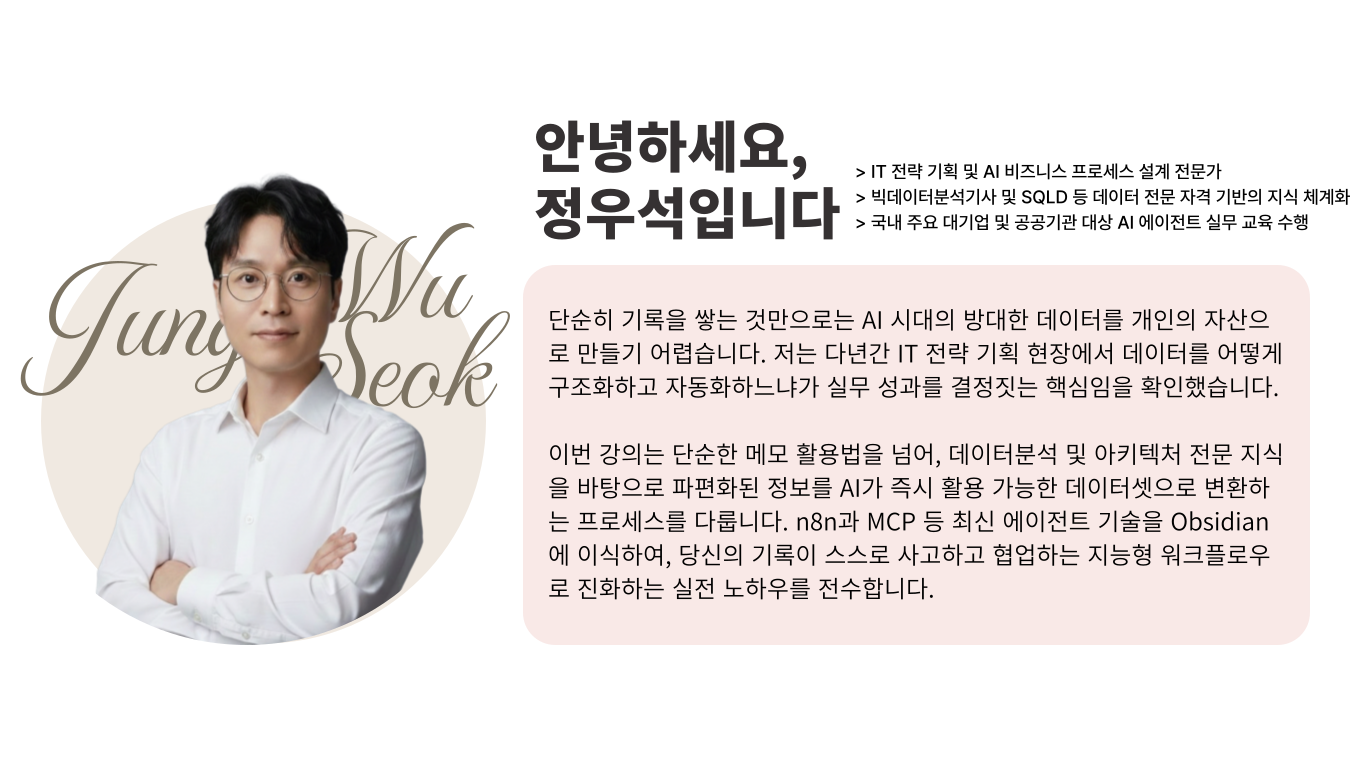
2. Practicing Core Obsidian Features with Instructor Wooseok Jung

3. Completing a work note system that reflects your own style

Complete your very own Obsidian note-taking world!

Beyond just storing records,
an unrivaled workspace that completes your work context and flow!


Meeting notes, research, and idea scraps keep piling up...
Are you spending too much time trying to find where everything is and reconstructing the context?


Record → Connect → Organize → Move to the next task with Obsidian.
Create a seamless workflow.


I confidently recommend this to the following people.

– Practitioners who record meetings, research, and planning but struggle to find them again for the next task
– Team leaders who find themselves retracing "Why was this decided?" as the work history grows longer
– Planners who cannot see the progress at a glance because project materials are scattered everywhere
– Managers who recreate meeting minutes, proposals, and checklists from scratch every time by copying and pasting
– Individual workers who want to use their records immediately for the next task rather than just storing them

Are you just saving your work records and leaving them there?
Connect your records with Obsidian and start your next task immediately.


Course Features


STEP 1. Use Obsidian as a work system, not just a ‘memo app’

Establish the Vault structure and writing standards to keep records easy to find even as they grow

STEP 2. Learn how to interconnect your records

Connect meetings, planning, and research seamlessly using links, MOCs, and graph structures

STEP 3. Creating a 'Status Board' to view tasks on a single screen

Check to-dos and progress at a glance with Dataview and Dashboards


STEP 4. Applying automation workflows for writing and management to reduce repetitive tasks

Minimize writing reports and work logs 'from scratch' with templates, Tasks, and automatic collection

STEP 5. Practical outputs for immediate use + Template/Prompt package provided

Follow along with practice materials and complete your work-ready setup all at once


Are your records piling up, yet you struggle to find them when you actually need them?
Saving shouldn't be the 'end'; it should be the 'beginning' of utilization.

When you connect the context of knowledge through Obsidian's automated collection and structural design,

From input to management, the journey to building your second brain begins!

Frequently Asked Questions Q&A

Q. Do I need prior knowledge of AI to take this course?
A. This course is designed to provide practical skills that anyone interested in AI can immediately apply to their work, so no prior knowledge of AI is required.

Q. Are there any requirements or prerequisites for taking the course?
A. No special prior knowledge or skills are required to take the course. However, having a Google account will allow for a smoother experience when accessing generative AI tools during the lectures. If you do not have a Google account yet, we recommend signing up before the course for seamless learning.

Q. Does this course require the purchase of paid services?
A. Obsidian, the main tool used in this course, does not require a paid subscription. While some paid features of Obsidian are explained during the course, you are not required to purchase them, and you can complete the course and practice sessions using the free version.


Please check before taking the course!

  • Since this is a practice-oriented course, it is recommended to prepare a dual monitor or an extra device so that you can separate the lecture screen from the practice screen.

  • Additionally, since the practice sessions are based on Windows OS, we recommend taking the course in a Windows environment.

  • Lecture notes and practice files are located in the <00. Textbook Download Center> section.


Recommended for
these people

Who is this course right for?

  • Practitioners who keep records of meetings, research, and planning, yet still struggle to find them for their next task.

  • A team leader who looks back and asks, "Why did we make this decision?" as the work history grows longer.

  • A planner who cannot see the progress at a glance because project materials are scattered all over the place

  • A manager who manually copies and pastes to create meeting minutes, project proposals, and checklists every single time.

Need to know before starting?

  • Obsidian, the main tool of this course, does not require a paid subscription. While some paid features of Obsidian will be explained during the course, you are not required to purchase them. You can complete the lectures and hands-on exercises using the free version without any issues.

  • No special prior knowledge or skills are required to take this course. However, having a Google account will ensure a smoother experience when accessing the generative AI tools used in the lectures. If you do not have a Google account yet, we recommend creating one before the course begins for a seamless learning experience.

Hello
This is Masocampus

10,329

Learners

1,478

Reviews

125

Answers

4.7

Rating

104

Courses

"I will grow more than yesterday. And, I will help those who strive to grow more than yesterday."

With Actionable Content that embodies the sincerity and aspirations of Maso Campus,

100 million cumulative hours of lectures shared online and offline since 2013!

This precious experience and time are always the source of growth for both Maso Campus and our students.

The Miso Campus team strictly adheres to two principles for the growth of us all. 1. Actionable Content that can be put into practice immediately after learning. 2. Respecting the time and effort of participants.

The Miso Campus team strictly adheres to two principles for the growth of us all.

1. Actionable Content that you can actually use after learning 2. Time-Saving Curriculum that respects the participant's time and effort Grow with Miso Campus's Actionable and Time-Saving Curriculum

1. Actionable Content that you can surely use once you learn it

2. Time-Saving Curriculum that respects the time and effort of participants

We hope you will walk the path of growth together with Masocampus's Actionable and Time-Saving Curriculum.

We hope you will walk the path of growth together with Maso Campus's Actionable and Time-Saving Curriculum.

More

Curriculum

All

34 lectures ∙ (5hr 16min)

Course Materials:

Lecture resources
Published: 
Last updated: 

Reviews

All

11 reviews

4.8

11 reviews

  • tlawndyd09011134님의 프로필 이미지
    tlawndyd09011134

    Reviews 3

    Average Rating 4.7

    5

    35% enrolled

    Good

    • montreal3506523님의 프로필 이미지
      montreal3506523

      Reviews 4

      Average Rating 4.8

      5

      32% enrolled

      • hryoon5235님의 프로필 이미지
        hryoon5235

        Reviews 33

        Average Rating 5.0

        5

        91% enrolled

        I used to jot down materials and ideas all over the place while working, so it was hard to stay organized, but it's great to have everything sorted in one place with Obsidian!

        • deshin6394님의 프로필 이미지
          deshin6394

          Reviews 14

          Average Rating 5.0

          5

          76% enrolled

          It definitely feels like my working time has been shortened! It was useful because it reduced the time spent on repetitive tasks.
          • bullae님의 프로필 이미지
            bullae

            Reviews 29

            Average Rating 5.0

            5

            91% enrolled

            Among various AI tools, I think this has been the most helpful for actual office work.

            Masocampus's other courses

            Check out other courses by the instructor!

            Similar courses

            Explore other courses in the same field!

            $69.30