
inflearn logo

AI Beginner-Intermediate Lectures & Challenges - 15 AI Tools All at Once! (Includes 4-Week Completion Study Materials + Assignments)

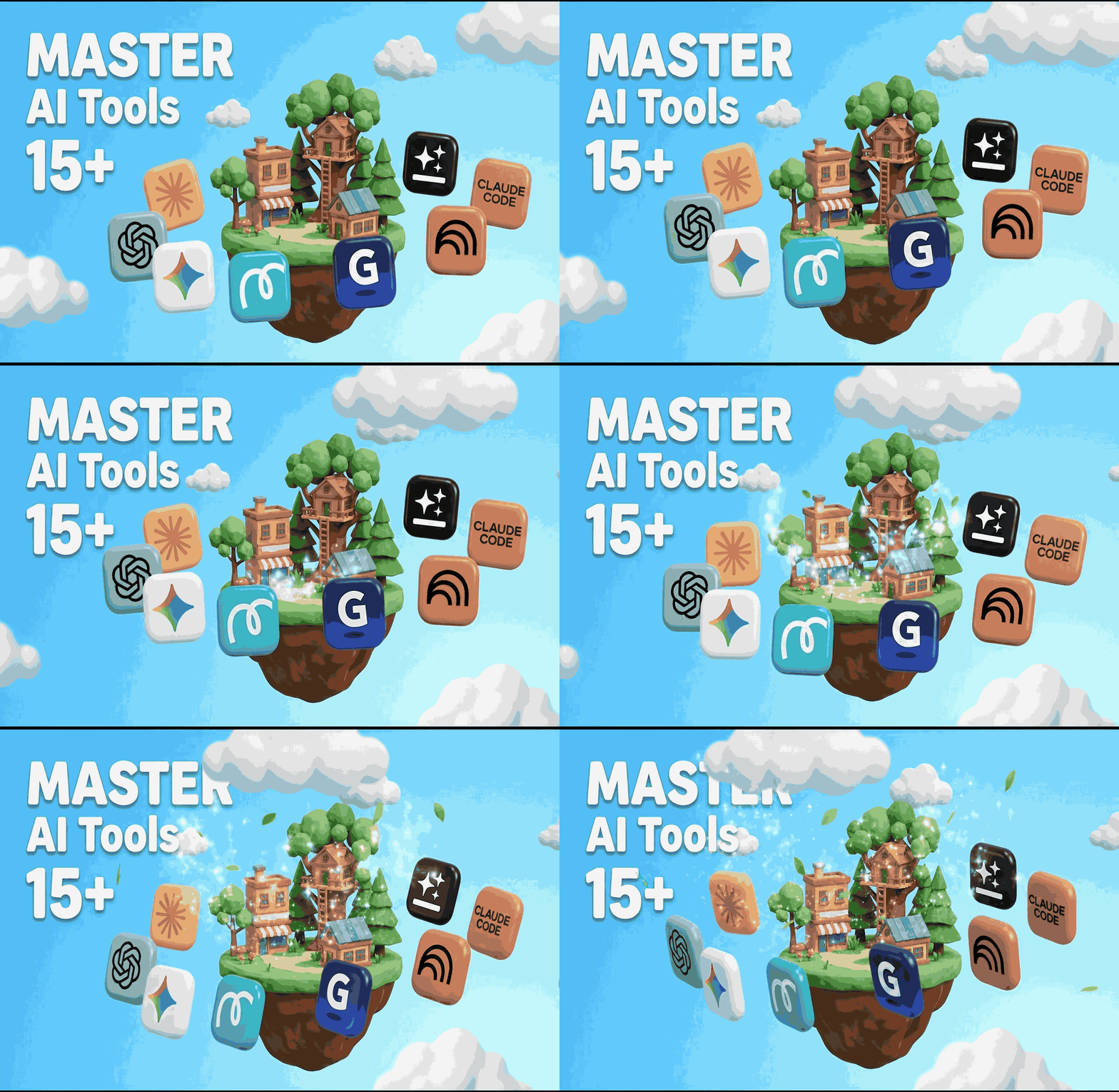
Stop worrying about which AI tool to learn first! - Rated 4.8 by 80 students ⭐️⭐️⭐️⭐️⭐️ - ChatGPT, Claude, Gemini, Genspark, NotebookLM, Gamma, Skywork, Manus, Anti-gravity, Claude Code, MiriCanvas, CapCut, and more. - Learn the core features of over 15 tools over the course of 20 days. - Through weekly assignments, we provide a "hands-on experience" rather than just a "lecture you listen to and forget." - All-in-one coverage: Prompt Engineering > Image Generation > PPT & Video Creation > Vibe Coding. - 4 hours of lecture videos + weekly study materials + assignment certification system.

(5.0) 8 reviews

26 learners

Level Beginner

Course period Unlimited

gemini
gemini
AI
AI
ChatGPT
ChatGPT
AI Agent
AI Agent
claude
claude
gemini
gemini
AI
AI
ChatGPT
ChatGPT
AI Agent
AI Agent
claude
claude

Reviews from Early Learners

Reviews from Early Learners

5.0

5.0

나경

100% enrolled

Since I am a complete beginner, it got harder as I moved into weeks 2 and 3, but it was a truly, truly beneficial lecture. I am really looking forward to the next lecture from Seulgi, who is so full of passion.

5.0

권지윤

100% enrolled

I happened to join Seulgi's 4-week AI Basics Challenge. To start with the conclusion, it is incredibly informative!! With AI advancing every day and new use cases popping up, I felt like I was falling behind, but after these 4 weeks, even though it's the basics, I feel like I've reached a level where I can say I know how to use AI tools. ㅎㅎㅎ I highly recommend it!!

5.0

리아

100% enrolled

Through Seulgi's AI challenge, I was able to learn and practice various AI tools like Genspark, Antigravity, and Google AI Studio in a 'hands-on' way! I learned that AI should ultimately be used to solve problems! It was great to be part of everything from the Genspark challenge to the Basic/Intermediate AI challenge. I look forward to more lectures and challenges in the future!

What you will gain after the course

  • Master over 15 AI tools in just 4 weeks

  • Covers all areas from prompts and images to video and coding

  • Internalize it by doing it yourself through assignments.

  • Review anytime with the Notion guide

  • Up to portfolio deployment


Collection of actual student work samples

I'm only using ChatGPT—is this the right way to do it?

How to master the core of 15+ AI tools in just 20 days

★★★★★ | 1,000+ Community Members | 57 Course Reviews


Are you by any chance having these concerns?

There are so many AI tools that I don't know which one to use first.

ChatGPT, Claude, Gemini, Copilot, Genspark, NanoBanana, Gamma, MiriCanvas, NotebookLM... Amidst the flood of AI tools, it's overwhelming to know which ones to use or where to even begin.

I followed along with YouTube tutorials, but I didn't take anything away from it.

Information gathered in bits and pieces from here and there. No system, no order, and a cycle of forgetting everything after a few days. Even after taking a lecture, the memory of what was learned is hazy, and it feels like there's nothing that can actually be applied to real-world tasks.

Are you just repeating "do this for me" over and over?

"Summarize this," "Translate this," "Organize this" — if you're only giving AI simple errands, you're not even utilizing 10% of its potential. Most people don't realize that changing just one prompt can completely transform the quality of the output.


This gap is widening.

Your colleague in the next seat is already working with AI.

While you are wondering "Where do I even start with AI?", your colleague in the next seat is already using AI to write reports, create images, edit videos, and even code.

If you struggle alone

  • Wandering through YouTube and blogs for 3 months

  • Barely getting used to ChatGPT alone

  • Trial and error while translating English materials

  • The cycle of just listening to lectures and forgetting everything.

  • Ultimately stuck in the same place

If you learn systematically

  • Master 15+ AI tools in just 4 weeks

  • Covers all areas from prompts and images to video and coding

  • Internalize it by doing it yourself through assignments.

  • Review anytime with the Notion guide

  • Up to portfolio deployment

AI is not a choice, but a matter of survival. If you are 3 months late, it will take a year to catch up. Now is the fastest time.


From prompts to vibe coding, it only takes 20 days

4-Week AI Beginner-to-Intermediate Course + Challenge

From ChatGPT, Claude, to Gemini — 15+ AI Tools All-in-One

ChatGPT, Claude, Gemini, Genspark, MiriCanvas, Capcut, NotebookLM, Napkin AI, Gamma, Skywork, Veo3, AI Studio, Claude Code... From prompting to images, video, and coding—finish it all at once without needing to learn them separately.

This is not just a lecture you listen to.

A 4-week challenge format where you complete weekly assignments and verify them within the community. You won't be saying "I didn't gain anything after just listening to the lectures" with this course.


Instructor Introduction

Seulgi Kang - Marketing · Data · AI Strategy Consultant

Key Experience

  • 2025-2026 Tableau Ambassador

  • Former) Focus Media Data Strategy Leader

  • Former) Innocean KIA Global Digital Media Planner

Project Experience

  • KIA Motors Digital Media Planning

  • Launched F.act, Focus Media Korea's marketing full-funnel performance measurement system

  • Integrated digital channel and campaign management for McDonald's Global Office

Education & Community

  • Operating communities with over 2,000 members (Marketing Data Connect, AI After Work)

  • Numerous lectures on AI, Data Literacy, and Tableau


20 days later, this is how you will have changed

WEEK 1 — Strengthening AI Fundamentals

From ChatGPT prompting to building your own GPTs

From how to write prompts properly to web search, Deep Research, Canvas, and GPTs. We will build a solid foundation for using Artificial Intelligence (AI) 'the right way.'

🎯 Outcome: Creating Your Own GPTs

WEEK 2 — AI Image Creation Master

From posters to infographics, create them instantly with AI

Create posters, infographics, and product detail page images with AI. I'll also share the secret to preventing Korean fonts from breaking.

🎯 Outcome: Creating infographics for practical business use

WEEK 3 — PPT & Video Production

From comparing 7 AI PPT tools to video editing

Compare 7 PPT AI tools at a glance and take on the challenge of AI video production and editing. We are now in an era where AI even creates videos for you.

🎯 Outcome: Video content created with AI

WEEK 4 — Vibe Coding & Automation

Utilizing AI Agents — An era where you can create services without knowing how to code

No coding knowledge is required. By using the AI Agent method and giving verbal instructions to the AI, services are created. You will even go as far as deploying your own portfolio site yourself.

🎯 Outcome: Deploying my own portfolio site


4 weeks, 20 days—this is how you will learn

WEEK 1 | Mastering AI Fundamentals

ChatGPT Prompt · Deep Research · GPTs Completion

  • Day 1 — Let's use prompts properly / 4 elements of a good prompt

  • Day 2 — Web Search vs. Deep Research / How to use real-time information search and in-depth reports

  • Day 3 — Writing & Coding with ChatGPT Canvas / Writing long documents, implementing simple HTML

  • Day 4 — Creating a Data Analysis Dashboard with Canvas / Converting Excel Data into a Dashboard

  • Day 5 — Creating My Own GPT, GPTs / Building Your Own Personalized AI Assistant

WEEK 2 | AI Image Creation Master

Nano Banana · NotebookLM · Napkin AI · MiriCanvas

  • Day 6 — Generating Images with Nano Banana / Posters, Infographics, Product Detail Page Images

  • Day 7 — Creating charts/infographics without broken Korean text / Nano Banana Pro vs NotebookLM vs Napkin AI

  • Day 8 — Improving Image Quality through Prompting / 9 Elements including Subject, Background, and Mood

  • Day 9 — Editing images with MiriCanvas / Post-processing and editing generated images

  • Day 10 — SNS Channel Planning Framework / Prompts for establishing a content strategy all at once

WEEK 3 | PPT & Video Production

Practical application of Gamma · Genspark · Veo3 · Capcut

  • Day 11 — Comparison of 7 PPT AI Tools / Gamma, Genspark, Skywork, MiriCanvas, NotebookLM, Manus, Claude

  • Day 12 — 4 Proven Methods for Creating AI PPTs / From One-Line Generation to Structured Approaches

  • Day 13 — How to Create High-Quality PPTs / Key Techniques for Improving AI PPT Quality

  • Day 14 — Creating AI Videos / Utilizing the combination of Genspark, Miricle, and Veo3

  • Day 15 — Editing Videos with Capcut / Practical AI Video Post-Production

WEEK 4 | Vibe Coding & Automation

Claude Code · AI Studio · Google Opal Practical Deployment

  • Day 16 — Creating 'Projects' to Provide Context / Utilizing ChatGPT/Claude Project Features

  • Day 17 — Vibe Coding Concepts and Tool Comparison / An Era Where Even Non-Coders Create Services

  • Day 18 — Creating a Free Service with AI Studio / From Deployment and Authentication to DB and Storage

  • Day 19 — Building and Deploying a Portfolio Site / Google Antigravity + GitHub Deployment

  • Day 20 — Claude Code Vibe Coding + Automation / Claude Code in Practice + Google Opal Automation

Benefits included in the tuition fee

Lecture Videos · Guides · Challenges · Community

  • 📹 4-hour lecture video — Permanent access, learn repeatedly at your convenience

  • 📝 Notion Learning Material Guide — Reference materials with meticulously organized screenshots and explanations

  • 📋 4-Week Challenge Assignments — Internalize the material by completing and verifying weekly assignments

  • 👥 AfterWork AI Community — Grow together with 1,000+ colleagues


The students prove it themselves

★★★★★ Actual Student Reviews

"I feel like it has truly become mine."

"I was able to figure out which AI tools I actually needed among the many options available. The introduction to various tools was great. Since the assignments followed the actual flow of the class, it was especially helpful for reinforcing what I learned!!"

"It really hit home because you showed actual use cases."

"When I took offline classes, the progress was slow and I only learned how to make simple reviews, images, or videos using AI. However, this class moved along quickly, so I learned a lot, and it really hit home because Seulgi shared actual use cases."

"The ways I use AI have become more diverse, and my efficiency has improved."

"I feel like I've truly made it my own. Thanks to the class, the ways I use AI have become more diverse and my efficiency has improved."

"The fact that I could get used to it by doing it myself was also a major advantage."

"The four-week course was by no means easy, but I believe it was helpful enough to elevate my AI utilization skills to the level I initially planned. A major advantage was that assignments were given every week, allowing me to not just listen but to get hands-on experience and become familiar with the tools."

"It was also my first time trying Vibe Coding, and it's so much fun."

"I thought it would only cover the very basics since it's an AI foundations course, but I was so grateful that you tried to teach us so many things in depth! I had only ever thought about trying Vibe Coding, but doing it for the first time now was so much fun."

"There were many things that I could actually apply to my work right away."

"There were so many things I could actually apply to my work immediately, so it was a great time to build a solid foundation in AI!"

"So that even humanities majors and beginners can easily follow along"

"Providing a Notion guide full of useful tips so that even humanities majors and beginners can easily follow along. It was very useful and fun in many ways because they shared tips that can be applied to various situations rather than being limited to specific tasks."

"Everything was perfect"

"Everything was perfect. I wish there was more."


Frequently Asked Questions

Difficulty Level and Learning Method

I don't know anything about coding; can I still follow along with Vibe Coding?

Yes, don't worry. Even students from non-technical backgrounds with zero coding experience have successfully followed along. The Notion guide provides step-by-step explanations with screenshots, so you can follow at your own pace. If you get stuck, you can ask questions immediately in the community.

I don't have enough time, so I don't think I'll be able to finish it all within 4 weeks.

The videos are yours to keep forever, so you can proceed at your own pace. The total course length is 4 hours, so you can complete it in four 1-hour sessions. The challenge assignments are also self-certified, so you can participate without any pressure.

What makes this lecture different

Isn't it enough to just be good at using ChatGPT?

Each AI tool has different strengths. Nanobanana is better for image generation, Genspark for PPTs, Veo3 for video, and Claude Code for coding. If you know the optimal use for each of these 15 tools, you can produce much better results in the same amount of time.

How is this different from other AI courses?

Most AI courses focus on only one or two tools or are centered around theory. This course is an all-in-one program that covers the entire spectrum—from prompting with ChatGPT, Claude, and Gemini to images, video, and Vibe Coding—all in 20 days. Furthermore, with weekly assignments, the level of practical internalization is completely different from courses where you just listen.

Tuition Fee

Is it worth 100,000 won?

If you were to take separate courses for prompts, images, videos, and coding, it would cost at least 200,000 KRW. We have bundled all of this, including a 4-week challenge system and a Notion guide, for just 100,000 KRW.


If you start now, your level of AI proficiency will be completely different in four weeks.

All-in-one 100,000 KRW

If you learn prompts + images + videos + Vibe Coding separately, it costs more than 200,000 KRW

Master AI in 20 days for just 5,000 won a day

Included Benefits

  • ✅ 4-hour lecture video (Lifetime access)

  • ✅ Notion Study Material Guide (Meticulously organized with screenshots + explanations)

  • ✅ 4-week challenge assignments (Complete assignments & certification)

  • ✅ Access to the 'AI After Work' community (1,000+ members)

Recommended for
these people

Who is this course right for?

  • Those who haven't been able to start because they are always worrying about what to learn first regarding AI.

  • Those who find it difficult to remember everything and put it into practice after only watching the lecture videos.

  • Those who want to quickly grasp the pros and cons of various AI tools.

Need to know before starting?

  • Most things can be used for free through tools like Google AI Studio, but for image and video generation, please use the Google Flow tool if you do not have a paid subscription tool currently in use.

Hello
This is seulkikang

43

Learners

13

Reviews

5.0

Rating

3

Courses

Go to Instructor Profile
👩‍🏫 I run "Afterwork AI," a practical AI community with 3,000 members.
📊 I have conducted AI, AX, data, and marketing lectures for major corporations such as Samsung Electronics, Daesang, and GS.
✍🏻 I have recorded 14k followers and 2 million views through my LinkedIn insight series.
💌 I publish the newsletter 'Growth Notes of a High Performer'.


(Former) Head of Data Strategy Team at Focus Media
(Former) Planning & Sales at Smart Media Rep
(Former) Overseas Media Planning for Kia at Innocean
(Former) Digital Marketer for McDonald's, etc. at Leo Burnett
(Former) Digital Marketer for Smirnoff, Audi, Philips, etc. at Ogilvy

More

Curriculum

All

8 lectures ∙ (3hr 47min)

Course Materials:

Published: 
Last updated: 

Reviews

All

8 reviews

5.0

8 reviews

  • hopin746756님의 프로필 이미지
    hopin746756

    Reviews 1

    Average Rating 5.0

    5

    75% enrolled

    I had a vague fear of using AI, but through this class, I was able to experience various tools. It is best to learn AI by using it, and since this class was practice-based, I was able to use it extensively and learn a lot.

    • li22님의 프로필 이미지
      li22

      Reviews 5

      Average Rating 5.0

      5

      100% enrolled

      Through Seulgi's AI challenge, I was able to learn and practice various AI tools like Genspark, Antigravity, and Google AI Studio in a 'hands-on' way! I learned that AI should ultimately be used to solve problems! It was great to be part of everything from the Genspark challenge to the Basic/Intermediate AI challenge. I look forward to more lectures and challenges in the future!

      • jyk32710046108님의 프로필 이미지
        jyk32710046108

        Reviews 1

        Average Rating 5.0

        5

        100% enrolled

        I happened to join Seulgi's 4-week AI Basics Challenge. To start with the conclusion, it is incredibly informative!! With AI advancing every day and new use cases popping up, I felt like I was falling behind, but after these 4 weeks, even though it's the basics, I feel like I've reached a level where I can say I know how to use AI tools. ㅎㅎㅎ I highly recommend it!!

        • livedead6279님의 프로필 이미지
          livedead6279

          Reviews 1

          Average Rating 5.0

          5

          100% enrolled

          At first, before taking the class, I thought, "How hard could it be?" and tried a few things on my own... but after actually taking the course, I realized it's definitely different. Since I signed up without any grand ambitions, my goal was just to be able to use the basics well. However, as I took the lessons, I found myself getting more ambitious and wanting to do even better. I think it was even better because it kept me motivated. Due to my own limitations, I was disappointed that I couldn't complete the video and coding assignments as well as I wanted, but I plan to take my time and follow along again even after the four weeks are over. Thank you so much for giving me immediate and kind feedback on my personal questions.

          • kyeongeun5898님의 프로필 이미지
            kyeongeun5898

            Reviews 1

            Average Rating 5.0

            5

            100% enrolled

            Since I am a complete beginner, it got harder as I moved into weeks 2 and 3, but it was a truly, truly beneficial lecture. I am really looking forward to the next lecture from Seulgi, who is so full of passion.

            Similar courses

            Explore other courses in the same field!

            Limited time deal

            $77.00

            9%

            $84.70