Learn assembler
usefulit
Free
Basic / C
4.6
(37)
4,700+
This is an assembler course provided by Smoothie TV.

Basic
C

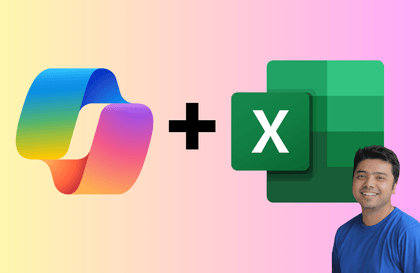
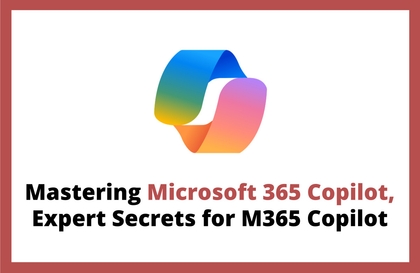
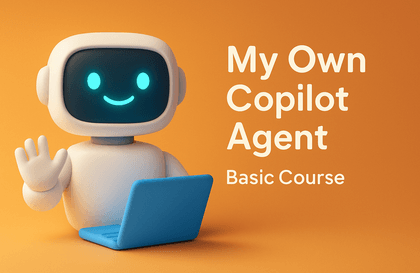
This course covers the fundamentals of Microsoft 365 Copilot and Copilot Studio, and gives you hands-on experience building AI agents tailored to your organization’s work environment. You’ll practice configuring instructions and knowledge sources, integrating with Power Automate, and automating repetitive tasks. You’ll also learn how to connect various Microsoft 365 apps, including Forms and Outlook, to design AI-powered workflows that you can apply directly to your work.
1 learners are taking this course
Level Basic
Course period 12 months
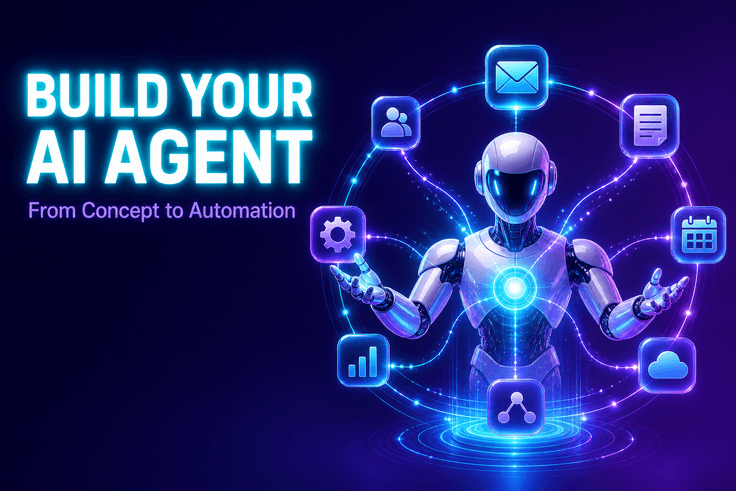
You can use Copilot Studio to create and publish AI agents for business purposes based on instructions and knowledge sources.
You can connect AI prompts to a Power Automate flow and set up a multi-agent system that coordinates multiple agents by role.
You can design workflows to automate repetitive tasks by integrating Microsoft 365 apps, such as sending Outlook emails when Forms responses are submitted.

We’ll introduce the main tools used in the hands-on exercises.
Microsoft 365 Copilot
Copilot Studio
Power Automate
AI Agent
After completing the course, you’ll be able to create the following deliverables yourself.
Configure instructions and knowledge sources to build and publish agents tailored to your organization’s workflows.
Lessons 7–8Design a Power Automate flow that sends an Outlook email when a Forms response is submitted.
Lessons 3–4Configure multiple agents by role and build a practical solution integrated with Power Automate.
Lessons 5–6Preview the curriculum grouped by topic.
Learn the fundamentals of AI agents and how to build them, then create your first agent hands-on.
Through practical examples, you can analyze how agents are configured and understand the overall structure of automation solutions.
Learn how to move existing agents and solutions into the Copilot Studio environment, then edit and deploy them.
Design instructions and knowledge sources that shape the quality of agent responses, and integrate with Power Automate, Forms, and Outlook to build practical automation workflows.
Who is this course right for?
Practitioners looking to improve their organization’s work efficiency by adopting Microsoft 365 Copilot
Professionals looking to design and build custom AI agents for work using Copilot Studio
Planners and managers who want to automate repetitive tasks by combining Power Automate with generative AI
Need to know before starting?
Basic proficiency in using Microsoft 365 accounts and key Office applications such as Word, Excel, Teams, and Outlook.
Experience using generative AI chat services and a basic understanding of prompt writing
Basic computer skills, such as using a web browser, uploading files, and managing folders.

8,281,661
Learners
6,693
Reviews
4.6
Rating
375
Courses
I will help you grow through useful IT lectures.
All
9 lectures ∙ (2hr 16min)
Course Materials:
Check out other courses by the instructor!
Explore other courses in the same field!
25% off for new members
$18.70
25%
$18.70