Getting Started with Next.js (feat. Map Service Development)
jyp930
$34.10
Basic / Next.js, SEO, vercel, ssr, ssg, csr
4.5
(48)
900+
A course on Next.js fundamentals. Develop a map service end-to-end with Next.js.

Basic
Next.js, SEO, vercel

This course covers practical Web APIs. I hope you gain the tools to solve requirements you are bound to encounter at least once in the field.
148 learners
Level Basic
Course period Unlimited
Reviews from Early Learners
5.0
특별한 청어
It was great to be able to explore commonly used Web APIs. They've really gathered the key points!! It's a lecture that's easy to listen to without feeling burdened. Best 👍
5.0
망고
It was great to learn more about WEB API in detail. I think it would have been even better if you had shown more practical perspectives or example code.
5.0
Jang Jaehoon
Thank you for the great lecture!
How Web APIs work in the browser
How to reduce load with Web Workers
How to use Timers and Animations more precisely
Web API for Meticulous FE Developers
Quick and Easy Understanding Through Various Examples!
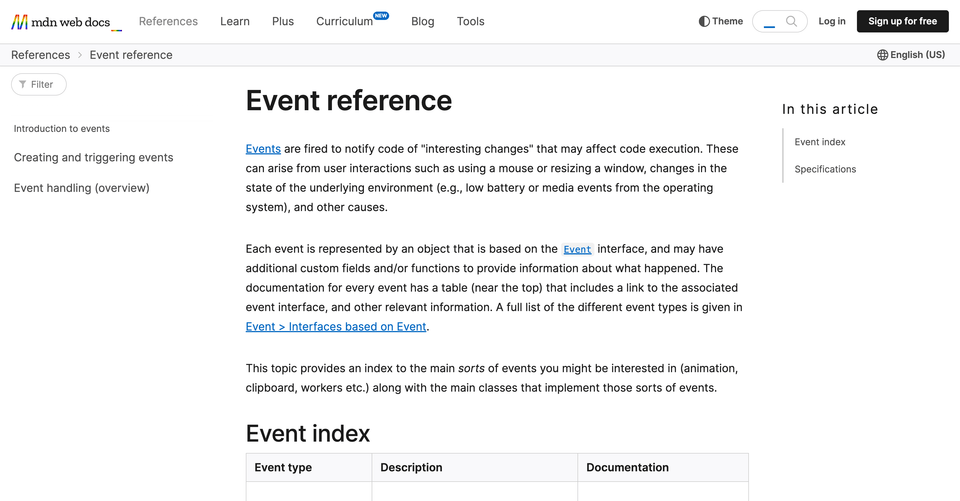
In addition to fetch and setTimeout, which you naturally encounter during front-end development, there are also APIs like Worker, MessageChannel, and MutationObserver that require separate study.
Beyond general FE feature implementation, Web APIs are essential for meticulous bug handling and optimization, such as handling tab inactivation, transferring data between different tabs, and reducing duplicate server requests.
Through my professional experience, I have realized that Web APIs can be used to solve various challenges, such as implementing complex requirements, handling unusual bug scenarios, and optimizing performance.
I hope you learn how to implement detailed requirements using Web APIs through examples that reflect real-world situations.
Visualizing user movement paths on a map
Based on coordinate data that includes time information, you need to visualize the movement path by drawing lines on the map as time elapses. The data is as follows.
[{ lng: 127.10, lat: 37.50, time: 1000ms }, { lng: 127.11, lat: 37.51, time: 1700ms }, { lng: 127.12, lat: 37.52, time: 2100ms }, ...]
setTimeout(drawLine, 1000); setTimeout(drawLine, 1700 - 1000); setTimeout(drawLine, 2100 - 1700); ... Would it work to call setTimeout consecutively like this, according to each time?
Are there situations where setTimeout might not work as intended? If so, how should we handle them?
Synchronizing data across multiple tabs
When a new post is created on the post creation page in Tab A, the newly created post must be immediately visible on the post list page in Tab B.
When a new post is created in Tab A, should I pass the information about that post to Tab B and update the list state in Tab B using this value? { type: 'newPost', title: 'title_1', author: 'author_1', ... }
Should I send a signal from Tab A to Tab B that a new post has been created, and then have Tab B re-call the API to fetch the list when it receives this information?
{ type: 'refetchPosts' }
Then, what is the method for exchanging such data between different tabs?
Understanding how Web APIs work through Chromium code
Timer behavior and how to handle it when a tab is inactive
Reducing main thread load with Workers
Reducing server load by minimizing WebSocket connections
Transferring data between different browsing contexts
Controlling animations with JS instead of CSS
Additional Web APIs for Practical Work
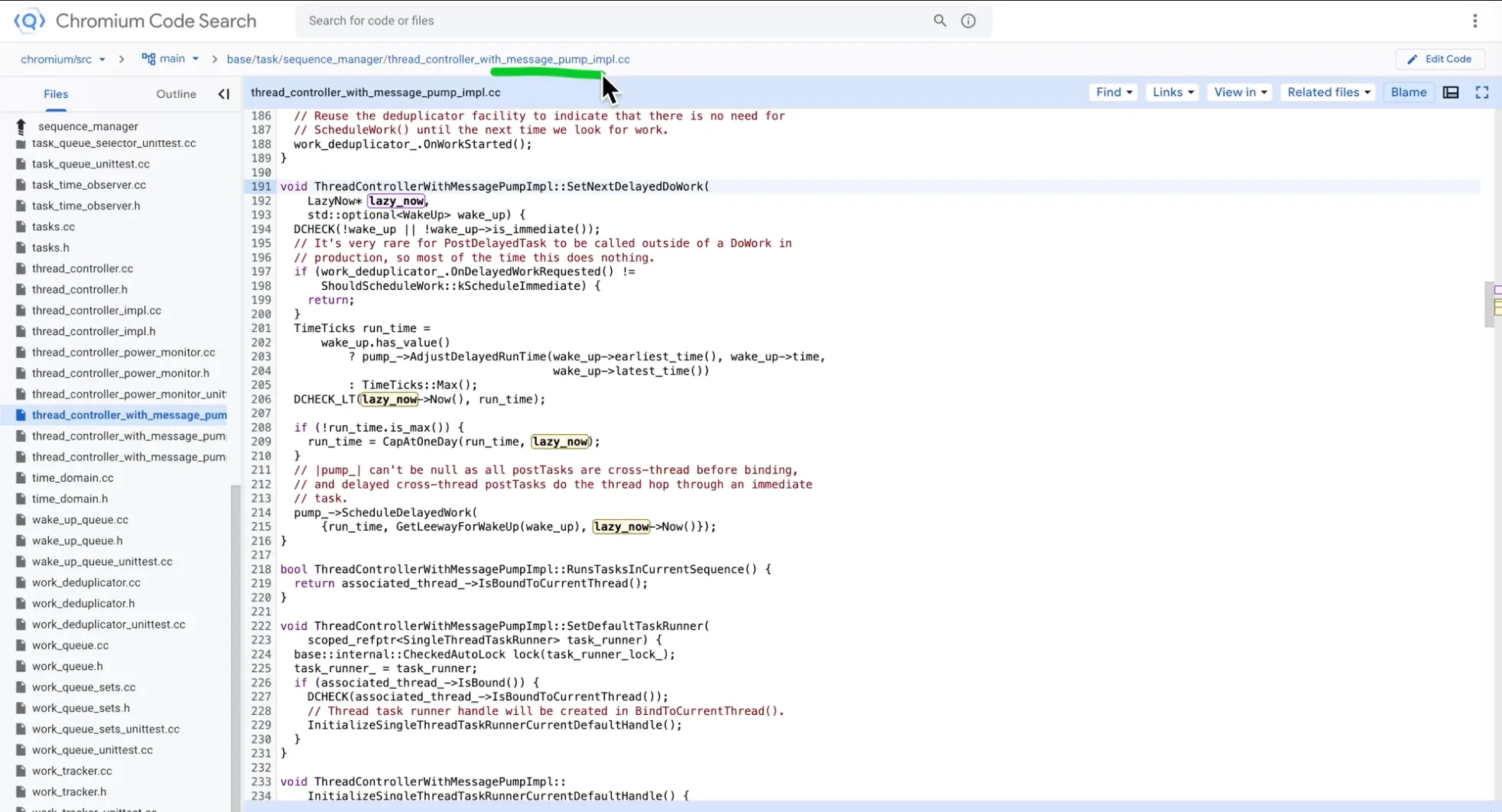
Learn how Web APIs extend JavaScript's functionality and how they are implemented and operate within the browser through browser source code.
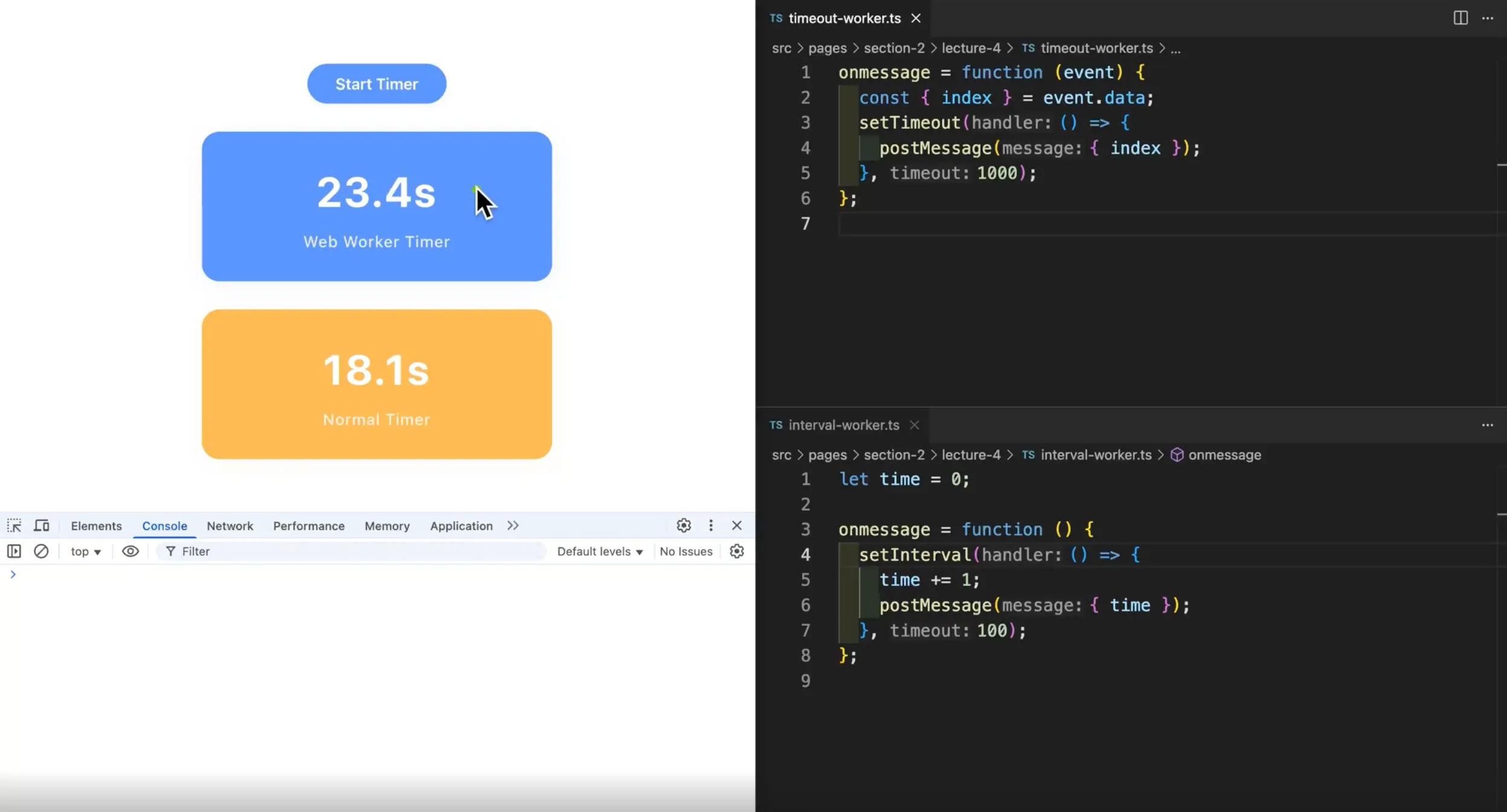
Learn how setTimeout behaves when a tab is inactive and explore methods for implementing timers accurately.
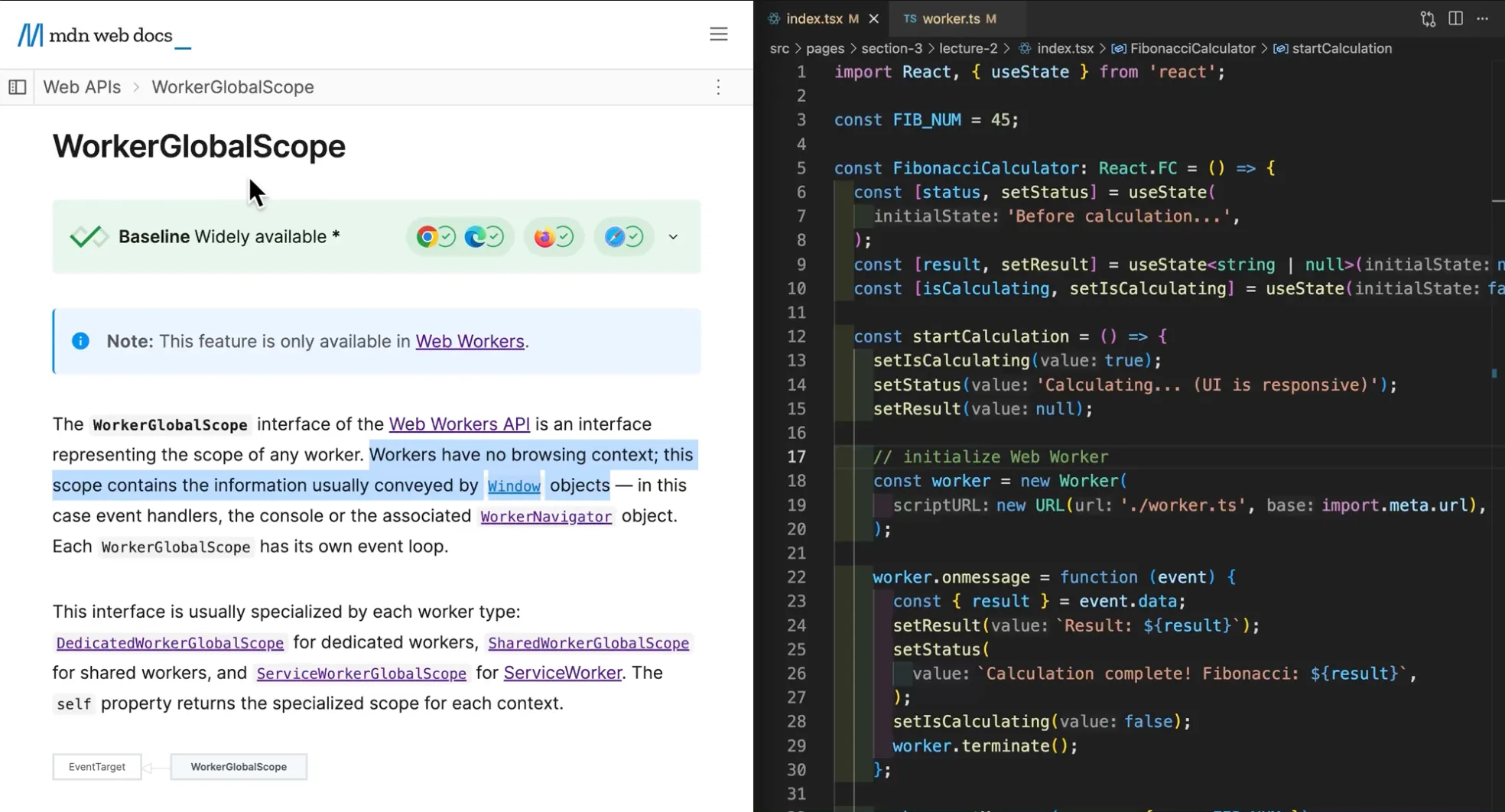
Learn how to resolve main thread or server load issues using Workers.
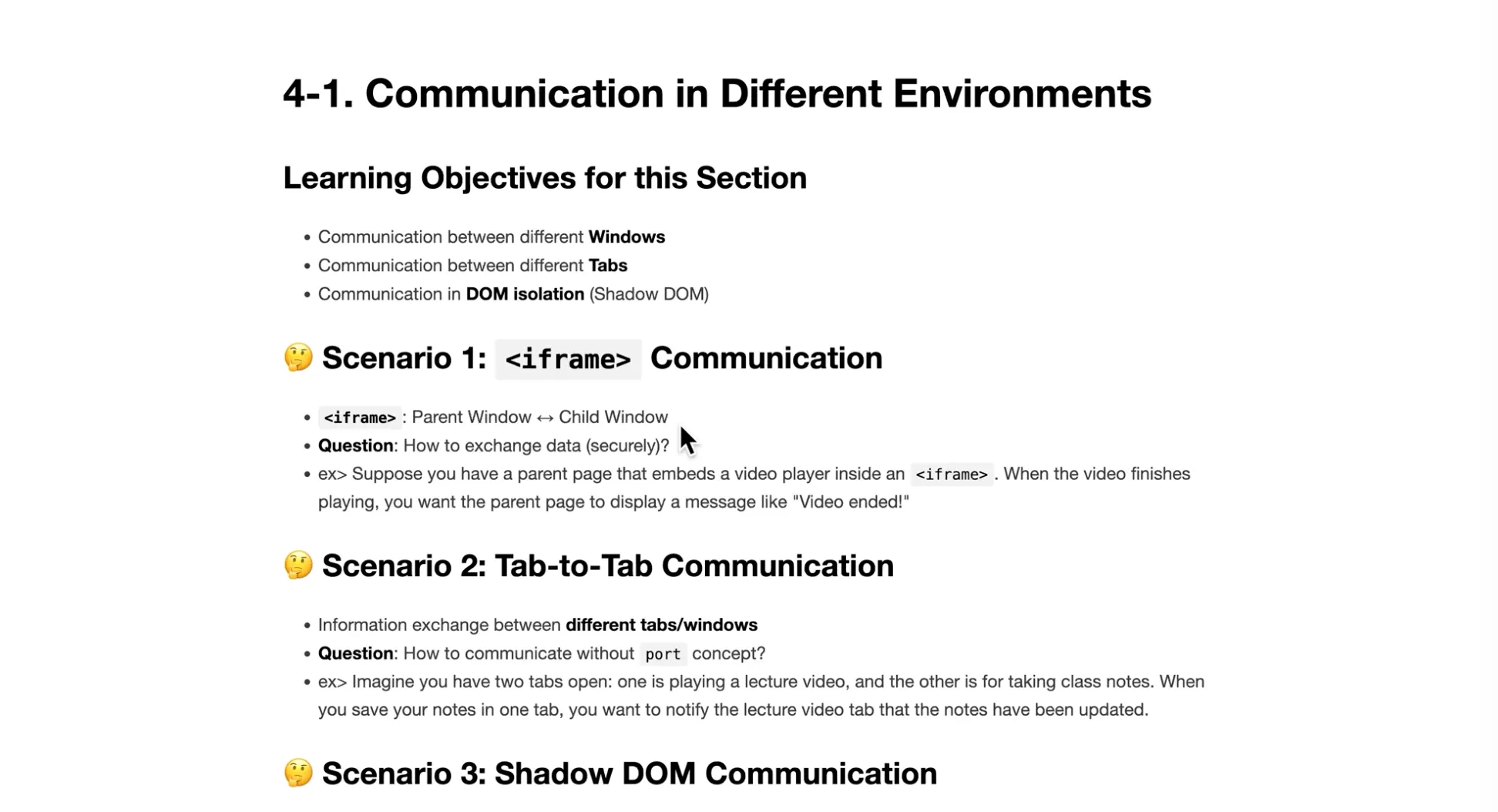
Learn about Web APIs that enable communication in isolated environments such as different windows, different tabs, and Shadow DOM.
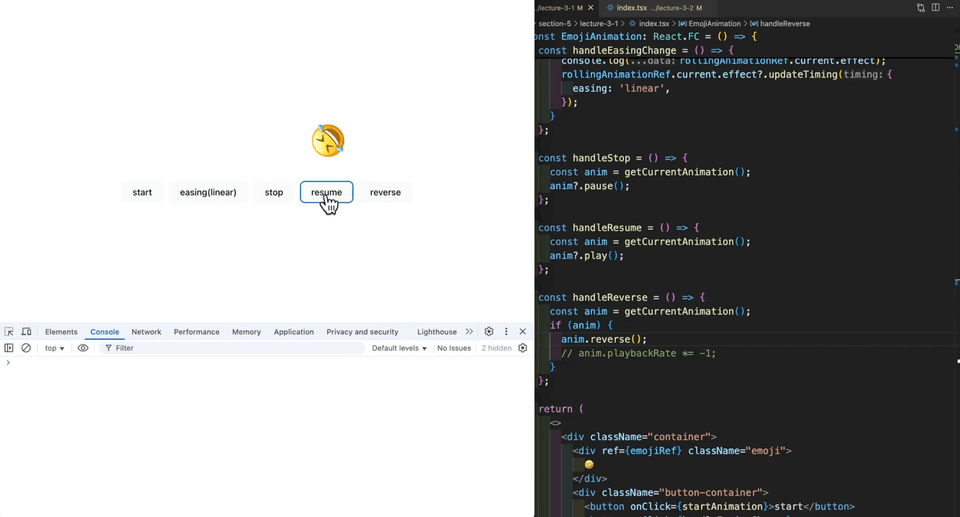
Learn how to control animations using the Web Animation API and requestAnimationFrame.
Additional Web API lessons for practical use, such as MutationObserver and requestIdleCallback, will be updated.
Q. What is the difficulty level of the course?
The course assumes you are familiar with basic React syntax, event loop concepts, and fundamental web knowledge. As long as you have these basics, you will find it easy to follow along with the new Web APIs. If there is any code in the course materials that you don't understand, please feel free to leave a question.
Q. How is the class conducted?
Each section presents a new problem scenario. We first look at how to solve the problem using basic JS/CSS and identify potential bugs or edge cases that may arise. Then, I will introduce Web APIs to solve the problem more thoroughly and implement the desired features using them.
Q. Are there any specific libraries used in the course?
Since this is a JavaScript Web API course, there is no need to learn separate libraries. However, for smooth class progression, libraries such as zod (TS validation) and ws (WebSocket) are included in the package.json.
💾 Things to note before taking the course
Requires basic knowledge of Web, Javascript, and React.
The full source code used in the class is provided. Since we won't be reading the code line by line and will only cover the parts necessary for the lesson, we recommend following along with the code.
👨🎓 Recommended Learning Method
It is recommended to follow the lessons while reviewing the provided course material code alongside the lecture videos.
We recommend that you try solving the missions at the end of the section on your own.
Who is this course right for?
Those who only use setTimeout and fetch Web APIs in practice
For those who want to solve complex requirements using Web API concepts.
Need to know before starting?
How to use npm

1,058
Learners
53
Reviews
87
Answers
4.5
Rating
2
Courses
Hello.
I have been working as a front-end developer at a startup for 5 years.
I work with React, Next.js, maps, charts, and UI libraries.
All
25 lectures ∙ (2hr 5min)
Course Materials:
All
5 reviews
5.0
5 reviews

Reviews 4
∙
Average Rating 5.0
Reviews 1,220
∙
Average Rating 4.9
Reviews 54
∙
Average Rating 4.7
Reviews 8
∙
Average Rating 5.0
Reviews 7
∙
Average Rating 5.0
Check out other courses by the instructor!
Explore other courses in the same field!
25% off for new members
$15.40
25%
$15.40



![[PROKIT] Vibe Coding/Frontend Practice Workbook: Building a Timer AppCourse Thumbnail](https://cdn.inflearn.com/public/files/courses/339612/cover/01ke6d974hx4y1esmd9p80w7cx?w=420)
![# [Electron #1] Building a Timer App with Electron + React (With Zustand)Course Thumbnail](https://cdn.inflearn.com/public/files/courses/336817/cover/01jwx9ttbwnetdsbt5qrxgxb3x?w=420)


![[VOD] 6-Week Complete! High-Concentration Vibe Coding for Development Practice (Cursor AI, Figma)Course Thumbnail](https://cdn.inflearn.com/public/files/courses/338156/cover/01k4c77bftwd8ec4k0yakavbrc?w=420)