Next.js for leading FE developers!
Creating a store map service that's easy and fun.
From map service creation to distribution and optimization
Getting started with Next.js all in one go
✅
If you want to look at the code of a web service created with Next.js,
✅
If you want to know the process of completing a web service from start to finish with front-end technology without back-end code,
✅
If you are curious about various optimization methods such as SSR/SSG/CSR,
If you are a front-end developer who wants to learn Next.js!
This course is for front-end developers at the beginner/beginner level of Next.js.
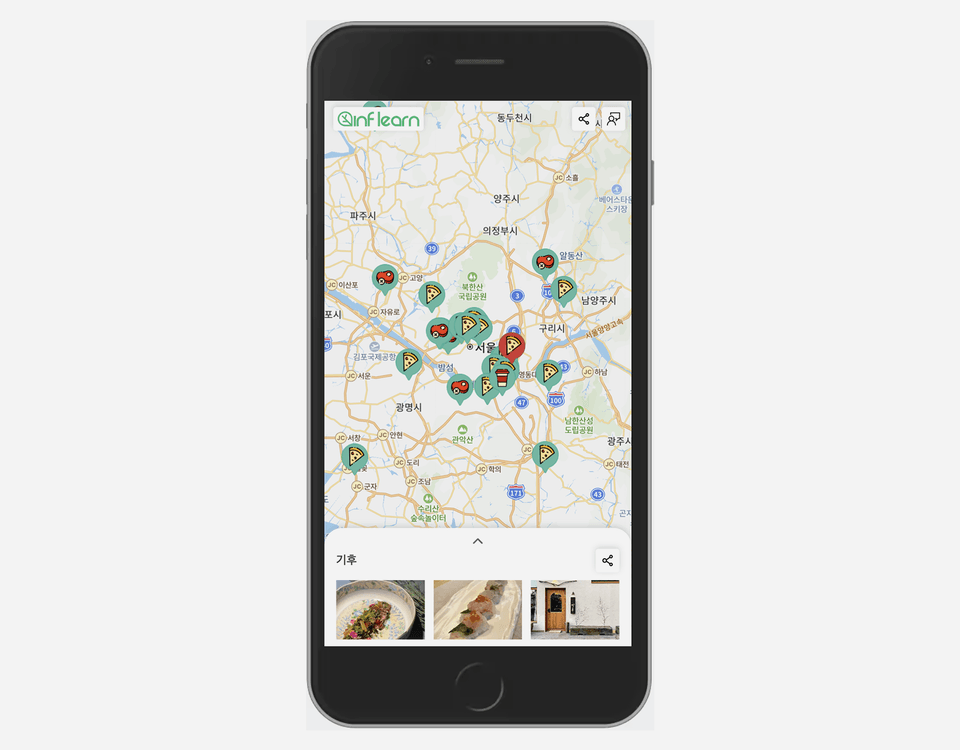
You can learn all the essential Next.js functions and APIs by easily developing a map service using various APIs supported by Next.js without any backend code.
Now, why Next.js?
Next.js is a React framework that offers a superior developer experience, a simple and intuitive API, and a variety of optimizations. It supports SSR/SSG/CSR methods, and also supports optimization features designed for developer convenience.
Having worked on several projects with Next.js, I've noticed its strengths. I'd like to introduce Next.js, which is expected to see even more rapid growth in the front-end market.
Reduce the learning burden,
The concept is more clear.
From A to Z with map service
By building a map service, you'll learn all the essential Next.js functionality and APIs necessary for development. By learning APIs like next/link and next/image, which are included in both Next.js 12 and Next.js 13, you'll understand the advantages of v13.
Improve your front-end development skills
As you follow the lectures, you will learn the basic concepts that a front-end developer needs to know, such as UI development (HTML/CSS), web performance and accessibility, deployment, and search engine registration.
Lectures with the learner in mind
We provide source code for each class, organized into separate branches, to facilitate the course. We also provide subtitles for all video lectures to ensure you can follow along with the content.
The lecture will be updated
We'll be adding more information where it's needed. We'll also be updating the course with news related to Next.js 13.
10 Things You Need to Know About the Next.js API While Building a Store Map Service ✅
- Go to the map page/feedback page with next/link
- Optimize your logo image/store image with next/image
- Loading map scripts with next/script
- Retrieving store data with API Routes
- Pre-rendering map pages with getStaticProps
- Pre-rendering dynamic routes for all stores with getStaticPaths
- Retrieving feedback page data from getServerSideProps
- API differences between Next.js 12 and 13, such as next/link and next/image.
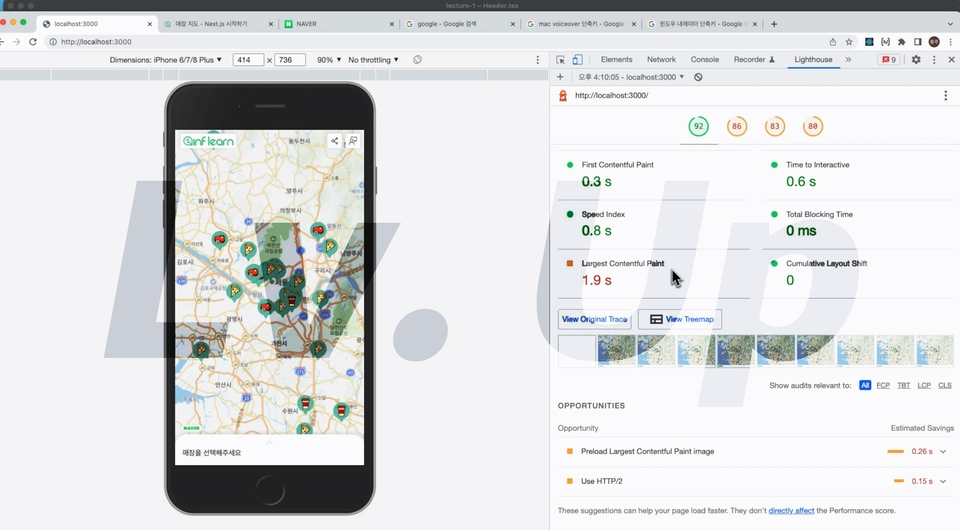
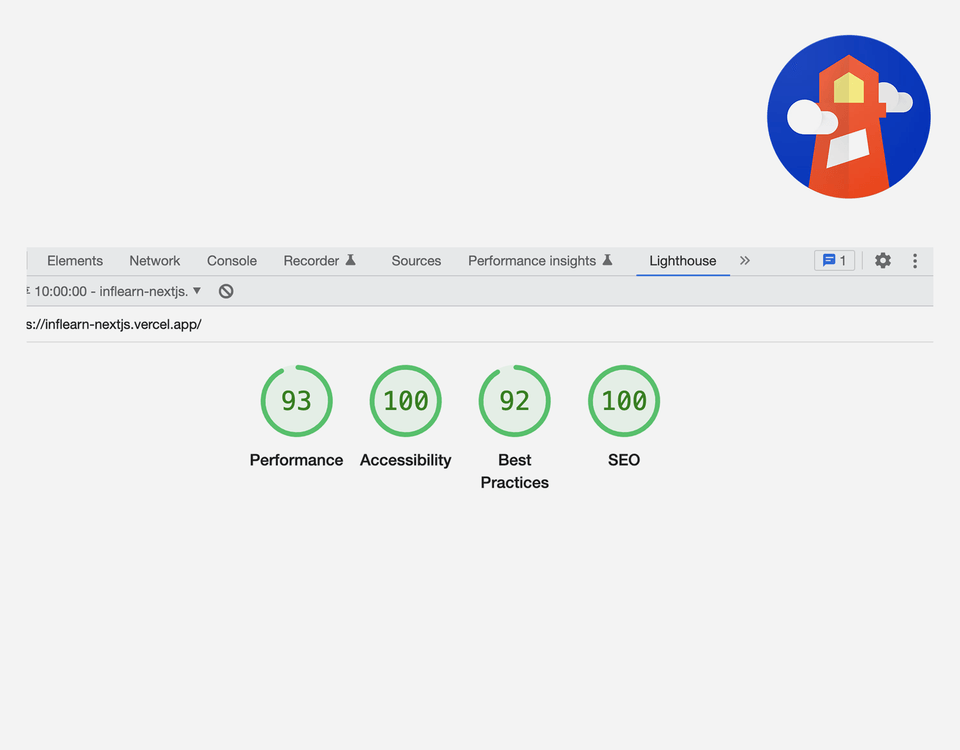
- Test web performance and improve web accessibility and SEO with Lighthouse.
- Deploying Next.js Projects via Vercel
Learning Curriculum 📚
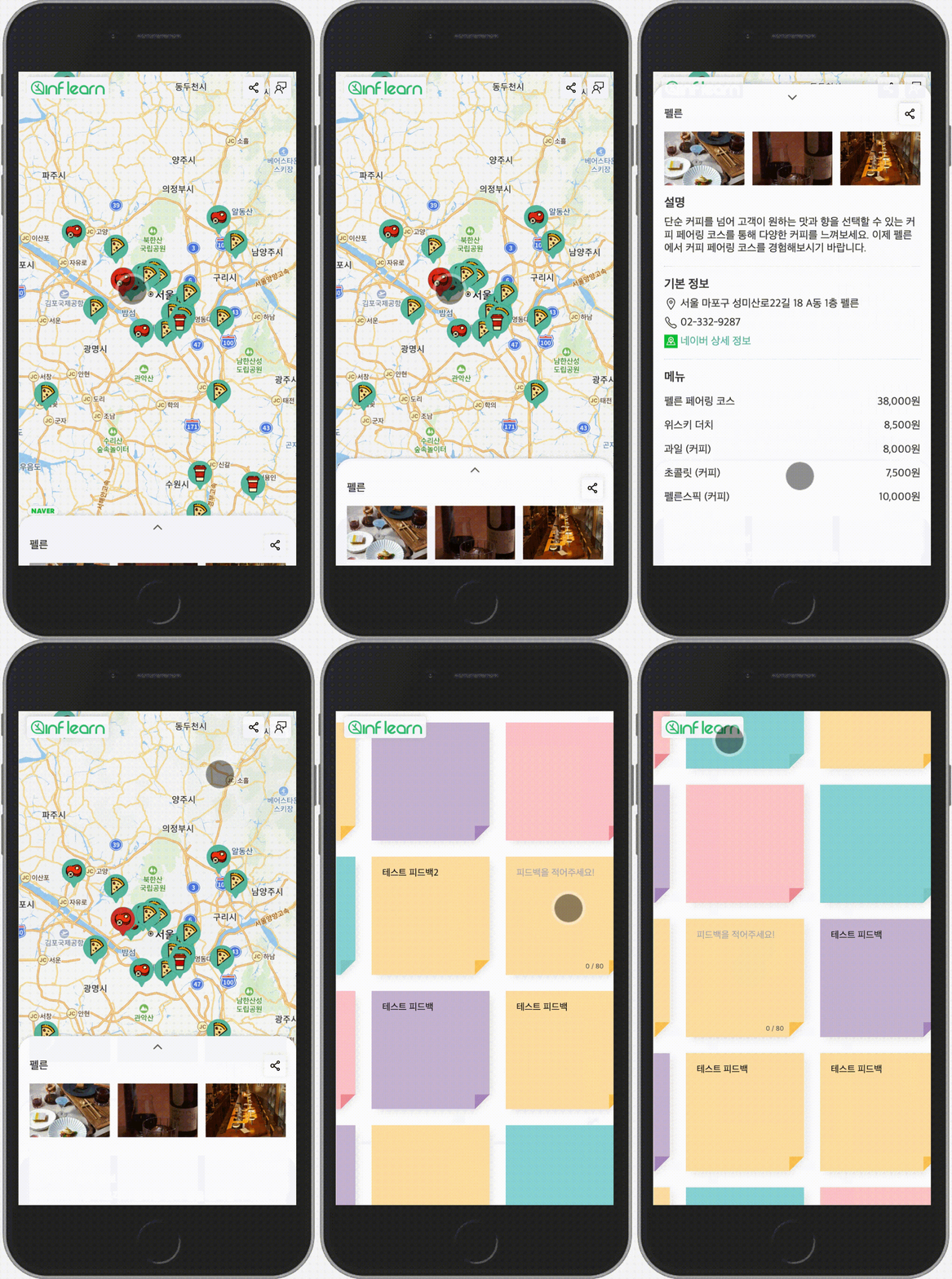
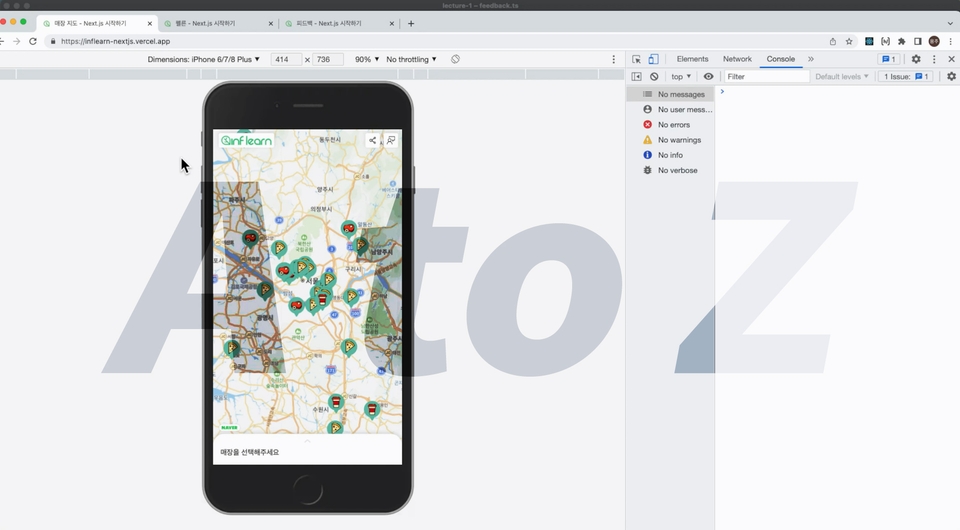
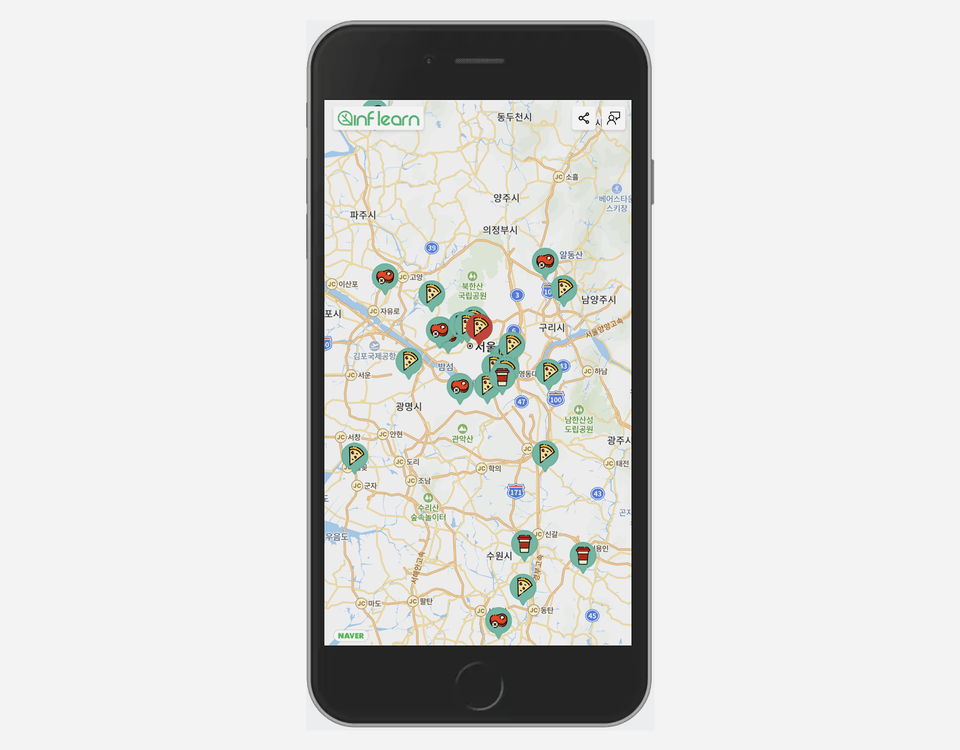
👉 Preview the map project created in the lecture (link)
Section 0: Setting up the development environment
- Before learning the actual content, we will go through the basic settings of Next.js.
- Start a project with create-next-app and set up eslint and prettier.
Section 1: Understanding Data Fetching
- Learn various data-fetching techniques in Next.js (SSR/SSG/CSR).
- Understand the principles of page transition optimization in Next.js through the next build output and the network tab in the developer tools.
- Learn next/link and next/router.
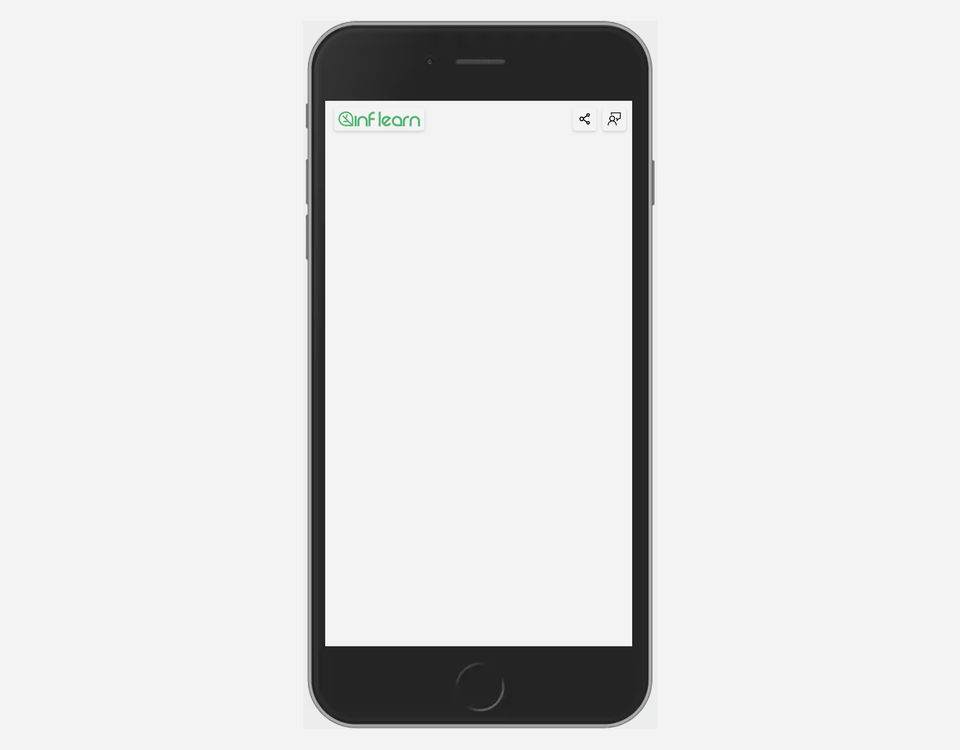
Section 2: Creating the Header UI
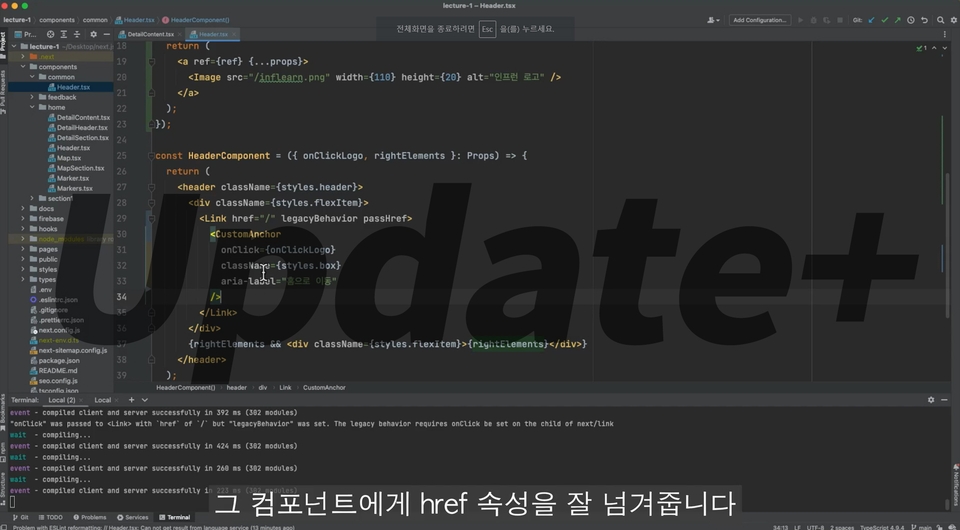
- Learn the next/image API to load logo images.
- Learn about the capacity optimizations and features of Next.js 13 next/image and Next.js 12 next/legacy/image.
- Based on what you learned in Section 1, we will route the map page and feedback page.
Section 3: Creating a Map UI
- Learn the next/script API to load map scripts.
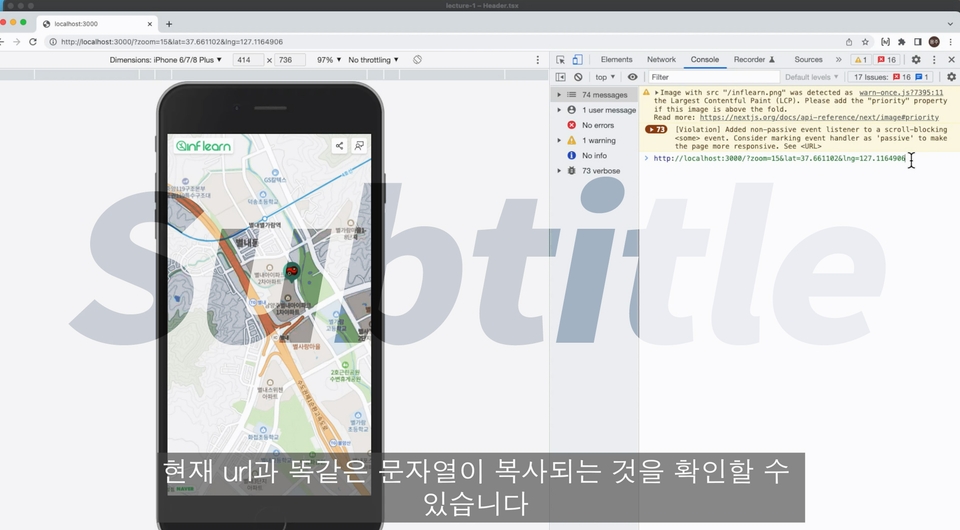
- Learn how to store state in a URL using next/router.
- Draw a marker icon with a sprite marker image.
- Handle click events for map and marker.
- Manage your store data globally with ease using SWR.
Section 4: Creating a Store Details Page
- Create dynamic routes for store detail pages and learn how to use the getStaticPaths API.
- Implement store detail UI.
- Connect the store details page and the map page using next/router.
Section 5: Testing Web Performance with Lighthouse
- Test web performance with Chrome Lighthouse.
- Improve web performance, web accessibility, and SEO.
- Fill the HTML head using the _document or next-seo library.
Section 6: Deploying with Vercel
- Deploy the completed website to Vercel.
- Generate robots.txt and sitemap.xml files using the next-sitemap library.
- Register your site with Naver Search Advisor and Google Search Console.
- We use Google Analytics.
Section 7: Project Wrap-up
- Create a GET API that responds with store data using Next.js API Routes.
- The Feedback page explains how to read and write data to Firebase Cloud Firestore.
- We are finishing up the project to create a map service.
Section 8~: Questions and Answers and Reinforcement
- We provide supplementary lectures when additional explanations are needed or important questions arise during the lecture.
- We'll be adding more details when Next.js 13 becomes available.
We'll share tips we've learned while developing services and products with Next.js.
As a front-end leader at a startup for four years, I developed the main product and website with Next.js. I also developed a web game service using Next.js, winning third place in the JUNCTION ASIA 2022 Track, and a web service utilizing the Next.js T3 Stack won second place at the KAIST SPARCS HACKATHON. I'd like to share the advantages and know-how I've gained from working on projects with Next.js with more people. 🙂
Q&A 💭
Q. Why should I learn Next.js?
Among existing front-end development frameworks, I believe Next.js offers a superior developer experience, an intuitive API, and support for various optimizations. While previous frameworks required weighing the pros and cons of various technologies, Next.js pursues a path of extracting only their strengths and presenting them through an API. Furthermore, its continuous updates will ensure its adoption in ever-increasing applications.
Q. How difficult is the course?
This course is designed to introduce you to Next.js, and you'll follow the source code, videos, and subtitles to naturally complete the project. Each course provides separate branches, allowing you to skip ahead or return to sections based on your skill level. Basic knowledge of React (JSX syntax, useState/useEffect hooks, etc.) is required.
If you are new to Next.js, we recommend starting with the following steps:
- Learn the overall flow by looking at the lecture and the provided code.
- Change and improve the code in your own way.
- Complete your own Next.js project.
Q. Besides Next.js, what other libraries do you use in class?
We use TypeScript, ESlint/Prettier, SWR, next-seo, next-sitemap, Sass (scss), react-icons, copy-to-clipboard, @types/navermaps, and firebase (Cloud Firestore). Excluding the core libraries (TypeScript and scss), we use only the bare minimum necessary to implement the service. We do not use any additional UI libraries or CSS-in-JS.
💾 Things to note before taking the class
- The lecture is based on Next.js version 13.0.7 and pages directory.
- Theory and practice are taught in a 1:2 ratio. The practical portion will briefly cover simple UI implementations, focusing on Next.js concepts learned in theory.
- We use JetBrains' WebStorm IDE and Yarn as our package manager. If you encounter any difficulties using VSCode or npm, please contact us.
- Since this is a lecture on Next.js, a React Framework , prior knowledge of React is required (jsx syntax, useState/useEffect hooks, etc.)
- We use scss. We do not use CSS-in-JS libraries (emotion, styled-components).
- In addition to React and yarn (npm), basic knowledge of TypeScript and Git is required.
- We use SWR as our state management library (the same one developed by the Vercel team as Next.js). To minimize learning curve, we use it only for minimal global state storage.
- We provide the full source code, including branches for each class. We recommend following along with the video, focusing on the provided source code. (We discourage copying the code exactly as it appears on the screen.) Additionally, referencing the official Next.js documentation can be helpful.
- In addition to answering questions, we will update supplementary videos when we deem necessary.









![[Full-Stack Completion] Clone 3 Websites with Supabase (Next.js 14)Course Thumbnail](https://cdn.inflearn.com/public/courses/332907/cover/2975d3d7-5dcc-4e2a-977c-98b11134cfb6/332907.jpg?w=420)



![[VOD] 6-Week Complete! High-Concentration Vibe Coding for Development Practice (Cursor AI, Figma)Course Thumbnail](https://cdn.inflearn.com/public/files/courses/338156/cover/01k4c77bftwd8ec4k0yakavbrc?w=420)