

Rhino 6 for Beginners Product Design Part.2
usefulit
This is a lecture on Rhino 3D, which is a basic tool for product design.
Basic
Rhino
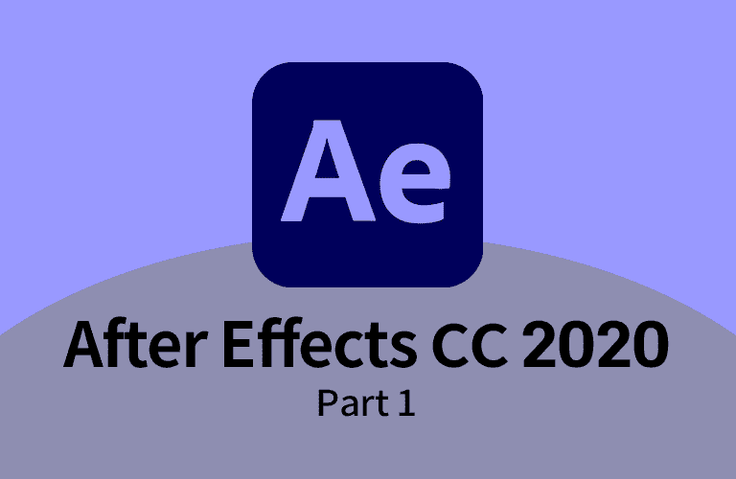
This course is for those who are new to After Effects, and explains the overall usage method focusing on the most basic contents, and learns the basic process of motion work through simple tasks.
50,036 learners
Level Beginner
Course period Unlimited

Reviews from Early Learners
5.0
온맘으로
Essential viewing lecture for beginners
5.0
uomo1103
The intro video at the beginning of each lecture is distracting. It would be better to upload example sources. The lecture content is good.
5.0
주용중
It seems like a good idea for laying the foundation~
Layer-based motion graphics workflow concept in After Effects
How to use essential tools for motion graphics work, such as Text, Shape, Mask, Effect, and Adjustment.
How to output the motion you worked on as a final video file
After Effects, let's learn step by step from the beginning ☺️
Adobe After Effects is widely used as a standard motion graphics software in the video industry. This course focuses on the most basic concepts for those new to After Effects, explaining how to use it overall and helping them master the fundamentals of motion graphics through simple tasks. In the first part of this course, we'll cover layer-based motion, the basic concepts of creating effects, and how to use tools. Specifically, we'll cover essential features like masking, shapes, and text, along with basic functions.

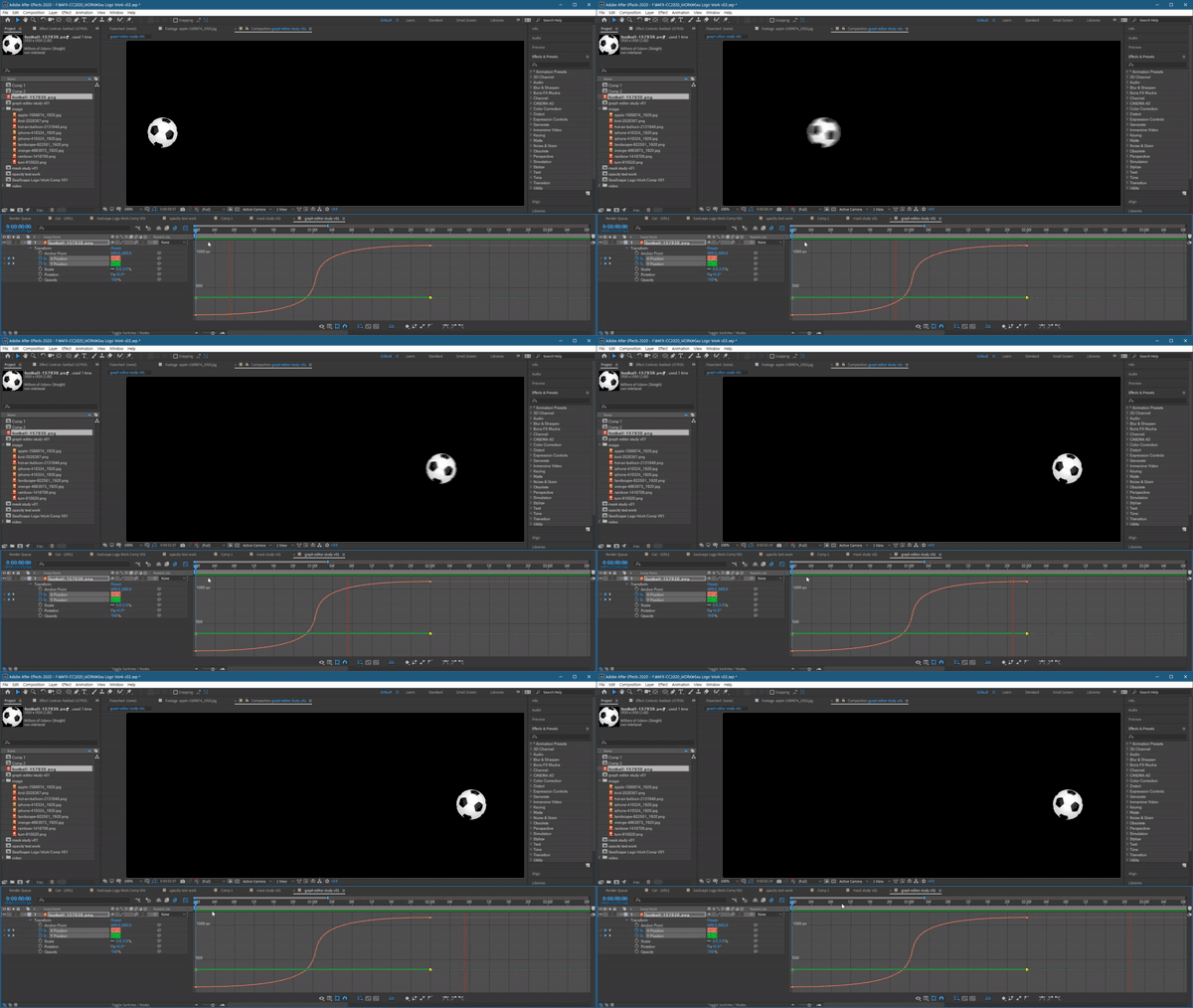
From the 'Graph Editor' lecture

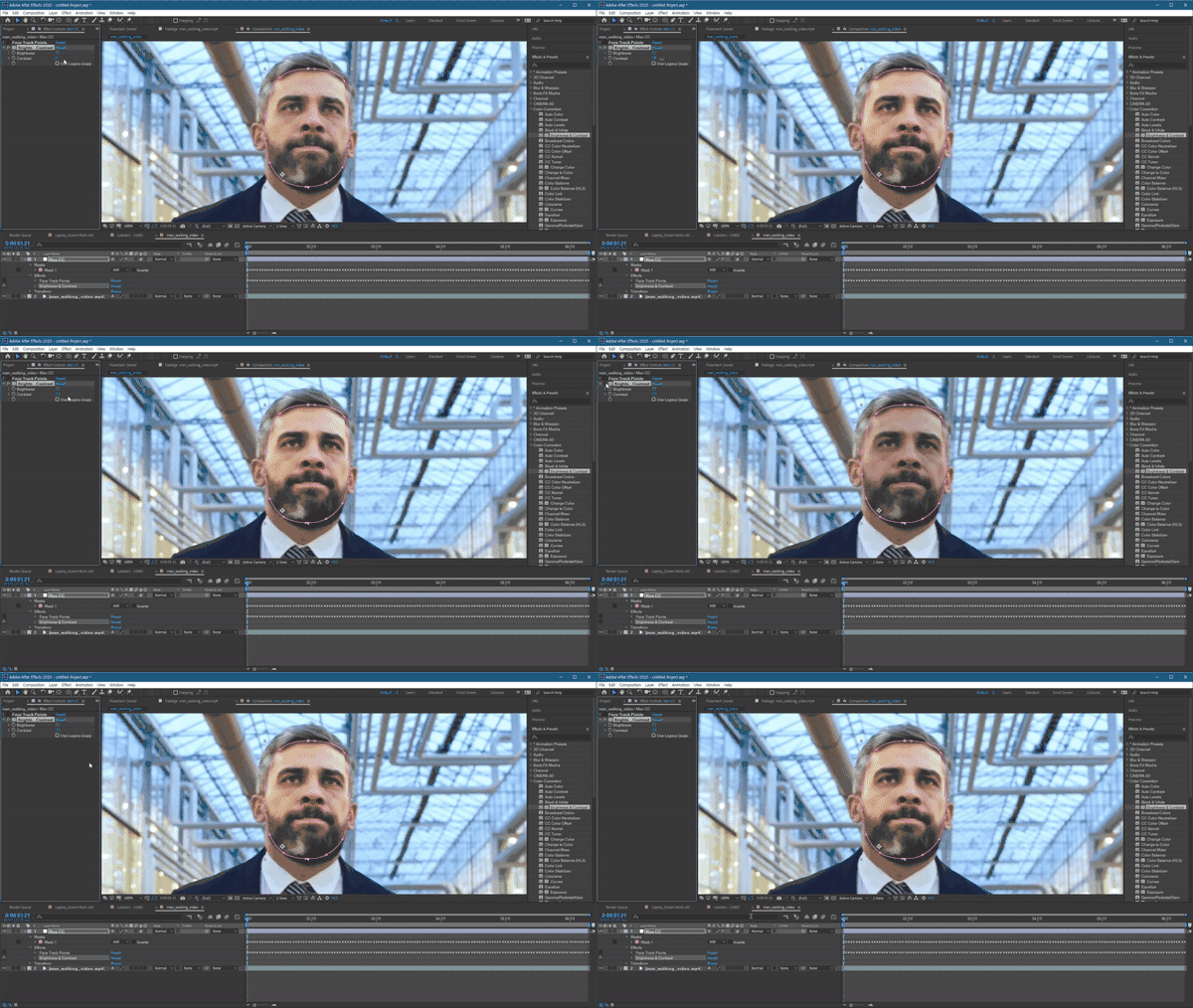
From the 'Track Mask' lecture
This course uses Adobe After Effects CC 2020 , so we recommend that you have that version or higher.
You can download and use a free trial version from the official website. Official site link
Who is this course right for?
Motion graphics beginners ready to learn the basics of Photoshop
After Effects Beginner
8,278,676
Learners
6,372
Reviews
4.6
Rating
309
Courses
I will help you grow through useful IT lectures.
All
22 lectures ∙ (12hr 0min)
Course Materials:
1. Installation
35:04
2. Layer Control
30:55
3. Type & Layer Trim
33:18
4. Sound & Export
31:26
5. Opacity & Mask
31:23
9. Keyframe
32:55
10. Graph Editor
35:56
13. Pre-Compose
32:34
14. Blend Mode
28:54
15. Track Matte
30:40
16. Shape Layer (1)
33:29
17. Shape Layer (2)
32:57
18. Shape Layer (3)
31:37
21. Track Mask
31:36
22. Using Preset
34:57
All
25 reviews
4.7
25 reviews
Reviews 1
∙
Average Rating 5.0
Reviews 67
∙
Average Rating 4.8
Reviews 3
∙
Average Rating 3.3
Reviews 1
∙
Average Rating 5.0
Reviews 1
∙
Average Rating 5.0
$29.70
Check out other courses by the instructor!
Explore other courses in the same field!