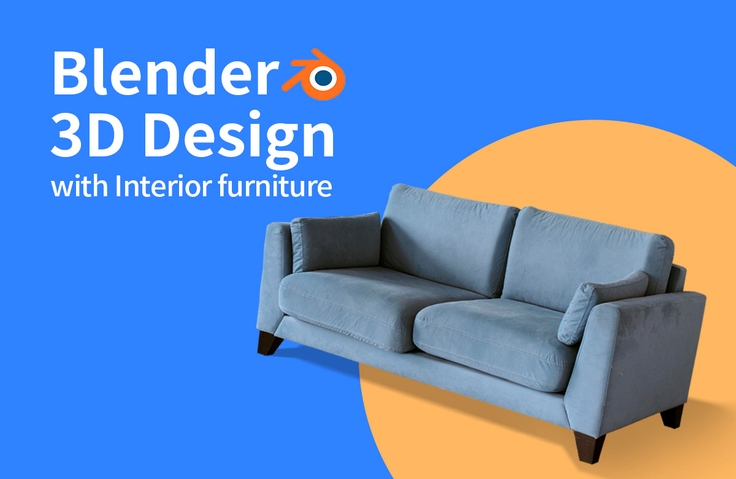
Through this lecture, you can learn the basic functions of Blender, and easily learn the functions essential for interior modeling through the lecture. You can learn how to use add-ons, how to apply realistic materials, the new function of Blender 3.0, the Asset Browser, and how to implement realistic images with the Cycle rendering engine that is basically supported in Blender.
A technique for creating realistic interior scenes using cycle rendering
Living room interior design using Blender Interior design and 3D modeling at the same time 🤸
The powerful features of Blender 3.0! It contains only the essentials . If you follow along slowly, you will gain confidence. You will be able to understand the flow of interior perspective drawings .
Living room interior design using a blender 🏠
3D modeling. It's been incredibly popular for some time now. It's a field that's been attracting attention from many designers, both professional and novice. Among tools capable of 3D modeling, Blender has the incredible advantage of being free. Despite being free, its functionality is incredibly powerful.
This course will teach you how to create interior designs using Blender. I've tried to cover every essential feature for interior design . Learn everything from Blender 3.0's powerful features to modeling techniques ! Study materials are also available, so if you work through the material step-by-step from the beginning, you'll be able to follow along without difficulty.
What's special about this course 🔆
I will mainly teach you modeling techniques in Blender 3D, which is specialized for interior modeling .
We've shared all the materials needed for class and organized the class curriculum so that you can study slowly and easily, one by one.
We structured the class so that you can complete one project from start to finish .
Course Target Audience/Course Purpose 🔑
Those who are interested in blenders but are hesitant to start
Anyone who wants to try furniture design with 3D graphics
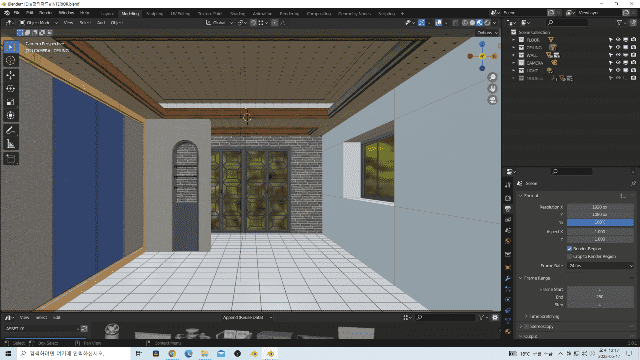
For those who want to create a realistic interior design
Anyone interested in 3D graphics and considering getting started
Learn things like this 📚
1. Introduction and Blender Installation Introduction to the course and the site where you can install Blender
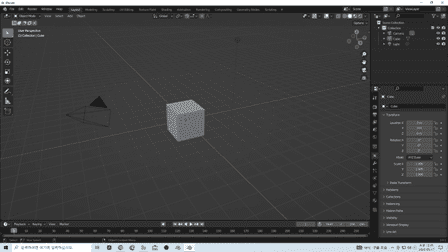
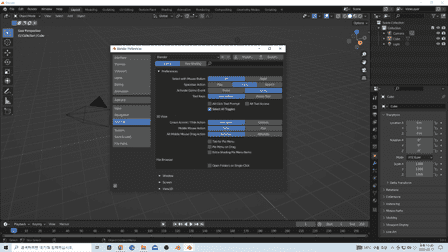
2. Interface and Preferences Introduction to the interface for starting Blender, setting up the working environment, and setting up shortcut keys.
3. Modeling Basics A lecture on basic modeling before starting interior modeling.
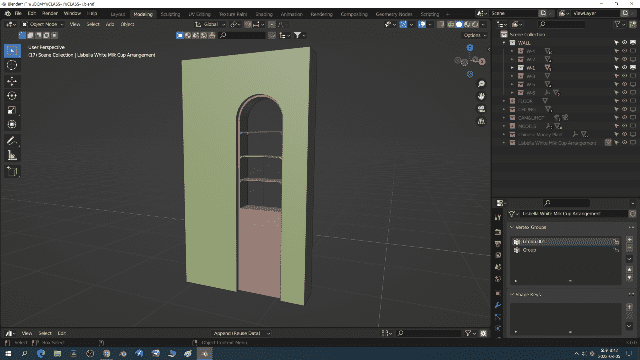
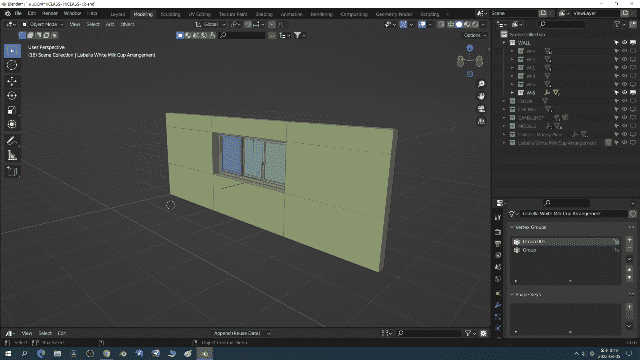
4. Wall modeling Modeling walls, floors, and ceilings using the Blender add-on (Archpack)
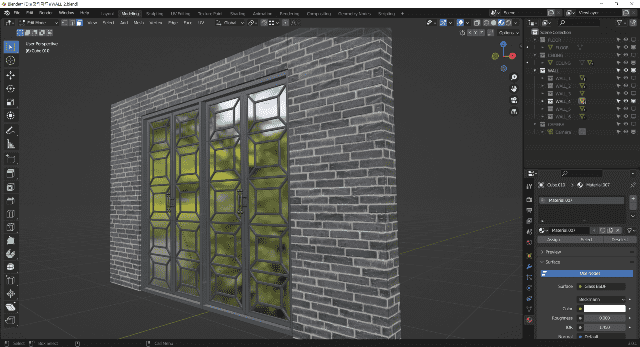
5. Applying realistic materials Apply materials to modeled walls, windows, floors, and ceilings.
6. Setting up the camera and rendering settings Place the camera and lights and apply Cycle rendering.
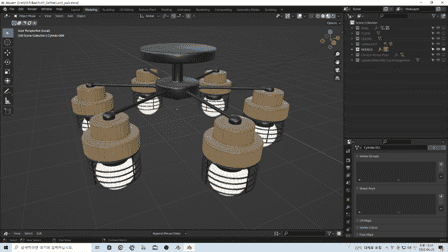
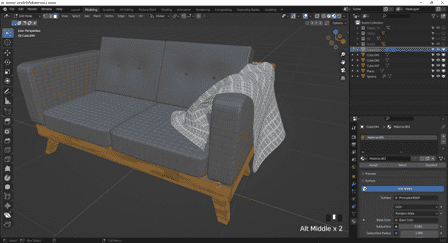
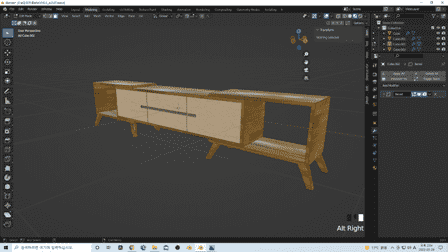
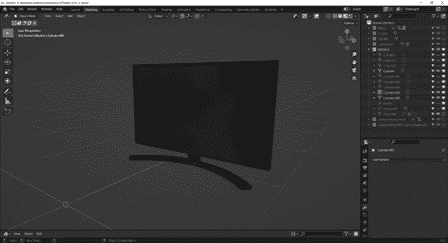
7. Modeling interior furniture and interior accessories Model interior furniture and interior accessories one by one and apply materials.
8. Using the Asset Browser and APR Save Create an Asset Browser modeling modeled interior furniture and props.
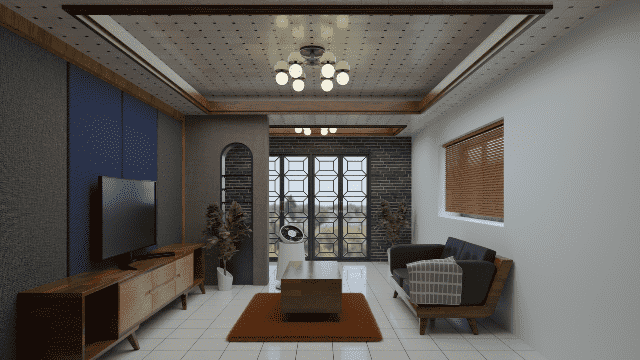
9. Layout and Rendering Place the modeled objects in the Asset Browser and apply Cycle rendering.
Expected Questions Q&A 💬
Q. Is this a course that non-majors can also take?
Yes, of course. If you're interested in interior 3D, I recommend learning it.
Q. Why Blender?
Blender 3D is a free tool that can be installed anywhere, anytime, as long as you have a computer. Its features are comparable to those of other graphics programs. I highly recommend learning it.
Introducing the Knowledge Sharer ✒️
History
Current vocational training instructor (in charge of 3D education)
Current computer academy operation
Recommended for these people
Who is this course right for?
For those who are new to 3D programming
For those who want to model interiors and create realistic images for interiors.
Anyone who wants to learn 3D modeling in a short period of time
It seems like a good way to learn Blender basics. However, there are some parts of the lecture that are a bit annoying, such as the instructor reading English words strangely or not explaining certain functions in detail. Personally, I studied the parts I was lacking by looking at the Blender documentation separately.
Overall, it was a useful lecture that allowed me to learn about modeling and mapping related to Blender. I had been learning Blender on my own before taking the class, so I felt frustrated and signed up for the class.
However, I was a little disappointed because I wanted to know more about nodes, but there was no detailed explanation for that part. I think it is a good lecture for people who don't know Blender.















![[LV2] Creating a portfolio to get a job as an effectorCourse Thumbnail](https://cdn.inflearn.com/public/courses/329735/cover/8480d71a-bff1-489c-8a20-41360944b497/329735-eng.jpg?w=420)

