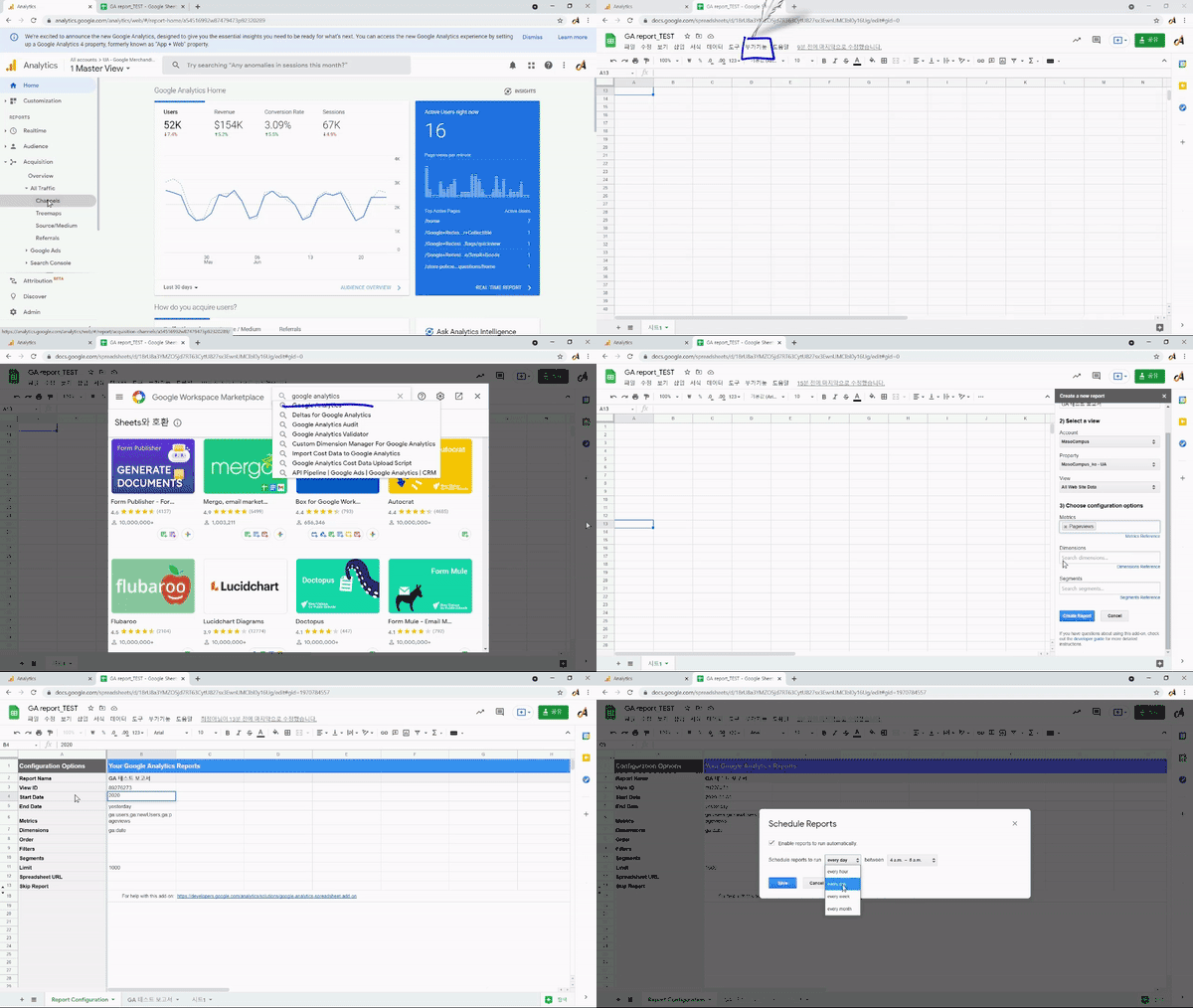
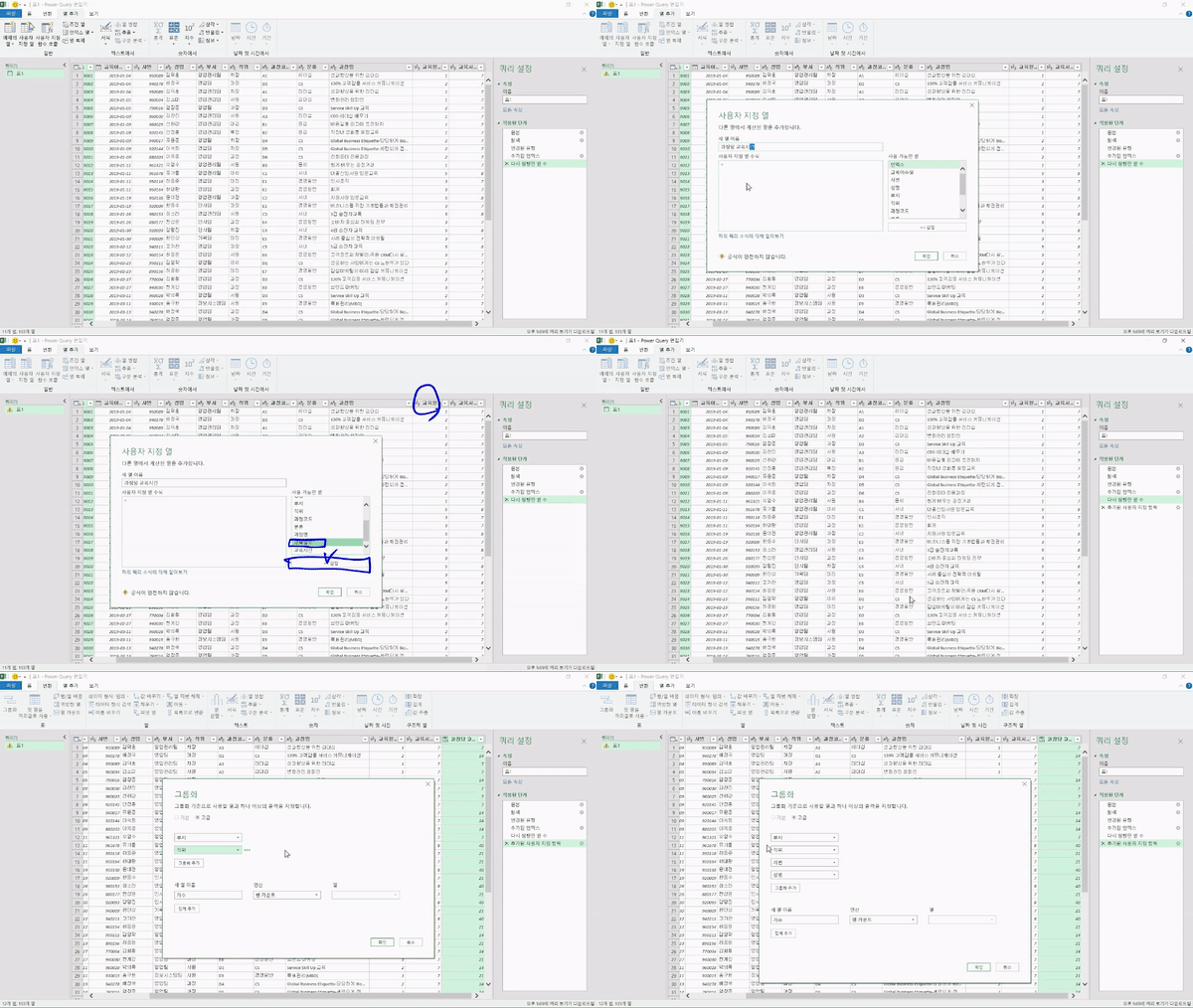
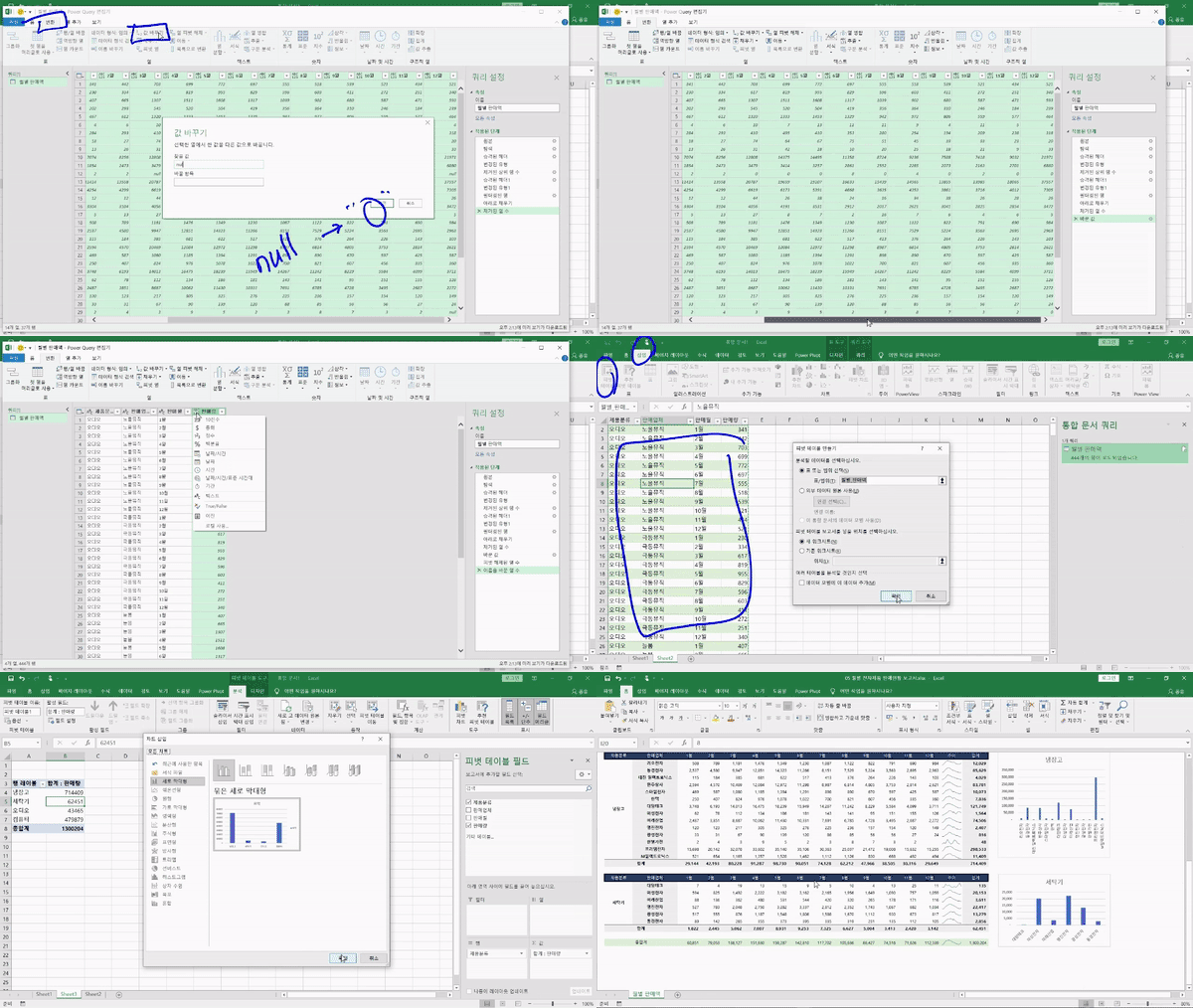
Practical Data Analysis Preprocessing - Power Query
Excel is enough even if you don't know coding! This is a course where non-majors learn how to merge, edit, and organize large amounts of data using Excel, and learn automation to make data handling easier.
Easy to understand explanation was good.
Thank you.
5.0
jinseol2116
100% enrolled
Thank you for the helpful information. The only regret is that the volume of the sound varies from lecture to lecture. Some lectures are hard to hear, and some lectures are loud. That was the only regret, but everything else was satisfactory.
What you will gain after the course
Data preprocessing processes that bring practical results to business operations
Easily and quickly connect and import various types of data
Data changes are automatically reflected, improving work efficiency.
Capable of easily handling vast amounts of data
Power Query enables the integration and management of unstructured data.
The start of data analysis, data preprocessing! Make it even easier with Power Query.
📖Data analysis results depend on data preprocessing!
Data preprocessing can be considered the most important part of the data analysis process in that it determines the quality of the data. Data analysis results derived from incorrect data cannot be considered accurate, and this leads to missing out on meaningful insights.
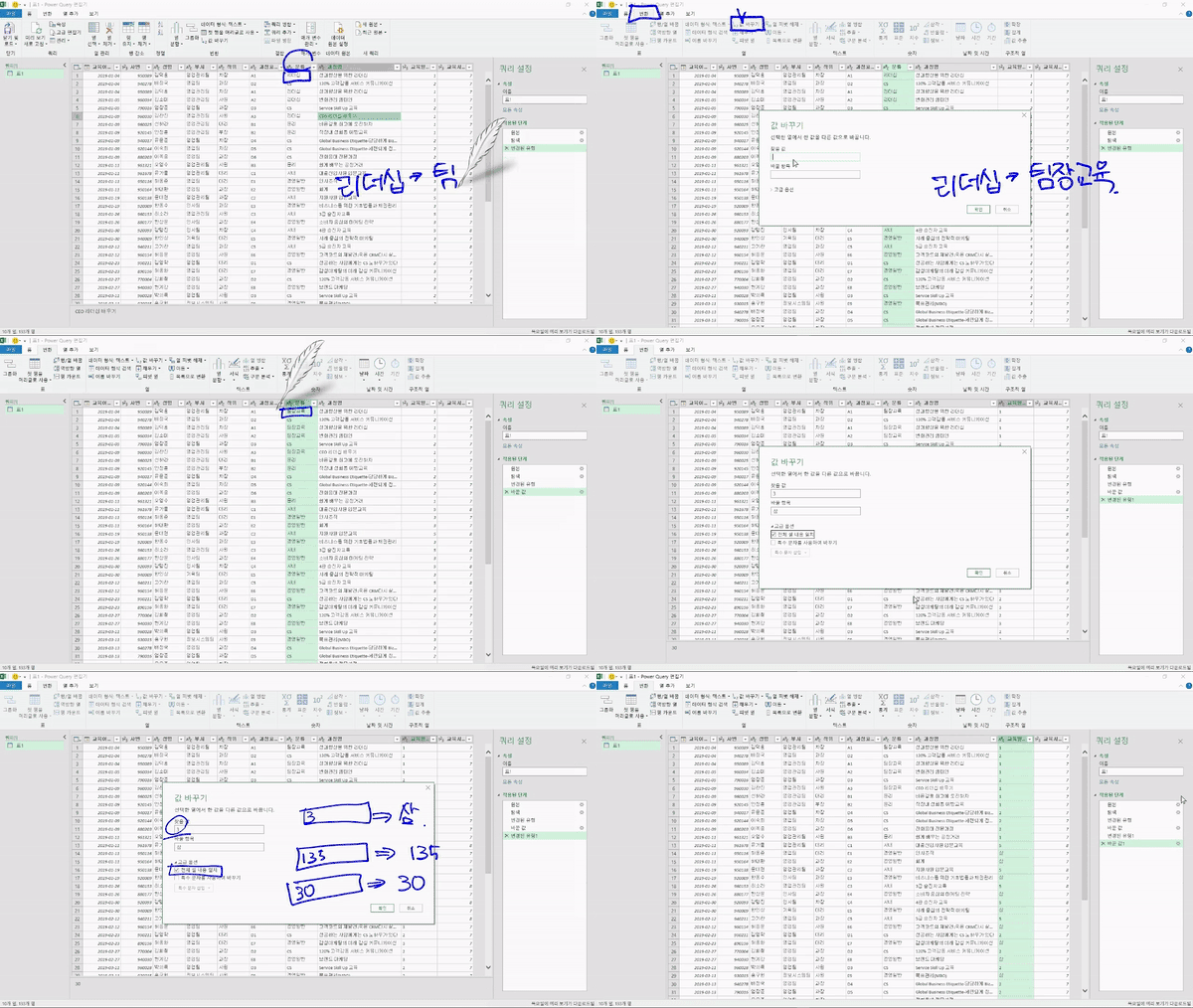
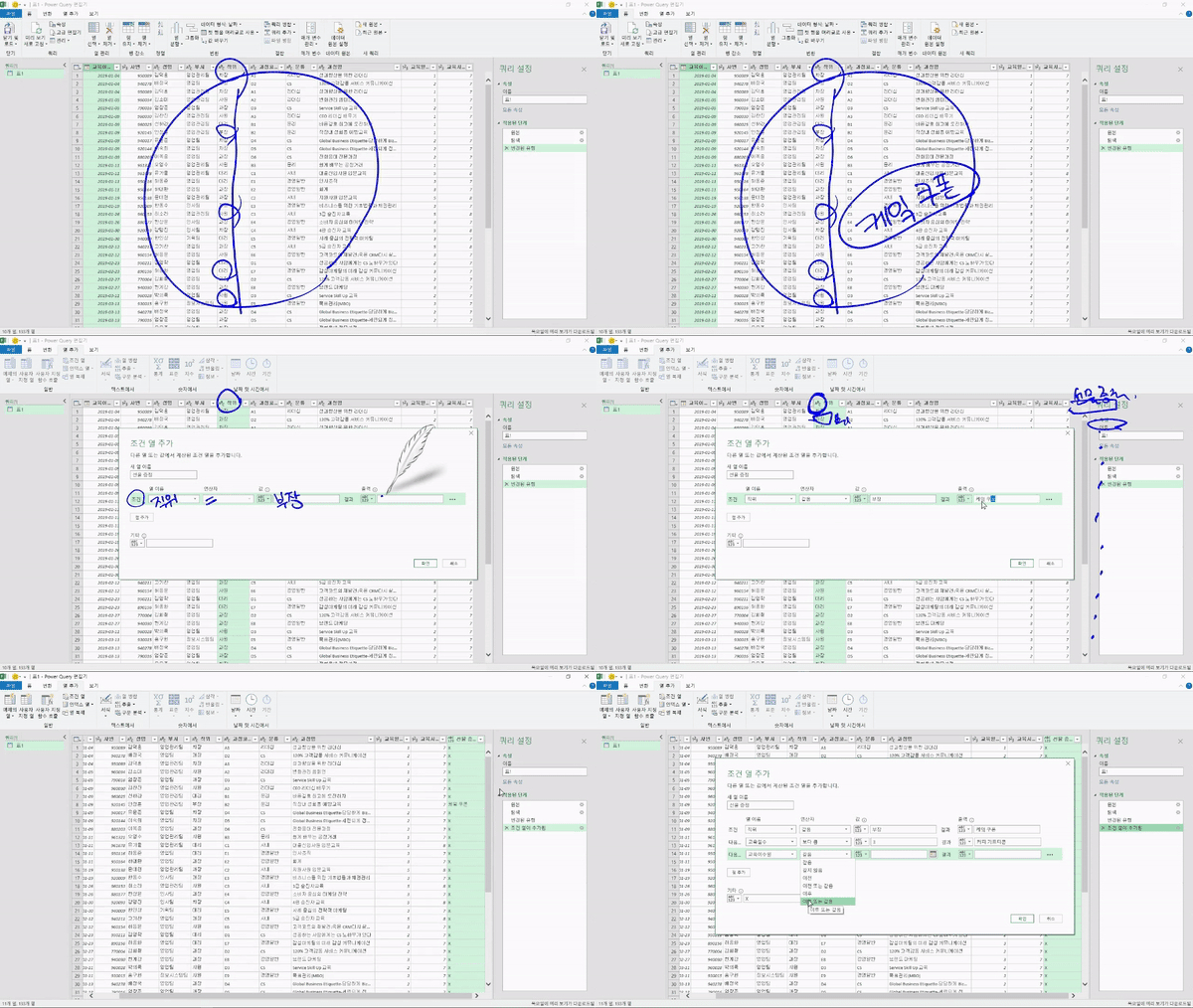
-What if you want to give gifticons only to the Department Manager level , using the dataset containing information on all employees?
-What if, among those, the number of training days must be at least 3 days?
-What if you want to give souvenirs instead of gifticons to those who received training before 2019?
Questions that every office worker has had at least once, but are difficult to find answers to the ability to easily handle large amounts of data makes them no longer difficult.
Do you feel a gap between theory and practice? Are you unsure if it can actually be applied to your work?
That's why we at Miso Campus have prepared this. A course that condenses all concepts for immediate application: <Practical Data Analysis Preprocessing – Power Query>
🔑 Recommended for these people
- Office workers in charge of tasks where data preprocessing is important
- Office workers who want to perform Excel data analysis that is easier and more intuitive than using functions
- Office workers who have developed a turtle neck from prolonged computer work
- Office workers whose departure from work is constantly delayed due to Excel tasks
- Office workers who want to master Excel skills to be loved by their bosses before starting their jobs
Maso Campus's <Data Analysis Preprocessing Practice - Power Query> is a course where you learn how to use 'Excel' Power Query, which allows you to easily and intuitively preprocess data with just clicks and no coding required.
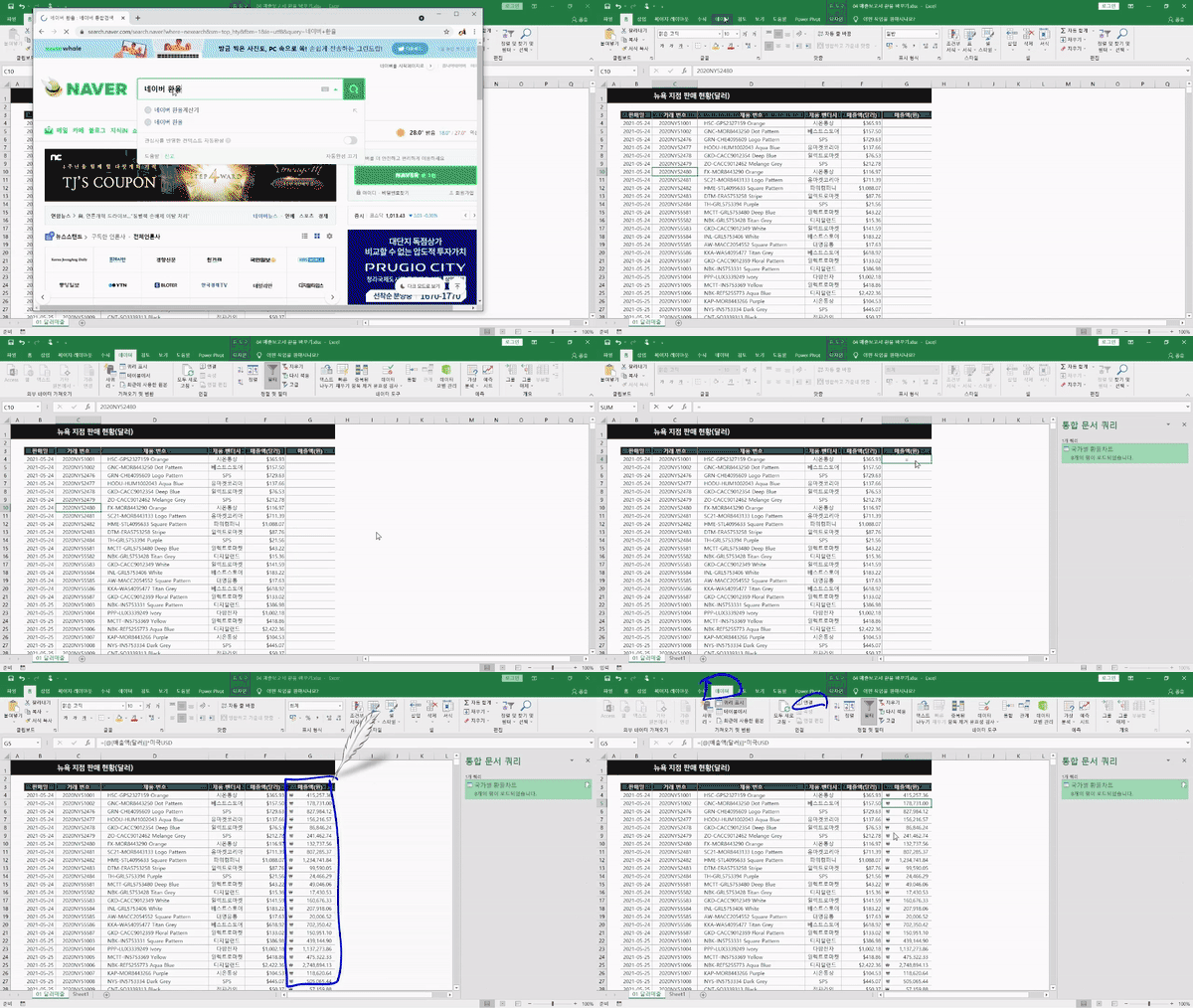
With just a few clicks, automatically collect external data andlike molding clay, freely edit your data!
✨ Course Features
Lectures that only list difficult concepts are No!
Just skills? NO! Fundamental data analysis capabilitiesUP!
If you focus only on skills, it will ultimately be difficult to apply them to your work.
If you fail to develop data collection methods, the necessity of preprocessing, and analytical capabilities, you will be unable to internalize the skills and effectively apply them to your work. .
This course is designed to cultivate 'data competency' rather than just skills.
📜 After taking Data Analysis Preprocessing Practice - Power Query
Maso Campus's <Data Analysis Pre-processing Practice - Power Query> After taking the course,
In just 12 hours and 44 minutes, you will be able to apply data analysis directly to your practical work.
-The ability to collect & organize scattered data through data preprocessing skills
-The data processing skills to skillfully handle data used in practice
-Data automation skills that allow changes to be applied automatically
<Data Analysis Preprocessing Practice - Power Query> allows you to get closer to becoming a data analysis expert by utilizing Excel, the most familiar tool in your daily work, .
📚Learning Content
💬Frequently Asked Questions Q&A
Q. Do I need prior knowledge of Excel or data analysis? A. <Data Analysis Preprocessing Practice - Power Query> is an advanced Excel analysis course, so you can take it relatively smoothly if you have a basic understanding and knowledge of Excel or data analysis. If you would like to learn basic Excel usage first, we recommend taking <Introduction to Practical Excel Usage for Immediate Use>.
Q. Are there any requirements or prerequisites for taking this course? A. Since this is a practice-oriented course, it is recommended to have a dual monitor or an extra device to separate the lecture screen from the practice screen. Also, as the practice sessions are conducted based on Windows OS, we recommend taking the course in a Windows environment.
Q. I'm a complete beginner in data analysis and have never coded before, is it possible for me? A. Of course it's possible. Instead of using complex coding, this course helps you develop data analysis skills primarily using the commonly used Excel.
✒️ About the Instructor
✔️ Please check before taking the course!
-Since this is a practice-oriented course, it is recommended to prepare a dual monitor or an extra device to separate the lecture screen from the practice screen. Additionally, as the practice sessions are conducted based on Windows OS, we recommend taking the course in a Windows environment.
-The lecture notes and practice files are located in section 00.
Recommended for these people
Who is this course right for?
Those who want to perform data analysis while increasing work efficiency
Those who dream of entering or transitioning into a data analysis role
Those who want to learn work automation skills based on big data
Those who want to derive accurate and meaningful insights from data
Those who dream of "Entrepreneurship/Employment/Career Change/Reskilling/Talent Transformation"
Need to know before starting?
As this is a practice-oriented course, we recommend using dual monitors or an extra device to separate the lecture screen from your practice screen.
Since the practice sessions are based on Windows OS, we recommend taking the course in a Windows environment.
Data Analysis Preprocessing Practice - The Power Query course is an advanced Excel analysis course that requires basic knowledge of Excel and data.
Thank you for the helpful information. The only regret is that the volume of the sound varies from lecture to lecture. Some lectures are hard to hear, and some lectures are loud. That was the only regret, but everything else was satisfactory.