(Shocking True Story) I became a Google Sheets master before I knew it just by following the lecture...? 😦
A magical lecture where you can become a spreadsheet master just through hands-on practice 🎁 Check it out right now!
Improving productivity through real-time collaboration
Providing insight derivation capabilities
There has never been a lecture like this before! Is this magic, or a lecture? 🔮
Now playing to rave reviews 🎞👀
A gem of a lecture is coming that will turn you into a Google Sheets expert in no time, just by following along!
What is Google Sheets? 📊
Google Sheets is cloud-based software that allows you to collect, edit, aggregate, analyze, and visualize data. Often referred to as "Google's version of Excel for browsers," Google Sheets possesses data processing capabilities as powerful as Excel. In particular, Google Sheets allows team members to collaborate simultaneously and easily within a browser, making it superior to Excel in terms of collaborative work for business. Additionally, it has the advantage of performing various tasks such as analyzing data using charts and filters, managing task lists, and creating plans. Finally, because all changes are automatically saved to the cloud as you work, you can escape the cycle of constantly pressing Ctrl + S! (WOW 😮)
But do you think Google Sheets isn't much different from Excel? Not at all! While Google Sheets and Excel may look similar on the surface, the difference lies in whether the work environment is local or cloud-based! Working in the cloud allows multiple people to collaborate simultaneously, boosting productivity. And one more thing: because synchronization and version control happen automatically in real-time, you can continue your work with ease.
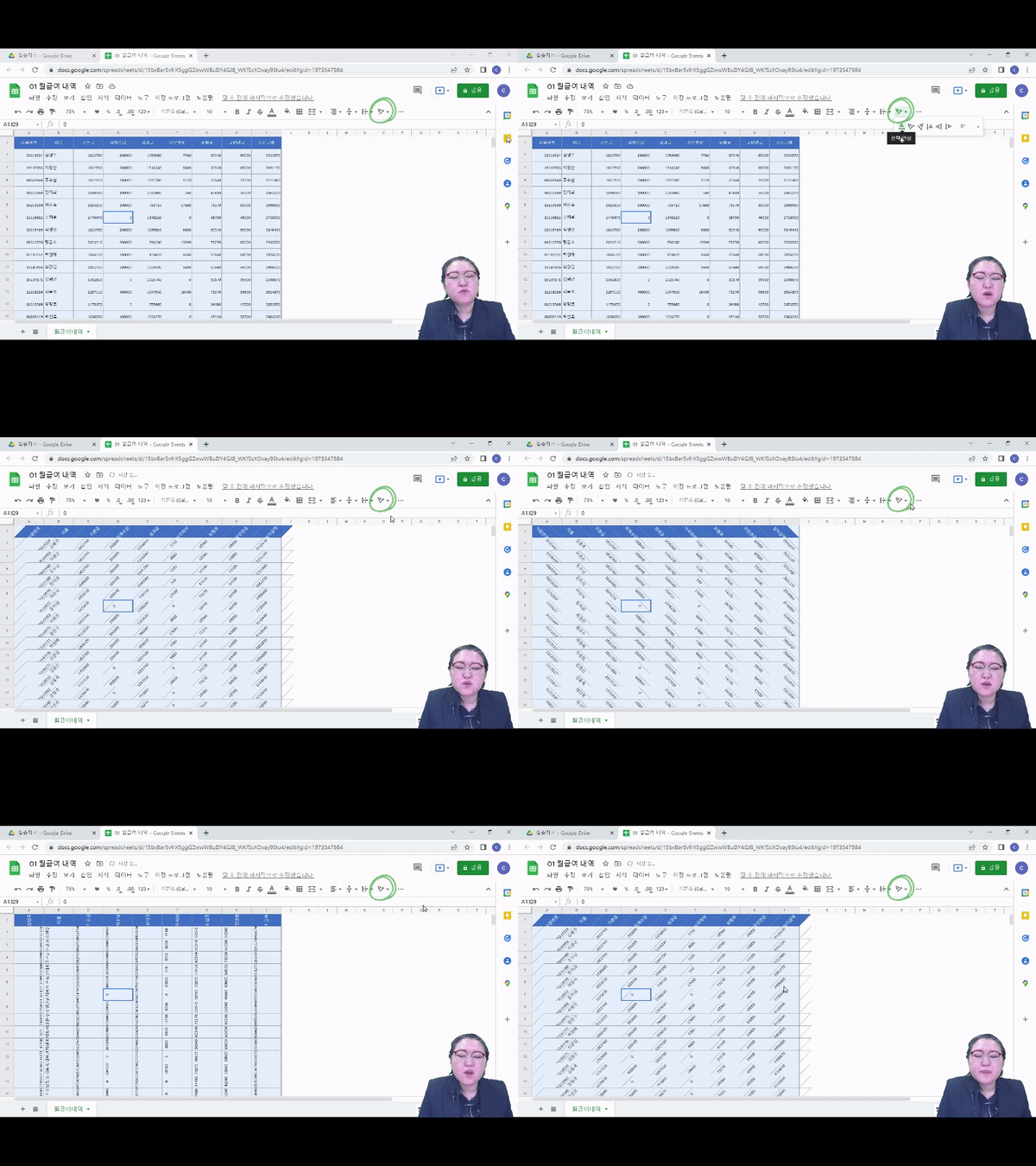
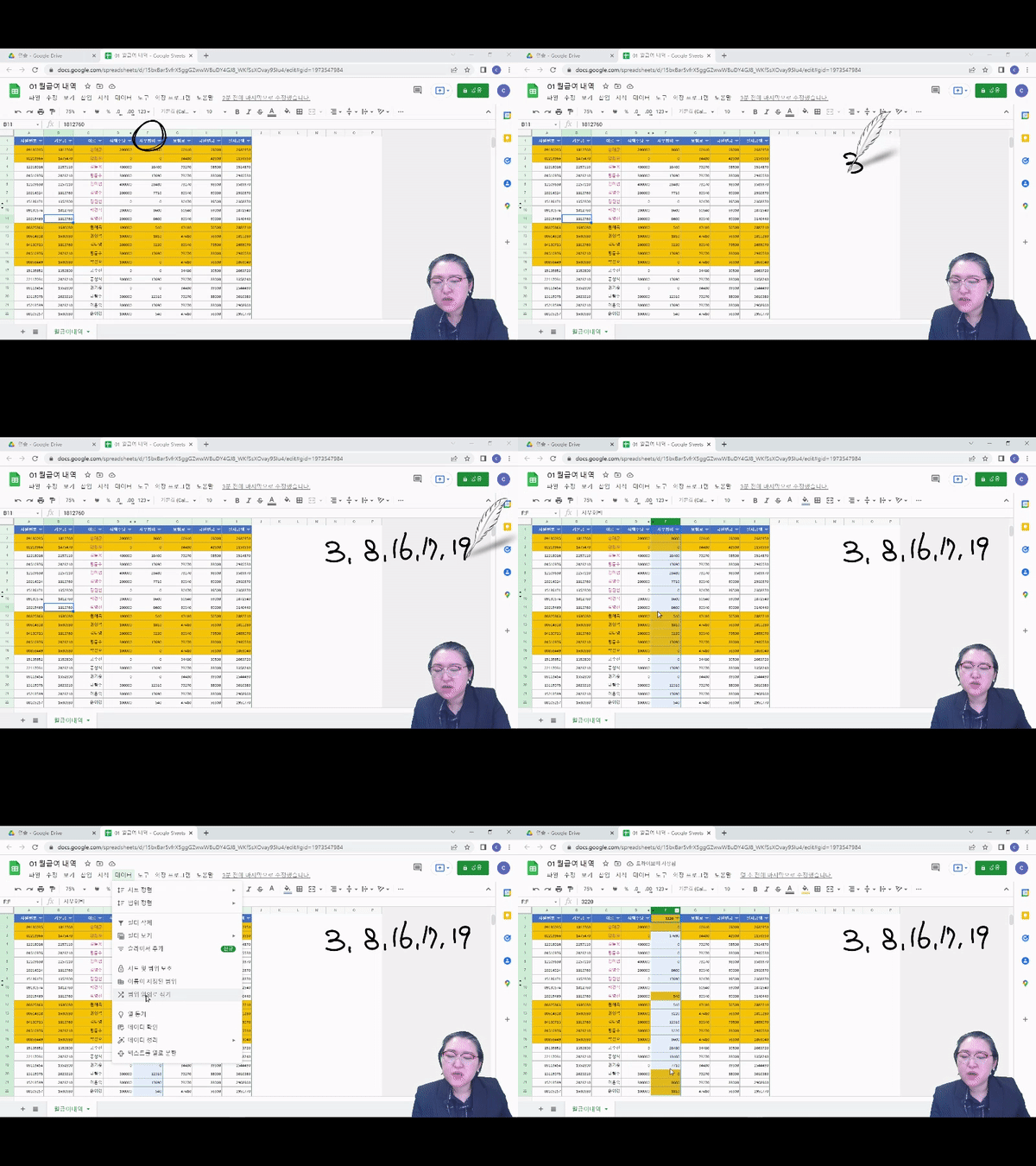
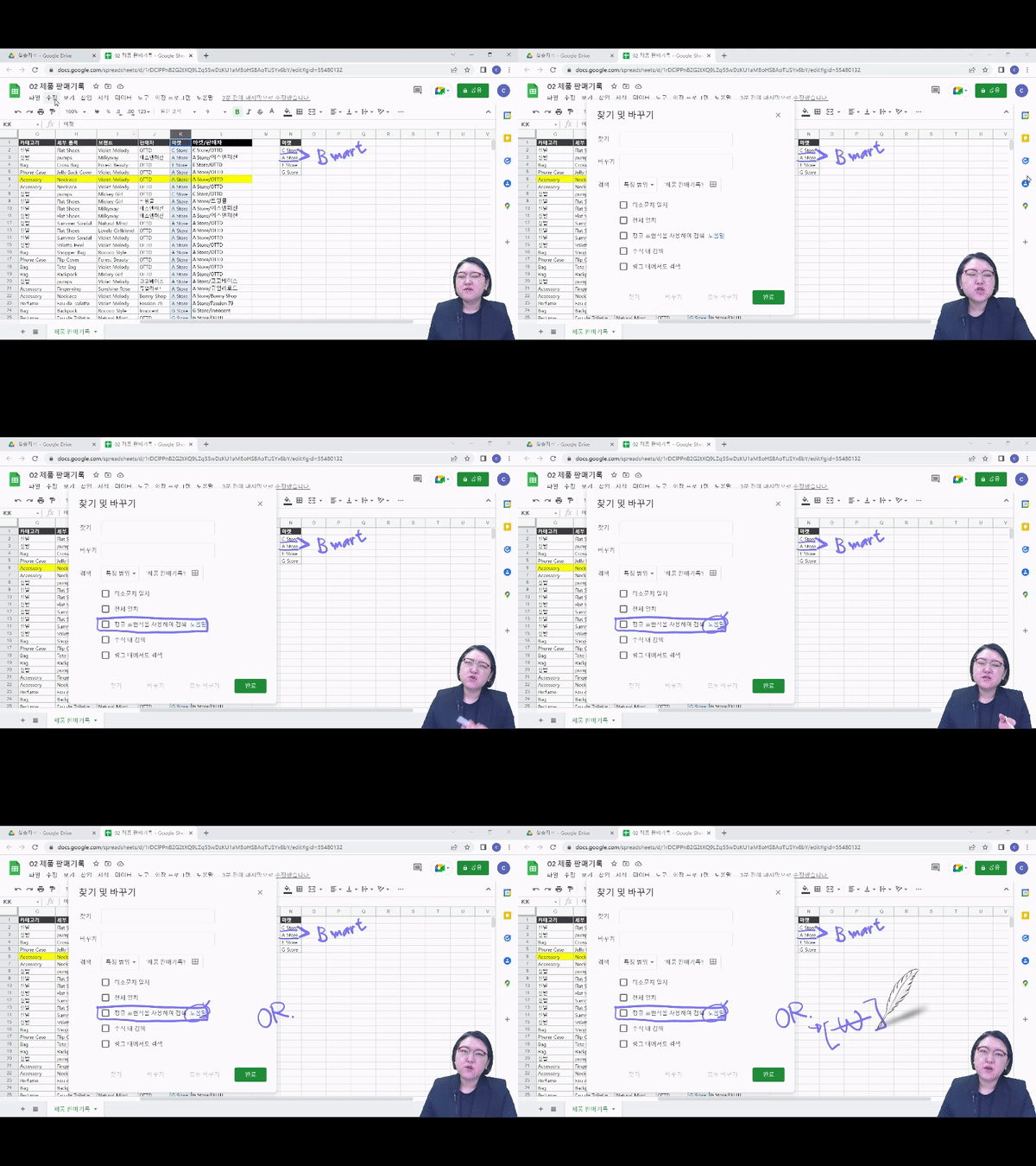
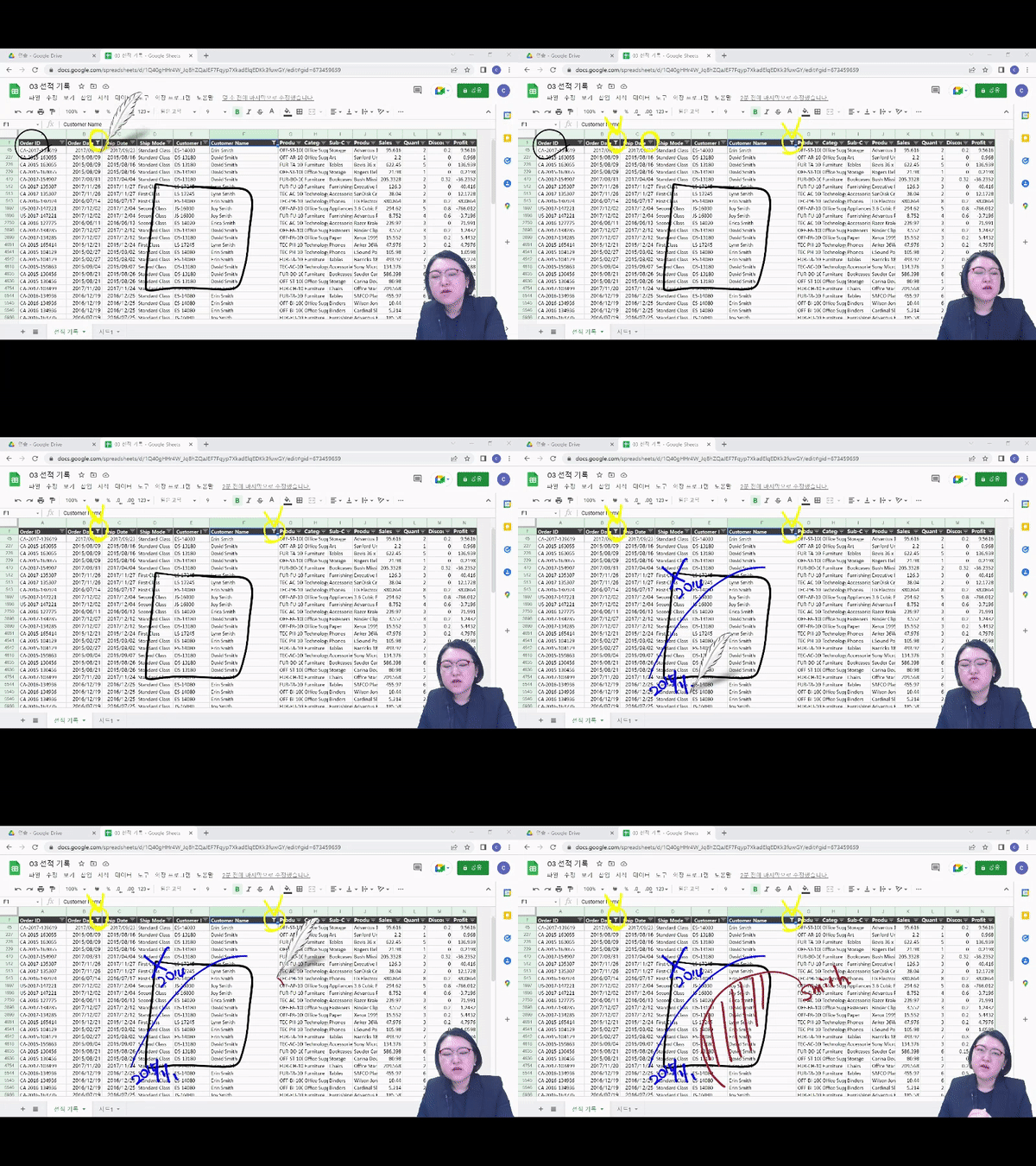
This course is designed with a curriculum that even those new to Google Sheets can easily follow. First, we will explain step-by-step everything from creating a new spreadsheet in Google Drive, saving and searching for files, understanding the spreadsheet address system, to converting between Excel and Google Sheets. You will also learn how to modify data formats, how to change data structures, and various methods for sorting data. Finally, you will learn how to handle value and format conversions to freely change data types, and study range freezing and grouping, single/multiple condition filters, and conditional formatting so that anyone can easily understand and work with the data. Now, let's increase work productivity through collaboration using Google Sheets!
To lead you to become a Google Sheets master! ✨
💁 Recommended for these people
✔️ Those who are new to Google Sheets
✔️ Those who want to collaborate easily and conveniently
✔️ Those who want to increase work productivity
✔️ Those dreaming of starting a business, joining a company, changing careers, reskilling, or talent transformation
🎲 After taking this course
By taking the Google Sheets Practical Introduction class, you will be able to acquire the following competencies!
1. Completely master Google Sheets from the basics!
Are you feeling overwhelmed because it's your first time using Google Sheets and you don't know where or how to start? Then you've come to the right place! Miso Campus's Google Sheets course is organized so that you can learn everything from creating a spreadsheet to methods for data analysis. Therefore, it is highly recommended for beginners as you can learn Google Sheets step-by-step from the basics!
2. Understand Google Sheets quickly and effectively with a lecture containing only the essentials!
Long lectures cause back pain and headaches... It's truly a struggle to suppress the urge to rest after work just to listen to a lecture. To lighten your burden, IT track has packed only the essentials into this course, allowing you to complete it in just 4 hours! All you need to bring is the determination to master Google Sheets.
Check out the learning content 📚
1. Mastering Essential Data Editing Functions
2. Editing data using cells
3. Learning data value and format conversion
4. Improving data readability
Frequently Asked Questions Q&A 💬
Q. Do I need to be proficient in Google Sheets to follow the class?
The instructor goes over every single button you need to click, so you don't have to worry about your basic skills.
Q. Are there any requirements or prerequisites for taking the course?
Since this is a practice-oriented course, it is recommended to have a dual monitor setup or an extra device so you can separate the lecture screen from your practice screen. Additionally, as the exercises are conducted based on Windows OS, we recommend taking the course in a Windows environment.
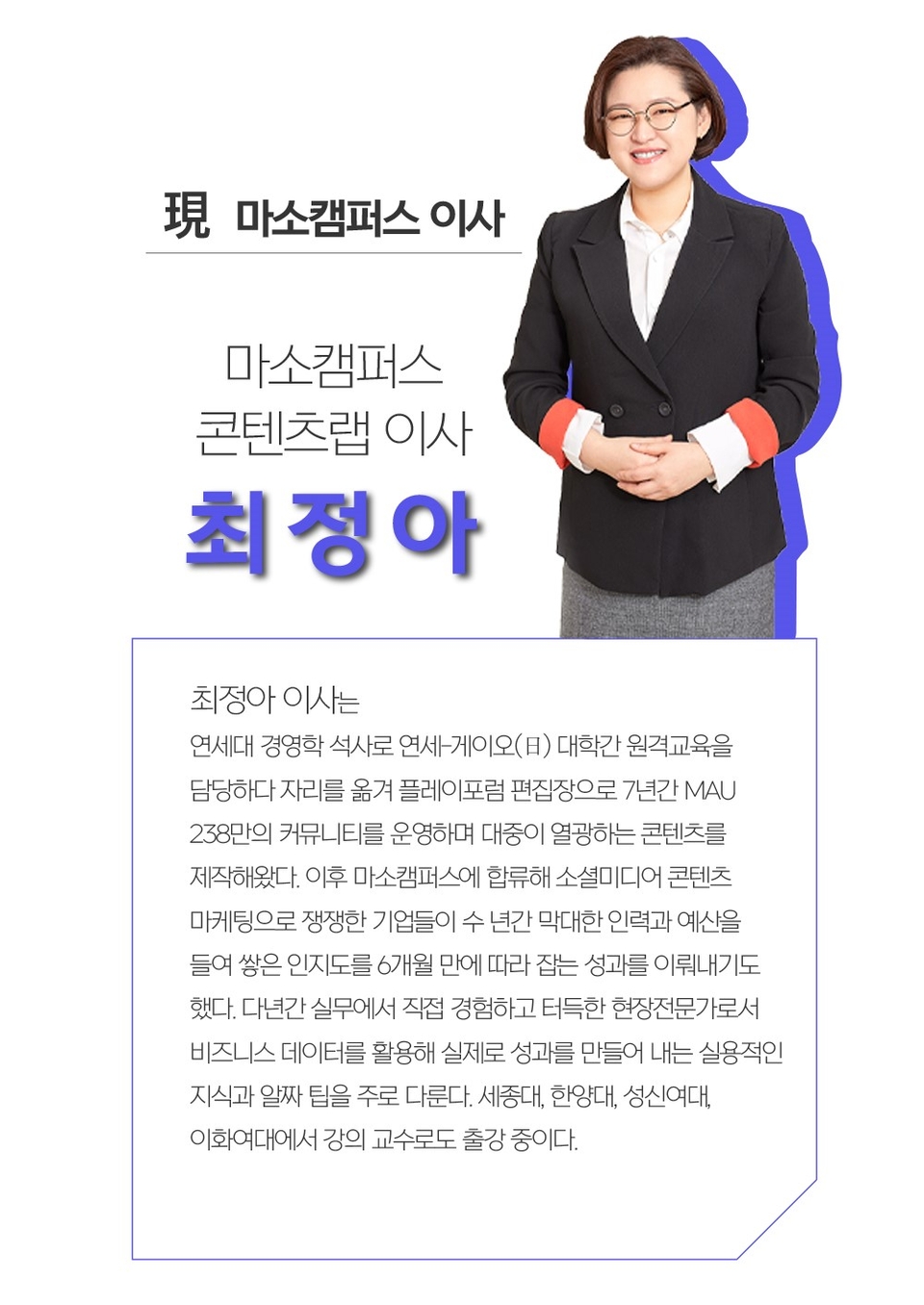
Director Jung-ah Choi of Masocampus will be with you ✒️
Please check before taking the course! ✅
There are differences in sound volume between each lecture unit. Depending on your listening environment, the audio of certain videos may feel a bit quiet, so please be sure to check the [Preview] of the lecture before taking the course.
Since this is a practice-oriented course, we recommend using dual monitors or an extra device so you can separate the lecture screen from your practice screen. Additionally, as the exercises are conducted based on Windows OS, we recommend taking the course in a Windows environment.
Lecture notes and practice files can be found in the <5. Textbook Download Center> section.
Recommended for these people
Who is this course right for?
Those who are new to Google Sheets
Those who want to collaborate easily and conveniently
Those who want to increase work productivity
Those dreaming of starting a business, joining a company, career transition, reskilling, or talent transformation.
I took this course because I thought I would use Google Spreadsheets a lot, so I wanted to learn from the basics. It was good because it was explained in a way that was easy to understand even for beginners using Google Spreadsheets, and it explained everything in detail step by step. :)
Next time, I plan to take the practical part!





















![[Template Provided] Mastering Google Sheets in Practice: Completing Automation with Real-Time ConnectivityCourse Thumbnail](https://cdn.inflearn.com/public/files/courses/341571/cover/01kmhbqpxzb2tt0exy2n89vd99?w=420)

![[Basic] Even those with no coding experience can do it! Master Google Sheets task automation in 90 minutesCourse Thumbnail](https://cdn.inflearn.com/public/courses/331717/cover/a395d468-0688-4908-88c2-4d087f24d7b7/thumbnail.jpg?w=420)