Learn new skills and share your projects through live streaming
Another Photoshop feature added? Then I should go learn it quickly! 🏃♂️
Lecture Topics 📖
Adobe Photoshop is a raster graphics editor developed by Adobe Systems, Inc. Photo editing, compositing, digital painting, animation, graphic design, and more are all possible with Photoshop!
Photoshop is constantly adding new features. This course will help you learn new Photoshop features and share your projects. Anyone can learn new skills and share their projects.
This course is designed for beginners , starting with an explanation of the program's basic functions. However, those who already know Photoshop but want to learn new features are also welcome!
📢 Required reading before taking the course
Please note that this course does not offer Q&A sessions with knowledge sharers.
Some lectures may have uneven audio quality due to recording issues. Please check the preview lecture before attending.
Preview of the lecture 👀
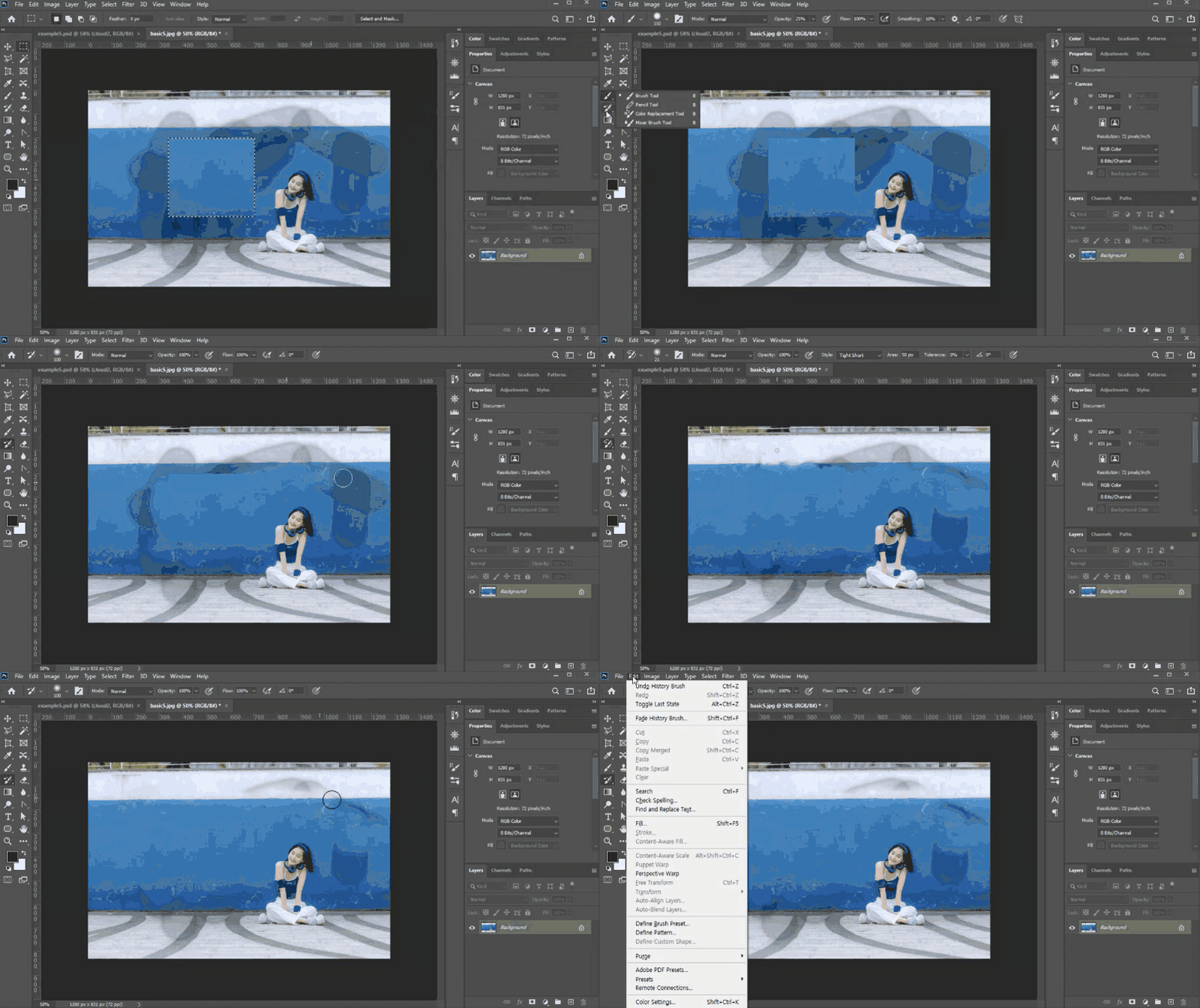
Let's take only the selected area and use it for image synthesis (from 'Synthesizing layers using the selected area 4').
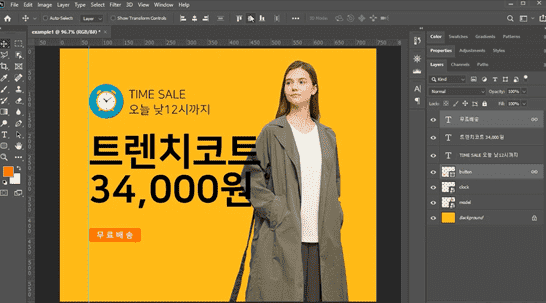
Let's try correcting the image in various ways (from 'Drawing in Various Ways 1').
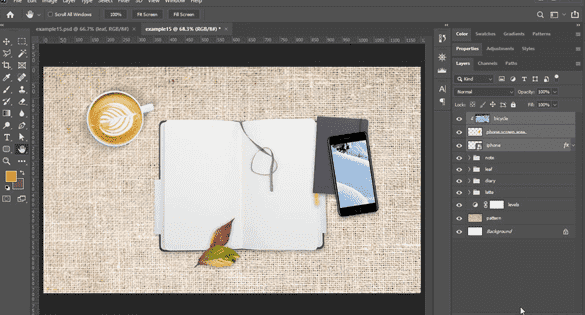
Let's review what we learned in the lecture through examples (from 'Basic Course Closing Example').
This course uses Adobe Photoshop 2021. Therefore, we recommend using that version of Photoshop. You can purchase the program from the official Adobe website or take advantage of various versions, including trial versions and short-term memberships. Official website
Expected Questions Q&A 💬
Q. Can beginners also listen?
Yes, this is a beginner's course that starts with an explanation of the basic functions of the program.
Q. Are lesson plans included in the lectures?
You can download the lecture notes by clicking the cloud-shaped icon on the left tab of the lecture playback screen. For this lecture, you can download them from Lesson 1 of each section.
Recommended for these people
Who is this course right for?
Beginners who want to learn Photoshop for the first time
Photoshop users using older versions
Designers who want to improve their design skills in practice













![[Photoshop Revolution Broadcast] Photoshop Basics CompleteCourse Thumbnail](https://cdn.inflearn.com/wp-content/uploads/photoshop002.jpg?w=420)




![[Photoshop Revolution Broadcast] Photoshop Advanced Completion - Mastering the Pen ToolCourse Thumbnail](https://cdn.inflearn.com/wp-content/uploads/photoshop001.jpg?w=420)
![How to Make a Unity 2D Roguelike Game [Korean Subtitles]Course Thumbnail](https://cdn.inflearn.com/wp-content/uploads/unity003.jpg?w=420)




![Easy-to-Use AI Gemini for Business [Basic]Course Thumbnail](https://cdn.inflearn.com/public/files/courses/344017/cover/01m0xp2ndxkvg7tw9dw2fr1qbg?w=420)