
Programming Starting with MATLAB
pbj0812
Free
Beginner / MATLAB
4.8
(122)
3,900+
This course covers the most important and basic grammar in MATLAB through simple examples, so that even non-computer experts can learn it quickly.

Beginner
MATLAB

Using jupyter notebook
Learn the basics of using pyhon 📚
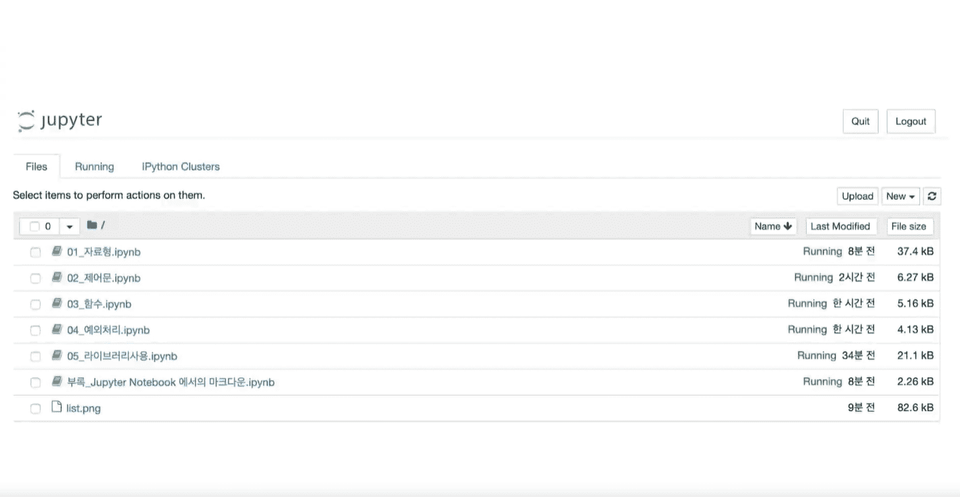
The jupyter notebook files used in the lecture are provided in compressed file format.
Through this lecture, you can learn python and jupyter notebook. It takes a lot of effort and time to learn something. In this lecture, you can see the results of the code right away through jupyter notebook, and the parts that are deemed unnecessary at the introductory stage are boldly omitted to help you learn a little faster. After completing this lecture, I think it will be of some help to learn python, which you were reluctant to learn.
👉 Course Features
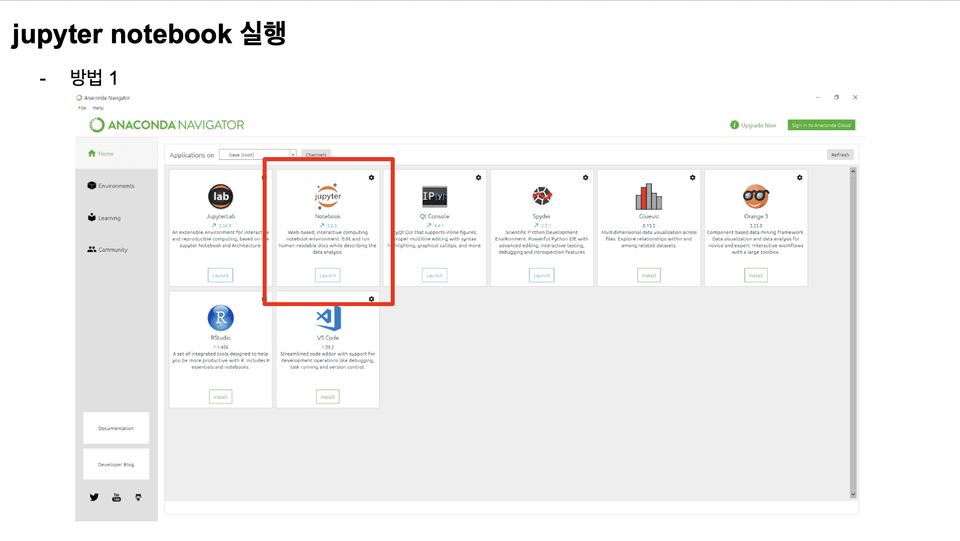
The lecture introduction section introduces the content of the lecture and the students who recommend the lecture, and includes instructions on how to install and run Jupyter Notebook.
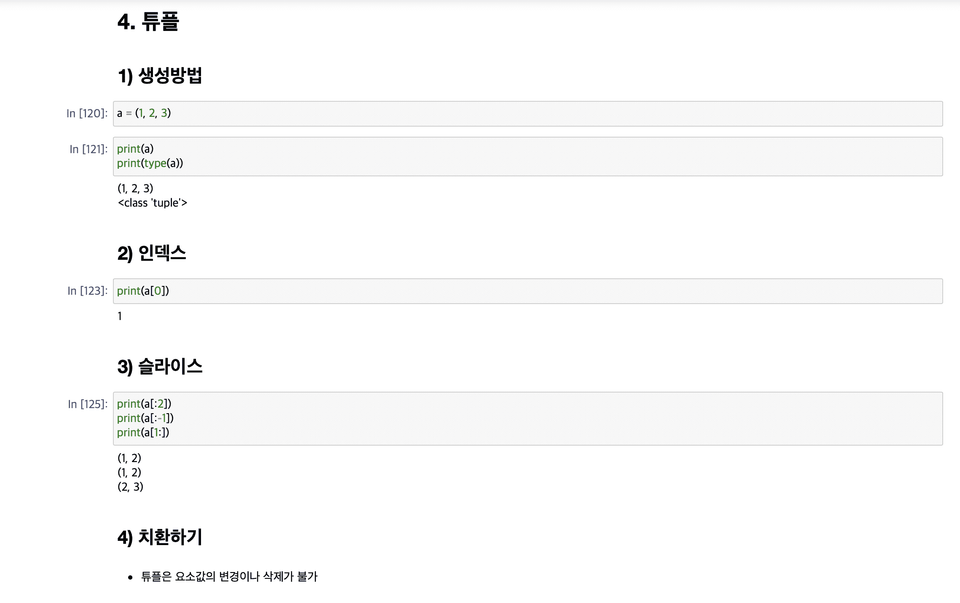
Contains explanations of data types supported by Python (numbers, characters, lists, tuples, dictionaries, and sets).
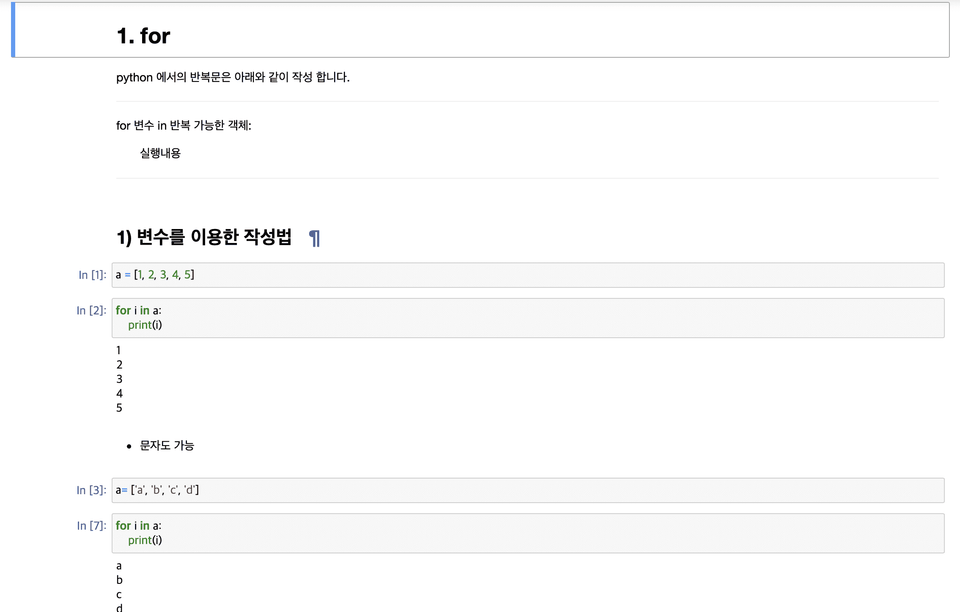
It contains explanations about loops (for, while) and conditional statements (if).
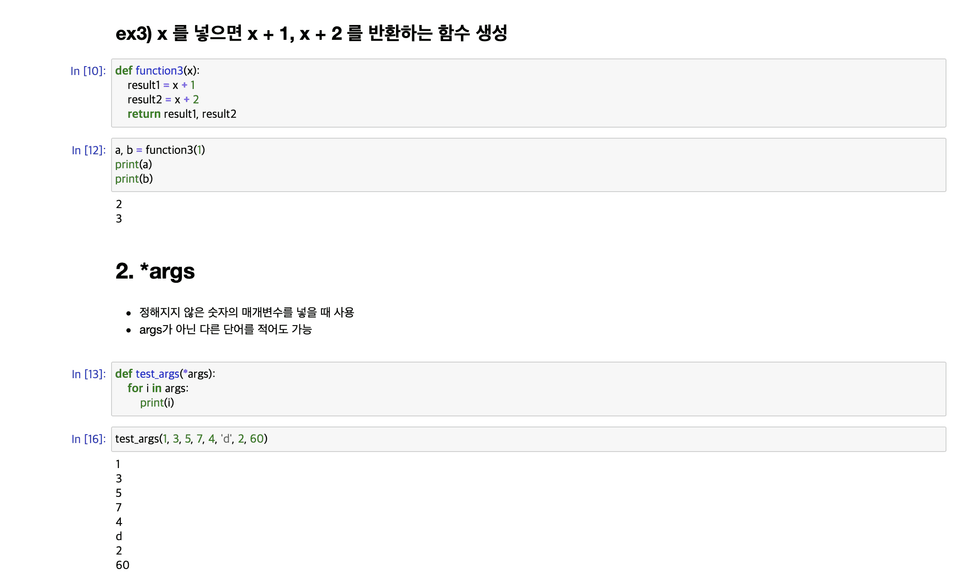
I have summarized how to create functions using def and how to use them.
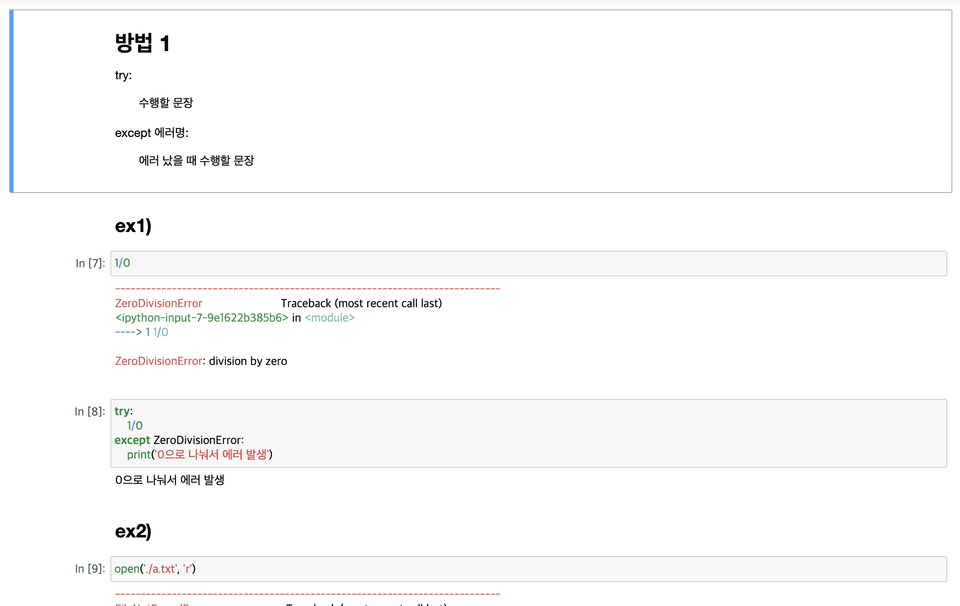
We introduced exception handling used when an error occurs.
I have introduced how to install and use external libraries.
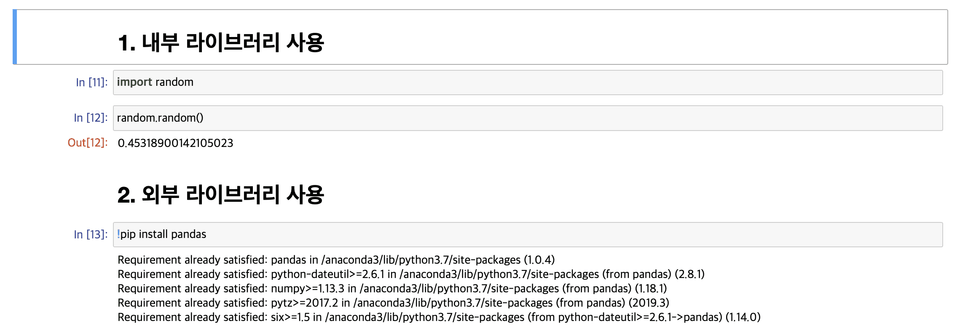
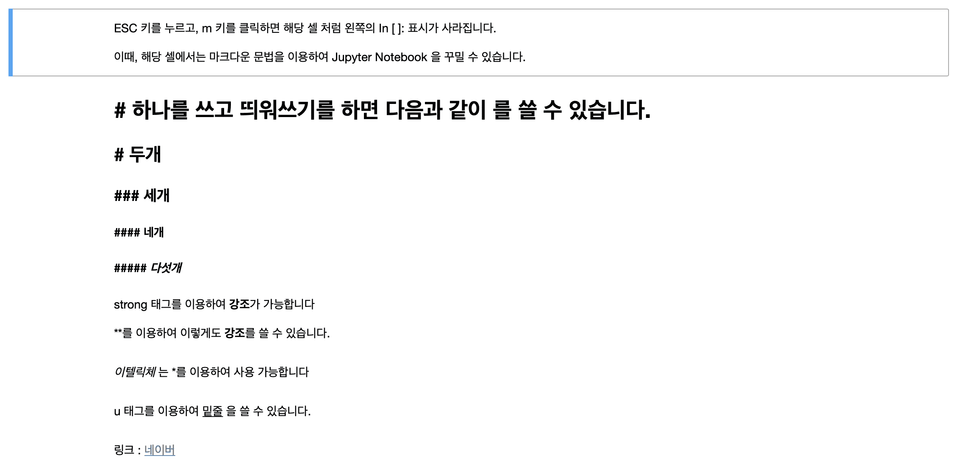
A brief explanation of the markdown supported in Jupyter Notebook.
Q-1. Can non-majors also take the course?
A-1. It is possible. However, since my target audience is people who have basic programming language experience, there may be some parts where the explanation is lacking.
Q-2. Is there anything I need to prepare before attending the lecture?
A-2. As explained in the introduction, you must install Anaconda and create an environment where Jupyter notebook can be used.
Q-3. To what extent does the class cover the content?
A-3. It covers the basics of Python, but it omits classes that are usually introduced in books or lectures to increase the speed of the lecture.
Note
Korean and English are the same language, but just because you can speak Korean doesn't mean you can easily learn English. Learning English requires a lot of effort. I think programming languages are similar. Although they are the same programming languages, learning a different language requires time and effort. In this lecture, we put a lot of thought into lowering the hurdle of time and effort for learners.
Over the past three years, I have created several lectures on Inflearn, and over 3,000 people have taken my lectures and responded well.
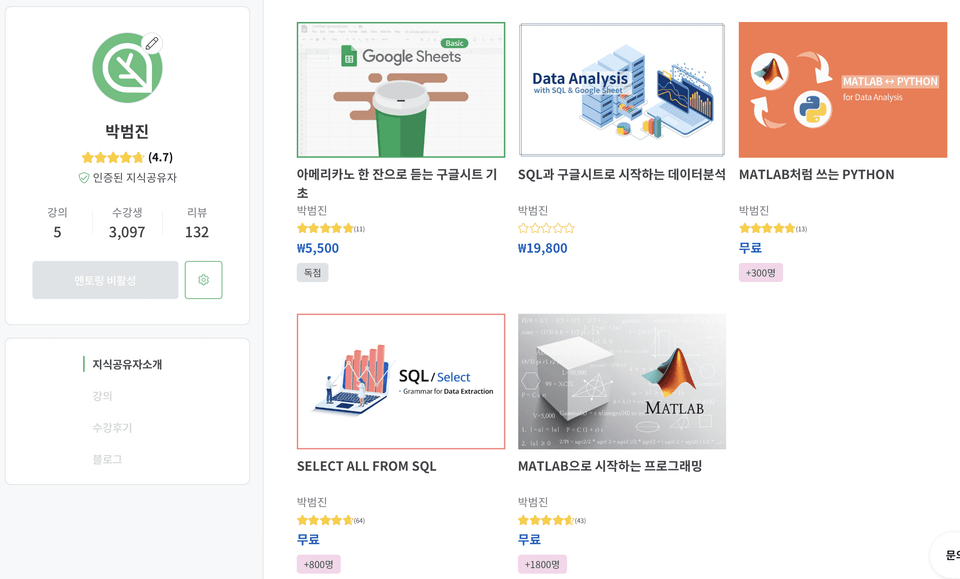
Inflearn Knowledge Sharer Blog

It is useful when you want to quickly experience Python or the Jupyter Notebook environment.
Thank you.
I think you taught me all the basics of python and jupyter notebook with simple examples and explanations in a short period of time. Thank you!!
Clear lecture
It was an opportunity to lightly review Jupyter Notebook usage and Python syntax, as intended by the instructor.

![[Python] DFS Algorithm Understandable Even for Liberal Arts Students! - Introductory EditionCourse Thumbnail](https://cdn.inflearn.com/public/courses/331842/cover/bc65732d-d4df-4d03-b804-625dbd6b1a83/331842-eng.png?w=420)
![[Python Game Development] Minesweeper Creation That Even Beginners Can FollowCourse Thumbnail](https://cdn.inflearn.com/public/files/courses/337795/cover/01k38rm474bcf23g0rwx8cs2y1?w=420)
![[Level 2] Python Programming with Qt: QMLCourse Thumbnail](https://cdn.inflearn.com/public/courses/335346/cover/f8e06c2e-03bb-4e02-910d-965ee2e547b8/335346.png?w=420)
![[AICE] Data Analysis and AI Modeling with PythonCourse Thumbnail](https://cdn.inflearn.com/public/files/courses/340648/cover/01kg1qqxb50yahem3fa8znqr9p?w=420)