inflearn logo
inflearn logo

[Revised Edition] Setting up IntelliJ IDEA for web application development

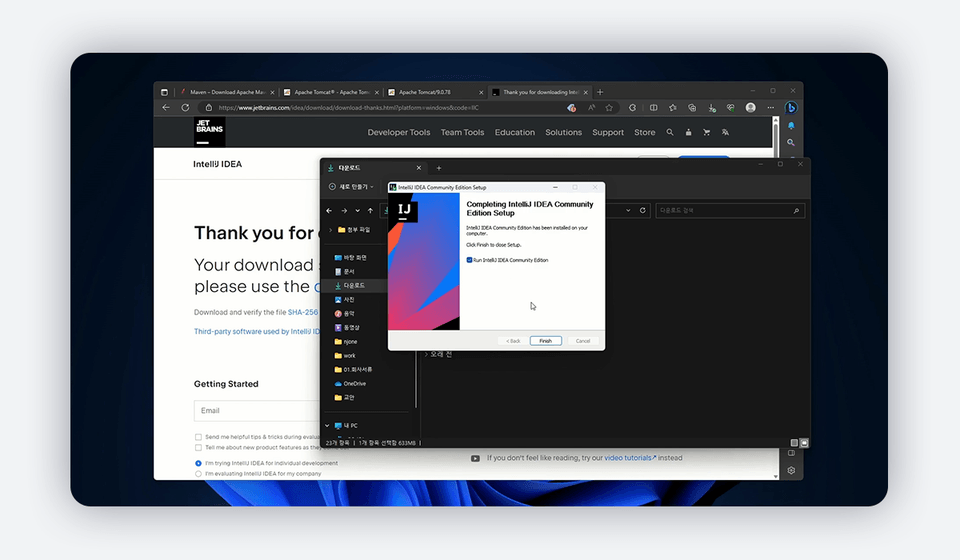
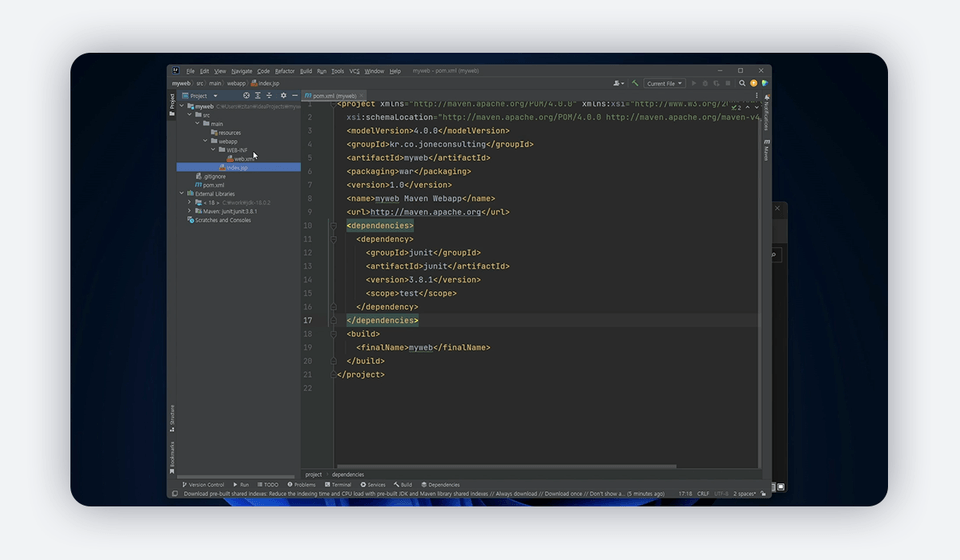
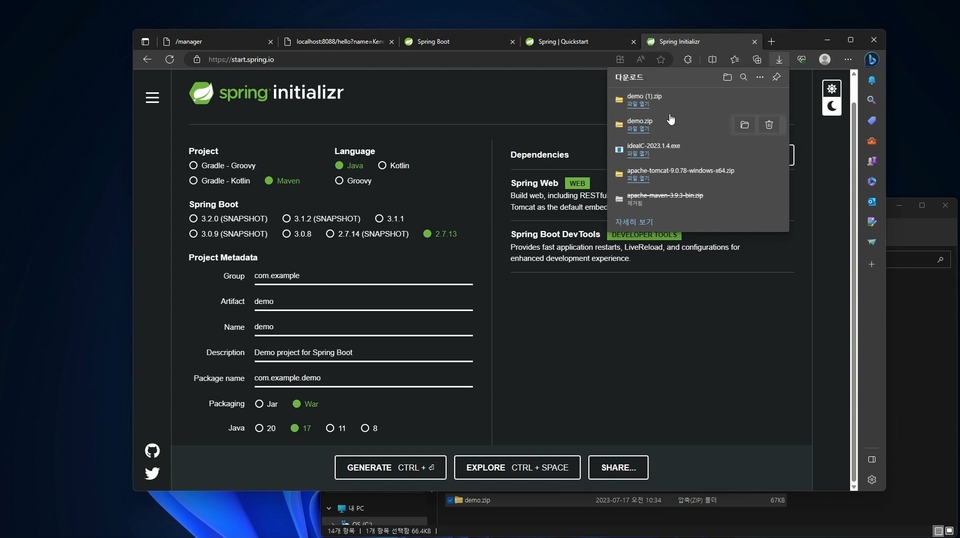
We will introduce the SW required for developing web applications using Java, and learn how to install and use the required SW. We will also introduce the setup process and execution method for starting Java web programming in IntelliJ IDEA Community, a programming development tool from Jetbrains (https://www.jetbrains.com/). Through this lecture, you can practice the basic process and tools used for developing web applications.

(4.8) 106 reviews

3,117 learners

Level Basic

Course period Unlimited

IntelliJ IDEA
IntelliJ IDEA
Web Application
Web Application
apache-tomcat
apache-tomcat
maven
maven
JSP
JSP
IntelliJ IDEA
IntelliJ IDEA
Web Application
Web Application
apache-tomcat
apache-tomcat
maven
maven
JSP
JSP
Thumbnail
날개 달린 동전

Recommend Course to grow and earn commission!

날개 달린 동전

Marketing Partners

Recommend Course to grow and earn commission!

Reviews from Early Learners

Reviews from Early Learners

4.8

5.0

미르누리

100% enrolled

Personally, I think he is one of the best instructors at Inflearn. I took the class first to take a break because the instructor's other lectures were a bit long, but I am always amazed by the instructor's sincere efforts to convey all of his knowledge. Thanks to him, I am able to work with confidence and help me a lot in my field. I am grateful again and look forward to new lectures in the future.

5.0

소라연

100% enrolled

Thank you for guiding me to do web development in the community version. It's the most friendly lecture.

5.0

yblmmen

38% enrolled

It was a free but very valuable lecture. It was very useful content for a beginner like me. Thank you. I plan to continue listening to the next paid lecture.

What you will gain after the course

  • Setting up an environment in IntelliJ for Java web programming

  • Maven build, deployment

  • Deployment to Web Application Server

  • Developing Web Applications Using IntelliJ IDEA Community

Essential SW for web application development,
Try it out yourself, from installation to usage.

For Java web applications
Setting up an IntelliJ IDEA development environment

This article introduces the software required to develop Java-based web applications.

Learn about the essential software required for web application development, the essential usage of IntelliJ IDEA Community , an integrated development tool, and how to integrate with web servers.

Learn how to create, build, and deploy web application projects using Maven , a project management tool.

IntelliJ IDEA is

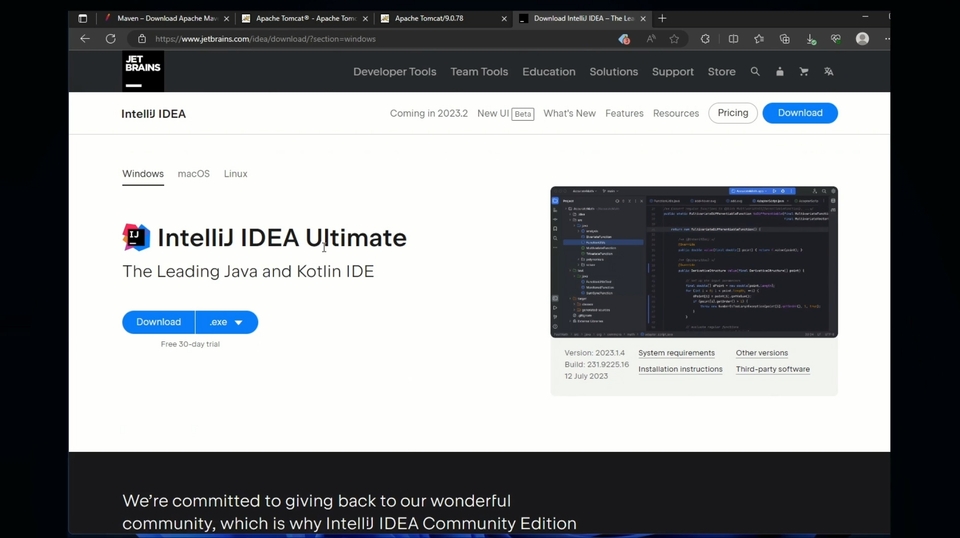
IntelliJ IDEA is a popular integrated development tool that provides various convenient features for web application development, such as code completion (auto-completion), refactoring, and quick search. Since 2009, a free community edition has also been available. (IntelliJ IDEA Community)


For web application development
It contains essential features.

IntelliJ IDEA

Maven

Tomcat Server

Spring Boot

Easy to understand even for beginners

Drawing on extensive teaching experience, I use terminology and explanations that are easy for beginners to understand. Even basic IT knowledge is sufficient for easy understanding.

Classes for practical use

After learning the theoretical content, students can install and use the SW in their own environment.

Increased the proportion of practical training

We aim to maintain a 50:50 ratio of theory to practice, targeting beginners. We'll teach you how to understand and practice the basic structure of a web app and the essential software.

Latest Renewal in 2023

This course is a revised version of the previous course, "Setting Up IntelliJ IDEA for Web Application Development." The software has been updated to the latest version and the content has been supplemented.

Section 1: Introduces the essential software required for web application development and explains how to install it.

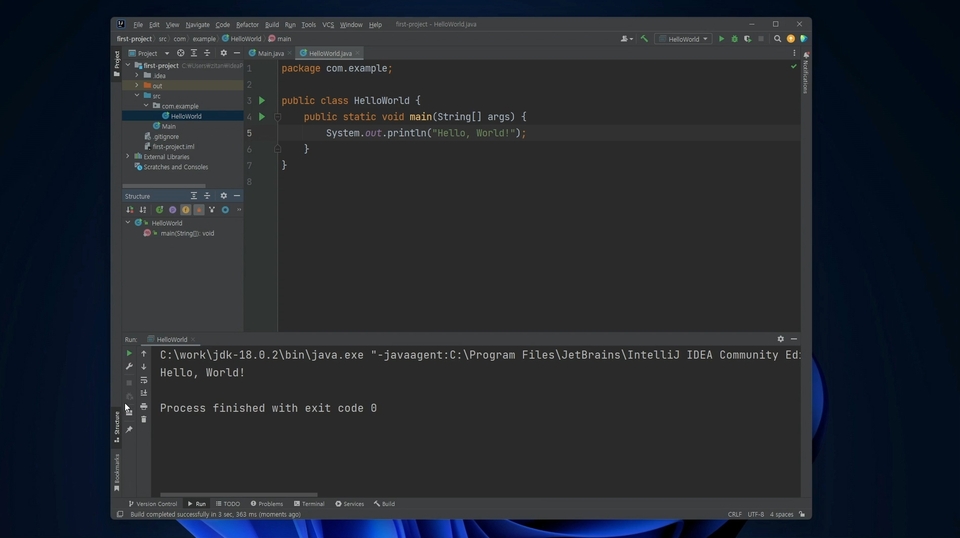
Section 2: Learn the basics of using the integrated development tool IntelliJ IDEA.

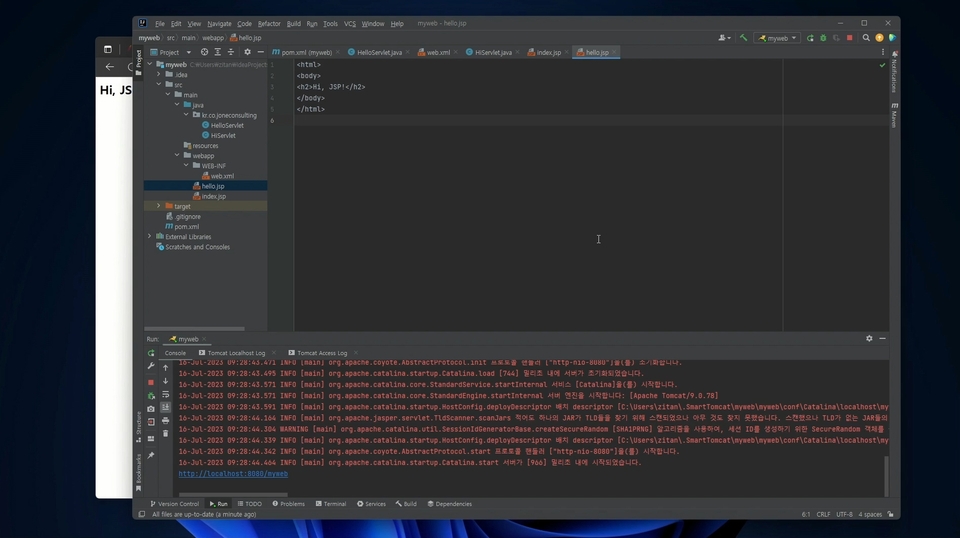
Section 3: Learn how to create and run Servlets and JSPs for developing Java web applications.

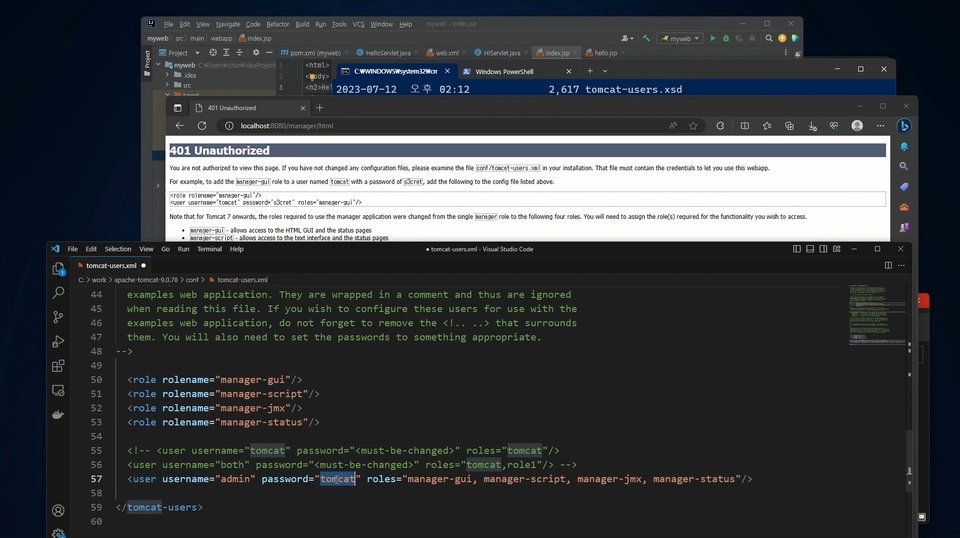
Section 4: Learn how to deploy and run a Java web application.

Section 5: Create and run a Java web application using Spring Boot.


Q&A 💬

Q. What can I do if I take the course?

You can learn about the essential software required for web application development and the processes required for development and deployment.

Q. Is there anything I need to prepare before attending the lecture?

This course doesn't cover basic Java programming. However, if you understand the characteristics and basic grammar of the Java language, you'll find the sample code used in the course easier to understand. Additionally, it would be helpful to understand what web applications and web services do, and the role of servers, before participating in the course.

Q. Are there any notes regarding the class?

The course materials and source code used in this lecture can be downloaded from Github . This lecture installs essential software for web application development on Windows, including IntelliJ IDEA.

💾 Course Information

  • You'll need a PC running Windows, macOS, or Linux. We recommend an i5 or higher CPU, 8GB or more of memory, and 500GB or more of disk space. (This course will be conducted in a Windows environment.)
  • The teaching materials (PDF) and source code used in the lecture are shared through Github .
  • This course covers basic content that even beginners can learn.
  • Since the sample applications used in the lecture were written in Java, a basic understanding of Java will be helpful in taking the lecture.
  • Please use the bulletin board for any questions about the lecture.

Linked lectures
Check it out.

If you are interested in developing advanced web applications based on Spring Boot,

If you are interested in cloud and MSA

If you want to configure an automation pipeline for operating/deploying web applications,

Recommended for
these people

Who is this course right for?

  • For those who want to start web programming using IntelliJ IDEA

  • For those who want to switch from Eclipse IDE to IntelliJ

  • For those who want to deploy web applications developed in Java to WAS

Need to know before starting?

  • Java Programming Basics

  • Experience using IDE (Eclipse, etc.)

  • Understanding Web Services

Hello
This is Dowon Lee

30,173

Learners

1,672

Reviews

1,373

Answers

4.8

Rating

8

Courses

I am an IT engineer. There was a time when I used to worry about which word to choose for the "occupation" field: "Office worker?", "Developer?", or "Instructor?". Then, I realized that the term "IT engineer" suited me best, and to this day, I still write "IT engineer" in that space.

I believe that a profession represents one's work, and that work should ideally be both enjoyable and helpful. While not everyone can live while doing exactly what they want, I am someone who loves the work I do and strives to excel at it. Having served in roles as a developer, instructor, and consultant, I often find myself rushing to keep up with the constant stream of new and evolving IT technologies; nevertheless, I am someone who wants to experience, disseminate, and utilize them even just a little bit sooner than others.

The field I have recently been interested in is online education consulting. My technical interests include Cloud Native Architecture, Blockchain, Machine Learning, Kafka, and Kubernetes. I am currently lecturing on these technologies and applying them to my work. However, because these are such vast subjects, I am still continuously studying them.

They say that what is only kept in one's head is not true knowledge. I aim to share my knowledge and experience through various methods. Furthermore, I will continue to be an IT engineer who constantly takes on challenges in new fields and new technologies.


  • Current) CEO of NJ One Company

  • Current) Adjunct Professor, Department of Information Security, Graduate School of International Affairs and Information Security, Dongguk University

  • Former) JP Morgan Chase AMJ Tech consultant (Japan)

  • Former) Senior Engineer, CMS Business Division, Samsung SDS


More

Curriculum

All

26 lectures ∙ (2hr 44min)

Course Materials:

Lecture resources
Published: 
Last updated: 

Reviews

All

106 reviews

4.8

106 reviews

  • nuri56324374님의 프로필 이미지
    nuri56324374

    Reviews 19

    Average Rating 5.0

    5

    100% enrolled

    Personally, I think he is one of the best instructors at Inflearn. I took the class first to take a break because the instructor's other lectures were a bit long, but I am always amazed by the instructor's sincere efforts to convey all of his knowledge. Thanks to him, I am able to work with confidence and help me a lot in my field. I am grateful again and look forward to new lectures in the future.

    • stbhg5님의 프로필 이미지
      stbhg5

      Reviews 10

      Average Rating 5.0

      5

      100% enrolled

      This was very helpful for my first time using IntelliJ. Thank you.

      • sorayeon님의 프로필 이미지
        sorayeon

        Reviews 81

        Average Rating 5.0

        5

        100% enrolled

        Thank you for guiding me to do web development in the community version. It's the most friendly lecture.

        • wlghsp3420님의 프로필 이미지
          wlghsp3420

          Reviews 223

          Average Rating 5.0

          5

          60% enrolled

          It's useful for Java Spring developers to learn the basics of using IntelliJ and starting a Java, Spring project.

          • sm07sw063898님의 프로필 이미지
            sm07sw063898

            Reviews 4

            Average Rating 4.0

            5

            31% enrolled

            Dowon Lee's other courses

            Check out other courses by the instructor!

            Similar courses

            Explore other courses in the same field!

            Free