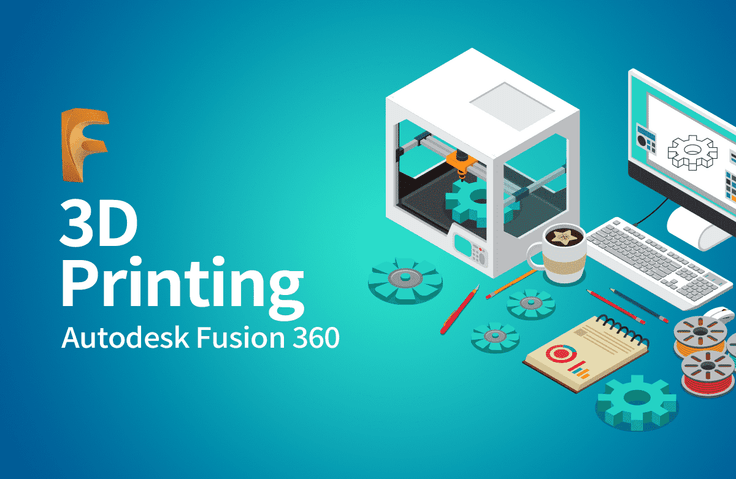
A course that breaks down the barriers to 3D printing and provides an easy, simple introduction to 3D modeling!
From tool functions to utilizing Create Form, let's create your own design accessories with a 3D printer.
It was great how you explained each feature in detail and then naturally transitioned to practical exercises where we could apply what we learned.
5.0
wishzm
30% enrolled
Easy to understand and follow.
5.0
표세영
79% enrolled
It's so good
What you will gain after the course
Basic theories and principles of 3D printers
Understanding and Application of 3D Modeling Techniques
How to create your own design accessories using a 3D printer
How to create your own interior accessories in a new way
A hobby you can use right after learning, 3D printer modeling! Learn it easily and enjoyably with Fusion 360.
🎲A unique hobby, 3D printer modeling!
As technology advances, 3D modeling is garnering significant interest. Due to the advantage of being able to create creative products quickly, the 3D modeling market is growing even further, and its prospects are also highly valued. This has permeated our daily lives at some point, offering us a new hobby.
Props , furniture, and objects that I make myself… A unique hobby, the trending 3D printer! But, isn't there too much to prepare just to get started?
To help you solve all those concerns at once, Maso Campus has prepared this! A hobby you can learn and use right away, 3D Printer Modeling!
👍Recommended for the following people
- Those who bought a 3D printer on impulse but have it sitting idle at home because they don't know how to use it
- 3D modeling for beginners who want to learn
- Those who want a productive new hobby
- Those who want to pursue self-development through a unique hobby
- Those who love making things
- An early adopter
looking for a hobby
👀Course Features
I make what I want!
Learn and use immediately: the 3D modeling course prepared by Moso Campus, <3D Introduction to Printer Modeling>
Here is why our lecture is special.
-Difficult terms are explained in simple language, making it easy for even beginners to learn
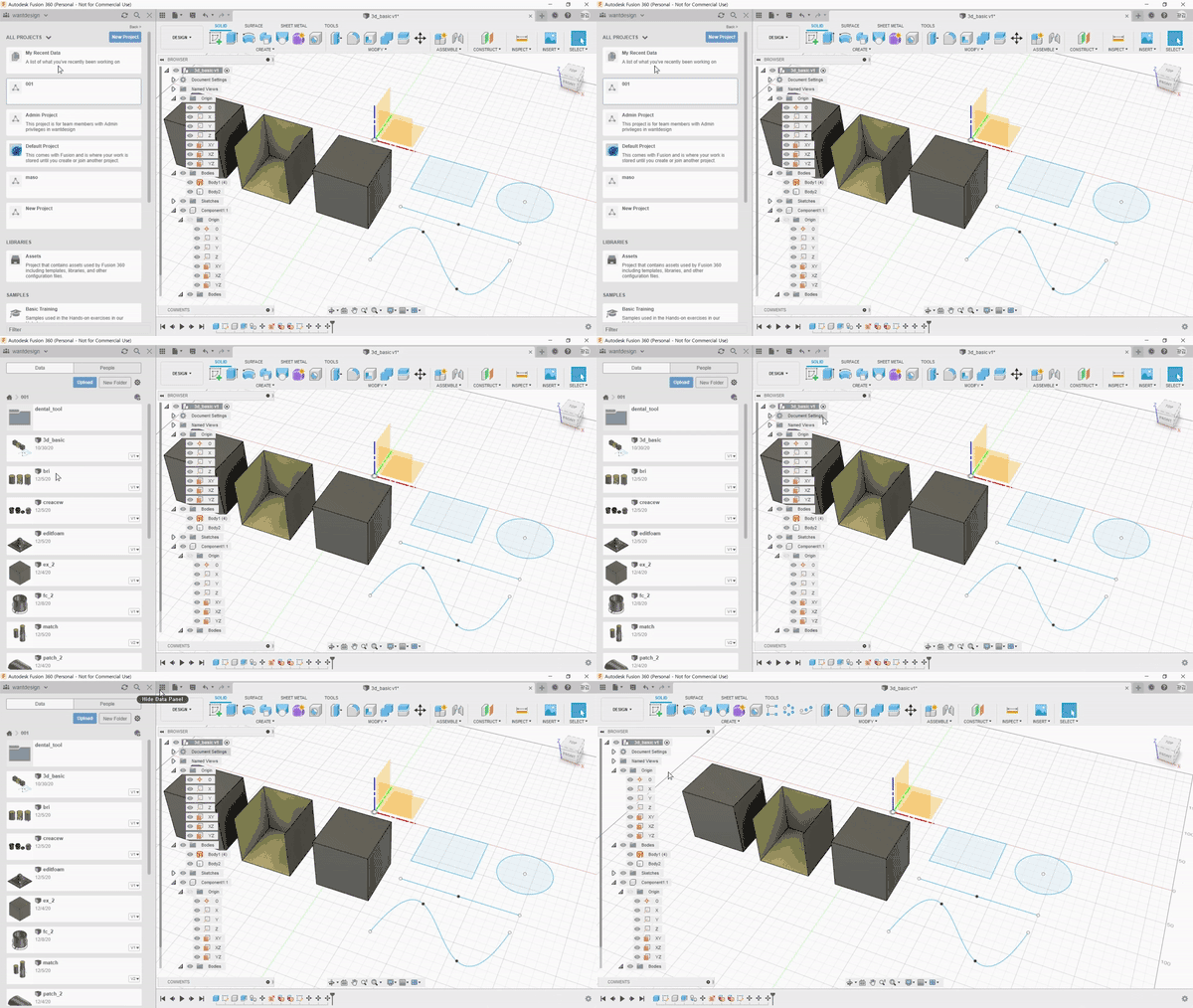
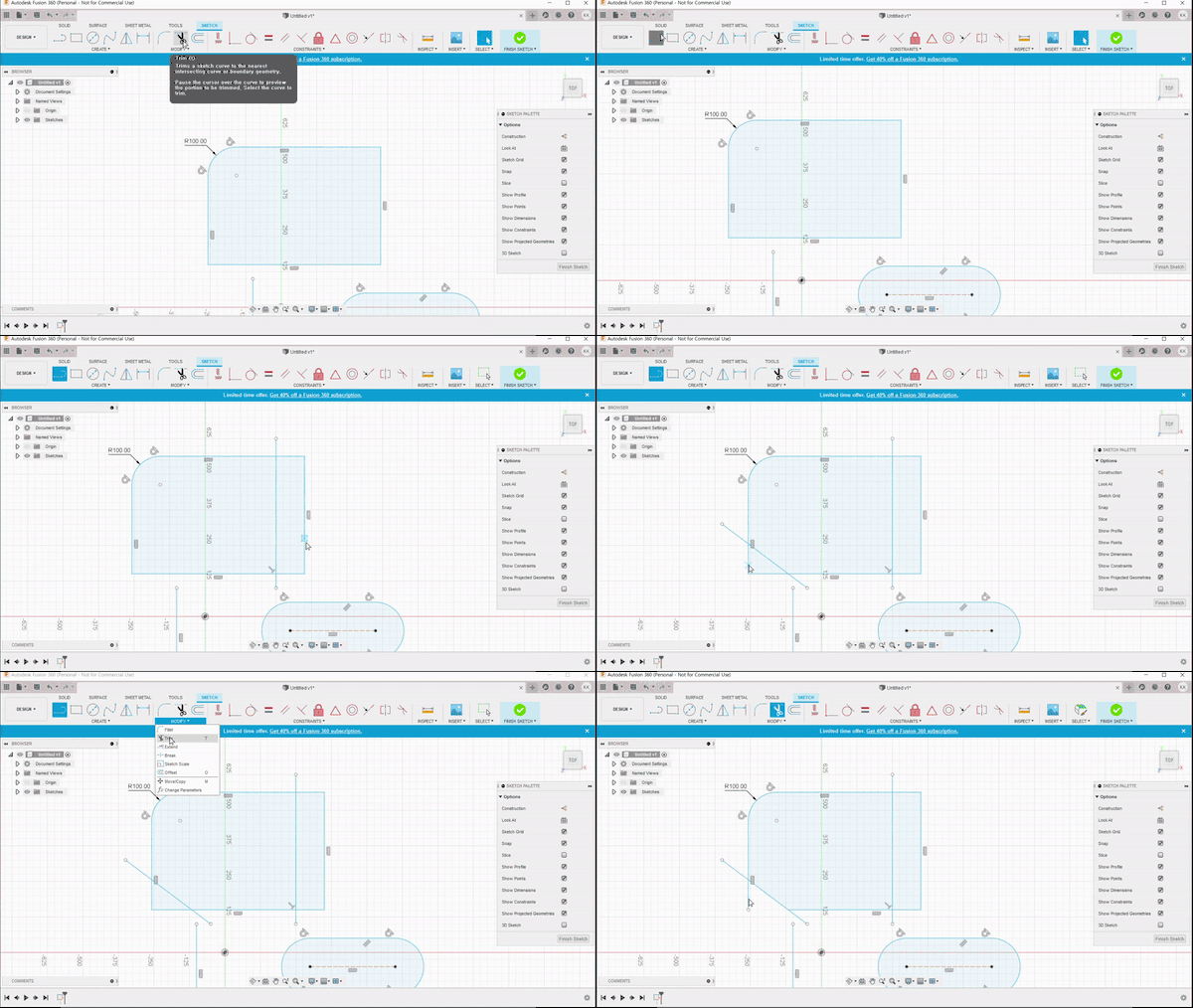
-A to Z Thorough learning is possible by exploring everything about tool functions
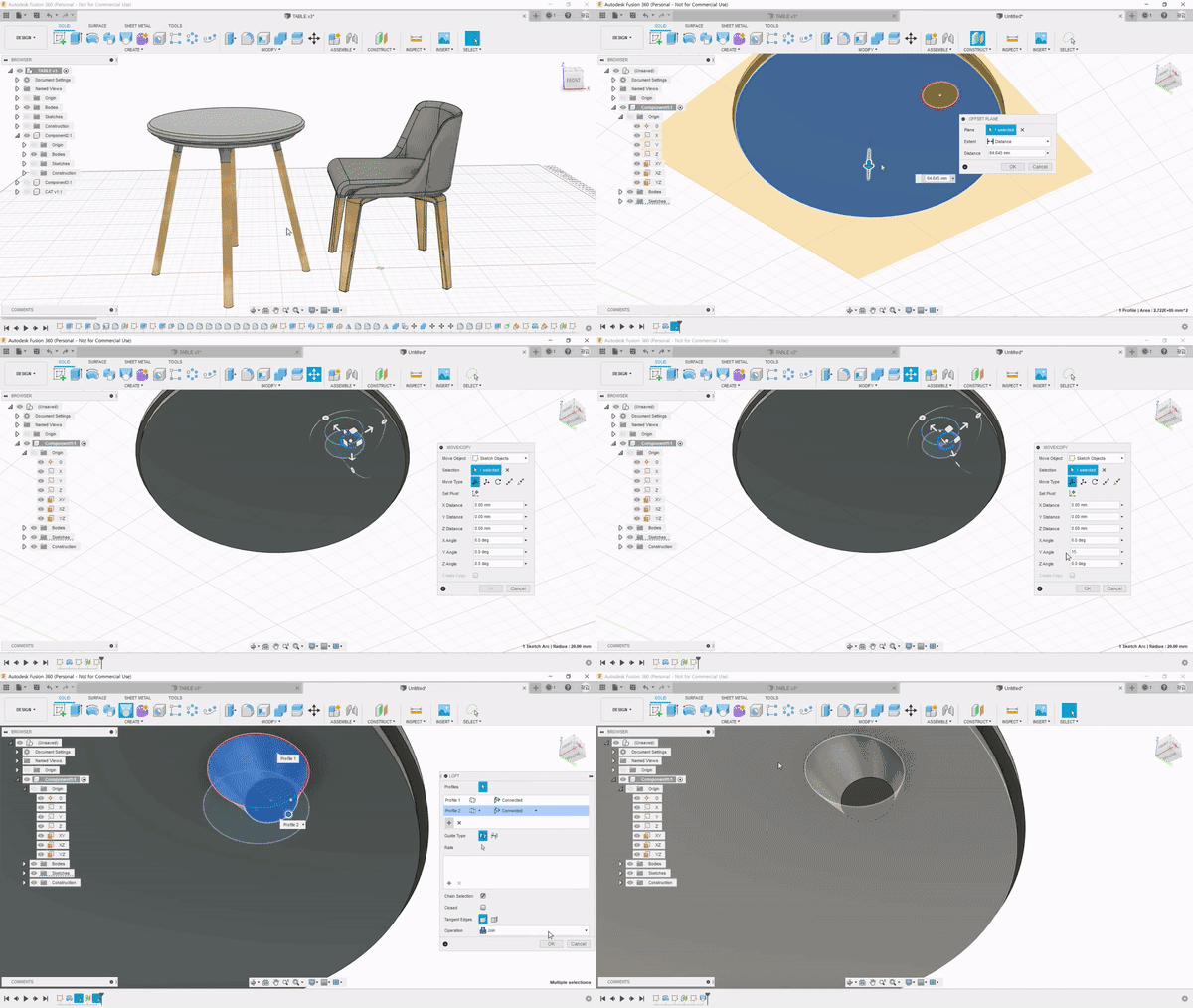
-From basic props to design items, boost your versatility with solid fundamentals UP
-Learn simple and free modeling by using Fusion 360
-Improve production and application skills through hands-on practice
3D modeling beginners who have never encountered it before, please don't be intimidated,
Develop your 3D modeling skills through our course!
🏆 After completing Introduction to 3D Printer Modeling
If you take Miso Campus's<3D Printer Modeling Introduction>course,
In just 10 hours, you will find 3D modeling, which once felt difficult, to be fun.
Not only that, but we also make it possible to handle everything from drawing sketches to 3D modeling, and visualization all at once.
In addition, we will help you break away from the rigid and boring workflow, enabling simple and fast modeling.
Even for those who don't know how to start 3D modeling,
With Masocampus lectures, you can develop a productive new hobby.
From small props to mood lights, chairs, and even tables, easily create your own new items yourself!
📚Learning Content
💬Frequently Asked Questions Q&A
Q. Can someone who has never used a 3D modeling tool follow along? A.Yes, of course. By following the instructor from program installation to hands-on practice, even beginners new to 3D printing can easily follow along.
Q. Why use Fusion 360? A. Fusion 360 is a 3D modeling software from AUTODESK, a world-renowned company in modeling. The reason we learn with Fusion 360 is thatthe program is widely used by everyone from beginners to professional modelers, and it allows for easy printing with 3D printers. We chose Fusion 360 for your convenience.
Q. Are there any requirements or prerequisites for taking the course? A. Since this is a practice-oriented course, it is recommended to have a dual monitor or an extra device to separate the lecture screen from the practice screen. Additionally, as the practice sessions are conducted based on Windows OS, we recommend taking the course in a Windows environment.
Q. Can I also receive the completed modeling files? A. Yes, we provide all the modeling files introduced in the lecture.
✒️ Instructor Introduction
️
✔️ Please check before taking the course!
-Since this is a practice-oriented course, it is recommended to prepare a dual monitor or an extra device to separate the lecture screen from the practice screen. Additionally, as the practice is conducted based on Windows OS, we recommend taking the course in a Windows environment.
-The audio for some lectures in Section 1 was recorded at a low volume. Please check the [Preview] of the lectures before taking the course.
-Lecture notes and practice files are located in 00 <Textbook Download Center> section.
Recommended for these people
Who is this course right for?
Those who want to get started with 3D modeling
Those who want to make something using a 3D printer
Those who want to try making their own props in a new way
An early adopter looking for a new hobby
Those who want to try making what they want themselves
"Those dreaming of entrepreneurship/employment/career change/reskilling/talent transformation"
Need to know before starting?
As this is a practice-oriented course, we recommend using dual monitors or an extra device to separate the lecture screen from your practice screen.
There are no special requirements or prerequisites, and anyone can take this course.
Since the instructor guides you through everything from program installation to hands-on practice, even those new to 3D printing can easily follow the class.
"I will grow more than yesterday. And, I will help those who strive to grow more than yesterday."
With Actionable Content that embodies the sincerity and aspirations of Maso Campus,
100 million cumulative hours of lectures shared online and offline since 2013!
This precious experience and time are always the source of growth for both Maso Campus and our students.
The Miso Campus team strictly adheres to two principles for the growth of us all. 1. Actionable Content that can be put into practice immediately after learning. 2. Respecting the time and effort of participants.
The Miso Campus team strictly adheres to two principles for the growth of us all.
1. Actionable Content that you can actually use after learning
2. Time-Saving Curriculum that respects the participant's time and effort
Grow with Miso Campus's Actionable and Time-Saving Curriculum
1. Actionable Content that you can surely use once you learn it
2. Time-Saving Curriculum that respects the time and effort of participants
We hope you will walk the path of growth together with Masocampus's Actionable and Time-Saving Curriculum.
We hope you will walk the path of growth together with Maso Campus's Actionable and Time-Saving Curriculum.